

Turn recordings into transcripts and summaries in minutes
Upload audio or video for multilingual transcription, AI notes, and action items
Best Transcription Tools in 2026: We Tested 4, and This One Handles Chinese Meetings Best
The moment the meeting ends, you realize the work is just beginning
The online meeting just ended, and your boss drops a message in the group chat: "Who was responsible for that part earlier?" You go back to the 45-minute recording and listen from start to finish just for one sentence.
The interview recording has been sitting on your phone for three days. You know it contains important statements, but the thought of listening minute by minute and typing word by word keeps you putting it off.
The most frustrating part is mixed Chinese-English situations: the speaker switches to English terminology, then back to Chinese, and the person transcribing has to rewind repeatedly to confirm. A two-hour recording can eat up an entire workday.
These three scenarios are actually the same problem—you need a transcript, but manual transcription is too slow and too expensive. This article first clarifies what a transcript is, then helps you understand the key factors in choosing a tool, and finally tests and compares 4 common options.
What is a transcript? How is it different from meeting minutes?
According to Wikipedia, transcripts are typically used for interviews in academic research or when a speech needs to be fully preserved. The process usually involves recording first, then having someone type the recording into a digital file or write it out word by word. In Taiwan, transcripts are also commonly called "聽打" (listening and typing) or "速錄" (speed transcription). Many people first encounter this term on PTT, where job postings for transcription appear—the work involves typing recordings into Word, sometimes with formatting.
There is also another usage referring to a pre-written speech: writing down every sentence before a presentation to precisely control content and timing, at the cost of less room for improvisation.
The biggest difference from meeting minutes is: a transcript preserves the "raw material," while meeting minutes are the "finished product." Transcripts keep repetitions, filler words, and off-topic sections; minutes are condensed key points and conclusions. Most teams actually need both—first use the transcript to preserve original statements, then extract summaries and action items from it.
Currently, there are three common approaches:
- Manual transcription: outsourcing or doing it yourself, quality is controllable, but a two-hour meeting often takes several workdays and the cost is not low.
- Platform built-in captions: only available for meetings held on that platform, and records across platforms and devices are hard to organize.
- AI speech-to-text tools: automatically generate a transcript first, then create summaries, chapters, and action items. This is currently the method most workplace professionals use.
Before choosing a transcription tool, understand these 4 key points
1. Recognition of Chinese and mixed Chinese-English. Many tools perform beautifully in English but start making errors with Chinese sentence breaks, and mixed Chinese-English is even more of a disaster. Don't just look at English demos—test with your own meeting recordings for the most accurate assessment.
2. Do you need to add a "meeting bot" to the meeting? Traditional meeting assistants require inviting a bot account to join, and some clients find an unfamiliar account in the participant list odd. Some tools now use desktop versions to capture computer system audio, without needing an extra participant.
3. What can you do after transcription? Just giving you a transcript means only one-third of the work is done. Confirm whether the tool can automatically generate summaries and chapters, extract action items, let you ask questions about the content, and export to existing workflows like Notion and Google Docs.
4. How are quotas calculated? Free versions usually have basic quotas, suitable for occasional use; but if the whole team needs to use it, check whether it's "individual quota" or "team shared quota," and how seats are calculated.
Tinrec—Our top pick after testing (Editor's rating 9.0/10)
Tinrec is an AI meeting notes and collaboration tool for individuals and teams, supporting iOS, Android, and web versions, with a desktop version that also handles online meetings. Its positioning is not a voice recorder, but a tool that turns meetings into searchable, queryable, and actionable data. The three most impressive things in actual use:
Transcribe while recording during meetings. The desktop version directly captures computer system audio, and when handling online meetings on Zoom, Google Meet, Microsoft Teams, and Webex, no meeting bot needs to be invited. As soon as the meeting ends, AI has already organized the summary, chapters, and action items—who is responsible for what and what the deadlines are, all visible at a glance.
Ask it questions directly after recording. This is the biggest difference from most similar tools. You can directly ask "Who mentioned the budget in the last meeting?" or "What concerns does the client have about the delivery date?" It doesn't give you a keyword match list, but answers based on content understanding. Once historical meetings accumulate, it becomes a conversational meeting database.
Stop organizing recordings by hand
Upload audio or video and automatically get a transcript, summary, and action items
Transcribed content can connect back to your workflow. Besides transcripts, it can generate meeting minutes, reports, tables, and mind maps, and export to commonly used tools like Notion, Google Docs, OneNote, and Dropbox. It also supports real-time translation during recording, viewable in original, translated, or bilingual mode, especially useful for mixed Chinese-English meetings.
Test conditions and observations: We used an approximately 15-minute internal meeting recording with mixed Chinese-English in a typical office environment (air conditioning noise, keyboard sounds, occasional interruptions) to test each tool's free version. In such real-world scenarios, Tinrec maintained good recognition of Chinese content and English terminology, and professional terms could be reinforced through team hotwords. Note that any tool's performance is affected by recording quality, noise, accents, and overlapping speech, and we do not recommend using a single number to represent overall accuracy.
Three main reasons to buy:
- Record online meetings without a bot, so clients won't see an unfamiliar account.
- Supports Chinese, Traditional Chinese, and multiple languages, with real-time translation and bilingual view.
- After transcription, there are summaries, action items, AI Q&A, and multi-format export—it doesn't end with transcription.
Limitations: The free version provides a basic quota, suitable for trying out first; if you have many meetings or interviews every week, you'll need to upgrade to a weekly card or Pro. Also, it doesn't focus on batch transcription of "uploading dozens of long files at once"—that need is better suited for dedicated file transcription tools.
Team version supplement: If a department or project team wants to use it together, Tinrec for Teams is an independent team space, not multiple people sharing one account. Meeting data belongs to the team, and administrators can manage roles and seats, view usage and related operation logs; members without seats can still view, play, and read team data, and only after obtaining a seat can they record, upload, and edit. When a member leaves or loses their seat, team resources are transferred to other active members and won't disappear with the individual.
Who it's for: People who frequently hold mixed Chinese-English meetings, want to use AI to find key points right after recording, need to switch between phone and computer, or want team meeting records to become a searchable asset.
Besides Tinrec, what other options are there?
Otter.ai (Editor's rating 8.0/10) A veteran AI meeting assistant with a strong reputation for English business meetings. Free version offers 300 minutes per month, Pro annual billing is about USD 8.49/user/month. If your meetings are almost entirely in English, it's still a good deal. But it lacks Tinrec's combination of "bot-free desktop recording + Chinese meeting experience," and post-processing like generating reports and tables is not its strength.
Notta (Editor's rating 7.8/10) The competitor with the highest overlap with Tinrec, offering multi-platform transcription, translation, and team plans. Free version offers 120 minutes per month, with a maximum of 3 minutes per single piece of content, which easily gets stuck when organizing a full meeting; Pro annual billing is about USD 8.17/month. It lacks Tinrec's bot-free online meeting recording and AI Q&A and post-processing generation capabilities around meeting content.
PLAUD Note/NotePin (Editor's rating 7.5/10) A representative of AI recording hardware, with devices priced at USD 159 and USD 189 respectively, membership Starter at 300 minutes per month, Pro at USD 99.99 per year. The advantage of hardware is portability and long battery life, but you need to carry an extra device, and it doesn't focus on online meetings and team databases. If what you want is "no hardware purchase, use your computer to record Meet/Teams and accumulate team data," Tinrec is a more direct choice.
Pitfall guide: The 3 most common mistakes when choosing a transcription tool
Pitfall 1: Only looking at official accuracy claims. Many tools say they're accurate, but that's usually tested in quiet environments with clear single-speaker pronunciation. Real meetings have air conditioning noise, keyboard sounds, and multiple people interrupting. Be sure to test the free version with your own recordings, don't just look at the spec sheet.
Pitfall 2: Ignoring "whether meeting audio is retained" and "cross-platform capability." Some tools only keep text and don't save audio, so if you want to verify a sentence later, you have to re-listen to the whole meeting; others are tied to a single platform or system. Recording on iPhone today and organizing on computer tomorrow is normal—confirm before choosing.
Pitfall 3: Only using the tool as a typewriter. If you only convert speech to text, you're only using one-third of its capabilities. Tools like Tinrec focus on what comes after transcription—directly asking "What was the conclusion of this meeting?" or "Help me list the action items" is much faster than manually flipping through a 30-minute transcript.
Conclusion: Which one should you choose?
In one sentence: If you want a transcript for "Chinese meetings + ready to use after the meeting," Tinrec is the best overall choice in this test.
| Your situation | Recommendation |
|---|---|
| Mixed Chinese-English meetings, don't want a bot to join | Tinrec (desktop version captures system audio) |
| Want to use AI to ask about key points and extract action items after recording | Tinrec (AI Q&A + action item extraction) |
| Need to use on phone, computer, and web | Tinrec (iOS/Android/web) |
| Department needs to share meeting data, manage seats and usage | Tinrec Team version (team space + roles/seats/usage) |
| Meetings are almost entirely in English, want to start with free version | Otter.ai (free 300 minutes, mature English experience) |
Finally, when it comes to recording and transcription, please comply with local laws and obtain participant consent when necessary. To confirm the actual performance for Chinese meetings, we suggest starting with Tinrec's free version—using one of your own meetings as a test sample is more accurate than any review.
References
- Transcript - Wikipedia, the free encyclopedia
- Listening and typing transcripts. For subtitles, find the professional team at Suke Da - How to listen and type transcripts
- May I ask a silly question, what does transcript mean and what content? - Board ask - PTT
- To type a transcript, or translate a transcript, Chen Aijun tells you what to pay attention to - Chen Aijun | Pixnet
- Yating Transcript
Turn every recording into actionable outcomes
Get 60 free transcription minutes when you sign in. No credit card required.
Related Reading
You might also like
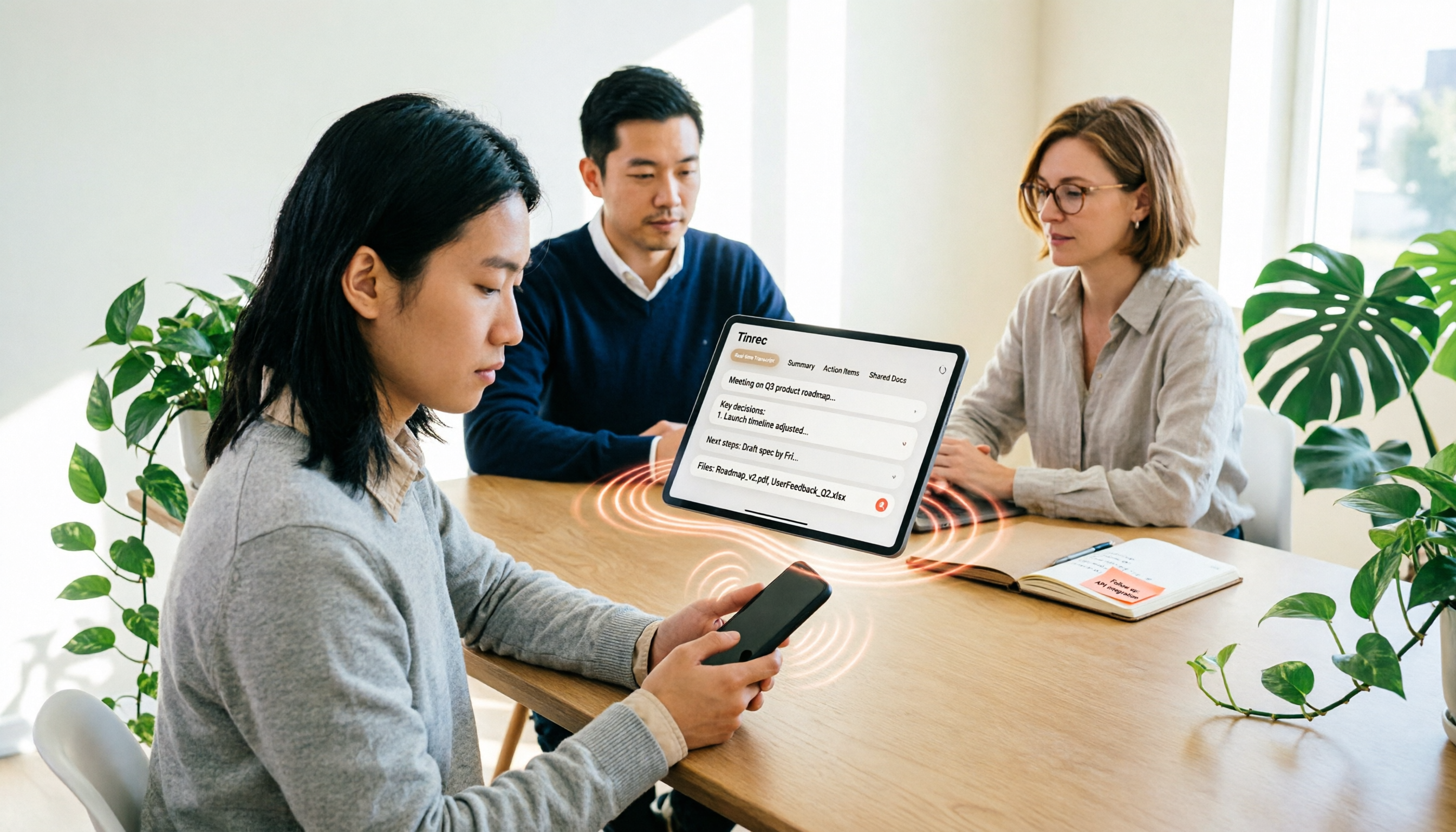
iPhone Voice to Text in 2026: Built-in Transcription vs. Tinrec — 3 Methods Compared
iPhone voice-to-text has two main paths: the built-in Voice Memos transcription, or AI meeting tools like Tinrec that turn transcripts into summaries, action items, and team data. This article compares them across 5 dimensions and includes step-by-step instructions for using the built-in transcription, helping you decide which approach fits your needs.

Word Speech-to-Text vs Tinrec: 2026 Comparison of Dictation Limits and AI Meeting Notes
Can Word do speech-to-text? Yes, but most people only use half of its potential. This article explains what Word's built-in dictation is really for and its three common limitations, then shows how Tinrec fills the gap with post-meeting organization, AI summaries, action item extraction, AI Q&A, and team collaboration—turning meeting recordings into usable data.

2026 Comparison of 4 Meeting Recording Tools: Which AI Meeting Notes App Saves the Most Time?
This hands-on comparison tests four meeting recording tools in 2026—Tinrec, Otter.ai, Notta, and PLAUD—evaluating Chinese recognition, bot-free recording, AI post-meeting organization, and team collaboration to determine which saves the most time on meeting notes.

5 Transcription Tools Tested and Compared in 2026: What Is a Transcript? How to Choose for Chinese Meetings?
What is a transcript? Starting from real-world selection needs, this article helps you understand the purpose of transcripts, the core capabilities of AI transcription tools, and key purchasing considerations. Using Tinrec as an example, it explains how bot-free meeting recording, AI summaries, action item extraction, and team spaces turn transcripts into searchable, collaborative, and actionable meeting data. Suitable for professionals and teams who need Chinese meeting notes.

5 Best Video to Text Tools in 2026: Which One Saves the Most Time for Chinese Video Transcription?
Video to text is more than just converting audio to words. This article explores three common pitfalls, explains what a truly time-saving workflow looks like, and demonstrates a complete process using Tinrec—from uploading videos and bot-free meeting recording to AI summaries, action item extraction, Q&A, and export. It concludes with a buying checklist and FAQs.

Where Is iPhone Voice Memo Transcription in 2026? 4 Steps to Find It and Turn It Into Meeting Notes
iPhone's built-in Voice Memos app can already generate transcripts, but many first-time users can't find where they're hidden, which models support them, or whether they need to update for Chinese. This article walks you through 4 steps to find and copy transcripts, and compares built-in features with AI meeting tools like Tinrec to help you decide whether to use the built-in option or switch tools.

2026 AI Speech-to-Text Comparison: Tinrec vs Otter.ai for Chinese Meetings
How to choose an AI speech-to-text tool? This in-depth comparison of Tinrec and Otter.ai covers Chinese recognition, meeting recording methods, post-meeting organization, team collaboration, and pricing to help you find the best fit for Chinese meetings and team knowledge retention.

4 MP3 Transcription Tools Tested in 2026: Which Free Version Is Good Enough?
Looking for an MP3 transcription tool? We tested 4 popular options, comparing Chinese recognition, summary and to-do extraction, AI Q&A, free quotas, and team collaboration, with Tinrec as the main test subject, to help you avoid common pitfalls like focusing only on free versions or settling for raw transcripts.
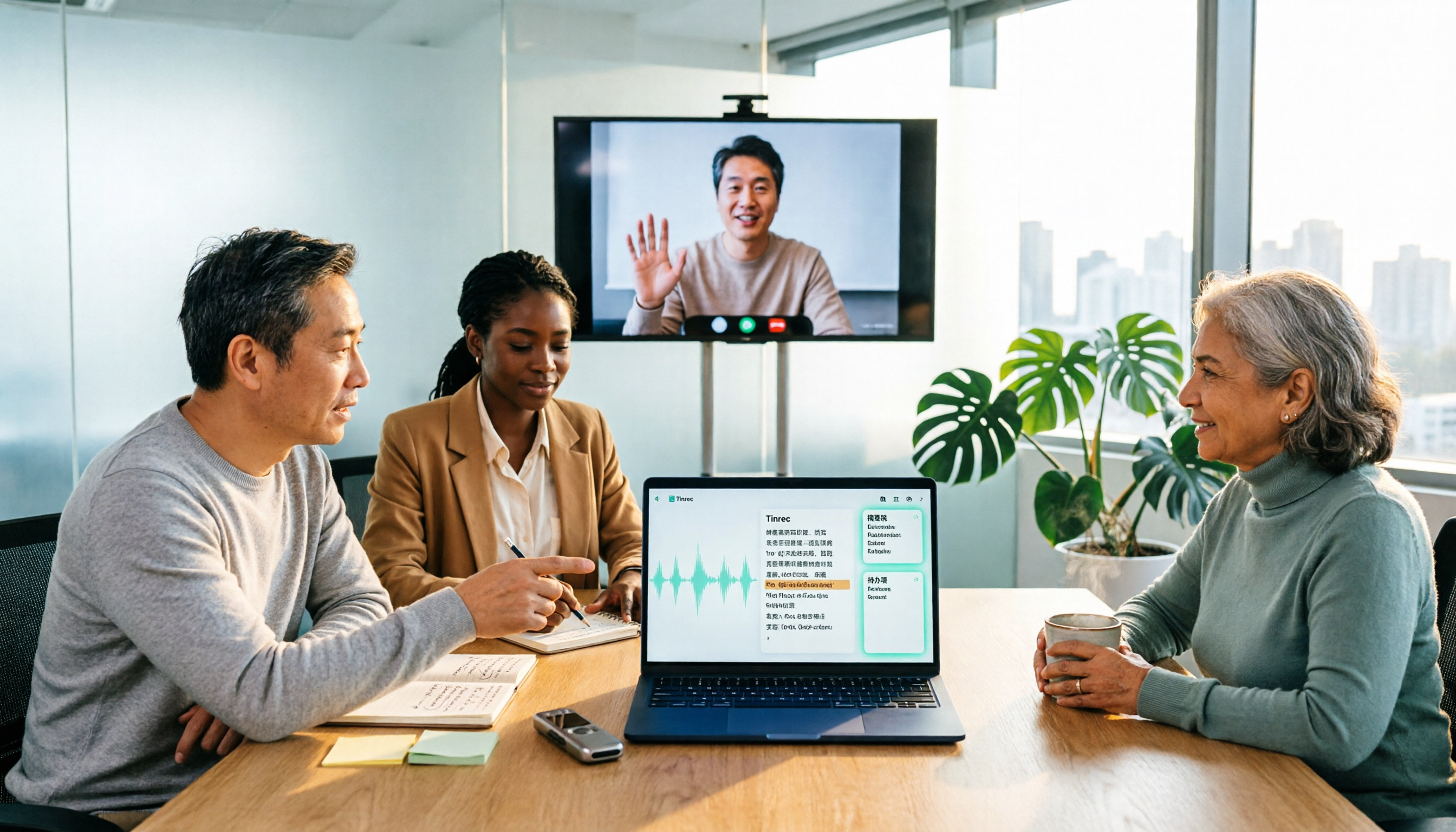
2026 Comparison of 3 Online MP3-to-Text Tools: Which Offers the Best Free Tier, Chinese Recognition, and Team Collaboration?
There are countless online MP3-to-text tools, but are the free ones enough? This article focuses on Tinrec and Notta, comparing them across five dimensions: online meeting recording methods, Chinese and mixed Chinese-English recognition, post-transcription summaries and action items, export and audio retention, and team spaces and governance. It honestly lists free quotas and paid prices to help you decide which approach suits your meetings, interviews, and team scenarios.