

Turn recordings into transcripts and summaries in minutes
Upload audio or video for multilingual transcription, AI notes, and action items
4 MP3 Transcription Tools Tested in 2026: Which Free Version Is Good Enough?
Why Your MP3 Transcripts Are Always Hard to Use — You Don't Need a Tool, You Need a Solution
Many people think MP3 transcription is as simple as "finding a free online tool, uploading, and downloading a text file." But in practice, the real hassle isn't the conversion—it's what to do with all that text afterward.
Common scenario #1: A 60-minute meeting MP3 turns into a lengthy transcript, and to find "who's responsible for what," you have to scroll through the whole thing. Scenario #2: The recording has mixed Chinese and English, product codes, or client names, and free tools often produce errors, forcing you to listen and correct as you go. Scenario #3, even more common: The transcript has no summary, no action items, and you end up manually copying it into a document to organize slowly.
If you've experienced these situations, this article is for you. Below, I'll use the same Chinese meeting MP3 for testing, comparing Chinese recognition, post-meeting organization, AI Q&A, free quotas, and team collaboration to help you find an MP3 transcription tool that truly saves time.
Before Choosing an MP3 Transcription Tool, Understand These 4 Key Points
1. Chinese and mixed Chinese-English recognition performance In Taiwanese workplaces, meetings rarely use only Chinese; mixed Chinese-English, technical terms, names, and product codes are common. Instead of just looking at impressive official numbers, test with your own MP3. Actual results are affected by recording quality, background noise, accents, overlapping speakers, and technical terms. Tinrec particularly emphasizes Chinese meetings, mixed Chinese-English content organization, and team hotword management.
2. Can you organize directly after transcription? Getting only a transcript means you're only halfway done. A good tool should automatically generate summaries, chapters, key points, and action items, so you don't have to read through everything again. Tinrec's positioning is to turn meeting recordings into searchable, summarizable, queryable, and exportable data.
3. Does it have AI Q&A and follow-up capabilities? After recording, can you directly ask the tool: "Who mentioned the budget in the last meeting?" "What are the client's key decision factors?" This is much faster than manually using Ctrl+F to find keywords. Tinrec supports AI Q&A around meeting content, which is one of its biggest differences from pure transcription tools.
4. Free quota, cross-platform, and team collaboration Of course, try the free version first, but also check the quota limits. Also, if you switch between phone, computer, and web, cross-platform is important. If meeting data needs to be shared with the team, consider team spaces, member roles, seats, and usage management. Tinrec covers iOS, Android, web, and desktop, and the team version provides an independent team collaboration space.
Tinrec — Our Top Pick After Testing
Tinrec is an AI meeting notes and collaboration tool for individuals and teams, supporting real-time recording, online meetings, audio and video file transcription, real-time translation, and automatic generation of summaries, chapters, action items, and mind maps. It covers iOS, Android, web, and desktop. For those dealing with MP3 audio files, the focus isn't just converting to text, but turning recordings into data you can continue working with.
For MP3 transcription, you can upload meeting recordings, interview MP3s, or historical audio files to Tinrec. It generates transcripts and automatically organizes AI summaries, chapters, and key points. Action items mentioned in the meeting can also be extracted as to-dos. If you use Tinrec's desktop version during meetings, you can directly capture computer system audio to handle online meetings on Zoom, Google Meet, Microsoft Teams, Webex, etc., without inviting a meeting bot. This is really thoughtful for those who don't want an extra bot in the meeting.
What's more special is AI Q&A. After recording, you can directly ask Tinrec: "What was the conclusion of this meeting?" "Who is responsible for next week's proposal?" It answers based on meeting content, rather than just giving you a bunch of keyword search results. This ability to continue asking questions around the meeting is one of the biggest differences between Tinrec and pure transcription tools. If you need post-meeting deliverables, Tinrec also supports generating meeting minutes, reports, tables, and documents, and can export to Notion, Google Docs, OneNote, Dropbox, etc. for continued use.
We tested with the same 5-minute Chinese meeting MP3, containing mixed Chinese-English, some keyboard sounds, and multi-person dialogue. The test focus wasn't just on how many words were transcribed, but whether it could correctly capture discussion topics, action items, and decision points. In actual use, Tinrec's organization results in Chinese meetings and mixed Chinese-English scenarios were closest to our needs; in clear audio and common meeting scenarios, it provides high-quality transcription, but actual performance is still affected by recording conditions.
Stop organizing recordings by hand
Upload audio or video and automatically get a transcript, summary, and action items
Tinrec has three main advantages. First, bot-free desktop recording is very practical for online meetings, without changing your meeting habits. Second, post-transcription AI summaries, action items, and Q&A directly turn MP3s into usable meeting data. Third, the team version provides an independent team space, where meeting data belongs to the team, members can view, play, and read, and usage permissions can be managed through roles and seats.
Limitations should also be honestly stated. The free version has a basic quota, suitable for light use; if importing large numbers of files, it uses shared import quota. For the team version, the current configuration is: first eligible team trial for 7 days, 1 free seat, 300 minutes of team shared import quota; team monthly payment is USD 29.80 per paid seat per month, annual payment is USD 199 per paid seat per year, equivalent to about USD 16.58 per month; each paid seat provides 2,000 minutes of team shared import quota per month. Real-time recording under an active team plan and active seat currently does not deduct minutes. Actual prices and benefits are subject to the official purchase page.
If you frequently need to organize Chinese meeting MP3s, want to use AI to find key points directly after transcription, or need to connect phone, computer, and team space, Tinrec is a very worthwhile choice to try first.
Besides Tinrec, What Other MP3 Transcription Options Are There?
Notta: A multi-platform transcription and meeting notes tool, supporting file import, translation, and team plans. Free version: 120 minutes per month, max 3 minutes per file; Pro annual payment equivalent to about USD 8.17 per month, 1,800 minutes per month. It's suitable for users with limited budget who mainly transcribe files. If you value bot-free desktop recording and post-meeting Agent processing more, Tinrec's team workflow is closer.
TurboScribe: A cost-effective file transcription tool, focusing on long files, batch upload, subtitles, and translation. Free version: 3 files per day, max 30 minutes per file; Unlimited annual payment USD 120, equivalent to about USD 10 per month, paid version max 10 hours or 5 GB per file. It's great for processing large amounts of long audio files at once. But TurboScribe doesn't handle real-time meetings; if you want to generate summaries, action items, and ask questions in a team space directly after MP3 transcription, Tinrec is more aligned.
Otter.ai: A mature English AI meeting assistant, Basic free 300 minutes per month; Pro annual payment equivalent to about USD 8.49 per user per month, 1,200 minutes of in-app recording and 10 file imports per month. If you mainly record English meetings and have a limited budget, Otter.ai is a reasonable choice. But if your MP3s are mainly Chinese or mixed Chinese-English, and you want to accumulate them as team data, Tinrec's Chinese experience and team space are more suitable.
Pitfall Guide: 3 Most Common Mistakes When Choosing an MP3 Transcription Tool
Pitfall 1: Only looking at free, not quota limits. Many free tools look generous, but may limit file length, monthly minutes, or export formats. Rather than discovering it's not enough halfway through, first confirm your usage frequency. If you have meeting MP3s every week, comparing the per-minute cost of paid plans is more practical.
Pitfall 2: Ignoring Chinese and mixed Chinese-English recognition. Official accuracy rates are usually measured under ideal conditions. Real meetings have air conditioning noise, keyboard sounds, multiple people talking over each other, and mixed Chinese-English. It's recommended to test with your own recordings, not just look at advertising numbers. Tinrec emphasizes Chinese meetings and mixed Chinese-English organization, and can maintain technical terms through team hotwords.
Pitfall 3: Treating the transcript as the end goal. Just converting MP3 to text means using only one-third of the tool's capabilities. What really saves time is the subsequent summaries, action items, and AI Q&A. Like Tinrec, you can directly ask "What was the meeting conclusion?" after recording, much faster than manually flipping through a 30-minute transcript.
Pitfall 4: Ignoring team data ownership. If meeting data only exists in personal accounts, it's easy to lose continuity when members leave or change devices. The team version should put data in a team space and manage usage permissions with roles and seats. Tinrec's team version distinguishes roles and seats; members without seats can still view, play, and read, but cannot upload, edit, or export.
Conclusion: Which One Should You Choose?
In one sentence: If you want "MP3 transcription that you can continue to use afterward," Tinrec is the top pick after this test.
- Need Chinese meetings, mixed Chinese-English MP3 to transcript → Tinrec (most complete Chinese experience and post-meeting organization)
- Want to use AI to find key points and action items directly after transcription → Tinrec (supports AI Q&A and post-meeting generation)
- Cross-platform use on phone, computer, web → Tinrec (iOS, Android, web, and desktop)
- Need team sharing of historical meetings and member management → Tinrec team version (team space, roles, seats, usage, and audit logs)
- Zero budget, only recording English meetings → Otter.ai (consider for English scenarios)
Overall, MP3 transcription shouldn't just compare who's faster or who's free. What really affects work efficiency is whether you can search, summarize, ask questions, and collaborate after transcription. We recommend trying Tinrec's free version first, testing with your own meeting MP3, and seeing if the summaries, action items, and AI Q&A fit your workflow before deciding whether to upgrade.
References
- Free File to MP3 Conversion | Transcribe
- Online Audio Converter - Convert audio files to MP3, WAV, MP4, M4A, OGG, or iPhone ringtones
- MP3 to Text - Automatically transcribe MP3 online - VEED.io
- Video to MP3 - Video Audio Converter, Music Editor, Video Editor - Google Play App
- Convert Any Video to MP3 | Free Online Video to Audio Tool
Turn every recording into actionable outcomes
Get 60 free transcription minutes when you sign in. No credit card required.
Related Reading
You might also like
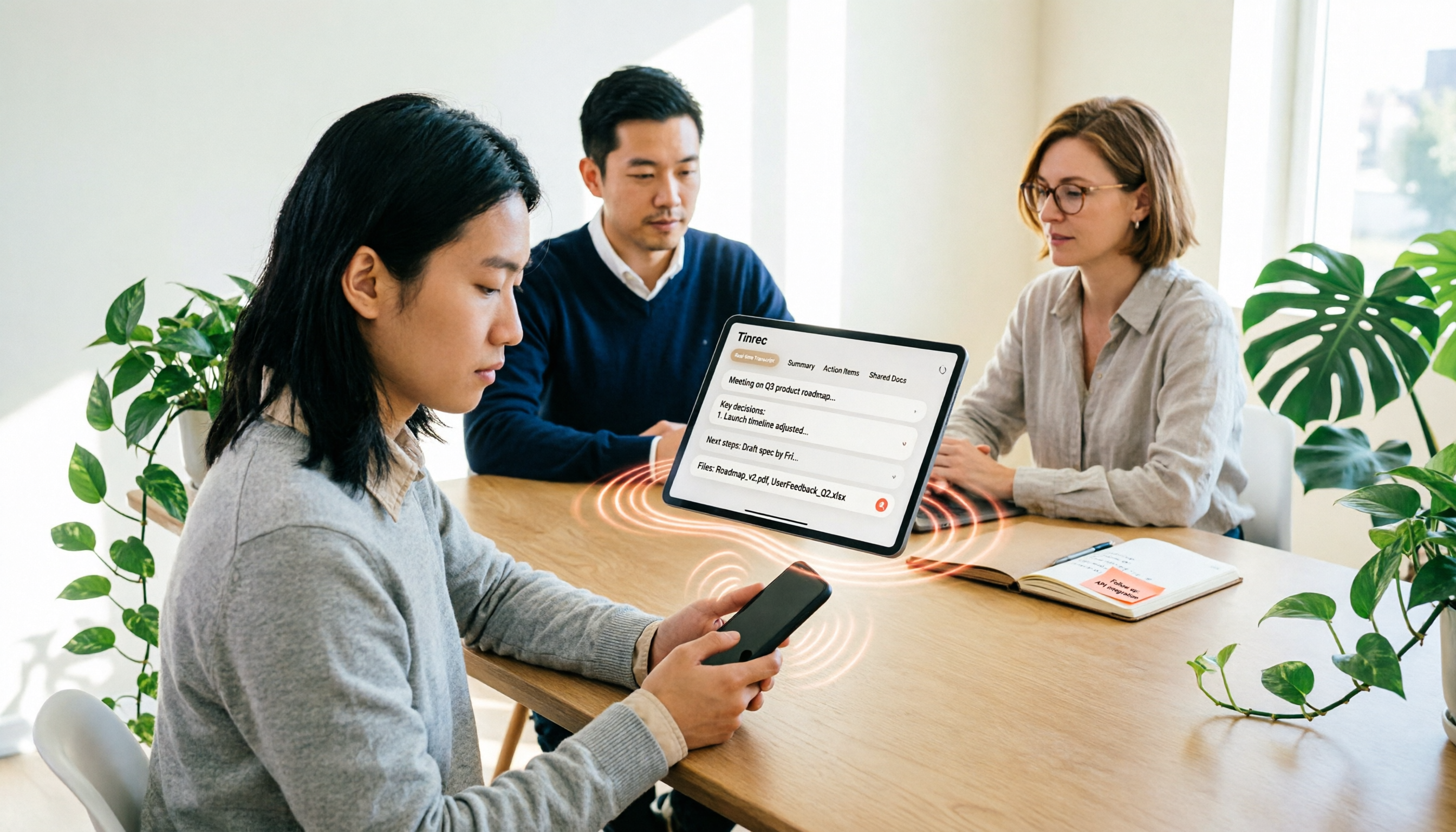
iPhone Voice to Text in 2026: Built-in Transcription vs. Tinrec — 3 Methods Compared
iPhone voice-to-text has two main paths: the built-in Voice Memos transcription, or AI meeting tools like Tinrec that turn transcripts into summaries, action items, and team data. This article compares them across 5 dimensions and includes step-by-step instructions for using the built-in transcription, helping you decide which approach fits your needs.

Word Speech-to-Text vs Tinrec: 2026 Comparison of Dictation Limits and AI Meeting Notes
Can Word do speech-to-text? Yes, but most people only use half of its potential. This article explains what Word's built-in dictation is really for and its three common limitations, then shows how Tinrec fills the gap with post-meeting organization, AI summaries, action item extraction, AI Q&A, and team collaboration—turning meeting recordings into usable data.

2026 Comparison of 4 Meeting Recording Tools: Which AI Meeting Notes App Saves the Most Time?
This hands-on comparison tests four meeting recording tools in 2026—Tinrec, Otter.ai, Notta, and PLAUD—evaluating Chinese recognition, bot-free recording, AI post-meeting organization, and team collaboration to determine which saves the most time on meeting notes.

5 Transcription Tools Tested and Compared in 2026: What Is a Transcript? How to Choose for Chinese Meetings?
What is a transcript? Starting from real-world selection needs, this article helps you understand the purpose of transcripts, the core capabilities of AI transcription tools, and key purchasing considerations. Using Tinrec as an example, it explains how bot-free meeting recording, AI summaries, action item extraction, and team spaces turn transcripts into searchable, collaborative, and actionable meeting data. Suitable for professionals and teams who need Chinese meeting notes.

5 Best Video to Text Tools in 2026: Which One Saves the Most Time for Chinese Video Transcription?
Video to text is more than just converting audio to words. This article explores three common pitfalls, explains what a truly time-saving workflow looks like, and demonstrates a complete process using Tinrec—from uploading videos and bot-free meeting recording to AI summaries, action item extraction, Q&A, and export. It concludes with a buying checklist and FAQs.

Where Is iPhone Voice Memo Transcription in 2026? 4 Steps to Find It and Turn It Into Meeting Notes
iPhone's built-in Voice Memos app can already generate transcripts, but many first-time users can't find where they're hidden, which models support them, or whether they need to update for Chinese. This article walks you through 4 steps to find and copy transcripts, and compares built-in features with AI meeting tools like Tinrec to help you decide whether to use the built-in option or switch tools.

2026 AI Speech-to-Text Comparison: Tinrec vs Otter.ai for Chinese Meetings
How to choose an AI speech-to-text tool? This in-depth comparison of Tinrec and Otter.ai covers Chinese recognition, meeting recording methods, post-meeting organization, team collaboration, and pricing to help you find the best fit for Chinese meetings and team knowledge retention.

Best Transcription Tools in 2026: We Tested 4, and This One Handles Chinese Meetings Best
What is a transcript, and why do most people no longer type them out by hand? This article first explains what a transcript is and how it differs from meeting minutes, then outlines 4 key factors for choosing a transcription tool. We tested and compared 4 options—Tinrec, Otter.ai, Notta, and PLAUD Note—and provide clear recommendations based on budget and use case.
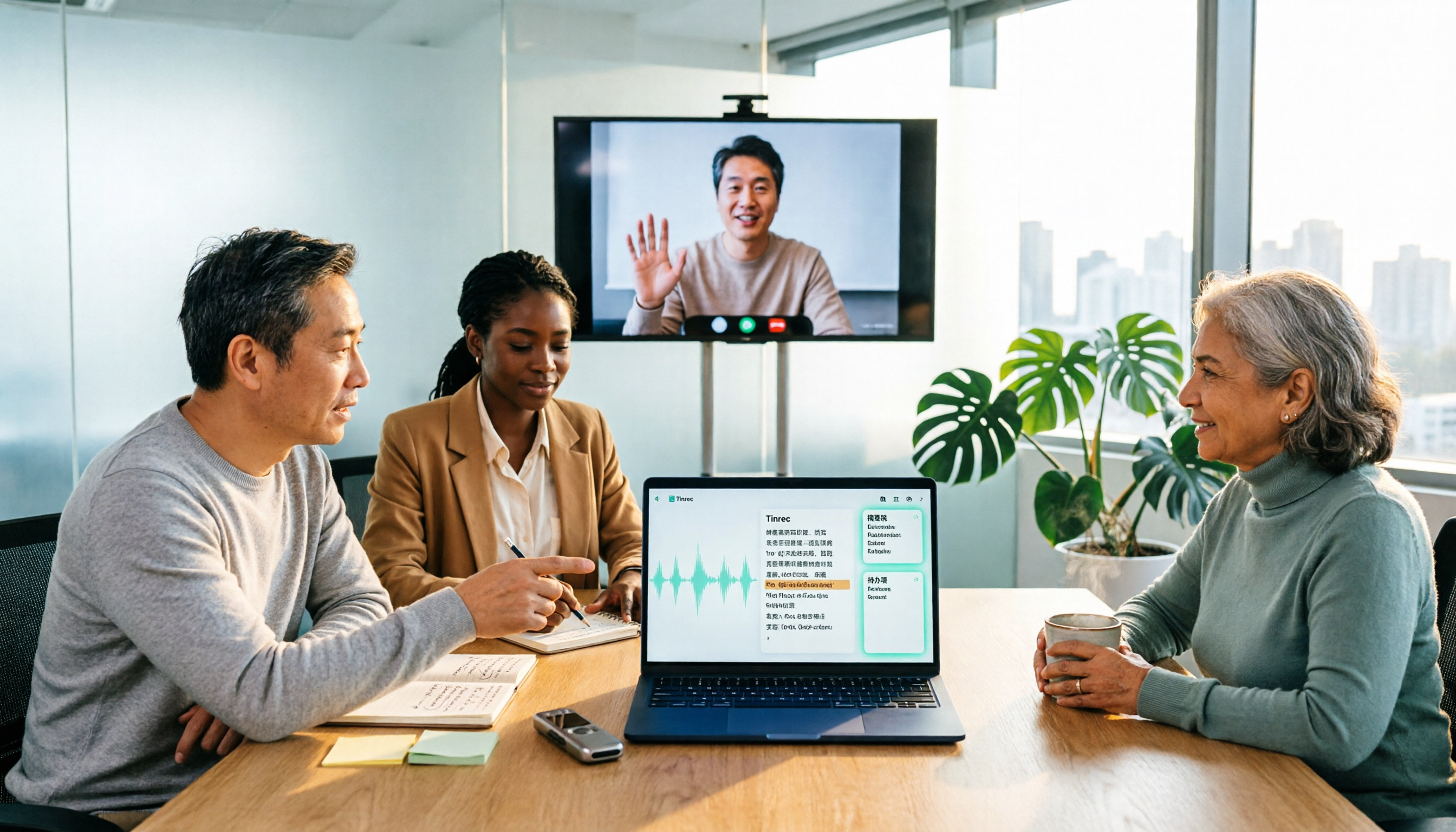
2026 Comparison of 3 Online MP3-to-Text Tools: Which Offers the Best Free Tier, Chinese Recognition, and Team Collaboration?
There are countless online MP3-to-text tools, but are the free ones enough? This article focuses on Tinrec and Notta, comparing them across five dimensions: online meeting recording methods, Chinese and mixed Chinese-English recognition, post-transcription summaries and action items, export and audio retention, and team spaces and governance. It honestly lists free quotas and paid prices to help you decide which approach suits your meetings, interviews, and team scenarios.