

Turn recordings into transcripts and summaries in minutes
Upload audio or video for multilingual transcription, AI notes, and action items
3 iPhone Call Recording Solutions Compared for 2026: Why Tinrec Is Better for Post-Call Work
Last week I finished a call with a client, and they verbally agreed to discount terms that I only vaguely remembered. When I needed to report to my boss that evening, I realized I had missed the key numbers—that feeling is worse than forgetting to note action items in a meeting. So when I started researching iPhone call recording, what I cared about most wasn't "can it record" but "how do I use it after recording." This article compares built-in iPhone call recording, Tinrec, and manual note-taking from the perspective of a mid-level manager.
Why Are People Looking for Alternative Organization Solutions for Built-in iPhone Call Recording?
Starting with iOS 18.1, Apple offers built-in call recording on iPhone in certain countries and regions. When conditions are met, you can press the record button during a call, the system counts down 3 seconds, and both parties hear a "This call will be recorded" prompt; the recording and transcript can be viewed in the Notes app. Here are some practical limitations: it's not supported in some regions, so check Apple's support coverage before use; transcripts require supported languages and device models; deleting the recording also deletes the transcript; and it's best to get the other party's consent before recording to avoid legal risks.
In other words, built-in iPhone solves the "compliant recording" part, but if you need cross-platform organization, post-call Q&A, action item extraction, or turning call content into team knowledge, built-in features alone can be a stretch. That's exactly where Tinrec fills the gap.
Tinrec vs. Built-in iPhone Call Recording: What's Different in the Core Experience?
Language and transcription scope: Built-in iPhone transcripts depend on supported languages and device models, so some users may not see a transcript. Tinrec covers Chinese, Traditional Chinese, and multilingual meeting scenarios, and supports real-time translation and bilingual viewing. If you often handle client calls with mixed Chinese and English, Tinrec offers more flexibility for post-call organization.
Depth of post-call organization: Built-in iPhone can provide a call recording summary if Apple Intelligence is enabled. Tinrec takes transcripts further by turning them into summaries, chapters, key points, action items, and mind maps, and you can use AI Q&A to ask follow-up questions like "What did the client agree to?" The former is recording with attached organization; the latter is organization at its core.
Cross-platform and input sources: Built-in iPhone focuses on iPhone calls. Tinrec supports real-time recording, desktop recording of online meetings without a bot, audio/video file uploads, mobile recording, and importing some web links. Your data won't be stuck on a single phone.
Team collaboration and governance: iPhone recordings are personal by default. Tinrec's team plan offers a separate team space, member and seat management, usage analytics, audit logs, and an audio recycle bin. If call content needs to be handed off to colleagues or turned into departmental knowledge, the team plan is more suitable than personal recordings.
Compliance and flexibility: Built-in iPhone actively notifies both parties, designed with compliance in mind. Tinrec is suitable for turning existing recordings or meeting content into searchable, trackable data after obtaining consent. The two are not mutually exclusive; they divide the work between "recording" and "using."
Overview of Tinrec's Core Features
Real-time recording to text: Open Tinrec to record, and text appears simultaneously—ideal for in-person meetings, interviews, and voice memos after calls. You can confirm key points while recording, reducing time spent re-listening later.
Stop organizing recordings by hand
Upload audio or video and automatically get a transcript, summary, and action items
Audio/video file transcription: If you already have an iPhone call recording file or historical meeting audio, you can upload it directly to Tinrec and quickly organize it into a transcript. This is especially useful for those who need to catch up on meeting notes.
AI summaries, chapters, and action items: Tinrec automatically breaks long content into chapters and generates summaries and action items. I usually read the summary first, then jump to chapters with questions to verify against the original text, without listening from the first sentence to the last.
AI Q&A and multi-format export: You can ask Tinrec directly "What was the conclusion of this call?" or "Who is responsible for what?" and it will answer based on the content. After organizing, you can export to Notion, Google Docs, OneNote, Dropbox, and other tools, or generate reports, tables, and documents.
Practical Use Cases
Sales and client calls: After getting consent, record the call and import the audio into Tinrec. Within minutes, you'll have a transcript, client needs, objections, and commitments. For reporting to your boss, this is more reliable than verbal retelling.
Online meetings: Use Tinrec desktop to record Zoom, Google Meet, Microsoft Teams, or Webex without a meeting bot joining. After the meeting, ask AI about the last decision directly, saving time flipping through records.
Interviews and courses: Expert interviews, user research, or course recordings can be uploaded to automatically generate summaries and chapters for easy citation and review. For cross-language content, you can also view with real-time translation.
Team weekly meetings: Put meeting materials in Tinrec's team space so new members can view past meetings, and managers can monitor seats, usage, and audit logs. When members change, data doesn't leave with the individual.
Points to Consider When Choosing an Audio-to-Text Tool
Language and Chinese experience: First confirm whether the tool supports the languages you commonly use and mixed Chinese-English scenarios. Tinrec handles Chinese, Traditional Chinese, and multilingual meetings, and provides team hotwords to improve recognition of technical terms.
Depth of post-call processing: A tool that only provides transcripts leaves the organization work to you. Tinrec puts summaries, chapters, action items, Q&A, and export in one workflow, suitable for those who need to act immediately after a call.
Cross-platform and input sources: Whether it works on phone, computer, and file uploads determines whether you'll actually use it long-term. Tinrec covers web, desktop, and mobile, and can handle online meetings and historical audio files.
Team governance: If multiple people share, roles and seats must be clear. Tinrec's team plan allows members to share viewing, but only those with seats can record, upload, and edit, and managers can view usage and audits.
Compliance and consent: Any recording tool should remind you to comply with local laws and obtain consent when needed. The tool is an aid; responsibility remains with the user.
Conclusion: Is Tinrec Worth a Try?
If your need is simply "record a call on iPhone in a supported region," the built-in feature on iOS 18.1 or later is worth trying first. But if, like me, you need to organize, report, track action items, and even share content with your team after recording, Tinrec is closer to the actual workflow. It can't replace iPhone's compliance prompts for call recording, but it can turn recordings into searchable, summarizable, and queryable data. I suggest starting with Tinrec's free plan, testing transcription and summary results with a real call recording, and then deciding whether to upgrade.
References:
- Apple Support: Record and transcribe a call on iPhone https://support.apple.com/zh-tw/guide/iphone/iph57c6590e9/ios
- Mr. Mad: How to use iPhone call recording? Full analysis of built-in iOS call recording and transcription features https://mrmad.com.tw/ios-record-phone-calls
- Jyes Communication: 2026 iPhone built-in "call recording" feature tutorial https://www.jyes.com.tw/news.php?act=view&id=11763
References
- Record and transcribe a call on iPhone - Apple Support (Taiwan)
- How to record iPhone calls? 5 iPhone call recording methods revealed!
- iPhone call recording tutorial: Step-by-step guide to phone call recording
- How to use iPhone call recording? Full analysis of built-in iOS call recording and transcription features - Mr. Mad
- [Mobile Knowledge] 2026 iPhone built-in "call recording" feature tutorial! iOS enable call recording/key points to note | Jyes Communication ~ Challenging the lowest phone market prices
Turn every recording into actionable outcomes
Get 60 free transcription minutes when you sign in. No credit card required.
Related Reading
You might also like
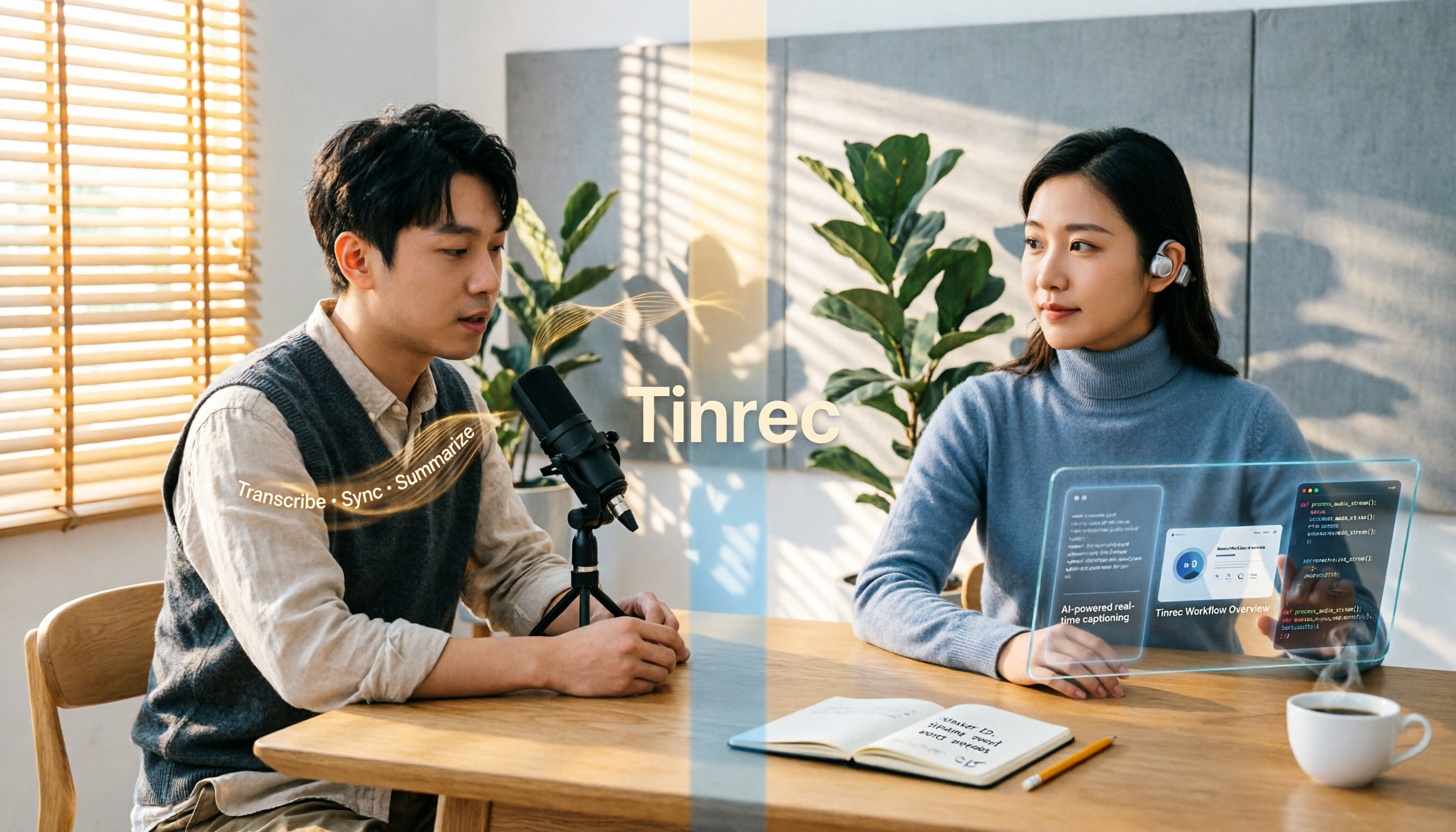
4 Video-to-Text Tools Compared in 2026: First, Figure Out If You Need Audio or Visual Text
Video-to-text extraction often gets confusing from the start: what a speaker says requires speech-to-text, while on-screen slides, subtitles, and code require optical character recognition (OCR). These are completely different tools. This article first helps you choose the right path, then compares Tinrec, Notta, TurboScribe, and Granola across file import, Chinese recognition, post-meeting organization, and team collaboration, and summarizes the 4 most common pitfalls.
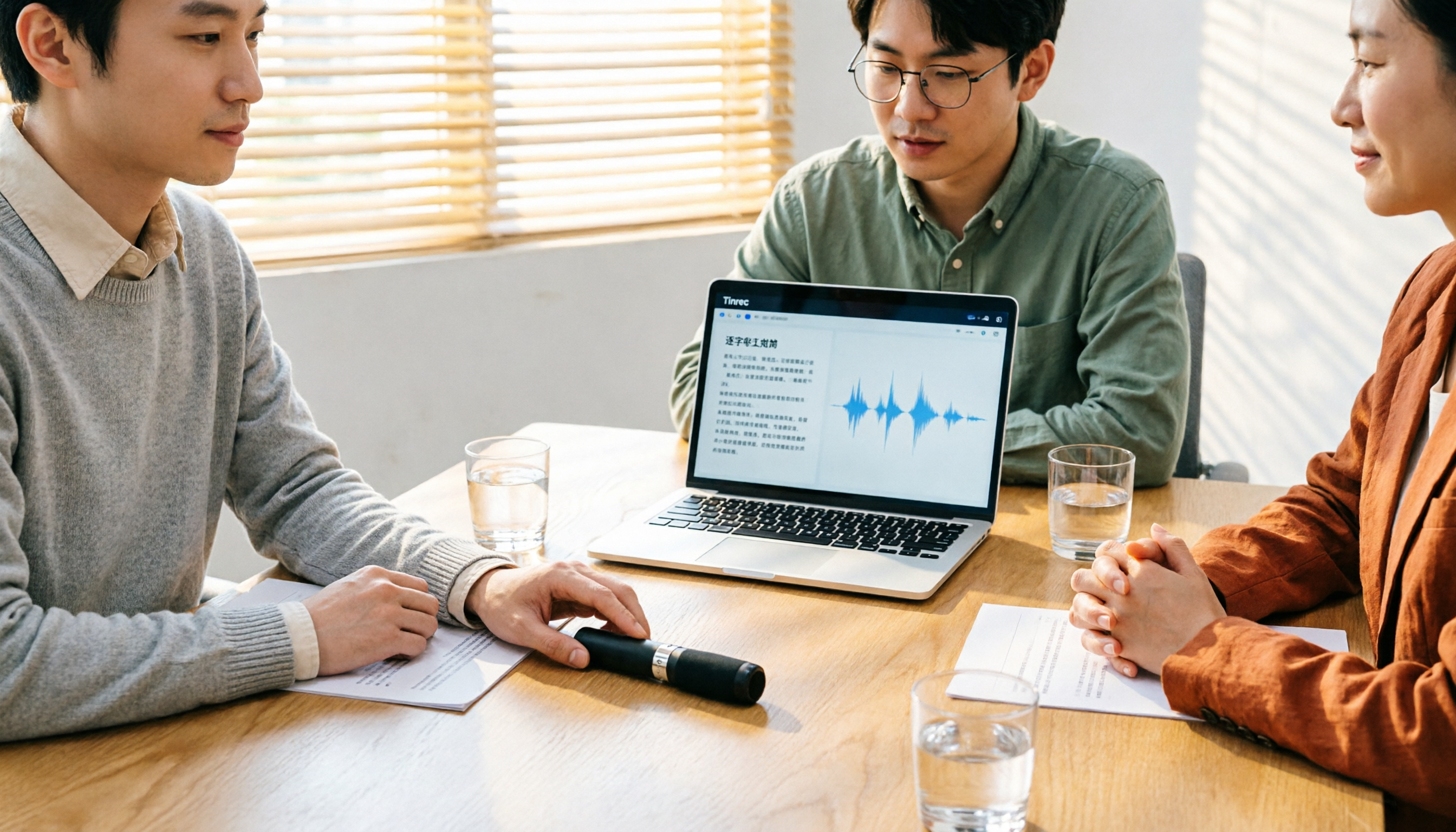
Tinrec vs Granola: 2 Audio-to-Transcript Tools Compared for Chinese Meetings in 2026
Turning audio into transcripts can be done manually, with online transcription services, or with AI meeting tools. This comparison of Tinrec and Granola across 5 dimensions—handling existing audio files, Chinese transcription experience, recording retention, post-meeting organization, and team governance—helps you decide which fits your meeting and interview needs.

4 Free Audio-to-Text Tools Tested and Compared in 2026: Which Free Tier Is Actually Enough?
There seem to be plenty of free audio-to-text tools, but very few are truly usable for free. This article starts with the real limits of free tiers, outlines 5 key points to consider when choosing, and compares Tinrec, Otter.ai, Notta, and cSubtitle to help you find the one whose free version is enough.

3 Audio-to-Text Tools Tested and Compared in 2026: Beyond ChatGPT, Which One Turns Transcripts into Usable Data?
Can ChatGPT transcribe audio? The answer is conditional, with many limitations. This article starts from real-world use cases, explains 5 key points to consider when choosing an audio-to-text tool, and uses Tinrec as an example to demonstrate the complete workflow from recording to transcript, summary, to-dos, and team collaboration.

How to Get YouTube Transcripts in 2026: 3 Methods + AI Summarization
There are three ways to get a YouTube video transcript: YouTube's built-in transcript, free online extraction tools, and AI tools that support link import. This tutorial compares the differences between the three methods, explains which one to use in which situation, and tests how Tinrec turns transcripts into summaries, Q&A, and reusable data.

4 iPhone Video Conversion Methods Tested for 2026: MOV to MP4, Audio, or Direct Transcription?
iPhone records video in MOV by default, which often needs conversion to MP4 for sharing or editing. This article compares four common approaches and tests a workflow that skips conversion and extracts video content directly—using Tinrec as an example, you can upload a video and get a transcript, summary, and action items, ideal for meetings, classes, and interviews.

3 iPhone Video Text Methods Compared: Built-in Free Tools vs AI Transcription in 2026
How do you add text to iPhone videos? The key is whether you want on-screen captions or a searchable transcript. This article compares iMovie, Clips, and Tinrec, breaking down their use cases, practical differences, and common pitfalls to help you decide between manual captioning with built-in editing tools or using AI transcription to convert video audio into text before adding subtitles.

5 Video Real-Time Translation Tools Tested and Compared in 2026: Which One Lets You Understand While Watching and Organize Key Points?
Can you translate videos in real time? This article starts from actual usage scenarios to help you understand what real-time video translation can do, how Tinrec uses real-time transcription, bilingual subtitles, AI summaries, and Q&A to help you overcome language barriers, and lists 5 key points to consider when choosing a tool.

2026 Live Voice Translation Comparison: Can Gemini Really Interpret in Real Time?
Bottom line first: Gemini can do live voice translation. Google's Gemini 3.5 Live Translate provides near real-time speech-to-speech translation across 70+ languages and is integrated into the Google Translate app, Google Meet, and the Gemini Live API. This article explains the difference between live interpretation, meeting notes, and team knowledge retention, and compares Gemini, Tinrec, Otter.ai, and Notta for different use cases.