

Turn recordings into transcripts and summaries in minutes
Upload audio or video for multilingual transcription, AI notes, and action items
"Can you translate videos in real time?" Honestly, this question first depends on what you mean by "real time." If you expect that when you open a video, the subtitles automatically turn into English, then the approach most tools take is actually "transcribe the original first, then translate." But if what you want is to watch while comparing bilingual content, and even organize key points with AI afterward, then today's tools are already quite capable.
Take Tinrec as an example. It is an AI meeting notes and collaboration tool that supports real-time audio-to-text, audio and video file import, and real-time translation. For people who need to understand foreign-language videos, Tinrec can help you turn video content into a transcript, then generate bilingual comparisons, summaries, and to-dos—essentially turning "watching a video" into "reading material," and material that can be searched and followed up with questions.
What can real-time video translation do for you?
Scenario 1: Follow foreign-language courses or lectures without waiting for official subtitles
Many overseas courses and seminar videos only have original audio and no subtitles. Import the video file into Tinrec, and it will automatically complete speech transcription, translation, and timeline alignment. You can watch the video while comparing the bilingual transcript. If you just want to quickly grasp the key points, you can go straight to the AI summary and chapters.
Scenario 2: International meetings or online courses, listen and view bilingual content at the same time
Tinrec supports real-time translation. During recording, you can view the original text, translation, or bilingual content. For people who need to meet with foreign clients or listen to English presentations, there is no need to wait until after the meeting to get a translation—you can understand in sync while the meeting is in progress.
Scenario 3: Turn watched videos into a searchable knowledge base
If a video you watched is not organized, it is as if you forgot it after watching. Tinrec keeps the transcript, and you can later use AI Q&A to directly ask: "What were the three key points mentioned in this talk?" "What did the speaker say about the budget?"—no need to rewatch the entire video.
What are the core capabilities of real-time video translation?
Real-time transcription paired with translation, not just an original text
Tinrec's real-time audio-to-text supports transcribing while recording and provides translation viewing during recording. Compared with general tools that can only produce an original transcript, Tinrec places more emphasis on "language conversion after transcription"—you can choose to view the original text, translation, or bilingual side by side.
AI summaries and chapters, so you don't have to watch long videos from beginning to end
Videos being too long is the reason many people give up on understanding them. Tinrec automatically generates summaries, chapters, and key points, breaking a 60-minute video into a browsable structure. If you do not have time to take notes during a meeting or class, you can quickly review by looking at the summary afterward.
AI Q&A, ask the video content directly
This is a very practical part of Tinrec. After transcription is complete, you can ask questions about a single video or multiple videos, such as "What tool names were mentioned in this video?" "What problems did the client report in the interview?" Tinrec answers based on semantic understanding, rather than just doing keyword search for you.
To-do extraction and multi-format export
If the video content involves action items, Tinrec can extract to-dos from the discussion. The organized transcript, summary, and report can also be exported to tools such as Notion, Google Docs, OneNote, and Dropbox for continued use in your workflow.
Agent post-processing, generating reports and tables
Tinrec's Agent feature can generate reports, tables, and documents based on video transcripts. If you need to organize a lecture or interview into a standard document, this step can save a lot of time manually copying and pasting.
Practical application scenarios
Online courses and remote lectures
Online courses usually contain a large number of technical terms, and speakers talk quickly, so it is hard to absorb everything from just one listen. Use Tinrec to record the course audio played on your computer, or directly import the course video file, to obtain a transcript and bilingual translation. Reviewing with AI Q&A after class is more efficient than rewatching a two-hour video.
International meetings and client communication
When meeting with foreign clients, the Tinrec desktop version can capture computer system audio without needing an additional bot to join the meeting. It generates transcripts and translations in sync during the meeting, and after the meeting you can continue follow-up directly with the summary, to-dos, and client requirement records.
Stop organizing recordings by hand
Upload audio or video and automatically get a transcript, summary, and action items
Content creation and interview organization
If you work in self-media or interview research, citing and organizing foreign-language videos takes a lot of time. Tinrec can turn interview recordings or videos into transcripts, then use AI summaries to pull out usable viewpoints and quotes. When bilingual content is needed, you can also switch between original text and translation for comparison.
Personal learning and long-term data accumulation
Language learners can use video transcripts as reading material. Tinrec keeps the original text and translation, making comparison learning convenient. Over time, these transcripts become a searchable personal knowledge base, rather than viewing records scattered across different platforms.
When choosing a real-time video translation tool, pay attention to these 5 points
1. What kind of "real time" do you need?
Some tools display subtitles during playback, while others transcribe first and then translate. Tinrec supports real-time transcription and translation viewing during recording, and also supports quickly generating bilingual transcripts after importing videos. First confirm whether your usage scenario is "understand while watching" or "organize after watching," then choose a tool.
2. Does the language support meet your needs?
If you often watch English content, most tools can handle it; but if you need Chinese, mixed Chinese-English, or multilingual meetings, you should pay attention to the tool's language coverage. Tinrec covers Chinese, Traditional Chinese, and multilingual scenarios, and supports team hotwords, which helps with videos that contain many technical terms.
3. After translation, can it help you organize?
Tools that only provide a transcript still require you to organize it yourself after watching. After transcription, Tinrec provides AI summaries, chapters, to-dos, and Q&A, further turning "understanding" into "usable data." When choosing, do not only look at transcription speed; look at post-processing capabilities.
4. Does it retain the original text and timeline?
For learning or verification, the original text is important. Tinrec retains the transcript and corresponding timestamps, so you can replay and check at any time. If a tool only provides translation and does not retain the original text, it is harder to confirm places where the translation is uncertain.
5. Cross-platform and team collaboration capabilities
For personal use, you may only need the mobile or web version; but if you need to share video notes with a team, pay attention to team spaces and permission management. The Tinrec team version provides an independent team space, meeting data belongs to the team, and members, roles, and seats can be managed. The monthly team plan is USD 29.80 per paid seat per month, and the annual plan is USD 199 per paid seat per year. Paid seats provide 2,000 minutes of team shared import quota per month. Eligible teams get a 7-day trial, 1 free seat, and 300 minutes of team shared import quota for the first time.
Frequently asked questions
Q1: Can videos really be translated in real time?
Strictly speaking, most tools "transcribe first, then translate," but the process can be completed within a few minutes. Tinrec supports real-time transcription and translation viewing during recording, and can also import video files to quickly generate bilingual transcripts, achieving an effect close to real-time understanding.
Q2: Can Tinrec handle YouTube videos?
Tinrec supports web link import and can handle some public video content as a supplementary capability; a more stable approach is to import the video or audio file into Tinrec for transcription, translation, and summarization. The actual supported scope varies by platform and content format.
Q3: Is the free version enough?
The Tinrec free version provides a basic quota so you can first experience the recording, import, summary, and transcription workflow. If you only occasionally watch one or two foreign-language videos, you can start with the free version; if you have a large number of videos to organize every week, then consider Pro or team plans.
Q4: How accurate is the translation?
Tinrec provides high-quality transcription and translation under clear audio and common scenarios, but actual results are affected by recording quality, background noise, accents, overlapping speakers, and technical terms. For important content, it is recommended to verify against the original transcript and timestamps.
Q5: What is the difference between the team version and the personal version?
Personal version data is managed under a personal account. The team version provides an independent team space, meeting data belongs to the team, and adds members, roles, seats, shared benefits, usage analytics, and audit logs. Active members can view team data even without a seat, but a seat is required to record, upload, edit, and export.
Q6: What should I pay attention to when using Tinrec to record videos or meetings?
It is recommended to comply with local laws and obtain participant consent when needed. The Tinrec desktop version handles online meetings by capturing system audio and does not require a bot to join; before recording, please confirm that you have legal permission to use the content.
Conclusion
Can videos be translated in real time? Today's tools can already achieve "transcribe while watching, translate afterward, and organize key points"—the key is choosing the right workflow. Tinrec turns video and meeting content into searchable, questionable, and exportable transcripts and summaries. For people who frequently need to understand foreign-language content, it is a choice worth trying. If you need to watch foreign-language courses or hold international meetings every week, you can first try the Tinrec free version to see whether it can help you turn "not understanding" into "visible, findable, and usable."
References
- Can't understand foreign-language videos? 5 useful real-time video translation subtitle tools to share - Mobile01
- Video Voice Translation - AI Video Subtitles · Real-Time Translation - Google Play App
- Can videos be translated in real time? 2026 online audio and video-to-text tool review and selection guide - Tinrec Blog
- Complete guide to mobile video real-time translation: solve language barriers in 1 second - Vidnoz AI
- Manage subtitles and translation in Chrome - Google Chrome Help
Turn every recording into actionable outcomes
Get 60 free transcription minutes when you sign in. No credit card required.
Related Reading
You might also like
4 Video-to-Text Tools Compared in 2026: First, Figure Out If You Need Audio or Visual Text
Video-to-text extraction often gets confusing from the start: what a speaker says requires speech-to-text, while on-screen slides, subtitles, and code require optical character recognition (OCR). These are completely different tools. This article first helps you choose the right path, then compares Tinrec, Notta, TurboScribe, and Granola across file import, Chinese recognition, post-meeting organization, and team collaboration, and summarizes the 4 most common pitfalls.
Tinrec vs Granola: 2 Audio-to-Transcript Tools Compared for Chinese Meetings in 2026
Turning audio into transcripts can be done manually, with online transcription services, or with AI meeting tools. This comparison of Tinrec and Granola across 5 dimensions—handling existing audio files, Chinese transcription experience, recording retention, post-meeting organization, and team governance—helps you decide which fits your meeting and interview needs.

4 Free Audio-to-Text Tools Tested and Compared in 2026: Which Free Tier Is Actually Enough?
There seem to be plenty of free audio-to-text tools, but very few are truly usable for free. This article starts with the real limits of free tiers, outlines 5 key points to consider when choosing, and compares Tinrec, Otter.ai, Notta, and cSubtitle to help you find the one whose free version is enough.

3 Audio-to-Text Tools Tested and Compared in 2026: Beyond ChatGPT, Which One Turns Transcripts into Usable Data?
Can ChatGPT transcribe audio? The answer is conditional, with many limitations. This article starts from real-world use cases, explains 5 key points to consider when choosing an audio-to-text tool, and uses Tinrec as an example to demonstrate the complete workflow from recording to transcript, summary, to-dos, and team collaboration.

How to Get YouTube Transcripts in 2026: 3 Methods + AI Summarization
There are three ways to get a YouTube video transcript: YouTube's built-in transcript, free online extraction tools, and AI tools that support link import. This tutorial compares the differences between the three methods, explains which one to use in which situation, and tests how Tinrec turns transcripts into summaries, Q&A, and reusable data.

4 iPhone Video Conversion Methods Tested for 2026: MOV to MP4, Audio, or Direct Transcription?
iPhone records video in MOV by default, which often needs conversion to MP4 for sharing or editing. This article compares four common approaches and tests a workflow that skips conversion and extracts video content directly—using Tinrec as an example, you can upload a video and get a transcript, summary, and action items, ideal for meetings, classes, and interviews.
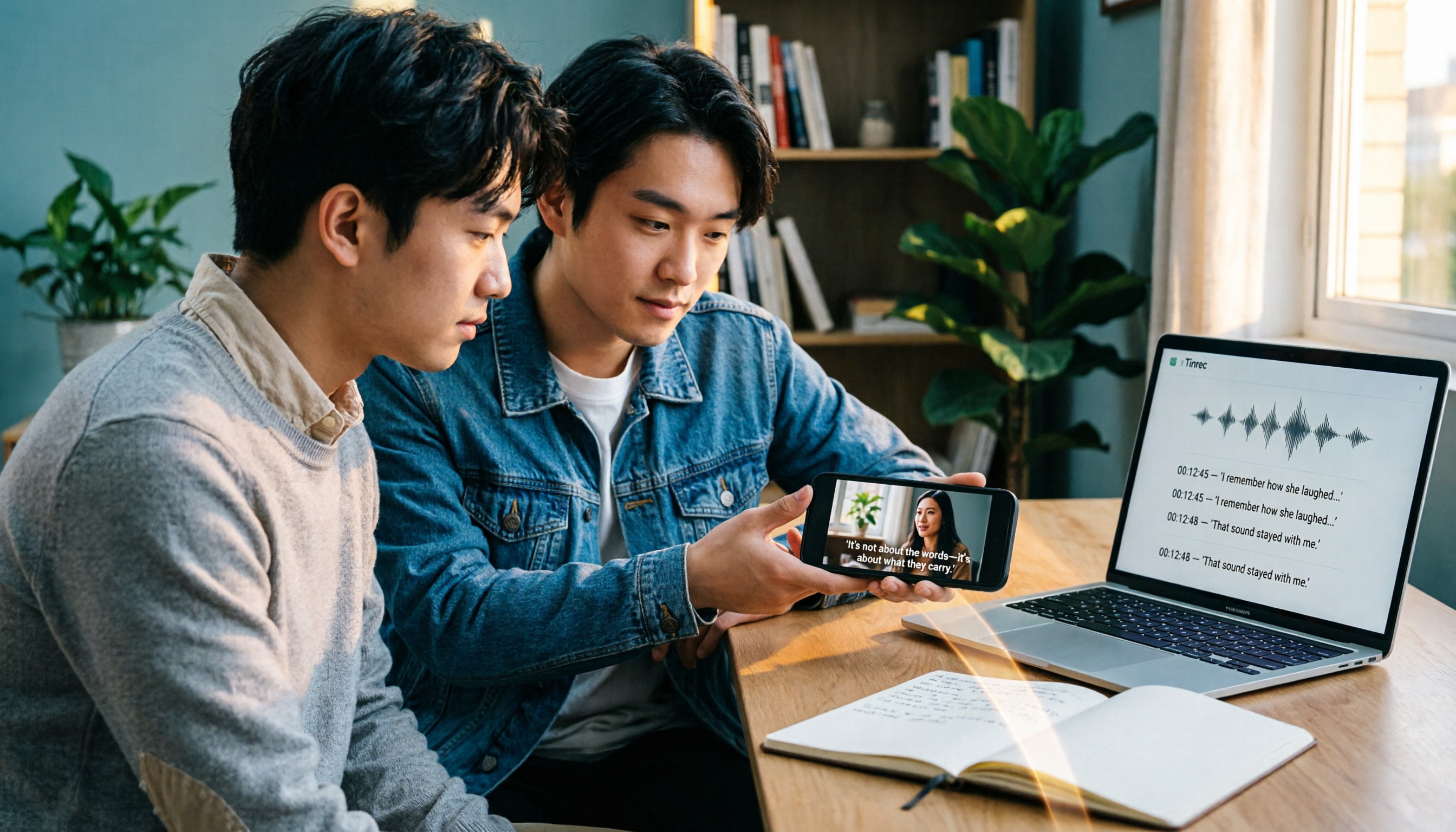
3 iPhone Video Text Methods Compared: Built-in Free Tools vs AI Transcription in 2026
How do you add text to iPhone videos? The key is whether you want on-screen captions or a searchable transcript. This article compares iMovie, Clips, and Tinrec, breaking down their use cases, practical differences, and common pitfalls to help you decide between manual captioning with built-in editing tools or using AI transcription to convert video audio into text before adding subtitles.

2026 Live Voice Translation Comparison: Can Gemini Really Interpret in Real Time?
Bottom line first: Gemini can do live voice translation. Google's Gemini 3.5 Live Translate provides near real-time speech-to-speech translation across 70+ languages and is integrated into the Google Translate app, Google Meet, and the Gemini Live API. This article explains the difference between live interpretation, meeting notes, and team knowledge retention, and compares Gemini, Tinrec, Otter.ai, and Notta for different use cases.
3 iPhone Call Recording Solutions Compared for 2026: Why Tinrec Is Better for Post-Call Work
Given the limitations of built-in iPhone call recording and the need for post-call organization, this article compares built-in iPhone recording, Tinrec, and manual note-taking, explaining how to record compliantly and use Tinrec to turn recordings into transcripts, summaries, action items, and team knowledge.