

Turn recordings into transcripts and summaries in minutes
Upload audio or video for multilingual transcription, AI notes, and action items
4 iPhone Video Conversion Methods Tested for 2026: MOV to MP4, Audio, or Direct Transcription?
You finish recording a video on your iPhone and want to send it to a friend with an Android. They reply, "I can't open this file." Or you record a meeting and later want to find a specific sentence, but you have to scrub through the whole thing.
Most people facing these situations search for "how to convert iPhone video."
Converting is not hard. The hard part is deciding first: do you want a different file format, or do you want to extract the content inside the video?
After testing several rounds myself, my conclusion is: if you just need the video to play, convert to MP4. But if your goal is to find key points, take notes, or turn it into text, you don't need to convert first—tools like Tinrec can directly ingest video files and turn the content into a transcript, summary, and action items.
After Converting iPhone Video, What Do You Really Want to Do?
Scenario 1: You need to send the video to a non-Apple device
iPhone records in MOV by default—good quality, large file size—and it may not play directly on Windows PCs or Android phones. In this case, converting to MP4 is indeed the easiest solution.
But if the other person just wants to quickly know what the video is about, you can also use Tinrec to turn the video into a transcript and summary, and send them a text instead—much faster than waiting for a large file to download.
Scenario 2: You want to keep the audio from the video
Converting video to MP3 to listen as a podcast during your commute is a common need. Note that after converting to audio, you still have to listen from start to finish—you can't search it.
If your goal is to reference or look things up later, Tinrec's approach is to directly produce a searchable transcript, chapters, and highlights, rather than just another audio file.
Scenario 3: You want to dig out a specific sentence from the video
After a meeting or class, you remember "someone mentioned the budget," but you can't recall who or at what minute. In this case, a transcript is more useful than an audio file.
With Tinrec, for example, after uploading the video, you can directly ask it, "What was the conclusion about the budget in this meeting?" It will answer based on semantics and provide the corresponding timestamps.
What Are Tinrec's Core Capabilities for Handling iPhone Videos?
Read videos without converting first
Tinrec supports transcription of audio and video files. MOV from iPhone and common MP4 files can be uploaded directly—no need to convert to audio first. For those with a pile of videos on their phone, this saves a step.
AI summaries and chapters for skimming long videos
A 90-minute meeting video is hard to read through as a transcript alone. Tinrec automatically generates summaries and chapters, breaking the content into sections. You can review the structure first, then decide whether to read further.
Action items and highlights automatically extracted
Who is responsible for what and what the deadlines are are usually scattered throughout the conversation. Tinrec organizes action items into a list—especially useful for project and client meetings.
AI Q&A, like conversing with the meeting
After transcription, you can ask questions directly about the content, such as "What were the client's concerns about pricing?" This is something a plain player or simple format converter cannot do.
Export to your existing workflow
The organized transcript, summary, and action items can be exported in common formats or taken to Notion, Google Docs, OneNote, Dropbox, and other tools for further processing—no need to retype.
Cross-language and team knowledge retention
When dealing with mixed Chinese-English or foreign language videos, Tinrec supports real-time translation and bilingual viewing, and can maintain recognition of technical terms through team hotwords. The team version centralizes this data in a team space where members can view and reuse it together.
Practical Use Cases
Meetings and ad-hoc discussions
Many people casually record a segment with their phone during meetings and never open it again. Throw the video into Tinrec, and you get transcript, summary, and action items all at once. Meeting records scattered on personal phones can finally become searchable team data.
Classes and lectures
A two-hour lecture video is hard to review for exams. Tinrec's chapter and summary features let you outline the structure first, then go back to the parts you have questions about—no need to rewatch the whole thing.
Interviews and user research
Stop organizing recordings by hand
Upload audio or video and automatically get a transcript, summary, and action items
The most time-consuming part of interviews is often not the interview itself but the transcription afterward. Upload the recorded video to Tinrec and use the Q&A feature to ask, "What pain points did the interviewee mention?"—finding quotes becomes much faster.
Content creation and self-media
After shooting a video, you might want to publish a text version or break a long video into several short posts. Tinrec's transcript and summary can serve as a first draft, saving time on retyping.
For online meetings, you can also use the desktop version to capture system audio directly for bot-free recording—no extra meeting bot needed.
5 Things to Consider When Choosing a Video Conversion Tool
1. First confirm whether you need "format conversion" or "content extraction"
If your problem is "the other person can't play it," you need format conversion. If your problem is "I can't find that sentence in the video," you need transcription and summarization. Tinrec is the latter, and it also directly addresses the former use case.
2. Input sources and format support
iPhone video sources include not just the photo library but also screen recordings and voice memos. Tinrec supports live recording, audio and video file uploads, and mobile recording. The desktop version can also handle online meeting audio—no need to switch between multiple tools for different sources.
3. What you get after conversion
Some tools just give you a transcript and stop. Tinrec also generates summaries, chapters, highlights, action items, and mind maps, and can further use an Agent for post-processing to produce reports, tables, and documents. That's what "actually usable after conversion" means.
4. Chinese and mixed Chinese-English recognition performance
Chinese meetings often mix in English technical terms—this is where errors most easily occur. Tinrec covers Chinese, Traditional Chinese, and multilingual scenarios, and supports team hotwords. Actual performance is affected by recording quality, accent, background noise, multiple people speaking simultaneously, and technical terminology. It's best to test with your own files.
5. Team usage and management
If multiple people share meeting data, check whether the tool has a team space. Tinrec's team version provides an independent team space, member invitations, role and seat management, team usage analytics, audit logs, team hotwords, and an audio recycle bin (retained for 30 days).
Note that in the team version, "roles" determine who can manage the team, and "seats" determine who can record, upload, edit, and export. Members without a seat can still view, play, and read team data.
The team version currently offers a 7-day trial for first-time eligible users, 1 free seat, and 300 minutes of shared team import quota. Paid seats are USD 29.80 per seat per month, or USD 199 per seat per year (about USD 16.58 per month), with each paid seat providing 2,000 minutes of shared team import quota per month. The personal version starts with a free basic quota; for short-term intensive use, there's a weekly pass; for long-term stable use, there's a Pro monthly or annual plan.
Frequently Asked Questions
Q1: Do I have to convert iPhone video to MP4 to share it?
Not necessarily. If the other person uses a Mac or iPhone, MOV plays directly. Converting to MP4 is usually recommended when sending to Windows or Android users, or uploading to certain platforms.
Q2: I just want to convert iPhone video to MP3. How do I do that?
There are indeed apps that extract audio only. But think first: after converting to audio, you still have to listen from start to finish. If your goal is to search, quote, or take notes later, Tinrec directly produces a transcript and summary, which is more practical than just another audio file.
Q3: Do I need to convert before uploading video to Tinrec?
No. Tinrec supports direct transcription of video and audio files. iPhone MOV or common MP4 can be uploaded, and the system automatically processes the speech and converts it to text.
Q4: Is the free version enough?
The free version provides a basic quota to experience recording, import, summary, and transcription. If you only occasionally organize a video, start with the free version. For short-term intensive meetings or interviews, consider a weekly pass. For steady weekly needs, a Pro monthly or annual plan is more suitable.
Q5: What's the difference between the team version and the personal version?
In the personal version, data is managed under your personal account. The team version is a separate team space where meeting data belongs to the team, with additional members, roles, seats, shared benefits, usage analytics, audit logs, and recycle bin. When a member leaves or is removed, their team resources can be handed over to other active members.
Q6: How accurate is the transcription?
Honestly, I don't recommend looking at any fixed number. Accuracy varies with recording quality, ambient noise, accent, and overlapping speakers. Tinrec provides high-quality transcription with clear audio and common scenarios, but for important content, it's still best to verify by replaying at the corresponding timestamps.
Conclusion
The answer to "how to convert iPhone video" depends on what you want to do with it afterward. If you need it to play, convert to MP4. If you want to listen during your commute, extract the audio. But if you want to find key points, take notes, or turn it into text, conversion is just a detour.
If you already have a pile of unorganized videos, try uploading a meeting or class video to Tinrec's free version and see if the transcript, summary, and action items it produces are faster than typing it out yourself. Also remember to comply with local regulations and obtain participant consent when necessary.
References
- [App Recommendation] How to convert iPhone video to audio? "MP3 Converter" 3-step quick conversion! | Jyes Communication ~ Challenging the lowest mobile phone market price
- iPhone Video Conversion | Format Factory App online video conversion, compression (mp4/mp3/mpeg/mov/wmv) - Tech Rabbit
- [2026] iPhone Video to MP4 Method Recommendations: 6 Practical Tools
- How to convert iPhone video? 2026 Efficient Audio-Video to Text and Format Conversion Guide - Tinrec Blog
- Question: Converting iPhone video to mp4 - iOS Board - PTT
Turn every recording into actionable outcomes
Get 60 free transcription minutes when you sign in. No credit card required.
Related Reading
You might also like
4 Video-to-Text Tools Compared in 2026: First, Figure Out If You Need Audio or Visual Text
Video-to-text extraction often gets confusing from the start: what a speaker says requires speech-to-text, while on-screen slides, subtitles, and code require optical character recognition (OCR). These are completely different tools. This article first helps you choose the right path, then compares Tinrec, Notta, TurboScribe, and Granola across file import, Chinese recognition, post-meeting organization, and team collaboration, and summarizes the 4 most common pitfalls.
Tinrec vs Granola: 2 Audio-to-Transcript Tools Compared for Chinese Meetings in 2026
Turning audio into transcripts can be done manually, with online transcription services, or with AI meeting tools. This comparison of Tinrec and Granola across 5 dimensions—handling existing audio files, Chinese transcription experience, recording retention, post-meeting organization, and team governance—helps you decide which fits your meeting and interview needs.

4 Free Audio-to-Text Tools Tested and Compared in 2026: Which Free Tier Is Actually Enough?
There seem to be plenty of free audio-to-text tools, but very few are truly usable for free. This article starts with the real limits of free tiers, outlines 5 key points to consider when choosing, and compares Tinrec, Otter.ai, Notta, and cSubtitle to help you find the one whose free version is enough.

3 Audio-to-Text Tools Tested and Compared in 2026: Beyond ChatGPT, Which One Turns Transcripts into Usable Data?
Can ChatGPT transcribe audio? The answer is conditional, with many limitations. This article starts from real-world use cases, explains 5 key points to consider when choosing an audio-to-text tool, and uses Tinrec as an example to demonstrate the complete workflow from recording to transcript, summary, to-dos, and team collaboration.

How to Get YouTube Transcripts in 2026: 3 Methods + AI Summarization
There are three ways to get a YouTube video transcript: YouTube's built-in transcript, free online extraction tools, and AI tools that support link import. This tutorial compares the differences between the three methods, explains which one to use in which situation, and tests how Tinrec turns transcripts into summaries, Q&A, and reusable data.
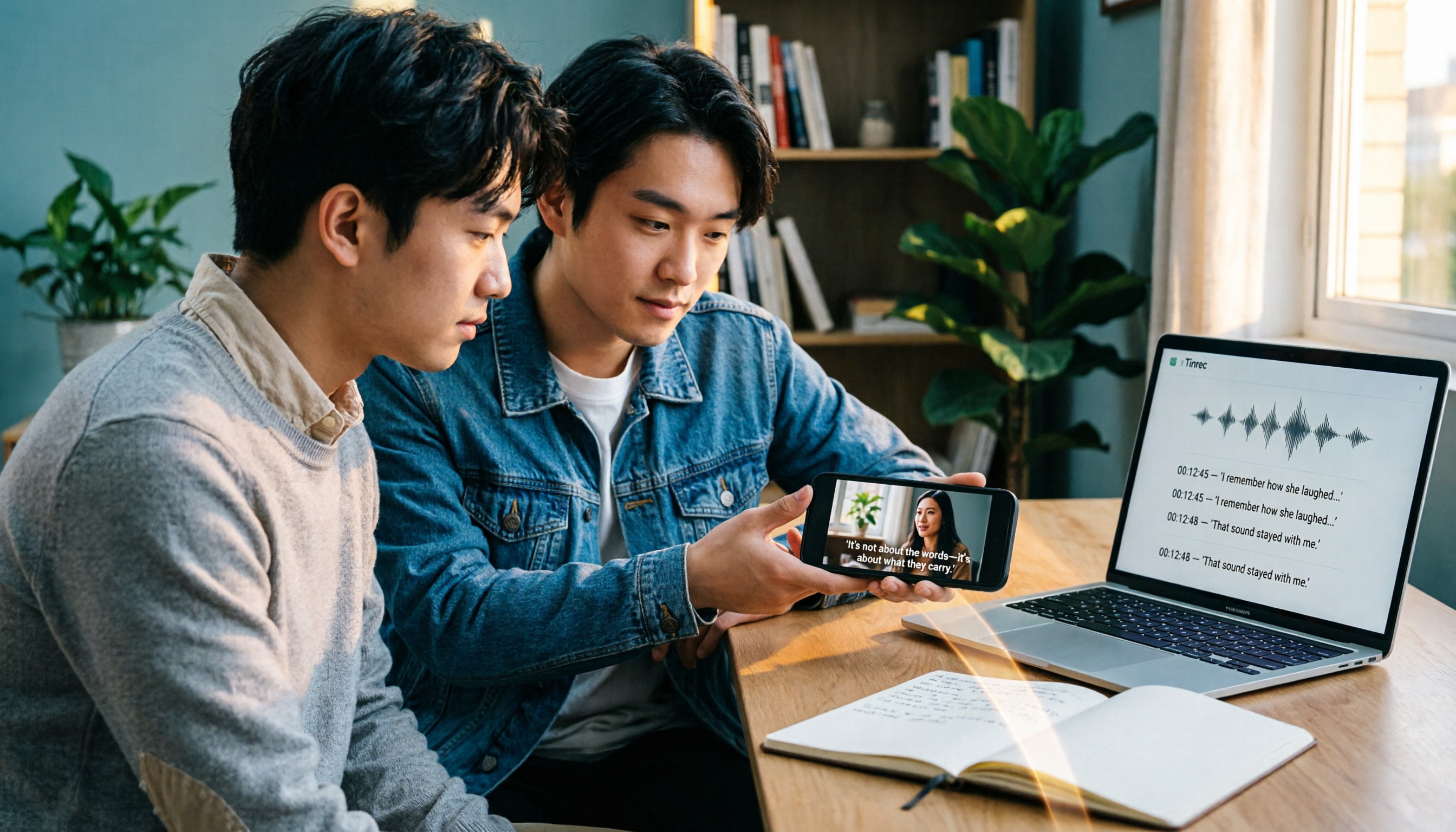
3 iPhone Video Text Methods Compared: Built-in Free Tools vs AI Transcription in 2026
How do you add text to iPhone videos? The key is whether you want on-screen captions or a searchable transcript. This article compares iMovie, Clips, and Tinrec, breaking down their use cases, practical differences, and common pitfalls to help you decide between manual captioning with built-in editing tools or using AI transcription to convert video audio into text before adding subtitles.

5 Video Real-Time Translation Tools Tested and Compared in 2026: Which One Lets You Understand While Watching and Organize Key Points?
Can you translate videos in real time? This article starts from actual usage scenarios to help you understand what real-time video translation can do, how Tinrec uses real-time transcription, bilingual subtitles, AI summaries, and Q&A to help you overcome language barriers, and lists 5 key points to consider when choosing a tool.

2026 Live Voice Translation Comparison: Can Gemini Really Interpret in Real Time?
Bottom line first: Gemini can do live voice translation. Google's Gemini 3.5 Live Translate provides near real-time speech-to-speech translation across 70+ languages and is integrated into the Google Translate app, Google Meet, and the Gemini Live API. This article explains the difference between live interpretation, meeting notes, and team knowledge retention, and compares Gemini, Tinrec, Otter.ai, and Notta for different use cases.
3 iPhone Call Recording Solutions Compared for 2026: Why Tinrec Is Better for Post-Call Work
Given the limitations of built-in iPhone call recording and the need for post-call organization, this article compares built-in iPhone recording, Tinrec, and manual note-taking, explaining how to record compliantly and use Tinrec to turn recordings into transcripts, summaries, action items, and team knowledge.