

Turn recordings into transcripts and summaries in minutes
Upload audio or video for multilingual transcription, AI notes, and action items
The Meeting Just Ended, but the Transcript Nightmare Begins
"Listen to this recording and get me the notes before you leave today."
This is a daily reality for many office workers. A 47-minute online meeting takes 47 minutes just to listen to, but in reality, you have to listen and type, pausing and replaying repeatedly, so the actual time spent is usually 2-3 times the recording length.
It's even more troublesome for interviews or class recordings. If you don't organize it right away, when you come back two weeks later, you can't even remember what that "this is important" note in your notebook was about.
In the past, you could only type by hand, and later speech recognition services emerged with varying accuracy. Now AI transcription tools are much more mature, and the question is no longer "can it transcribe" but "is the transcription usable afterward."
Before Converting Audio to Text, Understand These 4 Key Points
1. How long is your file and what format is it? The most common limitations of free tools are here: maximum length per file, number of files per day, and format support. Some claim to be free but can only process 3 minutes at a time, so a meeting has to be split into a dozen files. Check the rules before uploading—it's more practical than complaining later.
2. Does Chinese recognition work, especially with mixed Chinese and English? Many tools excel at English meetings, but when they encounter Chinese names, product codes, or mixed Chinese-English sentences, they start guessing. If you're recording a Chinese meeting in a Taiwan office, this is far more important than price.
3. After transcription, how much time do you still need to spend? Getting just a big block of transcript is only half the job. What really saves time are summaries, chapters, action items, and even the ability to "ask it directly what the conclusion of the meeting was."
4. Is the free quota enough for you? Test the free version with the type of recording you most often make before deciding whether to pay—this is much more accurate than looking at spec sheets. Rather than comparing whose numbers look better, see which one performs consistently on your own files.
Tinrec — Our Top Recommendation After Hands-On Testing
Tinrec is an AI meeting notes and collaboration tool for individuals and teams, supporting iOS, Android, web, and desktop. Its positioning is not just "audio to text" but turning meeting content into searchable, queryable, and further processable data.
Convert existing audio files into usable text Upload a pre-recorded meeting, interview, or class audio file directly to get a transcript, with automatic summaries, chapters, key points, and action items. A 47-minute recording that used to take two hours to organize now often has a draft ready for proofreading within minutes—a huge difference for anyone who organizes meetings weekly.
Record online meetings without inviting a bot The desktop version captures system audio directly, handling Zoom, Google Meet, Microsoft Teams, and Webex meetings without adding a bot to the meeting room. Note that this is not automatically joining all meetings on your calendar; you initiate recording yourself in the desktop app.
Ask it questions directly after recording This is where it stands out most from similarly priced tools. After the meeting, you can ask "What did this meeting decide?" or "Who mentioned the budget?" and it will answer based on semantic understanding, rather than dumping keyword matches for you to search through.
Export and post-meeting processing Transcripts and summaries can be exported to Notion, Google Docs, OneNote, Dropbox, etc., for further use. You can also use the Agent to generate reports, tables, or documents, turning them into deliverables directly.
Our hands-on experience We tested with an internal meeting recording of nearly 50 minutes with mixed Chinese and English. The Chinese sections were generally readable; mixed Chinese-English product terms needed manual proofreading, but with auto-generated summaries and chapters, proofreading time was much less than typing from scratch. Honestly, no tool should promise 100% accuracy—recording quality, air conditioning noise, accents, and multiple people talking over each other all affect results. For important content, we recommend cross-checking with the recording.
Pros
- Ready to use after transcription: summaries, chapters, key points, and action items all at once, no need to organize again.
- No bot for online meetings: desktop version captures system audio, so you won't be noticed on an extra participant list.
- Works for individuals and teams: available on phone, computer, and web, and data can be stored in team spaces.
Limitations
- The free version offers a basic quota, suitable for trial; if you need to transcribe several hours daily, consider a paid plan.
- Accuracy depends on recording conditions; noisy environments or overlapping speakers still require proofreading.
- Importing via web link is a supplementary feature for some public content, not its main function.
Stop organizing recordings by hand
Upload audio or video and automatically get a transcript, summary, and action items
Pricing The personal plan includes a free version, weekly pass, Pro monthly, and Pro annual. Choose based on usage frequency: use the free version for occasional recordings, consider the weekly pass for short periods of intensive meetings or interviews, and Pro for steady weekly use. The team plan is a separate collaboration space; eligible teams can try 7 days, 1 free seat, and 300 minutes of shared team import quota. Team monthly is USD 29.80 per paid seat per month, annual is USD 199 per paid seat per year (about USD 16.58 per month). Paid seats provide 2,000 minutes of shared team import quota per month; real-time recording under active plans and seats is currently not deducted by minutes. Prices and benefits are subject to the official purchase page.
Who it's for If you mainly record Chinese meetings, want to use AI to find key points right after recording, switch between phone and computer, or need to keep meeting data in a team space for colleagues to access—Tinrec is currently the most suitable choice.
Besides Tinrec, What Other Options Are There?
Notta The multilingual transcription tool with the most overlap with Tinrec, supporting multiple platforms and translation. The official free version currently offers 120 minutes per month, with a maximum of 3 minutes per item. Pro annual is about USD 8.17 per month with 1,800 minutes per month; Business annual is about USD 16.67 per seat per month. It's great for transcripts but lacks Tinrec's bot-free desktop recording and meeting-oriented AI Q&A.
TurboScribe A cost-effective file transcription tool focused on long files and batch uploads. Free version: 3 files per day, max 30 minutes per file. Unlimited annual is USD 120. If you need to process many audio files at once, it's more economical than Tinrec; but it lacks real-time meeting recording, action item extraction, and team spaces, so you still have to organize the text yourself.
Otter.ai A mature English meeting assistant. Basic free offers 300 minutes per month; Pro annual is about USD 8.49 per user per month, including 1,200 minutes of in-app recording per month. If you almost always record English meetings, it's a practical choice; but Chinese and mixed Chinese-English processing is not its strong suit, and team data storage and Agent post-processing flexibility are not as good as Tinrec.
Free routes: iPhone built-in and Whisper iPhone's Voice Memos can show transcripts directly, free and convenient, but according to Apple's official documentation, audio transcripts are available on iPhone 12 and later, and the language list mainly includes English, Spanish, Portuguese, Italian, French, German, Japanese, Korean, etc. Check Chinese support yourself. Another route is using OpenAI's API key with Google Colab to run Whisper, as shared by some users; a 50-minute recording costs about US$0.3, suitable for technical users willing to tinker. Both methods can get text, but lack real-time meeting recording, summary Q&A, and team sharing.
Pitfall Guide: 4 Most Common Mistakes When Choosing an Audio-to-Text Tool
Pitfall 1: Only looking at advertised accuracy. Many services claim "over 90% accuracy," but that's usually measured in a quiet environment. Real meeting rooms have air conditioning noise, keyboard sounds, and people talking over each other, so performance will be lower. Test with your own most common files, don't just look at ad numbers.
Pitfall 2: Ignoring free version per-item length limits. Some free plans can only process 3 minutes at a time, so a 40-minute meeting needs to be split into a dozen files and merged—the money saved is spent on time.
Pitfall 3: Treating the tool only as "audio to text." If you still have to read the entire transcript from the beginning to find conclusions, you're only using a third of the tool's capability. With Tinrec's AI Q&A, you can ask directly "What was the meeting's conclusion?" or "What are the action items?"—much faster than manually scanning a 30-minute transcript.
Pitfall 4: Forgetting legal and consent issues around recording. Recording and transcription involve personal data and others' privacy; depending on local laws, you may need prior consent from participants. For team use, clarify where meeting data is stored and who can see it.
Conclusion: Which One Should You Choose?
If your need is "turn Chinese meeting recordings into usable data," Tinrec is the top choice in this article—it solves transcription, organization, querying, and team sharing all at once.
Scenario-based recommendations:
- Transcribe Chinese or mixed Chinese-English meeting recordings → Tinrec (complete Chinese experience and summary Q&A)
- Want to use AI to find key points and ask conclusions right after recording → Tinrec (few at this price offer such Q&A)
- Don't want an extra bot joining online meetings → Tinrec (desktop captures system audio)
- Many files, want bulk batch transcription → TurboScribe (it's indeed more economical for this)
- Almost only record English meetings → Otter.ai (the only exception, with generous free quota)
- Don't want to spend money at all, only record short phrases → iPhone Voice Memos (check language support first)
We suggest starting with Tinrec's free version, throwing in a real meeting recording to see how the transcript, summary, and action items come out, then decide whether to upgrade. Use it if it works for you—no need to pay upfront.
References
- Online AI speech, video, audio file auto-transcription - Free trial - cSubtitle
- Today I researched how to convert audio files to text, thinking I could just throw the file into GPT and get it done—turns out not yet 😂 I read many user shares, some use local models, I tried before too, free but slow and not very accurate (and needs a powerful computer). Some paid tools are available, but subscription makes you hesitate. Then I remembered I have an OpenAI API key, and thought I'd use their Whisper speech recognition to transcribe. Finally found a way with Google Colab,
- View Voice Memos transcripts on iPhone - Apple Support (Taiwan)
- Transcribe - Audio to Text on the App Store
- Audio to Text | Free Online Audio Transcription | Proactor AI
Turn every recording into actionable outcomes
Get 60 free transcription minutes when you sign in. No credit card required.
Related Reading
You might also like
Is Vocal AI Worth It in 2026? 4 Steps to Choose the Right Recording Tool
Is Vocal AI worth it? First, determine whether you need a meeting transcription tool or an AI cover/voice cloning tool. This article breaks down the criteria with 4 key buying factors, compares Tinrec, Notta, Granola, and Otter.ai, and highlights common pitfalls to help you choose the one that truly saves time.

4 iPhone Photo-to-Text Methods Tested in 2026: Is Built-in Live Text Enough?
Your iPhone can turn photos into text without any extra apps. This article puts four methods to the test—Live Text, Notes scan text, the Google app, and Shortcuts automation—with full steps, iOS version requirements, and common pitfalls. It also covers what to do when your source isn't a photo but a meeting recording or class video.
How to Convert Video to Text in 2026: 3 Steps to a Transcript + AI Q&A (Tinrec Tutorial)
How do you convert video to text? This guide first explains the 4 key factors to consider, then hands-on tests Tinrec's video/audio transcription, bot-free online meeting recording, AI summaries, and AI Q&A. It also compares Granola, TurboScribe, and Otter.ai for their best-fit scenarios, and wraps up with the 4 most common pitfalls to avoid.

Word Video Recording Tested in 2026: How to Take Meeting Notes When Word Can't Record
Can Word record video? This article clears up a common misconception: Word has no screen recording feature and isn't a recording tool—its built-in dictation only handles real-time voice input. Using Tinrec as an example, it then explains how AI meeting note tools deliver live transcripts, AI summaries, action item extraction, AI Q&A, real-time translation, and team collaboration, plus 5 buying considerations and FAQs.
4 Video-to-Text Tools Compared in 2026: First, Figure Out If You Need Audio or Visual Text
Video-to-text extraction often gets confusing from the start: what a speaker says requires speech-to-text, while on-screen slides, subtitles, and code require optical character recognition (OCR). These are completely different tools. This article first helps you choose the right path, then compares Tinrec, Notta, TurboScribe, and Granola across file import, Chinese recognition, post-meeting organization, and team collaboration, and summarizes the 4 most common pitfalls.
Tinrec vs Granola: 2 Audio-to-Transcript Tools Compared for Chinese Meetings in 2026
Turning audio into transcripts can be done manually, with online transcription services, or with AI meeting tools. This comparison of Tinrec and Granola across 5 dimensions—handling existing audio files, Chinese transcription experience, recording retention, post-meeting organization, and team governance—helps you decide which fits your meeting and interview needs.
4 Free Audio-to-Text Tools Tested and Compared in 2026: Which Free Tier Is Actually Enough?
There seem to be plenty of free audio-to-text tools, but very few are truly usable for free. This article starts with the real limits of free tiers, outlines 5 key points to consider when choosing, and compares Tinrec, Otter.ai, Notta, and cSubtitle to help you find the one whose free version is enough.
3 Audio-to-Text Tools Tested and Compared in 2026: Beyond ChatGPT, Which One Turns Transcripts into Usable Data?
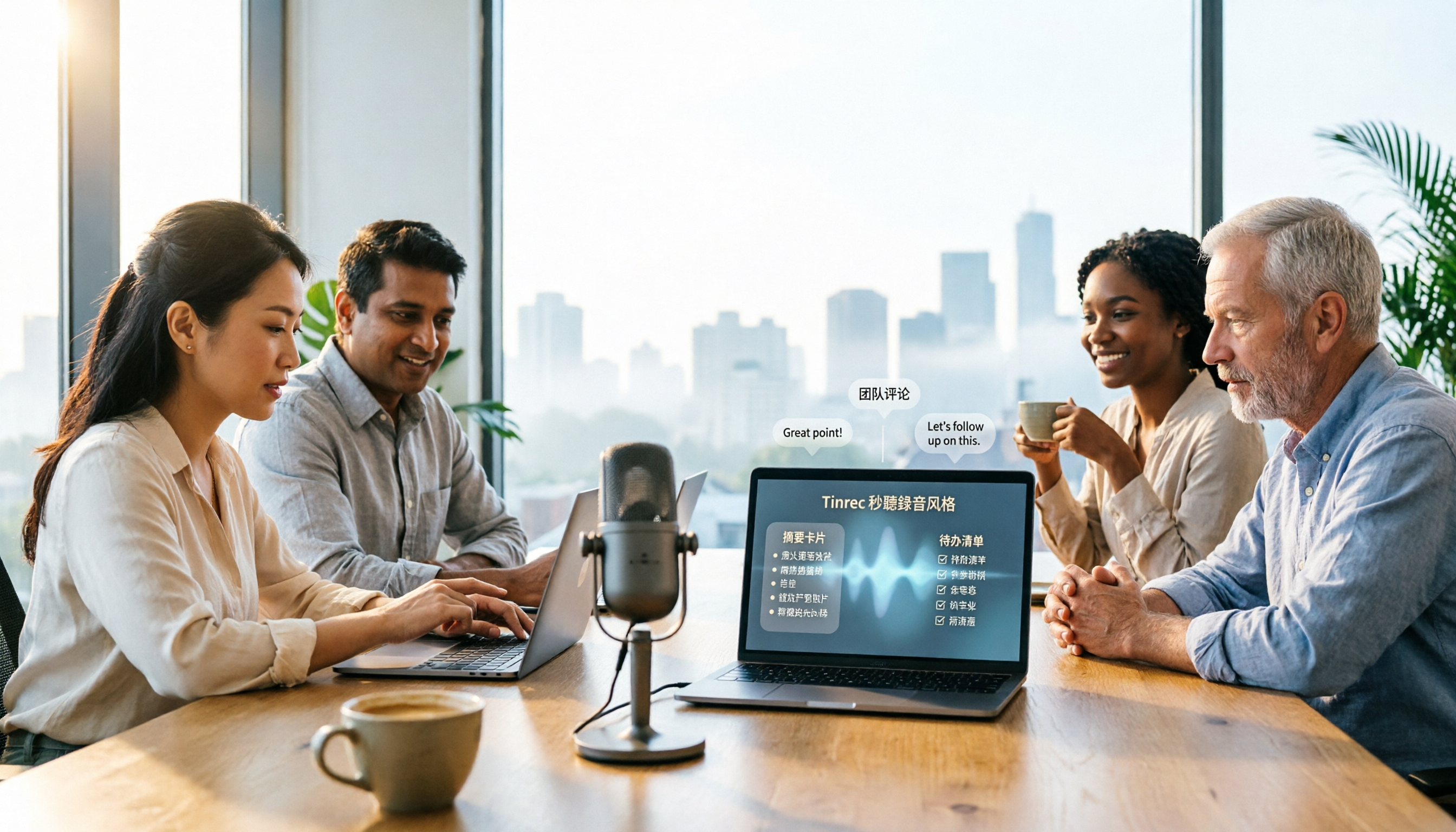
Can ChatGPT transcribe audio? The answer is conditional, with many limitations. This article starts from real-world use cases, explains 5 key points to consider when choosing an audio-to-text tool, and uses Tinrec as an example to demonstrate the complete workflow from recording to transcript, summary, to-dos, and team collaboration.

How to Get YouTube Transcripts in 2026: 3 Methods + AI Summarization
There are three ways to get a YouTube video transcript: YouTube's built-in transcript, free online extraction tools, and AI tools that support link import. This tutorial compares the differences between the three methods, explains which one to use in which situation, and tests how Tinrec turns transcripts into summaries, Q&A, and reusable data.