
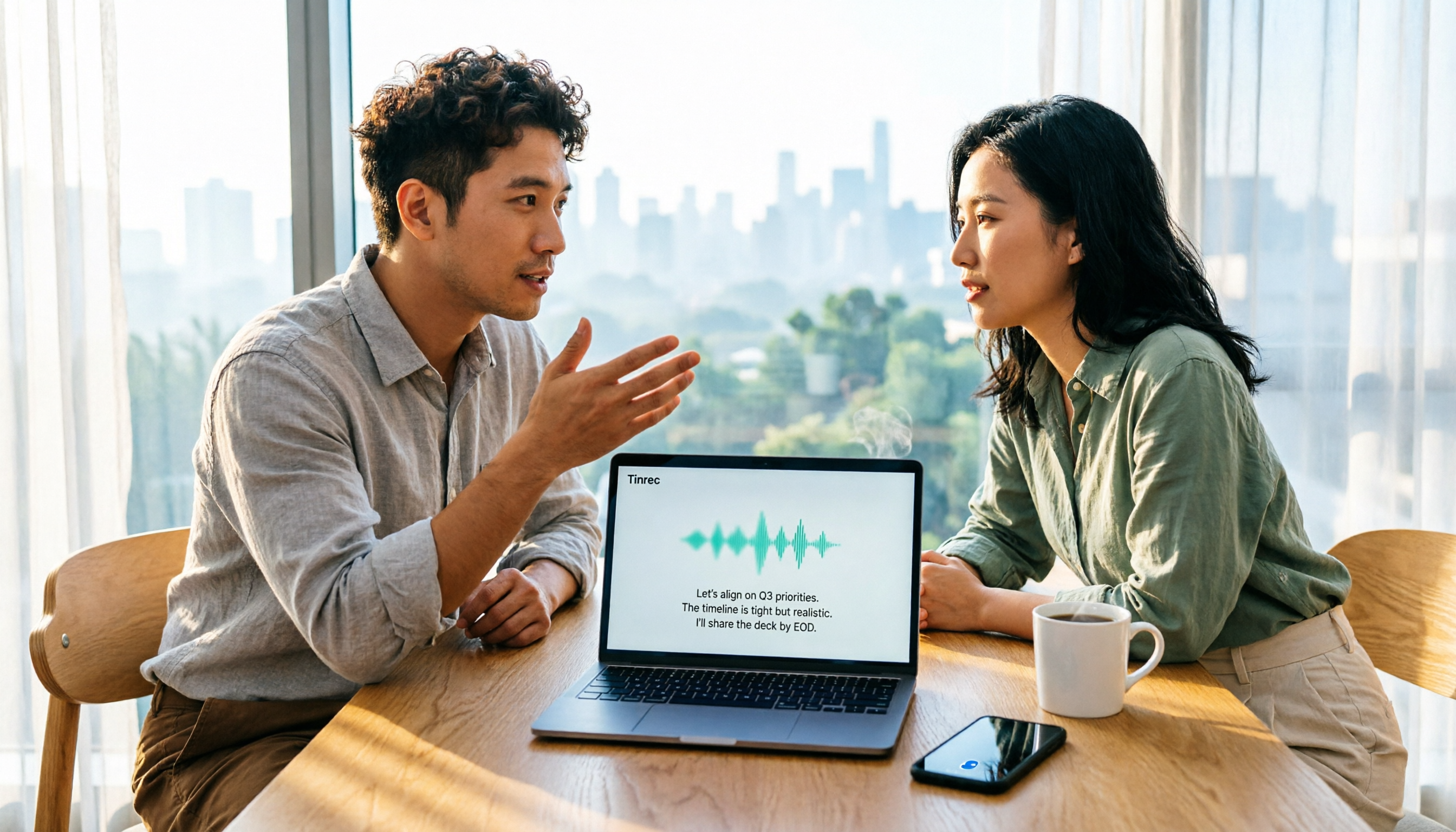
Turn recordings into transcripts and summaries in minutes
Upload audio or video for multilingual transcription, AI notes, and action items
Is Vocal AI Worth It in 2026? 4 Steps to Choose the Right Recording Tool
"I need the meeting notes by tomorrow morning." Every office worker has probably heard this. What's truly frustrating is that after a 60-minute meeting, you spend another 60 minutes re-listening to the recording, typing out the transcript, and organizing conclusions and action items.
This article cuts to the chase, covering use cases, selection criteria, and hands-on comparisons to clarify whether Vocal AI is actually useful.
The Pain Point Isn't Finding a Tool—It's That Meeting Notes Are Never Done
Imagine: the meeting ends at 3 PM, and by 5 PM you're still re-listening to the recording. The meeting is mixed with Chinese and English, some people speak softly, others interrupt, and your typing speed can't keep up. When you need to confirm who's responsible for what, you have to drag the timeline back and forth, listening to the same segment over and over.
Cross-language meetings are even trickier. With Chinese, English, and occasional other languages, the recognition quality of general tools drops significantly, and you end up relying on manual correction.
Let's clarify one thing: when people search "Is Vocal AI worth it?", they often refer to two completely different things. The first is AI tools for speech-to-text/meeting notes, which turn meetings, interviews, and class recordings into searchable, organized text. The second is creative tools for AI covers/voice cloning, such as Vocalize AI, Musicful, Singify, which use AI voice libraries or your own voice for covers and dubbing.
This article focuses on the first type, because most people searching this keyword in a work context really need to solve meeting notes and transcripts. The second type is for music and content creation, with almost no overlap with meeting notes; comparing them would only lead to choosing the wrong tool.
Before Buying Vocal AI, Understand These 4 Key Points
1. What kind of audio source are you recording? Online meetings (Zoom, Google Meet, Microsoft Teams, Webex), in-person meetings, existing audio/video files, or phone recordings? Most tools excel in only one or two. List what you record 80% of the time, then check specs—doing it in reverse will waste money.
2. Recording method: Do you need a "bot" to join the meeting? Some tools rely on a meeting bot joining as a participant. For client meetings or external meetings, this itself is a concern. Another approach is desktop capture of system audio, which doesn't add any participants or require host authorization. In practice, this often determines whether you dare to use it more than recognition accuracy.
3. After transcription, can you use it directly? A transcript alone isn't enough. What really saves time is summaries, chapters, action items, AI Q&A, and export to Notion, Google Docs, etc. Tools that treat "audio to text" as the end goal are usually the first you abandon.
4. Will your team use it? Distinguish "roles" and "seats". For team plans, look beyond unit price to shared spaces, member permissions, usage statistics, and audit logs. Roles determine who can manage the team; seats determine whether members can record, upload, edit, and export. Mixing them up leads to procurement disputes.
Tinrec – Our Top Recommendation After Testing
Tinrec is an AI meeting notes and collaboration tool for individuals and teams, available on web, desktop, and mobile (iOS/Android). It's not just a "recorder" but handles everything from recording to organizing, querying, and collaboration.
Bot-free recording for online meetings. Open Tinrec desktop, and it directly captures system audio, handling Zoom, Google Meet, Microsoft Teams, Webex meetings without inviting a bot as a participant. For those who often have client or cross-company meetings, this is the most practical difference: no unfamiliar attendee appears in the meeting list.
You don't just get a transcript—you get actionable data. During the meeting, the transcript is generated in real-time; after, it automatically creates summaries, chapters, key points, and action items. Who does what and by when is extracted directly from the discussion, no need to sift through the transcript. You can also enable real-time translation during recording, viewing in original, translated, or bilingual mode, so cross-language meetings don't need post-processing.
AI Q&A is its most notable differentiator. After recording, you can ask: "In the last meeting, who mentioned the budget?" It doesn't give a list of keyword search results but an answer organized after understanding the context. The same record can be used to generate reports, tables, and documents, or exported to Notion, Google Docs, OneNote, Dropbox for further editing. Few competitors at this price point offer this complete workflow.
Stop organizing recordings by hand
Upload audio or video and automatically get a transcript, summary, and action items
Team plan turns meetings into team assets. Meeting data is stored in team spaces, so new members can see past meetings; admins can create multiple team spaces, invite members via link, set owner/admin/member roles, assign and revoke seats, and view usage trends, member rankings, team hot words, and queryable/exportable audit logs. When a member leaves or is removed, team resources can be transferred to other active members, not lost with the individual account. Pricing: first eligible team trial is 7 days, 1 free seat, 300 minutes shared import quota; monthly team plan is USD 29.80 per paid seat per month, annual is USD 199 per paid seat per year (about USD 16.58/month). Actual amounts subject to official purchase page.
Pros: 1. No bot needed for online meetings, clean recording; 2. Smoother experience with Chinese, Traditional Chinese, and mixed Chinese-English meetings, with real-time translation and bilingual view; 3. Post-transcription summaries, action items, Q&A, export, and report generation all in one; 4. Team plan's seats, usage, and audit logs give managers real control.
Limitations: You need to manually start recording; it's not a bot that auto-joins all calendar meetings. Also, free quota and file imports have limits; team plan file and web imports consume shared import minutes. Recognition is affected by audio quality, background noise, accents, overlapping speech, and technical terms. For important content, cross-check with transcript timestamps and original audio; not recommended as a 100% replacement for human effort.
Who it's for: Those who have regular weekly meetings, mixed Chinese-English content, want to use AI to extract key points right after recording, or want to accumulate meeting data as a shared team resource.
Besides Tinrec, What Other Options Are There?
Notta: A well-known multilingual transcription choice with multi-platform support, translation, and team plans. Free version: 120 minutes/month, max 3 minutes per file; Pro annual about USD 8.17/month (subject to official pricing). It excels in file transcription and subtitles; but if you need desktop bot-free real-time meeting recording plus post-meeting AI chat queries, Tinrec's workflow is more complete.
Granola: Also a bot-free AI meeting notes tool, Basic free, Business about USD 14/user/month (subject to official pricing), good at combining user-written notes with AI transcription. Note: it doesn't save meeting audio files or support uploading existing recordings; if you need to keep recordings, cross-check original audio later, or organize historical files, Tinrec is more suitable.
Otter.ai: A veteran for English business meetings, free version 300 minutes/month, Pro annual about USD 8.49/user/month (subject to official pricing). If 90% of your meetings are in English, it's cost-effective. But Chinese, Traditional Chinese, and mixed Chinese-English are not its strong suit; for Chinese transcripts, real-time translation, and bilingual view, Tinrec is much smoother.
Pitfall Guide: 3 Most Common Mistakes When Choosing Vocal AI
Pitfall 1: Only looking at advertised accuracy numbers. Official accuracy rates are usually measured in quiet environments. Real meeting rooms have air conditioning, keyboard sounds, and overlapping speech, so performance drops. The most reliable way is to test with your own real recording, not just ads.
Pitfall 2: Thinking a bot must join the meeting. Many people first look for tools that automatically enter meeting rooms, but then get stuck with external meetings. Desktop system audio capture can also handle online meetings without adding participants. Remember: regardless of method, you need to actively start recording and get consent when required.
Pitfall 3: Only using the tool for audio-to-text. If you only use it for transcripts, you're using only one-third of its capabilities. Summaries, chapters, action items, and AI Q&A are what truly save overtime hours. Asking "What was the conclusion of this meeting?" right after recording is much faster than manually flipping through a 30-minute transcript.
Conclusion: Which One Should You Choose?
In a nutshell: Whether Vocal AI is worth it depends on whether you've first identified which type of tool you need; if you need meeting notes and transcripts, Tinrec is the most balanced choice after our testing.
- Chinese, Traditional Chinese, or mixed Chinese-English meetings, and you don't want a bot in the meeting room → Tinrec (desktop bot-free recording)
- Want to use AI to query key points and extract action items right after recording → Tinrec (AI chat query)
- Need to continue on phone, computer, and web → Tinrec (multi-platform plus third-party export)
- Team needs shared space, seats, usage, and audit logs → Tinrec Team Plan
- Almost all-English meetings, zero budget → Otter.ai free version is a reasonable exception
- Want to do AI covers, voice cloning for content creation → That's another category; check platforms like Vocalize AI, Musicful, Singify, don't compare with meeting notes tools
We suggest using the free quota first, test with a real meeting recording to see if the transcript, summary, and action items are directly usable. If it works, consider upgrading to a paid plan; no need to pay upfront. Finally, remember: recording and transcription must comply with local laws and get consent when required.
References
- Is Vocal AI Worth It? 2026 Audio-to-Text Tool Review: Tinrec, Notta, and Open-Source Comparison Guide - Tinrec Blog
- Vocalize AI: AI Cover Generation, TTS, and Voice Avatar Platform | AiTing AI
- Free and Useful GPT AI Transcript + Meeting Key Analysis Tool Vocol.ai Tutorial, Supports Chinese, English, and Japanese! - KOC
- Make AI Sing with Your Own Voice? Hands-On Experience Sharing
- Make AI Sing with Your Own Voice Super Easy! 3 Popular AI Cover Platforms Explained | Lena's Salon
Turn every recording into actionable outcomes
Get 60 free transcription minutes when you sign in. No credit card required.
Related Reading
You might also like

4 Best Audio-to-Text Tools of 2026: Which Saves More Time on Chinese Transcripts and Meeting Notes?
Turning audio recordings into text by listening and typing takes several times the recording length. This article compares 4 audio transcription tools hands-on, covering Chinese recognition, file limits, post-meeting organization, and pricing, plus 4 key points and common pitfalls to consider before choosing a tool.

4 iPhone Photo-to-Text Methods Tested in 2026: Is Built-in Live Text Enough?
Your iPhone can turn photos into text without any extra apps. This article puts four methods to the test—Live Text, Notes scan text, the Google app, and Shortcuts automation—with full steps, iOS version requirements, and common pitfalls. It also covers what to do when your source isn't a photo but a meeting recording or class video.
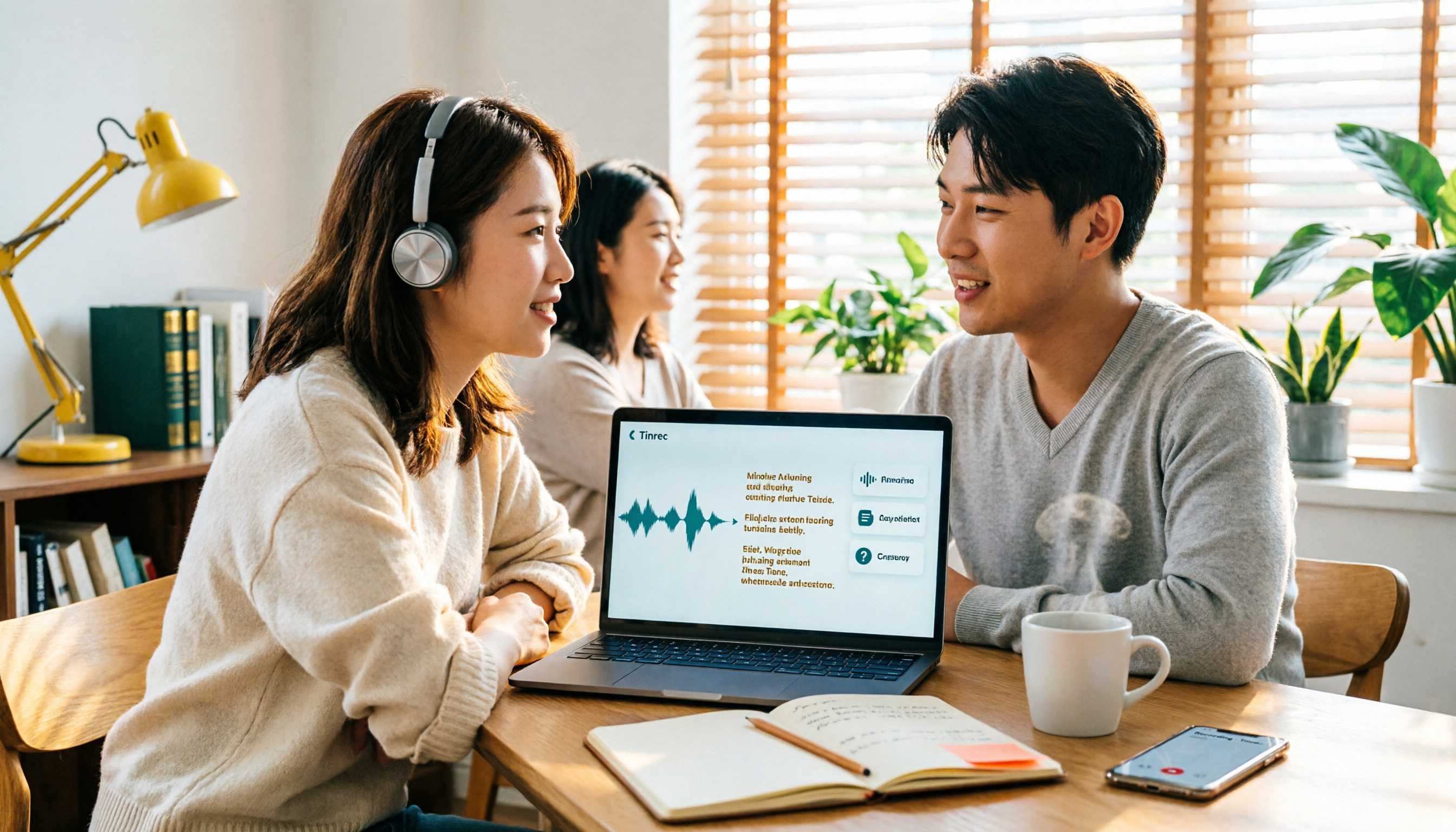
How to Convert Video to Text in 2026: 3 Steps to a Transcript + AI Q&A (Tinrec Tutorial)
How do you convert video to text? This guide first explains the 4 key factors to consider, then hands-on tests Tinrec's video/audio transcription, bot-free online meeting recording, AI summaries, and AI Q&A. It also compares Granola, TurboScribe, and Otter.ai for their best-fit scenarios, and wraps up with the 4 most common pitfalls to avoid.

Word Video Recording Tested in 2026: How to Take Meeting Notes When Word Can't Record
Can Word record video? This article clears up a common misconception: Word has no screen recording feature and isn't a recording tool—its built-in dictation only handles real-time voice input. Using Tinrec as an example, it then explains how AI meeting note tools deliver live transcripts, AI summaries, action item extraction, AI Q&A, real-time translation, and team collaboration, plus 5 buying considerations and FAQs.
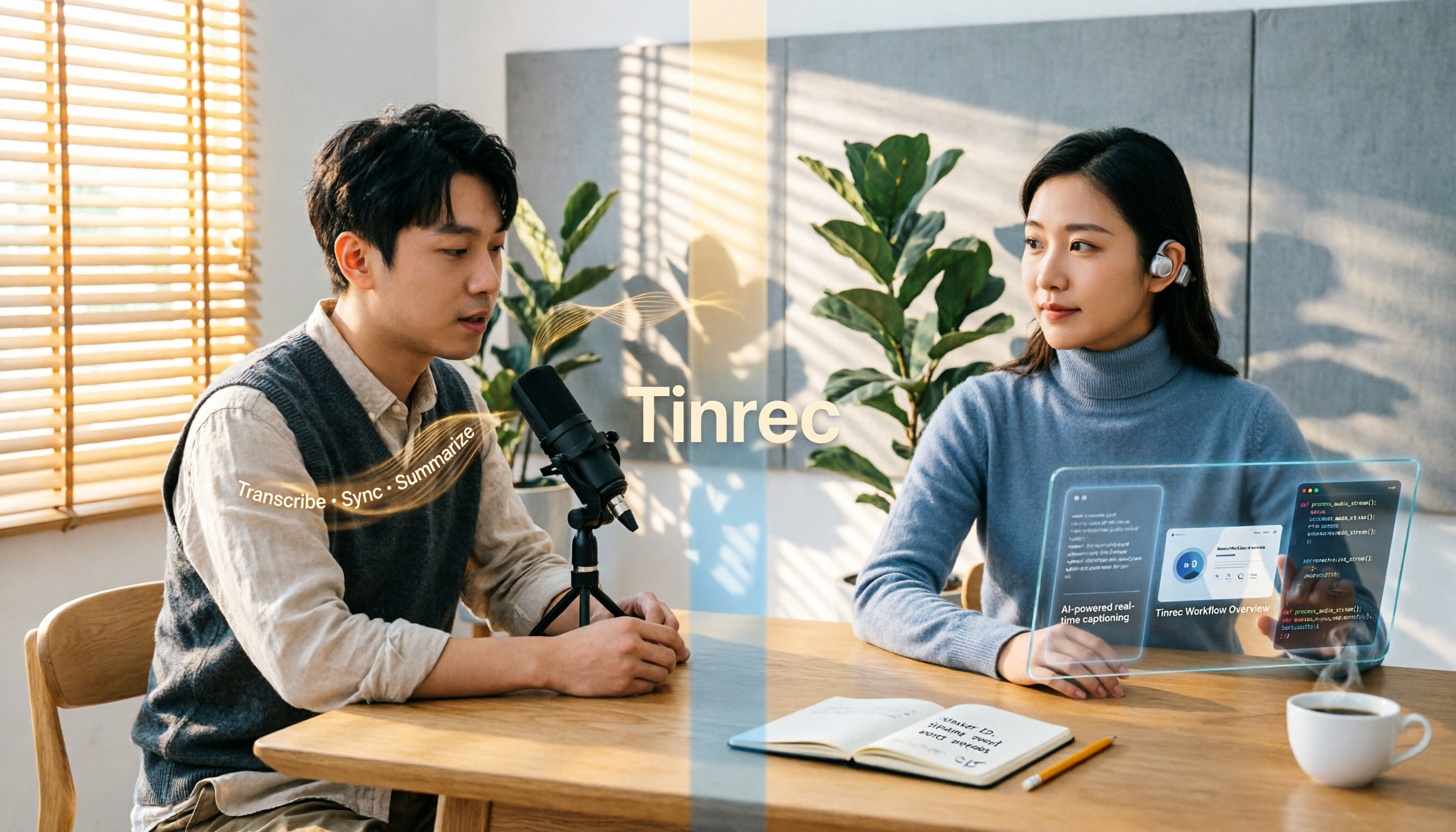
4 Video-to-Text Tools Compared in 2026: First, Figure Out If You Need Audio or Visual Text
Video-to-text extraction often gets confusing from the start: what a speaker says requires speech-to-text, while on-screen slides, subtitles, and code require optical character recognition (OCR). These are completely different tools. This article first helps you choose the right path, then compares Tinrec, Notta, TurboScribe, and Granola across file import, Chinese recognition, post-meeting organization, and team collaboration, and summarizes the 4 most common pitfalls.
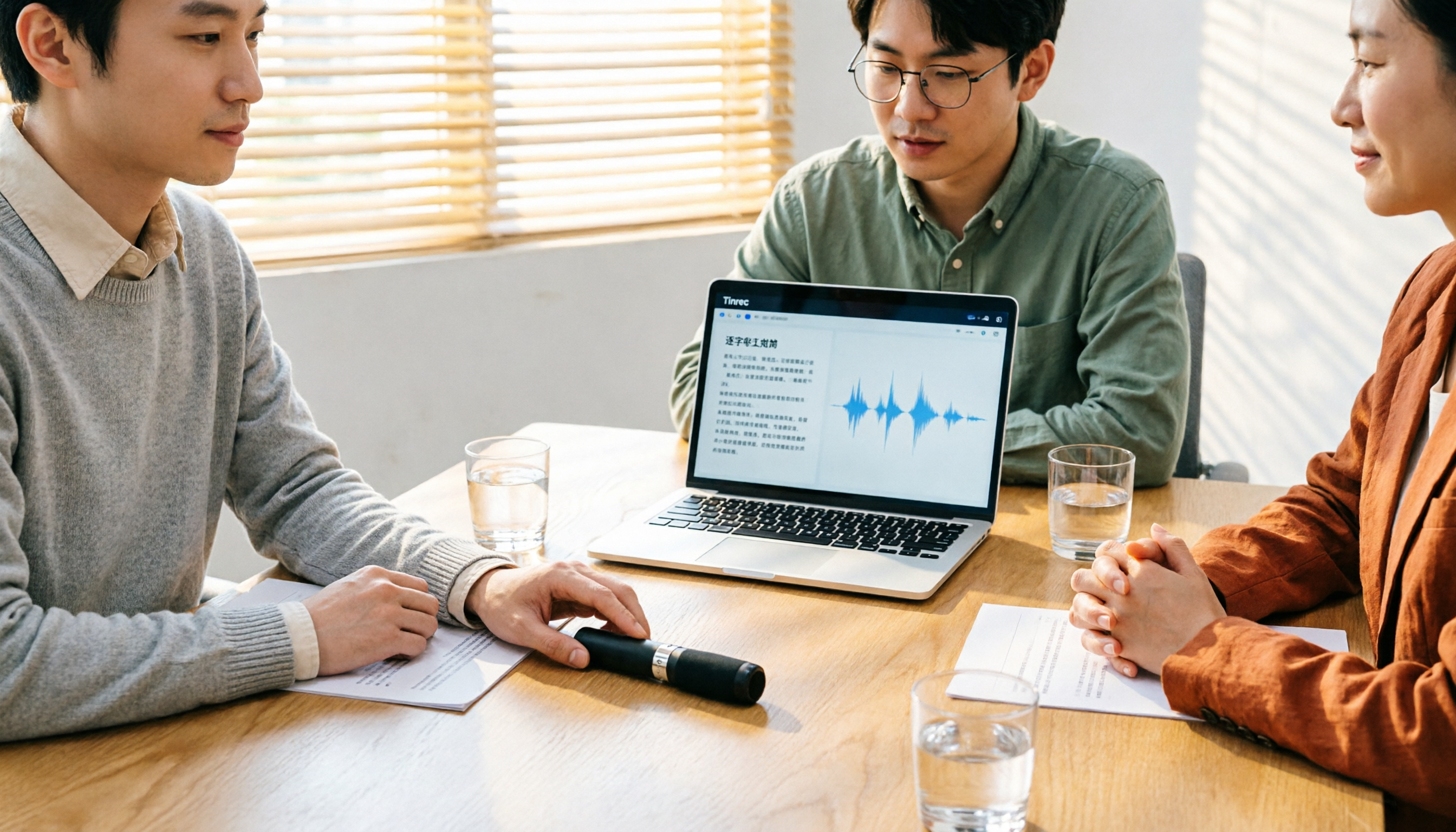
Tinrec vs Granola: 2 Audio-to-Transcript Tools Compared for Chinese Meetings in 2026
Turning audio into transcripts can be done manually, with online transcription services, or with AI meeting tools. This comparison of Tinrec and Granola across 5 dimensions—handling existing audio files, Chinese transcription experience, recording retention, post-meeting organization, and team governance—helps you decide which fits your meeting and interview needs.

4 Free Audio-to-Text Tools Tested and Compared in 2026: Which Free Tier Is Actually Enough?
There seem to be plenty of free audio-to-text tools, but very few are truly usable for free. This article starts with the real limits of free tiers, outlines 5 key points to consider when choosing, and compares Tinrec, Otter.ai, Notta, and cSubtitle to help you find the one whose free version is enough.

3 Audio-to-Text Tools Tested and Compared in 2026: Beyond ChatGPT, Which One Turns Transcripts into Usable Data?
Can ChatGPT transcribe audio? The answer is conditional, with many limitations. This article starts from real-world use cases, explains 5 key points to consider when choosing an audio-to-text tool, and uses Tinrec as an example to demonstrate the complete workflow from recording to transcript, summary, to-dos, and team collaboration.

How to Get YouTube Transcripts in 2026: 3 Methods + AI Summarization
There are three ways to get a YouTube video transcript: YouTube's built-in transcript, free online extraction tools, and AI tools that support link import. This tutorial compares the differences between the three methods, explains which one to use in which situation, and tests how Tinrec turns transcripts into summaries, Q&A, and reusable data.