

Turn recordings into transcripts and summaries in minutes
Upload audio or video for multilingual transcription, AI notes, and action items
2026 Comparison of 4 Meeting Recording Tools: Is Workplace Recording Legal? Whose AI Summarization Saves the Most Time?
Is Workplace Recording Legal? Understand These 3 Legal Keys Before Discussing Tools
Is workplace recording legal? This is the first question many office workers ask when self-protecting or gathering evidence. According to Legis-pedia, if you are a party to the conversation, secretly recording your conversation with the other party is generally lawful without their consent in most cases. However, this does not mean any recording is legal—the key lies in the "purpose" and "occasion."
First, the recording must be for a lawful and legitimate purpose. If it is solely for self-protection, evidence collection to safeguard rights, or exposing wrongdoing, it is usually considered to have legitimate grounds; but if the purpose is to threaten, extort, or steal trade secrets, it may violate the Criminal Code's offense of invasion of privacy or the Communication Security and Surveillance Act.
Second, it is necessary to determine whether the conversation is a "non-public activity." If it is a conversation in a public place, or if participants subjectively do not wish it to be public and objectively take privacy measures (such as a private meeting room), the legal assessment will differ. The Supreme Court has ruled that whether there is legitimate reason should be objectively reviewed based on whether the means are suitable and necessary, and whether the protected interest and privacy infringement are proportionate.
Finally, if you are not a party to the conversation, such as secretly placing a recorder in a meeting room, the risk is much higher. A case from 104 Workplace Power reminds that non-participants secretly recording others' non-public activities may constitute the crime of secret recording.
Simply put, whether workplace recording is legal cannot be summarized merely by "I am a party to the conversation." It is advisable to clarify the purpose, occasion, and subsequent use before recording, and consult a professional lawyer if necessary. After confirming legality, the next step is to choose a tool that can help you efficiently organize the recording.
Before Choosing a Meeting Recording Tool, Understand These 5 Key Points
There are many recording organization tools on the market, but not every one is suitable for workplace meetings. The following 5 dimensions are what we believe should be confirmed first after testing.
Legality and Usage Context: The tool itself does not affect the legality of recording, but you must first confirm that your recording behavior complies with the aforementioned legal requirements. Choosing a tool that clearly indicates recording status and facilitates obtaining consent can reduce disputes.
Chinese Transcription and Multilingual Support: Taiwanese workplaces often mix Chinese and English, with professional terminology. Whether the tool supports Chinese, Traditional Chinese, and real-time translation directly affects the usability of the transcript. Tinrec covers Chinese and multilingual meetings in this regard and provides team hotwords.
Post-Meeting AI Organization Capability: Providing only a transcript is not enough. The ability to automatically generate summaries, chapters, to-dos, and even let you use AI Q&A to ask "who mentioned the budget" is the key to saving time.
Cross-Platform and Export: Recording on iPhone today and organizing on computer tomorrow—if the tool does not support cross-platform, you will suffer. Exporting to commonly used tools like Notion and Google Docs is also important.
Team Collaboration and Data Ownership: If meeting data remains only in personal accounts, it leaves when members resign. Team version tools can centrally store, manage seats and usage, allowing meetings to settle as team assets.
Tinrec (Miao Ting Lu Yin) — Our Top Choice After Testing
Tinrec (Miao Ting Lu Yin) is an AI meeting notes and collaboration tool for individuals and teams, supporting iOS, Android, web, and desktop versions. It is not just audio-to-text, but turns meetings into searchable, collaborative, and actionable team data.
Under the premise of legal recording, Tinrec can help you handle multiple sources. When a meeting starts, open Tinrec, and it will transcribe while recording. For online meetings on Zoom, Google Meet, Microsoft Teams, or Webex, the desktop version directly captures computer system audio without inviting a meeting bot to join. This is more seamless for participants and avoids bots interrupting the meeting flow.
Stop organizing recordings by hand
Upload audio or video and automatically get a transcript, summary, and action items
After the meeting, Tinrec automatically generates summaries, chapters, and to-dos. Who is responsible for what and what the deadlines are—clear at a glance. Even better is AI Q&A: you can directly ask Tinrec "Who mentioned the budget in the last meeting?" and it will answer based on semantic understanding, rather than just throwing keyword search results. Among competitors at the same price point, this feature is not common.
In addition, Tinrec supports real-time translation, allowing you to view the original text, translation, or bilingual content; it also supports uploading audio and video files to organize historical meetings or interviews into text. Output formats are diverse, including transcripts, summaries, mind maps, reports, tables, and can be exported to Notion, Google Docs, OneNote, Dropbox, and other tools for further processing.
The team version further centralizes meeting data into a team space. Members can view historical meetings, and administrators can assign seats, view usage analytics, and audit logs. When members leave, team resources are transferred to other active members and are not taken away by individuals. This is a practical help for departments that need to settle decision-making basis.
Of course, Tinrec also has areas to note. The free version provides basic quota, suitable for light experience; if you have many meetings every week, you need to consider Pro or team version. Also, accuracy is affected by recording quality, accent, and background noise; it is recommended to verify important content against the recording. Tinrec supports Chinese and multiple languages, but actual performance still depends on your meeting environment.
Who is it for? If you need Chinese meeting notes, do not want a bot to join the meeting, hope to use AI to find key points after recording, and have team data settlement needs, Tinrec is a very fitting choice at present.
Besides Tinrec, What Other Options Are There?
Otter.ai: A mature English meeting assistant, free version 300 minutes per month, suitable for pure English meetings. But its Chinese meeting experience is not a strength, and it mainly participates as a meeting bot. If you need Chinese transcription and bot-free desktop recording, Tinrec is more suitable.
Notta: A multilingual transcription tool, free version 120 minutes per month, maximum 3 minutes per session. It overlaps highly with Tinrec, but Tinrec has advantages in bot-free online meeting recording, team space, and Agent post-processing.
PLAUD Note: AI recording hardware, priced from about USD 159, suitable for portable recording and phone call recording. But you need to purchase additional equipment, and online meeting processing is not as direct as Tinrec. Tinrec requires no hardware, is cross-platform, and can settle meetings into team space.
Pitfall Guide: The 4 Most Common Mistakes in Workplace Recording and Tool Selection
Pitfall 1: Thinking "I am a party to the conversation, so I can definitely record." In legal practice, whether there is legitimate reason and whether the means are necessary will still be reviewed. If you deliberately provoke the other party to obtain a recording, or the recording purpose is improper, you may go from self-protection to defendant. Correct approach: Clarify the purpose, and if necessary, inform the other party and obtain consent first.
Pitfall 2: Only looking at transcription minutes, ignoring post-meeting organization. Many tools claim thousands of minutes per month but only provide transcripts. What truly saves time is summaries, to-dos, and AI Q&A. When choosing, look at the post-meeting workflow, not just recording length.
Pitfall 3: Ignoring cross-platform and export. Recording on mobile and organizing on computer is the norm. If the tool does not support cross-platform, or cannot export to commonly used document formats, your meeting data will become an island.
Pitfall 4: Ignoring team data ownership. Meeting recordings in personal accounts are gone when members leave. Team version tools can centrally manage and transfer resources. If the company has long-term settlement needs, team space should be prioritized.
Conclusion: Which One Should You Choose?
Is workplace recording legal? The key is purpose, occasion, and means. After confirming legality, choosing the right tool can make your meeting notes twice as effective.
- Need Chinese meeting notes, bot-free recording → Tinrec (supports desktop system audio capture)
- Want to use AI Q&A to find key points and generate to-dos after recording → Tinrec (AI Q&A and Agent post-processing)
- Cross-platform use (mobile + computer + web) → Tinrec
- Need team sharing, seat management, audit logs → Tinrec team version
- Budget is 0, only record English meetings → Otter.ai (free 300 minutes/month, the only exception)
Overall, Tinrec connects recording, transcription, summarization, Q&A, export, and team collaboration into one workflow, and under legal compliance, can save you a lot of organization time. It is recommended to try the free version first, experience the effects of Chinese transcription and AI summaries, and then decide whether to upgrade. Remember, any recording behavior must comply with local laws, and obtain participant consent if necessary.
References
- Does a person need the other party's consent to record their face-to-face conversation or phone call? What kind of recording is not considered an unlawful purpose? | Legis-pedia
- Is recording without consent illegal? Invasion of privacy, Communication Security and Surveillance Act, and evidentiary capacity | Liang Yuan Law Firm
- If you discover someone in the company is breaking the law, or there is workplace bullying, can you record audio/video to gather evidence? | Legis-pedia
- 5+ practical life knowledge about secret recording! Summary of illegal and legal situations for workplace recording and mobile phone recording
- The recording you thought was self-protection may become the crime of secret recording under criminal law! | 104 Workplace Power
Turn every recording into actionable outcomes
Get 60 free transcription minutes when you sign in. No credit card required.
Related Reading
You might also like

Can You Record HOA Meetings in 2026? 3 Recording Tools Tested: Legal Basis and Evidence Practices
Can HOA meetings be recorded? If the chair says no, does that really mean no? This article breaks down three common misconceptions, then explains the practical boundaries using Articles 35 and 36 of the Condominium Administration Act and Article 315-1 of the Criminal Code. Finally, it compares three recording organization tools—Tinrec, Notta, and TurboScribe—to help you turn recordings into meeting minutes you can still find three months later.
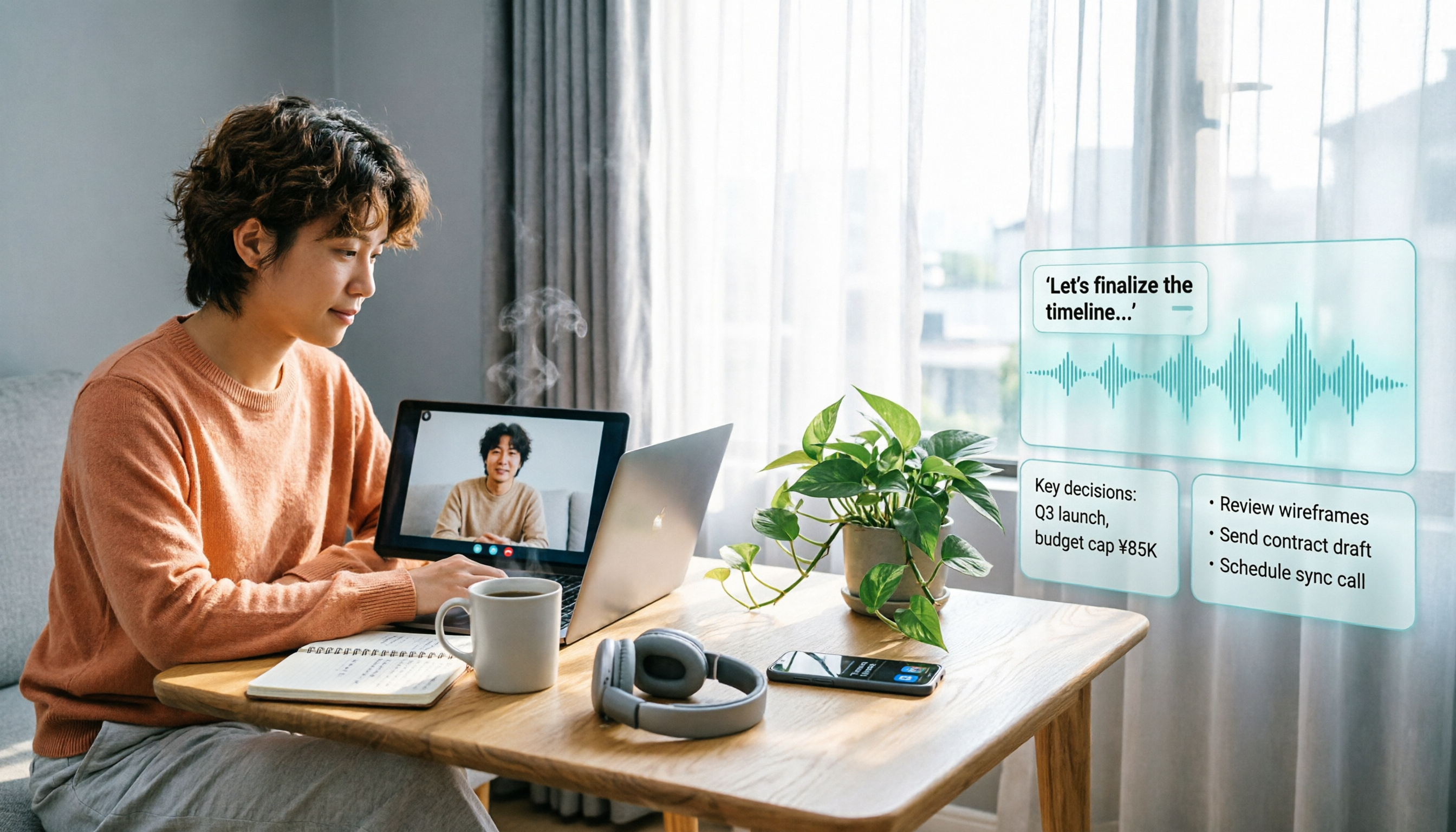
Will LINE Screen Recording Be Detected in 2026? Real Tests + Tinrec Transcription Guide
Will LINE recording be detected? This guide covers notification behavior for iOS and Android screen recording, differences among third-party recording apps, and legal considerations. It also explains how to use Tinrec to turn LINE calls and meeting recordings into transcripts, summaries, and action items so your recordings become searchable and citable.
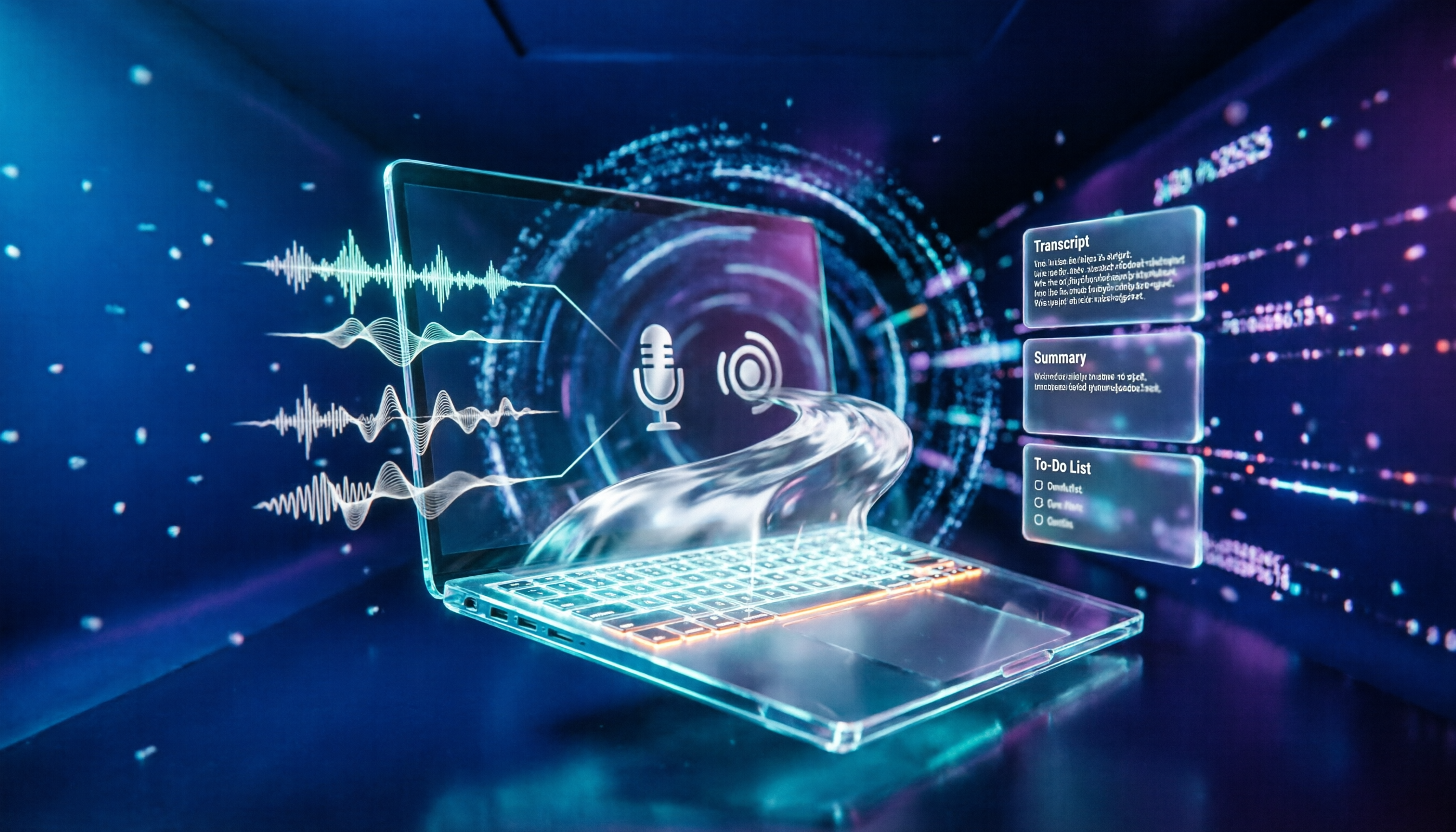
4 Windows Recording Tools Tested in 2026: Is Built-in Enough?
Does Windows have a recording feature? Yes, both Windows 10 and Windows 11 include a built-in recording app that requires no installation. This article compares four Windows recording tools: the built-in Voice Recorder, Audacity, Notta, and Tinrec. It explains the differences between recording microphone and system sound, hidden limits of free tiers, four common pitfalls, and how to turn meeting recordings into searchable, queryable transcripts, summaries, and action items.

Can You Record a Mediation Committee Meeting in 2026? 3 Practical Scenarios Compared: What Happens If You Record Without Consent?
Can you record a mediation committee meeting? In principle, no, unless both parties and the mediator agree. This article compares three scenarios—court family mediation, township mediation, and labor dispute mediation—explaining the risks of recording without consent, the limits on recording's effectiveness, and how, if consent is obtained, Tinrec can instantly transcribe meeting content into verbatim transcripts, summaries, and action items.

LINE Video Call Beauty Filters: Mobile vs Desktop Comparison (2026)
Does LINE video calling support beauty filters? Yes, and the mobile and desktop versions work differently. This article compares LINE mobile and desktop (version 7.8+) beauty features across 5 dimensions: where to find them, adjustable options, filters and backgrounds, supported call types, and whether settings are saved. We break down the differences and offer recommendations based on your usage scenario.
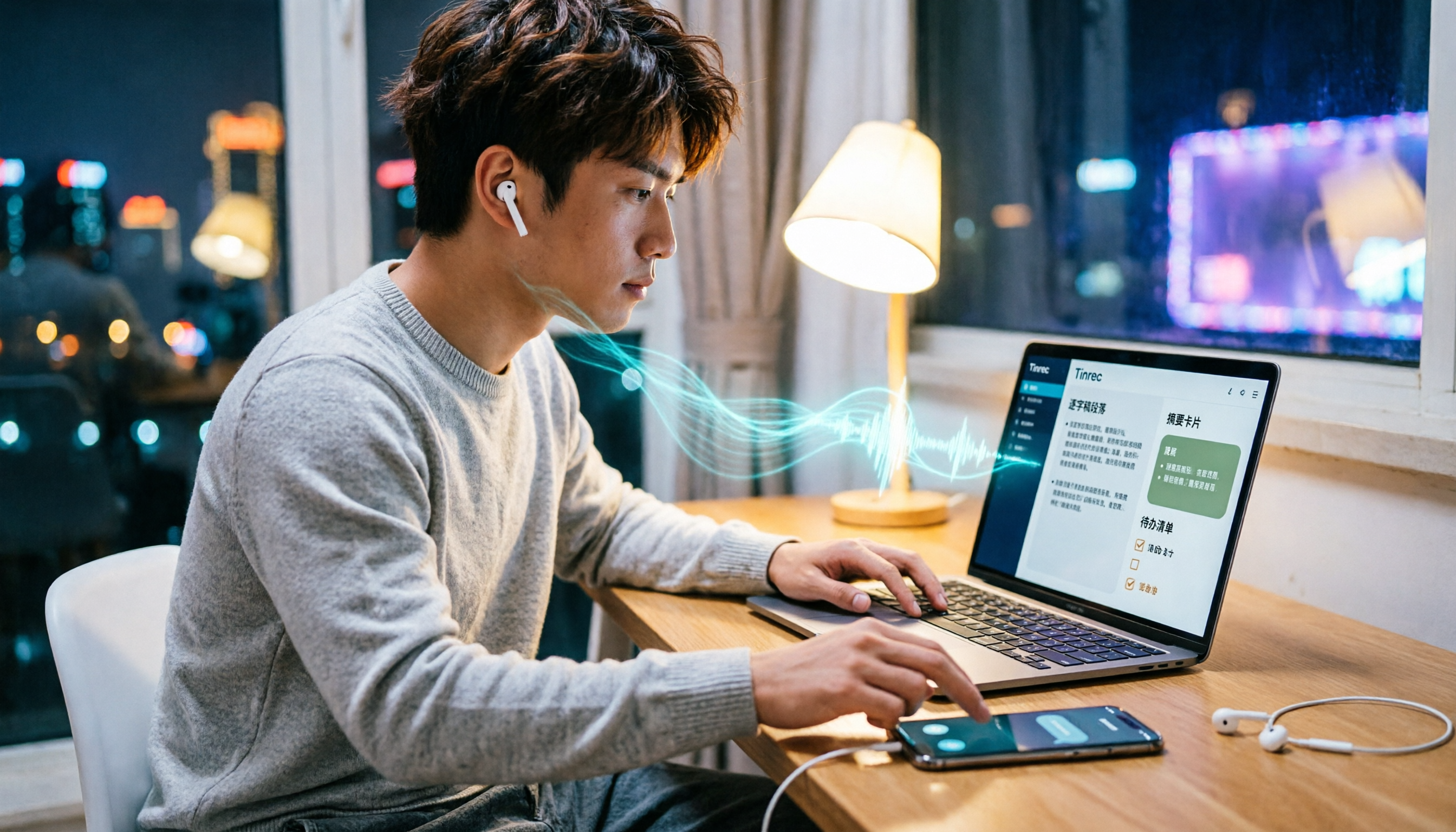
4 Ways to Record LINE Calls in 2026: Will the Other Person Know?
Will the other person know if you record a LINE call? This article compares four methods: iPhone's built-in screen recording, Android screen recording, third-party recording apps, and external recording devices. It explains which methods notify the other party and which might leave traces, and provides a practical workflow using Tinrec to turn recordings into transcripts, summaries, and action items.

5 Ways to Record LINE Calls in 2026: iPhone, Android, or PC — Which Is Most Reliable?
LINE doesn't have a built-in call recording feature, but there are 5 workarounds. This guide compares iPhone, Android, PC, and external device methods, including how they work, their limitations, and legal considerations. It also shows how to send your recorded calls to Tinrec to generate transcripts, summaries, and action items—so you don't have to rely on memory after hanging up.

4 Meeting Transcription Tools Tested in 2026: Which One Actually Turns Recordings into Meeting Minutes?
Tired of spending time after meetings writing up minutes? This hands-on comparison tests Tinrec, Otter.ai, Notta, and Granola on transcription accuracy, AI post-processing, meeting recording methods, and team collaboration. We also cover key buying factors and common pitfalls to help you find a tool that truly turns meeting recordings into usable meeting minutes.

iPhone Built-in Call Recording vs Tinrec in 2026: 5-Dimension Comparison — Which Should You Choose for Meeting Notes?
Can iPhone record calls while you're on the phone? iOS 18 supports it in some regions, but with many limitations. This article compares iPhone built-in call recording and Tinrec across 5 dimensions — compliance, recording source, post-meeting organization, cross-platform use, and team collaboration — to help you find the best meeting notes solution.