

Turn recordings into transcripts and summaries in minutes
Upload audio or video for multilingual transcription, AI notes, and action items
Can You Record HOA Meetings in 2026? 3 Recording Tools Tested: Legal Basis and Evidence Practices
Recording HOA Meetings: Most People Get Stuck on Three Misconceptions
First misconception: thinking that if the chair says "no recording," you can't record. The chair's personal verbal request is neither the bylaws nor the law.
Second misconception: thinking that if the bylaws say "no recording," it's automatically valid. For bylaws to be binding on residents, they must be approved by the owners' meeting; internal rules made by the HOA board itself have a different legal effect.
Third misconception: thinking "once it's recorded, everything's fine." The real trouble is having to go back three months later to find "who said what in which segment"—without a transcript or summary, even a complete recording is as good as not recorded.
This article clarifies both the legal and practical sides, and finally compares several tools that can help turn recordings into usable records.
Understand These 4 Key Points Before Recording
1. Article 315-1 of the Criminal Code Doesn't Apply That Way The offense of secret recording requires "without just cause" and targeting "non-public" activities. HOA meetings typically have residents and committee members present, so they are not "non-public activities"; recording to protect one's own rights is generally considered to have just cause and does not constitute "without just cause." The risk of criminal liability for simply recording out of concern that statements might be misrepresented is actually very low.
2. For Bylaws to Be Valid, They Must Go Through the Owners' Meeting Some communities write "no audio or video recording at meetings" into the bylaws, or decide by committee vote. But for bylaws to take effect, they must be approved by the owners' meeting; the HOA board cannot decide on its own. If it's just a verbal request from the chair or an internal rule not approved by the owners' meeting, residents can still assert their rights.
3. What You Can Legally Obtain Is "Meeting Minutes," Not "Recording Files" Article 35 of the Condominium Administration Act stipulates that interested parties may, when necessary, request to inspect or photocopy the bylaws, public fund balance, accounting vouchers, account books, financial statements, arrears, and HOA meeting minutes and owners' meeting minutes—the text does not include "audio or video recordings." In other words, unless the bylaws provide otherwise or the owners' meeting resolves otherwise, the HOA is not obligated to provide recording files; what you can legally request is the written version of the meeting minutes.
4. Your Own Recording Can Be Used as Evidence in Practice As long as it is recorded by a party themselves and not edited or altered, courts in practice often accept it, especially helpful for reconstructing the meeting process and confirming statements. This is why more and more residents choose to "record it yourself rather than wait for others to provide it."
Actual situations vary by case; when specific disputes are involved, it is advisable to consult a lawyer or apply to the HOA for inspection of meeting minutes under Article 35.
Tinrec—The Real Time-Saver Is Organizing After Recording
Tinrec is an AI meeting notes and collaboration tool for individuals and teams, available on iOS, Android, and web.
When the HOA meeting starts, open Tinrec and it will produce a transcript while recording. After the meeting, AI has already automatically generated a summary and chapters: a two-hour meeting is broken into topic segments, and who is responsible for what and what to follow up on next time are organized into to-do items. For community meetings that often last two hours and no one remembers the conclusions afterward, this step saves the most time directly.
More importantly, AI Q&A. Three months later, to confirm "which unit proposed the rooftop waterproofing and what was the approved amount," you can ask Tinrec directly; it doesn't give you a list of keywords but answers directly based on semantics. This is the biggest difference from pure transcription tools.
Stop organizing recordings by hand
Upload audio or video and automatically get a transcript, summary, and action items
The HOA is essentially a team that must hand over—committee members are re-elected every year, and data cannot follow the person. Tinrec's team version provides an independent team space where meeting data belongs to the team; you can manage members, roles, and seats, view usage trends and audit logs, and when a member leaves or is removed, their responsible resources can be handed over to other members. For personal use, there are free, weekly, Pro monthly, and annual plans corresponding to different usage frequencies.
Limitations should also be clear: the free version provides a basic quota, heavy users need to pay; file import consumes quota; actual recognition is affected by recording quality, ambient noise, multiple simultaneous speakers, and technical terms, so it is not recommended as a guarantee of verbatim accuracy; important content should still be checked against the recording.
If you often have meetings and don't want to spend two hours organizing minutes, or need to keep community meeting data long-term and hand over across terms, Tinrec is currently the most hassle-free choice.
Besides Tinrec, What Other Options Are There?
Notta: A multilingual transcription tool; free version has 120 minutes per month, max 3 minutes per item; Pro annual billing is about USD 8.17/month, 1,800 minutes per month. Wide language support, suitable for users mainly doing file transcription. However, Tinrec's desktop version can directly capture system audio without a meeting bot joining online meetings, which makes a big difference when committee members are scattered using video conferencing.
TurboScribe: A cost-effective file transcription tool; free version has 3 files per day, max 30 minutes per file; Unlimited annual is USD 120, paid version supports up to 10 hours per file and 50 files at once. If you have a large number of existing owners' meeting recordings to batch process, it has advantages for long files and batch processing. But real-time meeting transcription, post-meeting summaries, and AI Q&A are not available in pure transcription tools.
PLAUD Note / NotePin: AI recording hardware; NotePin is USD 159, Note Pro USD 189, Starter plan 300 minutes per month. The advantage is portable recording and intuitive operation, suitable for committee members who don't want to use their phone during meetings. But you need to buy additional equipment, while Tinrec requires no hardware, works on phone, desktop, and web, and can centralize historical meetings in one database.
Pitfall Guide: The 4 Most Common Mistakes in Recording HOA Meetings
Pitfall 1: Giving up because "the chair says no recording." Those who claim prohibition or require the chair's consent should provide a legal basis. Bylaws must be approved by the owners' meeting to be binding.
Pitfall 2: Only recording, not making minutes. Without a transcript and summary, it's like throwing evidence into an unsearchable black hole; the cost of searching later is higher than the meeting itself.
Pitfall 3: Thinking your own recording cannot be used as evidence. If not edited or altered and with just cause, it is often admissible in practice; the key is to preserve it completely and not edit afterward.
Pitfall 4: Forgetting to inform beforehand. Stating before the meeting, "To avoid future misunderstandings, I would like to record for evidence," usually reduces hostility and shows mutual respect. Recording and transcription must still comply with local laws; obtain consent from attendees when necessary.
Summary: What Should You Do About Recording HOA Meetings?
First, stand firm on the legal side: meetings are usually not "non-public activities," recording for self-protection has just cause; bylaws prohibiting recording must be approved by the owners' meeting; and what you can legally request is meeting minutes, not recording files.
On the practical side, choose the right tool:
- Want to fully preserve statements and be able to search and follow up after the meeting → Tinrec (real-time transcription + AI summary + AI Q&A)
- HOA needs to hand over data across terms → Tinrec team version (team space, seat management, audit logs)
- Have a large number of old recordings to batch transcribe → TurboScribe
- Want a portable recording device → PLAUD
- Mainly multilingual file transcription → Notta
You can start with Tinrec's free version to experience the basic quota, confirm that the actual recognition effect matches your meeting scenario, and then consider upgrading.
References
- Can HOA meetings be recorded? Legal rights and practical advice at a glance - Tinrec Blog
- Legal Q&A - Laws and Regulations - PMA Republic of China Property Management Managers Association :: Property Management, Building Management, General Manager Certification Course
- Can I record when attending HOA meetings? We are not committee members, and every time we attend HOA meetings, our suggestions are often taken out of context. Can I record in a public setting? Do I need the committee members' consent? Is there a legal basis?
- Re: Other Can community HOA meetings be recorded? - PttLifeLaw - PTT
- Can I sit in on the monthly HOA meeting? - Mobile01
Turn every recording into actionable outcomes
Get 60 free transcription minutes when you sign in. No credit card required.
Related Reading
You might also like
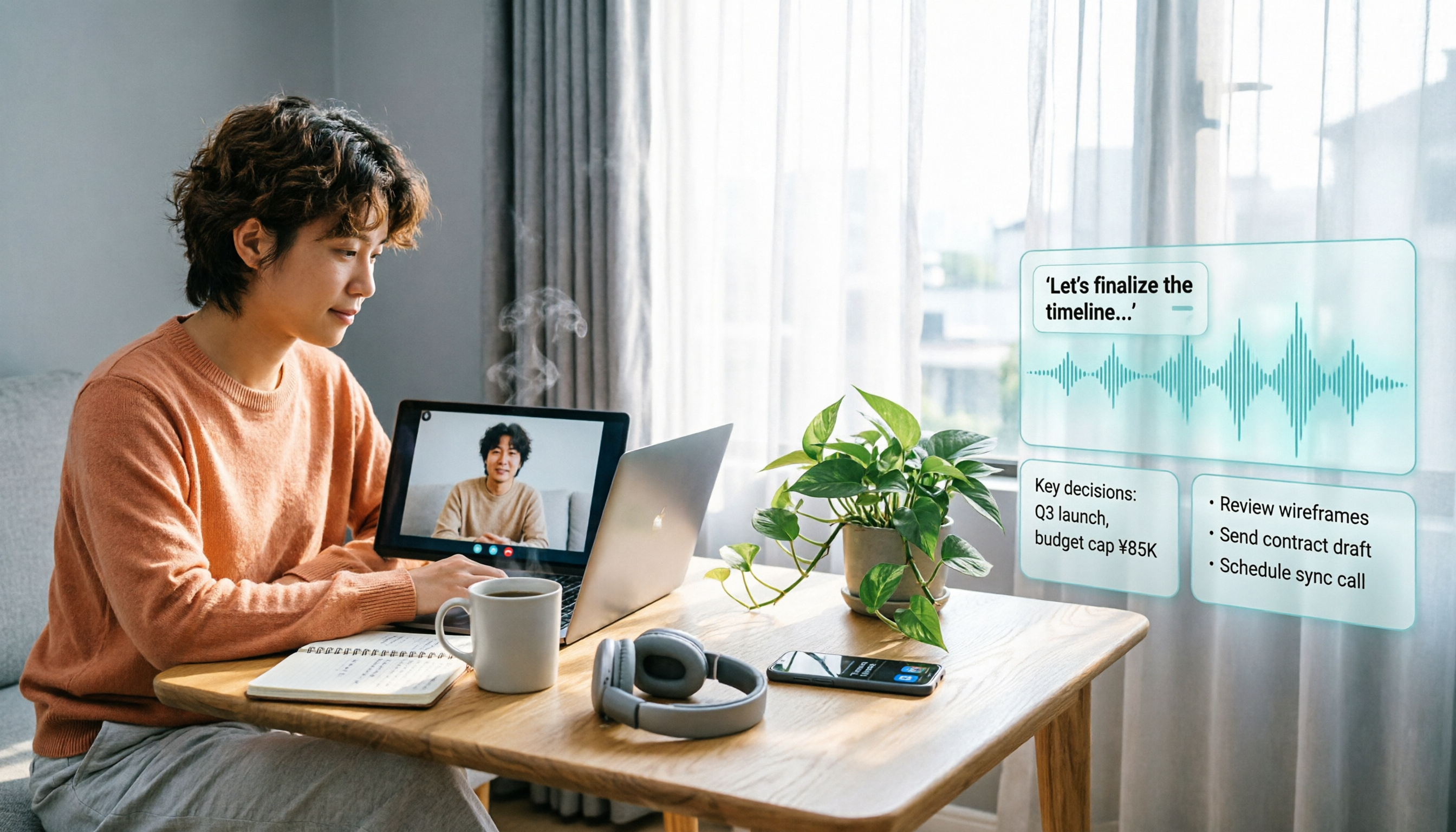
Will LINE Screen Recording Be Detected in 2026? Real Tests + Tinrec Transcription Guide
Will LINE recording be detected? This guide covers notification behavior for iOS and Android screen recording, differences among third-party recording apps, and legal considerations. It also explains how to use Tinrec to turn LINE calls and meeting recordings into transcripts, summaries, and action items so your recordings become searchable and citable.

4 Windows Recording Tools Tested in 2026: Is Built-in Enough?
Does Windows have a recording feature? Yes, both Windows 10 and Windows 11 include a built-in recording app that requires no installation. This article compares four Windows recording tools: the built-in Voice Recorder, Audacity, Notta, and Tinrec. It explains the differences between recording microphone and system sound, hidden limits of free tiers, four common pitfalls, and how to turn meeting recordings into searchable, queryable transcripts, summaries, and action items.

Can You Record a Mediation Committee Meeting in 2026? 3 Practical Scenarios Compared: What Happens If You Record Without Consent?
Can you record a mediation committee meeting? In principle, no, unless both parties and the mediator agree. This article compares three scenarios—court family mediation, township mediation, and labor dispute mediation—explaining the risks of recording without consent, the limits on recording's effectiveness, and how, if consent is obtained, Tinrec can instantly transcribe meeting content into verbatim transcripts, summaries, and action items.

2026 Comparison of 4 Meeting Recording Tools: Is Workplace Recording Legal? Whose AI Summarization Saves the Most Time?
Is workplace recording legal? This article outlines the legal keys to lawful recording from a practical standpoint and tests 4 meeting recording and organization tools, comparing Chinese transcription, AI summaries, team collaboration, and pricing to help you find the most suitable meeting notes solution within legal boundaries.

LINE Video Call Beauty Filters: Mobile vs Desktop Comparison (2026)
Does LINE video calling support beauty filters? Yes, and the mobile and desktop versions work differently. This article compares LINE mobile and desktop (version 7.8+) beauty features across 5 dimensions: where to find them, adjustable options, filters and backgrounds, supported call types, and whether settings are saved. We break down the differences and offer recommendations based on your usage scenario.
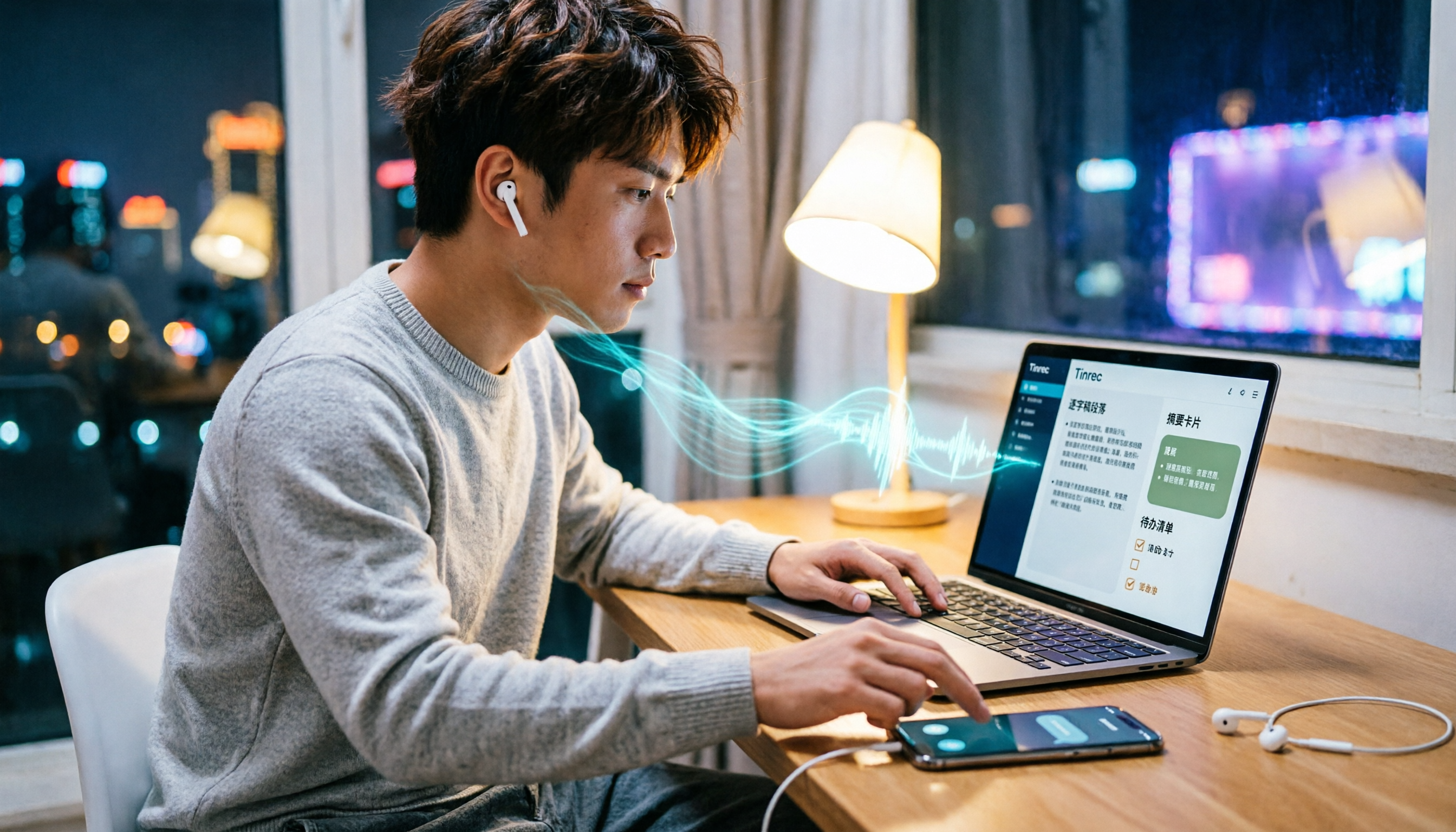
4 Ways to Record LINE Calls in 2026: Will the Other Person Know?
Will the other person know if you record a LINE call? This article compares four methods: iPhone's built-in screen recording, Android screen recording, third-party recording apps, and external recording devices. It explains which methods notify the other party and which might leave traces, and provides a practical workflow using Tinrec to turn recordings into transcripts, summaries, and action items.

5 Ways to Record LINE Calls in 2026: iPhone, Android, or PC — Which Is Most Reliable?
LINE doesn't have a built-in call recording feature, but there are 5 workarounds. This guide compares iPhone, Android, PC, and external device methods, including how they work, their limitations, and legal considerations. It also shows how to send your recorded calls to Tinrec to generate transcripts, summaries, and action items—so you don't have to rely on memory after hanging up.

4 Meeting Transcription Tools Tested in 2026: Which One Actually Turns Recordings into Meeting Minutes?
Tired of spending time after meetings writing up minutes? This hands-on comparison tests Tinrec, Otter.ai, Notta, and Granola on transcription accuracy, AI post-processing, meeting recording methods, and team collaboration. We also cover key buying factors and common pitfalls to help you find a tool that truly turns meeting recordings into usable meeting minutes.

iPhone Built-in Call Recording vs Tinrec in 2026: 5-Dimension Comparison — Which Should You Choose for Meeting Notes?
Can iPhone record calls while you're on the phone? iOS 18 supports it in some regions, but with many limitations. This article compares iPhone built-in call recording and Tinrec across 5 dimensions — compliance, recording source, post-meeting organization, cross-platform use, and team collaboration — to help you find the best meeting notes solution.