

Turn recordings into transcripts and summaries in minutes
Upload audio or video for multilingual transcription, AI notes, and action items
Can You Record a Mediation Committee Meeting in 2026? 3 Practical Scenarios Compared: What Happens If You Record Without Consent?
You've received a mediation notice, and your phone is on the table. What's really making you hesitate isn't whether to go, but: once I step into the mediation room, can I actually press record? Let's start with the conclusion: in principle, no. Unless both parties and the mediator agree, mediation proceedings are not public, and you may not record audio or video without the consent of the person presiding. This isn't just a moral suggestion—it could affect the mediation process and even get you asked to leave the mediation room.
The Most Common Question Before Mediation: Can I Record?
Many people think, "I'm just recording for myself, not making it public, so it should be fine." But mediation is different from a regular conversation. Mediators and judges usually explain at the outset: mediation proceedings are not public, so please do not record audio or video during mediation; mediators and judges are also required by law to keep discussions confidential. If mediation ultimately fails, what you said, the conditions you tentatively agreed to, or concessions you made generally cannot become the basis for a later court ruling.
In other words, recording a mediation isn't a "record and you're protected" situation. What you really need to determine is: what type of mediation is this, does the presiding person agree, and can the recording be used afterward? If you don't clarify these three questions, recording will only bring more risk.
Before Deciding Whether You Can Record, Understand These 3 Key Points
1. Mediation is not public; the default position is "no recording."
The mediation meeting is presided over by the chair or presiding mediator, who maintains order. All participants must follow the presiding person's directions and may not speak or record audio/video without consent. If you ignore warnings and disrupt the meeting, the chair may order you to leave the mediation room immediately, and if necessary, even call security or police.
2. Consent is key, but it's not just your consent.
The regulations for labor dispute mediation clearly state: "During the mediation meeting, audio or video recording may only be made with the consent of the parties and the mediator or mediation committee." In other words, it's not enough for you alone to say you want to record, nor is it enough for the other party to agree; the mediator or mediation committee must also consent. Court family mediation even more directly reminds: mediation is not public, please do not record audio or video during mediation.
3. Recording without consent isn't necessarily illegal, but it may be unusable and is not recommended.
In practice, recording without consent does not necessarily constitute a criminal offense, which is why some people take the risk. However, it may violate mediation order and confidentiality rules, and the presiding person has the authority to stop it; moreover, statements and concessions made during mediation generally cannot become the basis for subsequent rulings if mediation fails. Additionally, the scope of court-ordered audio/video recordings is limited to recordings of court hearings, and mediation proceedings are not included. You cannot obtain an audio file of the mediation process by requesting a court recording.
Tinrec — If Consent Has Been Obtained, What Tool Would I Use to Keep a Record?
Let's be clear: Tinrec is not for secretly recording mediations. It is an AI meeting notes and collaboration tool for individuals and teams. Its value lies in: when you have legally obtained consent and need to turn meetings, interviews, classes, or team discussions into usable data, it can save you a lot of manual organizing time.
Here's how my team actually uses it: during a meeting, we open Tinrec, and it transcribes while recording; after the meeting, AI automatically generates summaries, chapters, key points, and action items. Who is responsible for what and what the deadlines are is much clearer than a plain audio file. Even more crucial is AI conversational query—after recording, you can directly ask it: "Who mentioned the budget in the last meeting?" It doesn't just throw keyword search results at you; it organizes answers based on semantics. For people who need to go back and review meeting records, this saves not just a few minutes, but an entire afternoon.
Tinrec's desktop version captures computer system audio to handle online meetings, supporting platforms like Zoom, Google Meet, Microsoft Teams, and Webex, without needing an extra meeting bot to join. It can also import audio and video files, making it suitable for organizing historical meetings or interviews; it supports real-time translation, original/translated/bilingual viewing. After the meeting, you can export to Notion, Google Docs, OneNote, Dropbox, and other tools, and further generate reports, tables, and documents. If you're using it as a team, the team version provides independent team spaces, member and seat management, usage analytics, audit logs, team hotwords, and an audio recycle bin, so meeting data belongs to the team and doesn't disappear when individuals leave.
Stop organizing recordings by hand
Upload audio or video and automatically get a transcript, summary, and action items
Limitations to note: Tinrec's free version has a basic quota, and heavy users need to pay; AI summaries and Q&A may still miss or misunderstand details, so important information should be verified against transcript timestamps and recording playback. Most importantly, before recording, always confirm local laws and the consent of those present. If the mediation committee does not agree to recording, do not use any tool to secretly record.
Besides Tinrec, What Other Options Are There?
Notta: Highly similar to Tinrec, both support multi-platform transcription, document import, translation, and team plans. Notta's free version offers 120 minutes per month, with a maximum of 3 minutes per single item; Pro annual billing is about USD 8.17/month, with 1,800 minutes per month. It's suitable for simple document transcription and subtitles. But if you want "ask meeting conclusions directly after recording," bot-free online meeting recording, and Chinese team data accumulation, Tinrec's post-meeting workflow is more aligned with those needs.
Otter.ai: One of the top choices for English meetings. Free version offers 300 minutes per month; Pro annual billing is about USD 8.49/user/month, including 1,200 minutes of in-app recording per month and 10 file imports. If you mainly record English content, Otter.ai is a reasonable choice. But if meetings are primarily in Chinese or mixed Chinese-English, and you value team hotwords, seat management, and meeting asset accumulation, Tinrec is more complete for Chinese scenarios.
PLAUD Note / NotePin: Representative AI recording hardware, suitable for portable recording and phone call recording, but requires purchasing an additional device. Tinrec doesn't require carrying an extra device; it works on phone, desktop, and web, and can directly handle online meeting audio played on a computer. If you don't want to add hardware costs, Tinrec is a lighter approach.
Pitfall Guide: The 3 Most Common Mistakes in Mediation Recording
Mistake 1: Thinking "secretly recording" won't be discovered.
Mediation rooms are usually small, and the presiding person has the authority to maintain order. Once discovered recording without consent, you may be asked to leave immediately, or even affect the current mediation. What you originally wanted to do to protect your rights may instead put you in a weaker position.
Mistake 2: Thinking the recording can be used as evidence in litigation.
If mediation fails, statements or concessions made during mediation generally cannot become the basis for a later court ruling; combined with confidentiality requirements, the recording may not be usable as you imagine. What's truly useful is usually the formal mediation record or mediation agreement, not that secretly recorded audio file on your phone.
Mistake 3: Treating AI summaries as legal records.
AI can help you organize transcripts, summaries, and action items, but it is not a lawyer and may miss words or misunderstand. If you use tools like Tinrec, it's recommended to use them only for meetings where consent has been obtained or your own post-meeting discussions, and always verify important content against the transcript and formal documents.
Conclusion: Can You Record a Mediation Committee Meeting or Not?
In one sentence: In principle, no, unless both parties and the mediator agree, and the presiding person permits it.
Scenario breakdown:
- Township/city mediation committee: Without the consent of the mediation chair or presiding mediator, you may not record audio or video; violations may result in being asked to leave the mediation room.
- Court family mediation: Mediation proceedings are not public; do not record audio or video; the scope of court-ordered recordings does not include mediation proceedings.
- Labor dispute mediation: In addition to obtaining consent from the parties, you must also obtain consent from the mediator or mediation committee to record audio or video.
- If consent has been obtained and you want a record: Tinrec can turn legal recordings into transcripts, summaries, and action items, and supports AI Q&A and export; but manual verification is still required.
- If recording is not allowed: Do not secretly record. Use written notes instead, and confirm the mediation record or mediation agreement content afterward.
The point of mediation is not recording, but resolving the dispute. Clarify the rules first, then decide whether to record; this saves more time than being asked to leave the mediation room afterward or recording a bunch of unusable files.
References
- Ministry of Justice - Relevant Administrative Interpretations: https://mojlaw.moj.gov.tw/LawContentExShow.aspx?type=e&id=FE239887
- Taiwan Taichung District Court - Business Introduction - Family - Family Mediation - What We Want to Tell You at the Mediation Opening: https://tcd.judicial.gov.tw/tw/cp-6496-210755-dcd3a-211.html
- Labor Dispute Truth - Should You Secretly Record During Mediation? The Effect and Validity of Recording?: https://vocus.cc/article/65d43e82fd8978000153a7ef
- Taichung City Government Legal Affairs Bureau Global Information Network - Mediation Administration - Mediation Instructions: https://www.legal.taichung.gov.tw/829248/post
- Judicial Yuan Regulations on Matters to Note When Delivering Court Audio/Video Recordings - Judicial Yuan Global Information Network - Query Services - Judicial Weekly - Advanced Search: https://www.judicial.gov.tw/tw/cp-1429-68495-c446a-1.html
This article compiles public information and practical observations and does not constitute legal advice; for individual cases, please consult a lawyer or mediation committee.
References
- Ministry of Justice - Relevant Administrative Interpretations
- Taiwan Taichung District Court - Business Introduction - Family - Family Mediation - What We Want to Tell You at the Mediation Opening
- Labor Dispute Truth - Should You Secretly Record During Mediation? The Effect and Validity of Recording?
- Taichung City Government Legal Affairs Bureau Global Information Network - Mediation Administration - Mediation Instructions
- Judicial Yuan Regulations on Matters to Note When Delivering Court Audio/Video Recordings - Judicial Yuan Global Information Network - Query Services - Judicial Weekly - Advanced Search
Turn every recording into actionable outcomes
Get 60 free transcription minutes when you sign in. No credit card required.
Related Reading
You might also like

Can You Record HOA Meetings in 2026? 3 Recording Tools Tested: Legal Basis and Evidence Practices
Can HOA meetings be recorded? If the chair says no, does that really mean no? This article breaks down three common misconceptions, then explains the practical boundaries using Articles 35 and 36 of the Condominium Administration Act and Article 315-1 of the Criminal Code. Finally, it compares three recording organization tools—Tinrec, Notta, and TurboScribe—to help you turn recordings into meeting minutes you can still find three months later.
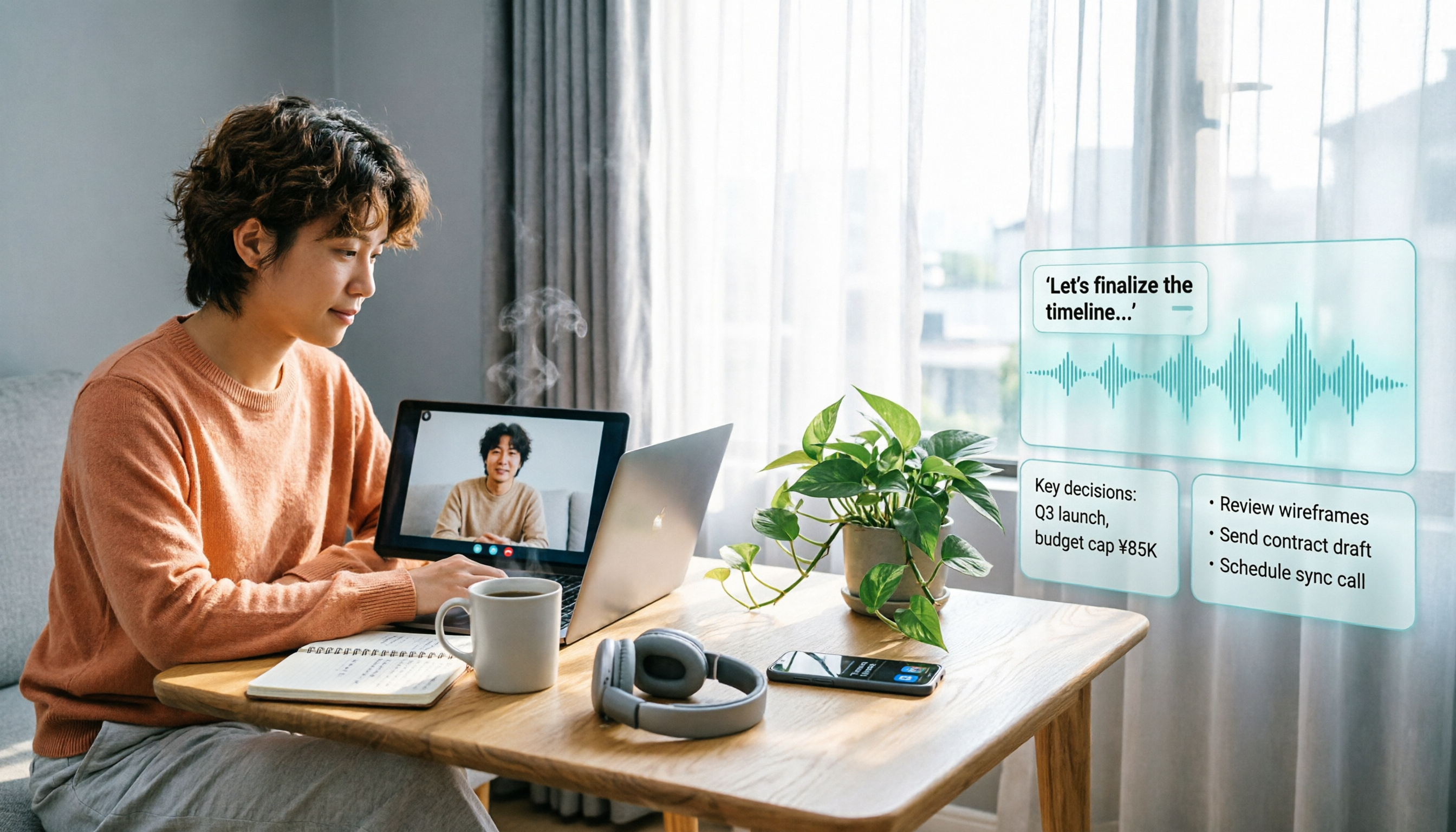
Will LINE Screen Recording Be Detected in 2026? Real Tests + Tinrec Transcription Guide
Will LINE recording be detected? This guide covers notification behavior for iOS and Android screen recording, differences among third-party recording apps, and legal considerations. It also explains how to use Tinrec to turn LINE calls and meeting recordings into transcripts, summaries, and action items so your recordings become searchable and citable.
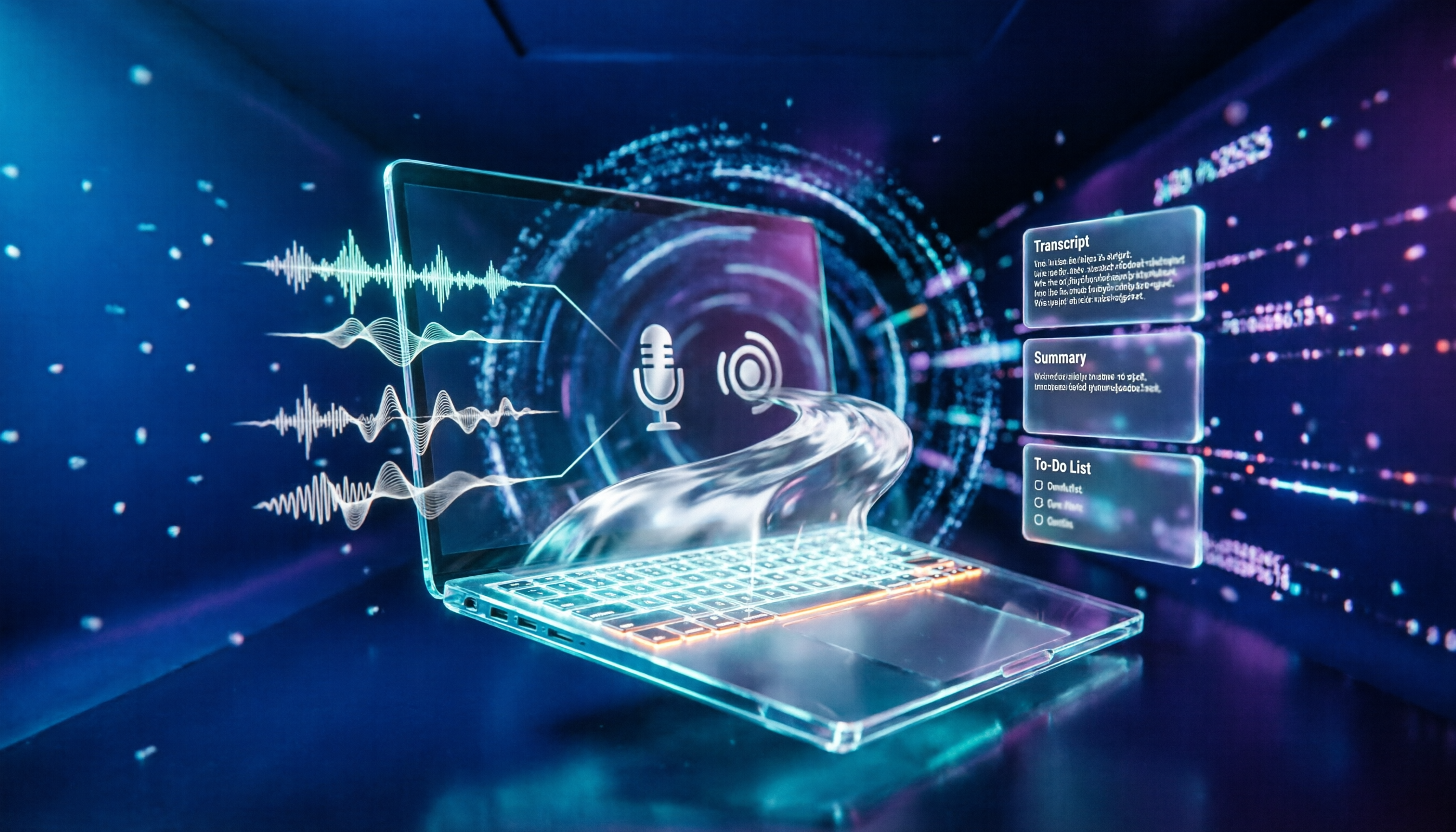
4 Windows Recording Tools Tested in 2026: Is Built-in Enough?
Does Windows have a recording feature? Yes, both Windows 10 and Windows 11 include a built-in recording app that requires no installation. This article compares four Windows recording tools: the built-in Voice Recorder, Audacity, Notta, and Tinrec. It explains the differences between recording microphone and system sound, hidden limits of free tiers, four common pitfalls, and how to turn meeting recordings into searchable, queryable transcripts, summaries, and action items.

2026 Comparison of 4 Meeting Recording Tools: Is Workplace Recording Legal? Whose AI Summarization Saves the Most Time?
Is workplace recording legal? This article outlines the legal keys to lawful recording from a practical standpoint and tests 4 meeting recording and organization tools, comparing Chinese transcription, AI summaries, team collaboration, and pricing to help you find the most suitable meeting notes solution within legal boundaries.

LINE Video Call Beauty Filters: Mobile vs Desktop Comparison (2026)
Does LINE video calling support beauty filters? Yes, and the mobile and desktop versions work differently. This article compares LINE mobile and desktop (version 7.8+) beauty features across 5 dimensions: where to find them, adjustable options, filters and backgrounds, supported call types, and whether settings are saved. We break down the differences and offer recommendations based on your usage scenario.
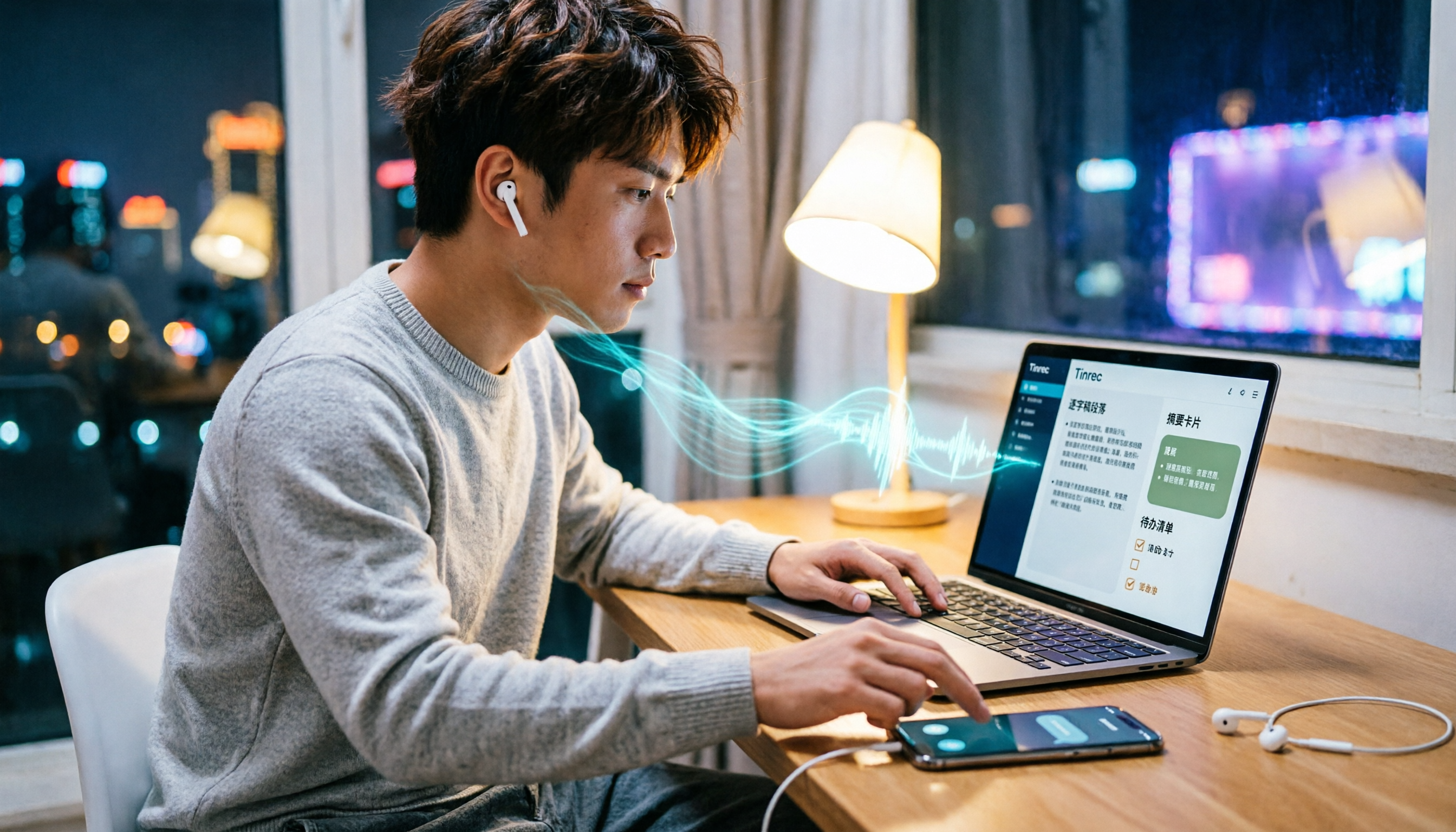
4 Ways to Record LINE Calls in 2026: Will the Other Person Know?
Will the other person know if you record a LINE call? This article compares four methods: iPhone's built-in screen recording, Android screen recording, third-party recording apps, and external recording devices. It explains which methods notify the other party and which might leave traces, and provides a practical workflow using Tinrec to turn recordings into transcripts, summaries, and action items.

5 Ways to Record LINE Calls in 2026: iPhone, Android, or PC — Which Is Most Reliable?
LINE doesn't have a built-in call recording feature, but there are 5 workarounds. This guide compares iPhone, Android, PC, and external device methods, including how they work, their limitations, and legal considerations. It also shows how to send your recorded calls to Tinrec to generate transcripts, summaries, and action items—so you don't have to rely on memory after hanging up.

4 Meeting Transcription Tools Tested in 2026: Which One Actually Turns Recordings into Meeting Minutes?
Tired of spending time after meetings writing up minutes? This hands-on comparison tests Tinrec, Otter.ai, Notta, and Granola on transcription accuracy, AI post-processing, meeting recording methods, and team collaboration. We also cover key buying factors and common pitfalls to help you find a tool that truly turns meeting recordings into usable meeting minutes.

iPhone Built-in Call Recording vs Tinrec in 2026: 5-Dimension Comparison — Which Should You Choose for Meeting Notes?
Can iPhone record calls while you're on the phone? iOS 18 supports it in some regions, but with many limitations. This article compares iPhone built-in call recording and Tinrec across 5 dimensions — compliance, recording source, post-meeting organization, cross-platform use, and team collaboration — to help you find the best meeting notes solution.