

Turn recordings into transcripts and summaries in minutes
Upload audio or video for multilingual transcription, AI notes, and action items
The 2 PM weekly meeting just ended, and your manager drops a message in the group chat: "Who got all three conclusions written down?" You open your notebook and see only half a page, plus two lines of abbreviations even you can't decipher.
Online meetings are even messier. You're listening, typing, and responding all at once, and in the end, nothing gets recorded properly.
This is exactly the problem that "real-time transcription plus automatic summarization" aims to solve: while the meeting is still going, text appears in sync; as soon as the meeting ends, key points and action items are already organized. This article compares 4 tools side by side and clarifies what you really need to look at when choosing one.
Discovering missed key points after the meeting isn't about your memory
Listening, thinking, responding, and taking notes simultaneously during a meeting is inherently against human nature. It's even more obvious when multiple people are talking over each other—you've just written down the first point, and the discussion has already jumped to the third topic.
Re-listening to recordings afterward also takes time. For a 60-minute meeting, even at 2x speed, plus dragging the timeline back and forth to find key sections, you often lose another half hour.
If the meeting involves a foreign language or mixed Chinese-English, the difficulty goes up another notch. You understand the gist, but when you need to quote a client verbatim, you can only rely on impression.
These problems aren't about "lack of focus"—they're about using the wrong tools. With the right tool, the entire process can be compressed from two hours to a few minutes.
Before choosing a real-time transcription tool, understand these 4 key points
1. How "real-time" is "real-time"? Some tools start transcribing only after recording ends, while others display text on screen as soon as you finish a sentence. The difference is whether you can verify content accuracy while the meeting is still ongoing. Only truly real-time transcription can be used during the meeting itself.
2. Can the summary be used directly? Many tools generate summaries, but some just feed the transcript to a model for a rough overview, reading like a bland log. A good summary is organized into sections, captures key points, and lists action items separately—who's responsible and when it's due, visible at a glance.
3. Does it require an extra "bot" to join the meeting? Traditional meeting assistants use a bot account to join your Zoom or Teams, adding an extra participant on screen. Some attendees may find this intrusive or require prior notification. Another approach captures system audio directly from your computer without adding any participants.
4. Is the free tier enough to test its real capabilities? It's advisable to first check what the free version offers. Chinese meeting recognition performance, sentence segmentation for multiple speakers, and accuracy of technical terms all need to be tested with your own recordings. Also watch out for tools that limit single-session length—if a meeting exceeds 10 minutes, they become useless.
Tinrec—the one I recommend most after testing
Tinrec is an AI meeting notes and collaboration tool for individuals and teams, supporting iOS, Android, desktop, and web versions, and handling Chinese, Traditional Chinese, and multilingual meetings.
Its most practical feature is "bot-free" recording. The desktop version directly captures your computer's system audio, so when handling online meetings on Zoom, Google Meet, Microsoft Teams, Webex, etc., no bot needs to be invited. For those who frequently meet with external clients, this is a big plus—no more explaining "that account is just for recording."
Stop organizing recordings by hand
Upload audio or video and automatically get a transcript, summary, and action items
Second is "you can keep using it after recording." During the meeting, the transcript is generated in sync; after it ends, summaries, chapters, key points, and action items are automatically created. More importantly, there's AI Q&A—you can directly ask it "Who mentioned the budget cap in the last meeting?" or "Who was assigned to handle acceptance testing this time?" It finds answers semantically rather than dumping keywords for you to sift through. During recording, you can also view the original text, translation, or bilingual content.
Third is team collaboration. Tinrec for Teams centralizes transcripts, summaries, and action items in a shared team space. Members can search, follow up, and continue working on past meetings; admins can set roles and seats, view usage trends, query and export audit logs, and transfer resources when members leave.
For plans, individuals can start with the free version to experience basic quotas. Short-term projects have a weekly pass, and for long-term stable use, there's a Pro monthly and annual plan. The team version offers a 7-day trial for first-time eligible users (1 free seat, 300 minutes of shared team import quota); paid seats are USD 29.80/month, or USD 199 annually (about USD 16.58/month), with each paid seat including 2,000 minutes of shared team import quota per month. Under an active team plan and seat, real-time recording currently does not deduct minutes; file and web imports use the shared team quota.
Note that actual Chinese recognition performance is still affected by recording quality, background noise, accents, and overlapping speakers. For important content, I replay with transcript timestamps to verify—this applies to any tool.
If you frequently handle Chinese meetings, don't want a bot joining, and want to use AI to find key points right after recording, Tinrec is currently the smoothest choice.
Besides Tinrec, what other options are there?
Otter.ai: A mature English meeting assistant. The Basic free version offers a generous 300 minutes per month. Pro annual billing is about USD 8.49/user/month, including 1,200 minutes of in-app recording per month. If your meetings are almost entirely in English, it's smoother than Tinrec. But if you need Chinese and Traditional Chinese meeting notes plus a team space for data retention, Tinrec's combination is more complete.
Granola: Also bot-free, using desktop system audio and microphone for real-time transcription, combined with your handwritten notes to generate content. Business is USD 14/user/month. However, it doesn't save meeting audio files or support uploading pre-recorded audio. If you need to keep recordings for later verification or import existing files, only Tinrec can do that.
Notta: Covers multi-platform transcription, meeting notes, file import, and translation. Pro annual billing is about USD 8.17/month (1,800 minutes per month). The free version offers 120 minutes per month with a 3-minute limit per session, making full testing restrictive. In comparison, Tinrec's desktop version can directly record system audio without needing a bot to join the meeting.
Pitfall guide: 3 most common mistakes when choosing a real-time transcription tool
Pitfall 1: Mistaking "record then transcribe" for "real-time." Some tools require uploading the entire recording for processing before you see any text—these are completely useless during a meeting. If you need to verify content while meeting, make sure it displays sentence-by-sentence in real time, not queued for transcription.
Pitfall 2: Only looking at free minutes, not single-session limits. A high free quota doesn't mean it's usable. Some services limit single recordings to just a few minutes, which stalls a formal meeting. When choosing, look at both "monthly total" and "single-session length" so you don't discover after trial that it's unusable.
Pitfall 3: Buying a tool but only using it as a voice recorder. If you only use a transcription tool to "turn voice into text," you're using only a third of its capabilities. For example, Tinrec's AI Q&A lets you ask "What was the conclusion of this meeting?" right after recording, much faster than manually scrolling through 30 minutes of transcript; action item extraction and summary chapters work the same way.
Finally, a reminder: recording and transcription involve personal data and communication privacy. Before recording, inform attendees and obtain consent, and comply with local regulations.
Conclusion: Which one should you choose?
Need Chinese and Traditional Chinese meeting notes → Tinrec Don't want a bot joining but need to record online meetings → Tinrec Want to use AI to query key points and find action items right after recording → Tinrec Need to switch between phone, tablet, and computer → Tinrec Meetings almost entirely in English, budget is $0 → Otter.ai
I suggest starting with Tinrec's free version, testing Chinese recognition and summary quality with one of your real meetings, and considering an upgrade only if it works well—no need to pay upfront.
References
Turn every recording into actionable outcomes
Get 60 free transcription minutes when you sign in. No credit card required.
Related Reading
You might also like
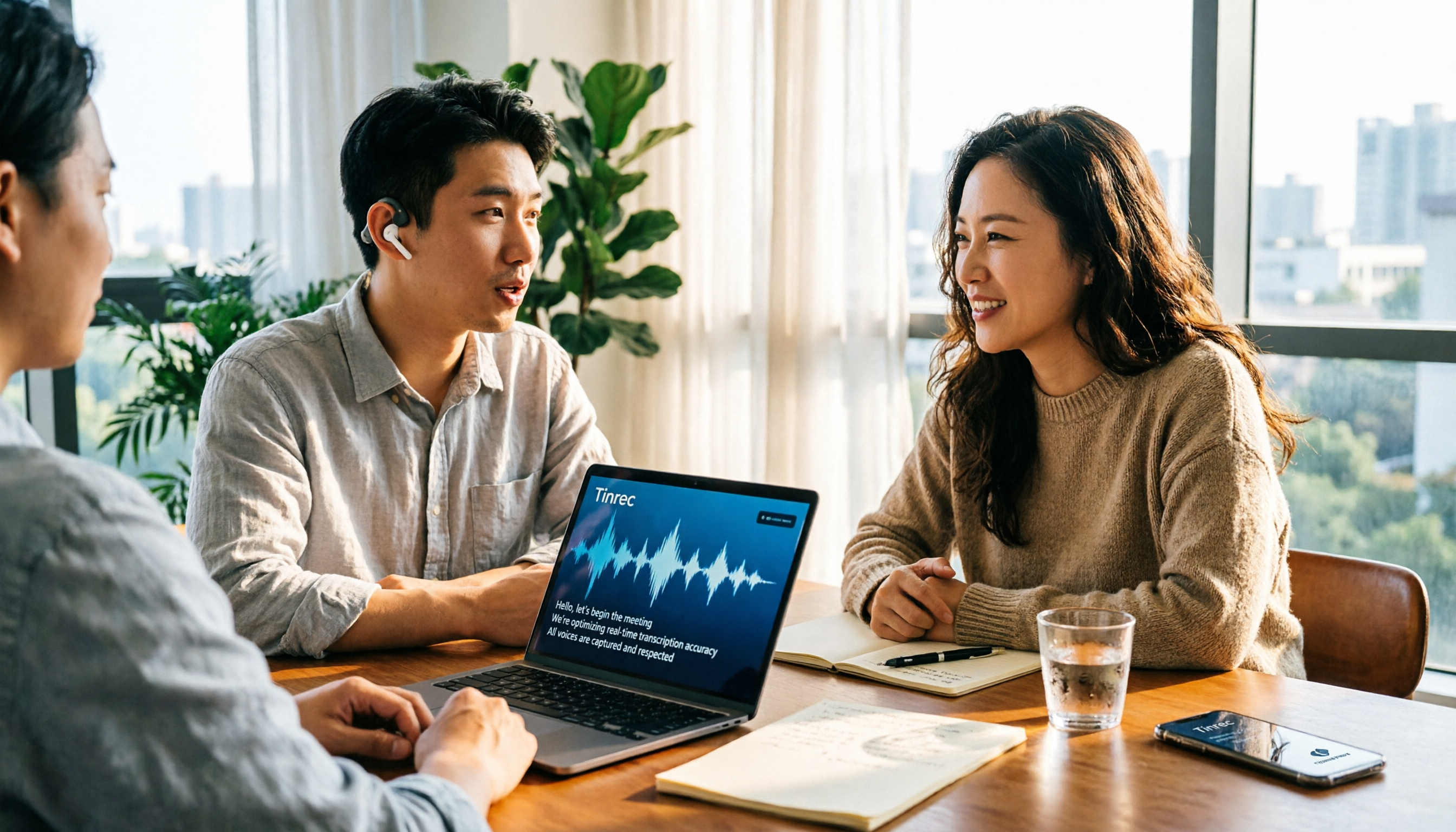
4 Free Real-Time Transcription Tools Compared in 2026: A Generous Free Tier Doesn't Always Mean It's Enough
When looking for a free real-time transcription tool, most people make the wrong choice from the start. This article tackles common misconceptions, first clarifying the difference between "real-time" and "upload," and the three hidden limitations of free plans. It then compares Tinrec, Yating Transcription, cSubtitle, and Otter.ai to help you find a free meeting transcription solution that's actually sufficient.

2026 Live Transcription Tools Compared: Which Free Version Actually Transcribes as You Speak?
What does live transcription mean, and how is it different from recording first and uploading later? This article starts with a clear definition, then covers 5 key points to understand before choosing a live transcription tool. It compares Tinrec, Otter.ai, Granola, and PLAUD in real-world use, and includes common pitfalls and buying advice to help you decide which one truly fits your needs.

2026 Tinrec Review: Real-Time Transcription Without Meeting Bots + AI Q&A for Meeting Notes
Is real-time transcription worth it? This review breaks down 4 key factors for choosing a live transcription tool, focusing on Tinrec (秒聽錄音) and its no-bot online meeting recording, post-meeting AI Q&A, action item organization, and team spaces. We also compare Yating, Otter.ai, and Granola to help you decide which tool fits your needs.

2026 Live Transcription AI Comparison: Which Tool Best Handles Chinese Meetings and Post-Meeting Organization?
How to choose a live transcription AI? This article compares Tinrec, Otter.ai, Notta, and Granola across four aspects: meeting capture methods, Chinese recognition, post-meeting organization, and team collaboration, helping you find the best live transcription tool for your needs.

2026 Live Transcription Tools Compared: Which AI Meeting Assistant Works Best for Chinese?
Tired of re-listening to recordings to write meeting minutes? We tested four live transcription tools—Tinrec, Yating, Notta, and Otter.ai—comparing how they capture online meetings, AI summaries and action items, Chinese and mixed-language recognition, free tiers, and team data ownership. Includes a pitfalls guide and scenario-based recommendations to help you choose the right tool for your meeting needs.

5 Live Transcription Tools Tested in 2026: Which Handles Chinese Meetings Best?
How do you choose a live transcription tool? This article starts from the real pain points of Chinese meetings, outlines 4 key buying factors, and compares Tinrec, Yating Transcription, Otter.ai, and Notta after hands-on use. It honestly lists free quotas, team pricing, and pitfalls to avoid, helping you find the most convenient one.
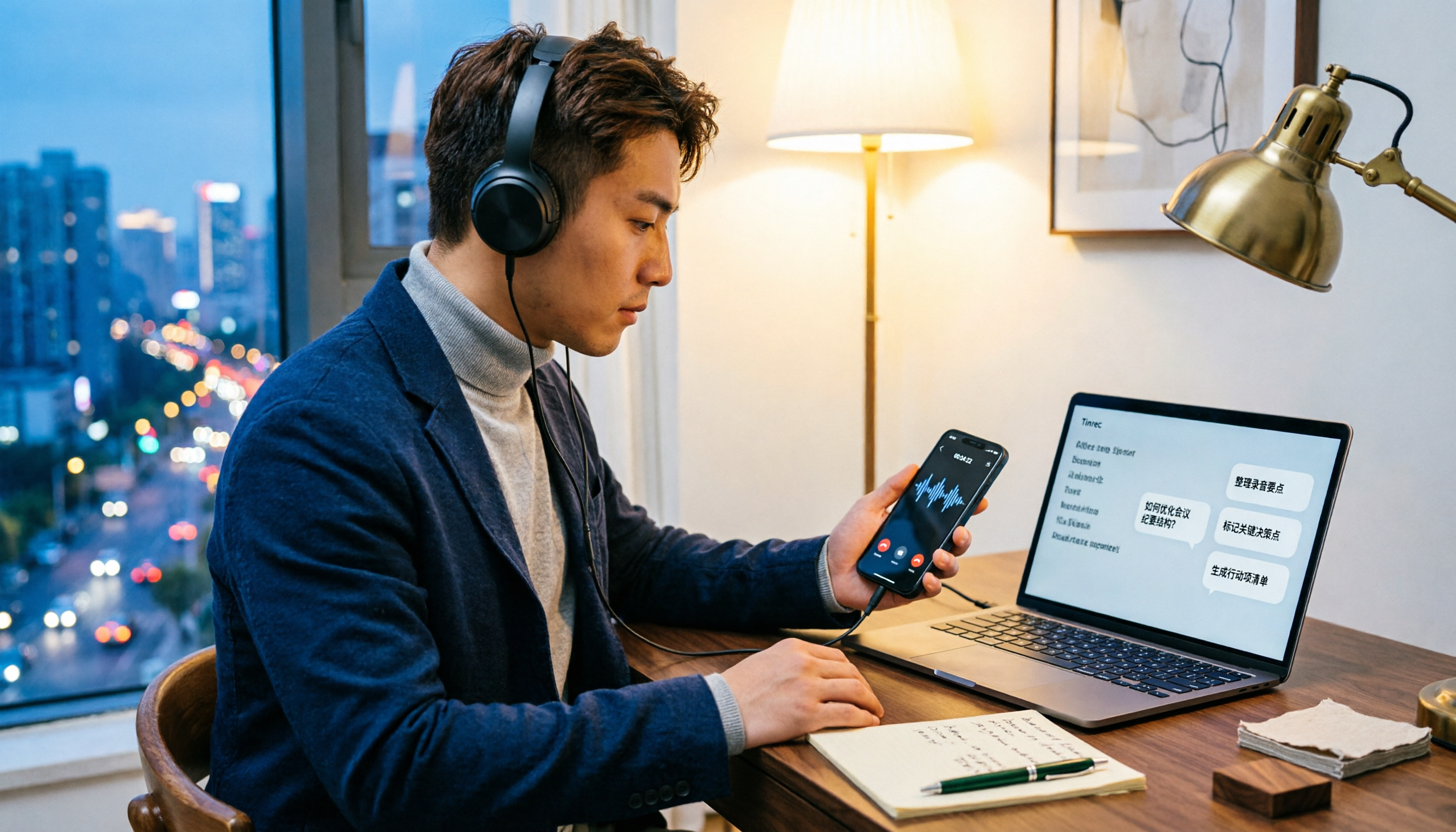
5 LINE Call Recording Methods Tested for 2026: Which Works Best for iPhone, Android, or AI Tools?
LINE doesn't have built-in call recording due to privacy protection and no third-party access, making "just record it" a hassle. This guide covers 5 practical methods—from iPhone built-in capture, Android screen recording, external recording devices, to AI tools—and compares post-recording efficiency. It explains why Tinrec's transcription, AI Q&A, and action item extraction make it the most practical final step for LINE call recording.

5 Best Video Conferencing Software in 2026: Which Free Version Is Enough?
Many people ask what video conferencing software is available. This article reviews 5 common options in 2026: Google Meet, Zoom, Microsoft Teams, Cisco Webex, and LINE. It compares free version limitations, use cases, and paid thresholds, and demonstrates how to use Tinrec to record online meetings without a bot, generate transcripts, summaries, action items, and team data.

2026 Comparison of 3 Audio-to-Text Tools: Can Meeting Notes Automatically Become To-Dos?
Can audio recordings be converted to text? This article compares iPhone's built-in Voice Memos, Otter.ai, and Tinrec from the perspective of a mid-level manager's hands-on testing. It evaluates five dimensions: Chinese recognition, audio file import and retention, bot-free meeting recording, post-meeting summaries and to-dos, and team space governance, offering selection advice based on use cases.