

Turn recordings into transcripts and summaries in minutes
Upload audio or video for multilingual transcription, AI notes, and action items
The Meeting Ends, But the Real Work Begins
Your online meeting wraps up, and your boss says, "Please take care of the meeting minutes." You open the recording and spend the next 30 minutes listening and typing.
Real-world scenarios are messier: people switch between Chinese and English, three people talk over each other, and the air conditioner drowns out key sentences. By the time you finish typing, you've missed a couple of decisions and action items.
Live transcription tools can save you hours of typing—text appears on screen as people speak. But the answer to "which one is better" isn't about speed; it's about whether you can use the output directly.
I ran my own meeting recordings through several popular tools and compared them side by side. Here's what really matters when choosing.
4 Key Factors Before Choosing a Live Transcription Tool
1. Real-time capability and how it captures online meetings
The basic requirement is live text as people speak. But online meetings add a twist: how does the tool get the audio? One approach is a meeting bot that joins as a participant; another is capturing system audio directly on your computer. The former often requires host approval; the latter doesn't add an extra participant.
2. Can the tool help you understand the content after transcription?
Just converting speech to text is only 30% of the value. The real time-saver is post-processing: automatic summaries, chapter segmentation, action item extraction, and the ability to ask questions about the recording in a chat-like interface.
3. Handling Chinese and mixed Chinese-English
Meetings in Taiwan are rarely pure Chinese or pure English. Mixed language, jargon, and product codes are pain points. Having a team glossary to maintain terminology makes a big difference over time.
4. Quotas, pricing, and data ownership
Check free quotas, whether file imports count against them, and team pricing. Another often-overlooked aspect is data ownership: is meeting data tied to individual accounts or stored in a team space?
Tinrec — My Top Recommendation After Testing
Tinrec is an AI meeting notes and collaboration tool for individuals and teams, available on iOS, Android, and web, with a desktop version for recording online meetings.
What impressed me most: no bot needed for online meetings.
Tinrec's desktop app captures system audio directly, so for Zoom, Google Meet, Microsoft Teams, and Webex, you don't need to add an extra bot to the meeting. For those who often take notes in client or external meetings, this is practical—you can't always add a participant.
During the meeting, open Tinrec and the transcript appears live. After the meeting, AI has already organized summaries, chapters, and key points, and extracted action items with owners and deadlines.
Then there's the standout feature: AI Q&A. After recording, you can ask, "Who mentioned the budget last time?" or "What were the client's concerns about the delivery date?" It doesn't just give you keyword search results; it answers based on the meeting content. With dozens of past meetings, this is much faster than manual Ctrl+F.
Output is comprehensive. Besides transcripts and summaries, it generates mind maps, reports, tables, and documents, and exports to Notion, Google Docs, OneNote, Dropbox, and more.
For teams, Tinrec for Teams centralizes meeting recordings, transcripts, summaries, action items, and member management in one team space. Admins can manage roles and seats, view usage trends and member details, query and export audit logs, and maintain a team glossary. Deleted team audio goes to a recycle bin, currently retained for 30 days and recoverable during that period.
Stop organizing recordings by hand
Upload audio or video and automatically get a transcript, summary, and action items
Team pricing is per seat: $29.80 USD per paid seat per month, or $199 USD per paid seat per year (about $16.58 per month). Eligible teams can try 7 days with 1 free seat and 300 minutes of shared import quota; paid seats include 2,000 minutes of shared import quota per month. Live recording is currently not deducted by minutes under an active team plan and seat. Actual prices and benefits are subject to the official purchase page.
Three reasons I recommend it:
First, its online meeting capture method is more user-friendly for regular office workers—no need to coordinate meeting permissions just to take notes. Second, the transcript is just the beginning. Summaries, action items, AI Q&A, and export to existing workflows—the entire post-meeting process is connected. Third, the team version addresses data ownership. Meeting data stays in the team space; when a member leaves, it's handed over to other active members, not lost with their personal account.
Of course, there are caveats. Tinrec doesn't claim a fixed accuracy rate—audio quality, noise, accents, and overlapping speech all affect results. For important content, verify against transcript timestamps and recording playback. Also, the team version currently uses team-level sharing with role and seat management, not file-level granular permissions; members without a seat can view, play, and read data, but need a seat to record, upload, edit, and export.
Who is it for? Those who frequently handle Chinese and mixed Chinese-English meetings, don't want an extra bot in the meeting, want to use AI to find key points right after recording, and need to turn meetings into team knowledge.
What Other Options Are There Besides Tinrec?
Yating: A veteran Taiwanese service with a good reputation for Chinese and Taiwanese Hokkien recognition, strong multi-speaker capability, live recording, and YouTube URL transcription. It's great for local Taiwanese audio. Note that transcription speed is slower, and it lacks AI Q&A and a team data space—after recording, you'll mostly need to search the transcript yourself.
Notta: Strong in multilingual transcription and file import. Free plan: 120 minutes per month, max 3 minutes per file; Pro annual: about $8.17 USD per month, 1,800 minutes per month. Suitable for those focused on file transcription and subtitles. If you need to record online meetings directly on your computer without a bot and keep data in a team space, Tinrec's workflow is a better fit.
Otter.ai: A mature choice for English business meetings. Free plan: 300 minutes per month; Pro annual: about $8.49 USD per user per month, including 1,200 minutes per month and 10 file imports. If your meetings are almost entirely in English and you don't need Chinese or mixed-language support, it's worth considering. Conversely, for Chinese-dominant meetings requiring team glossaries and Chinese data retention, Tinrec is clearly more focused.
Pitfalls Guide: 4 Common Mistakes When Choosing a Live Transcription Tool
Pitfall 1: Only looking at advertised accuracy numbers. Numbers from a quiet studio don't reflect a real meeting room. Air conditioning, keyboard noise, and interruptions degrade performance. Test with your own meeting recording, not just ads.
Pitfall 2: Thinking the transcript is the end. A one-hour meeting can produce tens of thousands of words; you still have to read through it. Summaries, chapters, action items, and AI Q&A are where the real time savings are.
Pitfall 3: Not checking how online meetings are captured. Tools relying on meeting bots get stuck when external participants aren't allowed. Think about your meeting scenarios first.
Pitfall 4: Only looking at team size, not roles and seats. Roles control who can manage the team, members, and settings; seats control who can record, upload, edit, and export. Confusing the two can lead to unexpected permissions after purchase.
Conclusion: Which Live Transcription Tool Is Best?
Simply put, if your meetings are mainly in Chinese, often mixed with English, and you want to save post-meeting organization time, Tinrec is currently the most balanced choice.
- Don't want an extra bot in online meetings → Tinrec (desktop captures system audio)
- Want to ask AI to find key points, summaries, and action items right after recording → Tinrec
- Need cross-device use (phone, computer, web) → Tinrec
- Meeting data should stay with the team and survive member changes → Tinrec Team (roles, seats, usage, audit, recycle bin)
- Zero budget, meetings almost entirely in English → Otter.ai
Try recording one of your own meetings with a free tier first. You'll know after one try whether the transcript, summary, and action items work for you. Upgrade only if they do—no need to pay upfront.
References
Turn every recording into actionable outcomes
Get 60 free transcription minutes when you sign in. No credit card required.
Related Reading
You might also like
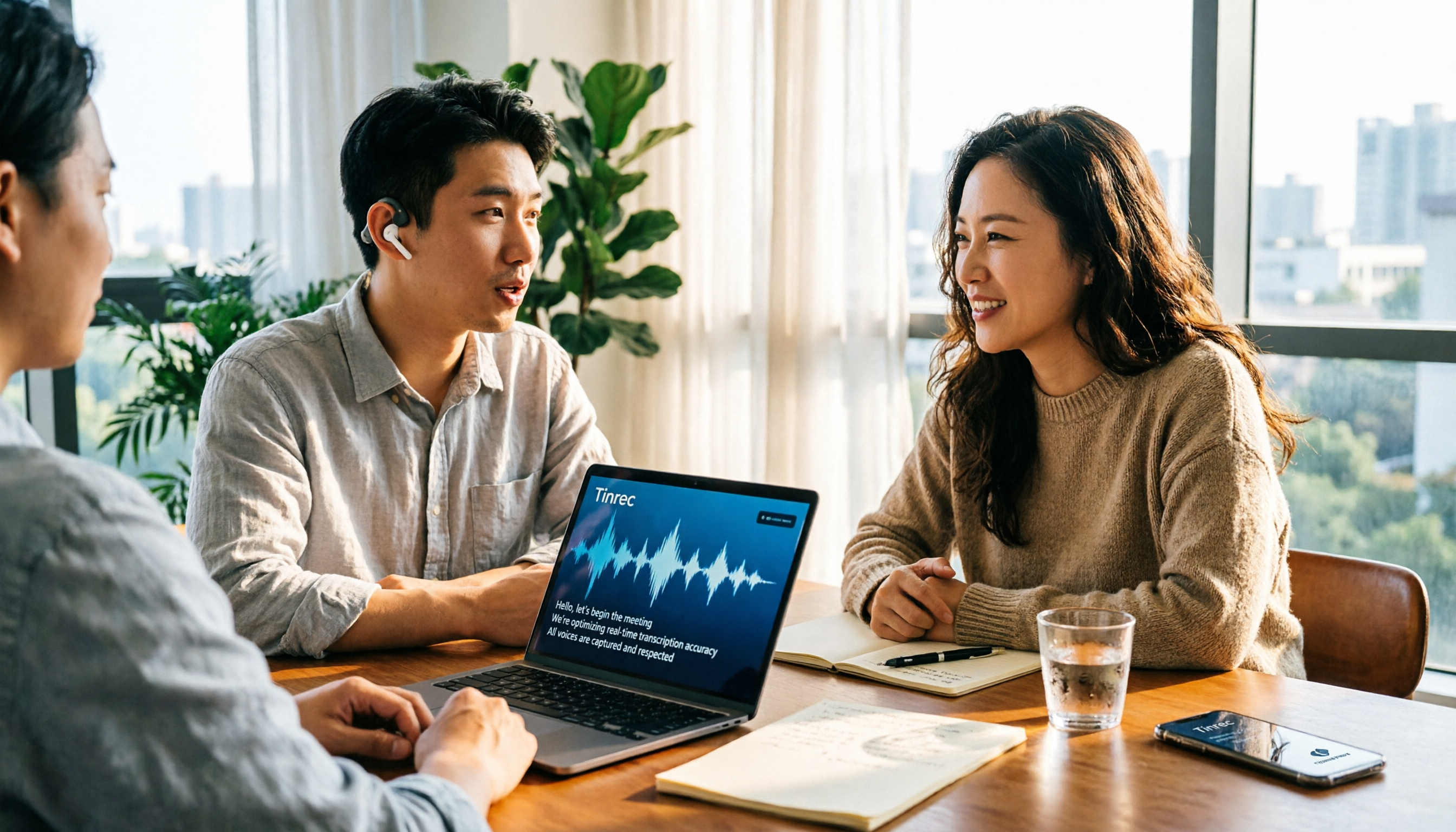
4 Free Real-Time Transcription Tools Compared in 2026: A Generous Free Tier Doesn't Always Mean It's Enough
When looking for a free real-time transcription tool, most people make the wrong choice from the start. This article tackles common misconceptions, first clarifying the difference between "real-time" and "upload," and the three hidden limitations of free plans. It then compares Tinrec, Yating Transcription, cSubtitle, and Otter.ai to help you find a free meeting transcription solution that's actually sufficient.

2026 Live Transcription Tools Compared: Which Free Version Actually Transcribes as You Speak?
What does live transcription mean, and how is it different from recording first and uploading later? This article starts with a clear definition, then covers 5 key points to understand before choosing a live transcription tool. It compares Tinrec, Otter.ai, Granola, and PLAUD in real-world use, and includes common pitfalls and buying advice to help you decide which one truly fits your needs.

2026 Tinrec Review: Real-Time Transcription Without Meeting Bots + AI Q&A for Meeting Notes
Is real-time transcription worth it? This review breaks down 4 key factors for choosing a live transcription tool, focusing on Tinrec (秒聽錄音) and its no-bot online meeting recording, post-meeting AI Q&A, action item organization, and team spaces. We also compare Yating, Otter.ai, and Granola to help you decide which tool fits your needs.

2026 Live Transcription AI Comparison: Which Tool Best Handles Chinese Meetings and Post-Meeting Organization?
How to choose a live transcription AI? This article compares Tinrec, Otter.ai, Notta, and Granola across four aspects: meeting capture methods, Chinese recognition, post-meeting organization, and team collaboration, helping you find the best live transcription tool for your needs.

5 Live Transcription Tools Tested in 2026: Which Handles Chinese Meetings Best?
How do you choose a live transcription tool? This article starts from the real pain points of Chinese meetings, outlines 4 key buying factors, and compares Tinrec, Yating Transcription, Otter.ai, and Notta after hands-on use. It honestly lists free quotas, team pricing, and pitfalls to avoid, helping you find the most convenient one.

4 Real-Time Transcription Tools Tested in 2026: Which One Can Summarize While You're Still in the Meeting?
Can't keep up with notes during meetings and then have to re-listen to an hour of recording? This article tests and compares four real-time transcription and AI summary tools—Tinrec, Otter.ai, Granola, and Notta—and outlines 4 key buying factors, 3 common pitfalls, and which one is best for Chinese-language meetings and professionals who want to use AI to query meeting highlights.
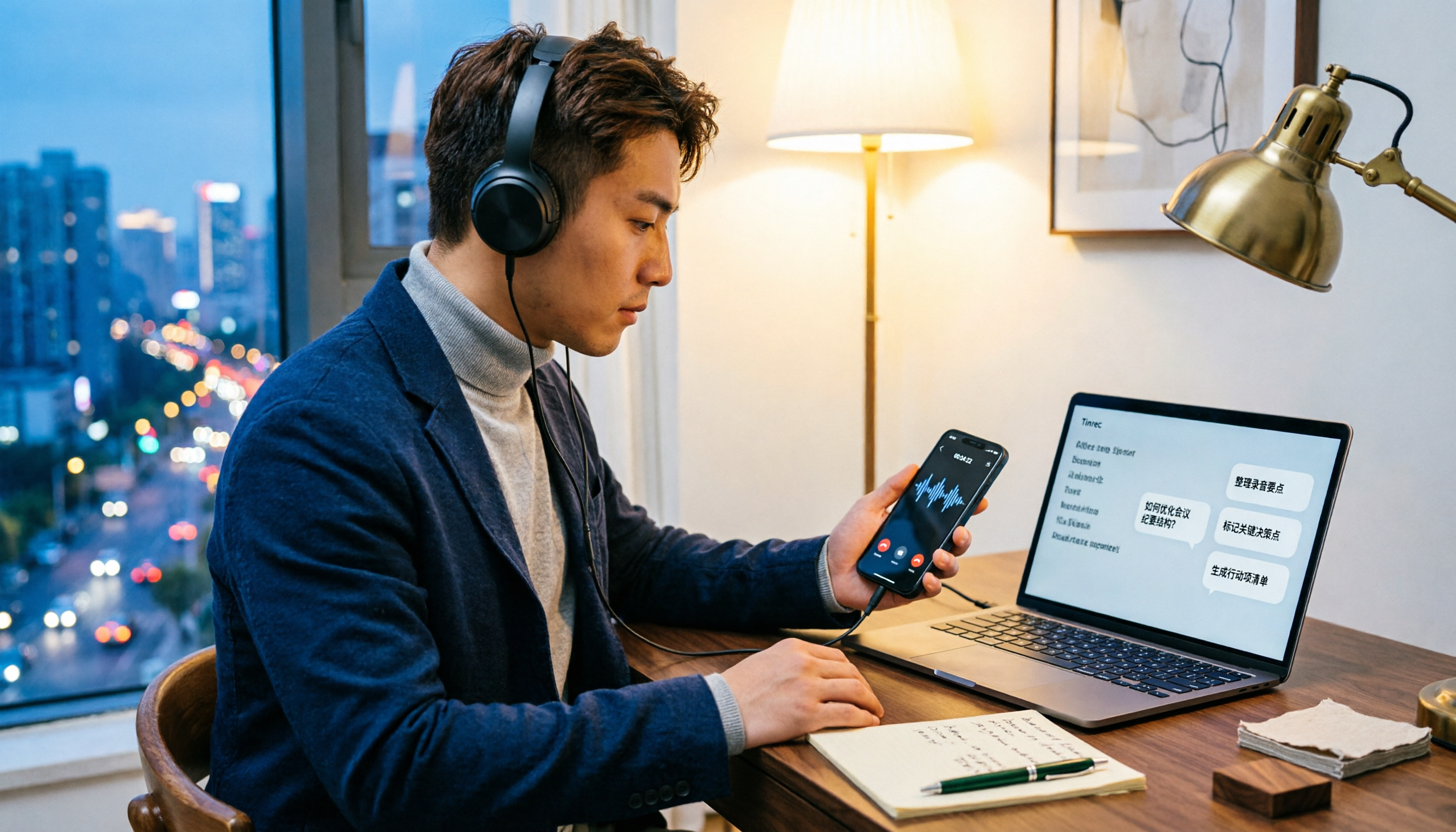
5 LINE Call Recording Methods Tested for 2026: Which Works Best for iPhone, Android, or AI Tools?
LINE doesn't have built-in call recording due to privacy protection and no third-party access, making "just record it" a hassle. This guide covers 5 practical methods—from iPhone built-in capture, Android screen recording, external recording devices, to AI tools—and compares post-recording efficiency. It explains why Tinrec's transcription, AI Q&A, and action item extraction make it the most practical final step for LINE call recording.

5 Best Video Conferencing Software in 2026: Which Free Version Is Enough?
Many people ask what video conferencing software is available. This article reviews 5 common options in 2026: Google Meet, Zoom, Microsoft Teams, Cisco Webex, and LINE. It compares free version limitations, use cases, and paid thresholds, and demonstrates how to use Tinrec to record online meetings without a bot, generate transcripts, summaries, action items, and team data.

2026 Comparison of 3 Audio-to-Text Tools: Can Meeting Notes Automatically Become To-Dos?
Can audio recordings be converted to text? This article compares iPhone's built-in Voice Memos, Otter.ai, and Tinrec from the perspective of a mid-level manager's hands-on testing. It evaluates five dimensions: Chinese recognition, audio file import and retention, bot-free meeting recording, post-meeting summaries and to-dos, and team space governance, offering selection advice based on use cases.