

Turn recordings into transcripts and summaries in minutes
Upload audio or video for multilingual transcription, AI notes, and action items
2026 Live Transcription Tools Compared: Which Free Version Actually Transcribes as You Speak?
What Does “Live Transcription” Mean? Most People Get It Wrong at Step One
Many people hear “live transcription” for the first time and assume it means: record a meeting, upload it to a website, and wait a few minutes for a text file.
That is not live transcription. That is “audio file to text.” Live transcription means text appears on your screen as you speak, with no need to upload a file first or wait in a processing queue.
Another common misunderstanding: thinking live transcription always requires a “meeting bot” to join the meeting room. In fact, some tools now capture the sound playing from your computer directly, without needing an extra account sitting in the meeting.
So why does this matter?
Spending two hours in a meeting and then another two hours replaying the recording to pull out key points is a daily routine for many office workers. A one-hour interview can take another hour to transcribe manually. If text can appear right behind the conversation, you are not just saving typing time—you are saving the entire “go back and re-listen” phase.
The problem is that every tool on the market claims it can do this, but real-world performance varies widely. The following points will help you filter out half the unsuitable options.
Before Choosing a Live Transcription Tool, Understand These 5 Key Points
1. Is it “transcribe as you speak” or “record first, transcribe later”?
Both approaches have their users. Live transcription suits meetings, interviews, and on-site notes; record-first suits organizing historical archives. Note that some tools only offer file transcription and no true live mode. Before buying, confirm whether the screen shows text appearing while recording.
2. How are online meetings captured?
A common approach is sending a meeting bot to join the meeting. Another is capturing the computer’s system audio from a desktop app. A bot needs to be invited into the meeting room, and some companies or clients may object to an extra unknown account. Desktop capture does not add a participant. In external meetings, this difference is obvious.
3. Can you use the output directly after transcription?
If a tool only gives you a transcript, you still have to read through it yourself. Whether it can automatically produce summaries, chapters, and action items, and whether you can ask questions directly about the content, determines whether you save 30 minutes or 3 hours.
4. Chinese, mixed Chinese-English, and bilingual needs
Meetings in Taiwan are rarely pure Chinese or pure English. Mixed Chinese-English, product codes, and internal company abbreviations are all accuracy killers. Whether you can customize team hotwords and view original text and translation side by side while recording makes a big practical difference.
5. Free quota and team collaboration
Free versions often have limits: maximum length per session, monthly minutes, and whether you can export. Also distinguish between “personal tools” and “team spaces”—if meeting data stays only in a personal account, it all leaves when an employee resigns.
Tinrec — Our Top Pick After Testing
Tinrec is an AI meeting notes and collaboration tool for individuals and teams, supporting iOS, Android, and web, with desktop handling online meetings. It does more than turn sound into text; it organizes meetings into searchable, summarizable, queryable, and exportable data.
Live recording to text: Press record during a meeting, and text appears on screen along with the conversation. It suits in-person meetings, interviews, and on-site notes, with no need to wait for transcription after the meeting.
No-bot recording for online meetings: This is its most distinctive feature. The desktop version captures the computer’s system audio directly, so when handling Zoom, Google Meet, Microsoft Teams, Webex, and other meetings, you do not need to invite a meeting bot. Note that you still need to open Tinrec yourself to start recording; it is not the kind of mode that automatically joins all calendar meetings.
The real value comes after transcription: After the meeting, Tinrec generates summaries, chapters, and action items, and can convert them into a mind map. Even better is AI Q&A—after recording, you can directly ask “Who mentioned the budget in the last meeting?” and it gives you the answer instead of dumping a list of keywords for you to search through. This question-based way of finding key points is the biggest difference from pure transcription tools.
Stop organizing recordings by hand
Upload audio or video and automatically get a transcript, summary, and action items
Cross-language meetings: During recording, you can switch between original text, translation, or bilingual content, and it can handle mixed Chinese-English meetings. The team version also lets you maintain team hotwords, adding internal product codes and project names to improve recognition of technical terms. Honestly, accuracy has no standard answer; it is affected by recording quality, noise, accents, and multiple people talking over each other. We recommend testing a real meeting from your own company.
What the team version does: The team version is not multiple people sharing one account; it is an independent team space. Meeting data belongs to the team. Members without a seat can still view, play, and read; members with a seat can record, upload, edit, and export. Admins can manage roles, seats, sharing permissions, usage trends, and audit logs. Accidentally deleted audio can be recovered from the recycle bin (retained for 30 days). When a member leaves, data does not leave with them and can be handed over to other members.
Plans and pricing: The personal version includes a free plan, weekly pass, Pro monthly, and Pro annual. If you occasionally organize a recording, start with the free plan. For short periods of intensive meetings, consider the weekly pass. If you have steady weekly needs, look at Pro or annual. The team version currently offers a 7-day trial for first-time eligible users, 1 free seat, and 300 minutes of shared team import quota; paid seats are USD 29.80 per seat per month, or USD 199 per seat per year (about USD 16.58 per month), with each paid seat providing 2,000 minutes of shared team import quota per month. Note that live recording under an active team plan currently does not deduct minutes, but file and web link imports use the shared team quota. Prices and promotions are subject to the official purchase page.
Who it suits: For people who need Chinese and mixed Chinese-English meeting notes, do not want a bot joining the meeting, want to use AI to find key points right after recording, and need meeting data to stay within the team, Tinrec is currently the closest fit. Its limitation is also clear: if your main need is batch-converting hundreds of historical files into text, that is not its focus.
Besides Tinrec, What Other Options Are There?
Otter.ai: A mature AI meeting assistant. Its free plan offers 300 minutes per month, which is generous, and Pro annual billing is about USD 8.49 per user per month. It has the strongest experience for English business meetings. If 90% of your meetings are in English, it can be more cost-effective than Tinrec. But when meetings are mainly in Chinese or mixed Chinese-English, Tinrec is closer to the needs of Taiwanese users in Chinese transcription and team data retention.
Granola: Also takes the no-bot route, using desktop system audio for live transcription and combining it with your own handwritten notes. Business is USD 14 per user per month. Note that it does not support uploading pre-recorded audio files and does not save meeting audio. Tinrec, besides live transcription, can also import existing audio, retain recordings, and keep meetings in a team space for ongoing management.
PLAUD Note / NotePin: A representative of AI recording hardware. NotePin is priced at USD 159, Note Pro at USD 189, with membership plans separate. Physical devices have their appeal, suitable for portable notes and phone call recording. But if you want online meetings plus cross-device live transcription, Tinrec does not require buying another device; phone, web, and desktop can handle it.
Pitfall Guide: The 4 Most Common Mistakes When Choosing Live Transcription
Pitfall 1: Confusing “live” with “upload then transcribe.” Many tool homepages are vague, and you only discover after using them that you need to upload an audio file and wait. The simple test is whether it has a live screen where text appears while recording.
Pitfall 2: Only looking at official accuracy claims. Those numbers usually come from quiet environments. Real meeting rooms have air conditioning, keyboard sounds, and multiple people talking over each other, so performance drops. We recommend taking a recording of your own meeting and testing it with the free quota before deciding.
Pitfall 3: Ignoring the hassle of meeting bots. When an unknown account suddenly joins an external meeting, clients usually ask who that is. Using desktop system audio capture avoids this awkwardness.
Pitfall 4: Treating the transcript as just a transcript. If a tool only outputs text, you still have to spend time rereading it. Features like Tinrec’s summaries, action items, and AI Q&A handle the “find key points” task at the same time—after recording, just ask it what the meeting conclusion was, which is much faster than manually flipping through a 30-minute transcript.
Conclusion: Which One Should You Choose?
In one sentence: if you need Chinese meetings, no-bot recording, and the ability to ask follow-up questions and collaborate after the meeting, Tinrec is our top pick.
- Chinese / mixed Chinese-English meetings, need transcribe-as-you-speak → Tinrec (Chinese experience and live transcription are its strong suit)
- Do not want a bot joining Zoom, Meet, or Teams meetings → Tinrec (desktop captures system audio)
- Want to use AI to ask key points and pull action items right after recording → Tinrec (AI Q&A and post-meeting output)
- Meeting data must stay with the team and be handed over when members change → Tinrec Team (team space, seats, usage, and audit)
- Zero budget, meetings almost entirely in English → Otter.ai (free 300 minutes, worthwhile for English scenarios)
We suggest starting with the free version and running it on a meeting you actually need to record, to see whether the transcript and summary can be used directly. Upgrade only if it fits; no need to pay from the start.
References
- Live Transcription Service | Transcribe App & Web Editor
- Yating Transcription
- Transcript - Wikipedia, the free encyclopedia
- Audio Typing Transcripts. For subtitles, find the Suke Da professional team - How to audio type transcripts
- Online AI speech, video, and audio file automatic transcription - Free trial - cSubtitle
Turn every recording into actionable outcomes
Get 60 free transcription minutes when you sign in. No credit card required.
Related Reading
You might also like
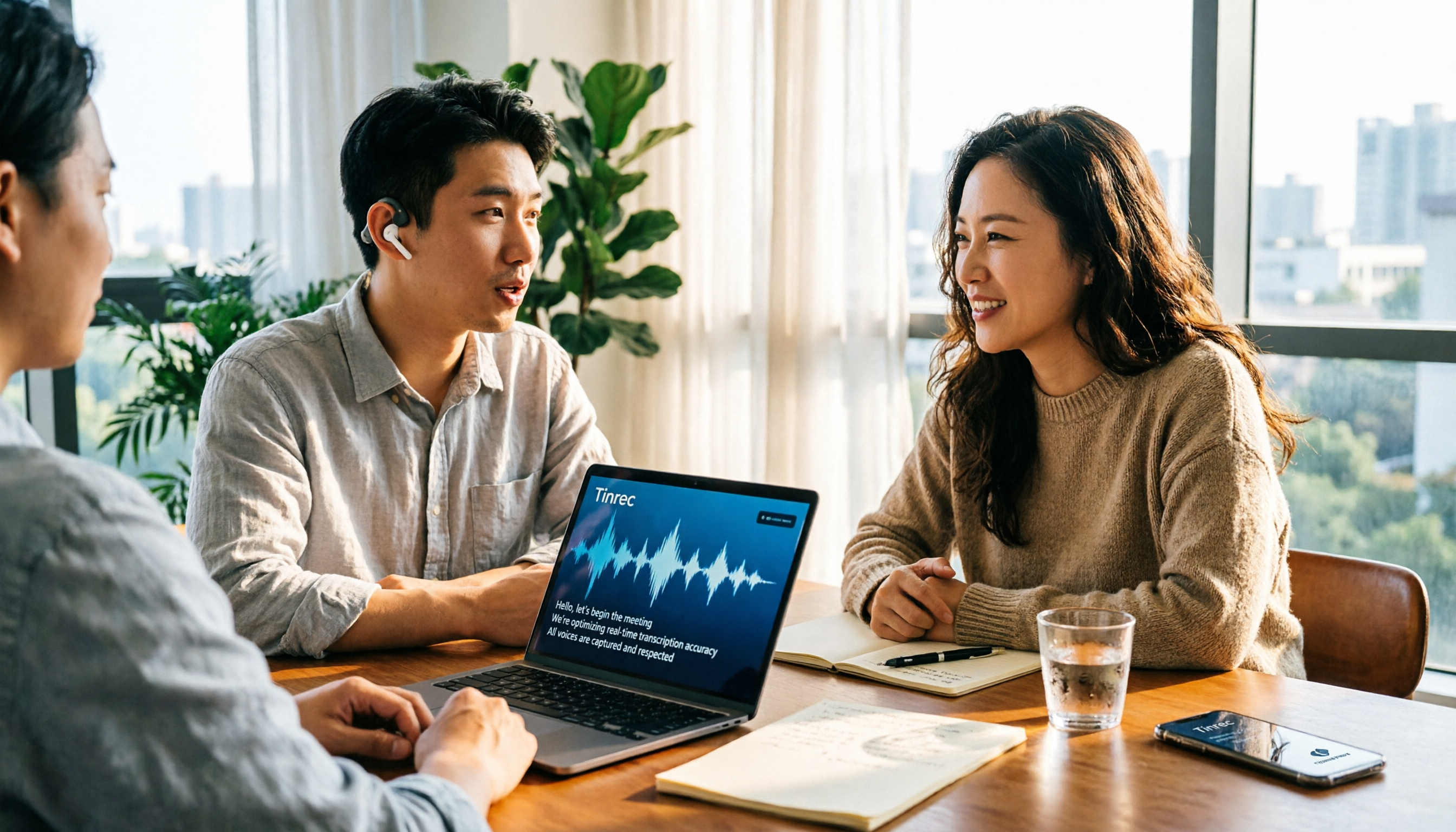
4 Free Real-Time Transcription Tools Compared in 2026: A Generous Free Tier Doesn't Always Mean It's Enough
When looking for a free real-time transcription tool, most people make the wrong choice from the start. This article tackles common misconceptions, first clarifying the difference between "real-time" and "upload," and the three hidden limitations of free plans. It then compares Tinrec, Yating Transcription, cSubtitle, and Otter.ai to help you find a free meeting transcription solution that's actually sufficient.

2026 Tinrec Review: Real-Time Transcription Without Meeting Bots + AI Q&A for Meeting Notes
Is real-time transcription worth it? This review breaks down 4 key factors for choosing a live transcription tool, focusing on Tinrec (秒聽錄音) and its no-bot online meeting recording, post-meeting AI Q&A, action item organization, and team spaces. We also compare Yating, Otter.ai, and Granola to help you decide which tool fits your needs.

2026 Live Transcription AI Comparison: Which Tool Best Handles Chinese Meetings and Post-Meeting Organization?
How to choose a live transcription AI? This article compares Tinrec, Otter.ai, Notta, and Granola across four aspects: meeting capture methods, Chinese recognition, post-meeting organization, and team collaboration, helping you find the best live transcription tool for your needs.

2026 Live Transcription Tools Compared: Which AI Meeting Assistant Works Best for Chinese?
Tired of re-listening to recordings to write meeting minutes? We tested four live transcription tools—Tinrec, Yating, Notta, and Otter.ai—comparing how they capture online meetings, AI summaries and action items, Chinese and mixed-language recognition, free tiers, and team data ownership. Includes a pitfalls guide and scenario-based recommendations to help you choose the right tool for your meeting needs.

5 Live Transcription Tools Tested in 2026: Which Handles Chinese Meetings Best?
How do you choose a live transcription tool? This article starts from the real pain points of Chinese meetings, outlines 4 key buying factors, and compares Tinrec, Yating Transcription, Otter.ai, and Notta after hands-on use. It honestly lists free quotas, team pricing, and pitfalls to avoid, helping you find the most convenient one.

4 Real-Time Transcription Tools Tested in 2026: Which One Can Summarize While You're Still in the Meeting?
Can't keep up with notes during meetings and then have to re-listen to an hour of recording? This article tests and compares four real-time transcription and AI summary tools—Tinrec, Otter.ai, Granola, and Notta—and outlines 4 key buying factors, 3 common pitfalls, and which one is best for Chinese-language meetings and professionals who want to use AI to query meeting highlights.
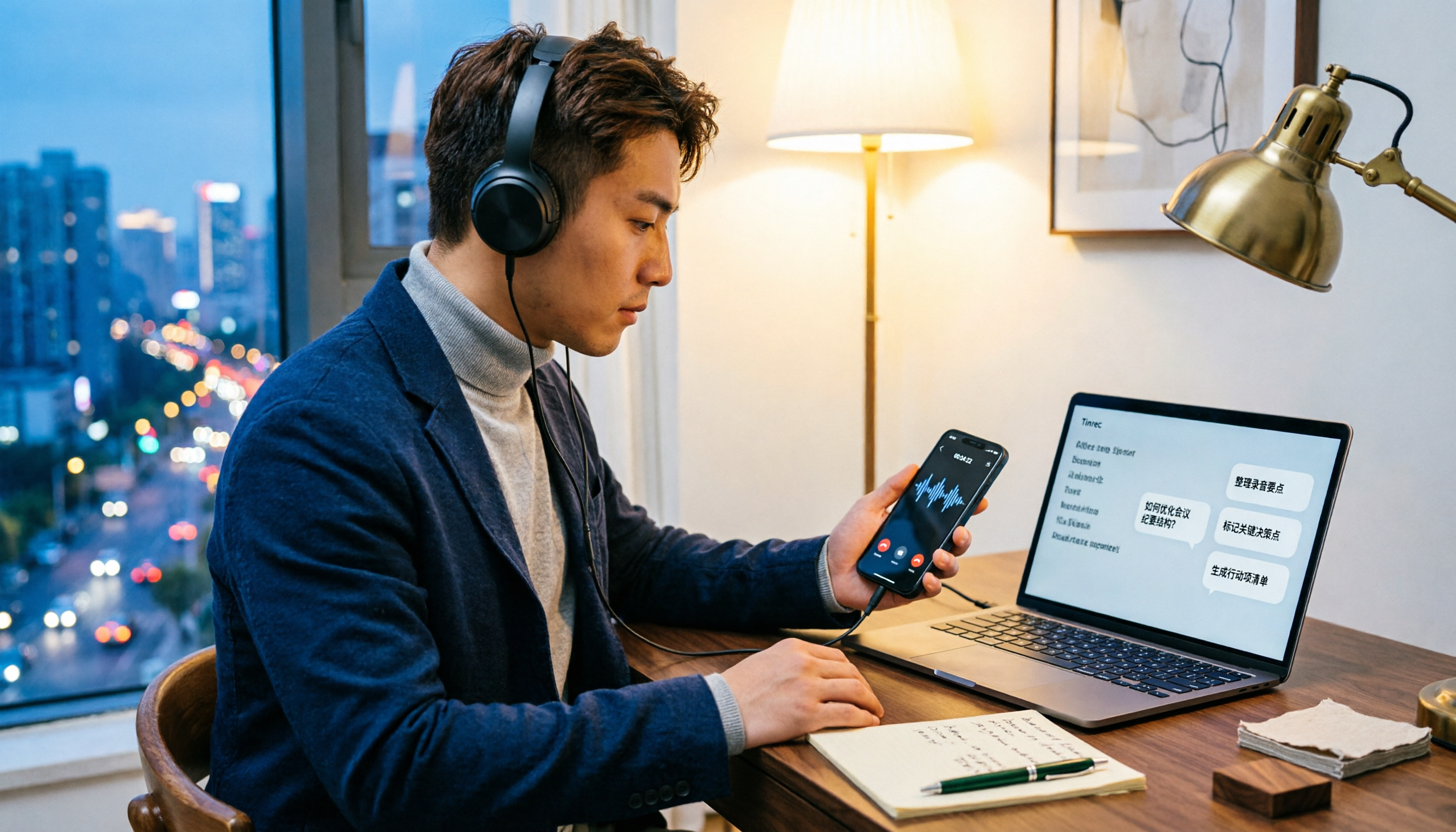
5 LINE Call Recording Methods Tested for 2026: Which Works Best for iPhone, Android, or AI Tools?
LINE doesn't have built-in call recording due to privacy protection and no third-party access, making "just record it" a hassle. This guide covers 5 practical methods—from iPhone built-in capture, Android screen recording, external recording devices, to AI tools—and compares post-recording efficiency. It explains why Tinrec's transcription, AI Q&A, and action item extraction make it the most practical final step for LINE call recording.

5 Best Video Conferencing Software in 2026: Which Free Version Is Enough?
Many people ask what video conferencing software is available. This article reviews 5 common options in 2026: Google Meet, Zoom, Microsoft Teams, Cisco Webex, and LINE. It compares free version limitations, use cases, and paid thresholds, and demonstrates how to use Tinrec to record online meetings without a bot, generate transcripts, summaries, action items, and team data.

2026 Comparison of 3 Audio-to-Text Tools: Can Meeting Notes Automatically Become To-Dos?
Can audio recordings be converted to text? This article compares iPhone's built-in Voice Memos, Otter.ai, and Tinrec from the perspective of a mid-level manager's hands-on testing. It evaluates five dimensions: Chinese recognition, audio file import and retention, bot-free meeting recording, post-meeting summaries and to-dos, and team space governance, offering selection advice based on use cases.