

Turn recordings into transcripts and summaries in minutes
Upload audio or video for multilingual transcription, AI notes, and action items
5 Live Transcription Tools Tested in 2026: Which Handles Chinese Meetings Best?
Two-Hour Meeting, Two More Hours Organizing Notes—The Problem Isn't That You're Not Trying Hard Enough
After an online meeting, your boss casually asks, "Who was responsible for that thing last week?" You only remember the gist, but the transcript is scattered across three different apps.
Chinese meetings are even trickier. With mixed Chinese and English, Taiwanese terms, and multiple people talking over each other, many tools produce text that isn't just hard to read—you have to read it again to understand what everyone was talking about.
If you've been in these situations, this article is for you. The difference between a good and bad live transcription tool is never about whether it can transcribe, but about how much time you still have to spend cleaning up afterward.
Before Choosing a Live Transcription Tool, Understand These 4 Key Points
1. Does it transcribe live as people speak, or only after uploading? The value of live transcription is seeing text during the meeting, so you can immediately check if you missed something. Tools that only accept audio uploads are good for organizing past recordings, but they can't help with a meeting in progress.
2. Chinese and Taiwanese term recognition performance Many tools score well on English benchmarks but fall short in Chinese meetings. Actual performance is affected by recording quality, background noise, accents, and overlapping speech. Official numbers are only a reference; we recommend testing with a recording of your own meeting.
3. What you can do after transcription Getting only a transcript means trading typing time for reading time. The real time-saver is automatic summaries, chapters, action items, and even the ability to ask questions directly about the meeting content.
4. How free quotas work and cross-platform support Some tools charge by upload minutes, others limit file length. Also check whether audio recorded on your phone can be further organized on your computer.
Tinrec—Our Top Recommendation After Hands-On Use
Tinrec is an AI meeting notes and collaboration tool for individuals and teams. It supports live recording, online meeting transcription, audio/video file import, and live translation, turning meeting content into searchable, summarizable, and queryable data.
Transcript appears in real time during the meeting The desktop version captures your computer's system audio directly, so for online meetings like Zoom, Google Meet, Microsoft Teams, and Webex, you don't need to invite a meeting bot. This is especially noticeable in external meetings—clients won't see an unfamiliar account on the participant list. Note that recording requires you to actively open Tinrec to start; it's not a bot that automatically joins every meeting on your calendar. Also, please comply with local laws and get participant consent before recording.
After recording is where it stands out The system automatically generates summaries and chapters, organizes action items, and even produces mind maps. Even better is AI Q&A: you can directly ask "What was the conclusion about the budget in this meeting?" and it will give you the answer from the content, without you having to scroll through a 40-minute transcript. When you need to deliver after the meeting, you can further generate reports, tables, and documents.
Chinese and multilingual meetings It covers Chinese, Traditional Chinese, and multilingual meeting scenarios, supports mixed Chinese-English content, and allows you to view in original, translated, or bilingual mode during recording. Actual recognition performance is still affected by recording quality, noise, accents, and technical terminology. For important content, we recommend cross-checking with the transcript timestamps and recording. The team version also allows maintaining team hotwords to make product names and proper nouns more consistently recognized.
Stop organizing recordings by hand
Upload audio or video and automatically get a transcript, summary, and action items
Export and team knowledge retention It supports multiple export formats and can be taken to Notion, Google Docs, OneNote, Dropbox, etc. for further processing. If meetings are shared by a team, the team version provides an independent team space to centrally store recordings, folders, and action items, with governance capabilities such as member and role management, seat management, usage analytics, audit logs, and an audio recycle bin (retained for 30 days). Note that the team version currently focuses on team-level sharing; members can view team data, and only after obtaining a seat can they record, upload, and edit. It is not file-level granular permissions.
Pricing and limitations, honestly The personal version offers a free plan, weekly pass, Pro monthly, and Pro annual. If you only occasionally organize a recording, the free version is enough. The team version offers a 7-day trial for first-time eligible users, 1 free seat, and 300 minutes of team shared import quota; team monthly is USD 29.80 per paid seat per month, annual is USD 199 per paid seat per year (about USD 16.58 per month), each paid seat provides 2,000 minutes of team shared import quota per month, and live recording under an active plan is currently not deducted by minutes. Actual prices, currencies, and benefits are subject to the official purchase page.
Who it's for If you have Chinese meetings every week, need summaries and action items afterward, and want to share the same data between phone and computer, Tinrec is currently the most convenient choice.
Besides Tinrec, What Other Options Are There?
Yating Transcription: A veteran Taiwanese tool, its strength is Chinese and Taiwanese Hokkien recognition. It can distinguish multiple speakers and has some grasp of Taiwanese Mandarin and mixed Chinese-English. If your need is simple—turning a Chinese recording into text—it's worth a try. According to public information, its free quota is limited and transcription speed is slower; plan details are subject to the official website. Also, it lacks AI Q&A for asking questions about meeting content, so you still have to find key points yourself after transcription.
Otter.ai: A veteran choice for English meetings, with a free plan of 300 minutes per month. It's quite mature for English business meetings and has recently added desktop capabilities. But it's not the main arena for Chinese meetings. If your meetings are almost entirely in English, you can prioritize it; if mostly Chinese, the organization flow is still not smooth.
Notta: It offers multi-platform transcription, meeting notes, file import, and translation, with good multilingual performance and a team plan (according to official pricing, Business annual is about USD 16.67 per seat per month). It overlaps significantly with Tinrec; the difference is that Tinrec emphasizes bot-free desktop recording, post-meeting AI Q&A and Agent post-processing, and role and seat governance in team spaces.
Pitfall Guide: The 4 Most Common Mistakes When Choosing Live Transcription
Pitfall 1: Only looking at official accuracy claims. Marketing numbers are usually measured in quiet environments. Real meeting rooms have air conditioning, keyboard sounds, and people talking over each other—that's where the gap shows. We recommend testing the free version with one of your own meetings; that's more accurate than reading ten reviews.
Pitfall 2: Confusing "live" with "upload." Do you need to see text during the meeting, or organize audio files afterward? These two needs correspond to different tools; buying the wrong one is a waste of money.
Pitfall 3: Using it only as a dictation tool. If you only use it to transcribe text, you're only using part of its capabilities. After recording, directly asking "What was the conclusion of this meeting?" is much faster than manually scrolling through a 30-minute transcript.
Pitfall 4: Ignoring team data ownership. Several people sharing a personal account seems like a money-saver, but when a member leaves, the data goes with them. The team version is essentially an independent space where resources belong to the team, and when members change, resources can be handed over to other members.
Conclusion: Which One Should You Choose?
- Chinese meetings, need summaries, action items, and Q&A afterward → Tinrec
- Hosting Zoom, Meet, Teams on computer, don't want a bot in the meeting → Tinrec
- Record on phone, organize on computer, share the same data → Tinrec
- Want meeting data to stay with the team, not follow individuals → Tinrec Team
- Almost only record English meetings → Otter.ai
Overall, if you have several Chinese meetings to handle every month, Tinrec will be the least hassle. We recommend starting with the free version, recording a meeting you truly care about, and seeing if the transcript, summary, and action items work for you before deciding whether to upgrade—there's no need to pay from the start.
References
- No time limit! 3 free AI transcription tools, highly recommended! AI voice notes generate meeting minutes, presentations, mind maps | 104 Career Power
- Yating Transcription
- No more transcription hassle! AI transcription helps you! Comparison review of 9 major transcription tools
- [AI Voice Notes] 5 highly recommended AI transcription tools! Generate transcripts and meeting notes highlights, free vs subscription, pros and cons comparison | 104 Career Power
- Live transcription service | Transcribe App & Web Editor
Turn every recording into actionable outcomes
Get 60 free transcription minutes when you sign in. No credit card required.
Related Reading
You might also like

4 Free Real-Time Transcription Tools Compared in 2026: A Generous Free Tier Doesn't Always Mean It's Enough
When looking for a free real-time transcription tool, most people make the wrong choice from the start. This article tackles common misconceptions, first clarifying the difference between "real-time" and "upload," and the three hidden limitations of free plans. It then compares Tinrec, Yating Transcription, cSubtitle, and Otter.ai to help you find a free meeting transcription solution that's actually sufficient.

2026 Live Transcription Tools Compared: Which Free Version Actually Transcribes as You Speak?
What does live transcription mean, and how is it different from recording first and uploading later? This article starts with a clear definition, then covers 5 key points to understand before choosing a live transcription tool. It compares Tinrec, Otter.ai, Granola, and PLAUD in real-world use, and includes common pitfalls and buying advice to help you decide which one truly fits your needs.

2026 Tinrec Review: Real-Time Transcription Without Meeting Bots + AI Q&A for Meeting Notes
Is real-time transcription worth it? This review breaks down 4 key factors for choosing a live transcription tool, focusing on Tinrec (秒聽錄音) and its no-bot online meeting recording, post-meeting AI Q&A, action item organization, and team spaces. We also compare Yating, Otter.ai, and Granola to help you decide which tool fits your needs.

2026 Live Transcription AI Comparison: Which Tool Best Handles Chinese Meetings and Post-Meeting Organization?
How to choose a live transcription AI? This article compares Tinrec, Otter.ai, Notta, and Granola across four aspects: meeting capture methods, Chinese recognition, post-meeting organization, and team collaboration, helping you find the best live transcription tool for your needs.

2026 Live Transcription Tools Compared: Which AI Meeting Assistant Works Best for Chinese?
Tired of re-listening to recordings to write meeting minutes? We tested four live transcription tools—Tinrec, Yating, Notta, and Otter.ai—comparing how they capture online meetings, AI summaries and action items, Chinese and mixed-language recognition, free tiers, and team data ownership. Includes a pitfalls guide and scenario-based recommendations to help you choose the right tool for your meeting needs.

4 Real-Time Transcription Tools Tested in 2026: Which One Can Summarize While You're Still in the Meeting?
Can't keep up with notes during meetings and then have to re-listen to an hour of recording? This article tests and compares four real-time transcription and AI summary tools—Tinrec, Otter.ai, Granola, and Notta—and outlines 4 key buying factors, 3 common pitfalls, and which one is best for Chinese-language meetings and professionals who want to use AI to query meeting highlights.
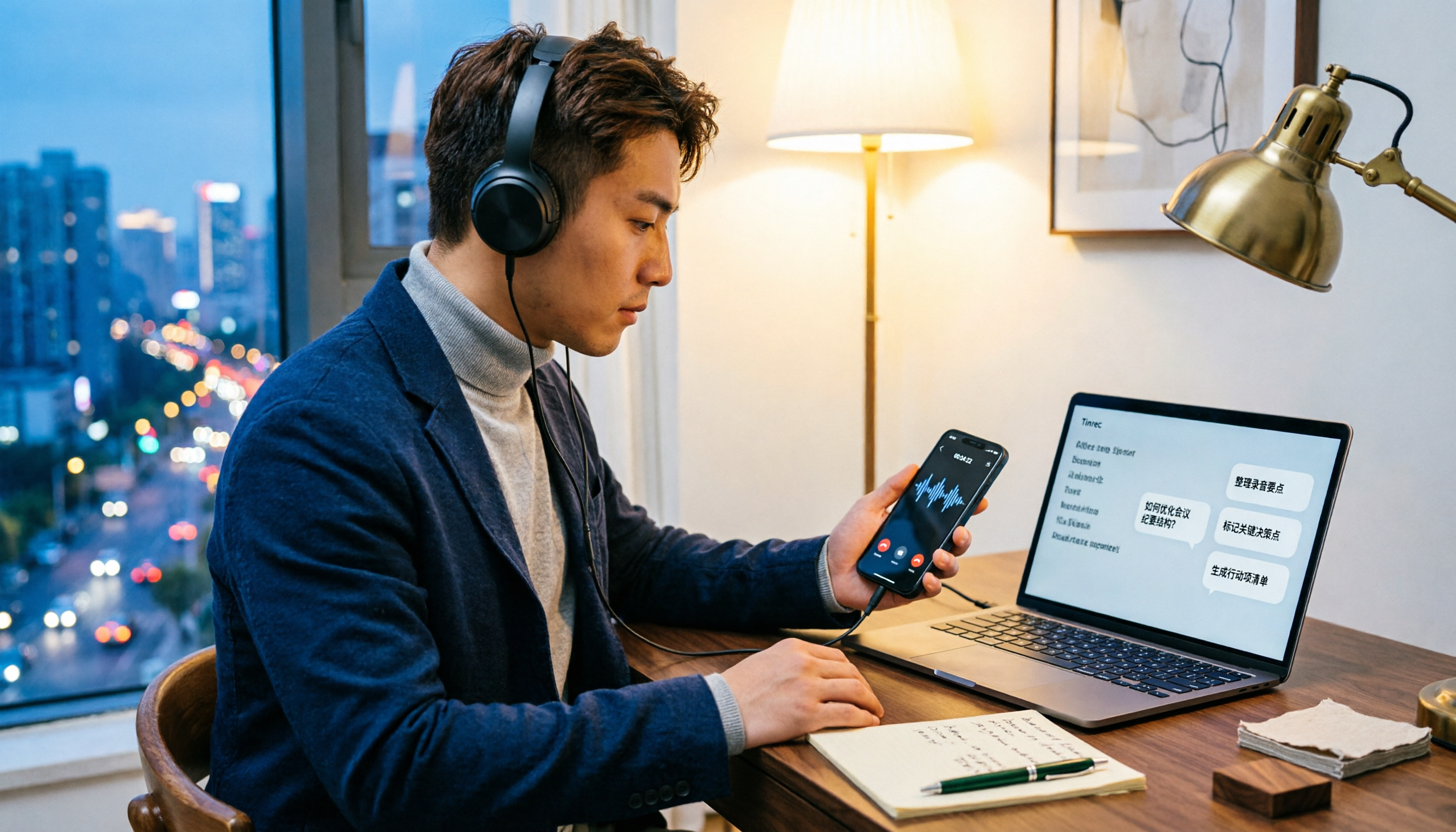
5 LINE Call Recording Methods Tested for 2026: Which Works Best for iPhone, Android, or AI Tools?
LINE doesn't have built-in call recording due to privacy protection and no third-party access, making "just record it" a hassle. This guide covers 5 practical methods—from iPhone built-in capture, Android screen recording, external recording devices, to AI tools—and compares post-recording efficiency. It explains why Tinrec's transcription, AI Q&A, and action item extraction make it the most practical final step for LINE call recording.

5 Best Video Conferencing Software in 2026: Which Free Version Is Enough?
Many people ask what video conferencing software is available. This article reviews 5 common options in 2026: Google Meet, Zoom, Microsoft Teams, Cisco Webex, and LINE. It compares free version limitations, use cases, and paid thresholds, and demonstrates how to use Tinrec to record online meetings without a bot, generate transcripts, summaries, action items, and team data.

2026 Comparison of 3 Audio-to-Text Tools: Can Meeting Notes Automatically Become To-Dos?
Can audio recordings be converted to text? This article compares iPhone's built-in Voice Memos, Otter.ai, and Tinrec from the perspective of a mid-level manager's hands-on testing. It evaluates five dimensions: Chinese recognition, audio file import and retention, bot-free meeting recording, post-meeting summaries and to-dos, and team space governance, offering selection advice based on use cases.