

Turn recordings into transcripts and summaries in minutes
Upload audio or video for multilingual transcription, AI notes, and action items
Why Are PTT Users Looking for Alternatives to Tools Like Notta?
"Who's writing the meeting minutes?" This question pops up on PTT every so often. From requests for small video conferencing equipment to posts asking for online meeting software recommendations in hospitals, the needs are highly consistent: participants can join from phone or computer, clear video, and easy-to-use software.
The real trouble comes after the meeting. Platforms like Zoom, Google Meet, and Microsoft Teams can mostly record meetings, and built-in transcription is becoming more common; general transcription tools like Notta are the main force for turning audio files into text. But transcripts often end up scattered across different platforms or local hard drives. To generate summaries, check who promised what, or hand off to colleagues, you still have to manually organize another round.
If you're also stuck at the 'can record but can't use' stage, Tinrec is worth adding to your comparison list.
Tinrec vs Notta: What's Different in Core Experience?
Meeting Capture Method: Do You Need an Extra Bot to Join? When people ask about tools on PTT, what they care about most is actually 'will it interrupt the meeting flow.' Tinrec's desktop version directly captures the computer's system audio, handling meetings played on the computer via Zoom, Google Meet, Microsoft Teams, Webex, etc., without inviting an extra bot into the meeting room. For external client meetings, having one less unfamiliar account on the list usually means one less awkward moment.
Depth of Processing After Transcription: Is the Transcript the Endpoint? The transcript is just the starting point. After transcription, Tinrec automatically generates summaries, chapters, key points, and action items. When you need to deliver, it can also produce reports, tables, and documents. General transcription tools like Notta focus more on converting files into text, subtitles, and translations. If your expectation is 'to have something ready to deliver right after the meeting,' the endpoints are different.
Chinese and Bilingual Meeting Experience Tinrec provides corresponding processing for Chinese and Traditional Chinese meetings, and also supports real-time translation during recording, allowing switching between original text, translation, or bilingual view, which is especially useful for meetings with mixed Chinese and English. Keep in mind that any tool's actual performance is affected by recording quality, background noise, accents, and overlapping speakers, and shouldn't be summarized with a single number.
Team Data Ownership and Governance A common problem with personal tools is that data follows the person. Tinrec's team version provides an independent team workspace where meeting audio files, folders, and action items are stored together. When a member leaves or is removed, their team resources can be handed over to other active members. Administrators can also view members, seats, usage, and operation logs. If meeting content is a company asset, this layer of design is more critical than mere transcription accuracy.
Free Quota and Trial Methods Most tools have free plans, but the rules for monthly minutes, single-session length, and number of importable files vary. Tinrec's free version offers a basic quota to experience recording, importing, summaries, and transcription. The team version offers a 7-day trial for first-time eligible users, including 1 free seat and 300 minutes of shared team import quota. Testing with a real meeting is more accurate than looking at spec sheets.
Tinrec's Core Features at a Glance
Bot-Free Online Meeting Recording The desktop version directly captures computer system audio, handling meetings played on the computer via Zoom, Meet, Teams, Webex, etc., without inviting a bot to join. Suitable for external client meetings, cross-company discussions, and other occasions where an extra account is inconvenient.
Real-Time Audio-to-Text and Live Translation Open Tinrec and start recording; text is generated simultaneously, so you can check for missed key points during the meeting. For cross-language meetings, switch between original text, translation, or bilingual view, eliminating the need to find a translator afterward.
Stop organizing recordings by hand
Upload audio or video and automatically get a transcript, summary, and action items
AI Summary, Chapters, Key Points, Action Items, and Mind Map The worst part of long meetings is going back through the transcript. Tinrec organizes content into summaries and chapters, extracts action items from discussions, and when you need to grasp the topic structure, you can view it as a mind map, compressing a 2-hour meeting into a few minutes of readable content.
AI Q&A and Agent Post-Processing After recording, you can directly ask follow-up questions in natural language, such as 'What was the conclusion of this meeting?' or 'Who is responsible for which item?' The system provides answers based on semantic understanding, without manually flipping pages. When you need to deliver, it can further generate reports, tables, and documents.
Team Workspace and Member Governance The team version centralizes meeting audio files, folders, and action items in one space, and new members can view historical data. Administrators can manage roles and seats, view usage trends and member details, maintain team hotwords, and query and export operation logs. Accidentally deleted audio files can be restored within the recycle bin retention period.
Real-World Use Cases
Cross-Department Weekly Meetings and Decision Meetings For regular weekly project meetings, the most time-consuming part is often post-meeting organization. Record with Tinrec, and by the end of the meeting, the transcript and summary are ready, action items are directly assigned to people, and before the next meeting, you just open the team workspace to review last meeting's decisions.
Customer Interviews and Sales Meetings Sales and customer success teams need to remember not just the transcript, but what needs the customer mentioned, what objections they raised, and what was promised. Tinrec can organize customer communication into deliverable materials, then export to Notion, Google Docs, OneNote, or Dropbox for further processing.
Classes, Lectures, and External Interviews Research or continuing education often involves content lasting up to 2 hours. By importing audio or video files, Tinrec generates transcripts, summaries, and chapters at once. Later, use AI Q&A to find specific viewpoints, much faster than re-listening to the recording.
Personal Knowledge Accumulation Even casual recordings of your own thoughts or meeting snippets can be searched and queried after being placed in Tinrec. Over time, this content is no longer just files sitting in an album but reusable data.
Points to Consider When Choosing a Smart Meeting Collaboration Platform
Do you need an extra bot to join?: If you often have external meetings, first confirm whether the tool uses system audio capture or requires inviting a bot. The impact on the meeting list and flow is significant.
Are audio files retained and can they be replayed?: Some tools only keep text and not audio. If you value post-meeting verification, confirming the audio retention policy and recycle bin mechanism will give you peace of mind.
Can post-meeting output be used directly?: Transcription is just an intermediate process. Summaries, action items, reports, and export formats are what truly affect your off-work time.
Team data ownership and seat design: Does meeting content belong to the company or the individual? How is data handed over after a member leaves? Confirming the rules for roles, seats, and resource ownership is more important than simply comparing prices.
Quota and trial conditions: Free quotas, single-session length limits, and team trial conditions vary. It's recommended to test with a real meeting before deciding between personal or team versions.
Also note that meeting recording and transcription may involve local regulations and participant consent. Please confirm company policies and relevant regulations before use.
Conclusion: Is Tinrec Worth a Try?
If you've scrolled through PTT recommendations but still haven't found a tool that satisfies all three conditions: 'Chinese meetings, deliverable after the meeting, and shareable within the team,' Tinrec is currently one of the few options that puts these three things into a single workflow. It doesn't require extra hardware, doesn't need to invite a bot to join the meeting, and after recording, it has summaries, action items, AI Q&A, and multi-format export to take over.
Choosing a tool ultimately depends on your work style: for occasional recording organization, the free version is sufficient; for stable weekly meetings, the Pro plan is smoother; if you need to turn meetings into team assets and manage members and usage, you should look at the team version. It's recommended to first run your own meeting recording through the free version to see if the transcript and summary quality meets expectations, then decide whether to go further.
References
Turn every recording into actionable outcomes
Get 60 free transcription minutes when you sign in. No credit card required.
Related Reading
You might also like

2026年4款销售会议记录工具实测对比:免费额度谁最够用?
销售会议记录怎么写?本文拆解业务会议必记的4个字段与可直接套用的骨架,并实测比较 Tinrec、Notta、Granola、Otter.ai 四款工具的中文转写、AI 问答与免费额度,最后给学生与小团队的选用建议。

2026 Smart Meeting Collaboration Platforms Compared: Tinrec vs Granola — Which Is Better for Teams?
How do you choose a smart meeting collaboration platform in 2026? This article compares Tinrec and Granola across key dimensions—bot-free recording, audio retention, Chinese-language experience, post-meeting AI organization, team collaboration, and pricing—to help SMB managers and department heads quickly decide which platform best fits their team.

2026 Smart Meeting Collaboration Tools Compared: Which AI Meeting Assistant Saves the Most Time on Chinese Meeting Notes?
A mid-level manager who attends 15 meetings a week tested four common smart meeting collaboration approaches in 2026: built-in platform transcription, bot-based AI meeting assistants, standalone file transcription tools, and Tinrec, which he ultimately kept. The article covers real-world use cases, core capabilities, five key considerations when choosing a tool, and FAQs, including team plan roles, seats, and meeting data ownership.

Which AI Meeting Collaboration Platform Is Best? 2026 Hands-On Test of 4 Tools—This One Excels at Chinese Meetings
There are many AI meeting collaboration platforms on the market, but most people compare the wrong things. This article hands-on tests 4 tools, breaking down meeting capture methods, Chinese and mixed Chinese-English recognition, post-meeting organization workflows, team data ownership, and pricing. It also shares hands-on experience with Tinrec's bot-free recording, AI Q&A, and team spaces to help you decide which one fits your work rhythm.

Tinrec vs Notta 2026: 5-Factor Comparison for Chinese Meeting Collaboration Platforms
How to choose a smart meeting collaboration platform in 2026? This article addresses common pitfalls, outlines 5 key selection factors, shares hands-on testing highlights of Tinrec, and provides brief reviews and tips for Notta, Otter.ai, and Granola to help Chinese meetings and team knowledge retention find the right solution.

Tinrec vs Otter.ai 2026: 5-Dimension Test - Which Is Better for Chinese Meeting Collaboration?
In 2026, we tested smart meeting collaboration tools, comparing Tinrec and Otter.ai across five dimensions: bot-free recording, Chinese transcription, post-meeting organization, team collaboration, and pricing. We provide practical examples. If you're looking for a Chinese meeting note-taking tool, this hands-on review will help you decide which one suits you better.

2026 Smart Meeting Collaboration Tools Compared: Which One Actually Saves Time After Meetings?
From the perspective of a mid-level manager who holds 15 meetings a week, this article covers 3 latest changes in smart meeting collaboration in 2026, compares 4 common approaches through hands-on testing, and uses 5 buying criteria and 6 FAQs to explain how to choose an AI meeting note-taker and how to ensure post-meeting action items are not missed.
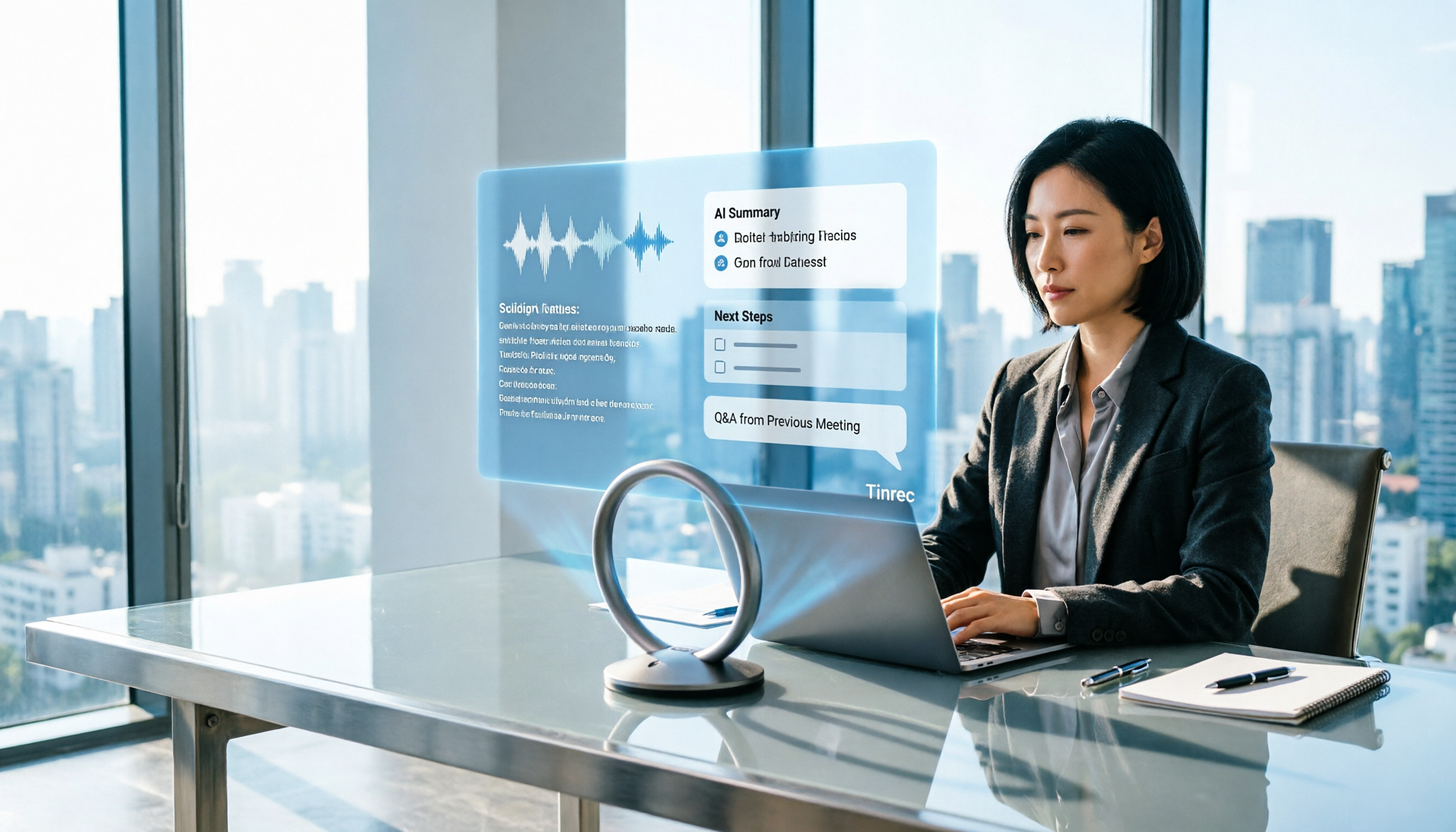
How to Use Tinrec in 2026: AI Meeting Collaboration with Bot-Free Recording & Auto-Generated Meeting Minutes
No one remembers decisions after a meeting? This guide uses Tinrec as an example to show you how to use an AI meeting collaboration platform in 5 steps: from creating a team workspace, recording online meetings without bots, generating transcripts, to AI summaries, action item extraction, and cross-meeting Q&A. It also covers FAQs, advanced tips, and alternatives.

2026 Smart Meeting Collaboration Tools Compared: Which One Actually Saves Time on Meeting Notes?
Many people think finding a speech-to-text tool solves meeting notes, but it just turns typing into reading. This article uses the same mixed Chinese-English meeting recording to test and compare several smart meeting collaboration tools, breaking down key differences like bot-free recording, AI Q&A, action item extraction, team seats, and data ownership, with buying criteria and pitfalls to help you decide which one truly saves time.