

Turn recordings into transcripts and summaries in minutes
Upload audio or video for multilingual transcription, AI notes, and action items
Video voiceovers and meeting notes—you actually need two different tools
Video creators often get stuck at the same point: the visuals are edited, but the voiceover just won't come together. Recording it yourself either picks up background noise or sounds awkward. On the other side, office workers have the opposite pain—after a two-hour meeting, they spend another two hours typing up the recording into a transcript.
One turns text into speech, the other turns speech into text. Many people try to find one tool that does it all, but end up struggling with both. This article first tests TTSMaker, the most commonly searched text-to-speech tool, then discusses what to use for the recording organization side.
4 key points to understand before choosing a text-to-speech tool
1. Are the languages and accents sufficient? Even within Chinese, Taiwanese accents, Cantonese, and different tones sound very different. If the accent is wrong for teaching materials, ads, or YouTube voiceovers, viewers will immediately notice. When choosing a tool, first confirm it has the accent you need, and that you can preview it.
2. Can it be used commercially, and does it have a watermark? Free doesn't mean you can make money with it. Some tools add watermarks or restrict commercial use in their free versions, which becomes a problem when you edit it into a video. You must check the license terms before downloading.
3. Output formats and download options. At minimum, it should download MP3; WAV is even better. If it can only play online and can't be saved, post-production will be a hassle.
4. Are the advanced controls detailed enough? Whether you can adjust speed, volume, pauses, and pitch determines how natural the final product sounds. Teaching materials or voiceovers suffer most when a sentence is read flatly with no pauses where they should be—it sounds like a robot.
TTSMaker review: free, commercial-use, multilingual Chinese voiceover performance
TTSMaker is an online text-to-speech tool, also known as an AI voice generator. The process is simple: paste text, select language and voice, press convert, and you get an audio file you can play or download.
It keeps coming up in search results for three main reasons. First, basic use doesn't require an account—just open your browser and go, no software installation needed. Second, audio files produced by the free plan have no watermark and come with a commercial-use license, which saves costs for freelance editors and teaching material creators. Third, there are quite a few language and voice options; in the official voice list you can find Taiwanese-accented female, male, and child voices, and you can preview before deciding.
Advanced settings are another practical point. Under "More Settings" you can adjust speed and volume, insert pause durations, and some versions can add background music to make the tone less flat. Output formats include MP3 and also WAV and other options, which is friendlier for those who need to import into post-production software. Actual uses are broad: YouTube and TikTok voiceovers, audiobook narration, podcast intros, pronunciation examples for language learning—people use it for all of these.
Stop organizing recordings by hand
Upload audio or video and automatically get a transcript, summary, and action items
Limitations should also be clear. First, every conversion requires passing a captcha; if you need to revise scripts repeatedly and produce in bulk, this noticeably slows things down. Second, some voices in the list require payment; the free selection isn't everything. Third, the longer the text, the longer the conversion wait—be prepared when you're on a deadline.
Who it's for: Individual creators and small teams who need to quickly produce Chinese or Taiwanese-accented voiceovers, have a limited budget, and want commercially usable output.
Besides TTSMaker, what other options are there?
Speechify takes a different approach. It's more like an all-around voice AI assistant that can read web pages, documents, and papers aloud in real time, and syncs across phone, browser, and computer. If what you want is to "hear whatever text is in front of you at any time," its integration is higher; but if you just need to generate a voiceover for a single video file, TTSMaker's one-way generation is actually more direct.
Also, if your problem isn't voiceover but "meeting recordings that never get organized," the tool direction is completely different. For this need, consider Tinrec. It's an AI meeting notes and collaboration tool for individuals and teams, supporting real-time recording-to-text and audio/video file import; the desktop version directly captures computer system audio to handle online meetings on Zoom, Google Meet, Microsoft Teams, Webex, etc., without sending a separate bot to join the meeting. After transcription, it automatically generates summaries, chapters, and action items, and you can ask questions directly about the meeting content, such as "who mentioned the budget in the last meeting," and export results to Notion, Google Docs, and other tools. If the whole team needs to share meeting data, the team version provides independent spaces, member and seat management, usage analytics, audit logs, and an audio recycle bin. Note that actual transcription quality is affected by recording environment, accents, and overlapping speakers; for important content, it's recommended to cross-check with the transcript and original audio.
Pitfall guide: 3 most common mistakes when choosing a text-to-speech tool
Pitfall 1: Only looking at free, not the license. There are many free tools, but before putting audio into a monetized video, you must confirm the commercial terms, otherwise fixing it later is a hassle. TTSMaker's free plan being commercially usable is a selling point, but it's still best to refer to the official page description.
Pitfall 2: Downloading without previewing. Under the same language there may be dozens of voices, with big differences in accent, age, and tone. Be sure to preview before deciding, especially since Taiwanese-accented voice numbers may change with the official list.
Pitfall 3: Treating a voiceover tool as an all-purpose tool. Text-to-speech solves "producing sound"; it won't turn your meeting recording into a transcript. Conversely, meeting transcription tools won't generate voiceovers for you. Clarify which side you need so you don't buy the wrong tool.
Summary: Which one should you choose?
Need voiceovers for videos, teaching materials, audiobooks → TTSMaker. No registration, downloadable MP3/WAV, free plan is commercially usable, many Chinese accent options—a high-value choice for beginner to intermediate creators.
Need real-time reading of web pages and documents, cross-device sync → Speechify. Suitable for commuters listening to papers and heavy daily readers.
Need to turn meeting, interview, and course recordings into transcripts and action items → Tinrec. If you're stuck every day with post-meeting organization, this type of AI meeting notes tool matches the pain point, and the team version can turn meeting data into a shared asset.
First figure out whether you need "text to speech" or "speech to text," then choose your tool—so you don't waste time.
References
- Free Online Text to Speech - TTSMaker
- TTSmaker: The Best Free Online Text-to-Speech Tool | Speechify
- Software Sharing | TTSMaker Free Text-to-Speech Tool
- TTSMaker: Commercially Usable Online Free Text-to-Speech Website | Welfare Bear's Food and Fun Diary
- TTSMaker Online Text-to-Speech Tool, Most Accents, Free AI Voiceover Magic Tool!
Turn every recording into actionable outcomes
Get 60 free transcription minutes when you sign in. No credit card required.
Related Reading
You might also like
2026 Smart Meeting Recorder Review: 5-Step Real Test from Recording to Meeting Minutes
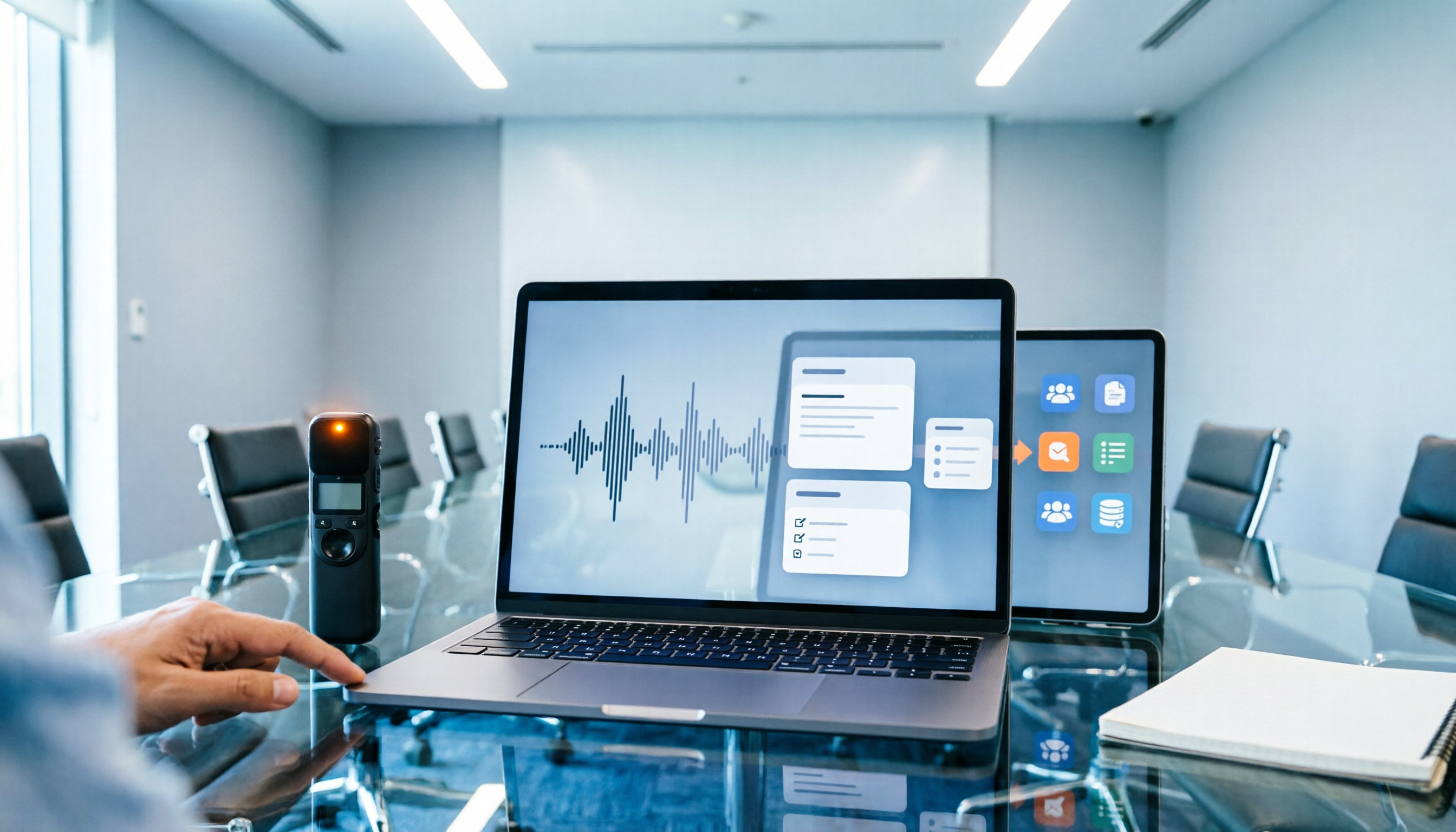
How do you choose between smart recording hardware and meeting transcription software? This article compares Tinrec and PLAUD Note across 5 dimensions: device burden, online meetings, Chinese language processing, post-meeting output, and team knowledge retention. Find out whether you need hardware or a workflow, plus a step-by-step post-meeting organization process you can follow.

Tinrec vs Notta 2026: 5-Dimension Comparison of AI Meeting Minutes Tools
Tired of typing meeting minutes by hand? This article compares Tinrec and Notta across five dimensions—accuracy, meeting capture method, post-meeting processing, team governance, and pricing—and briefly reviews Otter.ai and Granola to help you choose the right AI meeting minutes tool.

2026 Smart Meeting Notes Tools Compared: AI Q&A Is the Real Time-Saver
The cost of meeting notes isn't typing—it's not being able to find or use them later. This article covers four key buying factors and compares smart meeting note tools like Tinrec, Otter.ai, Notta, and PLAUD, explaining why bot-free recording, AI Q&A, action item extraction, and team knowledge retention matter more than transcript length, plus a six-step starter guide you can follow.

Best AI Meeting Notes Tools in 2026: 5 Tested for Processing Time and Chinese Recognition
Where does the time go between a meeting ending and getting the notes? This article focuses on actual processing time, breaking down five stages: upload, transcription, summarization, and export. We tested five AI meeting notes tools for Chinese recognition and post-meeting organization, and explain why Tinrec stands out for saving time with bot-free recording and AI Q&A, plus buying criteria and common pitfalls.

2026 Top 5 AI Meeting Notes Software Compared: Generate Minutes Without a Meeting Bot
We tested 5 AI meeting notes apps in 2026, comparing how they capture meeting audio, transcribe Chinese, organize post-meeting workflows, and support team collaboration. We also detail free plan limits and paid thresholds to help you decide which one truly fits your work scenario.

4 Smart Meeting Notes Apps Compared: How to Choose for Chinese Meetings, Bot-Free Recording, and AI Q&A
The meeting ends, but the pain begins. This article starts from real meeting scenarios and outlines 4 key points for choosing a smart meeting notes app. It compares Tinrec, Otter.ai, Granola, and PLAUD Note on Chinese recognition, recording methods, post-meeting organization, and team collaboration, plus 3 common pitfalls to help you pick the right tool.

What Software to Use for Video-to-Text in 2026? 4 Steps to Choose the Right Tool
What software should you use for video-to-text? This article first points out three common misconceptions, then compares Tinrec and Otter.ai across 5 dimensions: Chinese transcription, input sources, post-meeting organization, team collaboration, and pricing. It ends with selection steps and FAQs.

iFLYTEK Voice Recorder vs Tinrec: Free Transcription Solutions Compared (2026)
Looking for a way to transcribe audio from an iFLYTEK voice recorder? This article compares iFLYTEK voice recorders and Tinrec across five dimensions—hardware needs, online meetings, post-meeting organization, team collaboration, and free plans—to help you decide which fits your workflow.

6 Text Conversion Tools Tested for 2026: How to Choose Between PDF to Text, Scanned OCR, and Meeting Transcription
This article tests and reviews 6 common text conversion tools, covering PDF to Word/TXT, scanned OCR, and meeting audio transcription. If you only need to convert PDF documents into editable text, iLovePDF, Adobe, and Smallpdf each have their strengths; if you want to turn meeting, interview, or lecture recordings into searchable, summarizable, and queryable data, Tinrec is our top choice.