

Turn recordings into transcripts and summaries in minutes
Upload audio or video for multilingual transcription, AI notes, and action items
2026 Comparison of 3 Smart Meeting Notes Tools: Which Is Best for Chinese Meetings and Follow-Ups?
A two-hour meeting followed by two hours of organizing notes—this is probably a cycle many office workers repeat every week. In 2026, AI meeting notes tools have become quite mature, but with so many choices, it's actually harder to decide.
This article focuses on three tools often compared together: Tinrec, Otter.ai, and Granola. It first provides an overall overview, then breaks down Tinrec and Otter.ai—the two with the most overlapping features—across five dimensions. The following content is based on each product's publicly announced features and pricing; please refer to the official purchase pages for actual plans and amounts.
Tinrec vs Otter.ai | Quick Overview
Tinrec is an AI meeting notes and collaboration tool for individuals and teams, focusing on "what to do after recording": transcripts, summaries, chapters, action items, AI Q&A, export, and data retention in team spaces.
Otter.ai is a mature AI meeting assistant that covers online meetings on Zoom, Microsoft Teams, Google Meet, etc. It offers real-time transcription, speaker identification, AI Chat, and team management, with a particularly strong reputation in English business scenarios.
Granola also uses a bot-free approach, transcribing in real time through the desktop device's system audio and microphone, and combines user handwritten notes to generate meeting content; it supports viewing, copying, and searching real-time transcripts, but does not support uploading existing audio files and does not save meeting audio.
| Item | Tinrec | Otter.ai | Granola |
|---|---|---|---|
| Core positioning | AI meeting notes and team collaboration | AI meeting assistant and meeting automation | Bot-free AI meeting notes |
| Meeting audio capture | Desktop version captures system audio, no bot needed | Multiple methods including bot and desktop | Desktop bot-free capture |
| Pricing overview | Personal free / weekly pass / Pro monthly / annual; Team USD 29.80 per paid seat per month, annual USD 199 per paid seat per year | Basic free (300 minutes per month); Pro annual equivalent to USD 8.49 per user per month | Basic free; Business USD 14 per user per month |
| Whether audio is retained | Supported | Depends on plan | Does not retain meeting audio |
The above prices are in USD; actual amounts in local currency depend on the official page and exchange rate at the time. Because Tinrec and Otter.ai have the highest feature overlap, the following five dimensions focus on these two.
Dimension 1 | Meeting Audio Capture: Do You Need an Extra "Participant"?
Otter.ai is best known for its meeting bot mode, where a bot joins the meeting as a participant; it also offers desktop capabilities, so it's not just a single approach.
Tinrec's desktop version takes a different path: it directly captures the computer's system audio, and the user starts recording themselves, without adding an extra account to the participant list. To be clear in external communications—this does not mean automatically joining all meetings on the calendar.
→ This dimension: If you don't want unfamiliar accounts appearing in the meeting list, or if clients are concerned about "one more person listening," Tinrec's approach is more straightforward.
Dimension 2 | Transcription Experience for Chinese and Mixed Chinese-English
Otter.ai has mature performance and reputation in English business meetings, but Chinese scenarios are not its main strength.
Tinrec can emphasize Chinese meeting transcription and minutes, mixed Chinese-English content organization, multilingual meeting transcription, and real-time translation during recording with original/translated/bilingual viewing; the team version can also maintain team hotwords to improve recognition of professional terminology. Note that actual results are affected by recording quality, noise, accents, overlapping speakers, and professional terminology; no tool should promise a fixed accuracy rate externally.
Stop organizing recordings by hand
Upload audio or video and automatically get a transcript, summary, and action items
→ This dimension: For meetings primarily in Chinese or mixed Chinese-English, Tinrec's usability is closer to the need.
Dimension 3 | Post-Meeting Organization: Summaries, Action Items, and Follow-Up Questions
Otter.ai provides summaries, action items, and AI Chat, which is sufficient for users who just want to quickly get meeting highlights.
Tinrec goes a step further here: in addition to summaries, chapters, highlights, and action items, it also supports mind maps, AI Q&A around single or multiple meeting data, and can generate reports, tables, and documents through Agent post-processing. In other words, the transcript is not just the endpoint, but the raw material for subsequent deliverables.
→ This dimension: Both have post-meeting organization, but Tinrec is more complete in "turning transcripts into deliverable documents."
Dimension 4 | Export and Workflow Integration
Otter.ai has rich tool integrations in the English ecosystem, which is its long-accumulated advantage.
Tinrec's approach is to bring results back to the user's original workflow: it supports export in multiple formats and can also bring content to Notion, Google Docs, OneNote, Dropbox, and other tools for further editing; the team version keeps data in the team space for easy future search and follow-up questions.
→ This dimension: If your workflow spans multiple note-taking and document tools, Tinrec's export flexibility is more practical.
Dimension 5 | Team Collaboration and Governance
Otter.ai's Business plan offers unlimited meetings and management capabilities, providing some support for large organizations.
Tinrec's team version is an independent team space where meeting data belongs to the team: you can create and switch between multiple team spaces, invite members via link, set owner/admin/regular member roles, assign and reclaim seats, and centrally store audio, folders, and action items. Administrators can view team usage trends, member rankings, and details, query and export audit logs, manage team hotwords, and handle accidental deletions and permanent cleanup through the audio recycle bin.
It's important to distinguish between "roles" and "seats": roles determine who can manage the team, seats determine whether members can record, upload, edit, and export; valid members without seats can still view, play, and read team data. Currently, the team version primarily shares at the team level, not fine-grained file-level permission control.
→ This dimension: When you need to manage seats, usage, and operation logs, Tinrec's team version provides more complete governance granularity.
What Unique Advantages Does Each Have?
Tinrec's Unique Advantages
- Bot-free desktop recording, while retaining audio and supporting file import.
- Chinese, mixed Chinese-English, and multilingual scenarios, plus real-time translation and bilingual comparison.
- Agent post-processing can generate reports, tables, and documents, directly connecting to post-meeting deliverables.
- Team space has governance capabilities including roles, seats, usage, audit, and recycle bin.
Otter.ai's Unique Advantages
- Mature in English business meeting scenarios, low communication cost for overseas teams to adopt.
- Rich automation and workflow integration with mainstream online meeting platforms.
Conclusion: Which Should You Choose?
- If you frequently handle Chinese or mixed Chinese-English meetings → Tinrec
- If you don't want a bot appearing in the participant list → Tinrec
- If you want to ask follow-up questions and generate reports and tables after recording → Tinrec
- If the team needs to manage seats, usage, and operation logs → Tinrec Team
- If your meetings are almost entirely in English and your team already uses Otter's existing workflow → Otter.ai remains competent
In one sentence: For most teams that mainly hold Chinese meetings and want meeting data to be retained, Tinrec is a more complete choice; Otter.ai still holds its place in pure English and existing ecosystem integration scenarios.
Two final reminders: Most tools have free plans, so it's best to run a test with your own meeting recording before deciding; also, recording and transcription involve local regulations and participant rights, so please confirm whether consent is required before use.
References
- AI Meeting Notes - Google Play App
- AI Meeting Notes - Smart Meeting Notes and Summaries | MaiAgent
- 2026 Latest 6 AI Meeting Notes Tools Recommendations: Solving Time-Consuming Recording Organization and Missed Decisions - Tinrec Blog
- 2026 Latest 5 AI Meeting Notes Tools Recommendations: Solving Transcript Organization and Missed Key Points - Tinrec Blog
- Meeting Notes AI App - App Store
Turn every recording into actionable outcomes
Get 60 free transcription minutes when you sign in. No credit card required.
Related Reading
You might also like
2026 AI Summarizer Showdown: 4 Tools Tested for Meeting Notes vs. Research Papers
AI summarizers are everywhere, but whether you're condensing meeting recordings or research paper PDFs determines which tool you need. This hands-on comparison evaluates Tinrec, Wordvice AI, GenApe, and SlidesPilot across five dimensions: input sources, post-meeting Q&A, Chinese language handling, output integration, and team collaboration. We also highlight four common pitfalls and give clear recommendations based on your use case.
4 Online Audio-to-Text Tools Tested for 2026: Which Is Best for Chinese Meeting Notes and AI Q&A?
Starting from the real scenario of having to manually organize notes after a meeting, we tested 4 online audio-to-text tools on their differences in Chinese meetings, post-meeting summaries, and AI Q&A, and compiled 4 key buying factors, 3 common pitfalls, and scenario-based selection advice to help you choose the right tool in one go.
Free Audio-to-Text Apps in 2026: How to Choose Free Tiers + Chinese Transcription Test Highlights
How do you choose a free audio-to-text app? This article compares two actually free options, Tinrec and Otter.ai, across five dimensions: free quota, Chinese recognition, meeting recording methods, post-transcription processing, and team collaboration. It also includes team plan seat and pricing details to help you decide which one fits your meeting and transcript needs.
6 Xiaomi Video-to-Text Solutions Compared: Built-in Recorder vs AI Tools—Which Saves More Time?
We compare 6 Xiaomi video-to-text solutions, from the built-in recorder and AI Recorder to Tinrec, Notta, TurboScribe, Yating Transcript, and free app store apps. We honestly compare free limits, pricing, and post-meeting organization capabilities to help you find one that truly works.

5 Best Speech-to-Text Tools in 2026: Tested Alternatives When WeChat Voice Transcription Fails
WeChat voice-to-text suddenly stops working, usually due to network issues, permissions, accents, or audio compression. This article covers 4 quick troubleshooting steps and tests Tinrec as an alternative for daily meetings and long voice messages, including features, use cases, buying tips, and FAQs.

How to Transcribe Long Videos in 2026: A Complete 5-Step Guide
Tired of spending hours transcribing long videos? This guide covers 4 key factors to consider and 5 practical steps, compares Tinrec, Notta, TurboScribe, and Otter.ai on features and pricing, and includes a pitfalls guide to help you find the most time-saving transcription tool.
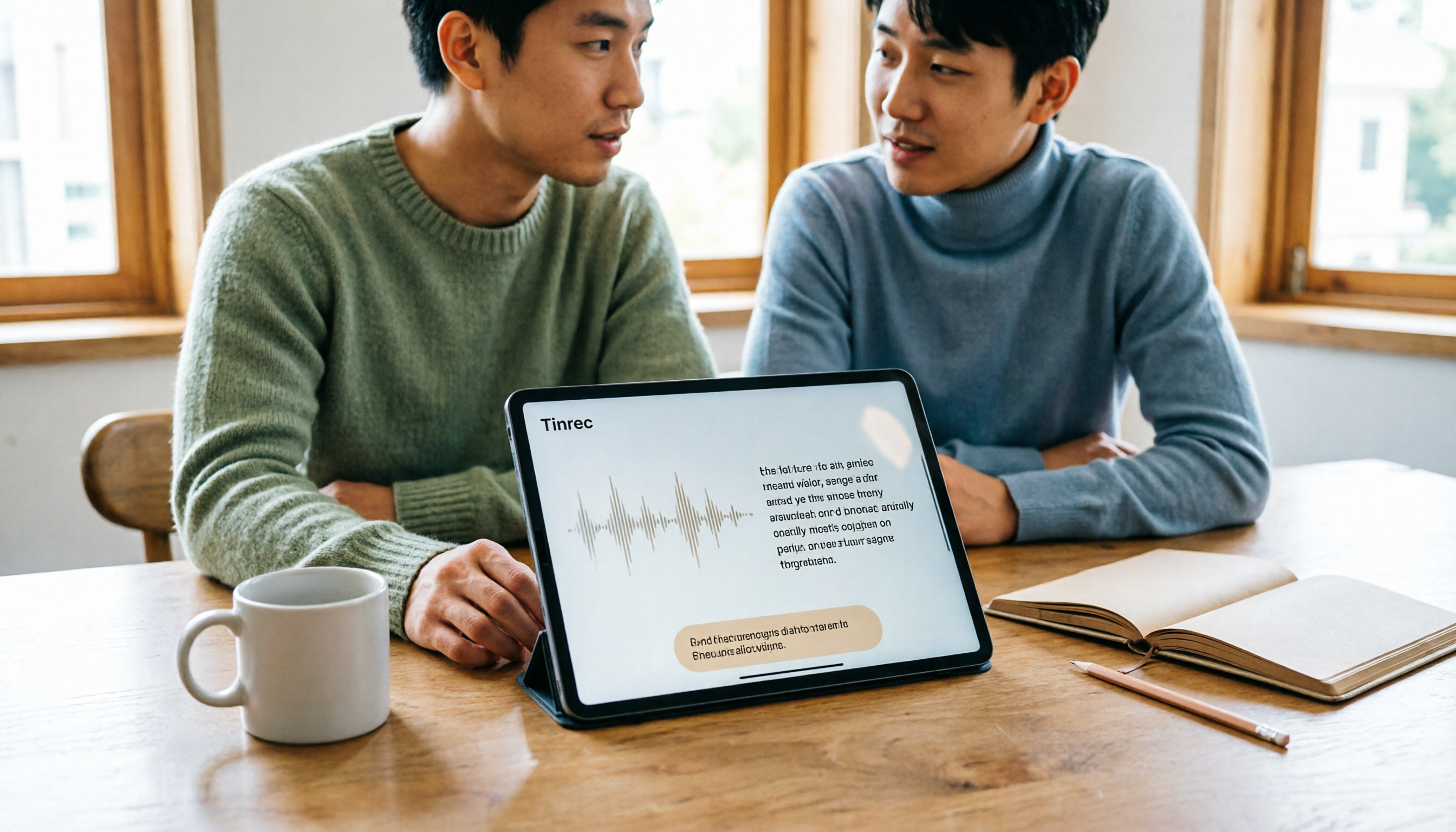
Best Free Speech-to-Text Apps for Tablets in 2026: 5 Options Compared
How to choose a speech-to-text app for your tablet? This article reviews 5 options that work on tablets, from the completely free built-in iPad transcription to AI meeting note tools with post-meeting summaries and AI Q&A. We detail free quotas, supported languages, practical limitations, and ideal use cases to help you avoid the common pitfall of recording audio you can't actually use.

2026 Top 5 AI Meeting Notes Software Compared: Which Is Best for Chinese Meetings and Bot-Free Recording?
We tested Tinrec and Otter.ai across five dimensions: Chinese transcription, bot-free recording, post-meeting summaries and AI Q&A, team data retention, and pricing. We also list free plan limits and team plan prices to help you decide which fits your workflow.
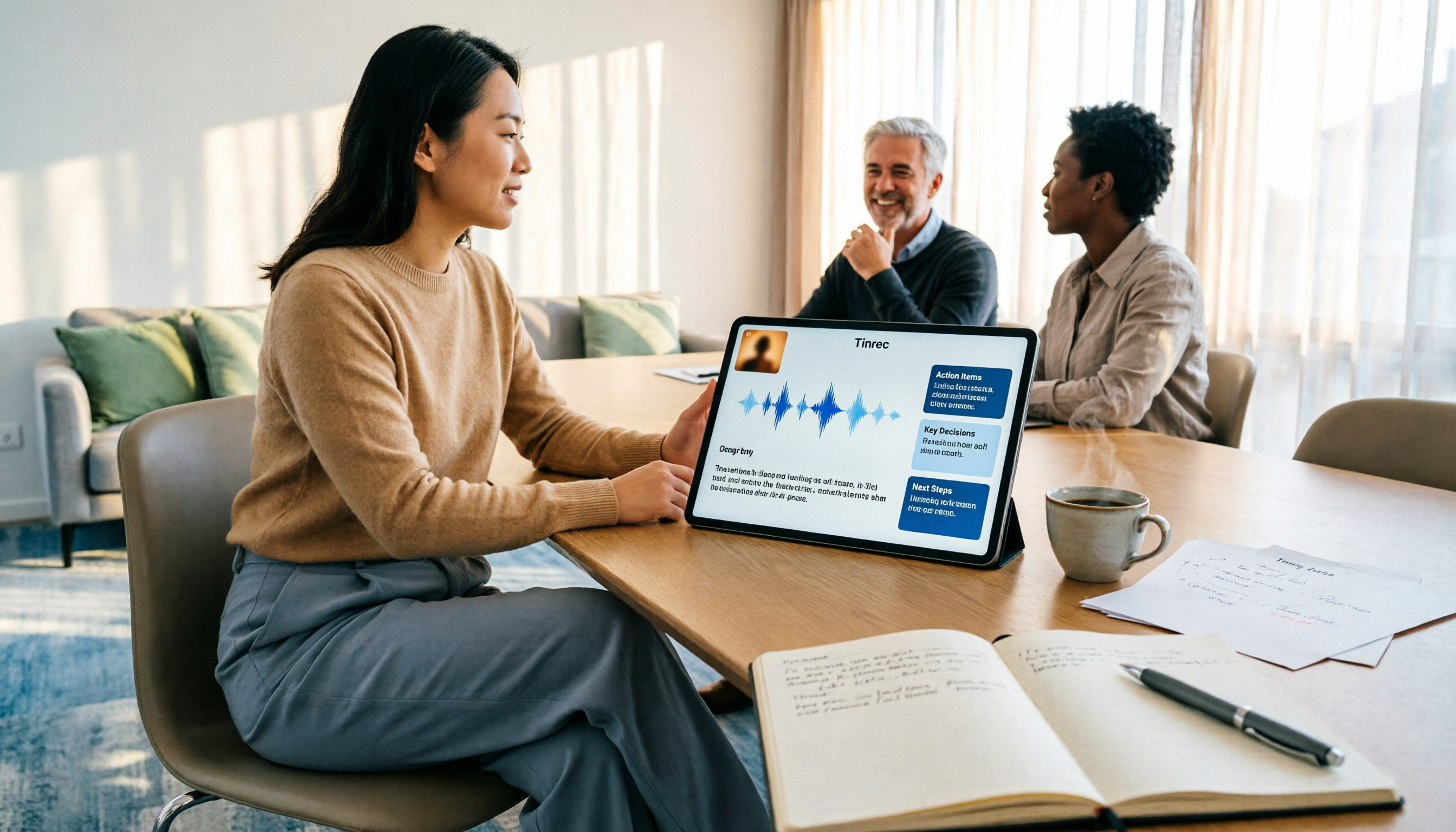
3 Free AI Meeting Notes Options in 2026: A Complete Comparison
Choosing an AI meeting notes tool in 2026 comes down to three key decisions: whether to let a meeting bot join your online calls, whether a free plan is sufficient, and whether meeting data should live in a personal account or team workspace. This article uses Tinrec to demonstrate a 5-step workflow from recording to transcript to meeting minutes, and honestly compares the differences, limitations, and best use cases of 3 free options.