
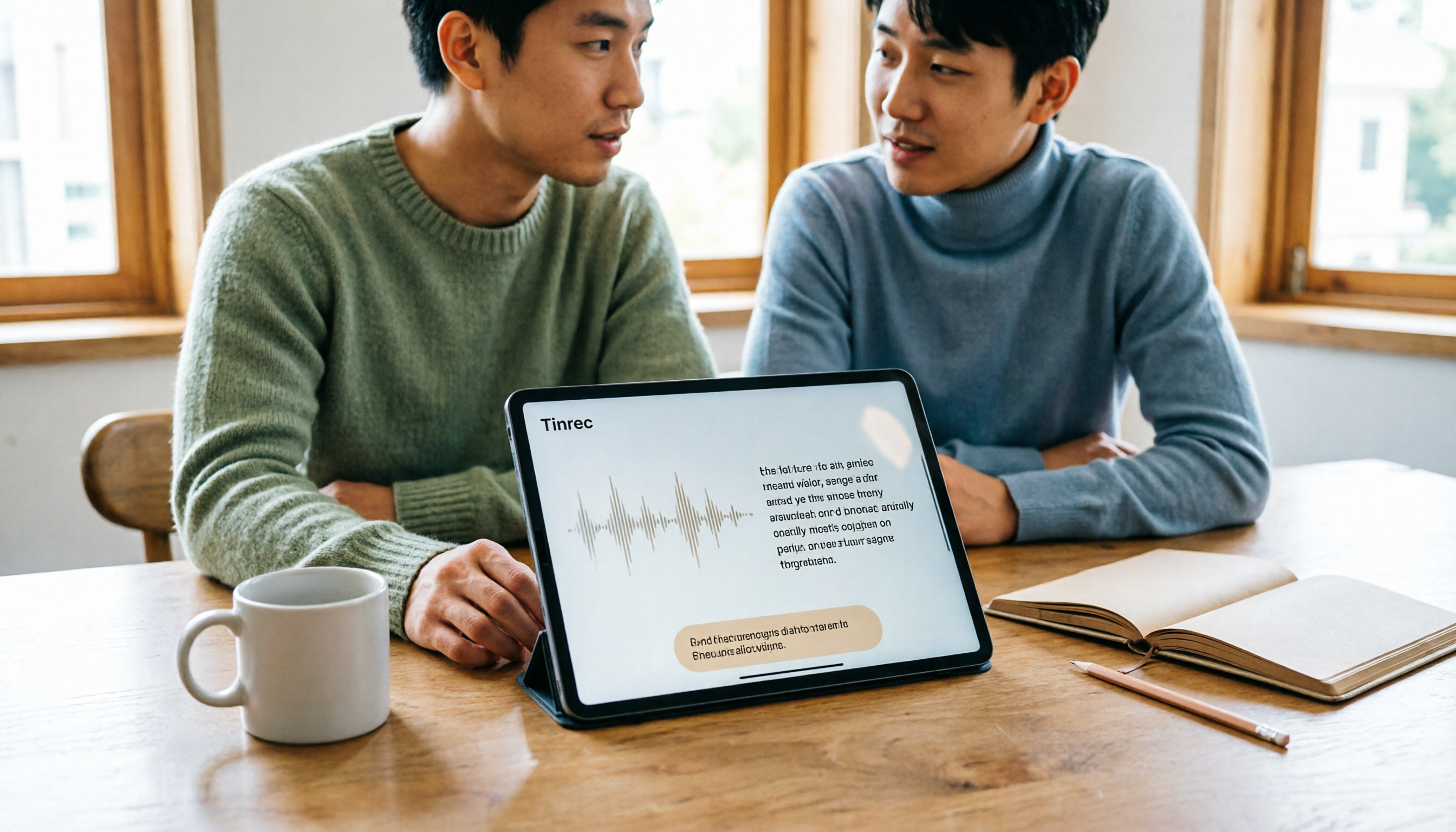
Turn recordings into transcripts and summaries in minutes
Upload audio or video for multilingual transcription, AI notes, and action items
The Most Common Pitfall with Tablet Speech-to-Text: It's Not That You Can't Record, It's That You Can't Use the Recording
Many people's first idea of "tablet speech-to-text" is opening the keyboard, tapping the microphone, and speaking to turn words into text.
Honestly, this approach is only good for replying to messages. If you actually try to use it for classes, meetings, or interviews, you'll probably give up within two weeks.
There are three reasons. First, typing on a tablet's on-screen keyboard is slow, and having to listen and correct errors at the same time is more tiring than typing yourself. Second, voice input only gives you the text for the "current" moment; the recording isn't saved, so once you stop speaking, it's gone. Third, even if your tablet's built-in feature can generate a transcript, you still have to dig through thousands of words to find key points and copy out action items.
The real pain point isn't "turning sound into text"—it's "whether you can use the recording right after you finish."
So this article doesn't compare which input method is fastest. Instead, it looks at which tools let you run the entire workflow on a tablet: record or import → generate transcript → automatic summary and action items → export to computer for further editing.
Before Choosing a Tablet Speech-to-Text Tool, Understand These 4 Key Points
1. Accuracy depends on test conditions, not marketing numbers
Almost every tool claims "high accuracy," but that number is usually measured in a quiet recording studio. In real-world scenarios with air conditioning noise, keyboard clicks, and multiple people talking over each other, performance drops noticeably. We recommend trying it with your own recordings—seeing is believing.
2. Can it handle audio files, not just live dictation?
Voice input on a tablet can only handle what's being said "right now." But most people's needs are actually: the recording of yesterday's meeting, last week's class file—they also need to be turned into text. The ability to import audio and video files is a dividing line.
3. Cross-device support is more important than you think
Recording on a tablet is convenient, but proofreading a 40-minute transcript on a tablet is painful. Whether you can export the transcript to a computer, Notion, or Google Docs determines whether you'll use this tool long-term.
4. Is the free quota enough to get through the trial period?
Free plan limitations are usually written in small print. Some are total monthly minutes, others are "maximum length per file," which is especially unfriendly for meetings—one meeting can exceed the limit. When choosing a tool, be sure to read the unit of limitation carefully.
Tinrec (秒聽錄音) — Top Choice After Testing Tablet Workflow
Tinrec (秒聽錄音) is an AI meeting notes and collaboration tool for individuals and teams, supporting iOS, Android, and web. It works directly on tablets via app or browser.
Its biggest difference from voice input methods is that it handles the "entire meeting," not just "one sentence."
When you open Tinrec during a meeting, it transcribes as it records. If the meeting is on Zoom, Google Meet, Microsoft Teams, or Webex, the desktop version can capture computer system audio directly, without inviting a meeting bot into the room. This is very practical for those who frequently meet with external clients—one less bot joining means one less awkward "who is this account?" moment.
After the meeting is when it really shines. Tinrec automatically generates summaries, chapters, and action items, listing who is responsible for what and by when. Even better is the AI Q&A: you can directly ask it "Who mentioned the budget in the last meeting?" and it uses semantic understanding to give you an answer, rather than dumping a list of keywords for you to search through. Recordings are kept, and transcripts can be replayed with timestamps for verification, which is especially helpful for interview records where you need to quote exact words.
Export is also comprehensive. Tinrec supports multiple file formats and can send results to Notion, Google Docs, OneNote, Dropbox, and other tools for further processing. It can also generate reports, tables, and meeting minutes. For those who "record on tablet, organize on computer," it saves a lot of copy-paste time.
In actual testing (quiet room, single microphone, about 20 minutes of mixed Chinese-English meeting recording), Tinrec performed stably in Chinese segments and mixed Chinese-English parts. Proper nouns can be improved by pre-maintaining team hotwords. Note that accuracy is affected by recording quality, background noise, accents, and overlapping speech. For important content, we recommend verifying with recording playback.
Stop organizing recordings by hand
Upload audio or video and automatically get a transcript, summary, and action items
Limitations are also clear. First, bot-free online meeting recording is a desktop-only capability; on tablets, it's mainly for recording, importing audio files, and viewing organized results. Second, the free version is suitable for light use; if you have a steady volume of meetings every week, you'll need to consider a paid plan. The personal plan includes a free version, weekly card, Pro monthly, and Pro annual. Actual prices and quotas are subject to the official purchase page.
Who is it for? If you frequently have meetings, classes, or interviews on a tablet and want to get summaries and action items right after recording, and also want to ask AI directly for key points, Tinrec is currently the smoothest option.
Besides Tinrec, What Other Speech-to-Text Options Are There for Tablets?
Apple "Voice Memos" Transcription (iPadOS 18 and later)
Built into iPad, completely free, no need to install another app. On iPadOS 18 or later, recordings can be transcribed directly, and old recordings can be automatically transcribed. Tapping a word in the transcript jumps to the corresponding playback position. Limitations include limited supported models and languages (including Traditional Chinese, Simplified Chinese, Japanese, Korean, etc.), and it's unavailable in some countries or regions. It gives you a transcript, but no AI summary, action items, or cross-platform team data space—these are things Tinrec has that it doesn't.
Otter.ai
A mature choice for English meetings. Free Basic plan includes 300 minutes per month. Pro annual billing is about USD 8.49 per user per month, including 1,200 minutes of in-app recording and 10 file imports per month. Its strength is English business meetings and team collaboration; Chinese meetings are not its forte. If most of your recordings are in Chinese, Tinrec will be smoother.
Notta
Supports multi-platform transcription, file import, and translation. Free version includes 120 minutes per month, with a maximum of 3 minutes per file. Pro annual billing is about USD 8.17 per month (1,800 minutes per month). The free version's 3-minute limit per file means one meeting exceeds it. If you care about post-meeting Q&A and team data accumulation, Tinrec's positioning is closer to meeting scenarios.
TurboScribe
Focuses on cost-effective file transcription. Free plan includes 3 files per day, up to 30 minutes per file. Paid version is USD 120 per year, with a maximum of 10 hours or 5 GB per file, and can upload 50 files at once. If you have a bunch of existing long recordings to batch transcribe, it has an advantage. But it lacks real-time meeting recording and AI Q&A; you still have to organize after recording yourself.
Pitfall Guide: The 3 Most Common Mistakes with Tablet Speech-to-Text
Pitfall 1: Treating "voice input method" as a "speech-to-text tool." Input methods handle real-time dictation; they don't save files after you speak, can't import old recordings, and have no summaries. If you need data you can look up and quote later, input methods won't help.
Pitfall 2: Ignoring tablet cross-device and export needs. Many people only test on the tablet and think it's fine as long as it transcribes. When they need to edit on a computer or paste the transcript into a work group, they discover the tool doesn't support export and have to copy manually. Before choosing a tool, confirm output formats and third-party integrations.
Pitfall 3: Assuming built-in features are always enough. Built-in tablet transcription is indeed convenient and free, but pay attention to supported languages, models, and regional restrictions, and it won't organize key points for you. If you only use a transcription tool as "audio to text," you're only using one-third of its capabilities—like Tinrec's AI Q&A, where you can directly ask "What was the conclusion of this meeting?" after recording, which is much faster than manually flipping through a 30-minute transcript.
Conclusion: Which One Should You Install on Your Tablet?
In one sentence: If you want to save time and use meeting content directly, Tinrec is the top choice; only in specific scenarios are other options more suitable.
- Chinese or mixed Chinese-English meetings, need summaries and action items → Tinrec (automatically generates summaries, chapters, action items after transcription)
- Online meetings without an extra bot joining → Tinrec (desktop version captures system audio)
- Want to ask AI directly for key points after recording → Tinrec (supports follow-up questions about meeting content)
- Switching between tablet and computer → Tinrec (web version, app, multi-format export)
- Only use iPad, zero budget, only need transcript → Apple "Voice Memos"
- Pure English meetings, need larger free minutes → Otter.ai
- Have a bunch of existing audio files to batch transcribe → TurboScribe
We recommend starting with Tinrec's free version and running a complete workflow with one of your real meetings: record, transcribe, summarize, export. If it feels smooth, consider upgrading—no need to pay from the start.
References
- Speech to Text - Google Play App
- How to use Transcribe Assist on Galaxy S24 - Samsung
- View Voice Memos transcript on iPad - Apple Support (Taiwan)
- Recommended Apps for Real-time Speech-to-Text: 1. iPhone/iPad "Notes" app - supports real-time text conversion - Cost: Free - Supports Chinese, English
- Expert-reviewed Top 10 Audio-to-Text Recommendations | mybest
Turn every recording into actionable outcomes
Get 60 free transcription minutes when you sign in. No credit card required.
Related Reading
You might also like

2026 AI Summarizer Showdown: 4 Tools Tested for Meeting Notes vs. Research Papers
AI summarizers are everywhere, but whether you're condensing meeting recordings or research paper PDFs determines which tool you need. This hands-on comparison evaluates Tinrec, Wordvice AI, GenApe, and SlidesPilot across five dimensions: input sources, post-meeting Q&A, Chinese language handling, output integration, and team collaboration. We also highlight four common pitfalls and give clear recommendations based on your use case.
4 Online Audio-to-Text Tools Tested for 2026: Which Is Best for Chinese Meeting Notes and AI Q&A?
Starting from the real scenario of having to manually organize notes after a meeting, we tested 4 online audio-to-text tools on their differences in Chinese meetings, post-meeting summaries, and AI Q&A, and compiled 4 key buying factors, 3 common pitfalls, and scenario-based selection advice to help you choose the right tool in one go.
Free Audio-to-Text Apps in 2026: How to Choose Free Tiers + Chinese Transcription Test Highlights
How do you choose a free audio-to-text app? This article compares two actually free options, Tinrec and Otter.ai, across five dimensions: free quota, Chinese recognition, meeting recording methods, post-transcription processing, and team collaboration. It also includes team plan seat and pricing details to help you decide which one fits your meeting and transcript needs.

6 Xiaomi Video-to-Text Solutions Compared: Built-in Recorder vs AI Tools—Which Saves More Time?
We compare 6 Xiaomi video-to-text solutions, from the built-in recorder and AI Recorder to Tinrec, Notta, TurboScribe, Yating Transcript, and free app store apps. We honestly compare free limits, pricing, and post-meeting organization capabilities to help you find one that truly works.

5 Best Speech-to-Text Tools in 2026: Tested Alternatives When WeChat Voice Transcription Fails
WeChat voice-to-text suddenly stops working, usually due to network issues, permissions, accents, or audio compression. This article covers 4 quick troubleshooting steps and tests Tinrec as an alternative for daily meetings and long voice messages, including features, use cases, buying tips, and FAQs.

How to Transcribe Long Videos in 2026: A Complete 5-Step Guide
Tired of spending hours transcribing long videos? This guide covers 4 key factors to consider and 5 practical steps, compares Tinrec, Notta, TurboScribe, and Otter.ai on features and pricing, and includes a pitfalls guide to help you find the most time-saving transcription tool.

2026 Top 5 AI Meeting Notes Software Compared: Which Is Best for Chinese Meetings and Bot-Free Recording?
We tested Tinrec and Otter.ai across five dimensions: Chinese transcription, bot-free recording, post-meeting summaries and AI Q&A, team data retention, and pricing. We also list free plan limits and team plan prices to help you decide which fits your workflow.

2026 Comparison of 3 Smart Meeting Notes Tools: Which Is Best for Chinese Meetings and Follow-Ups?
How to choose a smart meeting notes tool in 2026? This article first provides an overview of Tinrec, Otter.ai, and Granola, then compares Tinrec and Otter.ai in depth across five dimensions: meeting audio capture, Chinese transcription, post-meeting organization, export and integration, and team governance, to help you decide which is better suited for Chinese meetings and follow-ups.

3 Free AI Meeting Notes Options in 2026: A Complete Comparison
Choosing an AI meeting notes tool in 2026 comes down to three key decisions: whether to let a meeting bot join your online calls, whether a free plan is sufficient, and whether meeting data should live in a personal account or team workspace. This article uses Tinrec to demonstrate a 5-step workflow from recording to transcript to meeting minutes, and honestly compares the differences, limitations, and best use cases of 3 free options.