

Turn recordings into transcripts and summaries in minutes
Upload audio or video for multilingual transcription, AI notes, and action items
3 Ways to Manage iPhone Voicemail in 2026: Which Live Transcription Is Most Practical?
Halfway through a meeting, my phone buzzed twice on the table. The third time I glanced at it, it was the accounting firm calling. When I called back after the meeting, they said, "I just left you a voicemail." I opened the Phone app and realized—I hadn't really understood how iPhone voicemail works, let alone where those messages end up.
If you're also someone who has a dozen meetings a week and your phone is constantly buzzing, this article will clarify two things at once: the rules and costs of iPhone call forwarding to voicemail, and how to turn that spoken information into records you can actually use. I'm putting three common approaches side by side—carrier voicemail, iPhone's built-in Live Voicemail, and Tinrec, which I use regularly—with a focus on the latter two.
How Does iPhone Call Forwarding to Voicemail Work?
- Forward when unanswered: When using your carrier's network, missed calls are forwarded to Live Voemail (a built-in feature since iOS 17). While the caller is speaking, iPhone transcribes the content on-device and displays it on the screen, so you can decide whether to answer while they're still talking.
- You can stop listening: After the caller is forwarded to voicemail, unless you choose to answer, neither party can hear the other; if you don't want to keep receiving the message, just tap "Stop."
- These two situations won't auto-forward: During roaming, or when Low Power Mode is on, missed calls won't automatically forward to Live Voicemail; you'll need to tap the "Voicemail" button yourself to forward.
- When powered off or no signal: If your iPhone is off or outside your carrier's network coverage, calls will go to your carrier's voicemail. If Visual Voicemail is enabled, both types of messages will appear in the Phone app's "Voicemail" list, with a badge showing the number of unheard messages.
- Telemarketers and unknown numbers: With "Silence Unknown Callers" on, unknown numbers won't ring and go straight to Live Voicemail; calls flagged as spam by the carrier are rejected outright and won't go to voicemail.
Two cost considerations: Transcription happens on-device, so there's no extra charge; however, the carrier considers the call "connected," so the caller pays the call charges. If you're abroad with roaming on, your phone automatically answering a message could incur international roaming charges. Before traveling, it's safer to temporarily turn off "Settings → Phone → Live Voicemail."
iPhone Live Voicemail vs Tinrec | Quick Overview
They actually address different stages: iPhone's built-in feature solves "I missed this call," while Tinrec solves "what do I do with this spoken content afterward."
| Item | iPhone Live Voicemail | Tinrec |
|---|---|---|
| One-line positioning | Built-in call voicemail and live transcription | AI meeting notes and team collaboration tool |
| Platform | iPhone (iOS 17 and later) | Web, desktop, mobile |
| Core difference | Only handles incoming calls | Transcribes and organizes live recordings, online meetings, and audio/video files |
Next, I'll explain the practical differences across four dimensions.
Dimension 1 | Transcription Coverage
iPhone's Live Voicemail transcription only serves the "incoming call" scenario—it doesn't handle in-person discussions in meeting rooms, face-to-face client interviews, or voice memos already recorded on your phone. Tinrec's live recording-to-text covers offline meetings, interviews, and on-site notes; the desktop version can also capture computer system audio directly to handle online meetings on Zoom, Google Meet, Microsoft Teams, Webex, and more, without needing an extra bot to join the meeting.
Stop organizing recordings by hand
Upload audio or video and automatically get a transcript, summary, and action items
→ This dimension: Tinrec's coverage is clearly broader.
Dimension 2 | Can It Become To-Dos After the Meeting?
iPhone gives you "a message" plus a reviewable transcript; the content itself isn't structured, so after the meeting you still have to listen and take notes yourself. Tinrec goes further by generating AI summaries, chapters, key points, and to-dos. When you need to deliver, you can use Agent post-processing to generate reports, tables, or documents, then export to Notion, Google Docs, OneNote, Dropbox, and other tools.
→ This dimension: Tinrec wins, because it helps turn content into something actionable.
Dimension 3 | Later Search and Follow-Up Questions
iPhone voicemails are shown as a list and sync across devices when stored in iCloud, but to find a specific message, you mostly rely on recalling the time and caller number. Tinrec stores transcripts, summaries, and chapters as searchable data and supports AI Q&A around meeting content—questions like "What was the delivery date the client mentioned last time?" can be asked directly, and you can also ask follow-up questions across multiple meetings.
→ This dimension: Tinrec wins.
Dimension 4 | Team Collaboration and Member Changes
Voicemail is tied to your personal phone; colleagues can't see it, and it doesn't leave with you when you do. Tinrec's team version is a separate team space: Audio, Folder, and TODO are stored together; you can create multiple teams, invite members via join links, and distinguish owners, admins, and regular members. Roles determine governance permissions, while seats determine whether members can record, upload, edit, and export; members without a seat can still view and play data. Admins can also view usage trends and details, manage team hotwords, and query and export audit logs. Accidentally deleted audio can be restored from the recycle bin.
→ This dimension: Tinrec wins; this is a layer that built-in features completely lack.
What Unique Advantages Does Each Have?
Tinrec's advantages
- Desktop bot-free recording: captures system audio directly to record online meetings without inviting extra participants; under a valid team plan and seat, live recording currently doesn't deduct by the minute.
- Post-transcription workflow: summaries, chapters, to-dos, AI Q&A, live translation, multi-format export, and Agent post-processing form a single pipeline.
- Team knowledge retention and governance: team space, roles, seats, usage analytics, audit logs, audio recycle bin, and team hotwords.
- Strong for Chinese, Traditional Chinese, and multilingual meeting scenarios, with team hotwords to maintain professional terminology.
iPhone built-in feature advantages
- Free and ready out of the box; transcription happens on-device, with no extra installation or subscription needed.
- Integrated with carrier voicemail, so calls can still leave messages when your phone is off or out of signal range.
Conclusion: Which Should You Choose?
- If you just want "someone leaves a message when I miss a call, and I can glance at the transcript" → iPhone's built-in Live Voicemail is enough; no need to spend extra.
- If you want to turn meetings, interviews, and client calls into summaries and to-dos → Tinrec.
- If you want to search back and use AI to ask follow-up questions about past content → Tinrec.
- If you need team sharing of meeting data and management of seats and usage → Tinrec team version. Monthly is USD 29.80 per paid seat per month; annual is USD 199 per paid seat per year (about USD 16.58 per month). Each paid seat provides 2,000 minutes of team shared import quota per month; there is also a first-time trial of 7 days, 1 free seat, and 300 minutes of shared import quota. Actual prices and benefits are subject to the official purchase page.
In one sentence: iPhone voicemail helps you "catch" missed calls, while Tinrec helps you "use" that content. If your spoken information volume is large enough to affect your work progress, you can start with Tinrec's free version, test it with one of your own meeting recordings, and then decide whether to upgrade.
Final reminder: Recording and transcription involve communication content and personal data; please comply with local regulations and obtain consent when necessary.
References
- Set up voicemail on iPhone - Apple Support (Taiwan)
- How to use iPhone Live Voicemail? Setup and fee notes for answering calls and transcribing - Mr. Mad
- [Phone Tips] iPhone voicemail recording feature! iOS Live Voicemail setup, fees, and listening tutorial; telemarketing calls instantly become transcripts! | Jyes Communication ~ Challenging the lowest phone market prices
- Use Live Voicemail on iPhone - Apple Support (Taiwan)
- iPhone exclusive voicemail! Make your voicemail no longer boring! – TY3C Taoyuan Netcom
Turn every recording into actionable outcomes
Get 60 free transcription minutes when you sign in. No credit card required.
Related Reading
You might also like

How to Transcribe Meeting Recordings in 2026: 5 Steps to Transcripts and Meeting Minutes
What is meeting recording transcription? This guide starts with the decision point: do you need a verbatim transcript, or a ready-to-send meeting summary? Using Tinrec as an example, it walks through 5 steps—recording, transcription, proofreading, generating meeting minutes, and exporting/sharing—plus troubleshooting, advanced tips, and alternative comparisons.

2026 Comparison of 3 Meeting Recording-to-Transcript Tools: Which One Saves You Post-Meeting Cleanup Time?
Turning meeting recordings into transcripts isn't about who transcribes fastest—it's about who spares you from overtime cleanup after the meeting. This article starts from the three most common misconceptions, walks through the complete workflow of recording, transcription, proofreading, generating meeting minutes, and exporting/sharing using Tinrec, includes AI follow-up prompts you can copy directly, and explains the practical use of team spaces, hotwords, and seats.

2026 Meeting Transcription and Minutes Tools Buying Guide: 6 Tools Tested and Recommendations
Are meeting transcription and minutes tools actually useful? I have 15 meetings a week, and my key criteria for testing 6 tools are: whether the meeting is online or offline, whether you want a bot to join the meeting, and what you plan to do with the transcript afterward. This article covers the features, free quotas, and paid plans of Tinrec, CLOVA Note, Otter.ai, Notta, Granola, and TurboScribe, and offers selection advice from a mid-level manager's perspective.

How to Record and Transcribe Meetings in 2026: AI-Powered Step-by-Step Guide
After a meeting, the real time sink is the follow-up. This guide walks you through a proven 5-step meeting transcription workflow based on 15 weekly meetings: how to record in-person and online meetings, generate AI transcripts, proofread quickly, produce meeting minutes and action items, and export and share. Includes FAQs and advanced tips, using Tinrec as an example.

The Complete Guide to Meeting Recording Transcription in 2026: From Recording to Transcript, Summary, and Action Items
What is meeting recording transcription and what post-meeting pain points can it solve? This article, from a mid-level manager's practical perspective, breaks down core capabilities such as real-time transcription, bot-free online meeting recording, AI summaries, and action item extraction. It covers 5 key considerations for choosing a tool and answers common questions, using Tinrec as an example to illustrate a real-world workflow.

2026 Complete Guide to Meeting Recording Transcription: From Audio to Transcript and Action Items
How do you transcribe meeting recordings? This guide starts from practical decision points, breaking down core capabilities like real-time transcription, bot-free meeting recording, AI summaries, action item extraction, and AI Q&A. It uses Tinrec to demonstrate the complete workflow from recording to transcript, summary, and action items, while explaining when to choose personal vs. team plans and key considerations for tool selection.

The Complete Guide to Meeting Recording Transcription in 2026: From Transcript to Action Items
What is meeting recording transcription? This guide starts from the real pain points of mid-level managers, explaining what meeting recording transcription can do for you, five core capabilities, four practical use cases, and five things to consider when choosing a tool. It also uses Tinrec to demonstrate the complete workflow from recording to transcript, summary, action items, and team collaboration.
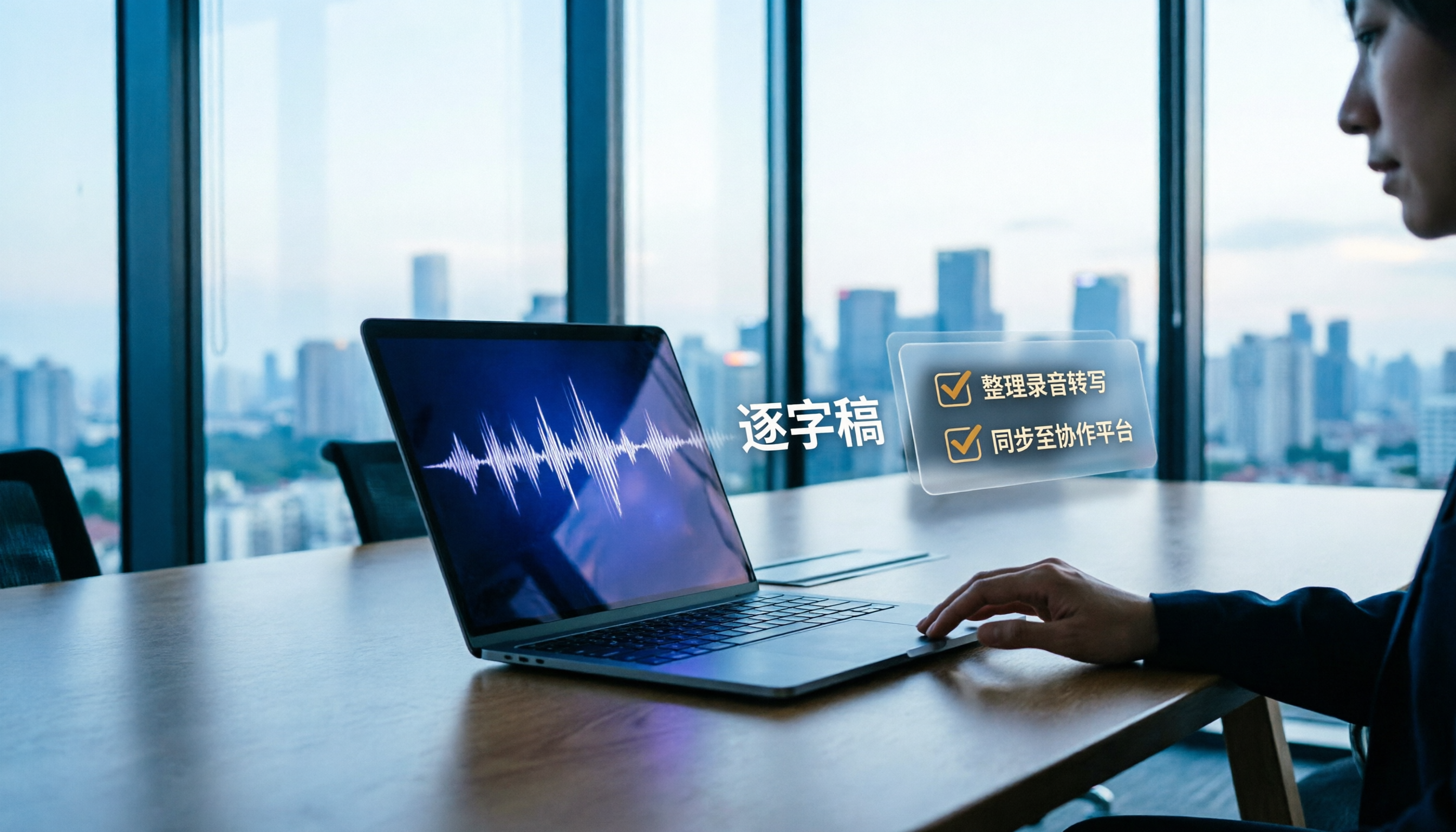
How to Transcribe Meeting Recordings in 2026: Tinrec's 5 Steps + Auto-Generated Meeting Minutes
Just finished a meeting and realized no one wrote down the action items? This guide walks you through 5 steps to turn meeting recordings into transcripts, quickly proofread key points, and auto-generate meeting minutes and to-dos — plus FAQs and advanced tips, using Tinrec as a full walkthrough.

Best iPad Real-Time Speech-to-Text in 2026: 4 Methods Tested, Top Pick for Chinese Meetings
Want to see words appear as you speak on iPad? Built-in dictation, Voice Memos transcripts, and third-party apps each have limits. This article compares 4 methods using Chinese meeting and interview scenarios, breaking down recognition stability, post-meeting organization, audio sources, and data ownership. It also explains how Tinrec differs in Chinese transcription, AI Q&A, and team spaces, and gives clear recommendations.