
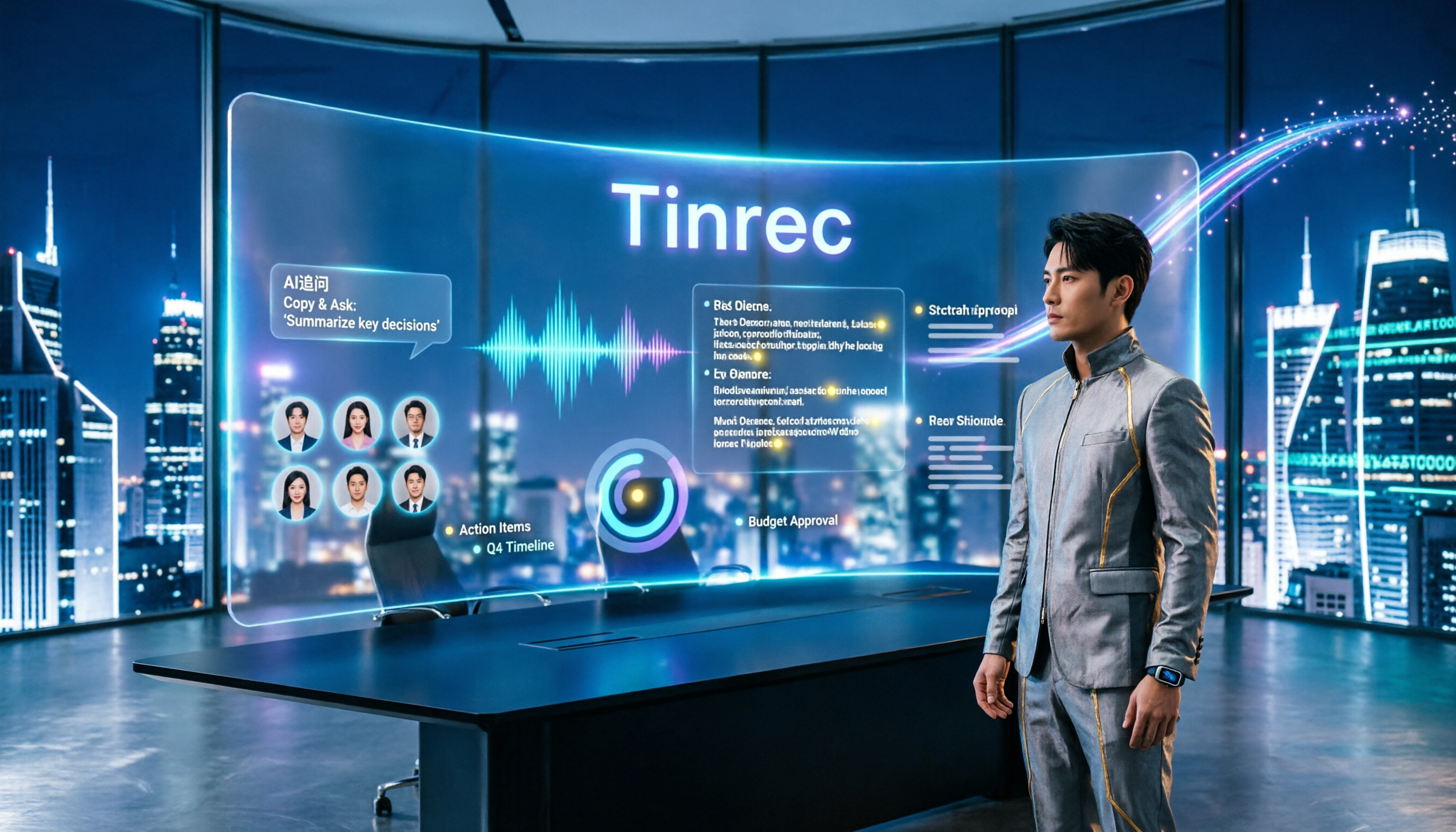
Turn recordings into transcripts and summaries in minutes
Upload audio or video for multilingual transcription, AI notes, and action items
2026 Comparison of 3 Meeting Recording-to-Transcript Tools: Which One Saves You Post-Meeting Cleanup Time?
Most people who ask "how do I turn a meeting recording into a transcript" are really thinking, "Is there a faster way?"
But the situation I see most often when coaching teams is this: transcription speed is never the problem—the problem is that no one ever reads that transcript a second time.
After the meeting, you toss the recording into a tool, get a big block of text, save it to a folder, and that's it. Next time you need to look up a decision, you're still relying on memory.
So this article isn't about "which tool transcribes fastest."
I want to talk about a repeatable workflow: from recording, transcription, proofreading, generating minutes, to handing off the results.
The tool is just a supporting player in this workflow. This article uses Tinrec as an example to walk you through five steps.
Before You Start | What You Need to Prepare
- A piece of material you want to organize: it could be an upcoming meeting, an already-recorded meeting file, or an interview recording.
- A device that can record: a phone is good for in-person meetings and interviews, a computer for online meetings. Tinrec works on the app, web version, and desktop version.
- A stable internet connection: real-time transcription requires internet; if you're processing old files, make sure the file is already on your device.
- A clear goal: for this meeting, do you want a transcript, decisions, or action items? Different goals lead to different processing methods later.
- A mindset: a transcript is raw material, not a finished product.
The last two points are the easiest to overlook.
Many people finish transcribing before they start thinking "what is this for," so the whole document gets stuck there and never opened again.
Step 1 | Record the Content You Want to Transcribe
The purpose of this step is to get a clean recording, because all subsequent steps build on it.
For in-person meetings, place your phone in the center of the table, a bit closer to the speakers. The closer the distance, the clearer the audio, and the higher the transcription accuracy later.
Online meetings don't require this hassle.
I just open the Tinrec desktop version and use it to capture the computer's system audio for Zoom, Google Meet, Microsoft Teams, Webex, and similar meetings. No need to send an extra meeting bot into the room, and no unfamiliar participant appears on screen.
(Illustrative image: a person sitting at a desk in an online meeting, with the meeting screen and floating transcript text displayed side by side)
The key mindset for this step: rather than spending time proofreading later, spend 30 extra seconds confirming position and volume during recording.
Step 2 | Let AI Transcribe for You
The purpose of this step is to turn sound into searchable text.
After recording ends, Tinrec converts the content into a transcript. If you have existing old files, you can also directly upload audio or video, or import some public video content via web links.
Once transcription is complete, you get a transcript that preserves the original spoken content, which you can search and review.
If your meeting has cross-language needs, Tinrec supports real-time translation, allowing you to switch between original text, translation, or bilingual view. Meetings with mixed Chinese and English are also a scenario it handles relatively well.
(Illustrative image: a transcript on screen with clean paragraph breaks, and a language toggle icon on the right)
Step 3 | Quickly Proofread the Transcript
The purpose of this step is not to perfect every word, but to correct the key information.
My approach is to proofread only three things: names, numbers, and conclusions.
If a name is wrong, you won't find the person in future searches; if a number is wrong, the decision is distorted; the conclusion sentences must be read at least once because they'll be used to write the minutes.
For teams with many technical terms, you can maintain common words in Tinrec's team hotwords.
Treat it as a long-term investment—maintain once, and every future meeting benefits.
(Illustrative image: a transcript marked with three colors, circling names, numbers, and conclusion sentences respectively)
Don't fall into the trap of "polishing spoken language into written language" during proofreading.
The value of a transcript lies in its authenticity. Whether to polish it is a matter for the next step.
Step 4 | Let AI Generate Meeting Minutes for You
This step is where the workflow truly saves time.
Tinrec automatically generates summaries and chapters based on the transcript, breaking a long meeting into a quickly browsable structure, extracting action items from discussions, and producing mind maps to see relationships between topics.
After getting the summary, I habitually do one more thing: use AI Q&A for follow-up questions.
Stop organizing recordings by hand
Upload audio or video and automatically get a transcript, summary, and action items
For example, I'll paste this prompt:
"Based on the transcript of this meeting, please organize: 1. Three main decisions; 2. The person responsible and deadline for each decision; 3. Unresolved points of contention. If a deadline is not mentioned in the transcript, please mark it as 'not specified' and do not speculate."
That last sentence, "do not speculate," is one I always add.
Because the risk with AI isn't that it won't write, but that it writes too smoothly, too convincingly.
(Illustrative image: transcript on the left, AI Q&A dialog box on the right, with the reply listing three decisions and responsible persons)
Step 5 | Export and Share
The purpose of this step is to get the data out of your personal device and into the team's workflow.
Tinrec supports multi-format export, allowing you to bring results into Notion, Google Docs, OneNote, Dropbox, and other tools for further processing. You can also use Agent post-processing to further generate reports, tables, or documents from meeting content.
If your team has regular meetings and regularly tracks progress, you'll encounter a more fundamental question here: whose account is the data stored in?
Tinrec's team version provides an independent team space, where meeting data belongs to the team, not to an individual's personal account.
Administrators can manage members, roles, and seats, and view usage trends and audit logs. Members without a seat can still view, play, and read team data; only after obtaining a seat can they record, upload, edit, and export.
(Illustrative image: a meeting list in the team space, each row is a meeting, with participating members and action item counts shown on the right)
Common Questions and Troubleshooting
Q: The transcribed text has many typos. What should I do? Usually it's because the recording environment is too noisy, the distance is too far, or multiple people are speaking at once. Rather than forcing corrections afterward, first check the audio quality. For meetings dense with technical terms, you can build common words into team hotwords first.
Q: Will transcription be terrible for meetings with mixed Chinese and English? This is the most common pain point for Chinese-speaking teams. Tinrec covers Chinese, Traditional Chinese, and multilingual meeting scenarios, and supports real-time translation and bilingual viewing. Actual results are still affected by accent, speaking speed, and volume—no tool can guarantee a fixed accuracy rate.
Q: Will AI summaries miss key points? Yes. So I don't just look at the summary. Summaries are for quick review; when it's time to make a judgment, I go back to the transcript and, if necessary, listen to the original audio again to verify.
Q: Is the free version enough? If you only occasionally organize a recording, the free version lets you experience the basic workflow. For short-term intensive meetings or interviews, consider a weekly pass; if you have steady weekly needs, then move up to Pro. Look at your usage rhythm first—don't compare prices from the start.
Q: If a team member leaves, will meeting data disappear with them? In Tinrec's team version, team resources belong to the team. When a member exits or is removed, their responsible team resources need to be handed over to other active members. After team audio enters the recycle bin, it can be restored before permanent cleanup begins; the current recycle bin retention period is 30 days.
Advanced Tips | 3 Ways to Double Tinrec's Efficiency
No bots for online meetings. Use the desktop version to capture system audio—no extra participant appears in the meeting room, and the other party doesn't need to agree to a stranger joining. This is an experience most meeting assistants that require bot participation can't offer.
Treat hotwords as team assets. A homemade term that appears 10 times in a product meeting—if it's transcribed wrong 10 times, you'll have to fix it 10 times. Build it into team hotwords first, and every future meeting saves time.
Use AI Q&A for cross-meeting follow-ups. Don't just ask about a single meeting. Put meeting data from the same project over consecutive weeks together and ask, for example, "Among the action items from these three weeks, which ones have had no progress for two consecutive weeks?" This kind of question would take considerable time to answer manually by flipping through records, but AI can give you the outline in seconds.
If You Don't Use Tinrec, Here Are Other Options
Notta is also fairly complete in multilingual transcription and team plans, suitable for users already accustomed to its interface.
Granola also takes the no-bot route, with a strength in combining your handwritten notes with AI meeting content, but it doesn't support uploading pre-recorded audio files and doesn't retain meeting audio. If you need to listen back to the original audio or organize historical recordings, think this through first—and retaining recordings, importing old files, and post-meeting Q&A are exactly where Tinrec is relatively more complete.
Summary
These five steps are all simple when broken down, but the real difference is whether you treat them as a workflow rather than a one-time task.
Recording, transcription, proofreading, generating minutes, exporting and sharing—each segment paves the way for the next.
When you consistently use the same workflow to handle meetings, you'll find you no longer need to work overtime after meetings to organize, but can hand off the data within minutes after the meeting ends.
Next step: try it once with one of your own meeting recordings. Tinrec's free version lets you experience the basic workflow; if your team wants to use it together, the team version offers a 7-day trial, 1 free seat, and 300 minutes of shared import quota. Test step by step, and you'll gradually master this method.
References
- How to use AI for meeting minutes? How to organize meeting transcripts? | AI voice-to-transcript tutorial | 104 Career Power
- Get meeting minutes done! How to do AI voice-to-transcript? Gemini Notebook, Gemini, EchoScript operation analysis | 104 Career Power
- Yating Transcript
- [AI Voice Notes] 5 highly recommended AI transcription tools! Help you generate transcripts and meeting notes highlights, free vs subscription, pros and cons comparison | 104 Career Power
- How to quickly create meeting transcripts? 2026 complete tutorial guide | Audio-to-text, AI automatic meeting minutes in one go
Turn every recording into actionable outcomes
Get 60 free transcription minutes when you sign in. No credit card required.
Related Reading
You might also like

How to Transcribe Meeting Recordings in 2026: 5 Steps to Transcripts and Meeting Minutes
What is meeting recording transcription? This guide starts with the decision point: do you need a verbatim transcript, or a ready-to-send meeting summary? Using Tinrec as an example, it walks through 5 steps—recording, transcription, proofreading, generating meeting minutes, and exporting/sharing—plus troubleshooting, advanced tips, and alternative comparisons.

2026 Meeting Transcription and Minutes Tools Buying Guide: 6 Tools Tested and Recommendations
Are meeting transcription and minutes tools actually useful? I have 15 meetings a week, and my key criteria for testing 6 tools are: whether the meeting is online or offline, whether you want a bot to join the meeting, and what you plan to do with the transcript afterward. This article covers the features, free quotas, and paid plans of Tinrec, CLOVA Note, Otter.ai, Notta, Granola, and TurboScribe, and offers selection advice from a mid-level manager's perspective.

How to Record and Transcribe Meetings in 2026: AI-Powered Step-by-Step Guide
After a meeting, the real time sink is the follow-up. This guide walks you through a proven 5-step meeting transcription workflow based on 15 weekly meetings: how to record in-person and online meetings, generate AI transcripts, proofread quickly, produce meeting minutes and action items, and export and share. Includes FAQs and advanced tips, using Tinrec as an example.

The Complete Guide to Meeting Recording Transcription in 2026: From Recording to Transcript, Summary, and Action Items
What is meeting recording transcription and what post-meeting pain points can it solve? This article, from a mid-level manager's practical perspective, breaks down core capabilities such as real-time transcription, bot-free online meeting recording, AI summaries, and action item extraction. It covers 5 key considerations for choosing a tool and answers common questions, using Tinrec as an example to illustrate a real-world workflow.

2026 Complete Guide to Meeting Recording Transcription: From Audio to Transcript and Action Items
How do you transcribe meeting recordings? This guide starts from practical decision points, breaking down core capabilities like real-time transcription, bot-free meeting recording, AI summaries, action item extraction, and AI Q&A. It uses Tinrec to demonstrate the complete workflow from recording to transcript, summary, and action items, while explaining when to choose personal vs. team plans and key considerations for tool selection.

The Complete Guide to Meeting Recording Transcription in 2026: From Transcript to Action Items
What is meeting recording transcription? This guide starts from the real pain points of mid-level managers, explaining what meeting recording transcription can do for you, five core capabilities, four practical use cases, and five things to consider when choosing a tool. It also uses Tinrec to demonstrate the complete workflow from recording to transcript, summary, action items, and team collaboration.
How to Transcribe Meeting Recordings in 2026: Tinrec's 5 Steps + Auto-Generated Meeting Minutes
Just finished a meeting and realized no one wrote down the action items? This guide walks you through 5 steps to turn meeting recordings into transcripts, quickly proofread key points, and auto-generate meeting minutes and to-dos — plus FAQs and advanced tips, using Tinrec as a full walkthrough.

3 Ways to Manage iPhone Voicemail in 2026: Which Live Transcription Is Most Practical?
How does iPhone call forwarding to voicemail work? This article uses a mid-level manager's real-world scenarios to break down iPhone Live Voicemail's forwarding rules, exceptions for roaming and Low Power Mode, cost traps, and setup. It also compares Tinrec's transcription coverage, post-meeting to-dos, later search, and team collaboration across four dimensions, and finally tells you which situation calls for which tool.

Best iPad Real-Time Speech-to-Text in 2026: 4 Methods Tested, Top Pick for Chinese Meetings
Want to see words appear as you speak on iPad? Built-in dictation, Voice Memos transcripts, and third-party apps each have limits. This article compares 4 methods using Chinese meeting and interview scenarios, breaking down recognition stability, post-meeting organization, audio sources, and data ownership. It also explains how Tinrec differs in Chinese transcription, AI Q&A, and team spaces, and gives clear recommendations.