

Turn recordings into transcripts and summaries in minutes
Upload audio or video for multilingual transcription, AI notes, and action items
Best iPad Real-Time Speech-to-Text in 2026: 4 Methods Tested, Top Pick for Chinese Meetings
You have an iPad and rely on it for meetings, classes, interviews, and client calls. What you want is simple: as you speak, the text appears. The iPad can do this, and there's more than one built-in way—but what's the difference, and which one should you use?
There are really only three criteria: how accurate it is in Chinese, whether you can use the transcript right after recording, and whether you can continue organizing on another device. Below, we compare 4 methods using the same need (Chinese meetings and interviews, with post-meeting organization). If you want the answer directly, skip ahead.
Pain Point: Recording Is Easy, But What Comes After Is Hard
The first scenario is meetings. A one-hour online meeting requires sorting out who said what, what the conclusions were, and who is responsible for what—just re-listening to the recording takes another hour. Having the iPad record nearby is convenient, but if all you get is an audio file, nothing is solved.
The second scenario is interviews and classes. Speakers talk fast, mix Chinese and English, and sometimes interrupt each other. If the transcription quality is unstable, you'll end up retyping the whole thing.
The third scenario is cross-device. You record on iPad, but only organize on your computer. If the tool only exists on one platform, you have to move data yourself.
The common thread across these three scenarios: you need more than just "turning sound into text"—you need "turning content into directly usable data." Choosing the right tool solves all three at once.
4 Key Points for Choosing an iPad Speech-to-Text Tool
1. Real-time transcription stability matters more than official numbers. Almost every tool claims high accuracy, but that's in quiet environments. Real meeting rooms have air conditioning, keyboard clicks, and people talking over each other. Test with your own meeting recording, don't just trust marketing.
2. What comes after the transcript. A tool that only gives you a transcript hands the organizing work right back to you. What really saves time is automatic summaries, chapters, key points, and action items after transcription—and whether you can ask questions directly about the content.
3. Where the audio comes from. The iPad microphone is good for in-person recording, but online meeting audio or old cloud recordings are different. Whether the tool can import existing audio or video determines its scope.
4. Where the data ends up. Personal use only needs one account, but for teams, meeting data should belong to the team, not someone's phone. This involves shared spaces, member permissions, and handover when people leave.
Tinrec — Our Top Recommendation After Testing
Tinrec is an AI meeting notes and collaboration tool for individuals and teams, available on iOS, Android, and web. It doesn't just turn sound into text—it turns meetings into searchable, queryable, and further processable data.
Real-time recording and post-meeting organization in one. Start recording on iPad, and the transcript appears as you speak. After the meeting, the system automatically generates summaries, chapters, and action items—who's responsible for what and what's next, listed directly. In contrast, tools that only provide transcripts still require you to read through everything.
Ask questions directly after recording. This is where Tinrec differs most from ordinary transcription tools. You can ask about meeting content, e.g., "What was the conclusion about the budget in the last meeting?" It organizes answers by meaning, not just a list of keyword search results. Most tools in the same price range don't have this layer.
Cross-device and export. Record on phone or tablet, continue organizing on web. Transcripts, summaries, and action items can be exported to Notion, Google Docs, OneNote, Dropbox, etc., and further generate reports, tables, and documents. For online meetings, Tinrec's desktop version captures system audio directly—no need to send a meeting bot to Zoom, Google Meet, Teams, or Webex.
Stop organizing recordings by hand
Upload audio or video and automatically get a transcript, summary, and action items
Testing conditions and limitations. We tested with a Chinese meeting recording (iPad mobile recording, indoor environment, about 20 minutes, mixed Chinese and English). The transcript was directly readable and searchable. However, with multiple people interrupting, far microphone distance, or noisy environments, proper nouns and names still need manual verification. Tinrec does not recommend promising a fixed accuracy rate; for important content, it's best to listen back to the original audio with timestamps.
Things to note. The free version has a basic quota, good for trying out. If you have weekly meetings, the Pro plan is more reasonable; for long-term data accumulation, the annual plan is suitable. Also, desktop bot-free online meeting recording is a computer-side capability; on iPad, it's mainly mobile recording and file import—if all your meetings are on iPad, confirm this first.
Who it's for. If you need Chinese transcripts, want key points and action items right after recording, and switch between devices, Tinrec is currently the smoothest choice. For team use, it also has independent team spaces, member and seat management, usage analytics, and activity logs. Meeting data belongs to the team, and members leaving won't take data away.
Besides Tinrec, What Other Options Are There on iPad?
Apple built-in (Voice Memos transcript / Notes dictation). Since iPadOS 18, Voice Memos can transcribe recordings, and the Notes app supports real-time transcription. Free, no installation, works in Chinese and English. But it lacks AI Q&A and team sharing spaces, and cross-platform is limited to Apple devices. By the way, "Live Speech" in Settings reads typed text aloud to others—the opposite direction, don't confuse them. Suitable for simple needs and occasional notes.
Notta. A multi-platform transcription tool. Free version: 120 minutes per month, 3 minutes per session. Paid version has role permissions and usage reports, and file transcription and translation perform well. But if you want desktop bot-free online meeting recording and a team-searchable database of meetings, Tinrec's team spaces and post-meeting outputs are more complete.
Otter.ai. A mature choice for English business meetings. Free version offers 300 minutes per month, quite generous. But if your meetings are mainly in Chinese, the Chinese content organization experience is not its focus; and to generate reports or tables from transcripts, Tinrec's post-meeting workflow is more direct.
Pitfall Guide: 4 Most Common Mistakes When Using iPad for Speech-to-Text
Pitfall 1: Only looking at official accuracy rates. Lab numbers don't equal your meeting room. Be sure to test with your own recording, especially mixed Chinese-English and technical terms.
Pitfall 2: Treating "dictation" as "meeting notes." Dictation only types out words; meeting notes need conclusions, decisions, and action items. Comparing with the same standard makes it easy to choose the wrong tool.
Pitfall 3: Ignoring cross-device and data ownership. Recording on iPad and organizing on computer is normal; for team use, think clearly whether data is a personal or team asset.
Pitfall 4: Forgetting to get consent. Recording and transcription involve others' conversations. Follow local laws and get participant consent when necessary.
Conclusion: Which One Should You Choose?
In one sentence: for Chinese transcripts plus post-meeting organization, Tinrec is the top pick.
- Chinese meetings, mixed Chinese-English, need transcripts and summaries → Tinrec
- Want to ask "What was the conclusion?" "Who's responsible?" right after recording → Tinrec (AI Q&A)
- Record on iPad, organize on computer, even team sharing → Tinrec (multi-device + team spaces)
- Just want free, simple dictation only on Apple devices → Apple built-in
- Meetings almost entirely in English → Otter.ai
We suggest trying Tinrec's free version with one of your own meeting recordings first, to see if the transcript and summary meet your expectations, then decide whether to upgrade. No need to pay from the start.
References
- Use Live Speech on iPad to type to speak - Apple Support (Taiwan)
- Speech-to-Text App Recommendations 1. iPhone/iPad Notes App - Supports real-time text conversion - Free - Supports Chinese and English
- SoundType AI Ultra-Precise Transcript, Speech-to-Text, AI Dictation App - App Store
- Audio to Text - Speech to Text, Real-time Transcription, Recorder App - App Store
- View Voice Memos transcripts on iPad - Apple Support (Taiwan)
Turn every recording into actionable outcomes
Get 60 free transcription minutes when you sign in. No credit card required.
Related Reading
You might also like

How to Transcribe Meeting Recordings in 2026: 5 Steps to Transcripts and Meeting Minutes
What is meeting recording transcription? This guide starts with the decision point: do you need a verbatim transcript, or a ready-to-send meeting summary? Using Tinrec as an example, it walks through 5 steps—recording, transcription, proofreading, generating meeting minutes, and exporting/sharing—plus troubleshooting, advanced tips, and alternative comparisons.
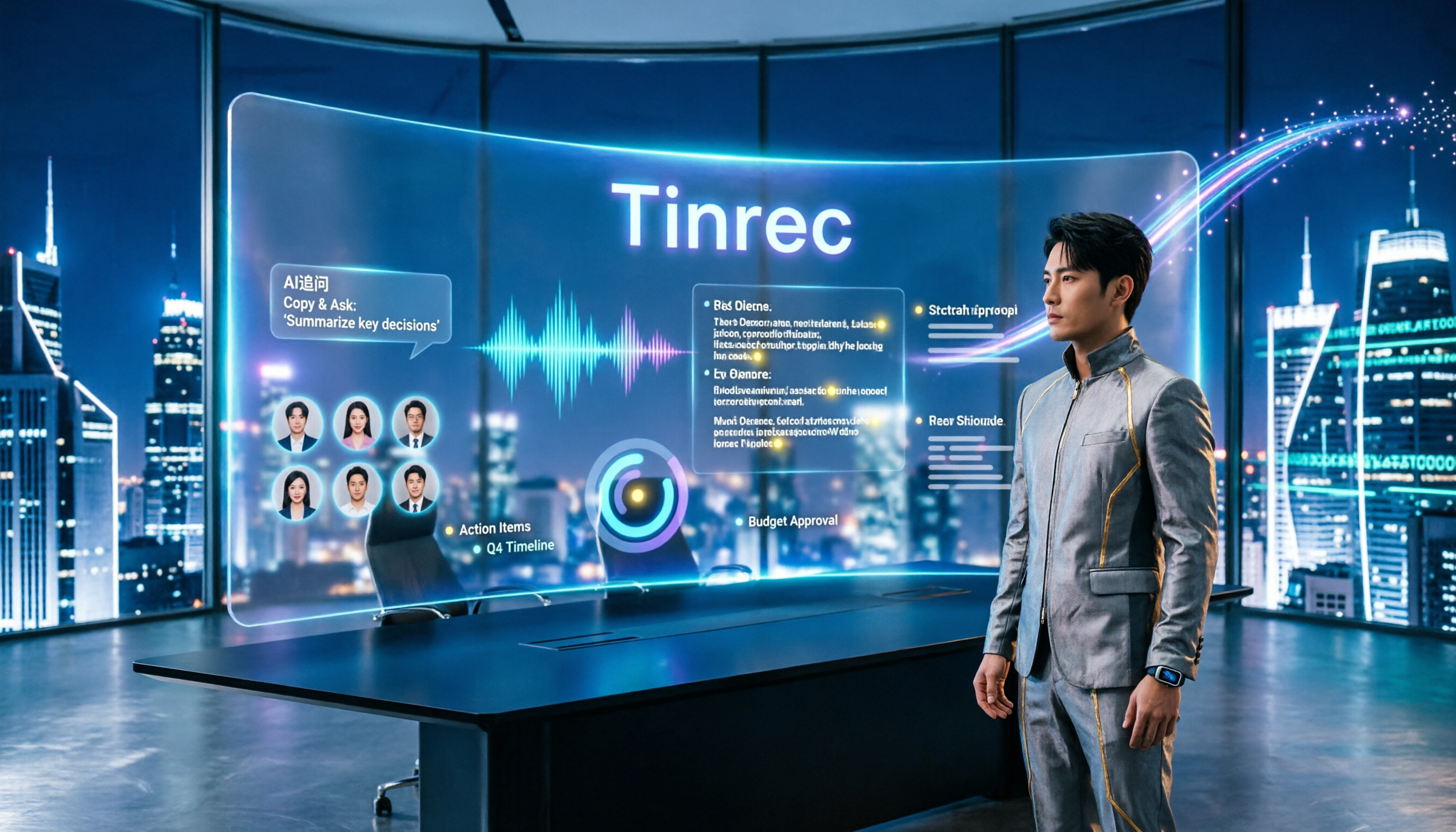
2026 Comparison of 3 Meeting Recording-to-Transcript Tools: Which One Saves You Post-Meeting Cleanup Time?
Turning meeting recordings into transcripts isn't about who transcribes fastest—it's about who spares you from overtime cleanup after the meeting. This article starts from the three most common misconceptions, walks through the complete workflow of recording, transcription, proofreading, generating meeting minutes, and exporting/sharing using Tinrec, includes AI follow-up prompts you can copy directly, and explains the practical use of team spaces, hotwords, and seats.

2026 Meeting Transcription and Minutes Tools Buying Guide: 6 Tools Tested and Recommendations
Are meeting transcription and minutes tools actually useful? I have 15 meetings a week, and my key criteria for testing 6 tools are: whether the meeting is online or offline, whether you want a bot to join the meeting, and what you plan to do with the transcript afterward. This article covers the features, free quotas, and paid plans of Tinrec, CLOVA Note, Otter.ai, Notta, Granola, and TurboScribe, and offers selection advice from a mid-level manager's perspective.

How to Record and Transcribe Meetings in 2026: AI-Powered Step-by-Step Guide
After a meeting, the real time sink is the follow-up. This guide walks you through a proven 5-step meeting transcription workflow based on 15 weekly meetings: how to record in-person and online meetings, generate AI transcripts, proofread quickly, produce meeting minutes and action items, and export and share. Includes FAQs and advanced tips, using Tinrec as an example.

The Complete Guide to Meeting Recording Transcription in 2026: From Recording to Transcript, Summary, and Action Items
What is meeting recording transcription and what post-meeting pain points can it solve? This article, from a mid-level manager's practical perspective, breaks down core capabilities such as real-time transcription, bot-free online meeting recording, AI summaries, and action item extraction. It covers 5 key considerations for choosing a tool and answers common questions, using Tinrec as an example to illustrate a real-world workflow.

2026 Complete Guide to Meeting Recording Transcription: From Audio to Transcript and Action Items
How do you transcribe meeting recordings? This guide starts from practical decision points, breaking down core capabilities like real-time transcription, bot-free meeting recording, AI summaries, action item extraction, and AI Q&A. It uses Tinrec to demonstrate the complete workflow from recording to transcript, summary, and action items, while explaining when to choose personal vs. team plans and key considerations for tool selection.

The Complete Guide to Meeting Recording Transcription in 2026: From Transcript to Action Items
What is meeting recording transcription? This guide starts from the real pain points of mid-level managers, explaining what meeting recording transcription can do for you, five core capabilities, four practical use cases, and five things to consider when choosing a tool. It also uses Tinrec to demonstrate the complete workflow from recording to transcript, summary, action items, and team collaboration.
How to Transcribe Meeting Recordings in 2026: Tinrec's 5 Steps + Auto-Generated Meeting Minutes
Just finished a meeting and realized no one wrote down the action items? This guide walks you through 5 steps to turn meeting recordings into transcripts, quickly proofread key points, and auto-generate meeting minutes and to-dos — plus FAQs and advanced tips, using Tinrec as a full walkthrough.

3 Ways to Manage iPhone Voicemail in 2026: Which Live Transcription Is Most Practical?
How does iPhone call forwarding to voicemail work? This article uses a mid-level manager's real-world scenarios to break down iPhone Live Voicemail's forwarding rules, exceptions for roaming and Low Power Mode, cost traps, and setup. It also compares Tinrec's transcription coverage, post-meeting to-dos, later search, and team collaboration across four dimensions, and finally tells you which situation calls for which tool.