
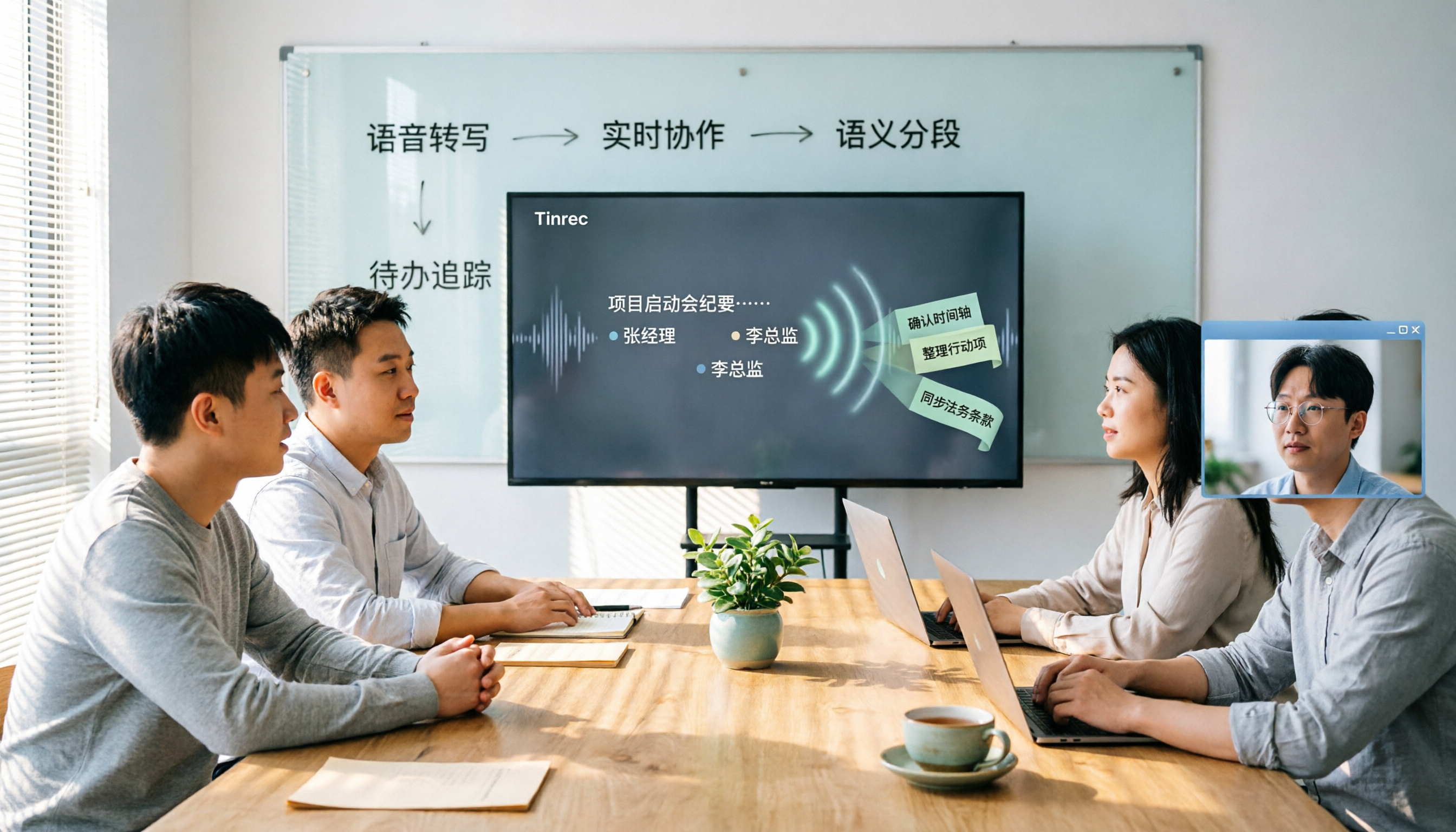
Turn recordings into transcripts and summaries in minutes
Upload audio or video for multilingual transcription, AI notes, and action items
2026 Meeting Transcription Tools Comparison: Why Tinrec Is Better for Chinese-Speaking Teams
The 3 PM project meeting just ended, and your manager asks in the group chat: "Who remembers the conclusion we just reached?" You stare at the 58-minute recording on your phone, not thinking about listening to it again, but wondering how late you'll be up organizing the transcript.
Over the years I've tested many meeting transcription tools. Among the latest 2026 versions, the two most frequently asked about by readers happen to take completely different approaches. One is Tinrec, which uses software to turn meetings into team data, and the other is PLAUD Note, a hardware device focused on portable recording.
This article compares them across five dimensions.
Tinrec vs PLAUD Note | Quick Overview
Tinrec is an AI meeting notes and team collaboration tool accessible via web, desktop, and mobile; PLAUD Note is a standalone recording device that requires a dedicated app. Both can turn audio into text and summaries, but they solve different problems.
Tinrec supports live recording, bot-free desktop recording of online meetings, audio and video import, and can generate summaries, chapters, action items, and AI Q&A. PLAUD's main selling points are portable recording, phone call recording, and long battery life, with content organized afterward through the app.
In terms of pricing, Tinrec's team plan is USD 29.80 per paid seat per month, or USD 199 per paid seat per year (about USD 16.58 per month), with each paid seat providing 2,000 minutes of team shared import quota per month. PLAUD devices are NotePin USD 159 and Note Pro USD 189, with AI plans including Starter, Pro (USD 99.99 per year), and Unlimited (USD 239.99 per year).
Note that prices and benefits from both companies may change; please refer to the official purchase page for actual amounts. Next, I'll compare them across five dimensions: hardware requirements, online meetings, Chinese language experience, post-meeting workflow, and team collaboration.
Dimension 1 | Hardware Requirements and Upfront Cost
PLAUD's core is a standalone device. You need to buy the hardware first, then use it with the app. The advantage is portability and the ability to record phone calls, but it also means an extra device to charge and keep track of, and in multi-person meetings you have to find a good spot for it to pick up sound.
Tinrec requires no extra hardware; it works on web, desktop, and mobile. As long as there's a computer or phone in the meeting room, you can start. For those who already bring a laptop to meetings every day, one less device means one less thing to remember.
Note that PLAUD's hardware still has value in specific situations, such as visiting clients on the fly or when it's inconvenient to open a computer. But if your meetings mostly happen online or in meeting rooms, Tinrec's software approach is more straightforward.
→ This dimension: Tinrec is simpler in upfront cost and daily use.
Dimension 2 | Online Meeting Handling
PLAUD focuses on portable recording; for online meetings, you usually have to place the device next to your computer to capture audio, or upload the recording afterward. This works in a quiet one-person meeting, but with multi-person online meetings, audio quality can suffer.
Tinrec's desktop version directly captures computer system audio. When handling Zoom, Google Meet, Microsoft Teams, Webex, and other platforms, it doesn't need to invite a meeting bot, and no extra account appears in the participant list. After the user manually starts recording, a transcript is generated while the meeting is ongoing.
It's worth noting that Tinrec's bot-free approach doesn't mean it automatically joins all calendar meetings; currently the user still needs to initiate recording. But for those who don't want a bot appearing in the meeting room, this difference is significant.
→ This dimension: Tinrec's approach to online meetings is closer to actual workflows.
Dimension 3 | Chinese and Multilingual Meeting Experience
PLAUD's app offers summaries, templates, and Q&A features, and actual transcription performance is affected by device audio pickup and environment. For Chinese meetings, when the hardware is placed in the center of the table and multiple people speak in turn, recognition is inherently difficult.
Tinrec covers Chinese, Traditional Chinese, and multilingual meeting scenarios, supports real-time translation during recording, allows switching between original text, translation, or bilingual view, and can maintain company-specific terminology through team hotwords.
Note that no tool can promise a fixed accuracy rate; recording quality, accents, noise, and overlapping speech all affect results. So in this dimension, rather than comparing who is most accurate, it's better to compare whose workflow suits you. If you need to view translations while in cross-language meetings, Tinrec's real-time bilingual view is much more practical.
→ This dimension: Tinrec offers a more complete support workflow for Chinese and cross-language meetings.
Dimension 4 | Post-Meeting Workflow and Output
After recording, PLAUD generates summaries and notes within the app, which is sufficient for quick personal review. However, its focus remains on capturing audio; turning it into formal documents or integrating into team processes usually requires manual transfer.
Stop organizing recordings by hand
Upload audio or video and automatically get a transcript, summary, and action items
Tinrec focuses on what comes after transcription: automatically generating summaries, chapters, key points, and action items, enabling AI Q&A around meeting content, and generating reports, tables, and documents that can be exported to Notion, Google Docs, OneNote, Dropbox, and other tools. It essentially connects recording, transcript, and deliverables into one workflow.
My own habit is to first look at the summary and action items after a meeting, then use AI Q&A to follow up on specific details, saving time from listening to the entire recording again.
→ This dimension: Tinrec is clearly more complete in post-meeting output and further processing.
Dimension 5 | Team Collaboration and Data Governance
PLAUD's team capabilities mainly revolve around device and membership management, suitable for individuals or small teams sharing recordings. But data mostly follows individual accounts, so when a member leaves, file ownership and handover need separate handling.
Tinrec's team plan is a separate collaboration space where meeting data belongs to the team. Administrators can create multiple team spaces, invite members via link, set roles as owner, admin, or regular member, and assign or revoke seats. Teams can uniformly store Audio, Folder, TODO, and meeting data, view usage trends, member rankings and details, manage team hotwords, query and export audit logs, and restore accidentally deleted audio files through the audio recycle bin.
Keep in mind that the team plan distinguishes roles and seats: active members without a seat can still view, play, and read data, but cannot upload, edit, or export. Currently it's mainly team-level sharing, not a file-level granular permission system.
→ This dimension: Tinrec is more complete in team data accumulation and governance.
What Unique Advantages Does Each Have?
Tinrec's first advantage is bot-free online meeting recording. The desktop version captures system audio, so Zoom, Meet, Teams, and Webex don't need an extra bot account. The second advantage is the post-transcription workflow: summaries, chapters, action items, AI Q&A, translation, mind maps, and Agent post-processing turn transcripts into deliverables.
Third, Tinrec provides team spaces and governance capabilities, including members, roles, seats, usage, audit, and recycle bin. Meeting data belongs to the team, and handover is possible when members change. Fourth, it works across platforms—web, desktop, and mobile—without extra hardware.
PLAUD's unique advantage is its hardware form factor. First, portable recording requires no computer or software login; just press a button to record, suitable for visits, commuting, and phone calls. Second, a standalone device doesn't use your phone's battery or storage, so you don't have to worry about your phone dying during long recordings.
Conclusion: Which Should You Choose?
• If you frequently meet via Zoom, Meet, Teams and don't want a bot to join → Tinrec (desktop version records system audio) • If you need Chinese transcripts, real-time translation, and bilingual view → Tinrec (supports Chinese, Traditional Chinese, and multilingual meeting scenarios) • If you want to directly generate action items, reports, and documents after meetings → Tinrec (summaries, chapters, Agent post-processing, and multi-format export) • If you need to turn meeting data into team assets and manage members and seats → Tinrec (team spaces, usage analytics, audit logs) • If you frequently visit clients on the go and need a standalone device for quick recording → PLAUD's hardware form factor is more convenient
Overall, for most office workers who meet on computers and need post-meeting organization and team collaboration, Tinrec is the more complete choice. I recommend starting with the free version and testing it with your own meeting recordings.
FAQ
Q1: Is Tinrec's free version enough?
The free version provides a basic quota to experience recording, import, summaries, and transcription. If you only occasionally organize a recording, start with the free version. For short-term intensive meeting needs, consider a weekly pass; for steady weekly use, a Pro monthly or annual plan is more suitable.
Q2: Does Tinrec need a meeting bot to record online meetings?
No. Tinrec's desktop version directly captures computer system audio, so when handling Zoom, Google Meet, Microsoft Teams, and Webex, no extra bot needs to be invited. However, currently the user must manually start recording; it does not automatically join all calendar meetings.
Q3: What is Tinrec's transcription accuracy rate?
The official team does not promise a fixed accuracy rate. Actual performance is affected by recording quality, noise, accents, overlapping speech, and technical terminology. A more practical approach is to verify important content against transcript timestamps and recording playback.
Q4: What's the difference between the team plan and the personal plan?
Personal plan data is managed under an individual account. The team plan provides a separate team space where meeting data belongs to the team, plus member invitations, role and seat management, sharing benefits, usage analytics, audit logs, and an audio recycle bin. Note that roles determine management permissions, and seats determine whether one can record, upload, edit, and export.
Q5: When a team member leaves, will meeting data be taken away?
No, it won't be taken away by the individual. Team resources belong to the team. When a member exits, is removed, or loses their seat, the team resources they were responsible for can be handed over to other active members. Audio entering the recycle bin can be restored before permanent deletion; the current retention period is 30 days. TODO items are not covered by the recycle bin.
Q6: Can Tinrec and PLAUD Note be used together?
Yes. PLAUD is suitable for portable, phone call, or situations where opening a computer is inconvenient, while Tinrec handles online meetings, file import, and post-meeting organization. If you already have a PLAUD, you can also import recorded audio files into Tinrec to uniformly generate summaries, action items, and team data.
References
- Meeting Ink - 2026 AI Meeting Notes Tools Tested | 7 Speech-to-Text and Summary Speed Comparison | Meeting Ink - AI Meeting Notes Assistant Automatic Transcription Transcript Summary Meeting Summary
- 2026 Latest 5 Speech-to-Text App Recommendations: Solving Meeting Notes and Transcript Organization Pain Points - Tinrec Blog
- Notta - Super Accurate Transcript, Speech-to-Text, Meeting Recording, AI Summary Notes App - App Store
- Online AI Speech, Video, Audio File Automatic Transcription - Free Trial - cSubtitle
- Yating Transcript
Turn every recording into actionable outcomes
Get 60 free transcription minutes when you sign in. No credit card required.
Related Reading
You might also like

2026 Comparison of 3 Audio-to-Text Tools: Why Notta Users Are Switching to Tinrec
Tinrec is an AI meeting notes and collaboration tool for individuals and teams, supporting bot-free online meeting recording, real-time audio-to-text transcription, AI summaries, action item extraction, conversational search, and team knowledge retention. This article addresses common pain points for Notta users, compares Tinrec's differences in Chinese meetings, post-meeting workflows, and team governance, and provides practical use cases and purchasing advice.

4 Meeting Transcription Tools Tested in 2026: Which One Actually Turns Your Recording Into Actionable Notes?
Meeting transcription tools are multiplying, but the real difference isn't transcription speed—it's whether your recording becomes usable data after the meeting. This article walks through a real post-meeting workflow, covers 4 key factors for choosing a tool, compares how 4 popular 2026 tools handle the process, and shares how I connect transcripts, summaries, action items, and follow-up questions into one streamlined flow. It ends with the most common pitfalls to avoid.

Tinrec vs Otter.ai 2026: 5-Dimension Comparison for Chinese Meeting Transcription
How to choose a meeting transcription tool in 2026? This article compares Tinrec and Otter.ai across 5 key dimensions, explains the positioning of Granola and Notta, common pitfalls, and offers selection advice based on budget and use case.

2026 Best 4 Chinese Meeting Transcription Tools Tested: Which Is Most Accurate for Chinese Meetings?
Still typing meeting minutes by hand? We tested 4 meeting transcription tools under real Chinese meeting conditions, comparing Chinese recognition, post-meeting organization, and team collaboration. We also cover 4 key buying factors, a pitfall checklist, and scenario-based recommendations to help you find a truly time-saving solution.

2026 Meeting Transcription Free Plans Compared: 4 Tools Reviewed
Starting from the costly inefficiency of re-listening to meetings, this article reviews the free plans and practical differences of 4 meeting transcription tools in 2026, and shares hands-on experience with Tinrec for Chinese meetings, bot-free online recording, post-meeting AI queries, and team knowledge retention, helping you decide if the free quota is enough and when to upgrade.

4 Meeting Recording Transcription Methods Compared: Which Turns a 2-Hour Recording into Usable Meeting Data?
How should you choose a meeting recording transcription method in 2025? This article examines four key decision points and compares approaches like Tinrec, Otter.ai, Granola, and PLAUD, covering bot-free online meeting recording, post-transcription summaries and action items with AI follow-up, and team spaces and seat management, to help you find a method that turns meetings into actionable data.

2026 Meeting Transcription Showdown: Tinrec vs PLAUD Note — Which AI Meeting Assistant Saves More Time?
Many people think meeting transcription is as simple as feeding audio to an AI and getting a perfect transcript. But the real pain point is what happens after transcription: organizing and collaborating. This article compares Tinrec and PLAUD Note across five practical dimensions—meeting capture, Chinese language experience, post-meeting organization, team collaboration, and pricing—to help you decide which is better suited for your meeting scenarios.

2026 Comparison of 4 Meeting Transcription Tools: Which One Turns Recordings into Usable Meeting Notes?
Turning meeting recordings into transcripts isn't just about feeding audio to AI—it's a workflow from pre-recording prep to transcription, organization, and archiving. This hands-on review breaks down 5 key selection criteria, takes a deep dive into Tinrec's bot-free meeting recording, AI Q&A, and team spaces, briefly evaluates Notta, Granola, and Otter.ai for different use cases, and includes a pitfalls guide plus copy-paste prompt templates.

2026 Comparison of 4 Meeting Transcription Tools: Which Saves More Time for Chinese Meetings and AI Summaries?
Starting from the pain points of meeting notes discussed by Dcard users, this article compares four meeting transcription tools: Tinrec, Otter.ai, Granola, and PLAUD Note. It breaks down four key purchasing factors: language support, recording capture methods, post-meeting outputs, and team collaboration. It also includes a guide to avoid pitfalls and scenario-based selection advice to help you say goodbye to nights spent re-listening and typing transcripts.