

Turn recordings into transcripts and summaries in minutes
Upload audio or video for multilingual transcription, AI notes, and action items
Have you ever calculated how a one-hour meeting can take another two to three hours just to re-listen to the recording and type out the transcript? If the meeting content also needs to be organized into summaries, action items, and reports, the time investment is even more significant. Audio-to-text tools are designed to automate this repetitive work, but with so many options on the market, how do you choose? This article starts from the challenges Notta users may encounter and shows you why Tinrec is another option worth considering.
Why are some people looking for Notta alternatives?
Notta is a familiar audio-to-text tool that supports multiple platforms, meeting notes, file import, translation, and team plans, and it has a solid user base in the market.
However, after using it for a while, some users start to run into common issues. For example, the free version only offers 120 minutes per month and a maximum of 3 minutes per recording, which often requires splitting up hour-long meetings. Additionally, if you want meeting data to stay in a team space where all members can search, follow up, and reuse it later, most tools have relatively limited capabilities in this area.
If you have similar needs, Tinrec is worth checking out. It puts meeting notes, AI organization, and team collaboration into a single workflow, which may solve the problems you're facing.
Tinrec vs Notta: What are the key differences in core experience?
Bot-free online meeting recording
Tinrec's desktop version directly captures computer system audio to handle online meetings on Zoom, Google Meet, Microsoft Teams, Webex, and more, without needing to invite an extra meeting bot. Notta also offers meeting bots or desktop options, but if you don't want an extra participant in the meeting, Tinrec's bot-free approach feels more natural. For teams that value a clean meeting process and don't want a bot to interrupt, this difference is very noticeable in practice.
Post-meeting AI workflow
Tinrec doesn't just give you a transcript. It automatically generates summaries, chapters, key points, and action items, and also lets you have AI Q&A around the meeting content. For example, after recording a one-hour meeting, you can directly ask "What was the conclusion?" or "Who is responsible for what?" and it will give you answers based on semantic understanding. Notta also offers summary features, but Tinrec goes further with Q&A and follow-up content generation (such as reports, tables, and documents), making it suitable for those who need to turn meeting content directly into work output.
Chinese and multilingual meeting experience
Tinrec covers Chinese, Traditional Chinese, and multilingual meeting scenarios, supporting mixed Chinese-English content organization, real-time translation, and bilingual viewing. For Taiwan users, the quality of Chinese meeting transcription and minutes is key. Notta also has a certain level of multilingual support, but Tinrec's organization workflow for Chinese meetings and team hotword feature make terminology recognition better.
Team data retention and governance
Tinrec's team plan provides an independent team space where meeting data belongs to the team, and you can manage members, roles, seats, sharing permissions, usage, and audits. Members without a seat can still view team data, but only those with a seat can record, upload, and edit. Notta's Business plan also offers role permissions and usage reports, but Tinrec's design of separating seats from roles, audio recycle bin, and resource handover after member departure is more aligned with actual team operations.
Export and third-party integrations
Tinrec supports exporting meeting results to Notion, Google Docs, OneNote, Dropbox, and other tools, and can also generate documents, reports, and tables. For teams with established workflows, this means meeting content can seamlessly connect to subsequent work. Notta also has export features, but Tinrec's Agent post-processing makes post-meeting delivery more automated.
Tinrec's core features at a glance
Real-time audio-to-text: Open Tinrec to record, and text appears synchronously with very low latency. Suitable for offline meetings, interviews, and on-site notes; the transcript is ready as soon as the meeting ends.
Stop organizing recordings by hand
Upload audio or video and automatically get a transcript, summary, and action items
Bot-free online meeting recording: The desktop version captures system audio to handle Zoom, Google Meet, Microsoft Teams, Webex, and other meetings without a bot joining.
AI summaries, chapters, and action items: Automatically breaks long meetings into chapters, generates summaries and action items, saving manual organization time.
AI Q&A: Ask questions around one or multiple meeting records to quickly find conclusions, owners, and action items.
Real-time translation: View original text, translation, or bilingual content during recording, ideal for cross-language meetings.
Team space and governance: Centrally store team meeting data, manage members, roles, seats, usage, audits, and recycle bin.
Practical use cases
Weekly meetings: Use Tinrec desktop version for bot-free recording during the meeting, and automatically generate summaries and action items afterward to paste directly into project management tools.
Customer interviews: After audio-to-text, use AI Q&A to organize customer needs, objections, and commitments, and export as a report.
Classes and lectures: Real-time audio-to-text with chapters and key points; search keywords directly when reviewing.
Team knowledge base: Save past meetings in the team space so new members can view, search, and ask questions, reducing repetitive communication.
Things to consider when choosing an audio-to-text tool
Does it support bot-free recording: If you don't want a meeting bot to join, look for tools that offer desktop system audio capture.
Post-meeting organization capabilities: Look beyond transcription accuracy to see if summaries, action items, Q&A, and export are complete.
Chinese and multilingual support: Punctuation, paragraphing, and proper noun recognition in Chinese meetings directly affect transcript usability.
Team collaboration and data ownership: Does meeting data belong to individuals or the team? Is data retained after members leave? These are important for team use.
Export and workflow integration: Whether results can be brought into Notion, Google Docs, and other tools determines subsequent efficiency.
Conclusion: Is Tinrec worth a try?
If you're looking for an audio-to-text tool that can record online meetings without a bot, automatically organize summaries and action items afterward, and allow team collaboration, Tinrec is one of the few options on the market that can meet all these conditions.
Especially for teams with high Chinese meeting needs, Tinrec's design for Chinese transcription, real-time translation, and team hotwords will save you a lot of organization time.
We recommend starting with the free version and testing with your own meeting recordings to see if the transcript and summary quality meet your expectations. Teams can apply for a 7-day trial to experience 1 free seat and 300 minutes of shared team import quota.
FAQ
Q1: How is Tinrec different from general audio-to-text tools? A: General tools mainly convert audio to text. Tinrec further generates summaries, chapters, and action items, supports AI Q&A, translation, export, and can retain meeting data in a team space.
Q2: Is Tinrec's free version enough? A: The free version provides basic quota, suitable for occasional recording organization. If you have weekly meetings, consider the Pro monthly or annual plan; for team use, there are team plans.
Q3: Which meeting platforms does Tinrec support? A: The desktop version can handle meeting audio played on a computer from Zoom, Google Meet, Microsoft Teams, Webex, and other platforms without a meeting bot joining.
Q4: What's the difference between the team and personal versions? A: Personal version data belongs to the individual account. The team version provides an independent team space where meeting data belongs to the team, plus management capabilities such as members, roles, seats, usage analysis, audit logs, and recycle bin.
Q5: Can members without a seat see team data? A: Yes. Active members without a seat can view, play, and read team data; only after obtaining a seat can they record, upload, edit, import, and export.
Q6: How accurate is the audio-to-text transcription? A: Tinrec provides high-quality transcription for clear audio and common scenarios. Actual results are affected by recording quality, noise, accents, overlapping speakers, and technical terminology. For important content, we recommend cross-checking with transcript timestamps and recording playback.
References
- Online AI voice, video, audio file auto-transcription - Free trial - cSubtitle
- Audio to text - Free speech-to-text tool
- SoundType AI Ultra-precise transcript, speech-to-text, AI dictation - Google Play App
- Transcribe - Audio file to text on the App Store
- No time limit! 3 free AI transcript tools, highly recommended! AI voice notes generate meeting minutes, presentations, mind maps | 104 Workplace
Turn every recording into actionable outcomes
Get 60 free transcription minutes when you sign in. No credit card required.
Related Reading
You might also like
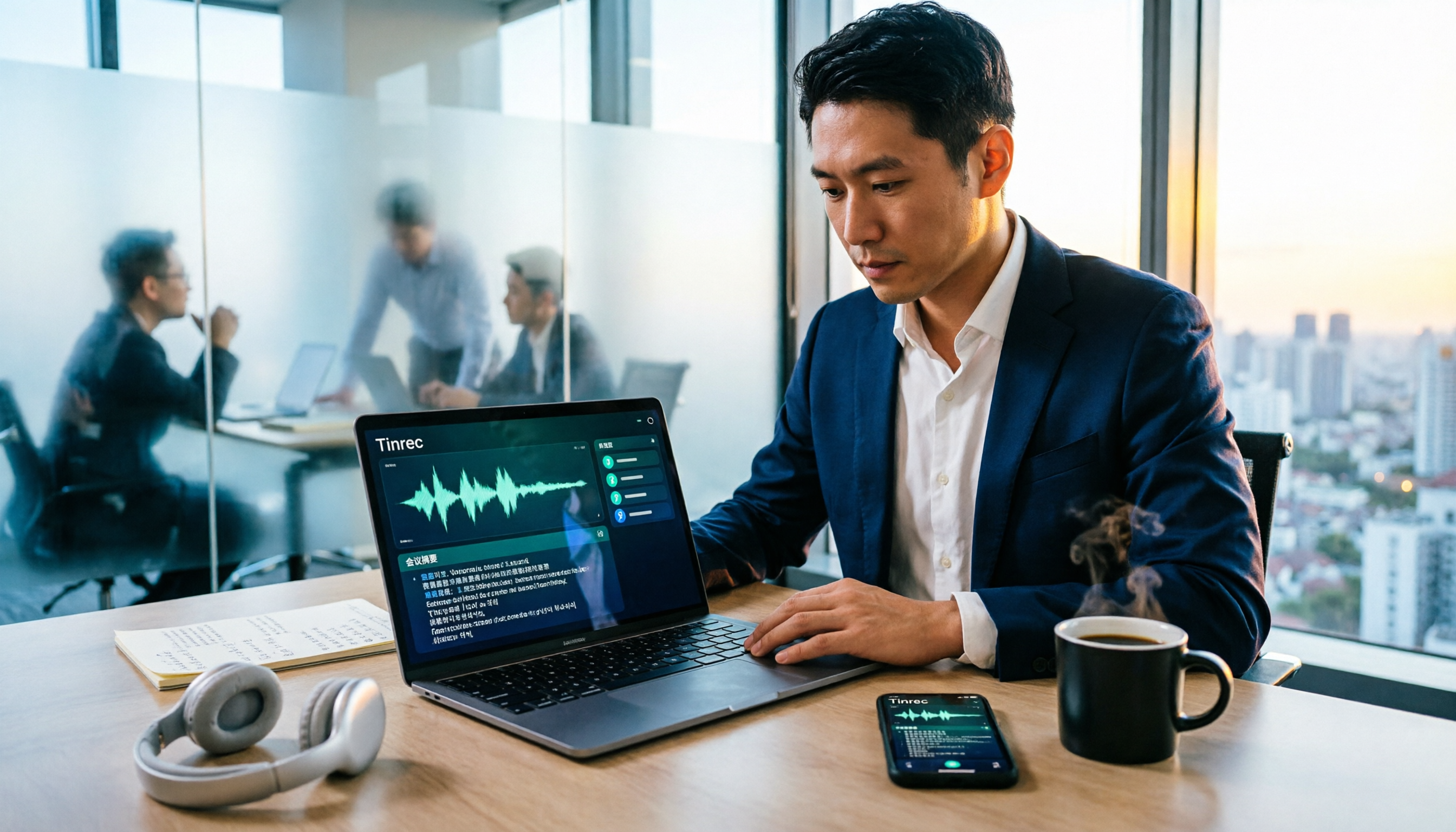
Best Recording Software 2026: Tinrec vs Otter.ai in 5 Steps
Which recording software is best? This article breaks down Tinrec and Otter.ai across 5 dimensions: Chinese and multilingual transcription, bot-free meeting recording, post-meeting summaries and AI Q&A, file import, and team spaces and seat management. It compares the two in real work scenarios and offers clear recommendations to help you find the recording tool that best fits your meeting habits.

2026 iPhone Audio to Text Showdown: 4 Tools Tested—Which One Turns Recordings into Actionable Meeting Notes?
Turning iPhone recordings into text is easy with the built-in Voice Memos transcription, but language support and post-meeting organization are limited. This hands-on comparison tests four common approaches: Apple's built-in tool, Tinrec, Otter.ai, and Notta. We break down Chinese language support, summarization and action items, cross-device use, and team data ownership, plus highlight four common pitfalls to help you choose the method that truly saves time.

4 Meeting Minutes Tools Tested in 2026: How to Organize a Leader's Speech Fastest?
A senior intern personally tested 4 meeting minutes tools, starting from the meltdown of 'the manager spoke for 40 minutes, and all I remembered was everyone keep it up,' and compiled 4 key points for organizing a leader's speech, comparing the actual differences among Tinrec, Notta, Otter.ai, and PLAUD in Chinese meetings, bot-free recording, and AI Q&A.

4 Best Audio-to-Text Apps in 2026: Chinese Meetings & AI Q&A Compared
We tested 4 audio-to-text apps in 2026, comparing Chinese meeting accuracy, online meeting audio capture, post-meeting AI Q&A, and team data management. Find out why Tinrec is our top pick and how Otter.ai, Notta, and Granola compare for different scenarios.
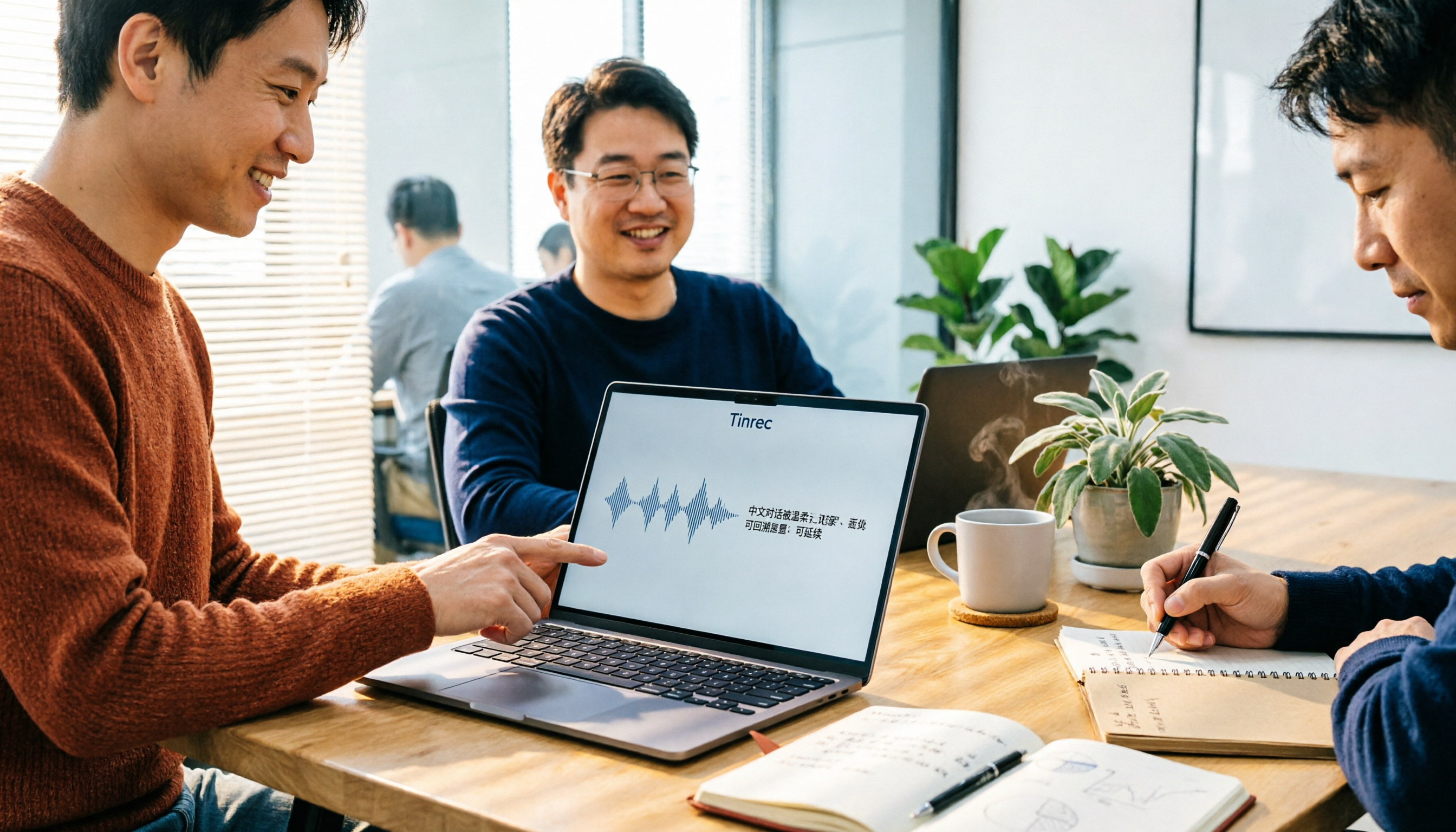
4 Best Speech-to-Text Software in 2026: Which Is Fastest for Chinese Meeting Notes?
We tested Tinrec, Notta, Otter.ai, and PLAUD to find the best speech-to-text tool for Chinese meetings. Compare accuracy, free limits, team features, and pitfalls to save time on transcripts and meeting notes.

4 Meeting Transcription Tools Tested in 2026: Which One Actually Turns Your Recording Into Actionable Notes?
Meeting transcription tools are multiplying, but the real difference isn't transcription speed—it's whether your recording becomes usable data after the meeting. This article walks through a real post-meeting workflow, covers 4 key factors for choosing a tool, compares how 4 popular 2026 tools handle the process, and shares how I connect transcripts, summaries, action items, and follow-up questions into one streamlined flow. It ends with the most common pitfalls to avoid.

Tinrec vs Otter.ai 2026: 5-Dimension Comparison for Chinese Meeting Transcription
How to choose a meeting transcription tool in 2026? This article compares Tinrec and Otter.ai across 5 key dimensions, explains the positioning of Granola and Notta, common pitfalls, and offers selection advice based on budget and use case.
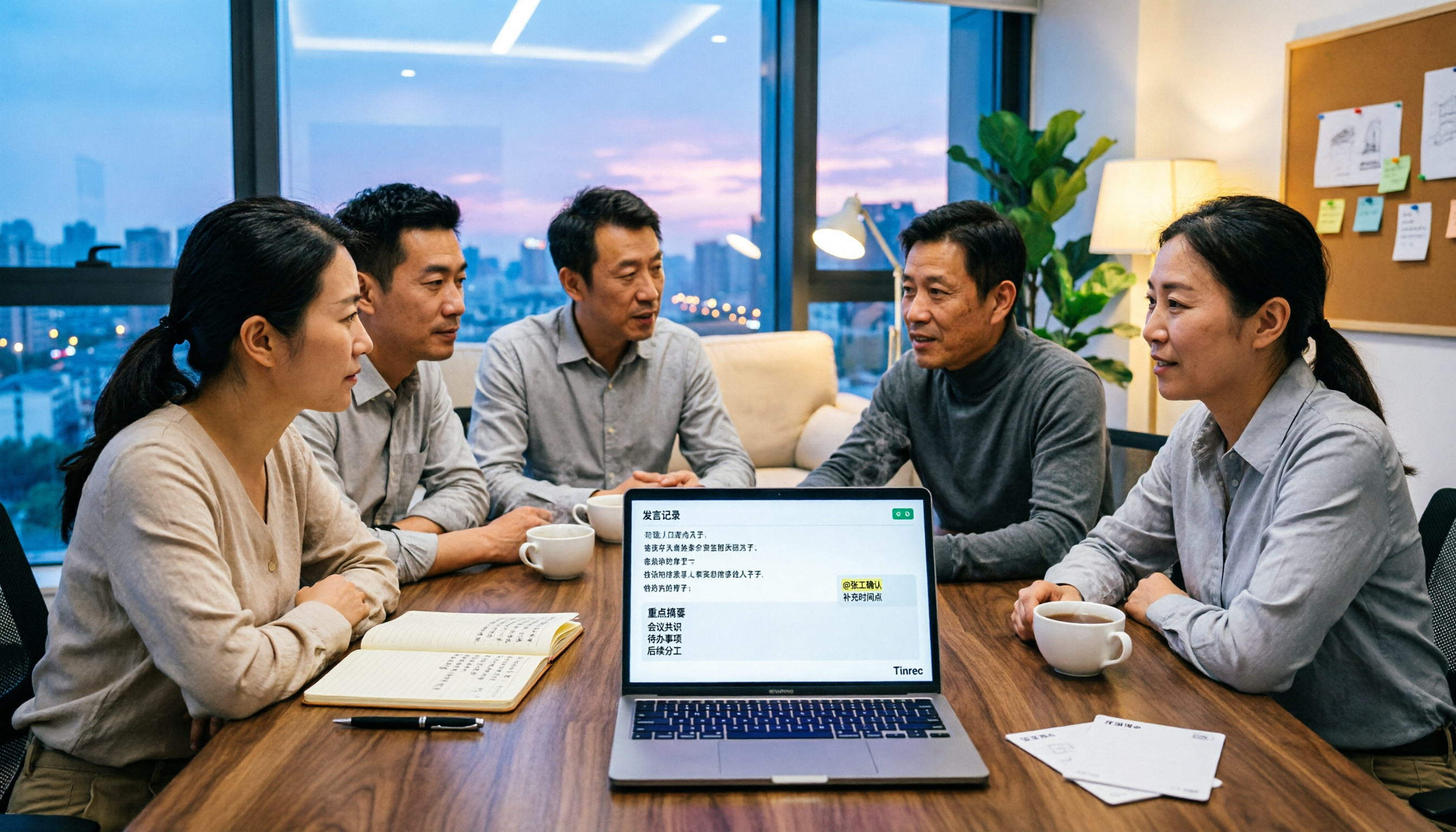
2026 Best 4 Chinese Meeting Transcription Tools Tested: Which Is Most Accurate for Chinese Meetings?
Still typing meeting minutes by hand? We tested 4 meeting transcription tools under real Chinese meeting conditions, comparing Chinese recognition, post-meeting organization, and team collaboration. We also cover 4 key buying factors, a pitfall checklist, and scenario-based recommendations to help you find a truly time-saving solution.

2026 Meeting Transcription Free Plans Compared: 4 Tools Reviewed
Starting from the costly inefficiency of re-listening to meetings, this article reviews the free plans and practical differences of 4 meeting transcription tools in 2026, and shares hands-on experience with Tinrec for Chinese meetings, bot-free online recording, post-meeting AI queries, and team knowledge retention, helping you decide if the free quota is enough and when to upgrade.