
Turn recordings into transcripts and summaries in minutes
Upload audio or video for multilingual transcription, AI notes, and action items
Five meetings a week, and after each one you still have to listen to the recording and type up a transcript—do that for a month, and anyone would look for a tool to save them.
The problem is, there are at least dozens of tools branded as "recording software," and their feature lists all look similar: transcription, AI summaries, export options. What really sets them apart is whether they can handle the things you actually deal with every day: meetings where Chinese is spoken fast and messy, client meetings where you don't want an extra bot account, and that meeting record no one wants to write afterward.
This article doesn't list 20 options for you to slowly pick from. Instead, it breaks down the two most commonly compared tools across 5 dimensions: Tinrec and Otter.ai. The former positions itself as an AI meeting notes tool that turns meetings into searchable, collaborative data; the latter is an AI meeting assistant that has been deeply rooted in English business meetings for years. After reading, you'll know which one to choose for your situation.
Tinrec vs Otter.ai | Quick Overview
Tinrec is an AI meeting notes and collaboration tool for individuals and teams. Its core is not just converting sound to text, but organizing meeting recordings into searchable, summarizable, queryable, and exportable data that settles in team spaces. Otter.ai is a mature AI meeting assistant covering real-time transcription, speaker identification, and AI Chat for mainstream online meeting platforms, with a strong market presence in English business meetings.
| Item | Tinrec | Otter.ai |
|---|---|---|
| Core positioning | AI meeting notes and team collaboration | AI meeting assistant and meeting automation |
| Meeting capture | Desktop version directly captures system audio; no bot joins the meeting | Mainly via meeting bots and desktop client |
| Free usage | Free version available with basic quota; team first trial 7 days, 1 free seat, 300 minutes shared team import quota | Basic free, 300 minutes per month |
| Team capabilities | Team spaces, roles, seats, usage analytics, audit logs, audio recycle bin | Mature team and enterprise management capabilities |
Next, we'll compare them one by one across 5 dimensions: Chinese transcription, recording method, post-meeting organization, file import, and team collaboration.
Dimension 1 | Chinese and Multilingual Meeting Transcription
Otter.ai's product and marketing focus has long been on English business meetings. Its meeting automation, speaker identification, and AI Chat have deep experience in English scenarios. If your meetings are all in English and your team works in an English environment, its maturity is well-regarded. However, Chinese and mixed Chinese-English discussions are not its strong suit.
Tinrec treats Chinese meetings as its primary scenario: it supports transcription of Chinese, Traditional Chinese, and multilingual meeting content, can organize mixed Chinese-English discussions, and offers real-time translation. During recording, you can switch between original text, translation, or bilingual view. The team version also allows maintaining "team hotwords" to add company-specific terminology and product codes, improving recognition of professional terms. Actual results may still be affected by recording quality, noise, accents, and overlapping speakers; for important content, it's recommended to cross-check with the transcript timestamps and recording.
→ This dimension: For users whose meetings are mainly in Chinese, Tinrec clearly wins.
Dimension 2 | Recording Method for Online Meetings
Otter.ai's meeting capture is represented by meeting bots, which join online meetings such as Zoom, Microsoft Teams, and Google Meet as a participant, while also offering desktop capabilities. For teams accustomed to fully automated processes, this approach is indeed convenient.
Tinrec's desktop version takes a different path: it directly captures the computer's system audio, handling meeting audio played on the computer from platforms like Zoom, Google Meet, Microsoft Teams, and Webex, without pulling a bot into the meeting room. This is especially practical for client meetings—no need to explain who the extra account in the list is. Note that this still requires the user to actively open Tinrec to start recording; it does not automatically join every meeting on your calendar.
→ This dimension: For those who don't want an extra bot account in the meeting list, Tinrec is more convenient.
Stop organizing recordings by hand
Upload audio or video and automatically get a transcript, summary, and action items
Dimension 3 | Post-Meeting Organization and AI Follow-Up
Otter.ai provides meeting summaries, action items, and AI Chat. In the meeting assistant category, its features are fairly complete, and daily progress tracking is no problem.
Tinrec produces more layers after the meeting: beyond the transcript, it automatically generates summaries, chapters, key points, to-dos, and mind maps; you can continue AI Q&A for a single meeting or multiple meetings; and through Agent post-processing, it can further generate reports, tables, and documents from meeting content, directly usable as material for reporting or review. Output can also be exported to Notion, Google Docs, OneNote, Dropbox, and other tools for further processing, connecting back to your original workflow.
→ This dimension: For those who need to turn meetings directly into work output, Tinrec wins.
Dimension 4 | File Import and Historical Meeting Organization
Otter.ai's Pro plan includes 1,200 minutes of in-app recording per month and 10 file imports, while the Business plan offers unlimited meetings and in-app recording, suitable for a rhythm focused on real-time meetings.
Tinrec's input sources cover real-time recording, computer meeting recording, audio and video files, mobile recording, and some public web links can also be imported. Those historical meetings and interview recordings that "already exist but haven't been organized" can be thrown in at once and converted into searchable text. The team version's paid seats provide 2,000 minutes of shared team import quota per seat per month, used collectively by the team. File and web imports consume this shared quota and do not touch members' personal quotas; under a valid team plan and valid seats, real-time recording currently does not deduct minutes.
→ This dimension: For those with a pile of old recordings to organize, Tinrec offers more flexibility.
Dimension 5 | Team Collaboration and Data Governance
Otter.ai has accumulated more experience in team and enterprise management. Its Business plan offers relatively complete management capabilities, suitable for organizations already running in its ecosystem.
Tinrec's team version makes "meeting data ownership" very clear: data is placed in an independent team space, not a shared personal account, and does not belong to the uploader personally; members are divided into three roles: owner, admin, and regular member, and "seats" determine who can record, upload, edit, import, and export. Members with a role but no seat can still view, play, and read team data. Administrators can see team usage trends, member rankings, and details, and query and export audit logs; accidentally deleted audio goes to the team recycle bin, currently retained for 30 days. When a member leaves, is removed, or loses their seat, the team resources they were responsible for must be handed over to other valid members, so data doesn't disappear with the person. Note that currently it's team-level sharing, role-based governance, and seat-based usage control, not a file-level permission system.
→ This dimension: For companies that want to turn meetings into team assets, Tinrec's design is more aligned with the need.
What Are Their Unique Advantages?
Tinrec's Unique Advantages
- Bot-free recording: Desktop version captures system audio, no extra bot account appears in the meeting list, especially useful for external meetings.
- Chinese and multilingual experience: Covers Chinese, Traditional Chinese, mixed Chinese-English, and real-time bilingual view, plus team hotwords for managing professional terminology.
- Complete post-meeting output: Summaries, chapters, to-dos, mind maps, AI Q&A, and Agent-generated reports, tables, and documents.
- Team data governance: Team spaces, roles, seats, usage analytics, audit logs, and audio recycle bin all in one place.
Otter.ai's Unique Advantages
- Deep experience in English business meetings: Long-standing focus on English meeting scenarios, with relatively mature meeting automation and workflows.
- Covers mainstream meeting platforms: Corresponding meeting processes for Zoom, Microsoft Teams, Google Meet, and other platforms.
Conclusion: Which One Should You Choose?
- If most of your meetings are in Chinese or mixed Chinese-English → Tinrec (Chinese and multilingual scenarios are its home turf).
- If you don't want a bot account appearing in client meeting lists → Tinrec (desktop version directly captures system audio).
- If you want to get summaries, to-dos, and a queryable meeting database right after recording → Tinrec (AI Q&A plus Agent post-processing).
- If you have a pile of old recordings to organize into searchable text at once → Tinrec (files, videos, and mobile can all be imported).
- If you need unified team management of members, seats, usage, and operation logs → Tinrec (complete team governance capabilities).
- If your meetings are all in English and your team already uses Otter's workflow, and you only need basic meeting notes and summaries → Otter.ai is sufficient.
In one sentence: For most users whose meetings are mainly in Chinese, Tinrec is the more complete choice. It's recommended to start with the free version, try transcription and organization with a segment of your own meeting recording, and consider upgrading once you confirm it fits your work habits. Finally, a reminder: before recording and transcribing, please comply with local regulations and obtain consent from participants when necessary.
References
- 14 Highly Practical Free Recording Software Recommendations [2026 Latest Comprehensive Review]
- 2026 Free Computer Recording Software Recommendations: 8 Windows/Mac Tools Tested and Compared
- [2025 Best Recording Software] 6 Recording Programs, Free Download 🎶🎶 - EaseUS
- 9 Highly Practical Recording Software Recommendations for 2026, Easily Handle Audio Recording and Editing!
- 4 Best Methods for Computer Recording [2026 Best Recording Program Tool Recommendations]
Turn every recording into actionable outcomes
Get 60 free transcription minutes when you sign in. No credit card required.
Related Reading
You might also like

2026 iPhone Audio to Text Showdown: 4 Tools Tested—Which One Turns Recordings into Actionable Meeting Notes?
Turning iPhone recordings into text is easy with the built-in Voice Memos transcription, but language support and post-meeting organization are limited. This hands-on comparison tests four common approaches: Apple's built-in tool, Tinrec, Otter.ai, and Notta. We break down Chinese language support, summarization and action items, cross-device use, and team data ownership, plus highlight four common pitfalls to help you choose the method that truly saves time.
4 Meeting Minutes Tools Tested in 2026: How to Organize a Leader's Speech Fastest?
A senior intern personally tested 4 meeting minutes tools, starting from the meltdown of 'the manager spoke for 40 minutes, and all I remembered was everyone keep it up,' and compiled 4 key points for organizing a leader's speech, comparing the actual differences among Tinrec, Notta, Otter.ai, and PLAUD in Chinese meetings, bot-free recording, and AI Q&A.

4 Best Audio-to-Text Apps in 2026: Chinese Meetings & AI Q&A Compared
We tested 4 audio-to-text apps in 2026, comparing Chinese meeting accuracy, online meeting audio capture, post-meeting AI Q&A, and team data management. Find out why Tinrec is our top pick and how Otter.ai, Notta, and Granola compare for different scenarios.
4 Best Speech-to-Text Software in 2026: Which Is Fastest for Chinese Meeting Notes?
We tested Tinrec, Notta, Otter.ai, and PLAUD to find the best speech-to-text tool for Chinese meetings. Compare accuracy, free limits, team features, and pitfalls to save time on transcripts and meeting notes.

2026 Comparison of 3 Audio-to-Text Tools: Why Notta Users Are Switching to Tinrec
Tinrec is an AI meeting notes and collaboration tool for individuals and teams, supporting bot-free online meeting recording, real-time audio-to-text transcription, AI summaries, action item extraction, conversational search, and team knowledge retention. This article addresses common pain points for Notta users, compares Tinrec's differences in Chinese meetings, post-meeting workflows, and team governance, and provides practical use cases and purchasing advice.

4 Meeting Transcription Tools Tested in 2026: Which One Actually Turns Your Recording Into Actionable Notes?
Meeting transcription tools are multiplying, but the real difference isn't transcription speed—it's whether your recording becomes usable data after the meeting. This article walks through a real post-meeting workflow, covers 4 key factors for choosing a tool, compares how 4 popular 2026 tools handle the process, and shares how I connect transcripts, summaries, action items, and follow-up questions into one streamlined flow. It ends with the most common pitfalls to avoid.

Tinrec vs Otter.ai 2026: 5-Dimension Comparison for Chinese Meeting Transcription
How to choose a meeting transcription tool in 2026? This article compares Tinrec and Otter.ai across 5 key dimensions, explains the positioning of Granola and Notta, common pitfalls, and offers selection advice based on budget and use case.
2026 Best 4 Chinese Meeting Transcription Tools Tested: Which Is Most Accurate for Chinese Meetings?
Still typing meeting minutes by hand? We tested 4 meeting transcription tools under real Chinese meeting conditions, comparing Chinese recognition, post-meeting organization, and team collaboration. We also cover 4 key buying factors, a pitfall checklist, and scenario-based recommendations to help you find a truly time-saving solution.
2026 Meeting Transcription Free Plans Compared: 4 Tools Reviewed
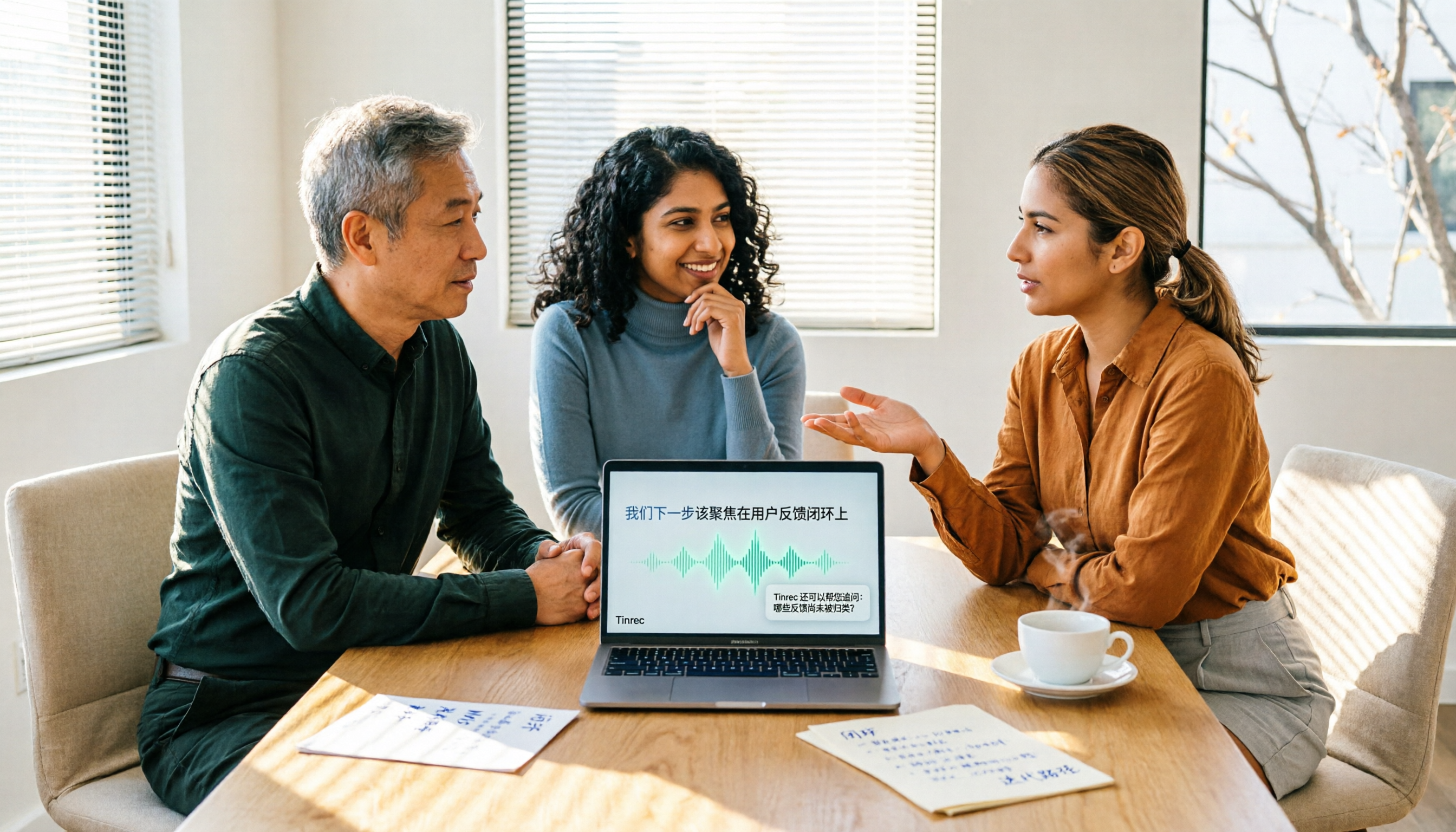
Starting from the costly inefficiency of re-listening to meetings, this article reviews the free plans and practical differences of 4 meeting transcription tools in 2026, and shares hands-on experience with Tinrec for Chinese meetings, bot-free online recording, post-meeting AI queries, and team knowledge retention, helping you decide if the free quota is enough and when to upgrade.