

Turn recordings into transcripts and summaries in minutes
Upload audio or video for multilingual transcription, AI notes, and action items
4 iPhone Audio-to-Text Methods Tested in 2026: Is the Built-in Free Option Enough, or Does Tinrec Save More Time?
Last semester I took a three-credit required course. The professor spoke fast and flipped through slides even faster. I tried handwriting notes, but when I opened my notebook before finals, I couldn't even understand what I had written—all I had on my phone were a few recordings I never listened to again. Later, I tried almost every audio-to-text method available on iPhone, and this article is my hands-on summary.
Why do you record so much audio but still have no notes before the exam?
The first scenario is in class. A two-hour lecture means a two-hour recording, but the truly important parts might only be fifteen minutes of it. You can't listen from start to finish every time you review, so you just drag the progress bar and guess which part is the key point.
The second scenario is group discussion. Everyone talks over each other, conclusions drift around, and after the meeting the group chat only has one message: "So what are we doing next time?" No one can answer.
The third scenario is before finals. You open your phone and find twenty-something unnamed recordings. Just listening to them all would take an entire afternoon.
The common thread in all these situations is: the problem is never "whether you recorded," but "whether you can use it right after recording." Choose the right tool, and these three problems can actually be solved at once.
Before choosing an iPhone audio-to-text tool, understand these 4 key points
1. Your device model and OS version determine whether built-in features work. Apple's built-in Voice Memos and Notes apps can both generate audio transcripts, but they require iPhone 12 or later; Chinese transcripts only appear after updating to iOS 18.4 or later. If you have an older phone or haven't updated, the built-in option may not even appear—confirm this first.
2. After transcription, is there any "post-processing"? Turning sound into text is only the first step. Whether it can automatically generate summaries, chapters, and to-dos, and whether you can ask questions directly about the content, determines whether organizing your notes takes ten minutes or two hours. This is usually where built-in features and professional tools differ the most.
3. Does cross-platform matter? Most students' habit is to record on their phone and write reports on their computer. If a tool is tied to a single device, you have to manually move files and reformat them. This hidden cost adds up frighteningly fast.
4. Is the free quota enough? Don't just look at total minutes. Some tools' free versions seem to have plenty of monthly minutes but limit the length per recording, so a 50-minute class has to be split into several parts. First calculate how long your class or meeting typically lasts, then check whether the quota is actually enough.
Tinrec: My main tool after testing for a semester
Tinrec is an AI meeting notes and collaboration tool for individuals and teams, supporting iOS, Android, and web. I initially used it just to fill gaps in the built-in features, but after a semester it became an app on the first row of my phone's home screen.
Record and transcribe simultaneously in class or lectures. Open Tinrec and start recording, and the transcript is generated in sync. Mixed Chinese and English content in class can also be organized together. It supports real-time recording, mobile recording, audio/video file import, and can also handle some web link content. Previously I had to transfer recordings to my computer and listen slowly; now I can read the text directly on my phone.
No need to invite a bot to online meetings. This is super useful for our graduation project. Tinrec's desktop version directly captures computer system audio and can handle online meetings like Zoom, Google Meet, Microsoft Teams, and Webex without an extra bot account joining the meeting room. When meeting with my advisor, I just open the desktop version and press record, and after the meeting I have a complete transcript.
What really made me stay was the "after meeting" part. Tinrec automatically generates summaries, chapters, key points, and to-dos, and you can continue asking questions with AI Q&A. For example, I directly ask it "Which research method did this discussion decide to use?" It answers based on the meeting content instead of throwing a string of keywords for me to search through. Recorded content can also be exported to Notion, Google Docs, OneNote, Dropbox, and other tools for further processing. When you need to submit a report, it can also generate documents, tables, and meeting minutes.
Stop organizing recordings by hand
Upload audio or video and automatically get a transcript, summary, and action items
Pros:
- Complete post-transcription workflow: summaries, chapters, to-dos, mind maps, and AI Q&A all in one place.
- Bot-free recording of online meetings; desktop version handles audio from common meeting platforms.
- Cross-platform use: record on phone, organize on computer without switching tools.
Limitations:
- The free version only provides a basic quota. If you record several classes a week like me, you'll need to consider a paid plan later; actual pricing and benefits are subject to the official purchase page.
- Transcription quality is affected by recording quality, ambient noise, accents, overlapping speakers, and technical terminology. It's not recommended to treat it as a 100% accurate replacement—important content should still be checked against the recording.
If you need Chinese transcripts, want to use AI to find key points right after recording, and often switch between phone and computer, Tinrec is my current top recommendation. If your group project wants to keep every discussion, its team space can centrally store meeting data, and members leaving won't take the data with them; the team version's first eligible trial offers 7 days, 1 free seat, and 300 minutes of shared team import quota. Seats, quotas, and pricing are also subject to the official purchase page.
Besides Tinrec, what other options are there?
Apple built-in Voice Memos and Notes: Free, no download required. iPhone 12 or later with iOS 18.4 or later can generate Chinese transcripts—convenient for quick recordings. But it stops at "turning into text," with no summaries, to-dos, or AI Q&A, and data stays on a single device. Post-transcription organization and follow-up questions are where Tinrec clearly wins.
PLAUD Note / NotePin: These are AI recording hardware—you're buying a standalone device and portable recording experience. The US official website lists device prices starting around USD 159. If you want the feel of a physical voice recorder, consider it; but you need to carry an extra device and spend extra budget, and online meetings aren't its strong suit. Tinrec requires no hardware purchase and works on phone, computer, and web, and can directly record online meetings.
Notta: Good multilingual transcription and translation, and it has team plans. The free version offers 120 minutes per month, but each recording is limited to 3 minutes—for a 50-minute class, that means splitting into several parts. Tinrec covers bot-free desktop meeting recording, AI Q&A, and team space, making the overall workflow more suited to students and teams.
Pitfall guide: 4 most common mistakes students make when choosing audio-to-text
Pitfall 1: Assuming built-in is enough, ignoring "can you still use it after transcription." Built-in transcripts can turn sound into text, but have no summaries, chapters, or to-dos. Suitable for temporary notes, not really for reports or projects. When choosing a tool, treat "post-meeting organization" as a necessary condition.
Pitfall 2: Only looking at free minutes, not the per-recording limit. Some tools' free quotas look generous but limit single-recording length, so a 50-minute class must be split. First confirm how long your class or meeting typically lasts, then check if the quota is enough.
Pitfall 3: Recording on phone, only to find you can't organize on computer. Most people's habit is to record on phone and write reports on computer. If the tool doesn't support cross-platform, you have to manually move files. Before choosing, think clearly about which devices you'll use.
Pitfall 4: Forgetting to check device model and OS version first. Apple's built-in audio transcripts require iPhone 12 or later, and Chinese transcripts require iOS 18.4 or later. If you have an older phone or haven't updated, the feature may not appear at all—update first before complaining. Also, before recording, remember to check local laws and get consent if necessary.
Conclusion: Which one should you choose?
In one sentence: if you only need to "turn a recording into text," the built-in free version is enough; but if you want "ready to use right after recording," Tinrec is my top choice after a semester of use.
- Record lectures, want AI to find key points before exams → Tinrec (summaries, chapters, to-dos, AI Q&A all in one)
- Online meetings, project discussions without inviting a bot → Tinrec (desktop version directly captures system audio)
- Record on phone, organize on computer → Tinrec (works on iOS, Android, and web)
- Group project needs to keep discussion data → Tinrec team space (team resources belong to the team, with roles and seats managing access)
- Just occasional quick recordings, zero budget → Apple built-in Voice Memos (iPhone 12 or later, iOS 18.4 or later)
Final reminder: don't pay from the start. Try Tinrec's free version first, run a few of your own class recordings through it, and see if the transcription quality and post-processing workflow fit your habits. If it really saves you time, then consider upgrading. Actual plans and pricing are subject to the official purchase page.
References
- View Voice Memos transcripts on iPhone - Apple Support (Taiwan)
- Record and transcribe audio in Notes on iPhone - Apple Support (Taiwan)
- iPhone Voice Memo to Text Method Tutorial: Transcripts Without Third-Party Apps - Mr. Mad
- No Third-Party App Needed! Complete Guide to iPhone Voice Memos and Notes Audio-to-Text | Venus's Fantasy World
- iPhone Notes and Voice Memos Also Have Transcript Features! Turn Lectures, Meetings, and Speeches into Text in Seconds: Simple 4-Step Tutorial | BusinessNext
Turn every recording into actionable outcomes
Get 60 free transcription minutes when you sign in. No credit card required.
Related Reading
You might also like
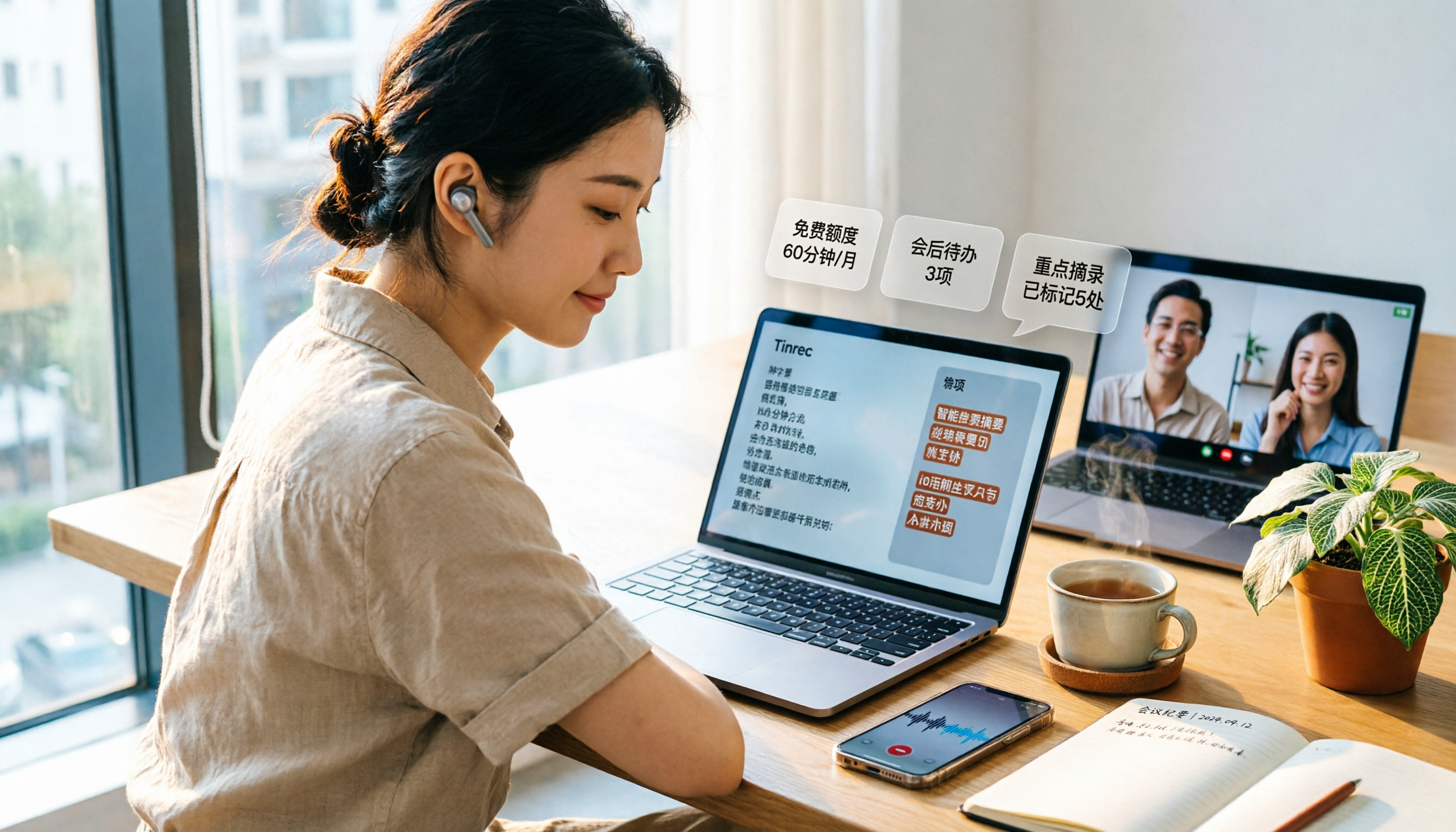
3 Free Audio-to-Text Tools Tested and Compared in 2026: Is the Free Tier Enough?
How do you choose a free audio-to-text tool? This article examines four key aspects: the unit of the free quota, Chinese recognition, post-meeting organization capabilities, and online meeting support. It compares the free plans of Tinrec, Notta, Otter.ai, and TurboScribe, and highlights the three most common pitfalls to help you find the one that truly meets your needs.

How to Choose a Free AI Transcription Tool in 2026: 5 Steps from Recording to Meeting Minutes
Starting from a mid-level manager's real meeting scenarios, this article breaks down the four key factors for choosing a free AI transcription tool, tests Tinrec's 5-step workflow, compares it with Notta, Otter.ai, and MyEdit, and includes pitfalls to avoid—helping you pick a tool that truly works after the meeting.

4 Image-to-Text OCR Tools Compared in 2026: How to Choose Between Free OCR and Tinrec for Meeting Notes
A guide to key considerations for choosing image-to-text (OCR) tools, comparing imagetotext.me, Gaitubao, Google Keep, and Chenghua OCR, plus when to use Tinrec for meeting transcription.

3 AI Meeting Note Apps Tested in 2026: Why Huawei Users Ultimately Chose Tinrec
From the perspective of a mid-level manager, this article analyzes the search intent behind "Huawei AI meeting notes" and uses Tinrec as an example to explain how AI meeting notes can automatically generate transcripts, summaries, and action items, and how these can be stored in a team space as searchable, collaborative data. It includes features, use cases, buying advice, and FAQs.

2026 AI Audio-to-Text Showdown: Tinrec vs PLAUD Note — Which Is Better for Chinese Meetings?
We compare Tinrec and PLAUD Note across meeting capture, Chinese-language experience, post-meeting workflow, team collaboration, and pricing to help you decide which AI audio-to-text tool fits your needs.

2026 Comparison of 4 Meeting Minutes Tools: Which One Actually Saves You Post-Meeting Time?
With 15 meetings a week and notes to organize after each one, a mid-level manager tests 4 meeting minutes tools, comparing audio transcription, post-meeting summaries and action items, AI Q&A, team sharing, and quotas. Includes 4 common pitfalls and selection advice to help you find the one that truly saves post-meeting time.

2026 Comparison of 2 Online YouTube Video Analysis Tools: From Video Link to Transcript Organization
Many people think YouTube video analysis means finding a website to download videos, but the real need is turning video content into searchable, organizable data. This article starts from common misconceptions and compares Tinrec and Notta across 5 dimensions: video link import, Chinese transcription, AI Q&A, team collaboration, and export workflows, helping you find a more suitable video analysis and transcript organization solution.

2026 Video and Audio Transcription Tools Buying Guide: 2 Tested Picks and Recommendations
When converting videos, interviews, or meeting notes to text, the first thing to determine is: are you dealing with a pre-recorded video file or a live meeting? This article compares two solutions, Tinrec and PLAUD Note, across six dimensions: video and audio input, Chinese recognition, post-transcription processing, audio file storage, team collaboration, and upfront cost, to help you decide which one better fits your use case.
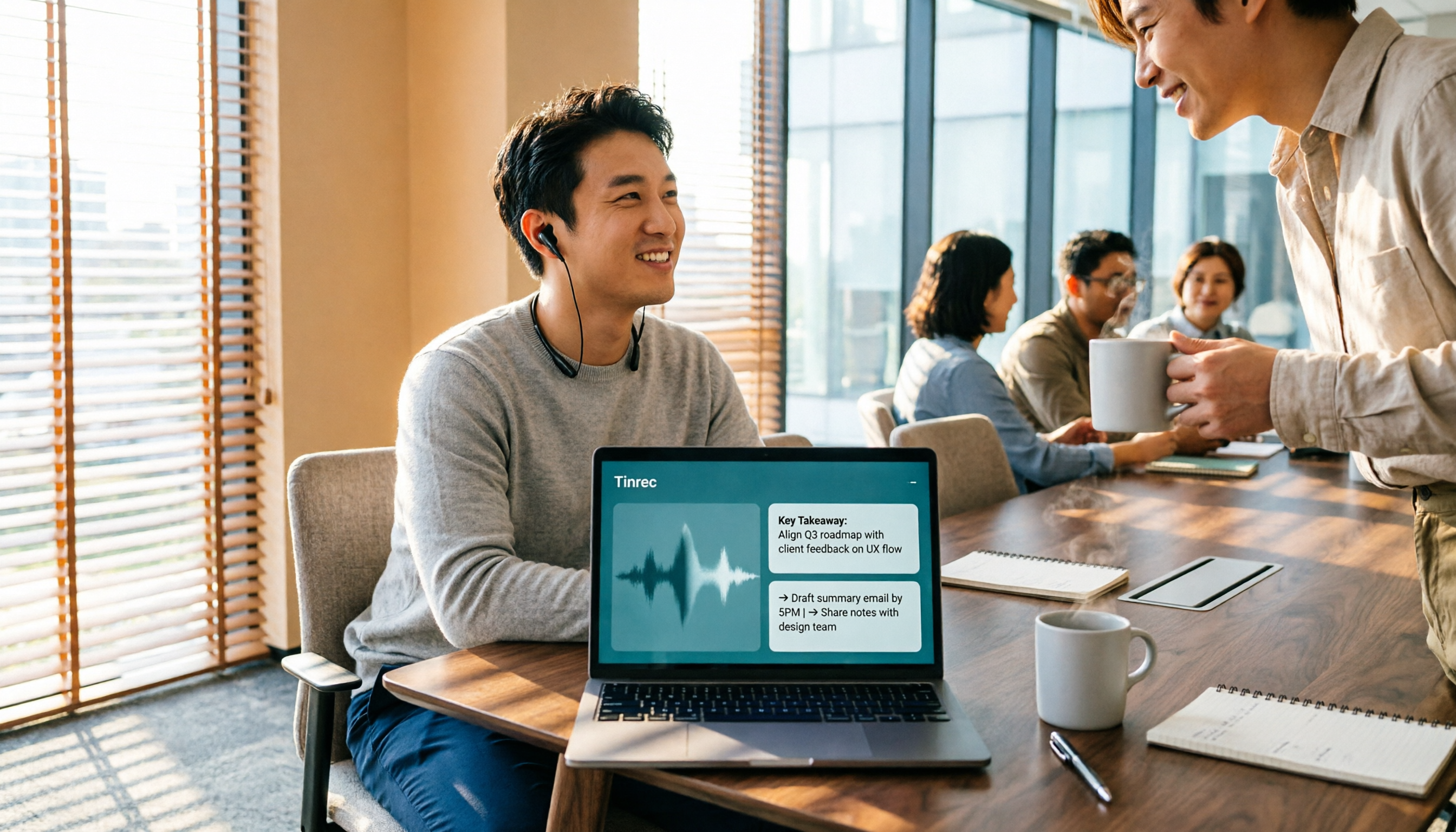
4 Voice-to-Meeting-Minutes Tools Tested for 2026: Is the Free Version Enough? Which Saves the Most Time After Meetings?
After a meeting, spending time organizing minutes is a daily pain point for most office workers. This article compares four voice-to-meeting-minutes tools: Tinrec, Otter.ai, Notta, and PLAUD. It covers recognition scenarios, post-meeting summaries and action items, online meeting recording methods, team data ownership, and free version limitations, with key tips to avoid pitfalls when choosing a tool.