
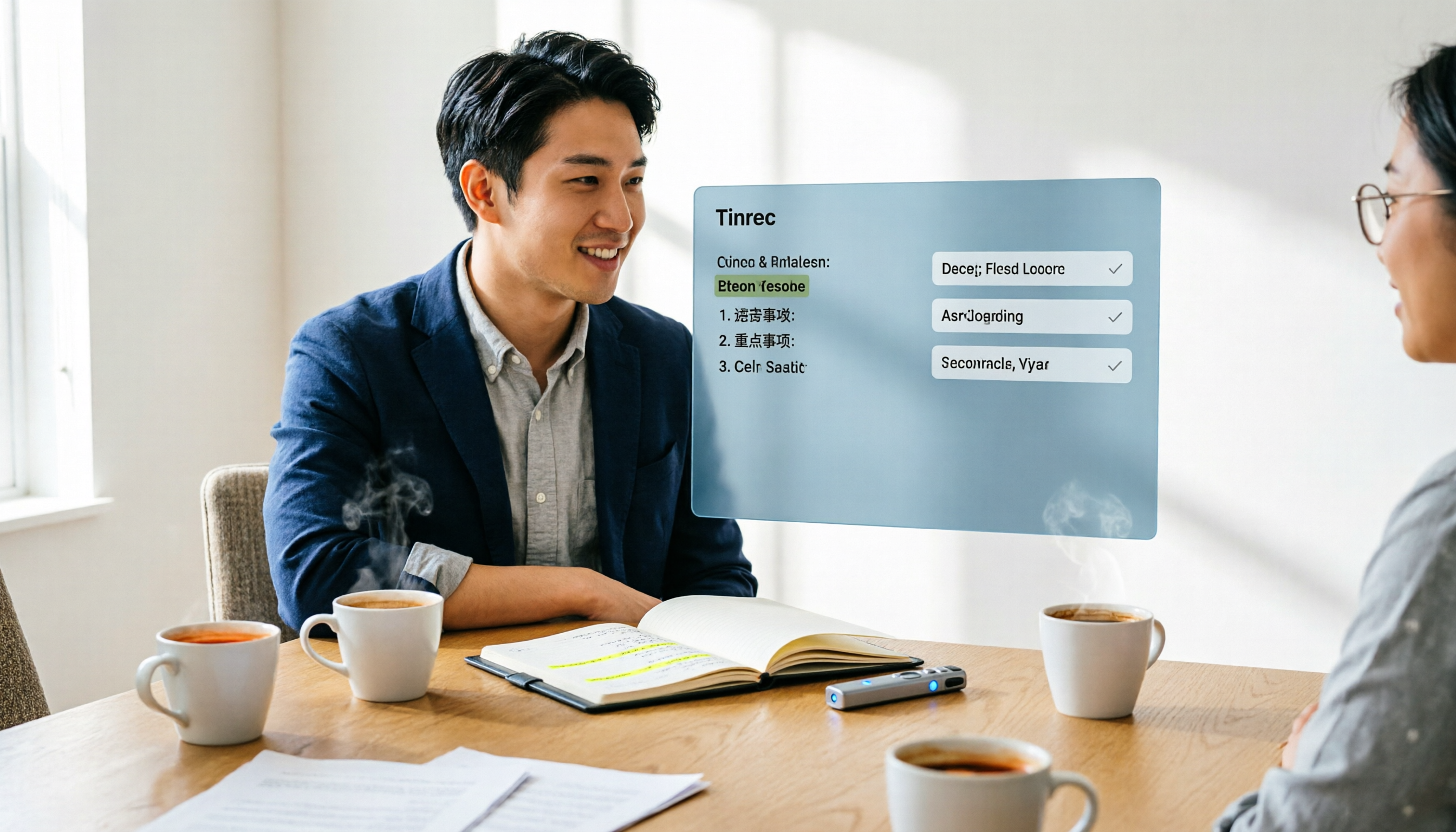
Turn recordings into transcripts and summaries in minutes
Upload audio or video for multilingual transcription, AI notes, and action items
2026 Comparison of 4 Audio-to-Transcript Tools: Gemini Can Transcribe, But Who Can Manage Post-Meeting Data?
"Can Gemini turn audio files into transcripts?" This is the first question many people typed into the search bar in 2026.
Short answer: yes. Google Gemini now supports uploading common recording files such as MP3, M4A, and WAV, and outputs transcripts via AI. Free accounts can use it too, though there are quota and file-size limits.
But what really wears people down is often not "failing to transcribe" but what to do with that big block of text after transcription. This article first clarifies what Gemini can actually do and where it gets stuck, then compares 4 common approaches from the perspective of "can I keep using it after the meeting" to help you pick the option that fits your workflow.
Product figures in this article are based on public reports and official pages of each service, with data verified as of August 2026; actual features and prices remain subject to each service's official pages.
The real pain point of audio-to-transcript is not "failing to transcribe"
Pain point 1: What you get is a pile of words, not a record. A one-hour meeting recording can easily turn into tens of thousands of words. Filler words, off-topic chatter, and people talking over each other are all in there. You get the transcript, but you still have to scan through it yourself to find conclusions and action items.
Pain point 2: Online meeting recordings often end up recording nothing useful. After a Zoom, Google Meet, or Teams meeting, the recording sits on the platform. You have to download it, convert it, and upload it to another tool. With so many steps, many people just give up.
Pain point 3: Data stays in personal accounts and disappears when people leave. Meeting recordings are stored on personal phones or cloud drives. When a colleague needs a decision from three months ago, they can only DM you. Once a member leaves, the entire history disappears with them.
These three problems actually correspond to three different things: transcription quality, post-meeting organization, and data ownership. If you only look at the first when choosing a tool, the latter two will come back to haunt you three months later.
Before choosing an audio-to-transcript tool, understand these 4 key points
1. Can it handle your files? Check format and size first. Gemini currently has a 100MB upload limit per file and processes at most 10 files per prompt; Notta's free plan allows up to 3 minutes per item. If your recordings are often hour-long meetings or interviews, confirm this threshold first.
2. Does it give you "text" or "data"? Outputting only a transcript versus outputting a list with summaries, chapters, and action items are two completely different workloads. The latter lets you reply to your boss within ten minutes after a meeting; the former may cost you an extra hour of overtime.
3. Is the meeting online or offline? For offline interviews, phone recording is enough; for online meetings, you need to consider "whether to invite a meeting bot." Some teams are uncomfortable having a third-party bot appear on the participant list. In that case, whether you can capture system audio directly on desktop becomes a key difference.
4. Who ultimately owns this data? For personal use, just look at quotas; but as soon as two or more people are involved, ask: Can we share a workspace? Can we assign roles and seats? Can we view usage? Are there audit logs? This determines whether the tool is a "personal consumable" or a "team asset."
Tinrec — Turning transcripts into meeting data you can query and hand over
Tinrec is an AI meeting notes and collaboration tool for individuals and teams, supporting iOS, Android, desktop, and web. Its positioning is not "audio-to-text" but turning a meeting from recording, transcript, summary, and action items into data you can keep working with.
During the meeting: record online meetings without inviting a bot. The desktop version directly captures your computer's system audio, handling meeting content played on platforms like Zoom, Google Meet, Microsoft Teams, and Webex, without an extra meeting bot joining the participant list. For external client meetings and sensitive internal discussions, this is highly practical. For offline meetings or ad-hoc interviews, use your phone to record in real time and transcribe as you record.
After the meeting: summary, chapters, and action items all at once. The most troublesome part of long meetings is "knowing it was mentioned but not finding where." Tinrec organizes content into summaries and chapters and extracts action items from discussions—who is responsible for what and what the next step is—much faster than fishing for information in 15,000 words. When cross-language communication is needed, you can also view the original text, translation, or bilingual content during recording.
Post-meeting queries: this is the biggest difference from ordinary transcription tools. Most tools stop at the transcript. Tinrec turns the transcript into a queryable database: you can directly ask "What was the budget cap the client mentioned in the last meeting?" or "What was the decision on this project?" and it answers based on the meeting content instead of dumping a pile of keyword search results on you. The same meeting data can also be used to generate reports, tables, and documents, or export to existing workflows like Notion, Google Docs, OneNote, and Dropbox.
Stop organizing recordings by hand
Upload audio or video and automatically get a transcript, summary, and action items
Team use: data belongs to the team, not individuals. The Team plan is a separate team workspace where you can create multiple teams, invite members via link, and distinguish owners, admins, and regular members. It is important to clarify the difference between "roles" and "seats": roles determine who can manage the team and audit, while seats determine who can record, upload, edit, and export. Active members without a seat can still view, play, and read team data, but cannot perform actions like uploading and editing. Admins can also view team usage trends, member rankings, maintain team hotwords, and query and export audit logs. When a member leaves or loses a seat, their team resources must be handed over to other active members and will not disappear with them.
Plans and limits, honestly stated. The personal plan offers a free version, weekly card, Pro monthly, and Pro annual. The free version provides basic quota to experience recording, import, summary, and transcription, suitable for first checking whether the workflow fits. The team plan currently offers a 7-day trial for first-time eligible users, 1 free seat, and 300 minutes of team shared import quota; paid seats are USD 29.80/seat/month, or USD 199/seat/year (about USD 16.58/month) annually, with each paid seat providing 2,000 minutes of team shared import quota per month. Real-time recording under an active team plan is currently not deducted by minutes.
One reminder: Tinrec does not promise a fixed accuracy rate; actual performance is affected by recording quality, background noise, accents, overlapping speakers, and technical terminology. For important content, verify against transcript timestamps and recording playback. Also, it follows a "user actively starts recording" model, not a bot that automatically joins all calendar meetings.
**Who it suits:** People who frequently hold online meetings, need Chinese and mixed Chinese-English transcripts, want to ask AI directly for key points after meetings, or need to turn meeting data into team assets.
Besides Tinrec, what other options are there?
Google Gemini: free, easy to start, but the endpoint is text. Gemini's biggest advantage is its low barrier to entry. It supports uploading MP3, M4A, WAV, and other formats, works with free accounts, and can follow instructions to add timestamps or identify different speakers. Performance under actual test conditions is also decent: one report uploaded a nearly one-hour 90MB recording with the paid version and produced about 15,000 words of transcript in under a minute. Limitations include a 100MB upload limit per file, at most 10 files per prompt, and a relatively high failure rate for generation in the app version, while the web version is more stable. It suits "occasionally turning a recording into text"; but it has no team workspace, seat management, usage analytics, or audit logs, and transcripts do not automatically become queryable project data.
Otter.ai: a veteran choice for English meetings. Otter is a mature AI meeting assistant supporting Zoom, Teams, Meet, real-time transcription, speaker identification, AI Chat, and team management. Its official pricing page shows Basic free at 300 minutes per month, and Pro annual at about USD 8.49/user/month with 1,200 minutes per month. It has deep experience in English business meetings; if 90% of your meetings are in English, this is a reasonable option. However, the Chinese meeting experience is not its strong suit, and its approach to organizing and exporting meeting data differs from Tinrec's team knowledge-building logic.
Notta: multilingual transcription and subtitle needs. Notta covers multi-platform transcription, file import, translation, and team plans. Official figures are Free at 120 minutes per month (up to 3 minutes per item), Pro annual at about USD 8.17/month (1,800 minutes per month), and Business annual at about USD 16.67/seat/month. If your focus is subtitles, translation, or bulk file processing, it has advantages; but if what you want is "record online meetings without a bot and turn transcripts into team-queryable data," Tinrec's workflow is more complete.
Pitfall guide: the 3 most common mistakes when choosing an audio-to-transcript tool
Pitfall 1: Only looking at "whether it supports audio upload." Almost every AI can handle audio files now; the difference is what it gives you after. If you only use the tool as "audio-to-text," you are using only one-third of its value—summaries, action items, queries, and exports are where the real time savings are.
Pitfall 2: Ignoring the "unit" of free quotas. Some are monthly minutes, some are per-item length limits, and some are per-file size limits. Gemini is 100MB per file plus 10 files per prompt; Notta's free version is 120 minutes per month with a maximum of 3 minutes per item. When looking at plans, compare against your actual recording length, not just the word "free."
Pitfall 3: Using a personal account for team meetings. Convenient in the short term, problematic in the long term: colleagues cannot access historical meetings, data gaps appear after members leave, and no one knows who used how much quota. As soon as a meeting involves three or more people, put "team workspace, roles, seats, usage, audit" on your evaluation list.
Conclusion: Which one should you actually choose?
To sum up in one sentence: Gemini can indeed turn audio files into transcripts, and you can try it for free; but "outputting text" and "turning meetings into usable data" are two different things.
- Occasionally transcribe a recording, Chinese only, don't want to pay → Try Gemini web version first to test the waters, and remember to avoid the higher failure rate of the app version.
- Frequently hold online meetings, don't want a bot to join → Tinrec, whose desktop version directly captures system audio and produces summaries and action items right after the meeting.
- Need Chinese and mixed Chinese-English transcripts → Tinrec, which also lets you maintain company-specific terminology via team hotwords.
- Want to ask AI directly after the meeting "What was the last decision?" → Tinrec, where transcripts can be queried and further used to generate reports, tables, and documents.
- Three or more people need to share meeting data → Tinrec Team plan, which uses roles and seats to manage governance and usage eligibility, with usage and audit logs available.
- Meetings are almost entirely in English → Otter.ai, where English business meetings are its home turf.
- Need subtitles, translation, or bulk file batch processing → Tools centered on file processing, such as Notta or TurboScribe, are more suitable.
Practical advice: start by testing with the most difficult recording you have on hand, not just a sample from a quiet studio. Whether transcription is accurate and organization is smooth—your own meeting files will tell you the answer.
References
- Note-taking savior! Google Gemini supports uploading audio files, AI assistant transcribes over 10,000 words in one minute - TNL The News Lens
- Nail meeting minutes! How to do AI speech-to-transcript? Gemini Notebook, Gemini, EchoScript operation analysis | 104 Career Power
- Google Gemini supports uploading audio files, AI transcribes over 10,000 words in one minute
- Can Gemini turn audio files into transcripts? 2026 audio-to-text tool comparison and practical guide - Tinrec Blog
- Works on mobile and web! A complete guide to how to use Gemini audio upload and transcript features | SOGI | LINE TODAY
Turn every recording into actionable outcomes
Get 60 free transcription minutes when you sign in. No credit card required.
Related Reading
You might also like
2026 Comparison of 5 Transcription Tools: Distinguish Transcripts from Meeting Minutes First, Then Choose the Right Tool
What is a transcript? This article first clarifies three common meanings of "transcript" and the most common judgment pitfalls, then compares Tinrec, Otter, Notta, TurboScribe, and Granola in terms of input sources, post-processing, quotas, and pricing in the transcription workflow, helping you choose a tool based on your use case.

2026 Vocal AI Comparison: Which Tool Saves the Most Time on Meeting Transcription?
People searching "is vocal AI any good" are split between two goals: AI singing or vocal separation, and turning meeting recordings into usable text. This article first breaks down those two paths, then focuses on meeting transcription, comparing Tinrec, Notta, Otter.ai, and Whisper on capture method, post-meeting organization, Chinese support, and pricing/quotas. It also explains the limits of this comparison's conditions to help you pick the right tool for your needs.

Yating Transcription Complete Guide 2026: Development Team, Features, and Selection Advice
This guide covers the background of Yating Transcription, developed by Taiwan AI Labs, and summarizes its features such as Taiwanese accent recognition, mixed Chinese-English, real-time recording, and audio file upload. It also compares similar meeting tools using data to help readers decide if it suits their needs.

2026 Comparison of 4 Sales Meeting Note Tools: Does AI Auto-Organization Really Save Time?
Are sales meeting note templates useful? Starting from real pain points in sales meetings, this article compares 4 meeting note tools on transcription, summarization, action items, AI Q&A, and team collaboration. It also covers selection criteria and pitfalls to help you decide which tool suits Chinese sales meetings and post-meeting follow-up.

Best Sales Meeting Notes Tools in 2026: 3 Tested, Tinrec Shines for Chinese Transcription & AI Q&A
A sales meeting notes template isn't just a record—it's the basis for tracking customer needs, commitments, and next steps after the meeting. This article explains what fields a sales meeting notes template should include and compares 3 tools through hands-on testing to help Chinese-speaking sales teams choose. Tinrec stands out for Chinese transcription, bot-free online meeting recording, AI Q&A, and team knowledge retention.

5 Sales Meeting Note Tools Compared for 2026: Chinese Transcription, Bot-Free Recording, and Team Collaboration
A comparison of official data for 5 sales meeting note tools, covering required sales meeting fields, bot-free recording, Chinese transcription, post-meeting action items, and team collaboration differences, with free tiers and paid pricing limits listed as-is.

2026 Comparison of 4 English Sales Meeting Minutes Tools: Which One Can Organize Client Meetings Fastest?
Starting from the definition of sales meeting minutes, English formats, and common pitfalls, this article reviews the features, pricing, and use cases of four English sales meeting minutes tools—Tinrec, Otter.ai, Fireflies.ai, and Notta—to help you choose based on your needs.
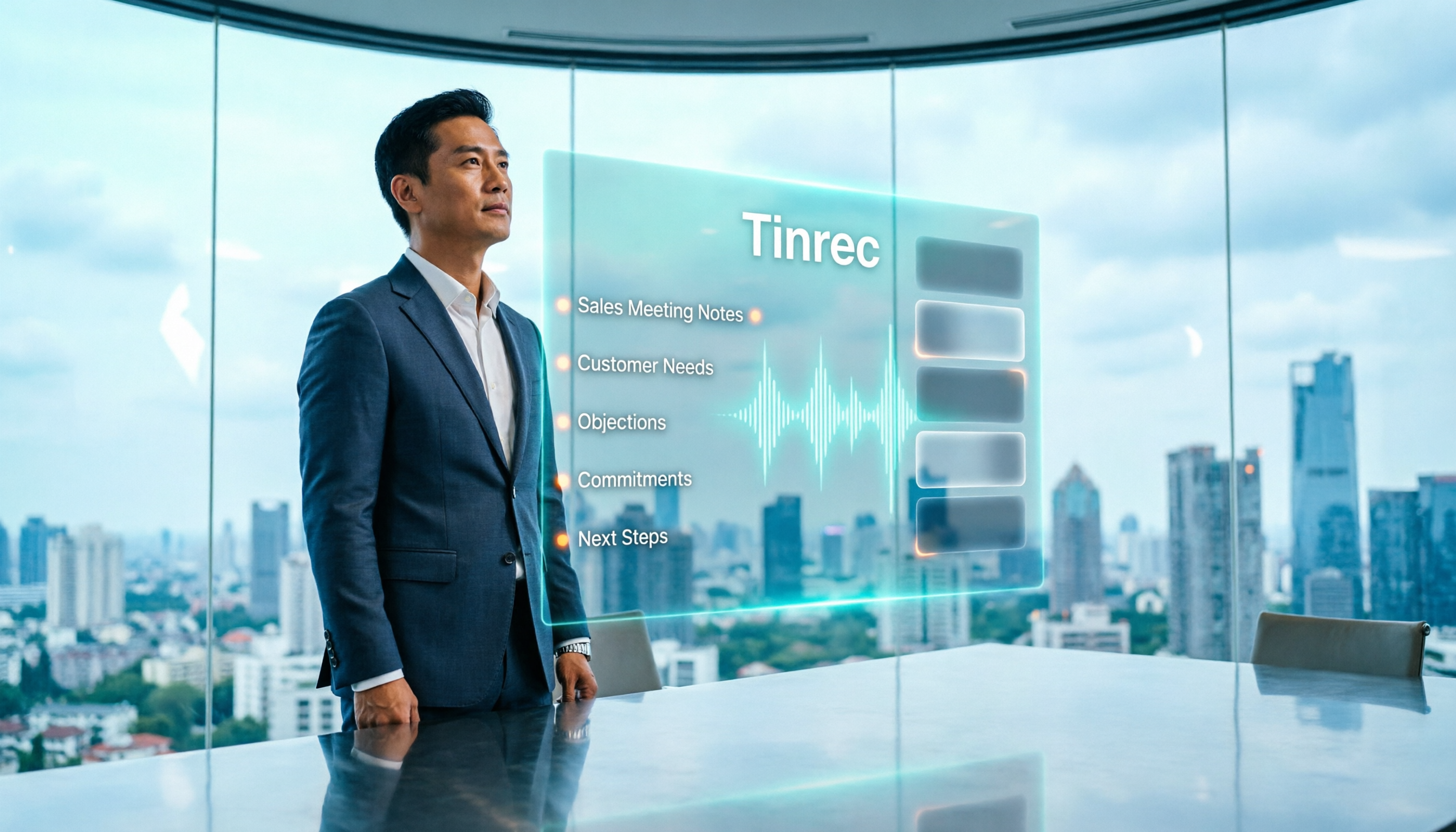
2026 Sales Meeting Notes Tool Buying Guide: 5 Free Tools Tested and Writing Tips
Sales meeting notes are not verbatim transcripts. This article starts with common pitfalls, breaks down the five fields that should be included in sales meeting notes, then tests five meeting notes tools with free plans, comparing free quotas, limitations, and use cases to help you choose the right solution for sales tracking and post-meeting actions.

2026 Comparison of 3 Sales Meeting Notes Tools: How to Choose for Chinese Meetings, Post-Meeting Organization, and Team Knowledge Retention
What are sales meeting notes? This article first breaks down their definition, essential fields, and common pitfalls, then compares Tinrec and Notta across 6 dimensions regarding Chinese meetings, post-meeting organization, and team collaboration to help you decide which tool to use.