
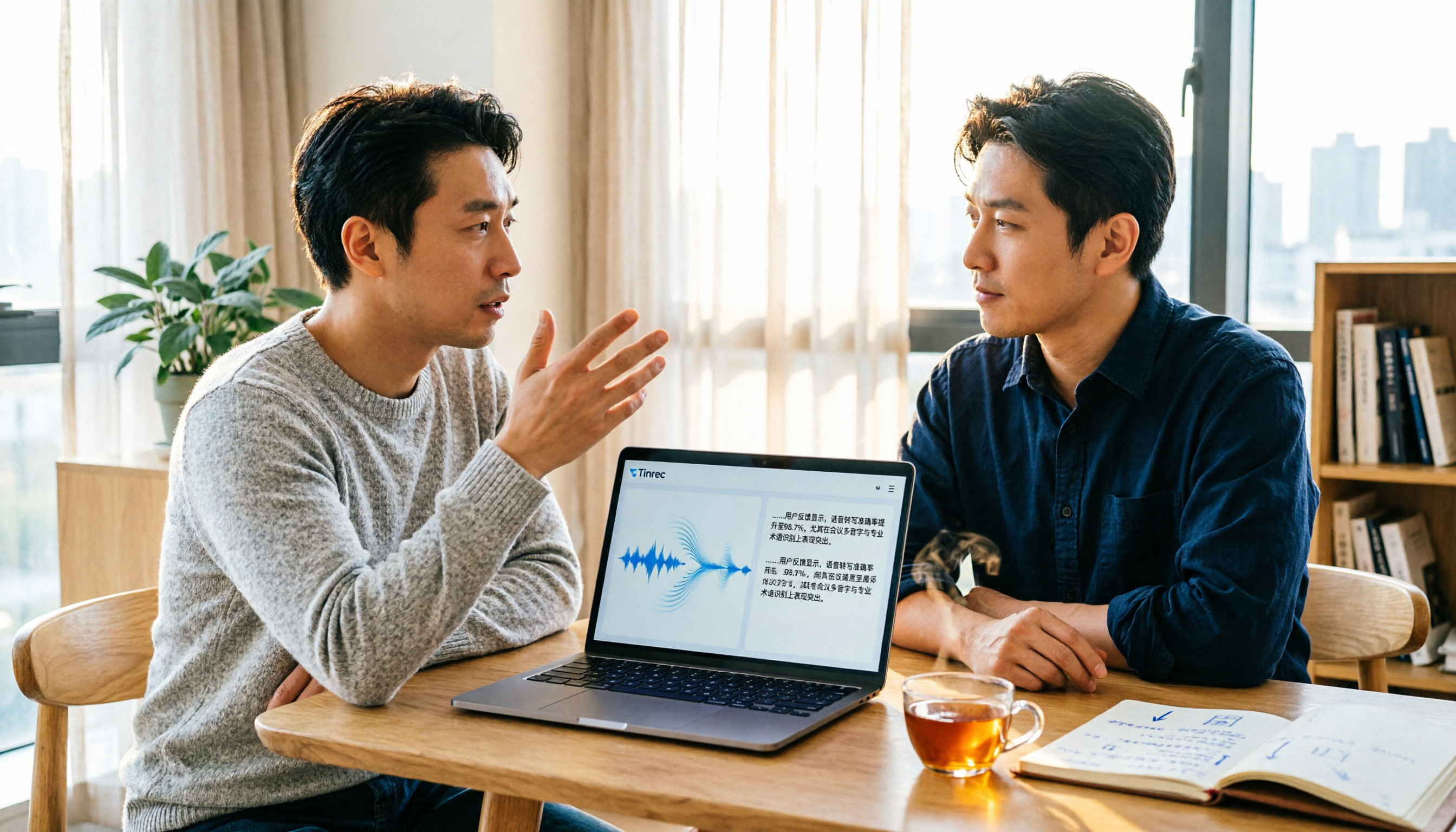
Turn recordings into transcripts and summaries in minutes
Upload audio or video for multilingual transcription, AI notes, and action items
2026 Video and Audio Transcription Tools Buying Guide: 2 Tested Picks and Recommendations
Opening a 40-minute interview video just to confirm how a certain sentence was said, only to end up dragging the timeline back and forth—this is probably where most people first get the idea to convert speech in videos into text.
But when you actually start choosing a tool, the real sticking point usually isn't "who recognizes most accurately" but a more fundamental question: are you dealing with a pre-recorded video file or a live meeting happening right now?
The former cares about file import, subtitle export, and Chinese recognition; the latter cares about whether it can transcribe while the meeting is ongoing and whether it can turn into action items right after. These two tasks actually require different tools.
In this article, I've picked two solutions that are often compared side by side: Tinrec, which focuses on AI meeting notes and team collaboration, and PLAUD Note / NotePin, which started with AI recording hardware. I'll compare them across six dimensions to see which one better fits your use case.
Tinrec vs PLAUD Note | Quick Overview
Tinrec is an AI meeting notes and collaboration tool for individuals and teams. Beyond converting speech to transcripts, it can generate summaries, chapters, and action items, and supports AI Q&A and team spaces.
PLAUD Note is AI recording hardware. Users purchase a standalone device that focuses on portable recording, phone call recording, and long battery life, with transcription and organization done in the app.
| Item | Tinrec | PLAUD Note / NotePin |
|---|---|---|
| Core positioning | AI meeting notes and team collaboration | AI recording hardware |
| How to get it | Web, desktop, mobile; no extra hardware needed | Must purchase recording device first |
| Main input | Live recording, online meetings, audio and video files, some web links | Primarily hardware recording |
Below, I'll compare in order: video and audio input methods, Chinese and multilingual processing, what you can do after transcription, audio file storage, team collaboration, and upfront cost.
Dimension 1 | Video and Audio Input Methods
If your material is an existing video file, this is the most critical factor.
PLAUD starts with hardware: carry the device with you to record, then organize content in the app. Its value is "record anytime," so for video files already sitting on your computer that are one or two hours long, it's not the main scenario.
Tinrec accepts content from multiple entry points: the desktop version can record online meetings in real time, the mobile version can record on-site, and you can also directly upload audio and video files for transcription. Web link import serves as a supplementary way to handle some public videos.
→ For this dimension: for those mainly dealing with existing video files, Tinrec's entry points are more direct.
Dimension 2 | Chinese and Multilingual Processing
The trickiest part of Chinese meetings is often not a single language, but mixed Chinese-English, technical terms, and multiple speakers taking turns.
PLAUD's transcription and organization are mainly done in the app, and language performance depends on the app version and membership plan. Official communication focuses on hardware recording and portable recording experience.
Tinrec lists Chinese, Traditional Chinese, mixed Chinese-English, and multilingual meetings as key scenarios, and provides real-time translation, allowing you to switch between original text, translation, or bilingual view during recording; the team version also supports team hotwords for more consistent recognition of frequently used terms.
Note that actual recognition performance for both is affected by recording quality, ambient noise, accents, and overlapping speakers. It's best to test with your own real material.
→ For this dimension: if your main scenarios are Chinese and bilingual meetings, Tinrec has more focus.
Dimension 3 | What You Can Do After Transcription
Just getting a transcript usually isn't enough. The real time-consuming part is turning the transcript into something understandable and deliverable.
PLAUD offers summary, templates, and Q&A organization features, which are post-recording content processing.
Tinrec extends the post-transcription workflow further: automatically generates summaries and chapters, extracts action items from discussions, supports AI Q&A around meeting content, and can further generate reports, tables, and documents, and export to Notion, Google Docs, OneNote, Dropbox, and other tools for continued use.
→ For this dimension: for those who need "ready to use right after transcription," Tinrec offers more post-processing options.
Dimension 4 | Audio File Storage and Data Retention
Many people think that once converted to text, the recording can be discarded. But when you need to verify a specific sentence later, the original audio file is still the most reliable reference.
PLAUD supports retaining audio files, consistent with its "record first, organize later" product logic.
Stop organizing recordings by hand
Upload audio or video and automatically get a transcript, summary, and action items
Tinrec also supports retaining audio files and provides an audio recycle bin, so accidentally deleted content can be recovered before permanent deletion; in the team version, audio, folders, and action items are stored uniformly in the team space, belonging to the team rather than individuals.
→ For this dimension: both retain audio files; it's a tie.
Dimension 5 | Team Collaboration and Management
If meeting data needs to be shared among multiple people, this directly affects long-term manageability.
PLAUD offers team membership and device management, mainly around hardware and app usage rights.
Tinrec's team version is an independent team collaboration space where you can create and switch between multiple teams, invite members via join links, and distinguish between owner, admin, and regular member. Pay special attention here: "role" and "seat" are two different things. Role determines who can manage the team and members; seat determines whether a member can record, upload, edit, and export. Valid members without a seat can still view, play, and read team data, but cannot upload or edit. Admins can also view team usage trends, member rankings, query and export audit logs, and when a member leaves, transfer their team resources to others.
→ For this dimension: for teams needing member, seat, and usage governance, Tinrec's mechanisms are more complete.
Dimension 6 | Upfront Cost and Plan Design
This depends on how long and how deeply you plan to use it.
PLAUD requires buying hardware first, then adding a plan as needed. Based on current official US website prices: NotePin is USD 159, Note Pro is USD 189; for plans, Starter is 300 minutes per month, Pro is USD 99.99/year with 1,200 minutes per month, Unlimited is USD 239.99/year. This means an upfront device expense.
Tinrec requires no extra hardware. The personal version starts with a free plan; for short-term high-frequency use, consider a weekly pass; for steady use, there are Pro monthly and annual plans. The team version is currently USD 29.80 per paid seat per month, or USD 199 per paid seat per year (about USD 16.58 per month), with each paid seat providing 2,000 minutes of team shared import quota per month; eligible teams also get a 7-day trial, 1 free seat, and 300 minutes of shared import quota for the first time. Actual prices and benefits are subject to the official purchase page.
→ For this dimension: for those who don't want to buy a device first and want to try the free version, Tinrec has a lower barrier.
What Unique Advantages Does Each Have?
Tinrec's advantages
- No extra hardware needed: Works on web, desktop, and mobile; can handle video files, online meetings, and on-site recording.
- Record online meetings without a bot: The desktop version directly captures computer system audio, so you don't need to add an extra meeting bot to the meeting.
- Complete post-transcription workflow: Summaries, chapters, action items, AI Q&A, translation, multi-format export, and Agent post-processing all in one place.
- Team data retention: Team space, roles, seats, usage analytics, and audit logs keep meeting content with the team rather than in personal accounts.
PLAUD's advantages
- Portability of a standalone device: Record without opening a computer or phone; very intuitive for face-to-face communication and impromptu notes.
- Hardware form factor and battery life: If you already prefer using a dedicated device for recording, this usage habit is hard for pure software to replace.
Summary: Which One Should You Choose?
- If you have many pre-recorded video and audio files and want to quickly turn them into transcripts and text data → Tinrec
- If you want to start transcribing during the meeting and get summaries and action items right after → Tinrec
- If you need mixed Chinese-English, bilingual view, or team-shared technical terms → Tinrec
- If you want meeting data to stay with the team and be transferable when members leave → Tinrec
- If you just want to record the conversation in front of you without opening a computer or phone → PLAUD Note / NotePin hardware is more convenient
In short, PLAUD solves "how to record the sound," while Tinrec handles "how to turn the recording into usable data." If you want to transcribe speech from videos into text and hope to organize, search, and collaborate all in one place, Tinrec is a more complete choice.
Recording and transcription involve others' privacy and local regulations. Before use, remember to confirm whether you need to obtain consent from participants.
FAQ
Q1: Can video files be directly uploaded for transcription?
Tinrec supports uploading audio and video files for transcription, suitable for organizing existing meetings, interviews, and historical recordings; some public videos can also be imported via web links, but this is a supplementary capability.
Q2: What is the approximate recognition accuracy?
Actual accuracy is affected by recording quality, ambient noise, accents, overlapping speakers, and technical terms. It's best not to rely on a single number; test with your own material. For important content, it's also recommended to verify with recording playback.
Q3: Is the free version enough?
If you only occasionally organize a recording, you can start with the free version to experience the basic workflow of recording, import, summary, and transcription, then decide whether to upgrade to a weekly pass or Pro based on usage frequency.
Q4: Does the team version mean multiple people share one account?
No. The team version is an independent team collaboration space where you can create multiple teams, invite members, and distinguish roles and seats. Valid members without a seat can still view and read data; only after getting a seat can they record, upload, and edit.
Q5: Will meeting data disappear after a team member leaves?
Team resources belong to the team and won't be taken away by individuals. When a member exits, is removed, or loses their seat, their team resources can be transferred to other valid members.
Q6: Do I need to inform the other party before recording?
It's recommended. Recording and transcription involve personal privacy and local regulations. Before use, confirm whether you need to obtain consent from participants and handle this data according to your organization's internal policies.
References
- Speech-to-Text AI: Speech recognition and transcription
- Online AI speech, video, audio file auto transcription - free trial - cSubtitle
- AI speech to text fast audio file online transcription, transcripts and video subtitles - free trial - cSubtitle
- Convert audio to text - real-time AI transcription - VEED.IO
- Yating Transcript
Turn every recording into actionable outcomes
Get 60 free transcription minutes when you sign in. No credit card required.
Related Reading
You might also like

3 Free Audio-to-Text Tools Tested and Compared in 2026: Is the Free Tier Enough?
How do you choose a free audio-to-text tool? This article examines four key aspects: the unit of the free quota, Chinese recognition, post-meeting organization capabilities, and online meeting support. It compares the free plans of Tinrec, Notta, Otter.ai, and TurboScribe, and highlights the three most common pitfalls to help you find the one that truly meets your needs.

How to Choose a Free AI Transcription Tool in 2026: 5 Steps from Recording to Meeting Minutes
Starting from a mid-level manager's real meeting scenarios, this article breaks down the four key factors for choosing a free AI transcription tool, tests Tinrec's 5-step workflow, compares it with Notta, Otter.ai, and MyEdit, and includes pitfalls to avoid—helping you pick a tool that truly works after the meeting.

4 Image-to-Text OCR Tools Compared in 2026: How to Choose Between Free OCR and Tinrec for Meeting Notes
A guide to key considerations for choosing image-to-text (OCR) tools, comparing imagetotext.me, Gaitubao, Google Keep, and Chenghua OCR, plus when to use Tinrec for meeting transcription.

3 AI Meeting Note Apps Tested in 2026: Why Huawei Users Ultimately Chose Tinrec
From the perspective of a mid-level manager, this article analyzes the search intent behind "Huawei AI meeting notes" and uses Tinrec as an example to explain how AI meeting notes can automatically generate transcripts, summaries, and action items, and how these can be stored in a team space as searchable, collaborative data. It includes features, use cases, buying advice, and FAQs.

2026 AI Audio-to-Text Showdown: Tinrec vs PLAUD Note — Which Is Better for Chinese Meetings?
We compare Tinrec and PLAUD Note across meeting capture, Chinese-language experience, post-meeting workflow, team collaboration, and pricing to help you decide which AI audio-to-text tool fits your needs.

2026 Comparison of 4 Meeting Minutes Tools: Which One Actually Saves You Post-Meeting Time?
With 15 meetings a week and notes to organize after each one, a mid-level manager tests 4 meeting minutes tools, comparing audio transcription, post-meeting summaries and action items, AI Q&A, team sharing, and quotas. Includes 4 common pitfalls and selection advice to help you find the one that truly saves post-meeting time.

2026 Comparison of 2 Online YouTube Video Analysis Tools: From Video Link to Transcript Organization
Many people think YouTube video analysis means finding a website to download videos, but the real need is turning video content into searchable, organizable data. This article starts from common misconceptions and compares Tinrec and Notta across 5 dimensions: video link import, Chinese transcription, AI Q&A, team collaboration, and export workflows, helping you find a more suitable video analysis and transcript organization solution.
4 Voice-to-Meeting-Minutes Tools Tested for 2026: Is the Free Version Enough? Which Saves the Most Time After Meetings?
After a meeting, spending time organizing minutes is a daily pain point for most office workers. This article compares four voice-to-meeting-minutes tools: Tinrec, Otter.ai, Notta, and PLAUD. It covers recognition scenarios, post-meeting summaries and action items, online meeting recording methods, team data ownership, and free version limitations, with key tips to avoid pitfalls when choosing a tool.

4 iPhone Audio-to-Text Methods Tested in 2026: Is the Built-in Free Option Enough, or Does Tinrec Save More Time?
iPhone's built-in Voice Memos and Notes apps can already turn recordings into transcripts, but what happens after? This article starts from real student scenarios—lectures, group discussions, and finals review—and tests 4 iPhone audio-to-text methods, covering key buying factors, common pitfalls, and the best choice for students.