

Turn recordings into transcripts and summaries in minutes
Upload audio or video for multilingual transcription, AI notes, and action items
Best Free Audio-to-Text Tools in 2026: 6 Tested for Chinese Meetings and Post-Meeting Organization
Open a search page and you'll see over a dozen tools labeled "free"—but once you start comparing, most people get stuck on the same question: Is the free quota enough for my regular usage? Instead of downloading and trying them one by one, it's better to think through three things first: Are you transcribing a live meeting or an existing recording? Is the content in Chinese, mixed Chinese-English, or English? Do you only need a transcript, or do you also want summaries and action items? This article uses these three decision points to break down six free audio-to-text tools worth comparing in 2026.
Pain Point: After the Meeting, the Real Work Begins
First scenario: A two-hour meeting ends, and you still need to spend another two hours organizing the transcript. Most people leave the recording aside until they actually need to write a weekly report or follow up on progress, only to realize they don't remember what was said.
Second scenario: Mixed Chinese-English meetings are the most troublesome. Product codes, technical terms, and client names are all mixed into sentences. Ordinary transcription tools often get the whole passage wrong, and you still have to put on headphones and listen again.
Third scenario: The day your free quota runs out is the most awkward. You use it smoothly at the beginning of the month, then suddenly can't transcribe mid-month. You have to find another tool on the spot, and your data is scattered across three different websites, impossible to find when you need it.
These three pain points actually stem from the same root: The tool only helps you turn sound into text, but doesn't help you turn content into usable data. Choosing the right tool can save you most of the organization time.
Before Choosing a Free Audio-to-Text Tool, Understand These 4 Key Points
1. How the free quota works. Don't just look at the word "free"; distinguish whether it's minutes per month, maximum minutes per session, or files per day. Some tools give 300 minutes per month but only process very short clips each time; some limit 3 files per day but allow up to 30 minutes per file. These three types of limits mean completely different things for someone who has daily meetings versus someone who occasionally transcribes an interview.
2. Recognition of Chinese and mixed Chinese-English. Meetings in Taiwan are rarely pure English; they're usually primarily Chinese with English proper nouns mixed in. It's best to test with a real recording of your own, especially one containing names and product codes. Most tools perform well in quiet environments; the real difference appears when there's air conditioning noise, keyboard sounds, or multiple people talking over each other.
3. Whether the transcript is directly usable. A transcript is just raw material, not a finished product. Whether it can automatically generate summaries, chapters, and action items, and whether you can ask questions directly about the recording content, determines how much time you'll spend on secondary organization. This layer is often the biggest difference between free tools.
4. Cross-platform and data ownership. Recording on your phone today and organizing on your computer tomorrow—whether the tool supports cross-device use directly affects efficiency. If you're using it in a team, you should also ask: Are recordings and transcripts stored in personal accounts or team spaces? After a member leaves, is the data still there?
Tinrec (秒聽錄音) — Our Top Pick After Testing
Tinrec (秒聽錄音) is an AI meeting notes and collaboration tool for individuals and teams, available on web, desktop, and mobile. It's not just a "audio-to-text" service; it handles post-transcription organization, follow-up questions, export, and team sharing all in one place.
No extra bot account needed for online meetings. When hosting Zoom, Google Meet, Microsoft Teams, or Webex, the common approach is to invite a meeting bot. Tinrec's desktop version takes a different path: it directly captures the computer's system audio, records the meeting content, and transcribes it in real time. The advantage is that no unfamiliar account appears in the participant list, and you don't have to wait for the host to admit it. Note that this is manually started by the user, not automatically joining every meeting on your calendar.
The moment the meeting ends, summaries and action items are ready. After recording, Tinrec automatically generates summaries, chapters, and action items—who is responsible for what, what to follow up on next, listed one by one. It can also turn the entire meeting into a mind map. For those who need to report upward and track progress downward, this eliminates an entire round of manual organization. It also supports real-time translation, allowing you to switch between original text, translation, or bilingual view for cross-language meetings.
After recording, you can "ask" it, not just search keywords. This is where it differs most from similar tools. You can directly ask: "Who mentioned the budget in the last meeting?" "What is the client's biggest concern about the delivery date?" It answers based on the semantics of the meeting content, rather than throwing a string of keywords for you to sift through. The same question can be asked across multiple meetings, which is especially useful for long-term projects or client interviews.
Regarding accuracy, we do not cite official numbers. Actual performance is affected by recording quality, ambient noise, accents, overlapping speakers, and technical terminology. This is also why Tinrec officially does not recommend promising a fixed accuracy rate. A more practical approach is to test with a real meeting recording of your own and see if the proportion of manual edits needed for the transcript is acceptable to you. We ran the entire workflow (recording, transcript, summary, action items, Q&A, export) in Chinese and mixed Chinese-English scenarios, and each step produced results smoothly.
Stop organizing recordings by hand
Upload audio or video and automatically get a transcript, summary, and action items
Three main advantages: First, online meeting recording doesn't require an extra bot participant, keeping the meeting list clean. Second, the entire workflow from transcript to summary, action items, Q&A, translation, and export is completed in one place, without moving files between multiple tools. Third, the team version is an independent team space where meeting data belongs to the team, with member and seat management, usage analytics, and audit logs, so data doesn't disappear when members change.
Limitations to be clear about: The free version provides a basic quota, suitable for experiencing the full workflow first. If you're a heavy user processing large numbers of files daily, you'll need to upgrade (the personal version offers weekly, monthly Pro, and annual plans to choose based on your usage rhythm). Also, it's not primarily a tool for "batch transcribing dozens of long files at once"; that kind of need requires a dedicated batch transcription service.
Who it's for: If you frequently hold Chinese or mixed Chinese-English meetings, want to use AI to directly find conclusions and action items after recording, and switch between phone and computer, Tinrec is currently one of the most suitable choices.
Besides Tinrec, What Other Free Options Are There?
Otter.ai: A veteran choice for English meetings, with a free plan of 300 minutes per month—quite generous. It's highly mature for English business meetings. However, its main strength is English scenarios; the experience with Chinese and mixed Chinese-English meetings is not its forte. If you need Chinese transcripts, real-time translation, and a team-shared database of meeting results, Tinrec offers more complete support.
Notta: One of the competitors with the highest overlap with Tinrec, offering multi-platform use, meeting notes, file import, and translation. The free plan gives 120 minutes per month, but each session is limited to 3 minutes—this is quite fatal for meeting scenarios, meaning you can only process very short clips each time. Its paid plan (about USD 8.17/month annually, 1,800 minutes per month) is needed for the full experience. If you want AI Q&A, action item extraction, and team data accumulation beyond transcripts, Tinrec is more direct.
TurboScribe: Focuses on cost-effective file transcription. Free: 3 files per day, up to 30 minutes per file. Paid: up to 10 hours or 5GB per file, and can upload 50 files at once. If you have a batch of existing long recordings to transcribe at once, it's a great value. But it's essentially a "file transcription" approach, without real-time meeting recording, action item extraction, and team collaboration—exactly what Tinrec adds.
Other free options mentioned in sources: cSubtitle lets you upload video or audio files for transcription without registering an account, with a single file capacity of 4GB and duration up to 5 hours, supporting MP4, MOV, MP3, WAV, M4A, OGG, WMA, etc., automatically adding punctuation, segmentation, and generating subtitle files with time codes. Monica offers new users 30 minutes of free audio-to-text quota, and can also automatically generate summaries and mind maps, supporting online editing and multi-format export. Easemate AI's "AI Meeting Recorder" offers free online real-time transcription with timestamps, speaker identification, and key summaries, and you can use AI chat to ask about the recording content. MyEdit offers speech-to-text in 9 languages including Chinese, English, and Japanese in its free plan, allowing you to edit content and add timestamps before export. These are all sufficient for "quickly transcribing a single file," but the common point is that post-transcription consolidation, follow-up questions, and team sharing usually require separate solutions. The above free quotas and plans may change; please refer to official pages before use.
Pitfall Guide: 4 Most Common Mistakes When Choosing a Free Audio-to-Text Tool
Mistake 1: Treating "free" as "unlimited." Free plans usually have three invisible ceilings—total minutes per month, maximum length per session, and number of files per day. The seemingly most generous plan may fail on the per-session length limit. It's best to test directly with your own actual files to see if the quota can sustain your real monthly usage.
Mistake 2: Only comparing transcription minutes, not post-meeting processing. A transcript is raw material, not a finished product. If a tool requires you to summarize, extract action items, and re-listen to find conclusions after transcription, then you're only saving typing time, not organization time. This is why "can you ask questions directly about the recording" is worth adding to your comparison table.
Mistake 3: Using quiet studio results as the standard. Official accuracy rates are usually measured under ideal conditions. Real meetings have air conditioning noise, keyboard sounds, multiple people talking over each other, and mixed Chinese-English proper nouns. Instead of looking at promotional numbers, test with a recording of your own meeting—the difference will immediately show.
Mistake 4: Ignoring where the data is stored. Recordings stored in personal accounts are lost when a member leaves. If it's data for team use, you need to ask clearly whether the tool has an independent team space, how members and usage rights are allocated, and whether deleted recordings can be recovered—most free tools don't provide this layer. Also, a reminder: before recording, make sure it complies with local regulations and obtain participant consent when necessary.
Conclusion: Which One Should You Choose?
- To record Chinese or mixed Chinese-English meetings and want searchable, queryable transcripts → Tinrec
- To use AI to directly find conclusions, action items, and owners after recording → Tinrec (AI Q&A and action item extraction are its core capabilities)
- To use on phone, computer, and web without being tied to a single device → Tinrec
- For teams to share meeting data and manage members, seats, and usage → Tinrec Team version (independent team space, data belongs to the team)
- Mainly recording English meetings and only need basic transcripts → Otter.ai free plan gives 300 minutes per month; you can start with it
- Have a batch of existing long recordings to transcribe at once → TurboScribe's file transcription plan is more cost-effective
The real value of a free tool is to let you validate the workflow, not to struggle through a whole year. We suggest first running your usual meeting process with Tinrec's free version—from recording, transcript, summary to Q&A—to confirm that the output is something you'll actually use, then decide whether to upgrade. No need to pay from the start.
References
- Audio to Text - Free Speech-to-Text Tool
- Online AI Speech, Video, Audio Auto Transcription - Free Trial - cSubtitle
- No Time Limit! 3 Free AI Transcript Tools, Highly Recommended! AI Voice Notes Generate Meeting Minutes, Presentations, Mind Maps | 104 Workplace
- Tested 4 Best "Speech-to-Text" Online Tools, Free Instant Audio-to-Transcript
- 2026 Free Transcription Platforms Complete Review: 15 Free Speech-to-Text Tools Tested and Recommended
Turn every recording into actionable outcomes
Get 60 free transcription minutes when you sign in. No credit card required.
Related Reading
You might also like

4 Best Audio-to-Text Apps in 2026: Which One Turns Transcripts into Real Meeting Notes?
How to choose an audio-to-text app in 2026? This article first explains 4 key factors to consider, then compares Tinrec, Otter.ai, Notta, and PLAUD NotePin in real tests, and lists 4 common pitfalls to help you decide which one can turn transcripts into truly usable meeting materials.

4 Meeting Transcription Apps Tested: Which Saves the Most Time with Bot-Free Recording and AI Q&A?
A mid-level manager who attends 15 meetings a week tested 4 meeting transcription apps. This article starts with the most common pitfalls when choosing a tool, compares bot-free online meeting recording, AI Q&A, post-meeting output, and team data retention, with Tinrec as the primary test subject, and includes the applicable scenarios and limitations of Notta, TurboScribe, and Otter.ai.

5 Free Audio-to-Text Tools in 2026: AI Meeting Notes & Transcription
Discover 5 free audio-to-text tools including Tinrec, MyEdit, Yating, Vocol.ai, and NotebookLM. Compare free quotas, language support, and post-meeting organization to choose the right one for your needs.
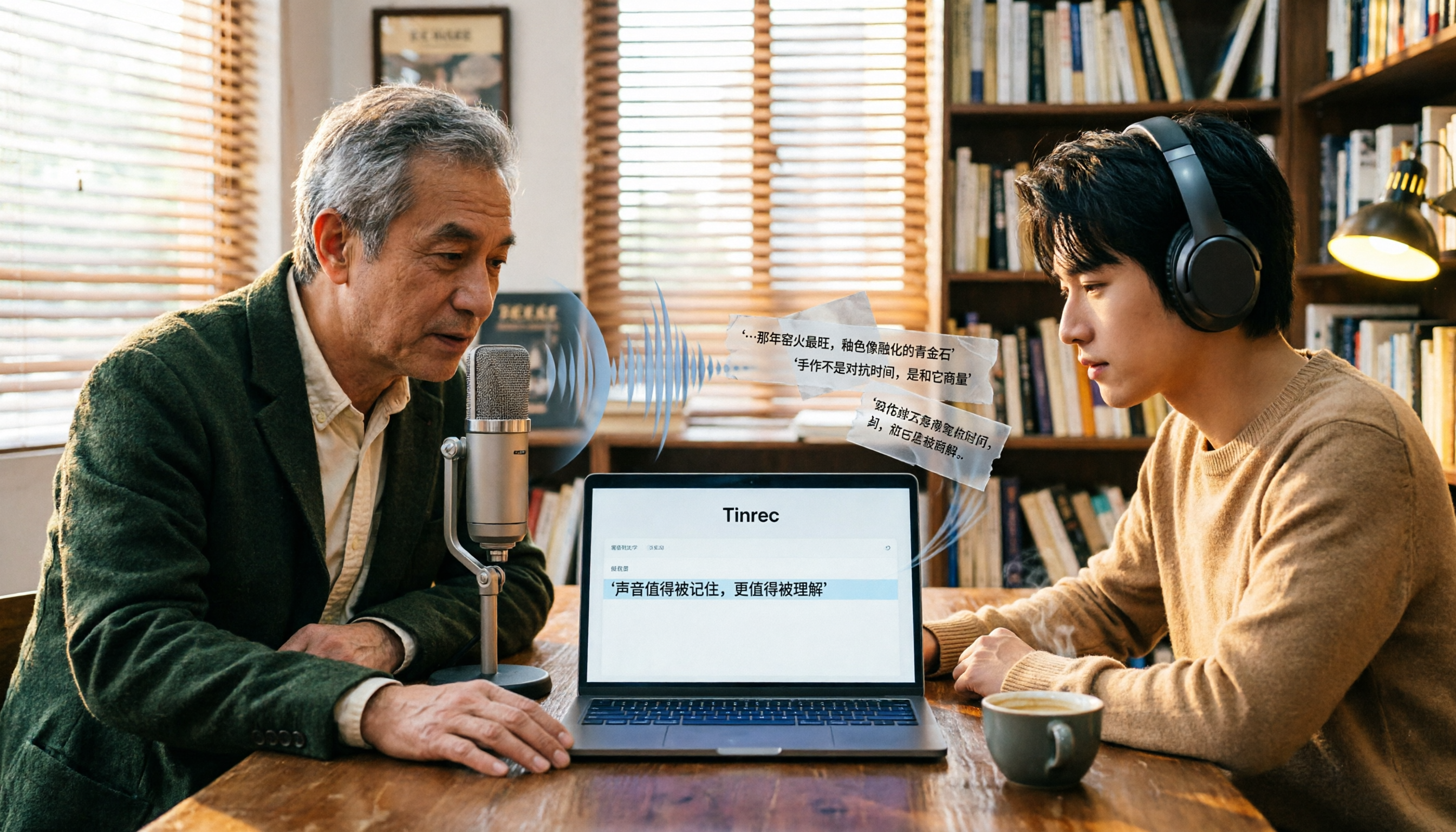
Free Audio-to-Text Tools in 2026: 6 Tested Picks and Buying Guide
How to choose a free audio-to-text tool? We tested Tinrec, MyEdit, Monica, inFin, NotebookLM, and TurboScribe, comparing free tiers, paid pricing, and best use cases—plus the most common pitfalls to avoid.

4 iOS Transcription Apps Tested in 2026: Built-in Free vs. AI Meeting Assistants—Which Saves More Time?
Is the built-in Voice Memos transcription on iPhone good enough, or do you need a separate app? This article starts with buying criteria, compares four iOS transcription solutions—Apple Voice Memos, Tinrec, Notta, and Otter.ai—and analyzes differences in Chinese recognition, AI Q&A, action item extraction, cross-platform support, and team collaboration. It concludes with clear recommendations for different budgets and scenarios.
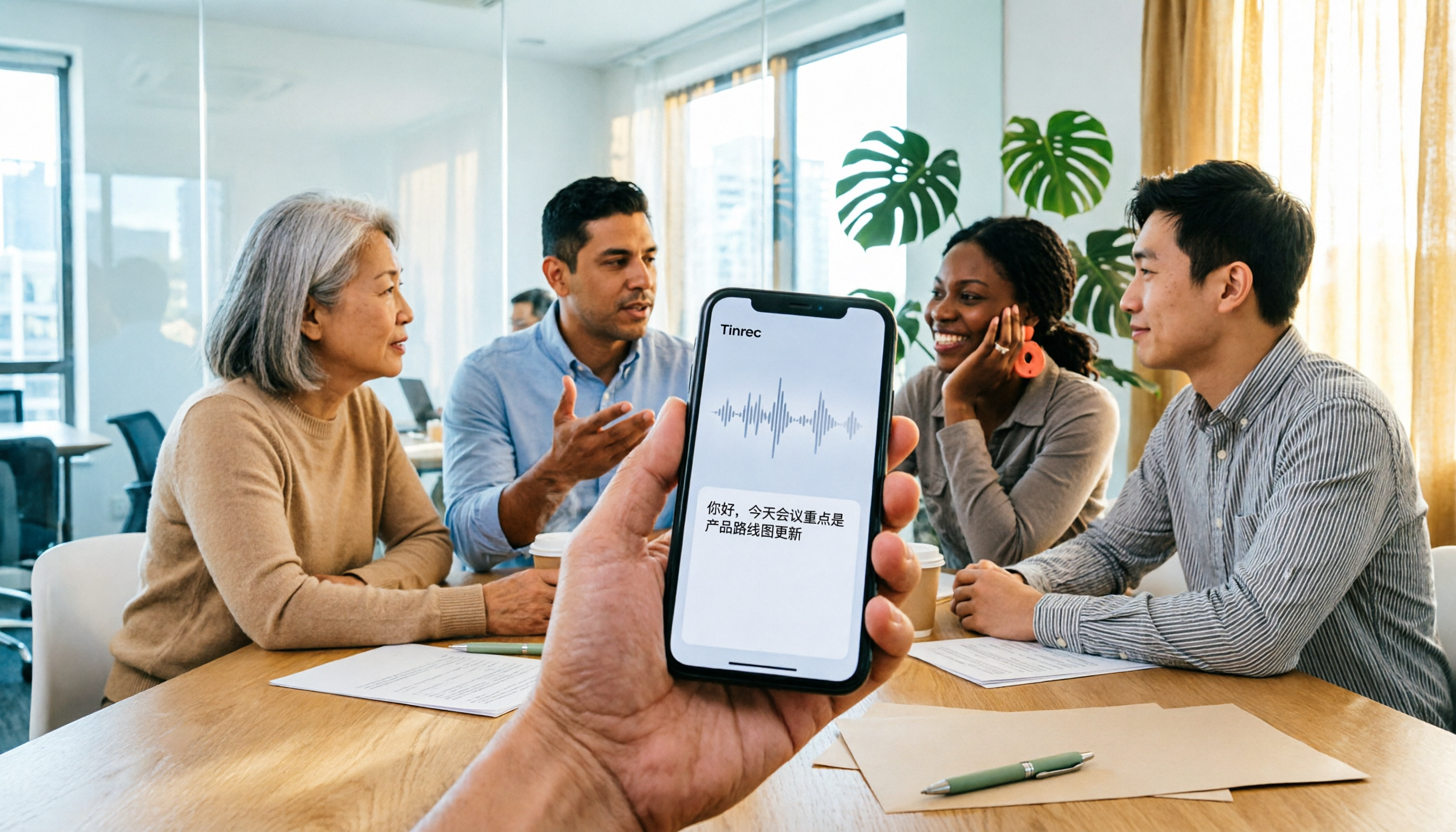
4 iPhone Audio-to-Text Apps Tested in 2026: Is the Built-in Free Version Enough?
How to choose an iPhone audio-to-text app in 2026? This article covers key buying factors and compares Apple's built-in Voice Memos and Notes, Tinrec, Notta, and Granola—explaining supported devices, Chinese transcription performance, post-meeting AI organization, team collaboration, and pricing limits to help you pick the right tool for your actual meeting scenarios.

Best Free Transcription Apps in 2026: 7 Options Compared
A roundup of 7 recording-to-text apps with free plans, including Tinrec, Otter.ai, Notta, TurboScribe, Granola, PLAUD, plus completely free options like iPhone Notes, Atter, and NotebookLM. See each app's free limits, restrictions, and who it's best for.
2026 Audio-to-Text Software Buying Guide: 6 Free and Paid Options Tested
How to choose audio-to-text software in 2026? This guide reviews 6 free and paid options, including Tinrec, MyEdit, cSubtitle, Monica, Easemate AI, and NotebookLM. It covers free quota calculations, Chinese recognition, transcript post-processing, and team collaboration, with scenario-based recommendations and FAQs.
Free Audio-to-Text Software in 2026: Tinrec Chinese Transcription + Bot-Free Meeting Notes
How to choose free audio-to-text software? This article examines four key factors: how free quotas are calculated, Chinese recognition quality, what you get after transcription, and whether audio files are retained. It tests and breaks down what Tinrec's free version can do, briefly reviews alternatives like Otter.ai, Granola, and TurboScribe for different use cases, and lists four common pitfalls to avoid.