
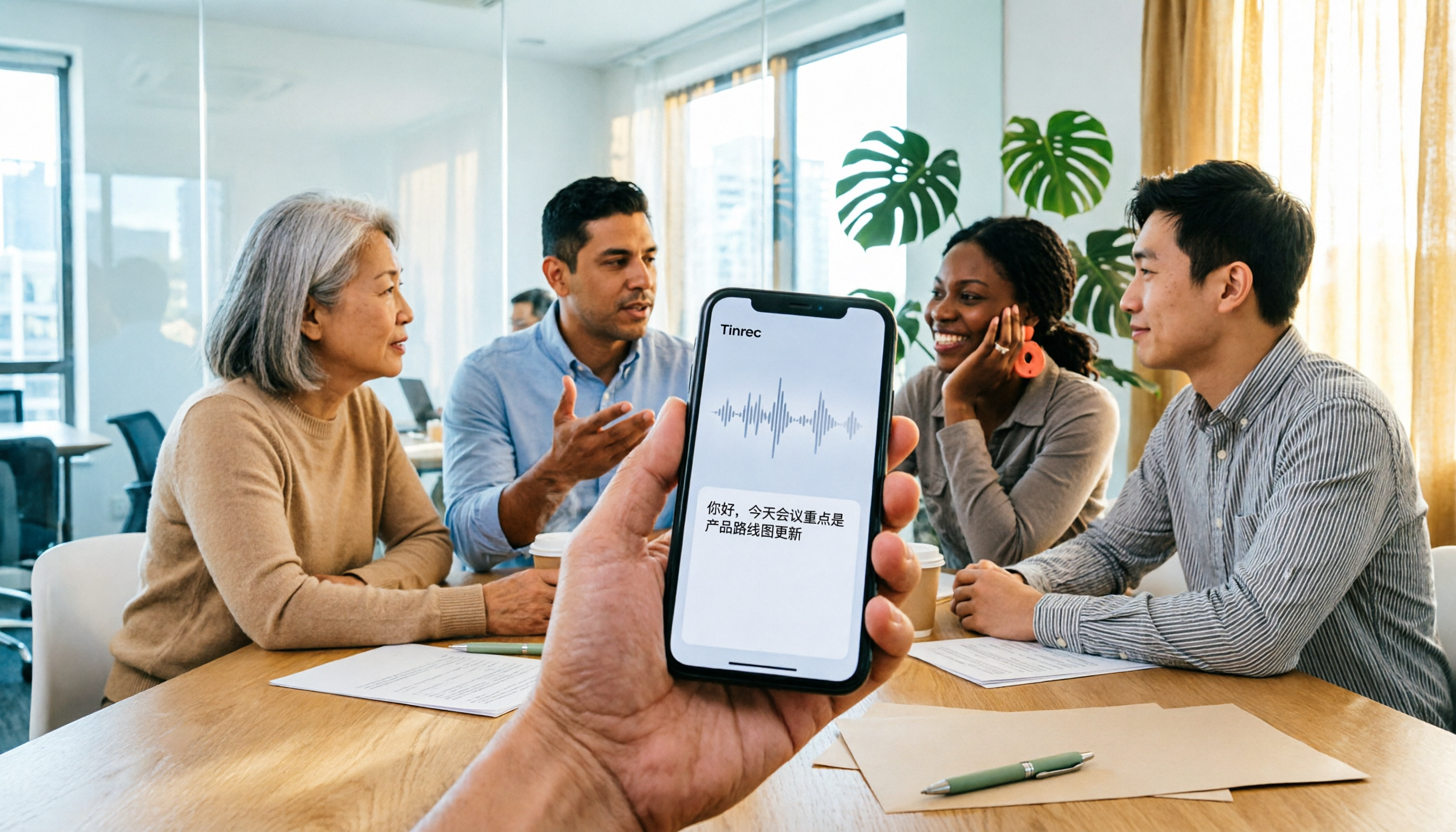
Turn recordings into transcripts and summaries in minutes
Upload audio or video for multilingual transcription, AI notes, and action items
After a meeting ends, the real work begins: replaying the recording, jotting down key points, and assigning action items to the right people. On iPhone, there are now at least four ways to handle this—Apple's built-in Voice Memos and Notes, Tinrec, Notta, and Granola.
But the first question isn't "which one is most accurate"—it's: Do I want a block of text, or do I want meeting material I can take into a meeting, query, and hand off to my team? That answer will directly determine whether you should use the free built-in features or install a separate AI meeting tool.
For iPhone audio-to-text, most people aren't stuck because they lack tools
The first bottleneck is time. A two-hour meeting can easily take another two hours if you type while listening. A transcript isn't the end goal—it's just raw material. What really takes time is figuring out "who said what, what was decided, and who's responsible for what."
The second bottleneck is language. When Chinese is mixed with English, clients have accents, or multiple people talk over each other, the transcribed text often requires guessing sentence by sentence—and you still end up replaying the whole thing.
The third bottleneck is the least noticed: all your data sits on your personal phone. When a colleague leaves, your phone needs repairs, or you switch accounts, last quarter's decision-making process disappears with it. These three problems actually call for different tool choices.
Before choosing an app, understand these 4 key points
1. What comes after the transcript?
This is the most overlooked dimension. A transcript is just raw material. What really saves time is summaries, chapters, key points, action items, and whether you can directly ask questions about the meeting content. If a tool only gives you text, you still have to read the entire transcript yourself.
2. Where does your recording come from?
Recording an in-person meeting with your phone's microphone is completely different from a Zoom, Google Meet, Microsoft Teams, or Webex meeting on your computer. The former can be handled by a phone app; the latter requires either a meeting bot to join or a desktop version to capture system audio directly. If you often meet on your computer, this matters more to your daily workflow than "how many languages are supported."
3. Real-world performance with Chinese and mixed languages
No tool maintains the same quality under all conditions. Actual results depend on recording quality, ambient noise, accents, overlapping speakers, and technical terminology. A more practical approach is to test with the type of meeting recording you encounter most often (e.g., mixed Chinese-English, multiple people interrupting) rather than just looking at the official number of supported languages.
4. Who ultimately holds your data?
Recordings on a personal account can't move with you when you change devices or jobs. If the meeting content belongs to a team, consider whether data can be stored centrally and handed over when members change. This dimension won't appear on the first line of a feature list, but it's often the one people regret not thinking through.
Tinrec—Turning meetings into queryable data
Tinrec is an AI meeting notes and collaboration tool for individuals and teams, available on web, desktop, and mobile. Its biggest difference from ordinary transcription tools is that it treats "producing a transcript" as a midpoint, not the endpoint.
No extra bot needed for online meetings
The desktop version directly captures your computer's system audio, handling meeting audio from Zoom, Google Meet, Microsoft Teams, Webex, and other platforms without inviting a meeting bot to join. Note that this requires you to actively start recording—it doesn't automatically join all calendar meetings in the background.
Transcribe while recording, with real-time translation
The transcript starts generating while recording, so you can view it during the meeting. For cross-language meetings, you can switch between original text, translation, or bilingual display—very useful for those who need to keep up in real time.
The real value is after the meeting: summaries, action items, and AI Q&A
After the meeting ends, the system organizes summaries, chapters, key points, and action items so you don't have to replay the entire meeting. More importantly, AI Q&A lets you ask questions directly about one or multiple meetings—for example, "Who mentioned the budget in the last meeting?" It organizes answers by meaning rather than just returning keyword search results. You can then use Agent post-processing to turn content into reports, tables, or documents, or export to Notion, Google Docs, OneNote, or Dropbox for further editing.
Team version: keeping meeting data with the team
The team version is a separate team collaboration space, not multiple people sharing a personal account. You can create and switch between multiple team spaces, invite members via link, set roles as owner/admin/member, assign or revoke seats, and store meeting data centrally. Admins can view team usage trends, member rankings and details, manage team hotwords, and query and export audit logs. Deleted audio can be restored within the recycle bin retention period (currently 30 days). When a member leaves, is removed, or loses their seat, their team resources can be handed over to other active members.
Stop organizing recordings by hand
Upload audio or video and automatically get a transcript, summary, and action items
It's important to distinguish "roles" from "seats": roles determine who can manage the team and members, while seats determine who can record, upload, edit, and import/export. Active members without seats can still view and play team data. Currently, the team version primarily shares at the team level, not a granular file-level permission system.
Pricing and limitations
The personal version starts with a free plan, with additional weekly, Pro monthly, and Pro annual plans for different usage frequencies. The team version offers a 7-day trial for first-time eligible users, including 1 free seat and 300 minutes of team shared import quota; monthly billing is USD 29.80 per paid seat per month, annual billing is USD 199 per paid seat per year (about USD 16.58 per month), with each paid seat providing 2,000 minutes of team shared import quota per month. Real-time recording under an active seat is currently not deducted by minutes. Prices, currencies, and promotions are subject to the official purchase page.
To be honest: transcription quality is affected by recording quality, noise, accents, overlapping speakers, and technical terminology. We don't recommend judging a tool by any fixed accuracy rate; for important content, it's best to verify against transcript timestamps and recording playback. Also, please comply with local regulations when recording and transcribing, and obtain consent from participants when necessary.
Who it's for
If you regularly handle online meetings, want to use AI to query key points right after recording, or need to preserve meeting data for your team, Tinrec is the closest fit among these four options.
Besides Tinrec, what other options are there on iPhone?
iPhone built-in Voice Memos and Notes (free)
The entry requirement is iPhone 12 or later with iOS 18 or above; you can view the transcript in real time while recording and view/copy it afterward. Chinese (including Traditional Chinese) support arrived in iOS 18.4, and the feature is not available in some countries or regions. In practice, typos and incoherent meaning still require manual adjustment—many people share this experience. Its greatest value is zero cost and zero installation, suitable for occasional transcript needs. But its focus is the transcript itself—turning meetings into queryable, collaborative, handover-ready data still requires other tools.
Notta
Covers multi-platform transcription, meeting notes, file import, translation, and team plans, with significant overlap with Tinrec. According to official information, the free plan offers 120 minutes per month with a maximum of 3 minutes per item; Pro annual billing is about USD 8.17 per month with 1,800 minutes per month; Business annual billing is about USD 16.67 per seat per month (subject to the official page). Tinrec's differences are desktop bot-free recording, team spaces, AI Q&A, and post-meeting output workflows. If you mainly convert files to text and subtitles, Notta is worth evaluating alongside.
Granola
A bot-free AI meeting notes tool that transcribes in real time via desktop system audio and microphone, combining with your own notes to generate meeting content. Basic is free, Business is USD 14 per user per month, Enterprise is USD 35 per user per month (subject to the official page). It emphasizes "your notes plus AI enhancement," but does not retain meeting audio files and does not support uploading pre-recorded audio—if you didn't have it open during the meeting, you can't add it afterward. Tinrec retains recordings, supports audio and video file import, and offers Chinese experience, real-time translation, more export options, and team data management.
Pitfall guide: 3 most common mistakes when choosing an iPhone audio-to-text app
Pitfall 1: Only looking at the word "free"
iPhone's built-in transcript is indeed free, but it requires iPhone 12 or later with iOS 18 or above, Chinese support arrived in a later version, and it's not available in all countries or regions. Third-party free plans usually have quota or feature limits. First confirm your device, OS version, and what features you actually need, then decide whether to pay.
Pitfall 2: Thinking the transcript is the end
Using a tool only as "audio-to-text" means using only part of its capability. What really takes time is post-meeting organization: what were the conclusions, who's responsible for what. Whether you can ask questions directly about meeting content and automatically extract action items makes all the difference.
Pitfall 3: Ignoring data ownership and cross-device needs
Today you record on iPhone, tomorrow you organize on your computer, the day after you hand it to a colleague—if data is locked in a personal account or single device, collaboration stalls. Before choosing a tool, think clearly: should this data ultimately live on a personal phone or in a team space?
Conclusion: Which one should you choose?
- Occasional transcript needs, zero budget: iPhone's built-in Voice Memos or Notes is sufficient—just confirm your device and OS version.
- Regular online meetings, no extra meeting bot wanted: Tinrec, with desktop system audio capture.
- Want to ask "Who mentioned the budget last meeting?" right after recording and get automatic summaries and action items: Tinrec.
- Need to continue using across phone, computer, and web: Tinrec.
- Need to keep meeting data for the team and manage member seats and usage: Tinrec team version.
- Mainly handling large-scale file transcription and subtitles: consider file-processing-focused tools like Notta and TurboScribe.
- English meetings primarily, want to stay in an existing ecosystem: Otter.ai is a common option (official pricing page shows Basic free with 300 minutes per month, Pro annual billing about USD 8.49 per user per month).
One final practical tip: first run a free plan through your own real recordings, especially meetings with mixed Chinese-English and multiple people interrupting. For example, Tinrec's free version lets you experience recording, import, summary, and transcription workflows first—upgrade only if it fits, no need to pay upfront.
References
- View Voice Memos transcripts on iPhone - Apple Support (Taiwan)
- iPhone audio-to-text free transcript! iOS 18 supports 10 languages | Quality Life | 500 Times
- iPhone Voice Memos to text tutorial: transcript without third-party apps - Mr. Mad
- [iPhone Voice Memos to text] Complete tutorial of 3 major methods! iOS built-in, app, recorder—which is best?
- No third-party app needed! iPhone Voice Memos and Notes app audio-to-text full guide | Venus's Fantasy World
Turn every recording into actionable outcomes
Get 60 free transcription minutes when you sign in. No credit card required.
Related Reading
You might also like

4 Best Audio-to-Text Apps in 2026: Which One Turns Transcripts into Real Meeting Notes?
How to choose an audio-to-text app in 2026? This article first explains 4 key factors to consider, then compares Tinrec, Otter.ai, Notta, and PLAUD NotePin in real tests, and lists 4 common pitfalls to help you decide which one can turn transcripts into truly usable meeting materials.

4 Meeting Transcription Apps Tested: Which Saves the Most Time with Bot-Free Recording and AI Q&A?
A mid-level manager who attends 15 meetings a week tested 4 meeting transcription apps. This article starts with the most common pitfalls when choosing a tool, compares bot-free online meeting recording, AI Q&A, post-meeting output, and team data retention, with Tinrec as the primary test subject, and includes the applicable scenarios and limitations of Notta, TurboScribe, and Otter.ai.

5 Free Audio-to-Text Tools in 2026: AI Meeting Notes & Transcription
Discover 5 free audio-to-text tools including Tinrec, MyEdit, Yating, Vocol.ai, and NotebookLM. Compare free quotas, language support, and post-meeting organization to choose the right one for your needs.
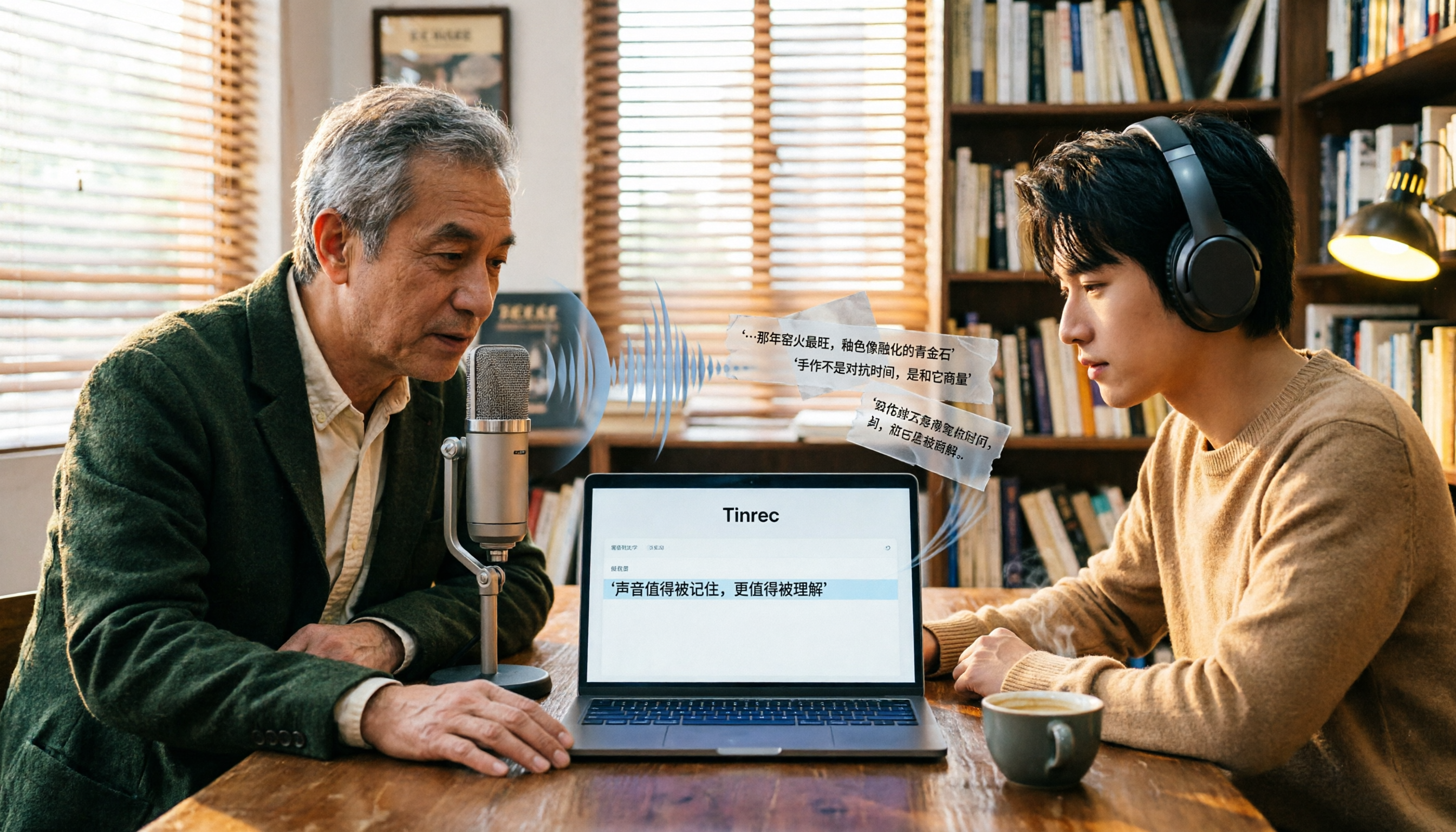
Free Audio-to-Text Tools in 2026: 6 Tested Picks and Buying Guide
How to choose a free audio-to-text tool? We tested Tinrec, MyEdit, Monica, inFin, NotebookLM, and TurboScribe, comparing free tiers, paid pricing, and best use cases—plus the most common pitfalls to avoid.

4 iOS Transcription Apps Tested in 2026: Built-in Free vs. AI Meeting Assistants—Which Saves More Time?
Is the built-in Voice Memos transcription on iPhone good enough, or do you need a separate app? This article starts with buying criteria, compares four iOS transcription solutions—Apple Voice Memos, Tinrec, Notta, and Otter.ai—and analyzes differences in Chinese recognition, AI Q&A, action item extraction, cross-platform support, and team collaboration. It concludes with clear recommendations for different budgets and scenarios.

Best Free Transcription Apps in 2026: 7 Options Compared
A roundup of 7 recording-to-text apps with free plans, including Tinrec, Otter.ai, Notta, TurboScribe, Granola, PLAUD, plus completely free options like iPhone Notes, Atter, and NotebookLM. See each app's free limits, restrictions, and who it's best for.
2026 Audio-to-Text Software Buying Guide: 6 Free and Paid Options Tested
How to choose audio-to-text software in 2026? This guide reviews 6 free and paid options, including Tinrec, MyEdit, cSubtitle, Monica, Easemate AI, and NotebookLM. It covers free quota calculations, Chinese recognition, transcript post-processing, and team collaboration, with scenario-based recommendations and FAQs.
Free Audio-to-Text Software in 2026: Tinrec Chinese Transcription + Bot-Free Meeting Notes
How to choose free audio-to-text software? This article examines four key factors: how free quotas are calculated, Chinese recognition quality, what you get after transcription, and whether audio files are retained. It tests and breaks down what Tinrec's free version can do, briefly reviews alternatives like Otter.ai, Granola, and TurboScribe for different use cases, and lists four common pitfalls to avoid.
2026 Free Audio-to-Text Solutions: 4 Options Compared
Tired of replaying recordings to find key meeting points? This guide reviews 4 free audio-to-text solutions for 2026, covering selection criteria, hands-on testing, and pitfalls to avoid. Tinrec is highlighted as the top recommendation to help you choose the best transcription tool for your needs.