
Turn recordings into transcripts and summaries in minutes
Upload audio or video for multilingual transcription, AI notes, and action items
The meeting ends and your boss says, "Please put together today's decisions." You open the recording, and listening to 45 minutes from start to finish will take about an hour and a half—and you might not even catch the key points.
In recent years, recording-to-text apps have multiplied, but most tools have limited free tiers. After a few minutes of transcription, you get a subscription prompt. For people who have meetings and classes every day, that quota is definitely not enough.
In this article, I've rounded up 7 recording-to-text tools that offer free plans, from completely free to free tiers. I've also listed each plan's free limits honestly.
Why You Need a Free Recording-to-Text App
Online meetings, in-person meetings, client interviews, class recordings—if you rely only on handwritten notes, you usually capture only 30% of the content, and the rest depends on memory.
With remote meetings becoming more common, after a meeting there's often cross-department and cross-language content to organize. Converting recordings to transcripts at least lets you search instead of re-listening when you need to confirm a specific statement.
This article doesn't discuss specs; it only covers 7 free options I think are worth trying first, including their free quotas and limitations.
Tinrec | Turn Recordings into Searchable, Collaborative Meeting Data
Tinrec is an AI meeting notes and collaboration tool for individuals and teams. It doesn't just convert audio to text; it organizes meeting recordings into data that can be searched, summarized, queried, exported, and even continuously used in team spaces.
Bot-free online meeting recording. The desktop version directly captures computer system audio to handle Zoom, Google Meet, Microsoft Teams, Webex, and other online meetings without adding an extra meeting bot to the room. You just open the desktop app and start recording.
More than a transcript. After transcription, it automatically generates summaries, chapters, and action items, and can also create mind maps. If you have questions about a decision, you can use AI Q&A to continue asking about the meeting content—this is the biggest difference from other transcription tools.
Bring results into your existing workflow. Supports export to Notion, Google Docs, OneNote, Dropbox, and other tools, and can also generate reports, tables, and documents through Agent post-processing.
Chinese and multilingual. Covers Chinese, Traditional Chinese, and multilingual meetings, supports real-time translation and bilingual view, and teams can maintain hotwords to improve recognition of technical terms. Actual performance is affected by recording quality, accents, noise, and overlapping speakers.
The free version provides a basic quota to experience recording, importing, summarizing, and transcription; if you use it regularly every week, consider the Pro monthly or annual plan, and for short-term intensive meetings there's a weekly plan. If you need to share meeting data with a team, the team version is a separate team space where you can manage members, roles, and seats. Monthly USD 29.80 per paid seat, annual USD 199 per paid seat (subject to the official purchase page). Each paid seat provides 2,000 minutes of team shared import quota per month.
Who it's for: People who need Chinese meeting notes, don't want a bot joining meetings, or want to turn meeting data into a team asset.
Otter.ai | A Mature Assistant for English Meetings
Otter is a mature AI meeting assistant that supports real-time transcription, speaker identification, AI Chat, and team management for Zoom, Microsoft Teams, and Google Meet.
The free Basic plan includes 300 minutes per month; Pro annual billing is about USD 8.49 per user per month, including 1,200 minutes of in-app recording and 10 file imports per month. Prices are subject to the official page.
Who it's for: People who mainly have English meetings and want to connect to a mature workflow.
Notta | Multilingual Transcription and Team Plans
Notta covers multi-platform transcription, meeting notes, file import, and translation, with significant overlap with Tinrec.
The free plan includes 120 minutes per month, with a maximum of 3 minutes per session; Pro annual billing is about USD 8.17 per month, with 1,800 minutes per month; Business annual billing is about USD 16.67 per seat per month, offering unlimited transcription, role permissions, and usage reports.
Who it's for: People who need multilingual file transcription or want team features at a lower cost.
TurboScribe | A Cost-Effective Choice for Long Files and Batch Transcription
TurboScribe is more of a cost-effective file transcription tool, focusing on long files, batch uploads, subtitles, and translation.
The free plan allows 3 files per day, up to 30 minutes per file; Unlimited annual billing is USD 120, about USD 10 per month. The paid version supports files up to 10 hours or 5 GB, and can upload 50 files at once.
Who it's for: People with a pile of long recordings to process, who need subtitles or batch transcription—its strength is file organization.
Granola | Bot-Free AI Meeting Notes
Granola also uses a bot-free approach, transcribing in real time through desktop system audio and microphone, then combining with your handwritten notes to generate meeting content.
Stop organizing recordings by hand
Upload audio or video and automatically get a transcript, summary, and action items
Free Basic plan; Business is USD 14 per user per month, Enterprise is USD 35 per user per month. It supports viewing, copying, and searching real-time transcripts, but does not support uploading pre-recorded audio files and does not save meeting audio.
Who it's for: People who prefer writing their own key points, prefer English meetings, and don't need to keep recording files.
PLAUD Note / NotePin | Hardware Approach for Portable Recording
PLAUD is a representative of AI recording hardware; you're buying a standalone device, portable recording, phone call recording, and hardware experience. NotePin is USD 159, Note Pro is USD 189; membership Starter includes 300 minutes per month, Pro is USD 99.99 per year (1,200 minutes per month), Unlimited is USD 239.99 per year.
Who it's for: People who often record in situations without a computer and need a physical device with long battery life.
Completely Free Options: iPhone Notes, Atter, NotebookLM
If your budget is zero, you can start with these.
iPhone/iPad Notes. Built into the system, supports real-time transcription in Chinese and English, completely free. Note that "simultaneous recording and real-time transcription" is free, but importing existing recording files for transcription requires payment, and it's iOS only.
Atter. Focuses on being free, ad-free, subscription-free, and supports multiple languages. Available on iPhone and Android, with real-time speech recognition, automatic segmentation, punctuation generation, filler word filtering, and integrated AI summaries, meeting note generation, mind maps, and real-time multilingual translation. The source mentions there is currently no length limit and no account registration required; free tool policies can change at any time, so it's best to confirm before use.
NotebookLM. Google's free AI note assistant. After importing files, it can generate audio summaries and convert audio content into mind maps and other visual results—suitable for those who don't want to re-listen to the entire meeting.
With So Many Options, How Should You Choose?
• Want to summarize, ask questions, and capture action items after transcription → Tinrec (transcription directly becomes data you can continue working with) • Don't want a bot joining online meetings → Tinrec (desktop version captures system audio) • Mainly Chinese or mixed Chinese-English meetings → Tinrec (Chinese experience and team hotwords are key) • Need to switch between phone, computer, and web → Tinrec (multi-platform use, data stored centrally) • Mainly English meetings, value a mature ecosystem → Otter.ai • Need to process many long files or batch transcription → TurboScribe • Only use iPhone, only need simple real-time transcription → iPhone Notes • Don't want to pay at all, and don't want to register an account → Atter • Need a portable device and phone call recording → PLAUD Note
4 Things to Know Before Using a Free Recording-to-Text App
Free quotas are usually measured in "minutes." Many tools also limit single-session length—for example, the free version may only allow 3 minutes per file. Check your usage frequency first, then decide whether to upgrade.
Recording quality determines recognition results. Microphone distance, ambient noise, and multiple people speaking at once all affect accuracy. When using tools like Tinrec, placing the device close to the speaker and avoiding noisy environments will make a noticeable difference.
A transcript is not the same as meeting notes. Getting the text is only the first step; what really saves time are summaries, chapters, and action items. That's why I look at whether a tool has post-processing capabilities first, rather than just looking at transcription minutes.
Confirm legality before recording. For recordings and transcriptions involving other people's conversations, please comply with local laws and obtain consent from participants when necessary.
Summary
There are many free recording-to-text apps, but most are free trials rather than long-term free. What really matters when choosing is what happens after the free quota runs out.
If you don't just want a transcript but also want to organize meetings into summaries, action items, and searchable data, Tinrec is currently the most complete option on this list. Its Chinese meeting support and bot-free recording also match the needs of most Taiwanese users. If your budget is limited, you can start with the free version to experience the workflow, then decide whether to continue.
FAQ
Q1: Do completely free recording-to-text apps really exist? Yes, iPhone Notes, Atter, and NotebookLM currently offer free use, but their features and limitations differ. Free tool policies change quickly, so it's best to check the official instructions before use.
Q2: Is the free version quota usually enough? It depends on how often you have meetings. For occasional recording organization, the free quota is usually enough; for people who have meetings and classes every day, it will likely run out within a few weeks, and then comparing paid plans will be more practical.
Q3: What can the Tinrec free version do? The free version provides a basic quota to experience recording, importing, summarizing, and transcription. When you need stable or long-term use, you can choose a weekly plan, Pro monthly plan, or annual plan according to your usage pace.
Q4: Can transcription accuracy be guaranteed? It's not advisable to expect a fixed number. Accuracy is related to recording quality, noise, accents, overlapping speakers, and technical terms. For important content, it's recommended to cross-check with transcript timestamps and recording playback.
Q5: If a team needs to share meeting data, which plan should we choose? Personal version data is managed under individual accounts; if meeting content needs to be shared, handed over, and queried by the team, choose a plan with a team space. For example, Tinrec's team version provides a separate team space and can manage members, roles, seats, usage, and auditing.
Q6: Do online meetings always need a bot to join in order to record? Not necessarily. Tinrec desktop version and Granola both use a bot-free approach, directly capturing computer system audio. However, you still need to actively open the tool to start recording; it does not automatically join all calendar meetings.
References
- No time limit! 3 free AI transcription tools, highly recommended! AI voice notes generate meeting records, presentations, mind maps | 104 Workplace
- Voice real-time conversion to text APP recommendation 1. iPhone/iPad "Notes" APP Supports real-time conversion to text Cost: Free Supports Chinese, English
- Audio to Text - Free Speech to Text Tool
- SoundType AI Ultra-precise transcript, speech to text, AI dictation - Google Play App
- Atter phone recording to text APP tutorial! Free transcript speech to text AI multi-function tool - Mr. Mad
Turn every recording into actionable outcomes
Get 60 free transcription minutes when you sign in. No credit card required.
Related Reading
You might also like

4 Best Audio-to-Text Apps in 2026: Which One Turns Transcripts into Real Meeting Notes?
How to choose an audio-to-text app in 2026? This article first explains 4 key factors to consider, then compares Tinrec, Otter.ai, Notta, and PLAUD NotePin in real tests, and lists 4 common pitfalls to help you decide which one can turn transcripts into truly usable meeting materials.

4 Meeting Transcription Apps Tested: Which Saves the Most Time with Bot-Free Recording and AI Q&A?
A mid-level manager who attends 15 meetings a week tested 4 meeting transcription apps. This article starts with the most common pitfalls when choosing a tool, compares bot-free online meeting recording, AI Q&A, post-meeting output, and team data retention, with Tinrec as the primary test subject, and includes the applicable scenarios and limitations of Notta, TurboScribe, and Otter.ai.

5 Free Audio-to-Text Tools in 2026: AI Meeting Notes & Transcription
Discover 5 free audio-to-text tools including Tinrec, MyEdit, Yating, Vocol.ai, and NotebookLM. Compare free quotas, language support, and post-meeting organization to choose the right one for your needs.
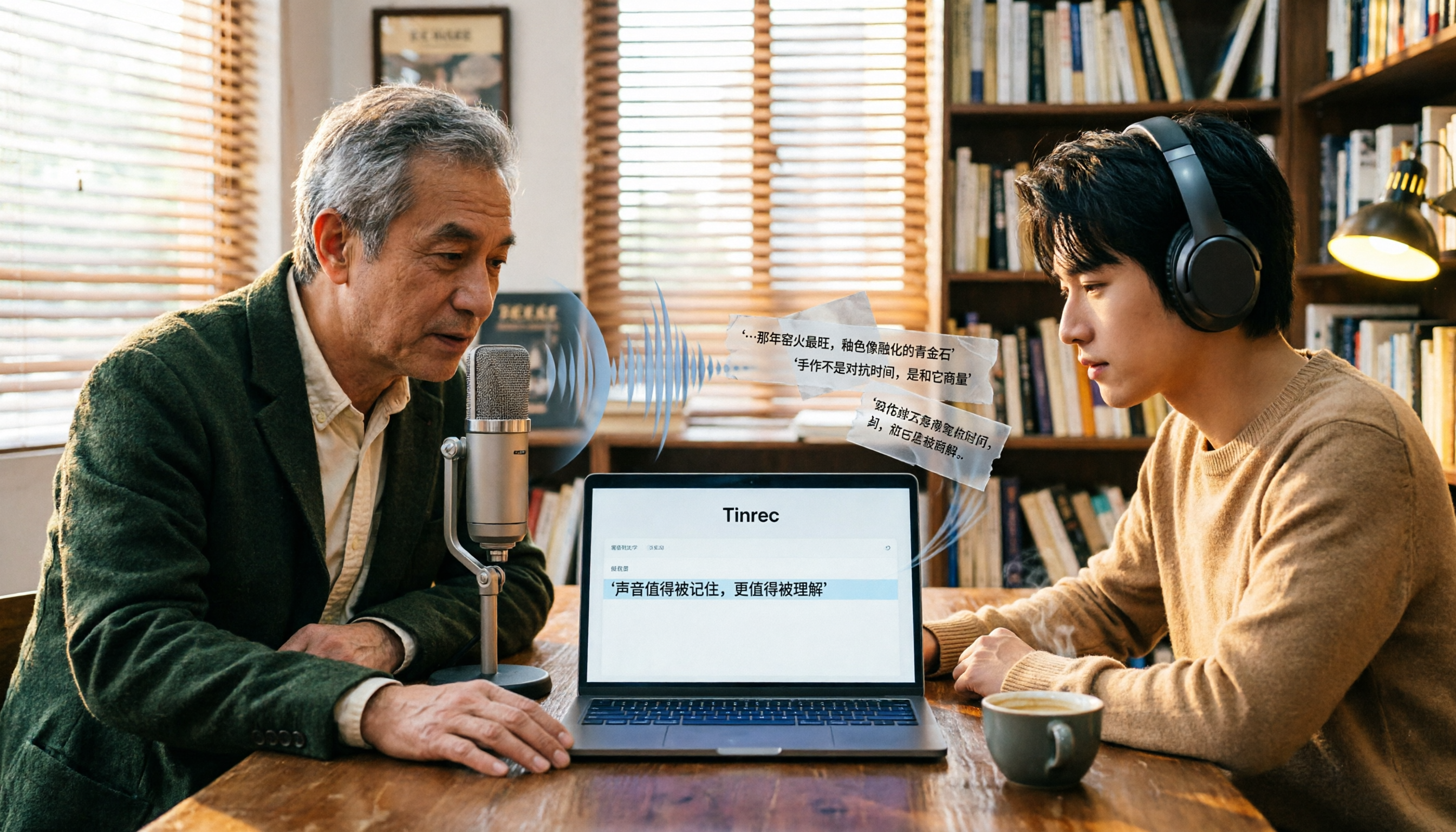
Free Audio-to-Text Tools in 2026: 6 Tested Picks and Buying Guide
How to choose a free audio-to-text tool? We tested Tinrec, MyEdit, Monica, inFin, NotebookLM, and TurboScribe, comparing free tiers, paid pricing, and best use cases—plus the most common pitfalls to avoid.

4 iOS Transcription Apps Tested in 2026: Built-in Free vs. AI Meeting Assistants—Which Saves More Time?
Is the built-in Voice Memos transcription on iPhone good enough, or do you need a separate app? This article starts with buying criteria, compares four iOS transcription solutions—Apple Voice Memos, Tinrec, Notta, and Otter.ai—and analyzes differences in Chinese recognition, AI Q&A, action item extraction, cross-platform support, and team collaboration. It concludes with clear recommendations for different budgets and scenarios.
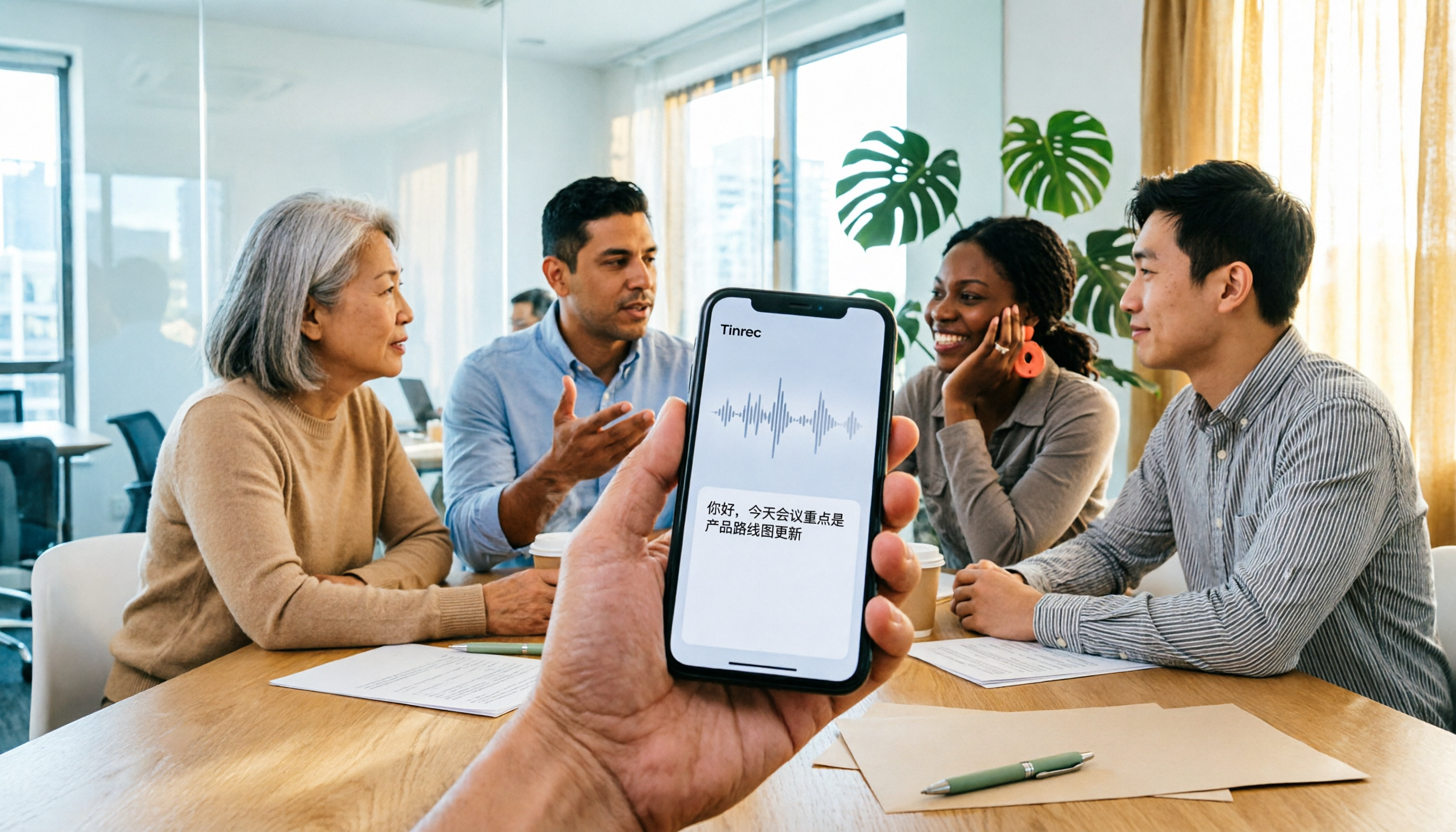
4 iPhone Audio-to-Text Apps Tested in 2026: Is the Built-in Free Version Enough?
How to choose an iPhone audio-to-text app in 2026? This article covers key buying factors and compares Apple's built-in Voice Memos and Notes, Tinrec, Notta, and Granola—explaining supported devices, Chinese transcription performance, post-meeting AI organization, team collaboration, and pricing limits to help you pick the right tool for your actual meeting scenarios.

2026 Audio-to-Text Software Buying Guide: 6 Free and Paid Options Tested
How to choose audio-to-text software in 2026? This guide reviews 6 free and paid options, including Tinrec, MyEdit, cSubtitle, Monica, Easemate AI, and NotebookLM. It covers free quota calculations, Chinese recognition, transcript post-processing, and team collaboration, with scenario-based recommendations and FAQs.
Free Audio-to-Text Software in 2026: Tinrec Chinese Transcription + Bot-Free Meeting Notes
How to choose free audio-to-text software? This article examines four key factors: how free quotas are calculated, Chinese recognition quality, what you get after transcription, and whether audio files are retained. It tests and breaks down what Tinrec's free version can do, briefly reviews alternatives like Otter.ai, Granola, and TurboScribe for different use cases, and lists four common pitfalls to avoid.
2026 Free Audio-to-Text Solutions: 4 Options Compared
Tired of replaying recordings to find key meeting points? This guide reviews 4 free audio-to-text solutions for 2026, covering selection criteria, hands-on testing, and pitfalls to avoid. Tinrec is highlighted as the top recommendation to help you choose the best transcription tool for your needs.