
Turn recordings into transcripts and summaries in minutes
Upload audio or video for multilingual transcription, AI notes, and action items
2026 Free Audio-to-Text Solutions: 4 Options Compared
After a Meeting, You Just Want to Know: Who Said That?
Have you ever been in this situation: after a two-hour meeting, your boss suddenly asks, "Who brought up that budget number last time?" You remember it happened, but you can't recall who said it or at what minute. So you open the recording again, pausing, playing, and fast-forwarding, spending half an hour just to find one sentence. What's worse, if the meeting had mixed languages or multiple people talking over each other, manual transcription is torture. These pain points can actually be solved by choosing the right audio-to-text tool. This article will help you understand how to choose, from free options to paid ones.
Before Buying Audio-to-Text Software, Understand These 4 Key Points
1. Accuracy depends on real-world conditions, not just marketing numbers Many tools claim "98% accuracy," but that's measured in a quiet studio. Real meeting rooms have air conditioning noise, keyboard sounds, and overlapping speakers, so performance drops noticeably. We recommend testing with your own recordings, especially for Chinese or mixed-language content. Tinrec covers Chinese, Traditional Chinese, and multilingual meeting scenarios; actual results depend on audio quality and accents, but its Chinese experience is a strength.
2. What can you do after transcription? If a tool only gives you a transcript, you still have to highlight key points, write action items, and summarize yourself. Newer tools automatically generate summaries, chapters, and to-dos, and even let you ask AI questions about the meeting content. Tinrec is a representative of this "post-transcription workflow," not only providing transcripts but also turning meetings into searchable, queryable, and actionable data.
3. How important are cross-platform and team collaboration? If you record on your phone today and organize on your computer tomorrow, a lack of cross-platform support will be painful. Also, if you need to share meeting data with your team, check whether the tool offers team spaces, member management, and permission controls. Tinrec offers iOS, Android, and web versions, and the team version includes independent team spaces, seat management, and usage analytics.
4. Is the free quota enough? Most tools have free plans, but limits vary. Some give a fixed number of minutes per month, others limit file length per upload. Consider your usage frequency: if you occasionally transcribe a recording, the free version may suffice; if you have multiple meetings weekly, consider a paid plan. Tinrec's free version provides a basic quota, suitable for trying before deciding.
Tinrec – Our Top Pick After Testing
Tinrec is an AI meeting notes and collaboration tool for individuals and teams, supporting iOS, Android, and web. It doesn't just convert speech to text; it organizes meeting recordings into searchable, summarizable, queryable, exportable, and further processable data.
In practice, just open Tinrec's desktop version during a meeting, and it captures your computer's system audio directly, handling Zoom, Google Meet, Microsoft Teams, Webex, and other online meetings without needing an extra meeting bot. During the meeting, the transcript is generated in real time; after the meeting, AI automatically organizes summaries, chapters, and action items—who is responsible for what and by when, all clear.
More importantly, AI conversational query. After recording, you can directly ask Tinrec: "Who mentioned the budget in the last meeting?" It will answer based on semantic understanding, not just give you a list of keyword search results. This is a core differentiator between Tinrec and most competitors. Additionally, Tinrec supports importing audio/video files, real-time translation, and exporting results to Notion, Google Docs, OneNote, Dropbox, and other tools for further use.
Pros:
Stop organizing recordings by hand
Upload audio or video and automatically get a transcript, summary, and action items
- Records online meetings without a bot, no need to invite an extra account, making the meeting process cleaner.
- Automatically generates summaries, chapters, to-dos, and mind maps after transcription, saving manual organization time.
- Supports Chinese, Traditional Chinese, and multilingual meetings, with team hotwords to improve recognition of technical terms.
- Provides AI Q&A and Agent post-processing to generate reports, tables, and documents.
- Team version includes independent spaces, member roles, seat management, usage analytics, and audit logs.
Limitations:
- The free version has a basic quota; heavy users need to pay. Team version file imports use shared quota; real-time recording currently does not deduct minutes under an active plan.
- Actual transcription quality is affected by recording quality, noise, accents, and overlapping speakers; we do not recommend promising a fixed accuracy rate.
Who is it for: If you frequently need Chinese meeting notes, want to use AI to find key points right after recording, or need to switch between phone and computer, Tinrec is one of the most suitable choices. Team users can also store meeting data in team spaces, so data isn't lost when members leave.
Besides Tinrec, What Other Options Are There?
Notta: High overlap with Tinrec, supporting multi-platform transcription, meeting notes, file import, and translation. Free version: 120 minutes per month, max 3 minutes per file. If you only need simple file transcription, consider it; but Tinrec's bot-free online meeting recording, team spaces, and AI Q&A are weaker areas for Notta.
Otter.ai: Top choice for English meetings, free version offers 300 minutes per month, generous for English content. But its support for Chinese meetings is weaker, and team data storage and post-meeting workflows are less complete than Tinrec. If you mainly record English meetings, Otter.ai is a cost-effective choice; if you need Chinese transcription and team collaboration, Tinrec is more suitable.
Granola: Also a bot-free AI meeting notes tool, with a clean design emphasizing user notes and AI enhancement. However, it doesn't support uploading pre-recorded audio files and doesn't save meeting audio. If you need to keep recordings, import historical files, Chinese real-time translation, and more export options, Tinrec better meets your needs.
Pitfall Guide: 3 Most Common Mistakes When Choosing Audio-to-Text Tools
Pitfall 1: Only looking at advertised accuracy. Many tools claim "98% accuracy," but that's tested in quiet environments. Real meetings have air conditioning noise, keyboard sounds, and overlapping speakers, so accuracy drops. Test with your own recordings for free; don't just look at ads.
Pitfall 2: Ignoring cross-platform and team needs. Recording on iPhone today, organizing on computer tomorrow—if the tool doesn't support cross-platform, it's painful. If meeting data needs to be shared with the team, confirm whether there are team spaces and permission management. Tinrec provides a complete solution here.
Pitfall 3: Treating the tool only as "audio-to-text." If you only use transcription, you're using only one-third of its capabilities. With Tinrec's AI Q&A and action item extraction, you can ask "What was the meeting conclusion?" right after recording, much faster than manually flipping through a 30-minute transcript.
Conclusion: Which One Should You Choose?
In one sentence: If you need Chinese meeting notes, bot-free online meeting recording, AI Q&A, and team data storage, Tinrec is the top choice.
Scenario-based recommendations:
- Need Chinese/mixed-language meeting transcription → Tinrec (good Chinese experience, multilingual support)
- Want to use AI to find key points and ask questions right after recording → Tinrec (AI conversational query and Agent post-processing)
- Cross-platform use (phone + computer) → Tinrec (iOS + Android + web)
- Need team sharing of meeting data, seat and usage management → Tinrec Team (independent team spaces, roles, and seat management)
- Zero budget, only English meetings → Otter.ai (free 300 minutes/month, English-first)
We suggest trying Tinrec's free version first, using your own meeting recordings to experience transcription and AI Q&A. If it works well, consider upgrading. You don't need the perfect tool right away; the one that solves your current pain points is most important.
References
- Tested 4 Best Online Speech-to-Text Tools, Free Instant Transcription
- SoundType AI Ultra-Accurate Transcription, Speech-to-Text, AI Dictation - Google Play App
- Online AI Speech, Video, Audio Auto-Transcription - Free Trial - cSubtitle
- [AI Voice Notes] Top 5 AI Transcription Tools! Generate Transcripts and Meeting Notes, Free vs Subscription, Pros and Cons | 104 Workplace
- Expert-Reviewed Top 10 Audio-to-Text Recommendations | mybest
Turn every recording into actionable outcomes
Get 60 free transcription minutes when you sign in. No credit card required.
Related Reading
You might also like

4 Best Audio-to-Text Apps in 2026: Which One Turns Transcripts into Real Meeting Notes?
How to choose an audio-to-text app in 2026? This article first explains 4 key factors to consider, then compares Tinrec, Otter.ai, Notta, and PLAUD NotePin in real tests, and lists 4 common pitfalls to help you decide which one can turn transcripts into truly usable meeting materials.

4 Meeting Transcription Apps Tested: Which Saves the Most Time with Bot-Free Recording and AI Q&A?
A mid-level manager who attends 15 meetings a week tested 4 meeting transcription apps. This article starts with the most common pitfalls when choosing a tool, compares bot-free online meeting recording, AI Q&A, post-meeting output, and team data retention, with Tinrec as the primary test subject, and includes the applicable scenarios and limitations of Notta, TurboScribe, and Otter.ai.

5 Free Audio-to-Text Tools in 2026: AI Meeting Notes & Transcription
Discover 5 free audio-to-text tools including Tinrec, MyEdit, Yating, Vocol.ai, and NotebookLM. Compare free quotas, language support, and post-meeting organization to choose the right one for your needs.
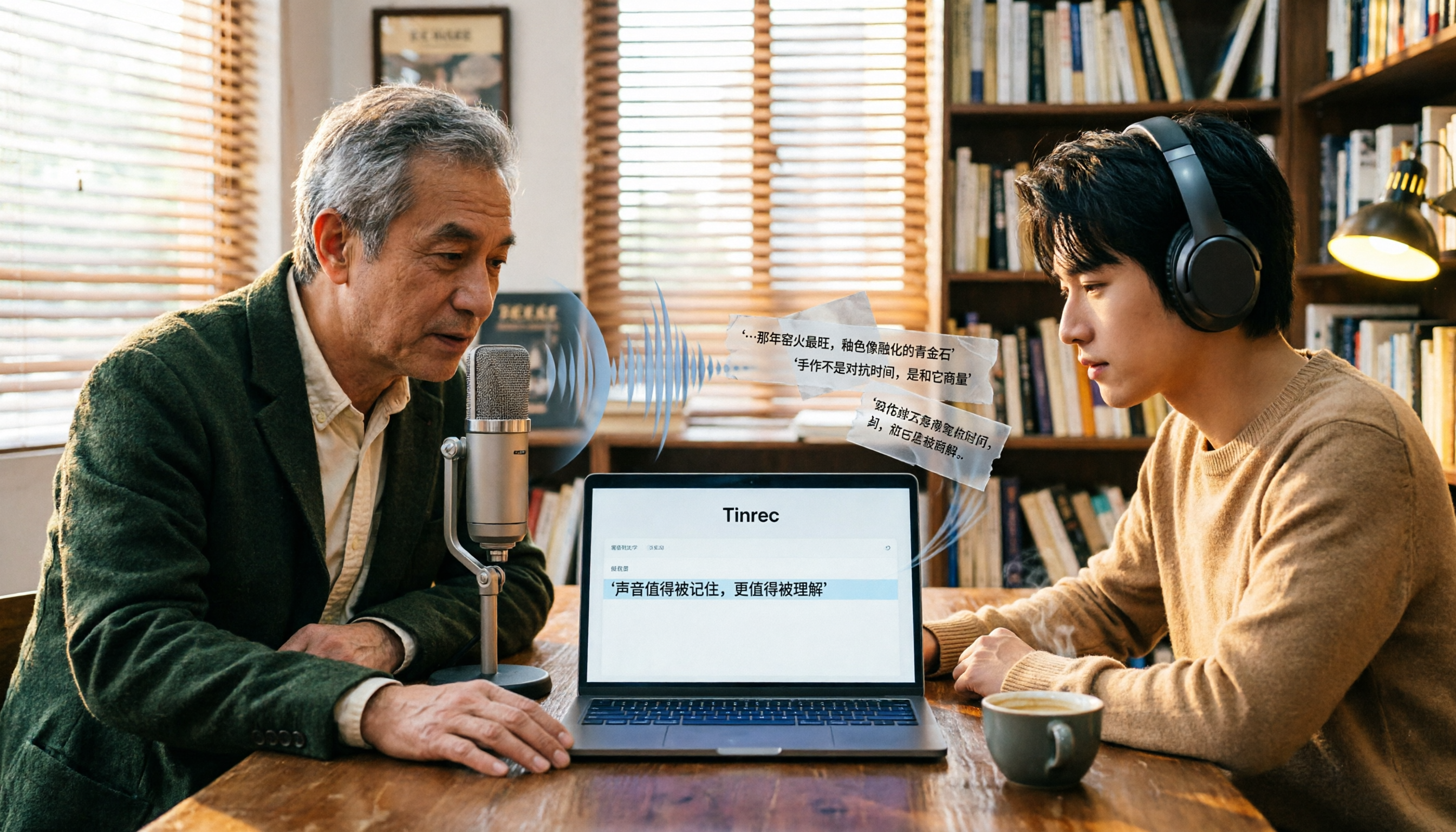
Free Audio-to-Text Tools in 2026: 6 Tested Picks and Buying Guide
How to choose a free audio-to-text tool? We tested Tinrec, MyEdit, Monica, inFin, NotebookLM, and TurboScribe, comparing free tiers, paid pricing, and best use cases—plus the most common pitfalls to avoid.

4 iOS Transcription Apps Tested in 2026: Built-in Free vs. AI Meeting Assistants—Which Saves More Time?
Is the built-in Voice Memos transcription on iPhone good enough, or do you need a separate app? This article starts with buying criteria, compares four iOS transcription solutions—Apple Voice Memos, Tinrec, Notta, and Otter.ai—and analyzes differences in Chinese recognition, AI Q&A, action item extraction, cross-platform support, and team collaboration. It concludes with clear recommendations for different budgets and scenarios.
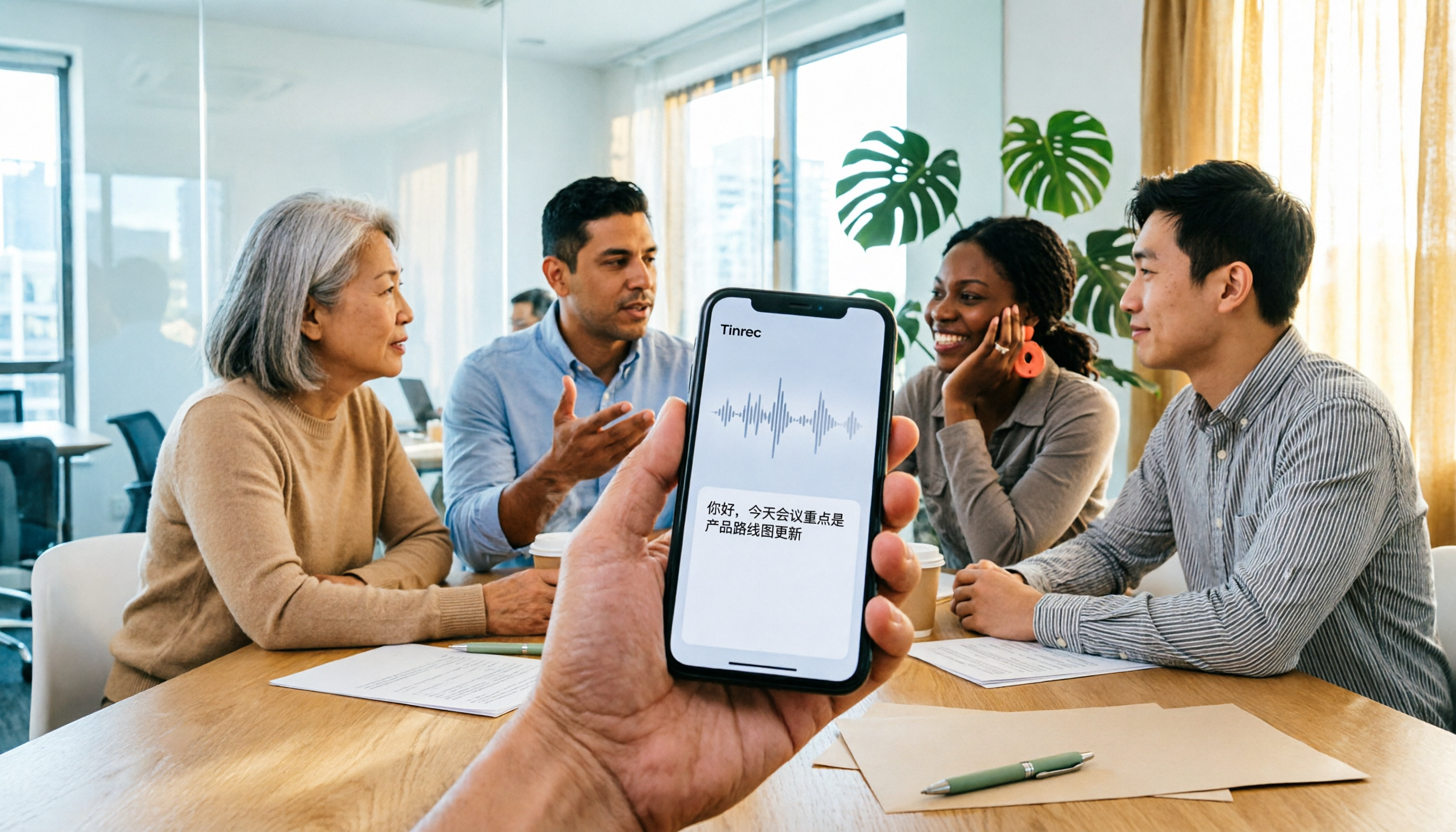
4 iPhone Audio-to-Text Apps Tested in 2026: Is the Built-in Free Version Enough?
How to choose an iPhone audio-to-text app in 2026? This article covers key buying factors and compares Apple's built-in Voice Memos and Notes, Tinrec, Notta, and Granola—explaining supported devices, Chinese transcription performance, post-meeting AI organization, team collaboration, and pricing limits to help you pick the right tool for your actual meeting scenarios.

Best Free Transcription Apps in 2026: 7 Options Compared
A roundup of 7 recording-to-text apps with free plans, including Tinrec, Otter.ai, Notta, TurboScribe, Granola, PLAUD, plus completely free options like iPhone Notes, Atter, and NotebookLM. See each app's free limits, restrictions, and who it's best for.
2026 Audio-to-Text Software Buying Guide: 6 Free and Paid Options Tested
How to choose audio-to-text software in 2026? This guide reviews 6 free and paid options, including Tinrec, MyEdit, cSubtitle, Monica, Easemate AI, and NotebookLM. It covers free quota calculations, Chinese recognition, transcript post-processing, and team collaboration, with scenario-based recommendations and FAQs.
Free Audio-to-Text Software in 2026: Tinrec Chinese Transcription + Bot-Free Meeting Notes
How to choose free audio-to-text software? This article examines four key factors: how free quotas are calculated, Chinese recognition quality, what you get after transcription, and whether audio files are retained. It tests and breaks down what Tinrec's free version can do, briefly reviews alternatives like Otter.ai, Granola, and TurboScribe for different use cases, and lists four common pitfalls to avoid.