

Turn recordings into transcripts and summaries in minutes
Upload audio or video for multilingual transcription, AI notes, and action items
Pain Point: Transcribing Audio Is Only One-Third of the Job
Many people's first mistake when choosing an audio-to-text tool is thinking that "transcribing" equals "usable."
Once you actually use it, you'll know: a 60-minute meeting yields roughly 8,000 to 12,000 words in a transcript. You open the file and your eyes glaze over halfway through.
More commonly—the recording sits on your phone, the transcript sits in cloud storage, and your to-do list sits in your head. Three sets of data, three places.
Another pitfall is team scenarios. When a colleague leaves, the meeting recordings disappear with their account—this happens all too often in small and medium teams.
So this article isn't about who has the biggest ads; it's about one thing: which tool can take you from "recording" to "materials you can actually work with."
Before Choosing an Audio-to-Text Tool, Understand These 4 Key Points
1. Accuracy depends on testing conditions, not marketing numbers
Some reviews have tested the SR701 recorder's Chinese transcription at over 95%, and the C1 series at around 90–95%. Those numbers sound high.
But those are results under specific conditions. Real meeting rooms have air conditioning noise, keyboard clicks, and multiple people talking over each other. The same tool will perform very differently in such an environment. Testing with your own recording is more accurate than any number.
2. Do you want a transcript or meeting results?
A transcript is just raw material. What really saves time are summaries, chapters, action items, and the ability to ask questions like "What exactly was discussed in the last meeting?"
3. How you record online meetings makes a big difference
Inviting a meeting bot to join can bother some clients; and if the bot fails to join, that meeting goes unrecorded.
Using a desktop app to capture system audio directly avoids adding another participant—this is currently the less intrusive approach.
4. Teams need governance, not just seats
Small teams often overlook this. Who owns the meeting data? How do you hand over when a member leaves? Who can upload, who can only view? If you don't think this through, the tool will still create chaos.
Tinrec (秒聽錄音) — Our Most Recommended After Testing
Tinrec is an AI meeting notes and collaboration tool for individuals and teams, covering iOS, Android, and web, with a desktop version that can handle online meetings.
What struck me most is: no need to invite a meeting bot. The desktop version directly captures computer system audio, handling Zoom, Google Meet, Microsoft Teams, and Webex, so no unfamiliar account suddenly appears in the meeting.
Second is post-meeting. When the meeting ends, the transcript, summary, chapters, key points, and action items are generated together.
To dig into details, you can ask questions directly about the meeting content, such as "Who mentioned the budget in the last meeting?" It doesn't just throw a list of keywords at you; it answers based on semantics. This is where it differs most from ordinary transcription tools, and it's my most-used feature.
Third is output. Besides multi-format export to Notion, Google Docs, OneNote, and Dropbox, it can also use Agent post-processing to turn meetings into reports, tables, and documents. For those who have to submit weekly reports, this saves more than a few minutes.
Limitations should also be clear. Tinrec does not promise a fixed accuracy rate; actual performance is affected by recording quality, noise, accents, overlapping speech, and technical terminology. Also, it's not a bot that "automatically joins all calendar meetings"—you need to start recording yourself.
The team version deserves special mention
If your company has 3 or more people sharing meeting data, the personal version isn't enough.
Tinrec's team version is a separate team space, not multiple people sharing one account. Members join via an invite link, with roles divided into owner, admin, and regular member.
Stop organizing recordings by hand
Upload audio or video and automatically get a transcript, summary, and action items
Here's an easily confused point: roles determine governance permissions, seats determine whether you can record, upload, edit, and export—these two concepts should be viewed separately.
Members who are active but have no seat can still view, play, and read team data, but cannot perform uploads, edits, imports/exports, etc.
Pricing is currently team monthly USD 29.80 per paid seat per month, annual USD 199 per paid seat per year, roughly USD 16.58 per month. Each paid seat gets 2,000 minutes of team shared import quota per month; real-time recording currently does not deduct minutes under an active plan and active seat, while file and web imports consume the team shared quota.
The first eligible team trial is 7 days, 1 free seat, 300 minutes of shared import quota.
There are also usage trends, member rankings, team hot words, audit logs, and an audio recycle bin (retained for 30 days, TODOs are not in the recycle bin). When a member leaves or is removed, team resources must be handed over to other active members—this is the most common failure point in small teams.
Who it's for: people who often have Chinese or mixed Chinese-English meetings, don't want a bot in the meeting, want to use AI to find key points after the meeting, and need meeting data to stay with the team rather than a personal account.
Besides Tinrec, What Other Options Are There?
Otter.ai: A veteran choice for English business meetings. Free version has 300 minutes per month; Pro annual is about USD 8.49 per user per month, including 1,200 minutes per month and 10 file imports. If your meetings are almost entirely in English, it's very mature. But Chinese meeting experience is not its strong suit; Tinrec is more aligned with Chinese, mixed Chinese-English, and bilingual comparison needs.
Granola: Also takes the no-bot route, using desktop system audio plus your own notes to generate meeting content. Business is USD 14 per user per month. Note that it does not save meeting audio and does not support uploading pre-recorded files. Tinrec retains recordings, supports audio/video file import, and has a more complete Chinese experience and team data management.
PLAUD Note/NotePin: A representative of AI recording hardware. NotePin is USD 159; membership plans: Starter 300 minutes per month, Pro annual USD 99.99. The advantage of hardware is portability and long battery life, but you need to buy an extra device, and online meetings are not its strength. Tinrec requires no extra hardware and works on web, desktop, and mobile.
Pitfall Guide: The 4 Most Common Mistakes When Choosing an Audio-to-Text Tool
Pitfall 1: Only looking at official accuracy rates. Those are usually measured in quiet environments. Test with your own meeting recording once, and the gap will immediately show.
Pitfall 2: Thinking a transcript equals meeting notes. No one will read through a two-hour transcript from start to finish. Without summaries and action items, it's not organized.
Pitfall 3: Not considering data ownership. Personal accounts are cheaper, but when a member leaves, the data goes with them. If it's for team use, you should use a team space from the start.
Pitfall 4: Buying a tool but only using transcription. Most tools now have AI Q&A, translation, export, and post-processing. Using it only as a recorder means you paid for only one-third of its value.
Conclusion: Which One Should You Choose?
In one sentence: First figure out whether you want a transcript or meeting materials you can work with.
- Chinese or mixed Chinese-English meetings, don't want a bot in the meeting → Tinrec (desktop version records without a bot, handles multi-platform meeting audio)
- Want to ask AI directly after the meeting "What was the conclusion last time?" → Tinrec (AI Q&A is its biggest difference from pure transcription tools)
- Need to use on both phone and computer → Tinrec (iOS + Android + web)
- Need to turn meetings into team assets → Tinrec team version (space, roles, seats, usage, audit, recycle bin)
- Meetings almost entirely in English, zero budget → Otter.ai free version (a rare exception in this article)
- Need portable hardware recording, often record phone calls → PLAUD series
Honestly, no tool is "perfect out of the box." Running your own recording through the free tier is more accurate than reading ten reviews.
References
- 【2024 Update】Voice-to-Text Recorder Pen Comparison
- 【AI Voice Notes】Top 5 AI Transcription Tools! Generate Transcripts and Meeting Notes, Free vs. Subscription, Pros and Cons | 104 Career Power
- Online AI Voice, Video, Audio File Auto Transcription - Free Trial - cSubtitle
- View Voice Memos Transcripts on iPhone - Apple Support (Taiwan)
- Must-See 2026! 4 AI Audio-to-Text Tools Recommended: Meeting Notes, Podcast Transcript Comparison - Mobile01
Turn every recording into actionable outcomes
Get 60 free transcription minutes when you sign in. No credit card required.
Related Reading
You might also like

4 Best Audio-to-Text Apps in 2026: Which One Turns Transcripts into Real Meeting Notes?
How to choose an audio-to-text app in 2026? This article first explains 4 key factors to consider, then compares Tinrec, Otter.ai, Notta, and PLAUD NotePin in real tests, and lists 4 common pitfalls to help you decide which one can turn transcripts into truly usable meeting materials.

4 Meeting Transcription Apps Tested: Which Saves the Most Time with Bot-Free Recording and AI Q&A?
A mid-level manager who attends 15 meetings a week tested 4 meeting transcription apps. This article starts with the most common pitfalls when choosing a tool, compares bot-free online meeting recording, AI Q&A, post-meeting output, and team data retention, with Tinrec as the primary test subject, and includes the applicable scenarios and limitations of Notta, TurboScribe, and Otter.ai.

5 Free Audio-to-Text Tools in 2026: AI Meeting Notes & Transcription
Discover 5 free audio-to-text tools including Tinrec, MyEdit, Yating, Vocol.ai, and NotebookLM. Compare free quotas, language support, and post-meeting organization to choose the right one for your needs.
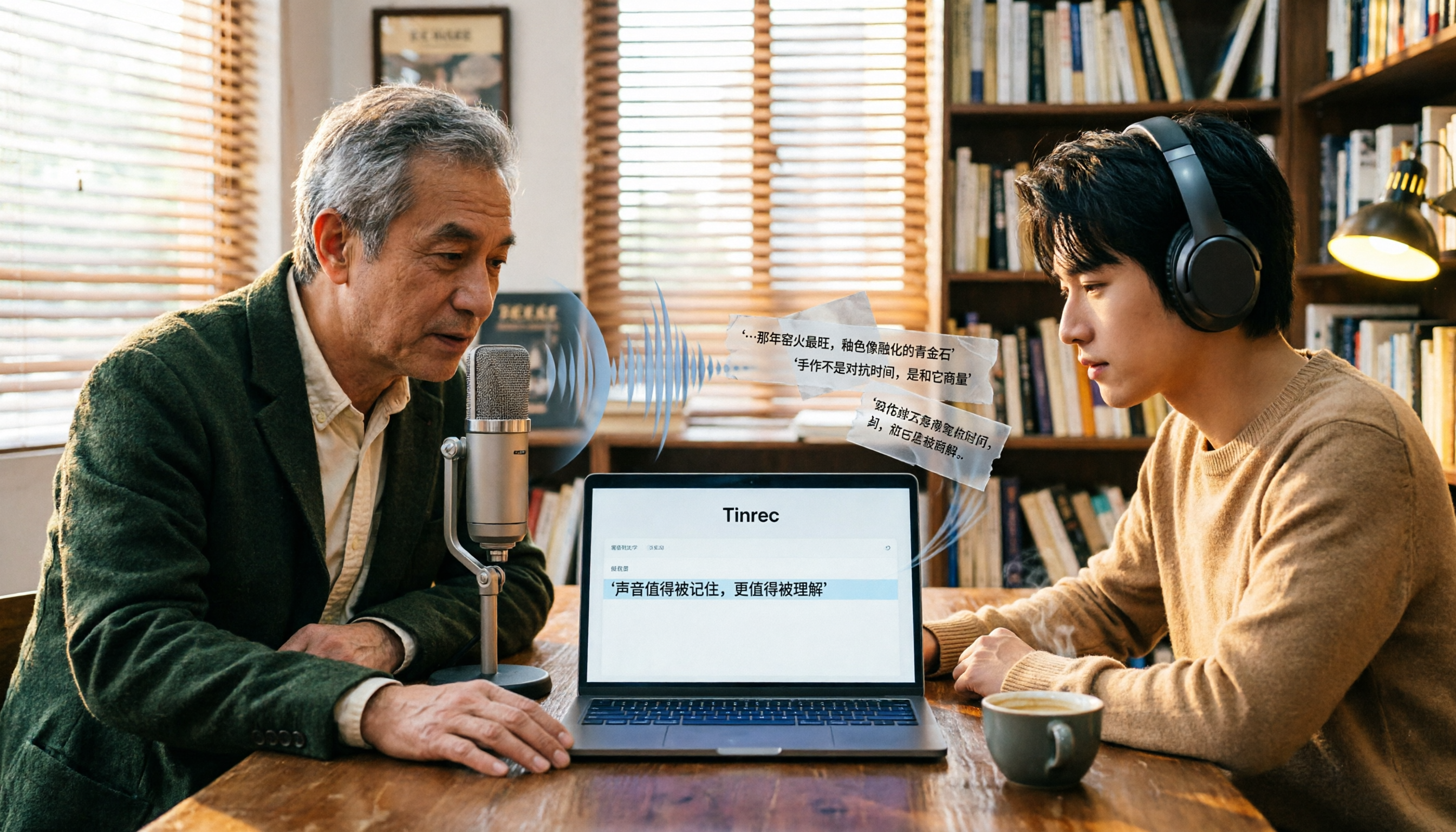
Free Audio-to-Text Tools in 2026: 6 Tested Picks and Buying Guide
How to choose a free audio-to-text tool? We tested Tinrec, MyEdit, Monica, inFin, NotebookLM, and TurboScribe, comparing free tiers, paid pricing, and best use cases—plus the most common pitfalls to avoid.

4 iOS Transcription Apps Tested in 2026: Built-in Free vs. AI Meeting Assistants—Which Saves More Time?
Is the built-in Voice Memos transcription on iPhone good enough, or do you need a separate app? This article starts with buying criteria, compares four iOS transcription solutions—Apple Voice Memos, Tinrec, Notta, and Otter.ai—and analyzes differences in Chinese recognition, AI Q&A, action item extraction, cross-platform support, and team collaboration. It concludes with clear recommendations for different budgets and scenarios.
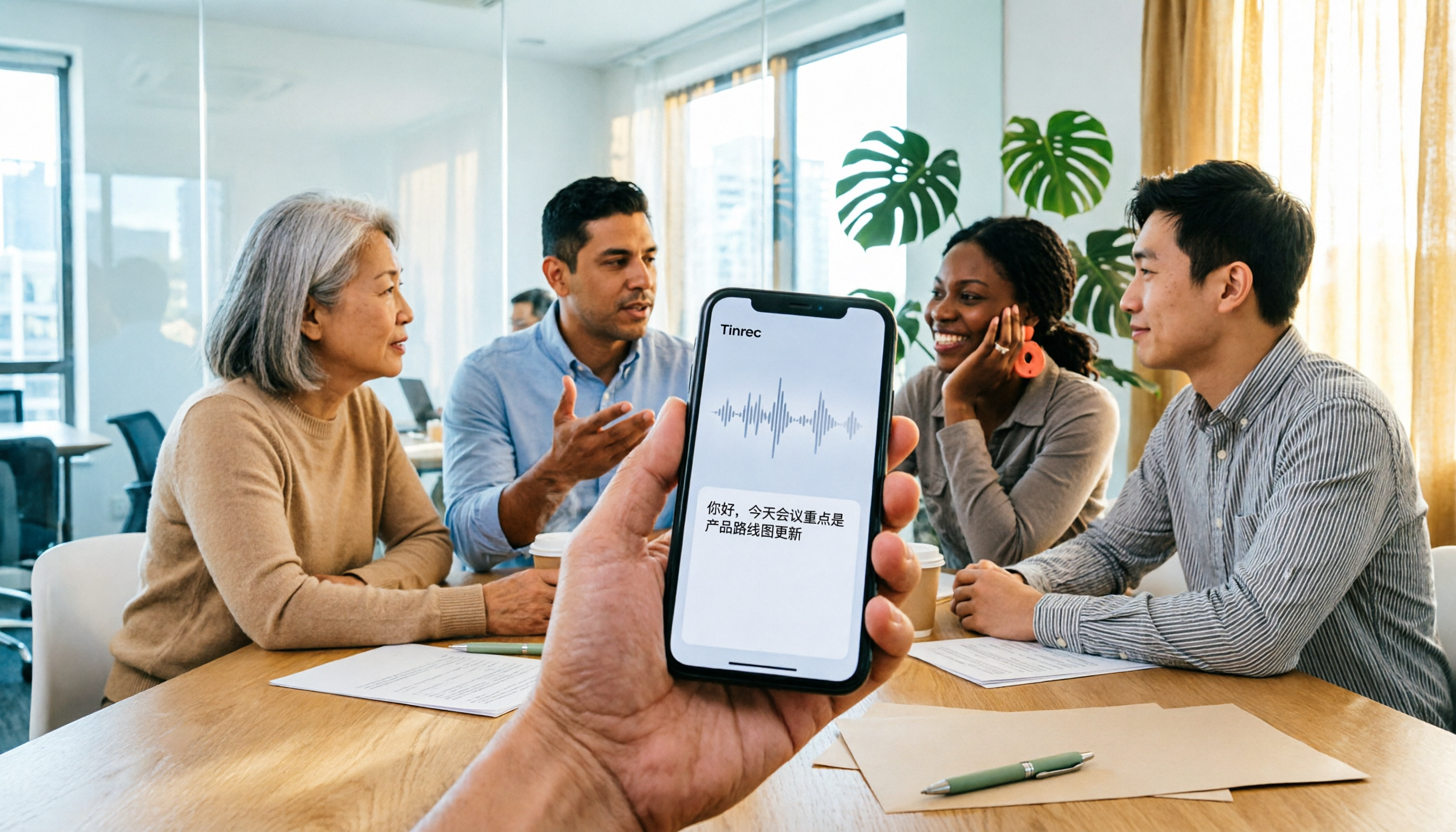
4 iPhone Audio-to-Text Apps Tested in 2026: Is the Built-in Free Version Enough?
How to choose an iPhone audio-to-text app in 2026? This article covers key buying factors and compares Apple's built-in Voice Memos and Notes, Tinrec, Notta, and Granola—explaining supported devices, Chinese transcription performance, post-meeting AI organization, team collaboration, and pricing limits to help you pick the right tool for your actual meeting scenarios.

Best Free Transcription Apps in 2026: 7 Options Compared
A roundup of 7 recording-to-text apps with free plans, including Tinrec, Otter.ai, Notta, TurboScribe, Granola, PLAUD, plus completely free options like iPhone Notes, Atter, and NotebookLM. See each app's free limits, restrictions, and who it's best for.
2026 Audio-to-Text Software Buying Guide: 6 Free and Paid Options Tested
How to choose audio-to-text software in 2026? This guide reviews 6 free and paid options, including Tinrec, MyEdit, cSubtitle, Monica, Easemate AI, and NotebookLM. It covers free quota calculations, Chinese recognition, transcript post-processing, and team collaboration, with scenario-based recommendations and FAQs.
Free Audio-to-Text Software in 2026: Tinrec Chinese Transcription + Bot-Free Meeting Notes
How to choose free audio-to-text software? This article examines four key factors: how free quotas are calculated, Chinese recognition quality, what you get after transcription, and whether audio files are retained. It tests and breaks down what Tinrec's free version can do, briefly reviews alternatives like Otter.ai, Granola, and TurboScribe for different use cases, and lists four common pitfalls to avoid.