

Turn recordings into transcripts and summaries in minutes
Upload audio or video for multilingual transcription, AI notes, and action items
Why You Need Audio-to-Text: Don't Just Look for the "Free" One
When many people search for an audio-to-text tool, their first move is to search for "free." That's not wrong, but if you fixate only on the word "free," you can easily fall into a few traps.
The first trap is that the free quota is smaller than you think. Many tools advertise themselves as free, but in reality, when you upload a 40-minute meeting recording, they cut you off after a few minutes and show a payment prompt.
The second trap is that "supports Chinese" doesn't mean Chinese works well. Mixed Chinese and English, technical terms, and multiple people talking over each other can all turn a transcript into a painful task that requires re-listening and proofreading.
The third trap is that after you get the transcript, you still have to organize the summary and action items yourself, which means you've only saved half the time.
This article covers 7 audio-to-text and meeting notes solutions, mainly comparing them across 5 dimensions: Chinese recognition, meeting capture method, post-meeting organization capability, team management, and free quota. At the end, we'll tell you how to choose based on your situation.
Tinrec | The Most Complete AI Recording Assistant
Tinrec is an AI meeting notes and collaboration tool for individuals and teams. It doesn't just convert sound to text — it organizes meeting recordings into searchable, summarizable, queryable, and exportable data.
No need to invite a meeting bot. The desktop version directly captures your computer's system audio, so it can handle online meetings on Zoom, Google Meet, Microsoft Teams, Webex, and more without an extra bot joining the meeting room.
The real value comes after transcription. Beyond the transcript, it automatically generates summaries, chapters, key points, and action items, and you can also do AI Q&A around the meeting content. When you need to deliver something, you can further generate reports, tables, and documents, or export to Notion, Google Docs, OneNote, or Dropbox for further editing.
Multilingual and real-time translation. It handles Chinese meetings and mixed Chinese-English content, and during recording you can switch between original text, translation, or bilingual view.
The team version turns meetings into team assets. A separate team space centrally stores meeting data, with support for member invitations, role and seat management, usage analytics, audit logs, team hotwords, and an audio recycle bin. Note that active members without a seat can view, play, and read data, but cannot upload, edit, or export.
On pricing, the personal version has a free tier to try basic quota, plus a weekly pass, Pro monthly, and Pro annual, depending on usage frequency. The team version offers a 7-day trial for first-time eligible users, 1 free seat, and 300 minutes of shared team import quota; team monthly is USD 29.80 per paid seat per month, and annual is USD 199 per paid seat per year (about USD 16.58 per month), with each paid seat providing 2,000 minutes of shared team import quota per month. Actual prices are subject to the official purchase page.
Who it's for: People who need Chinese meeting notes, don't want a bot joining the meeting, and want to continue organizing and consolidating after the meeting ends.
MyEdit | Free Credit-Based Online Speech-to-Text
MyEdit is an online audio editing tool. Its speech-to-text supports 9 languages including Chinese, English, and Japanese. After transcription, you can edit the transcript online, choose whether to add timestamps, and export as a plain text file (.txt) or subtitle file (.srt).
Its free method is to log in daily to earn credits for transcription. After upgrading to Audio Pro, you get a fixed 360 credits per month. Note that once free credits run out, you have to wait until the next day, so heavy transcription still requires payment.
Who it's for: Creators who occasionally need to add subtitles to videos and need .srt files.
cSubtitle | Chinese-Focused, No-Registration Transcription Tool
cSubtitle focuses on Mandarin Chinese recognition and lets you upload without registering an account. It supports MP4, MOV, MP3, WAV, M4A, OGG, WMA and other formats, with a single file limit of 4GB and up to 5 hours in length. You can download text and Word files in as little as a few minutes.
The output includes punctuation and paragraph breaks. The Word file also includes time codes for easy re-listening and correction, and it automatically generates .sub and .vtt subtitle files.
Who it's for: People who need Chinese meeting or interview transcripts and don't want to register an account.
Otter.ai | A Mature Choice for English Business Meetings
Otter is an early AI meeting assistant that supports Zoom, Microsoft Teams, and Google Meet, with real-time transcription, speaker identification, AI Chat, and team management.
Stop organizing recordings by hand
Upload audio or video and automatically get a transcript, summary, and action items
Its official pricing page shows Basic is free with 300 minutes per month; Pro annual works out to USD 8.49 per user per month, including 1,200 minutes of in-app recording and 10 file imports per month; Business offers unlimited meeting recording and more management capabilities.
Note that Otter has a strong reputation for English business meetings, but the Chinese-language experience may not meet expectations.
Who it's for: Teams that mainly hold English meetings and need automated meeting workflows.
Notta | Multilingual Transcription and Team Plans
Notta covers multi-platform transcription, meeting notes, file import, translation, and team plans, with significant overlap with Tinrec.
According to official information, Free is 120 minutes per month with a maximum of 3 minutes per item; Pro annual works out to USD 8.17 per month with 1,800 minutes per month; Business annual works out to USD 16.67 per seat per month, offering unlimited transcription, role permissions, and usage reports.
Who it's for: Organizations that need multilingual transcription and value team permission settings.
TurboScribe | Cost-Effective Long-Form Transcription
TurboScribe is more of a cost-effective file transcription tool, focusing on long documents, batch uploads, subtitles, and translation.
The Free plan allows 3 files per day with a maximum of 30 minutes per file; Unlimited annual is USD 120 (about USD 10 per month). The paid version supports files up to 10 hours or 5GB, and you can upload 50 files at once.
It doesn't handle real-time meetings — it's more like "throw a bunch of files in at once" usage.
Who it's for: People with a large number of long audio or video files who need batch processing.
Monica | Try 30 Minutes First
Monica's audio-to-text tool lets you upload audio or record directly, offers a 30-minute free trial, supports multilingual translation, and can integrate with other tools on the site.
Who it's for: People who haven't decided whether to pay and want to try transcription quality first.
With So Many Options, How Should You Choose?
• Want the most complete AI features (transcription + AI Q&A + automatic summaries + action items) → Tinrec
• Need Chinese meeting notes but don't want to invite a bot to join the meeting → Tinrec (desktop version captures system audio)
• Want meeting data to become a shared team asset and need to manage members and seats → Tinrec team version
• Only need to occasionally transcribe a recording and have zero budget → MyEdit or cSubtitle, basic features are enough
• Mainly handle English business meetings → Otter.ai
• Have a bunch of long files to batch transcribe → TurboScribe
• Want to test the waters first → Monica's 30-minute free trial
4 Things to Know Before Using Audio-to-Text
Free quotas usually have hidden limits. Some limit monthly minutes, some limit single-file length, some limit daily file count. Read the rules carefully before you start so you don't get cut off halfway through.
Chinese recognition doesn't mean Chinese works well. Accuracy is affected by recording quality, noise, accents, overlapping speakers, and technical terms, and it's unlikely to be summed up by a single fixed number. Tools like Tinrec offer team hotwords to maintain commonly used terms, precisely to improve this kind of issue.
A transcript is not the same as meeting notes. Getting the text is only the first step. Whether it can automatically generate summaries, chapters, and action items often determines how much time you actually save.
Get consent before recording. Meeting recording and transcription involve participants' rights. Before use, please confirm compliance with local regulations and inform attendees when necessary.
FAQ
Does Tinrec have a free version?
Yes, the personal version offers a free tier to try basic quota, plus a weekly pass, Pro monthly, and Pro annual. The team version offers a 7-day trial for first-time eligible users, 1 free seat, and 300 minutes of shared team import quota.
Can transcripts from free tools be used directly?
Not necessarily. Free plans mostly have limits on minutes, single-file length, or features, and Chinese paragraphs, punctuation, and segmentation often need manual adjustment. It's best to test with your own recording before deciding.
How accurate is audio-to-text?
We don't recommend looking at a fixed number. Actual results are affected by recording quality, background noise, accents, overlapping speakers, and technical terms. For important content, it's still best to listen back with timestamps to verify.
What's the difference between Tinrec's team version and personal version?
Personal version data belongs to the individual account; the team version is a separate team space where meeting data belongs to the team, with added capabilities like members, roles, seats, usage analytics, audit logs, and an audio recycle bin.
What's the difference between "roles" and "seats" in the team version?
Roles determine who can manage the team, members, audits, and team settings; seats determine whether a member can record, upload, edit, import, and export. Active members without a seat can still view, play, and read team data.
Is there an option that doesn't require registration at all?
Yes, cSubtitle doesn't require an account — upload and download the transcript and subtitle files.
Conclusion
Free plans can handle the occasional urgent need to transcribe a recording, but if you're in meetings every week and need to turn content into trackable data, the difference between tools isn't just "how accurate is the transcription" — it's whether summaries, action items, Q&A, and team collaboration are connected.
Based on the 5 dimensions covered here, Tinrec is the most complete for Chinese meetings, bot-free recording, and post-meeting organization. If your needs fall into these areas, we suggest trying a segment with your own meeting recording first, then deciding whether to use the free version or upgrade.
References
- Audio to Text - Free Speech-to-Text Tool
- Online Speech-to-Text AI, Free MP3 or Recording to Transcript - MyEdit
- Online AI Speech, Video, Recording Auto-Transcription - Free Trial - cSubtitle
- Tested 4 Best "Speech-to-Text" Online Tools, Free Instant Recording to Transcript
- No Time Limit! 3 Free AI Transcription Tools, Highly Recommended! AI Voice Notes Generate Meeting Minutes, Presentations, Mind Maps | 104 Career Power
Turn every recording into actionable outcomes
Get 60 free transcription minutes when you sign in. No credit card required.
Related Reading
You might also like

4 Best Audio-to-Text Apps in 2026: Which One Turns Transcripts into Real Meeting Notes?
How to choose an audio-to-text app in 2026? This article first explains 4 key factors to consider, then compares Tinrec, Otter.ai, Notta, and PLAUD NotePin in real tests, and lists 4 common pitfalls to help you decide which one can turn transcripts into truly usable meeting materials.

4 Meeting Transcription Apps Tested: Which Saves the Most Time with Bot-Free Recording and AI Q&A?
A mid-level manager who attends 15 meetings a week tested 4 meeting transcription apps. This article starts with the most common pitfalls when choosing a tool, compares bot-free online meeting recording, AI Q&A, post-meeting output, and team data retention, with Tinrec as the primary test subject, and includes the applicable scenarios and limitations of Notta, TurboScribe, and Otter.ai.

5 Free Audio-to-Text Tools in 2026: AI Meeting Notes & Transcription
Discover 5 free audio-to-text tools including Tinrec, MyEdit, Yating, Vocol.ai, and NotebookLM. Compare free quotas, language support, and post-meeting organization to choose the right one for your needs.
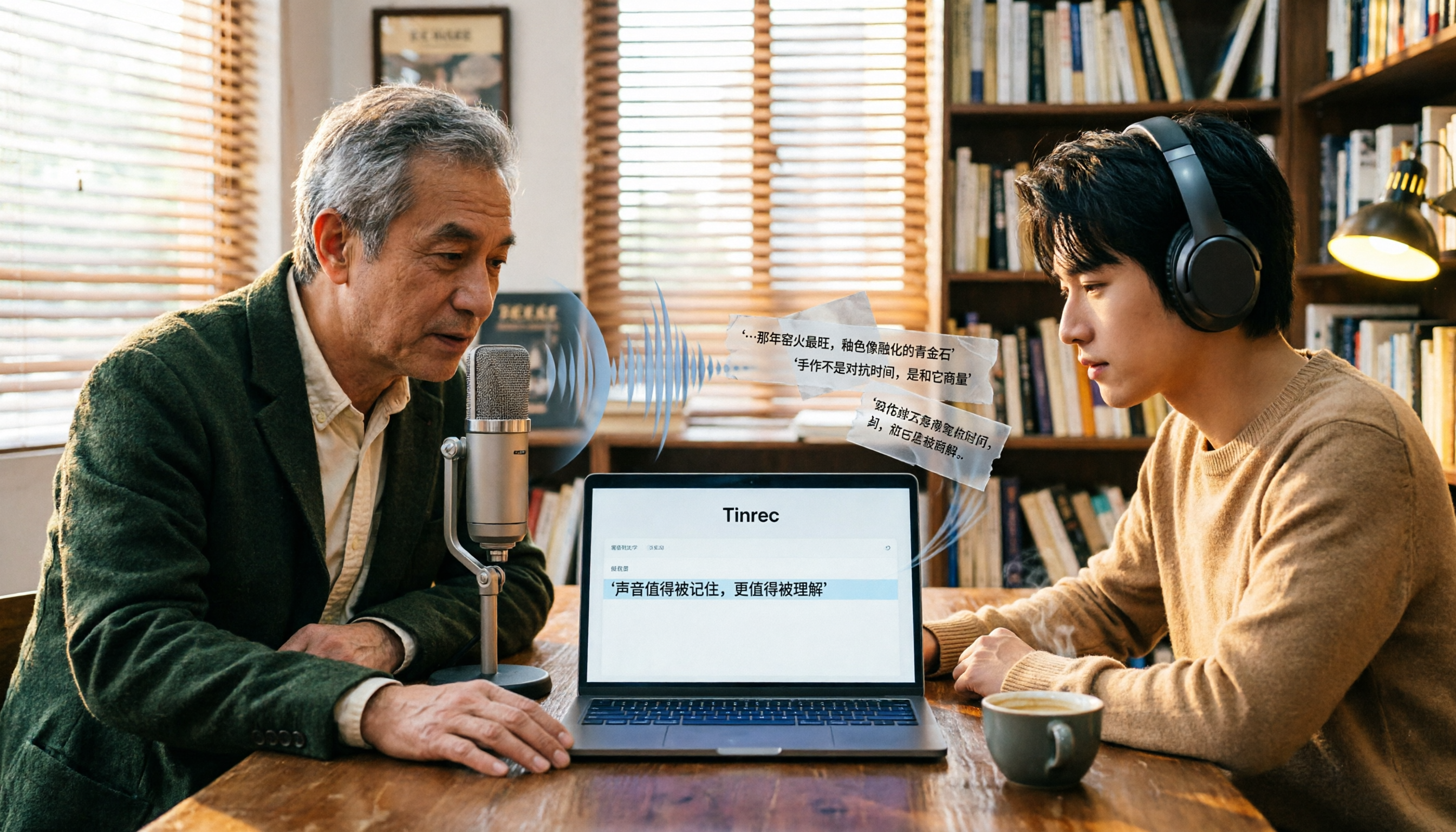
Free Audio-to-Text Tools in 2026: 6 Tested Picks and Buying Guide
How to choose a free audio-to-text tool? We tested Tinrec, MyEdit, Monica, inFin, NotebookLM, and TurboScribe, comparing free tiers, paid pricing, and best use cases—plus the most common pitfalls to avoid.

4 iOS Transcription Apps Tested in 2026: Built-in Free vs. AI Meeting Assistants—Which Saves More Time?
Is the built-in Voice Memos transcription on iPhone good enough, or do you need a separate app? This article starts with buying criteria, compares four iOS transcription solutions—Apple Voice Memos, Tinrec, Notta, and Otter.ai—and analyzes differences in Chinese recognition, AI Q&A, action item extraction, cross-platform support, and team collaboration. It concludes with clear recommendations for different budgets and scenarios.
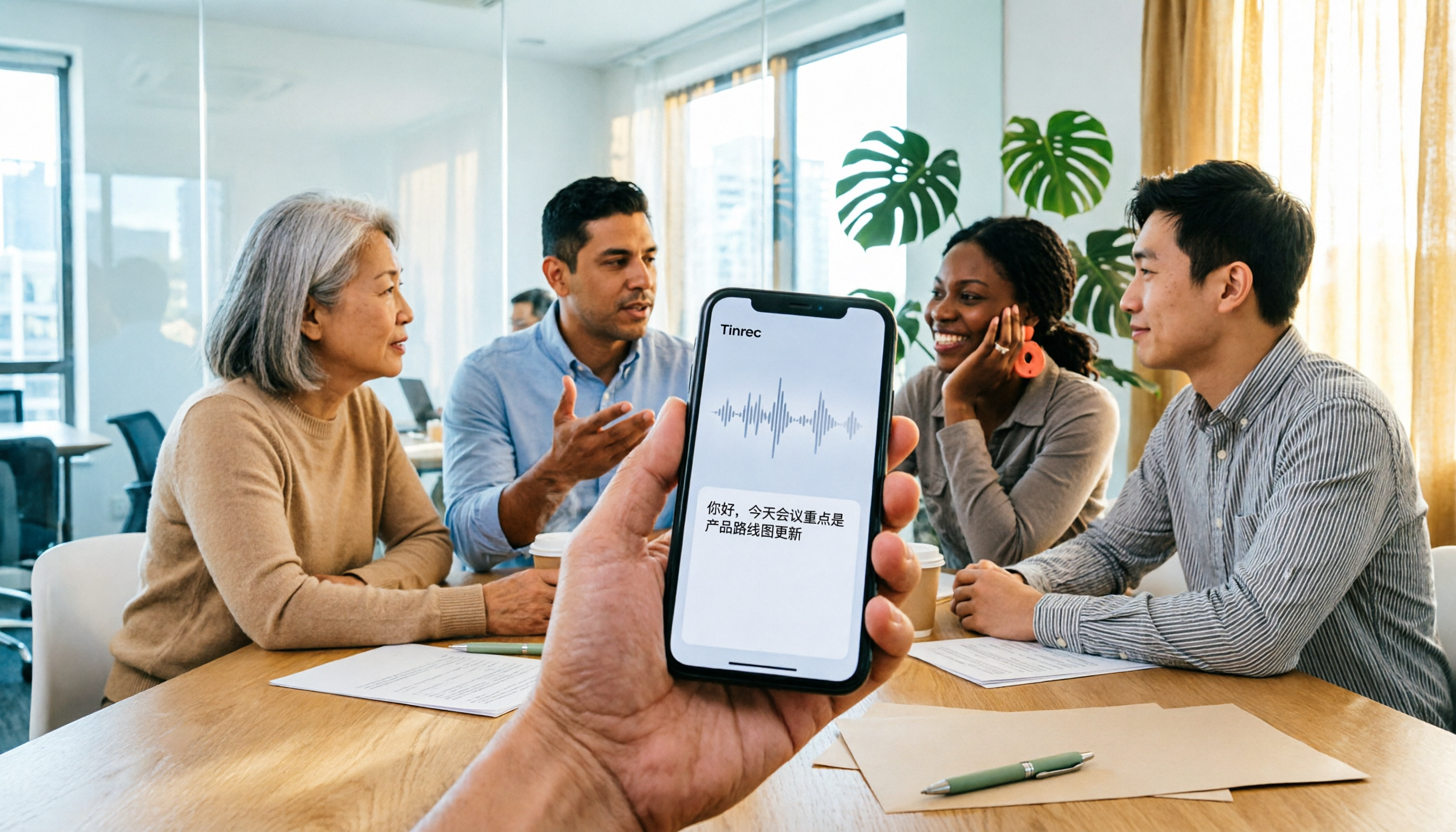
4 iPhone Audio-to-Text Apps Tested in 2026: Is the Built-in Free Version Enough?
How to choose an iPhone audio-to-text app in 2026? This article covers key buying factors and compares Apple's built-in Voice Memos and Notes, Tinrec, Notta, and Granola—explaining supported devices, Chinese transcription performance, post-meeting AI organization, team collaboration, and pricing limits to help you pick the right tool for your actual meeting scenarios.

Best Free Transcription Apps in 2026: 7 Options Compared
A roundup of 7 recording-to-text apps with free plans, including Tinrec, Otter.ai, Notta, TurboScribe, Granola, PLAUD, plus completely free options like iPhone Notes, Atter, and NotebookLM. See each app's free limits, restrictions, and who it's best for.
2026 Audio-to-Text Software Buying Guide: 6 Free and Paid Options Tested
How to choose audio-to-text software in 2026? This guide reviews 6 free and paid options, including Tinrec, MyEdit, cSubtitle, Monica, Easemate AI, and NotebookLM. It covers free quota calculations, Chinese recognition, transcript post-processing, and team collaboration, with scenario-based recommendations and FAQs.
Free Audio-to-Text Software in 2026: Tinrec Chinese Transcription + Bot-Free Meeting Notes
How to choose free audio-to-text software? This article examines four key factors: how free quotas are calculated, Chinese recognition quality, what you get after transcription, and whether audio files are retained. It tests and breaks down what Tinrec's free version can do, briefly reviews alternatives like Otter.ai, Granola, and TurboScribe for different use cases, and lists four common pitfalls to avoid.