
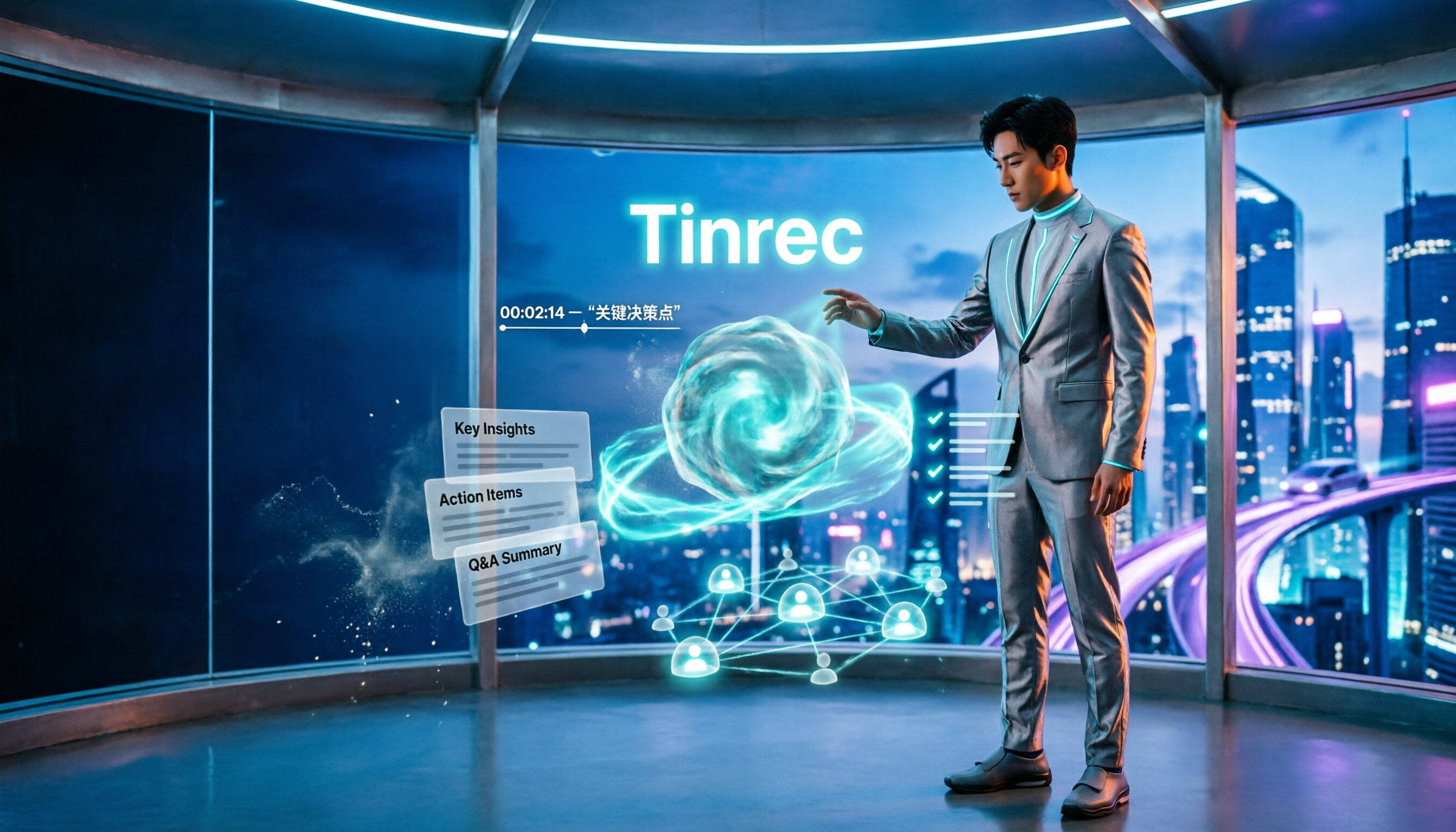
Turn recordings into transcripts and summaries in minutes
Upload audio or video for multilingual transcription, AI notes, and action items
Many people search for "voice announcer" but actually have two different things in mind.
One is "broadcast a warning or guidance loudly right now"; the other is "keep what was said so it can be found and used later."
These two needs are often mixed up. As a result, you buy a device that only beeps at a fixed location, then realize you still have to type meeting notes and interview transcripts word by word.
First figure out which one you need, then choose your tool—it will save you a lot of wasted money. Below, we compare four common solutions.
What Is a Voice Announcer? Four Common Approaches and Their Limitations
Hardware voice warning announcer: Take Garrison's voice warning announcer as an example. It focuses on alert, warning, and guidance voice announcements. It has built-in computer voice synthesis, can record and play about 20 seconds of voice, and includes an amplifier and speaker inside the unit to directly amplify voice with adjustable volume. It is suitable for safety alerts, voice guidance, warning notifications, and similar locations. Yiliang Electric also offers alarms/voice synthesis alarms. Its limitation is that the content is pre-recorded, about 20 seconds long, and one machine corresponds to one fixed location. It is suitable for fixed warnings in factories, access control, etc., but not for recording an entire meeting.
System built-in announcements: According to Apple support documents, Siri can announce incoming callers and notifications from apps (such as Messages) on supported headphones and when using CarPlay. You can also answer or reply directly by voice without saying "Hey Siri" first. It handles reminders so you know what's happening without looking at the screen, but it is not essentially a recording tool.
Text-to-speech announcements: Google's Your News Update uses text-to-speech technology to turn text news into audio news. It is officially promoted as broadcasting with a near-human conversational tone, no longer a stiff robotic version. However, it ends after reading and does not organize key points for you, and it currently mainly supports the US market and English news.
Turning voice into reusable data: This category is represented by Tinrec. It does not handle the announcement itself, but what happens after—how to keep transcripts, summaries, chapters, and action items.
If your real need is to turn what was said in meetings, interviews, and classes into searchable, organizable, deliverable data, the first three solutions won't do it. That's why many people are turning to AI recording tools.
How Tinrec Differs from Traditional Voice Announcement Methods
Input sources
Traditional announcers can only take pre-recorded voice, a single source. Tinrec's input sources are broader: live recording, desktop capture of computer system audio for online meetings, existing audio and video files, and mobile ad-hoc recording. It covers almost all meeting scenarios, which is its most practical advantage.
What remains after playback
Announcers end after playback, and Google's audio news has no next step after listening. After transcription, Tinrec produces transcripts, AI summaries, chapter highlights, and action items, and you can continue asking questions about the content. The same audio: one is forgotten after listening, the other is data you can revisit.
Language and real-time translation
Google's voice announcements currently focus on English and the US market. Tinrec covers Chinese, Traditional Chinese, and multilingual meeting content. During recording, you can switch between original text, translation, or bilingual view, which is especially useful for meetings with mixed Chinese and English, eliminating the need for a separate translator in cross-language meetings.
Cross-platform use
Hardware announcers are tied to an installation location. Tinrec can be used on desktop, web, and mobile. Use desktop for online meetings, phone for field interviews, and data returns to the same account. For people who often change locations, the flexibility is much greater.
Team collaboration and governance
Announcers are devices, not databases. Tinrec's team plan provides an independent team space where meeting data belongs to the team, with management capabilities such as members, roles, seats, usage analytics, audit logs, and audio recycle bin. This part is completely absent from traditional voice solutions.
Tinrec's Core Features at a Glance
Live recording to text: Transcribe while recording, see text synchronously during the meeting, and the transcript is ready when the meeting ends—no extra typing time.
Bot-free online meeting recording: The desktop version directly captures computer system audio to handle Zoom, Google Meet, Microsoft Teams, Webex, and other online meetings without inviting an extra meeting bot. Note that the user still needs to actively open Tinrec to start recording; it does not automatically join every meeting on your calendar.
AI summaries and chapters: Long meetings are automatically split into easy-to-browse sections and highlights, so you don't have to scroll from the first page to the last when reviewing.
Stop organizing recordings by hand
Upload audio or video and automatically get a transcript, summary, and action items
Action item extraction: Organize action items from discussions, especially useful for project and client meetings, so tasks assigned after the meeting are less likely to be missed.
AI Q&A and Agent post-processing: You can directly ask "What was the conclusion of this meeting?" or "Who is responsible for which item?" The system answers based on semantic understanding; it can also generate reports, tables, and documents, turning the meeting into a deliverable.
Multi-format export: Supports exporting results to Notion, Google Docs, OneNote, Dropbox, and other tools for further processing without reformatting.
Practical Use Cases
Weekly stand-ups and project meetings: View the transcript synchronously during the meeting to confirm key points, and use the summary and action items as the record afterward. What used to take one to two hours to organize can now mostly be done right after the meeting.
Classes and interviews: It's inconvenient to type while listening during interviews. Record first, then use AI Q&A to find specific segments like "the interviewee's view on pricing"—much faster than replaying the entire recording.
Cross-language meetings: For meetings with mixed Chinese and English or entirely foreign languages, real-time translation and bilingual transcripts eliminate the need for separate translation during post-meeting organization.
Team knowledge retention: Meeting data is stored in a unified team space. New members can look up past meetings, and data doesn't leave with individuals when team members change.
Points to Note When Choosing a Voice Announcer or Voice Processing Tool
First confirm whether you need to "broadcast" or "keep": If you need on-site alerts and guidance, a hardware announcer is still a reasonable choice; if you need post-event search and organization, look at transcription and post-processing capabilities—that's where Tinrec focuses.
Does the input source cover your scenario?: Tools that only handle uploaded files require you to record online meetings separately; tools that handle live recording, system audio, and files simultaneously are much more flexible. Tinrec supports all three.
Language and translation support: If meetings often have mixed Chinese and English or foreign language content, real-time translation and bilingual view directly affect subsequent organization time.
Post-meeting output: Tools that only provide transcripts leave the organization work to you. Whether summaries, chapters, action items, and export formats are complete is the key to saving time.
Data ownership and governance: For team use, clarify who owns the data, how to hand over when members leave, and whether usage and operation logs are available. Tinrec uses team spaces, roles, and seat management, with data owned by the team.
Compliance and consent: Recording and transcription involve local regulations. Inform participants and obtain necessary consent before recording.
Conclusion: Is Tinrec Worth a Try?
If you need on-site real-time broadcast warnings, hardware voice announcers have an irreplaceable place. But if you need to turn voice from meetings, interviews, and classes into searchable, organizable, deliverable data, traditional announcement solutions basically can't help.
Tinrec's value lies in filling in the "after the announcement" part: Chinese and multilingual transcription, real-time translation, AI summaries and action items, Q&A around meeting content, and team space for data retention. It is not meant to replace announcers, but to handle the kind of needs announcers cannot.
We suggest starting with the free version, running a test with your own meeting recording to see if the transcript and summary meet expectations, then deciding whether to upgrade. That's more direct than reading any review.
FAQ
Q1: What's the difference between a voice announcer and an AI recording tool?
A voice announcer (such as Garrison's voice warning announcer) is responsible for playing pre-recorded alert, warning, and guidance voice, focusing on "broadcasting." AI recording tools like Tinrec handle "after the broadcast"—turning voice into transcripts, summaries, and action items so content can be searched and reused.
Q2: Does Tinrec have a free version?
Yes. The free version provides basic quota to experience recording, import, summary, and transcription. If you only occasionally organize a recording, the free version is enough; for short-term intensive meetings or interviews, consider a weekly pass; for steady weekly needs, Pro is suitable.
Q3: What's the difference between the team plan and the personal plan?
Personal plan data is managed by the individual account. The team plan provides an independent team space where meeting data belongs to the team, and adds member invitations, role and seat management, shared benefits, usage analytics, audit logs, and audio recycle bin. The team plan's first eligible trial is 7 days, 1 free seat, 300 minutes of team shared import quota; paid plans are USD 29.80 per paid seat per month, or USD 199 per paid seat per year (about USD 16.58/month), with 2,000 minutes of team shared import quota per seat per month. Actual prices and benefits are subject to the official purchase page.
Q4: Can team members without a seat see the data?
They can view, play, and read team data, but cannot perform resource usage operations such as upload, edit, import/export—those require a seat.
Q5: Does Tinrec need a meeting bot to record online meetings?
No. The desktop version directly captures computer system audio without adding extra participants. However, the user still needs to actively open Tinrec to start recording; it does not automatically join every meeting on your calendar.
Q6: Can transcription accuracy be guaranteed?
We do not recommend promising a fixed number. Actual results are affected by recording quality, ambient noise, accents, overlapping speakers, and technical terms. Tinrec can reduce the cost of manual note-taking and organization; for important content, we recommend cross-checking with transcript timestamps and recording playback.
References
- Voice Warning Announcer - Garrison
- Announce calls, messages, and more with Siri on iPhone - Apple Support (Taiwan)
- Alarm/Voice Synthesis Alarm_Indicator Light/Signal Light_FA Automation Series_Product Introduction | Yiliang Electric Co., Ltd.
- Google improves Your News Update service, delivering text-to-speech quality close to human voice | iThome
- Voice Warning Announcer, Sound and Light Alarm, Alarm System - Garrison
Turn every recording into actionable outcomes
Get 60 free transcription minutes when you sign in. No credit card required.
Related Reading
You might also like

5 Image-to-Text OCR Tools Tested and Compared in 2026: Which Free Version Is Good Enough?
A comparison of 5 image-to-text (OCR) tools, including Baimiao web version, Image to Text, Gaitubao online OCR, Chenghua OCR, and a mobile app. It covers Chinese recognition, free quotas, output formats, and privacy considerations to help you choose the best image-to-text solution.

Tinrec vs Notta 2026: 5-Dimension Comparison for Audio Transcription
Looking for an audio transcription tool? This article compares Tinrec and Notta across five dimensions: bot-free meeting recording, Chinese transcription, AI Q&A, post-meeting organization, team collaboration, and seat management. It also includes alternatives like Otter.ai and Granola to help you choose the right tool for meetings, interviews, courses, and team scenarios.

2026 Comparison of 4 YouTube Shorts Tools: Which Saves the Most Time from Script to Upload?
When making YouTube Shorts, what usually holds you back isn't editing—it's organizing your content before editing. This article compares 4 tools using the same workflow: Tinrec handles transcription, summaries, and AI-powered quote finding; Adobe Express and YouTube's built-in tools handle visuals and publishing. It also covers the 4 most common mistakes beginners make and offers selection advice.

2026 Smart Short Video Summarizer Free Plans: 5 Tools Compared
A student-tested review of free smart short video summarization plans in 2026, comparing 5 tools including Tinrec and Notta on single-session length limits, AI follow-up questions, Chinese language support, and export workflows. Find out if free versions are enough and how students should choose.

2026 AI Simultaneous Interpretation Showdown: Tinrec vs Otter.ai — Which Is Better for Chinese Meetings Across 5 Key Dimensions?
How do you choose an AI simultaneous interpretation tool in 2026? This article compares Tinrec and Otter.ai across five dimensions: meeting recording methods, Chinese and real-time translation performance, input sources and audio retention, post-meeting organization capabilities, and pricing and team seat governance. It also includes six FAQs to help you determine which tool better fits your work scenarios.

2026 YouTube Learning Video Note-Taking Free Plans Compared: 4 Tools at a Glance
Watching videos is fun, but taking notes is a pain. This article starts from the choice of whether to go manual, semi-automatic, or fully automatic, and compares the free plans of Tinrec, Notta, TurboScribe, and Granola, including per-file length limits, AI summaries and Q&A, export capabilities, team spaces, and the four most common pitfalls when choosing a video note-taking tool.

How to Extract YouTube Videos in 2026: 5 Steps from Clips to AI Summaries
From a student's perspective, we debunk the most common misconception about YouTube video extraction: do you need the video file or the content? This article walks you through 5 steps to choose the right tool, tests how Tinrec imports via web link to turn public videos into transcripts, AI summaries, and queryable notes, and compares when to use clipping tools like CutterTube and YT1s.

2026 Comparison of 5 Audio-to-Text Tools: Which Is Fastest for Chinese Meeting Transcripts?
A hands-on review of 5 audio-to-text tools, covering Chinese recognition, bot-free meeting notes, AI summary Q&A, and team collaboration, to help you choose the best fit for your meeting scenario.
5 Best Free Audio to MP3 Converters in 2026: Which One Works Without Uploading?
Need to convert audio or video files to MP3? We tested 5 free online audio-to-MP3 converters, comparing upload requirements, supported formats, batch processing, browser compatibility, and audio quality to help you pick the right one for your needs.