

Turn recordings into transcripts and summaries in minutes
Upload audio or video for multilingual transcription, AI notes, and action items
2026 Comparison of 5 Audio-to-Text Tools: Which Is Fastest for Chinese Meeting Transcripts?
Do you also have a pile of meeting recordings and interview audio files sitting around? Every time you need to organize a transcript, you feel like there's not enough time.
But when you start looking for audio-to-text tools, the real question isn't "which tool has the most features"—it's: what is your use case?
In my experience, ask yourself three questions first:
- Do you mainly handle Chinese meetings, or mixed Chinese-English content?
- Do you need bot-free recording of online meetings, or just upload audio files to convert to text?
- Do you only want a transcript, or also follow-up summaries, to-dos, AI Q&A, and team sharing?
This article compiles 5 audio-to-text tools I've actually tested and used long-term, from free to team collaboration, to help you see them all at once.
Why do you need an audio-to-text tool?
In the past, organizing a two-hour meeting could take half a day just to type out the transcript by listening.
Now with AI speech recognition, the same meeting recording can become a punctuated, segmented text file in minutes.
But the problem has never been "can it convert to text"—it's "after conversion, how quickly can you find the key points, track to-dos, and turn the data into a reusable asset for the team?"
So this article not only looks at transcription accuracy, but also the workflow after transcription.
Tinrec — The most complete AI meeting notes and team collaboration
Tinrec is an AI meeting notes and collaboration tool for individuals and teams. It doesn't just convert sound to text; it organizes meeting recordings into searchable, summarizable, queryable, and exportable data.
Several highlights from my actual use:
Bot-free recording of online meetings: The desktop version directly captures computer system audio, so when handling Zoom, Google Meet, Microsoft Teams, Webex, etc., you don't need to invite an extra meeting bot to join.
AI Q&A after transcription: This is what impressed me most. Previously, after getting a transcript, I still had to read it from the beginning. Now I can directly ask questions about the meeting content, such as "What budget constraints did the client mention this time?" The AI will find the answer from the transcript.
Automatic summaries, chapters, and to-dos: Long meetings are broken into easily browsable structures, and to-dos are automatically extracted. After the meeting, I just need to verify and send the action list to the team.
Team space and member management: The team version provides an independent team space where meeting data belongs to the team, and new members can view historical data. Admins can manage roles, seats, sharing rights, usage, and auditing. When members change, data doesn't leave with individuals.
In terms of pricing, the personal version has a free version to experience basic quota, as well as weekly cards, Pro monthly cards, and annual cards. The team version's first trial offers 7 days, 1 free seat, and 300 minutes of team shared import quota; team monthly payment is USD 29.80 per paid seat per month, annual payment is USD 199 per paid seat per year, equivalent to about USD 16.58 per month. Actual prices are subject to the official purchase page.
Who it's for: People who need Chinese meeting transcription, bot-free recording of online meetings, and want to turn meetings into collaborative team data.
Notta — Multilingual transcription and meeting notes
Notta overlaps significantly with Tinrec, covering multi-platform transcription, meeting notes, document import, and translation.
Its highlight is support for multilingual transcription and team plans. The free version offers 120 minutes per month, with a maximum of 3 minutes per item; Pro annual payment is about USD 8.17 per month, 1,800 minutes per month; Business annual payment is about USD 16.67 per seat per month, providing unlimited transcription and usage reports.
Who it's for: Individuals or small teams that need multilingual transcription, have a limited budget, and mainly focus on document transcription.
Otter.ai — A mature assistant for English business meetings
Otter is a mature AI meeting assistant on the market, covering Zoom, Microsoft Teams, Google Meet, offering real-time transcription, speaker identification, AI Chat, and team management.
Stop organizing recordings by hand
Upload audio or video and automatically get a transcript, summary, and action items
Free Basic offers 300 minutes per month; Pro annual payment is about USD 8.49 per user per month, including 1,200 minutes of in-app recording per month and 10 document imports; Business offers unlimited meeting recording, and prices may be affected by promotions.
Who it's for: Teams that mainly hold English business meetings and are already used to automatic recording via meeting bots.
Granola — Bot-free AI meeting notes
Granola is also a bot-free AI meeting notes tool that transcribes in real time through the desktop device's system audio and microphone, and combines your handwritten notes to generate more targeted content.
Free Basic version is available; Business is USD 14 per user per month; Enterprise is USD 35 per user per month. It supports real-time transcript viewing, copying, and searching, but does not support uploading pre-recorded audio files, nor does it save meeting audio.
Who it's for: People who are used to taking notes during meetings and want AI to help strengthen note highlights.
TurboScribe — Cost-effective file transcription (free option)
If you only need to convert existing audio or video files to text, TurboScribe is a very cost-effective choice.
The free version allows 3 files per day, up to 30 minutes per file; Unlimited annual payment is USD 120, equivalent to about USD 10 per month, with a maximum of 10 hours or 5 GB per file, and up to 50 files uploaded at once.
Who it's for: People with zero budget who only need occasional file transcription and don't need real-time meeting notes and team collaboration.
PLAUD — AI recording hardware solution
PLAUD is a representative of AI recording hardware, including devices like NotePin and Note Pro. What users buy is an independent device, portable recording, and phone call recording experience.
NotePin is priced at USD 159, Note Pro at USD 189; membership plans: Starter at 300 minutes per month, Pro at USD 99.99 per year with 1,200 minutes per month, Unlimited at USD 239.99 per year.
Who it's for: People who frequently need portable recording and prefer hardware operation over relying on phone or computer recording.
With so many options, how should you choose?
After reading the above, you can choose based on your scenario:
- Want the most complete AI features (transcription + AI chat query + automatic summary + to-dos) → Tinrec, one of the few tools with all these capabilities.
- Need Chinese meeting transcription and don't want a meeting bot to join → Tinrec, desktop version directly captures system audio.
- Need to switch between phone and computer → Tinrec, supports iOS, Android, and web version.
- Need to turn meeting data into team assets and manage members and seats → Tinrec team version, provides team space, roles, seats, usage, and auditing.
- Zero budget, only need occasional file upload for transcription → TurboScribe free version, 3 files per day is enough.
- Mainly English business meetings and need automatic meeting joining → Otter.ai.
- Used to taking notes during meetings and want AI-enhanced notes → Granola.
- Need multilingual document transcription and have a limited budget → Notta.
- Prefer hardware portable recording → PLAUD.
3 things to know before using audio-to-text
First, confirm whether your main scenario is Chinese or English. Chinese meeting recognition quality is affected by accent, speaking speed, and technical terms. Tools optimized for Chinese like Tinrec are more suitable for Taiwan usage scenarios than general-purpose tools.
Second, pay attention to recording quality. Even the best AI struggles with noisy environments and overlapping speakers. If the meeting is important, use an external microphone and remind participants to speak in turn before the meeting.
Third, transcription is not the end, but the beginning. If you only get a transcript, you still have to spend time reading it. Choose a tool like Tinrec that can automatically generate summaries, to-dos, and support AI Q&A to truly turn recordings into usable meeting data.
Conclusion
Audio-to-text tools are not better the more expensive they are; they should match your use case.
If you handle Chinese meetings, need bot-free recording, and want post-meeting querying and team sharing, Tinrec is my current top recommendation. You can start with the free version to experience its transcription, summary, and AI Q&A, then decide whether to upgrade.
Quick start:
- Register for Tinrec free version, upload a meeting recording or audio file.
- View the transcript, summary, and chapters to feel the organized structure.
- Try asking questions about the meeting content, such as "What was the decision of this meeting?"
- Copy the to-dos to your task management tool.
- If you need team collaboration, create a team space and invite members.
- Test gradually, and you too can master the method of turning meetings into team assets.
References
- Online AI speech, video, audio file auto-transcription - Free trial - cSubtitle
- Audio to text - Free speech to text tool
- Tested 4 best "speech to text" online tools, free instant audio to transcript
- Online speech to text AI, free MP3 or audio to text transcript - MyEdit
- Online free speech to text - speech recognition - recording organization software - iFlytek Hearing
Turn every recording into actionable outcomes
Get 60 free transcription minutes when you sign in. No credit card required.
Related Reading
You might also like

5 Image-to-Text OCR Tools Tested and Compared in 2026: Which Free Version Is Good Enough?
A comparison of 5 image-to-text (OCR) tools, including Baimiao web version, Image to Text, Gaitubao online OCR, Chenghua OCR, and a mobile app. It covers Chinese recognition, free quotas, output formats, and privacy considerations to help you choose the best image-to-text solution.

Tinrec vs Notta 2026: 5-Dimension Comparison for Audio Transcription
Looking for an audio transcription tool? This article compares Tinrec and Notta across five dimensions: bot-free meeting recording, Chinese transcription, AI Q&A, post-meeting organization, team collaboration, and seat management. It also includes alternatives like Otter.ai and Granola to help you choose the right tool for meetings, interviews, courses, and team scenarios.
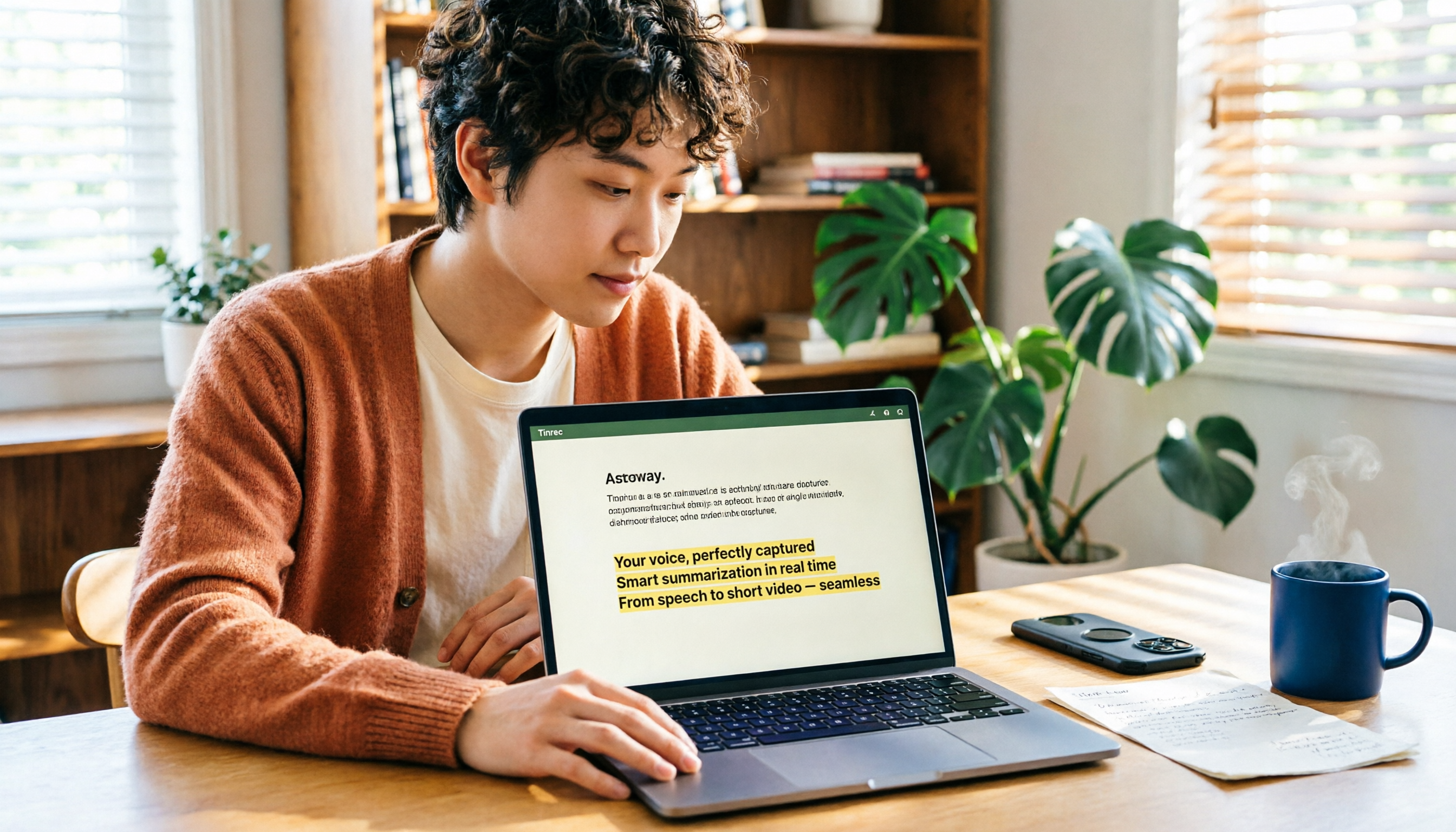
2026 Comparison of 4 YouTube Shorts Tools: Which Saves the Most Time from Script to Upload?
When making YouTube Shorts, what usually holds you back isn't editing—it's organizing your content before editing. This article compares 4 tools using the same workflow: Tinrec handles transcription, summaries, and AI-powered quote finding; Adobe Express and YouTube's built-in tools handle visuals and publishing. It also covers the 4 most common mistakes beginners make and offers selection advice.

2026 Smart Short Video Summarizer Free Plans: 5 Tools Compared
A student-tested review of free smart short video summarization plans in 2026, comparing 5 tools including Tinrec and Notta on single-session length limits, AI follow-up questions, Chinese language support, and export workflows. Find out if free versions are enough and how students should choose.

2026 AI Simultaneous Interpretation Showdown: Tinrec vs Otter.ai — Which Is Better for Chinese Meetings Across 5 Key Dimensions?
How do you choose an AI simultaneous interpretation tool in 2026? This article compares Tinrec and Otter.ai across five dimensions: meeting recording methods, Chinese and real-time translation performance, input sources and audio retention, post-meeting organization capabilities, and pricing and team seat governance. It also includes six FAQs to help you determine which tool better fits your work scenarios.

2026 YouTube Learning Video Note-Taking Free Plans Compared: 4 Tools at a Glance
Watching videos is fun, but taking notes is a pain. This article starts from the choice of whether to go manual, semi-automatic, or fully automatic, and compares the free plans of Tinrec, Notta, TurboScribe, and Granola, including per-file length limits, AI summaries and Q&A, export capabilities, team spaces, and the four most common pitfalls when choosing a video note-taking tool.

How to Extract YouTube Videos in 2026: 5 Steps from Clips to AI Summaries
From a student's perspective, we debunk the most common misconception about YouTube video extraction: do you need the video file or the content? This article walks you through 5 steps to choose the right tool, tests how Tinrec imports via web link to turn public videos into transcripts, AI summaries, and queryable notes, and compares when to use clipping tools like CutterTube and YT1s.
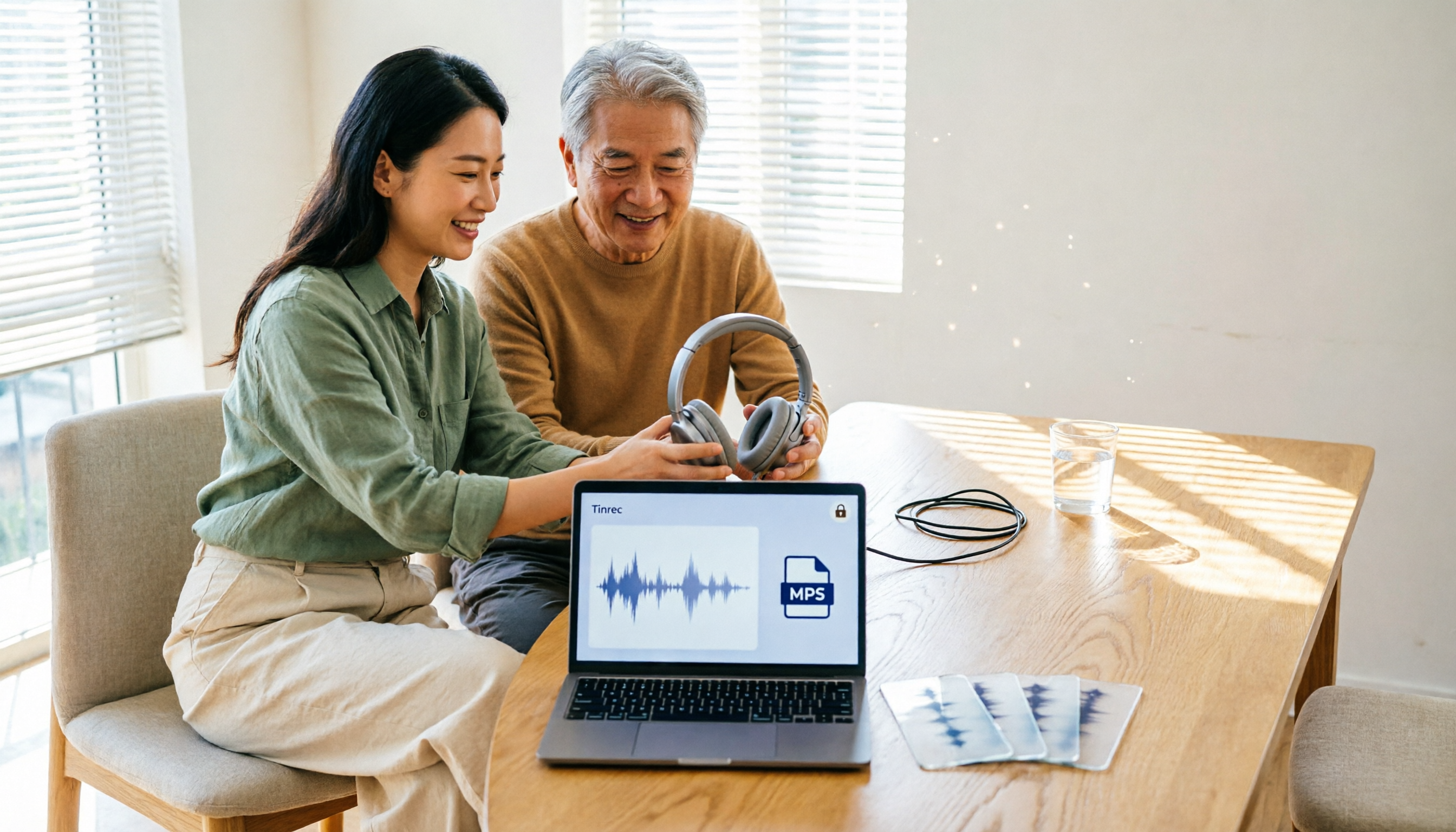
5 Best Free Audio to MP3 Converters in 2026: Which One Works Without Uploading?
Need to convert audio or video files to MP3? We tested 5 free online audio-to-MP3 converters, comparing upload requirements, supported formats, batch processing, browser compatibility, and audio quality to help you pick the right one for your needs.
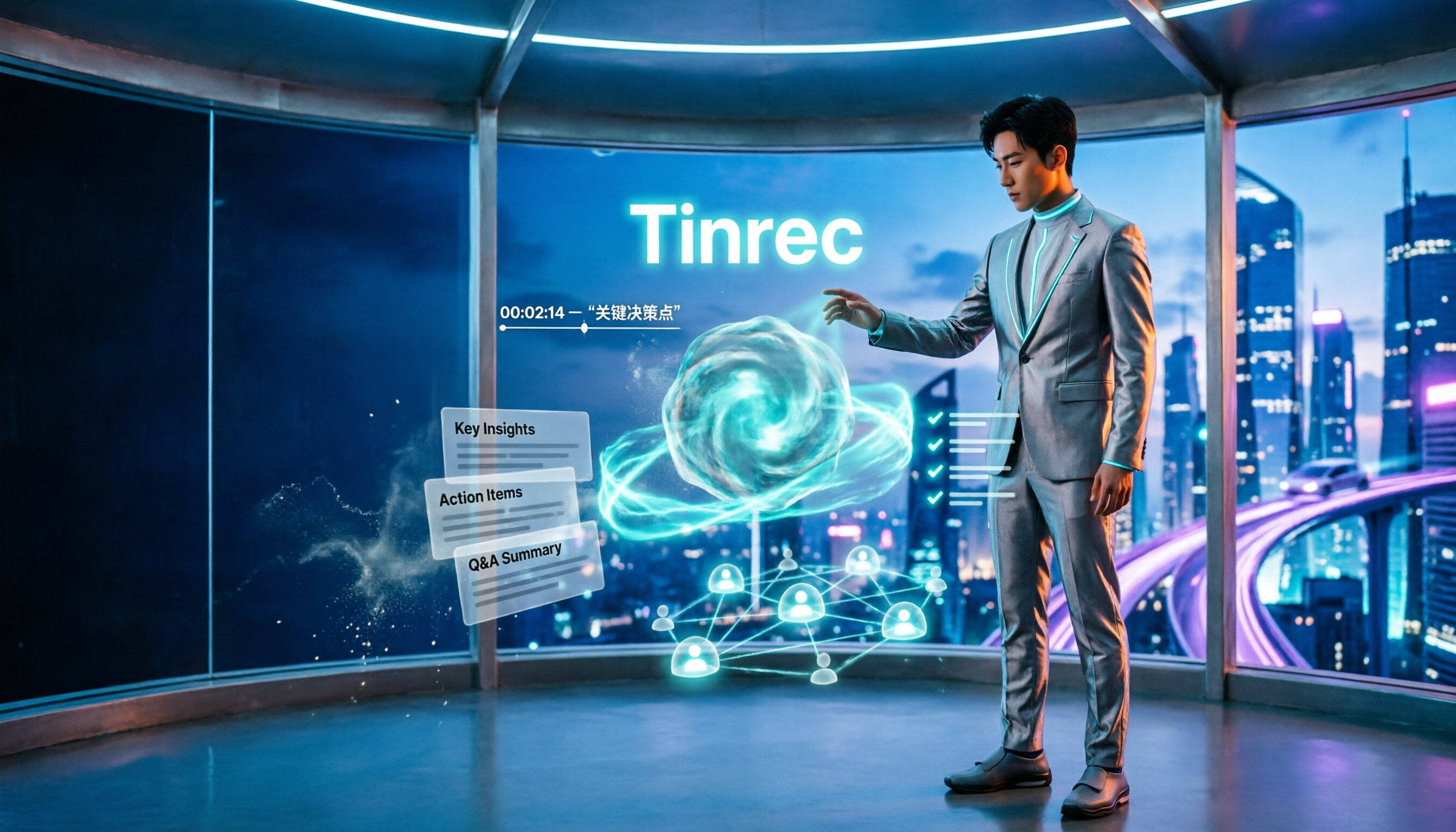
4 Voice Announcers Compared in 2026: Hardware Alerts, System Announcements, TTS, and Tinrec — Which to Choose?
Voice announcers come in different forms: hardware alert devices provide on-site warnings and guidance, Siri announces calls and notifications, and Google's text-to-speech reads news aloud. But if you need to capture and reuse audio from meetings, interviews, and classes, none of these three suffice. This article compares four common voice solutions and explains how Tinrec fills the gap with transcripts, summaries, action items, and team collaboration.