

Turn recordings into transcripts and summaries in minutes
Upload audio or video for multilingual transcription, AI notes, and action items
Tinrec vs Otter.ai 2026: 5-Dimension Comparison for Chinese Meeting Scenarios
Post-Meeting Is the Real Hell—You Need a Solution, Not Just a Tool
Last Friday evening, I opened my laptop to write my weekly report, but got stuck on one question: What exactly was decided in Wednesday's cross-departmental meeting?
I remember there was discussion, someone mentioned a timeline, but what about the details? I flipped through my handwritten notes—only three keywords. I opened the recording file: 43 minutes. I don't have that kind of time to listen from the beginning.
This isn't the first time. I manage a team of 10 and have about 15 meetings a week: weekly meetings, project progress meetings, one-on-ones, cross-departmental coordination. The meetings themselves aren't tiring; it's the aftermath—each meeting has a bunch of decisions and to-dos. It's like my work only begins after the meeting ends.
Even more awkward is reporting to my boss. He asks, "What was the conclusion on that case last time?" I spend 3 minutes searching my notes, can't find it, and have to say, "I'll check and get back to you."
Another time, I verbally assigned a task to a colleague. Two days later, I asked for progress, and they said they forgot. I had no record, so I had no ground to stand on.
The common thread in all these situations: meeting content didn't become something searchable, reviewable, and actionable. Choosing the right tool can solve most of this. This article is my整理 after stepping on some landmines.
Before Choosing an Online Speech-to-Text Tool, Understand These 5 Key Points
1. Is Chinese recognition stable enough? Don't just look at the official accuracy claims. Many tools advertise "98% accuracy," but that's usually measured in a quiet recording studio. Real meeting rooms have air conditioning noise, keyboard sounds, two or three people talking over each other, and your company's jargon that no one else understands. Numbers on ads are meaningless; you need to see if it's optimized for Chinese and if you can add custom terminology. This is especially critical for teams that mainly conduct meetings in Chinese.
2. How is the meeting "captured"? There are two main approaches: one is sending a meeting bot to join your Zoom or Meet as a participant; the other is using a desktop app to directly capture your computer's system audio. The former is convenient, but you have to let a stranger's account appear in the meeting list—sometimes not appropriate for client meetings. The latter doesn't add an extra participant, but you need to open it yourself to start recording.
3. Can you use the output directly after the meeting, not just get a transcript? A transcript is just raw material. What really saves time is: automatic summaries, chapter segmentation, action item extraction, and the ability to ask questions directly about the meeting content. If the tool only gives you a wall of text, you still have to read through it yourself.
4. Cross-platform and export Recorded on phone, listened on computer, finally needs to go into the company document system—how smooth this path is determines whether you'll keep using it. Tools that support multiple export formats and integrate with existing workflows won't become another data silo.
5. Free quota and pricing model Free versions usually offer a basic quota; whether it's enough depends on your meeting volume. The key is to check: Is the quota deducted for "file uploads" or "live recording"? Is it shared across the team or per individual? If you don't understand this, the bill will be a surprise.
Tinrec—Our Team's Top Choice After Hands-On Testing
Tinrec is an AI meeting notes and collaboration tool for individuals and teams, available on desktop, web, and mobile.
Open it during the meeting, and you won't need to organize again after The desktop version directly captures your computer's system audio, handling Zoom, Google Meet, Microsoft Teams, Webex, and other online meetings without inviting a meeting bot. I initially used a service that automatically joins meetings, but after a few client meetings where the other party saw an unfamiliar account in the list and asked "Who is this?", I switched.
Recording is not the end—it's when it starts answering your questions After the transcript is generated, Tinrec automatically organizes summaries, chapters, and action items—who is responsible for what, what to discuss next time, all clear at a glance. Even more practical is AI Q&A: I directly ask it "Who mentioned the budget in the last meeting?" It doesn't just throw keyword search results at you; it answers based on semantic understanding. In the same tool, you can also generate reports, tables, and meeting minutes, pushing post-meeting work forward significantly.
Stop organizing recordings by hand
Upload audio or video and automatically get a transcript, summary, and action items
Team data stays with the team, not with individuals This is what I care about most. Tinrec's team version is an independent team space where meeting recordings, transcripts, and to-dos belong to the team. New members can see historical data, and when members leave, meeting records don't go with them. On the admin side, you can distinguish roles (who can manage the team, view usage and audit) and seats (who can record, upload, edit, export). There's also usage analytics, team hotwords, and a 30-day audio recycle bin. When a member leaves or loses their seat, team resources under their name can be transferred to other active members.
Testing conditions and limitations We tested by throwing in a 30-minute internal weekly meeting recording (Google Meet, with air conditioning background noise, two instances of talking over each other). The transcript had punctuation and paragraphs, easy to read. For project codenames, adding them to team hotwords beforehand significantly improved stability. Honestly, transcription quality is highly dependent on recording quality; noisy environments or overlapping speakers will cause discrepancies. For important content, it's still advisable to cross-check with the original text and recording.
Limitations to be clear about: The free version offers a basic quota, suitable for trying out. If you have meetings daily like me, consider Pro or the team version. Also, it's "you actively open it to record," not automatically joining every meeting on your calendar—this differs from the meeting bot logic. The team version is currently USD 29.80 per paid seat per month, or USD 199 per paid seat annually (about USD 16.58 per month). Paid seats provide 2,000 minutes of team shared import quota per month. Actual prices and benefits are subject to the official purchase page.
Who is it for? If your meetings are mainly in Chinese or mixed Chinese-English, you don't want a bot in the meeting, you want to use AI to find key points directly after recording, and you need to accumulate data as a team asset, Tinrec is currently the closest fit.
Besides Tinrec, What Other Options Are There?
Otter.ai: A mature AI meeting assistant with a strong mindshare for English business meetings. Basic free version offers 300 minutes per month; Pro annual is about USD 8.49 per user per month. If your meetings are almost all in English, it's a reasonable option. But Chinese is not its main scenario; compared to Tinrec, Tinrec uses desktop system audio capture without an extra participant, and adds AI Q&A and team space.
Notta: A transcription tool with high overlap with Tinrec, good multilingual performance. Free version offers 120 minutes per month, max 3 minutes per session; Pro annual is about USD 8.17 per month. Suitable for those who mainly transcribe files and don't need team governance. But it lacks Tinrec's bot-free online meeting recording method, and the depth of AI Q&A and team space differs.
Granola: Also uses a bot-free approach, relying on desktop system audio plus your own notes for AI enhancement. Basic is free; Business is about USD 14 per user per month. Note that it doesn't support uploading pre-recorded audio files and doesn't save meeting audio—if your needs include "organizing old recordings" or "listening back to verify," this path won't work, while Tinrec supports both.
Pitfall Guide: 4 Most Common Mistakes When Choosing a Speech-to-Text Tool
Pitfall 1: Only looking at official accuracy claims. That's usually measured under ideal conditions. Real meetings have noise, accents, and interruptions; the number will be lower. The practical approach is to test with your own recordings, and use the noisiest one.
Pitfall 2: Thinking "having a recording" equals "having a record." A 50-minute audio file without searchable text is as good as nothing. I used to have hundreds of recordings in my cloud drive; I actually listened back to fewer than five.
Pitfall 3: Ignoring cross-platform and export. Phone recording, computer organizing, finally into company documents or Notion—if every step requires manual transfer, you won't last long.
Pitfall 4: Using AI tools as typewriters. Only using it to generate transcripts means using a fraction of its capabilities. After recording, directly ask it "What was the conclusion of this meeting?" "Who agreed to do what?"—much faster than manually flipping through a 30-minute transcript. This is one of the main reasons I ultimately stuck with Tinrec.
Conclusion: Which One Should You Choose?
In one sentence: For those who mainly have Chinese meetings, need to handle online meetings and accumulate team data, Tinrec is the top choice.
- Don't want a meeting bot in the meeting → Tinrec (desktop captures system audio, no extra participant)
- Want to use AI to find key points and extract to-dos directly after recording → Tinrec (AI Q&A and post-meeting output are its core)
- Need to use on both phone and computer, data must continue across devices → Tinrec (desktop, web, mobile)
- Team sharing, need to manage roles, seats, and usage → Tinrec team version (usage analytics, audit logs, audio recycle bin)
- Meetings almost all in English, just want to maximize free quota → Otter.ai (the only exception in this article)
I suggest starting with Tinrec's free version, testing with a recent meeting recording to see if the transcript and summary quality meet your standards, then decide whether to upgrade. Switching tools takes time; finding one that sticks is enough.
References
- Online AI speech, video, audio file auto transcription - Free trial - cSubtitle
- Speech to Text Converter – Free Online | TicNote Cloud
- Audio to Text - Free Speech to Text Tool
- Tested 4 Best "Speech to Text" Online Tools, Free Instant Transcription
- AI Speech to Text | Free Easy Online Speech to Text Tool
Turn every recording into actionable outcomes
Get 60 free transcription minutes when you sign in. No credit card required.
Related Reading
You might also like

5 Text-to-Speech Tools Tested and Compared in 2026: Which Free TTS with No Word Limit Sounds Most Natural?
We tested and compared five text-to-speech tools—Luvvoice, Yating, Ondoku, Toolbar, and Read Out—covering free quotas, voice naturalness, download features, and adjustable parameters to help you find the best TTS solution.

4 Video Summarizer Apps Tested in 2026: Which Free Version Is Actually Enough?
How do you pick a free video summarizer app? This hands-on comparison of Tinrec, Monica AI, WayinVideo, and Glarity covers free quotas, handling videos without subtitles, post-summary workflows, and team collaboration, plus 5 key buying factors and 4 common pitfalls to help you find the one that truly saves time.

The Complete Guide to Video-to-Text Transcription in 2026: A Practical Workflow from Upload to Proofreading
Recorded videos just sit on your hard drive, and to quote a single line you have to watch the whole thing? This guide walks through the complete video-to-text transcription workflow, covering four angles: video sources, Chinese speech recognition, post-meeting organization, and team collaboration. It also compares Tinrec, Notta, TurboScribe, and PLAUD to help you find the right approach.
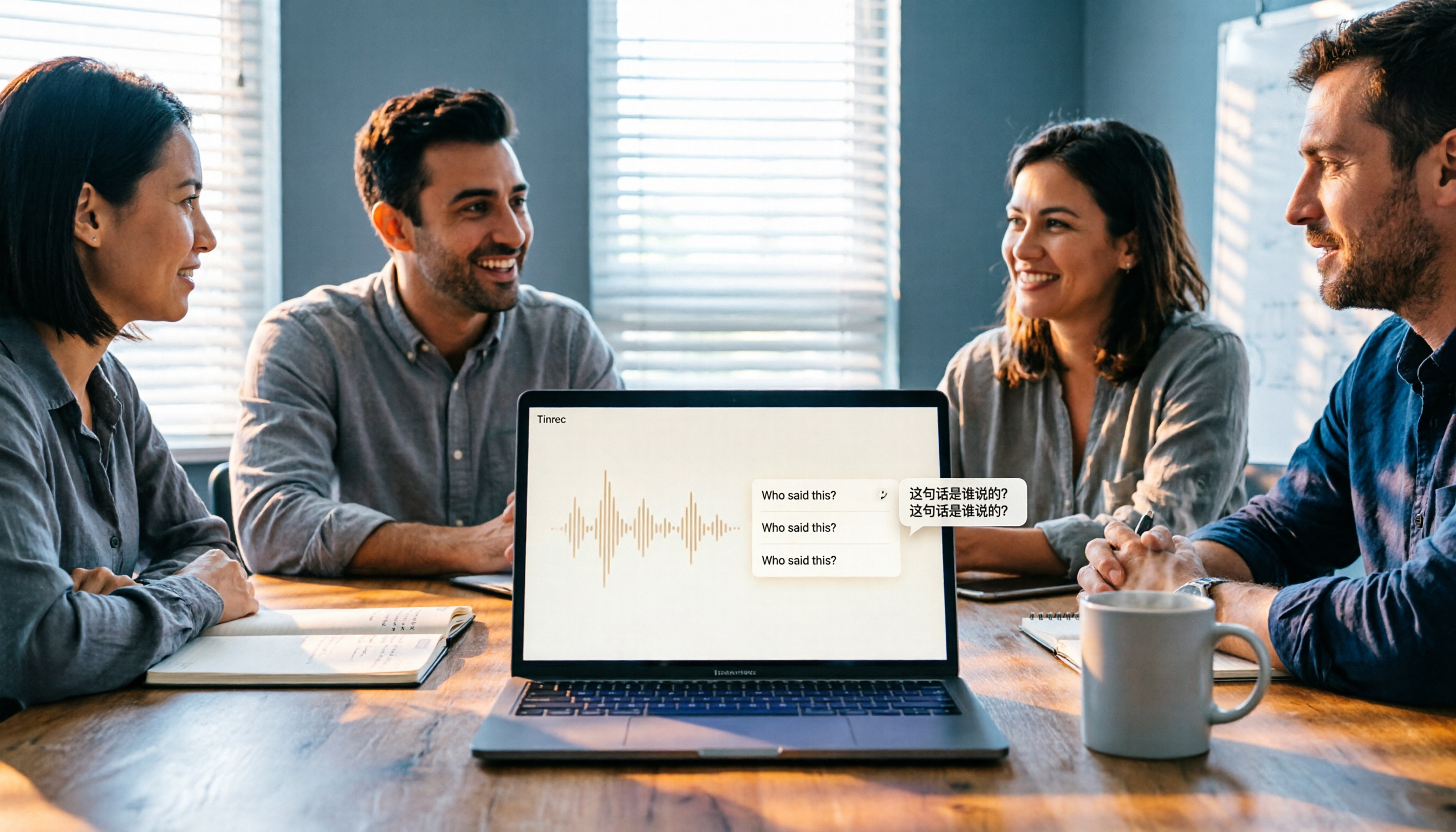
2026 Computer Speech-to-Text Software Buying Guide: 4 Hands-On Tests and Selection Advice
Still stuck writing transcripts after meetings? This guide starts with key buying criteria, then hands-on tests and compares Tinrec, Otter.ai, Notta, and Granola. It explains differences in bot-free meeting recording, AI Q&A, real-time translation, and team data retention, and covers common pitfalls and scenario-based recommendations.

5 AI Speech-to-Text Apps Tested in 2026: How Tinrec Turns Transcripts into Usable Data
The same meeting recording—does it come out as just a transcript, or as data you can use right away? This article starts with three common buying mistakes, explains how to choose an AI speech-to-text app, and compares Tinrec's real differences in meeting capture, post-meeting organization, AI Q&A, export, and team collaboration, with use cases and a buying checklist.

2026 Complete Guide to Speech-to-Text Tools: How to Choose and Use Free Tools
After the meeting ends, the real work begins. This article compares the free plans and positioning of Tinrec, Otter.ai, Notta, and TurboScribe from four angles: free quota, output content, input sources, and Chinese recognition. It also outlines key purchasing factors and three common pitfalls to help you find the right tool.
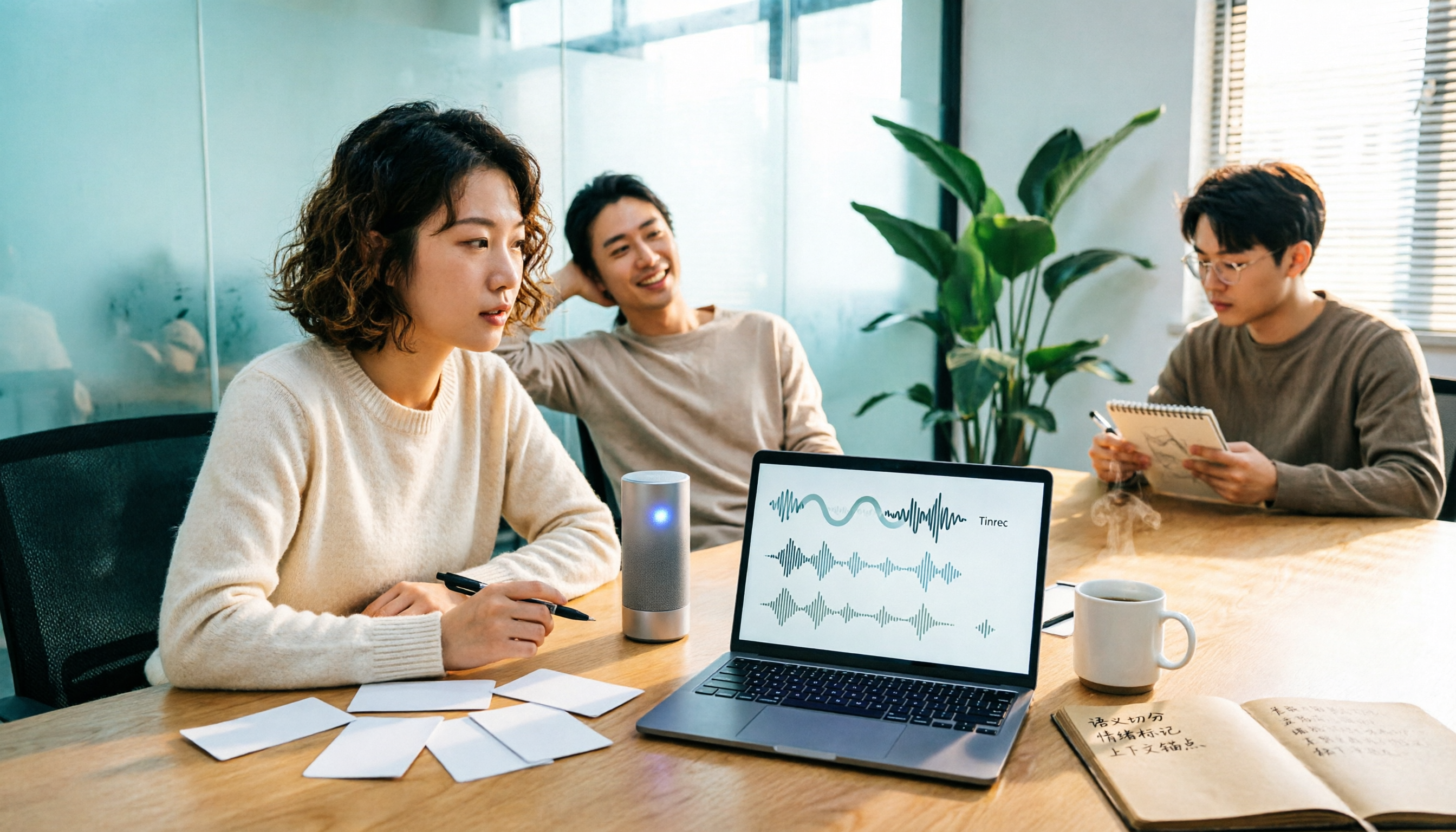
6 Free Speech-to-Text Software Compared in 2026: Which Offers the Best Free Tier and Chinese Recognition?
We tested and compared 6 free speech-to-text software in 2026, covering free quotas, Chinese recognition, post-meeting organization, and team collaboration. We also highlight common pitfalls and offer selection advice.

3 Free Online Speech-to-Text Tools Tested and Compared in 2026: Which One Offers the Best Free Quota, Chinese Recognition, and Post-Meeting Organization?
There are many free online speech-to-text tools, but the differences are significant when it comes to how free quotas are calculated, whether they can handle Chinese and mixed Chinese-English content, and whether the transcript can be used afterward. This article compares Tinrec and MyEdit dimension by dimension through hands-on testing, and also includes the positioning of pure upload transcription tools like cSubtitle, to help you determine which free solution is truly sufficient.

5 Speech-to-Text Tools Tested and Compared in 2026: Free Tiers, Chinese Recognition, and Post-Meeting Organization — Which One Is Enough?
Starting from three mistakes students actually make, this guide covers what to look for in 2026 when choosing a speech-to-text tool: how free tiers are calculated, Chinese recognition, post-meeting organization, and team collaboration. It uses Tinrec to demonstrate a complete workflow for classroom recordings, group meetings, interviews, and cross-language courses.