

Turn recordings into transcripts and summaries in minutes
Upload audio or video for multilingual transcription, AI notes, and action items
2026 Complete Guide to Speech-to-Text Tools: How to Choose and Use Free Tools
Friday afternoon, you're still re-listening to a two-hour meeting recording
Wednesday's project meeting lasted two hours. You hit record and thought, "I'll organize it later." By Friday, when the meeting notes are due, you put on headphones and start from the beginning, pausing and typing. By the time you finish, half a day is gone.
Another scenario: a client interview. The recording is 40 minutes long. Your manager asks, "What was the client's main concern?" You have to re-listen to the whole thing to answer.
These situations aren't because you don't know how to organize—it's that the tools aren't helping. The real problem is "what to do after recording," not "did you record it."
Before choosing a free speech-to-text tool, understand these 4 key points
1. How the free quota is calculated
Some tools give monthly minutes, some limit file length, some count the number of files. For example, Notta's free version offers 120 minutes per month, with a maximum of 3 minutes per recording; TurboScribe's free version allows 3 files per day, with a 30-minute limit per file. Don't just look at the word "free"—check if it can accommodate one of your meetings.
2. Is the output a transcript or organized data?
A transcript is just the starting point. For the same recording, some tools give you a block of text, while others automatically generate summaries, chapters, action items, and even let you ask questions about the meeting content. If you still have to find conclusions in the transcript yourself, the time saved is limited.
3. What input sources are supported?
Uploading audio files, live recording, and online meetings are three different things. If you often meet on Zoom, Google Meet, or Teams, confirm whether the tool can handle meeting audio played from your computer, not just file uploads.
4. Performance with Chinese and mixed Chinese-English
Meetings in Taiwan are rarely pure Chinese; they usually mix English product names and technical terms. A tool's ability to handle Chinese and mixed content directly affects whether the transcript is usable. Actual results also depend on recording quality, accents, and overlapping speech. No tool should be considered 100% accurate.
Once you think through these four points, you'll have a good idea of what you need. Next, I'll share the one I'd try first.
Tinrec (Miao Ting Lu Yin) — Our top recommendation after testing
Tinrec (Miao Ting Lu Yin) is an AI meeting notes and collaboration tool for individuals and teams. It supports iOS, Android, and web, and its desktop version can capture online meeting audio from your computer. Its positioning is not just converting speech to text, but turning meetings into searchable, queryable, deliverable data.
During the meeting: transcribe while recording, no meeting bot needed
For in-person meetings, use your phone to record live, and the transcript appears on screen as you record. For online meetings, use the desktop version to capture system audio from Zoom, Google Meet, Microsoft Teams, Webex, etc., without inviting a bot into the meeting. For those who often share screens and switch windows, one less participant means less awkwardness.
After the meeting: summaries, chapters, and action items all at once
After the meeting, Tinrec generates a summary and chapters so you can quickly grasp the discussion structure, and extracts action items from the conversation. For cross-language meetings needing bilingual comparison, you can view the original, translation, or bilingual content during recording.
After recording: ask questions about the meeting
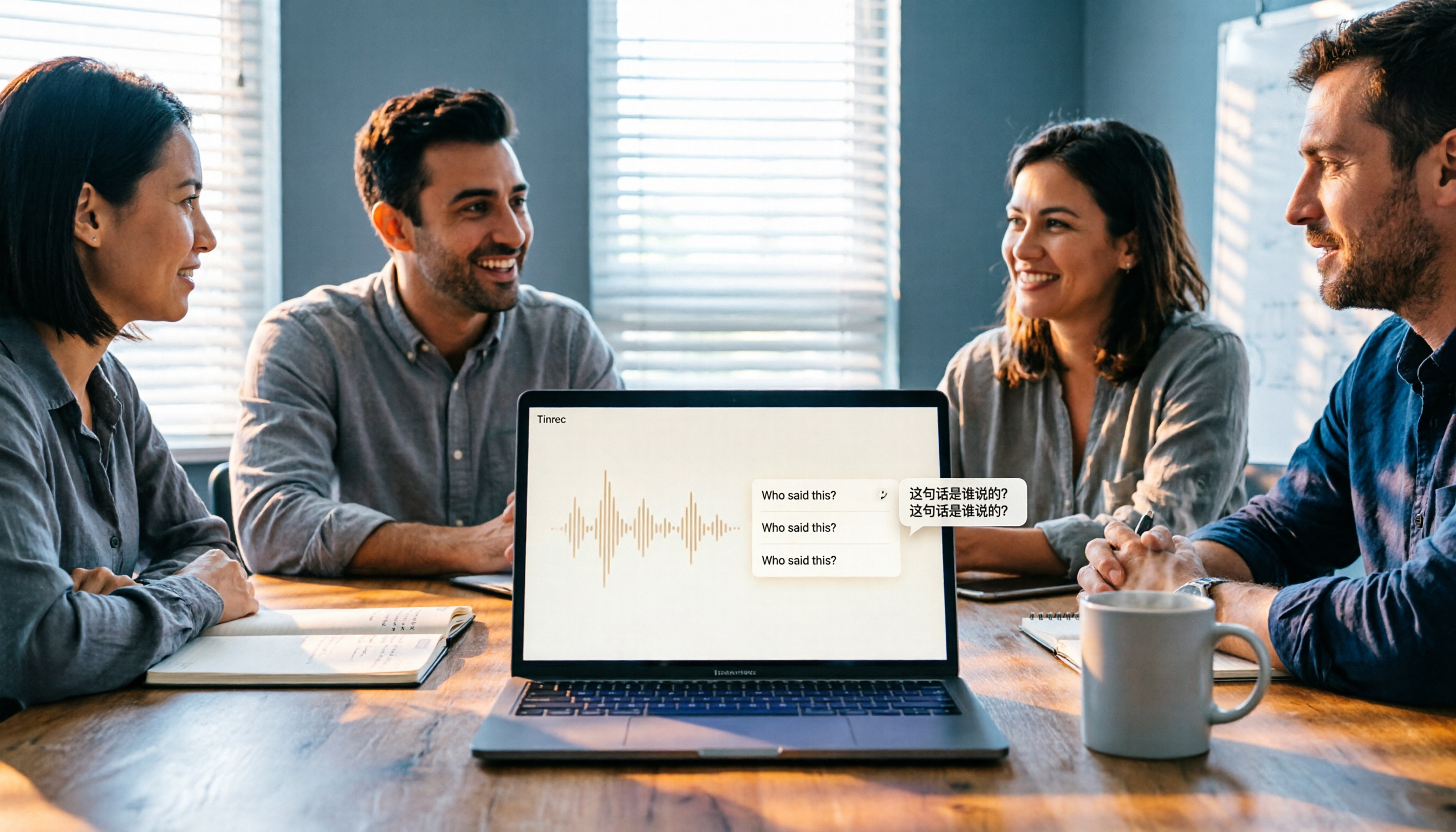
This is what I find most useful. After recording, you can directly ask: "Who mentioned the budget in the last meeting?" "What were the three concerns the client mentioned?" It responds based on the meeting content, not just a list of keyword search results. The transcript can also be used to generate reports, tables, or documents, or exported to Notion, Google Docs, OneNote, Dropbox, etc.
Stop organizing recordings by hand
Upload audio or video and automatically get a transcript, summary, and action items
Team use: data stays in the team space
For multi-person collaboration, Tinrec's team version provides an independent team space. Meeting data belongs to the team and won't be taken away if someone leaves. The team version allows creating and switching multiple spaces, inviting members via link, setting owner/admin/member roles, and assigning seats. Clarify: roles determine who can manage the team; seats determine whether one can record, upload, edit, and export. Members without a seat can still view, play, and read team data. Admins can also view usage trends, member rankings, operation audits, and the audio recycle bin.
Free and paid plans
The personal version has a free plan, weekly pass, Pro monthly, and Pro annual. The free plan provides basic quota to experience recording, import, summary, and transcription. The team version offers a 7-day trial for first-time eligible users, 1 free seat, and 300 minutes of shared team import quota; paid is USD 29.80 per paid seat per month, or USD 199 per paid seat per year (about USD 16.58/month). Each paid seat provides 2,000 minutes of shared team import quota per month. Live recording within the team is currently not deducted by minutes under an active seat. Prices and benefits are subject to the official purchase page.
Things to note
The free version is basic quota; heavy users need to pay. Also, transcription performance is affected by recording quality, background noise, accents, and overlapping speech. For important content, cross-check with the transcript timestamps and recording. It is not a calendar bot that automatically joins all meetings; you need to initiate recording on the desktop version.
Who it's for
If you often have Chinese meetings, don't want an extra bot in online meetings, want to use AI to ask about key points after recording, or need to keep meeting data in a team space, Tinrec is a smooth choice.
Besides Tinrec, what other free options are there?
Otter.ai
A veteran choice for English meetings. The Basic free plan offers 300 minutes per month; Pro annual is about USD 8.49/month with 1,200 minutes per month. It is highly mature for English business meetings. If your meetings are almost entirely in English, consider it first. However, handling Chinese and mixed Chinese-English, and turning transcripts into action items and reports, are areas where Tinrec focuses more.
Notta
Supports multi-platform transcription and meeting notes. Free plan: 120 minutes per month, max 3 minutes per session; Pro annual is about USD 8.17/month. Its positioning is similar to Tinrec, but Tinrec's desktop version can record online meetings without a meeting bot, and the team version offers seat, usage, and audit governance, which Notta's free plan does not cover.
TurboScribe
Geared toward long files and batch transcription. Free plan: 3 files per day, 30 minutes per file; paid version supports up to 10 hours or 5 GB per file, and up to 50 files at once. If you have dozens of recordings to batch process, it's suitable; but live meetings, post-meeting Q&A, and team collaboration are not its focus—Tinrec is more complete there.
Pitfall guide: 3 most common mistakes when choosing a free speech-to-text tool
Mistake 1: Fooled by the word "free," ignoring limitations
Many free versions are "try a few minutes then get a payment reminder," or only transcribe 3 minutes per file, forcing you to split a meeting into ten uploads. Test with your own meeting recording to confirm whether the free quota and file limits cover your actual use.
Mistake 2: Treating the tool only as speech-to-text
If you only use transcription, you're using only one-third of the tool's capability. With Tinrec, after recording you can directly ask what the meeting conclusions were, much faster than flipping through a 30-minute transcript yourself.
Mistake 3: Ignoring where the data is stored
Recordings on a personal account may be lost when you change phones, companies, or when a member leaves. For team use, confirm data ownership and whether it can be handed over. Tinrec's team version keeps data in the team space; when a member exits or loses their seat, their resources can be transferred to other active members.
Conclusion: Which one should you choose?
- Chinese meetings, online meetings without an extra bot → Tinrec, desktop version captures system audio directly.
- Want to use AI to ask key points, organize action items and reports after recording → Tinrec, this is its core workflow.
- Multi-person sharing, need to manage seats and usage → Tinrec team version.
- Meetings almost entirely in English, want the largest free quota → Otter.ai, 300 minutes per month free is plenty.
- Dozens of long recordings for batch transcription → TurboScribe.
Start with a free plan and test with one of your own meeting recordings. After reviewing the transcript and summary, you'll know if you need to upgrade—no need to pay upfront.
References
- Speech to Text Converter – Free Online | TicNote Cloud
- Tested 4 Best Online Speech-to-Text Tools, Free Instant Transcription
- No Time Limit! 3 Free AI Transcription Tools, Highly Recommended! AI Voice Notes Generate Meeting Minutes, Presentations, Mind Maps | 104 Career Force
- AI Speech to Text | Free and Easy Online Speech-to-Text Tool
- Audio to Text - Free Speech-to-Text Tool
Turn every recording into actionable outcomes
Get 60 free transcription minutes when you sign in. No credit card required.
Related Reading
You might also like

5 Text-to-Speech Tools Tested and Compared in 2026: Which Free TTS with No Word Limit Sounds Most Natural?
We tested and compared five text-to-speech tools—Luvvoice, Yating, Ondoku, Toolbar, and Read Out—covering free quotas, voice naturalness, download features, and adjustable parameters to help you find the best TTS solution.

4 Video Summarizer Apps Tested in 2026: Which Free Version Is Actually Enough?
How do you pick a free video summarizer app? This hands-on comparison of Tinrec, Monica AI, WayinVideo, and Glarity covers free quotas, handling videos without subtitles, post-summary workflows, and team collaboration, plus 5 key buying factors and 4 common pitfalls to help you find the one that truly saves time.

The Complete Guide to Video-to-Text Transcription in 2026: A Practical Workflow from Upload to Proofreading
Recorded videos just sit on your hard drive, and to quote a single line you have to watch the whole thing? This guide walks through the complete video-to-text transcription workflow, covering four angles: video sources, Chinese speech recognition, post-meeting organization, and team collaboration. It also compares Tinrec, Notta, TurboScribe, and PLAUD to help you find the right approach.
2026 Computer Speech-to-Text Software Buying Guide: 4 Hands-On Tests and Selection Advice
Still stuck writing transcripts after meetings? This guide starts with key buying criteria, then hands-on tests and compares Tinrec, Otter.ai, Notta, and Granola. It explains differences in bot-free meeting recording, AI Q&A, real-time translation, and team data retention, and covers common pitfalls and scenario-based recommendations.

5 AI Speech-to-Text Apps Tested in 2026: How Tinrec Turns Transcripts into Usable Data
The same meeting recording—does it come out as just a transcript, or as data you can use right away? This article starts with three common buying mistakes, explains how to choose an AI speech-to-text app, and compares Tinrec's real differences in meeting capture, post-meeting organization, AI Q&A, export, and team collaboration, with use cases and a buying checklist.

Tinrec vs Otter.ai 2026: 5-Dimension Comparison for Chinese Meeting Scenarios
If you attend over a dozen meetings a week, post-meeting organization is the real nightmare. This article compares Tinrec and Otter.ai from a mid-level manager's practical perspective across five dimensions: Chinese recognition, meeting capture methods, post-meeting output, cross-platform export, and pricing. It includes hands-on insights, pitfalls to avoid, and purchasing advice.

6 Free Speech-to-Text Software Compared in 2026: Which Offers the Best Free Tier and Chinese Recognition?
We tested and compared 6 free speech-to-text software in 2026, covering free quotas, Chinese recognition, post-meeting organization, and team collaboration. We also highlight common pitfalls and offer selection advice.

3 Free Online Speech-to-Text Tools Tested and Compared in 2026: Which One Offers the Best Free Quota, Chinese Recognition, and Post-Meeting Organization?
There are many free online speech-to-text tools, but the differences are significant when it comes to how free quotas are calculated, whether they can handle Chinese and mixed Chinese-English content, and whether the transcript can be used afterward. This article compares Tinrec and MyEdit dimension by dimension through hands-on testing, and also includes the positioning of pure upload transcription tools like cSubtitle, to help you determine which free solution is truly sufficient.

5 Speech-to-Text Tools Tested and Compared in 2026: Free Tiers, Chinese Recognition, and Post-Meeting Organization — Which One Is Enough?
Starting from three mistakes students actually make, this guide covers what to look for in 2026 when choosing a speech-to-text tool: how free tiers are calculated, Chinese recognition, post-meeting organization, and team collaboration. It uses Tinrec to demonstrate a complete workflow for classroom recordings, group meetings, interviews, and cross-language courses.