
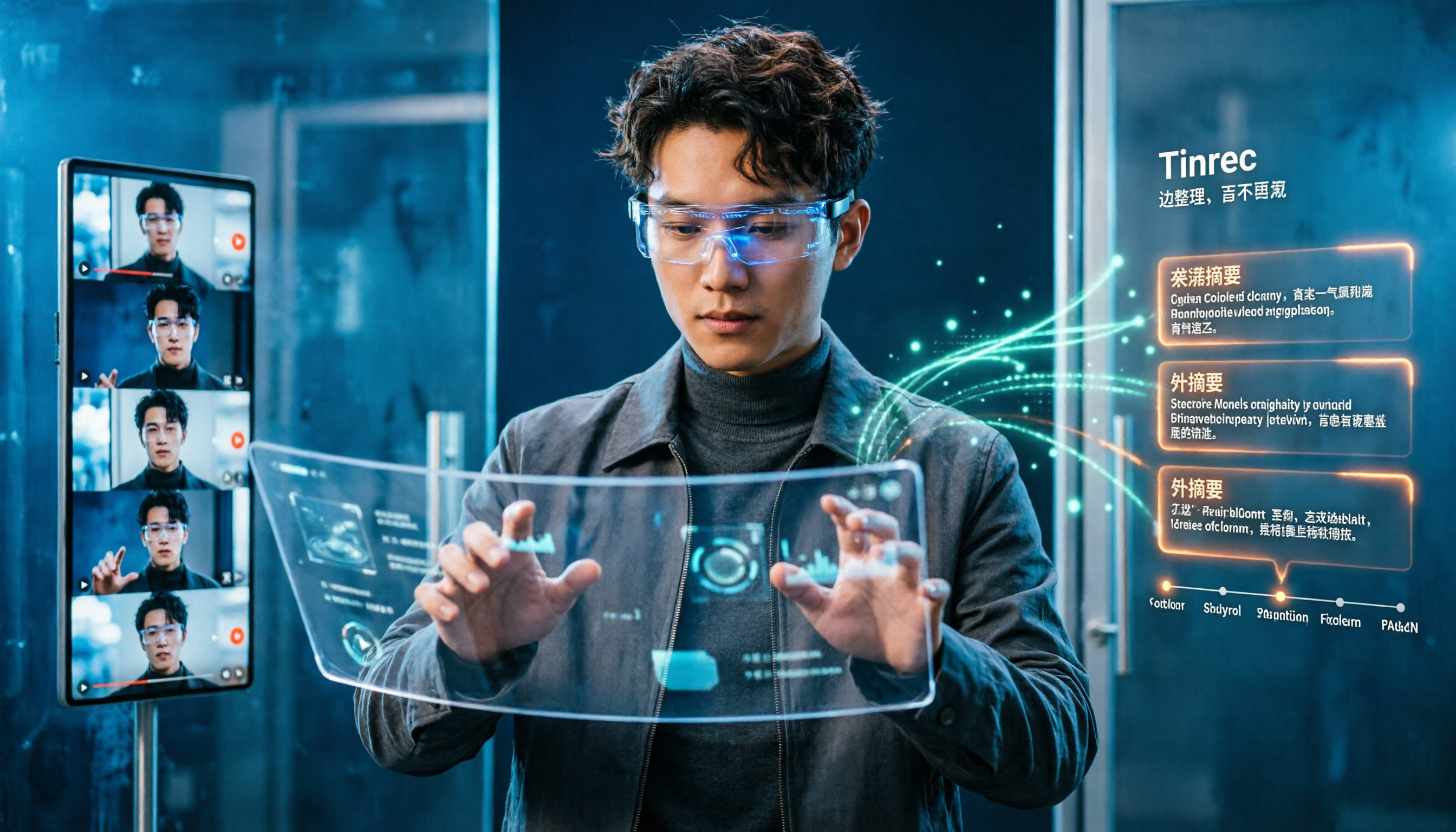
Turn recordings into transcripts and summaries in minutes
Upload audio or video for multilingual transcription, AI notes, and action items
2026 Comparison of 4 YouTube Shorts Online Viewing Tools: Which One Lets You Organize Key Points While Watching?
Many people ask me: "How exactly do you watch finished YouTube Shorts online?" They think the problem is playback.
Actually, playback is never the problem. Open the YouTube app, tap the "Shorts" icon at the bottom, and you can start swiping; scroll up and down in the player, and videos will play one after another without interruption.
The real headache comes after watching.
From a 3-minute video, you probably only remember two or three moments. After watching ten competitor clips, all that's left in your head is a blurry impression. When you go back to write a script, take notes, or pull out key points, you have to watch it all over again.
This article isn't about "how to play"—it's about "how to retain what you've watched."
Why do you forget Shorts right after watching? Because you only solved "playback"
My own habit is to first think clearly: is this video for "pure entertainment" or "to use later"?
For pure entertainment, YouTube's built-in features are enough. But if you want to use it—writing scripts, making reports, organizing client interviews, tracking competitors—a player alone isn't enough.
There are three common inefficient approaches.
First, hand-copying while watching. The video speaks quickly, your hand can't keep up, and what you end up with is fragmented keywords.
Second, screenshots plus bookmarks. You save a bunch of screenshots, and two days later you can't remember why you saved them.
Third, watching it again after finishing. The time cost directly doubles.
If you've experienced these situations, the problem isn't that you're not diligent enough—it's that you didn't choose the right tool.
Before processing video content, understand these 4 key points
1. Can it handle "links" or only "files"?
Some tools only support uploading local files, so you have to figure out how to download the video first.
But most platforms' terms of service don't allow arbitrary downloads, so this path is inherently restrictive.
Whether it can directly process links to public videos determines how smooth your entire workflow will be.
Tinrec's approach here is to support web link import as a supplementary capability for processing some public video content.
2. Does it output a transcript, or data you can use directly?
Getting a transcript is only half the battle.
The real question is: can this transcript be searched, summarized, and queried? Or is it just a text file of several thousand words that you still have to read from beginning to end yourself?
This is what I care about most when choosing a tool.
3. Can it recognize Chinese and mixed Chinese-English?
Videos in Taiwan are rarely pure Chinese or pure English.
"Let's review this campaign's ROI next week"—sentences like this are everywhere.
Tools oriented toward pure English easily get stuck on this kind of content.
4. Is the free quota enough for you to actually form an impression?
Some tools only give you 3 minutes per session on the free plan.
You can't even fit a complete Short into it, so you can't test the actual results.
The free quota isn't about being as large as possible—it just needs to at least let you run through a complete workflow once.
Tinrec—our top pick after hands-on testing
Tinrec is an AI meeting notes and collaboration tool for individuals and teams, supporting iOS, Android, and web. Its core capability is turning audio and video content into searchable, queryable, reusable data.
It's not a "YouTube downloader"—that needs to be clear upfront. What it does is the second half—turning audio and video content into text and notes you can use.
Turn video content into a queryable database
Using it is intuitive: import a link to a public video, or directly upload your own audio/video file, and Tinrec produces a transcript.
Then it automatically generates summaries and chapters, breaking lengthy content into several topic sections so you don't need to read from the first sentence to the last.
Even better is AI Q&A. After watching a video, you can directly ask it: "What are the three marketing strategies mentioned in this video?" It won't just throw keyword search results at you—it gives answers directly based on semantic understanding.
This is where it pulls ahead of other tools.
Output isn't just text—it's a deliverable
Besides transcripts, summaries, and chapters, Tinrec can also extract to-dos and generate mind maps.
When you need to submit a report, you can ask it to organize content into documents, reports, or tables.
Stop organizing recordings by hand
Upload audio or video and automatically get a transcript, summary, and action items
After completion, you can export to Notion, Google Docs, OneNote, Dropbox, and other tools, directly connecting to your existing workflow.
Team collaboration is its real differentiator
If you don't work alone, Tinrec's team plan provides an independent team space.
Videos and meeting data belong to the team, so new members can look back at historical content, and data won't disappear entirely when someone leaves.
The current team plan configuration: eligible teams can try it for 7 days, 1 free seat, 300 minutes of shared import quota; paid seats are USD 29.80/month, annual payment USD 199 (about USD 16.58/month), and each paid seat provides 2,000 minutes of shared import quota per month.
Note that the team plan distinguishes between "roles" and "seats." Members without a seat can still view, play, and read data, but cannot upload, edit, or export.
Limitations must also be stated honestly
First, it cannot help you download copyright-protected videos, and it should not be used as a download tool.
Second, actual recognition results are affected by audio quality, background noise, accents, multiple people talking over each other, and technical terminology. It performs reliably under clear audio conditions, but no tool can guarantee 100% accuracy. For important content, it's recommended to go back and verify against the original text and timestamps.
Third, the free plan has a quota limit, and heavy users need to pay.
Who is it for?
If you need to process Chinese or mixed Chinese-English video content, want to use AI to find key points directly after watching, or if you're a team that needs to accumulate data together, Tinrec will currently be the smoothest choice.
Besides Tinrec, what other options are there?
Notta: A multilingual transcription tool supporting file import, translation, and team plans. Free plan: 120 minutes per month, max 3 minutes per session. Its multilingual ability is decent, but it lacks Tinrec's Agent post-processing and cannot reprocess content into reports. Prices are subject to the official page.
TurboScribe: Takes a high-cost-performance file transcription route, suitable for long files and batch processing. Free plan: 3 files per day, max 30 minutes per file; Unlimited annual payment USD 120. Batch efficiency is high, but post-upload querying, organization, and team collaboration are not its strengths—this is exactly the gap Tinrec fills. Prices are subject to the official page.
Granola: Also uses bot-free desktop recording, focusing on "notes + AI enhancement." Note that it does not support uploading pre-recorded audio/video, nor does it save audio—if you already have video files to process, it can't help; Tinrec supports file and link import and retains audio. Prices are subject to the official page.
Pitfall avoidance guide: The 4 most common mistakes when processing video content
Pitfall 1: Thinking you can download a video by pasting a link.
This is the most common misconception. Most "download tools" either come with ads or stop working at any time, and arbitrarily downloading others' videos carries copyright and platform policy risks. The safer approach is to process "content" rather than "files"—get transcripts and summaries, and return to the original video to confirm when you need to cite.
Pitfall 2: Only looking at whether there's a transcript, ignoring the organization afterward.
A transcript is just raw material. Without summaries, chapters, and search functions, you're essentially getting a book without a table of contents. When choosing a tool, look at "what it can do after producing output."
Pitfall 3: Ignoring Chinese and mixed Chinese-English recognition ability.
Many tools perform brilliantly on English content but start breaking sentences incorrectly when encountering the mixed Chinese-English common in Taiwan. It's recommended to test with your own videos, not just official demos.
Pitfall 4: Leaving data in personal accounts.
It doesn't matter for individuals, but as soon as a team is involved, data should belong to the team. Otherwise, once someone leaves or changes phones, previously accumulated content easily gets scattered.
Conclusion: Which one should you actually choose?
Back to the original question—how do you watch finished YouTube Shorts online? The answer has two layers.
Just watching: Open the YouTube app, tap the Shorts icon, and you can watch. This layer doesn't need any tool.
Watching to retain and use: Then you need a tool that can process content, organize key points, and support querying.
Scenario breakdown for your reference:
- Processing Chinese or multilingual video content, wanting to ask AI directly for key points → Tinrec
- Needing to organize content into reports, tables, meeting minutes → Tinrec (Agent post-processing)
- Team needing to jointly accumulate video and meeting data → Tinrec (team space, seat and usage management)
- Transcribing large amounts of long files at once → TurboScribe (strong batch processing)
- Multilingual file transcription and subtitles → Notta
- English only, only needing real-time meeting notes → Can separately evaluate English-oriented tools
It's recommended to start by trying Tinrec's free plan. Throw in a video you actually need to process, run through the "import → transcript → summary → query" workflow once, and you'll know if it suits you.
No need to pay from the start.
References
Turn every recording into actionable outcomes
Get 60 free transcription minutes when you sign in. No credit card required.
Related Reading
You might also like

Best One-Click Video Link Extraction Tools in 2026: Testing 3 Options, Tinrec Offers the Most Complete Chinese Support
Many people think one-click video link extraction means downloading video files, but what's really needed is turning video content into transcripts, summaries, and action items. This article uses Tinrec as an example to explain link import transcription, AI summaries, Q&A, export, and team collaboration, plus 5 key buying considerations and FAQs.

2026 AI Audio Transcription Guide: From Transcripts to Meeting Minutes
How to choose an AI audio transcription tool? This guide starts from real meeting scenarios for mid-level managers, breaks down 4 key selection factors, tests Tinrec's bot-free online meeting recording, AI Q&A, and team spaces, compares Otter.ai, Granola, and PLAUD, and concludes with 5 common pitfalls and selection advice.
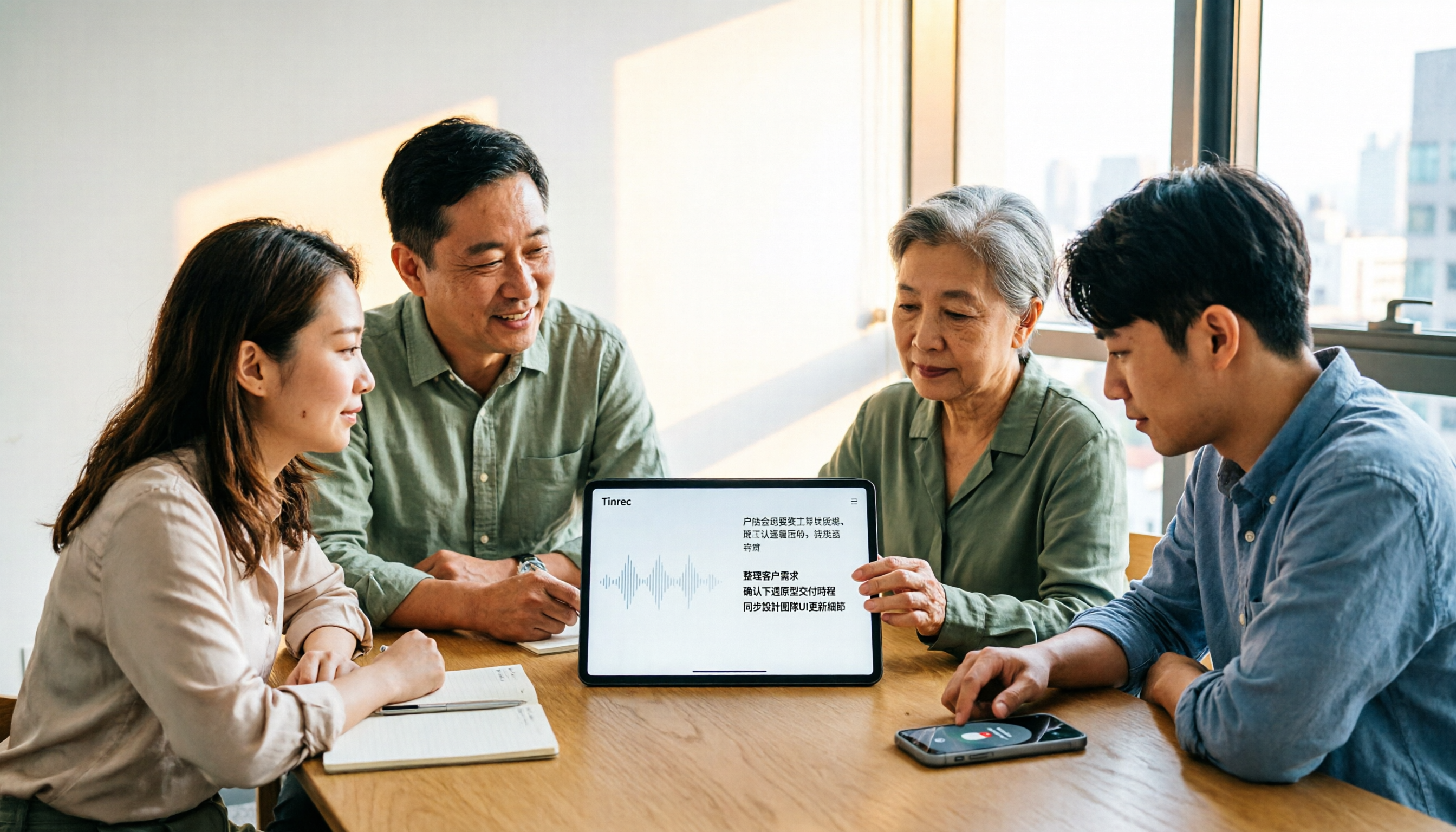
4 AI Meeting Note Takers Tested for 2026: Which Handles Chinese Meetings and Team Collaboration Best?
Spending too much time on meeting notes? We tested 4 recording-to-meeting-minutes tools, comparing Chinese recognition, bot-free recording, post-meeting AI Q&A, and team collaboration to help you find the best fit for your workplace.

How to Transcribe Phone Recordings in 2026: Real-Time Transcripts + AI Summaries
How do you turn phone recordings into text? Starting from the real-world scenario of needing text right after recording on your phone, this article compares Tinrec and Otter.ai across 5 dimensions, covering Chinese and mixed Chinese-English recognition, post-recording summaries and action items, team knowledge retention, free tiers and pricing, and tells you directly which one to choose.

2026 Comparison of 3 Free Video Summarization Tools: Is Tinrec or Monica Better for Chinese Videos?
Looking for a free video summarization tool? This hands-on comparison of Tinrec and Monica covers input sources, language support, summary output, and free quotas to help you understand why Tinrec is better suited for users who need to organize Chinese videos, online courses, and meeting recordings.

3 Short Video Transcription Tools Tested in 2026: Which One Turns Transcripts into Queryable Notes?
Forget short videos as soon as you watch them? Want to quote but have to type by hand? This article takes a methodological approach, testing 3 short video transcription tools, from transcripts and AI summaries to conversational queries, helping you build a reusable organization workflow, and explains why Tinrec is more convenient for Chinese short videos and team knowledge retention scenarios.

4 Best AI Video Summarizers in 2026: Which Free Version Is Enough?
Can't finish long videos? We tested 4 AI video summarizers, comparing timestamp accuracy, source support, AI follow-up questions, free tiers, and team seat costs. Plus 3 common mistakes to avoid, so you can pick the one that truly saves time.
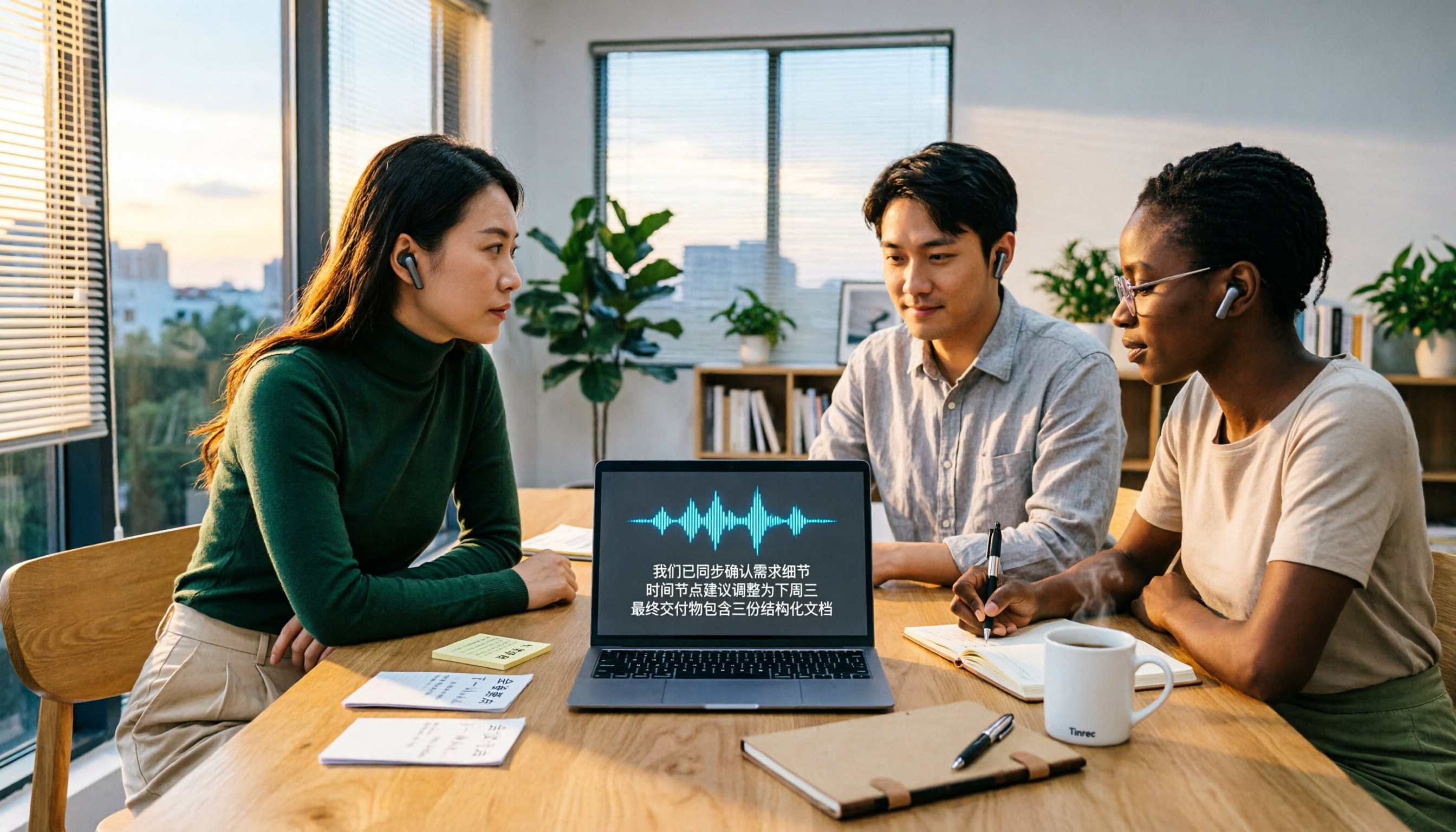
2026 Video-to-Text AI Comparison: Which Saves More Time for Chinese Transcripts and Post-Meeting Summaries?
How to choose a video-to-text AI tool? This article compares Tinrec, TurboScribe, cSubtitle, and Vidnoz from four angles: file formats, output content, Chinese recognition, and pricing. It also highlights common pitfalls and selection tips to help you decide which tool truly saves time on organizing.

Best Video Highlight Tools in 2026: 5 Tested, This One Wins for Chinese Videos and Meetings
Can't find the key points in a long video? We tested 5 video highlight tools, comparing transcription, AI summaries, and the ability to ask follow-up questions. We also cover selection criteria and common pitfalls to help you find the most convenient tool.