
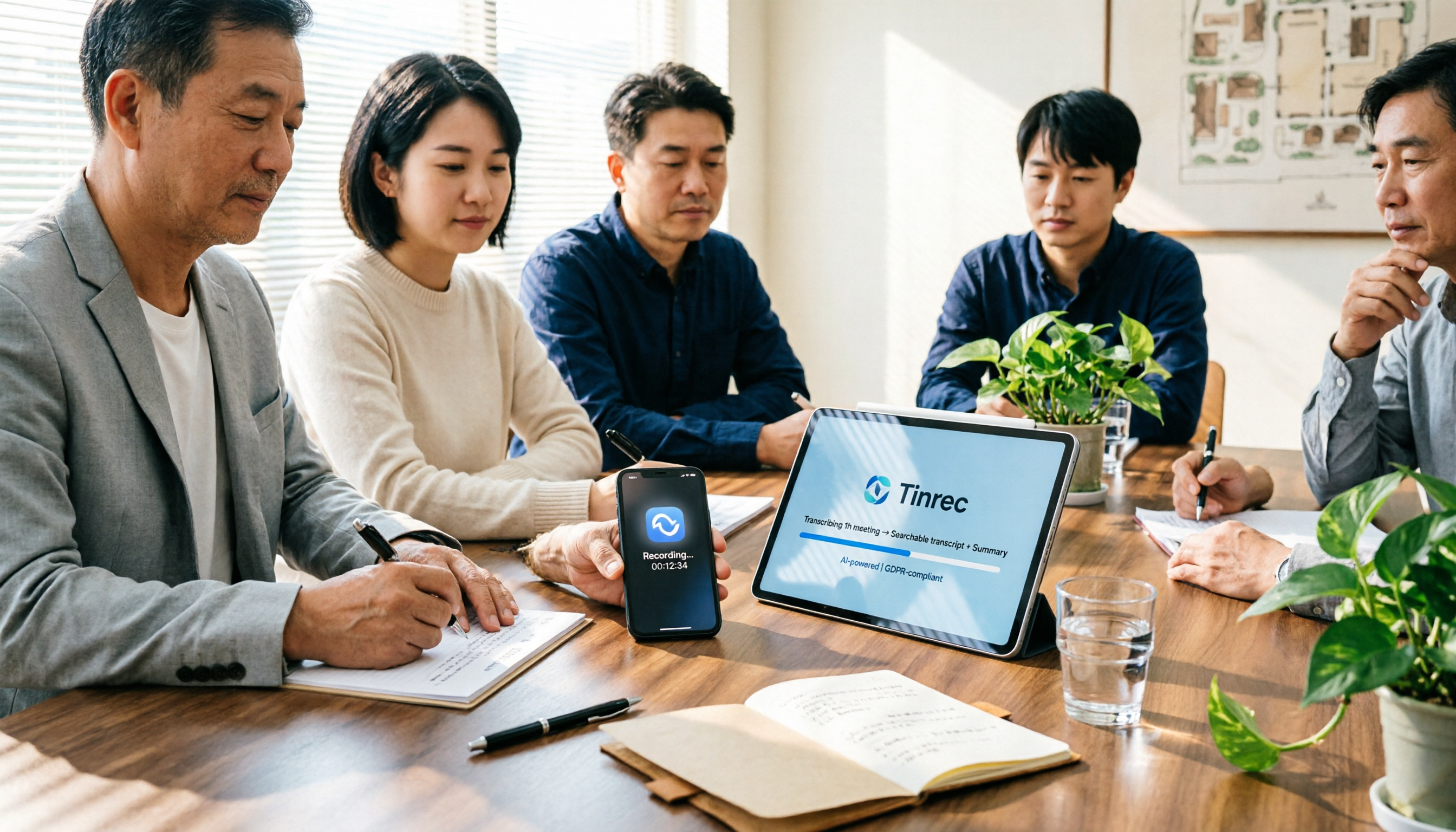
Turn recordings into transcripts and summaries in minutes
Upload audio or video for multilingual transcription, AI notes, and action items
Most people who ask "Can you record HOA meetings?" are actually stuck on two misconceptions.
The first misconception: believing that recording will violate Article 315-1 of the Criminal Code, which prohibits secret recording. The second misconception: assuming that "because I recorded it, the board should give me a copy of the recording." The former is mostly overthinking; the latter is a misunderstanding of who owes what—these two matters are legally separate.
Let's be clear upfront: when a party records themselves without editing or alteration, courts in practice tend to accept it as evidence; but unless the bylaws provide otherwise or the owners' assembly has passed a resolution, the board has no legal obligation to provide a recording. What you can request under Article 35 of the Apartment Building Management Ordinance is written material such as "meeting minutes."
This article uses 5 steps to cover "can you record," "how to record so you're on solid ground," and "how to turn the recording into presentable material." In the latter half, I demonstrate with Tinrec (Miaoting Recording), because the real hassle with HOA meetings is never the recording itself—it's what to do with that one-hour audio file afterward so it becomes something you can understand, search, and use to raise issues.
Before You Start | What You Need to Prepare
Before you begin, confirm these four things to save yourself half the arguments later:
- Confirm your identity and purpose: Are you a resident, a unit owner, or a committee member? Do you want to "reconstruct a specific statement" or "obtain official meeting minutes"? Different purposes require completely different approaches.
- Check what the community bylaws say: First look for any provision stating "recording and video are prohibited at meetings," and determine whether it's a bylaw passed by the owners' assembly or just an internal rule set by the board. The legal effect differs greatly between the two.
- Prepare a recording device: A smartphone is enough. The key is to place it on the table near the speakers—clear audio is more important than anything else.
- An account that can convert audio to text: Tinrec is available for free download on the App Store and Google Play, and also has a desktop version. You can register with Google or Apple ID; the free version provides a basic quota, enough to try one or two meetings.
Step 1 | First Distinguish Whether You Want "a Recording" or "Meeting Minutes"
The purpose of this step is to avoid saying the wrong thing at the meeting and undermining your own position.
Under Article 35 of the Apartment Building Management Ordinance, an interested party may, when necessary, request to inspect or photocopy: the bylaws, the balance of the public fund, accounting vouchers, accounting books, financial statements, outstanding public fund contributions and apportioned or other payable expenses, HOA meeting minutes, and owners' assembly minutes. Note that "audio recordings" are not on this list.
So the correct practical phrasing is: recording is for self-protection and reconstructing the process; meeting minutes are the document you can legally request. What you should do is "record yourself and organize it yourself," not "record and then demand the board hand it over."
Why emphasize this? Because many people start by saying "You must provide me with the recording," and once the board checks the law and finds no such obligation, the whole thing turns into emotional confrontation, which obscures the issue you originally wanted to raise.
After this step, you'll have a clear line in your mind: recording is my right and tool; meeting minutes are the official document I can legally obtain.
Step 2 | Before the Meeting Starts, State Your Intention Upfront
The purpose of this step is to reduce hostility while making the "legitimacy" of your recording clearer.
The approach is simple: at the start of the meeting, say directly, "To avoid future misunderstandings about what was said, I will record for the record. If anyone has objections, please raise them now." No need to be secretive or provocative—just treat it as part of the meeting minutes.
Why do this? Because Article 315-1 of the Criminal Code's secret recording offense requires "without just cause" and "non-public." HOA meetings usually involve residents and are not non-public activities; recording to protect one's rights is generally considered to have just cause and does not constitute "without just cause." By stating it beforehand, you put this justification on the table.
Conversely, if the bylaws explicitly prohibit recording and this bylaw was passed by the owners' assembly, then you must address the bylaw first rather than recording anyway. As for mere verbal requests from the chair or internal rules not passed by the owners' assembly, residents can still assert their rights—for bylaws to be valid, they must be passed by the owners' assembly; the board cannot decide on its own.
After this step, you'll find that most committee members actually don't object; what they fear is "being edited." When you state that you'll record the entire meeting without editing, the atmosphere usually calms down.
Step 3 | Record from Start to Finish, Do Not Edit Midway
The purpose of this step is to preserve the evidentiary value of the recording.
In practice, what affects evidentiary weight is often not "whether it was recorded secretly" but "whether it was tampered with." Since you're recording, record from the chair's call to order until adjournment. Don't pause to save space, and don't cut out parts unfavorable to you afterward.
Why? Because once there's any suspicion of editing, the other side has grounds to claim the content is incomplete, and you'll have to spend more effort explaining. Recording continuously without interruption is the least troublesome approach.
There's also a practical detail when recording: multiple people speaking at once, air conditioning noise, and chairs scraping will reduce the accuracy of subsequent transcription. Placing the phone in the center of the table, closer to the chair and speakers—this 30-second action can save you half an hour of proofreading later.
After completion, you'll have a complete, continuous meeting audio file with time points for reference.
Step 4 | Convert the Recording into a Transcript and Meeting Summary
The purpose of this step is to turn the recording from "a file sitting on your phone" into "a citable record."
HOA meetings often last over an hour; you can't re-listen every time you want to cite a statement. My approach: on the day the meeting ends, import the audio into Tinrec and let it transcribe. Tinrec supports importing audio and video files, and can also do real-time recording-to-text—if you're used to recording on a laptop on-site, it transcribes as it records, so by adjournment you already have a transcript.
Stop organizing recordings by hand
Upload audio or video and automatically get a transcript, summary, and action items
After transcription, do a quick proofread. AI transcription accuracy is affected by recording quality, accents, and overlapping speakers—this is true for any tool. Community-specific terms (building numbers, public fund, rooftop waterproofing, mechanical/electrical maintenance) can be added to team hotwords in advance to reduce recognition errors.
Then let Tinrec generate a summary, chapters, and action items. The summary helps you quickly grasp the structure of the meeting; chapters let you jump directly to the "exterior wall repair" section; action items capture statements like "the board promised to report next month."
Finally, if I want to follow up on "what was actually decided about that leak last time," I can directly ask AI questions about this meeting data without re-listening. When I need to show other residents, I can export as a document or export to Google Docs or Notion for further editing.
After this step, you'll have a searchable transcript with time points, plus a meeting summary that others can understand in 30 seconds.
Step 5 | Archive and Use Written Formal Channels
The purpose of this step is to make your records actually solve problems.
After organizing the recording and transcript, it's recommended to name and archive by date and meeting type, and separately extract "resolutions" and "action items." If you later need to formally submit a document to the board, attaching a transcript excerpt is more effective than the entire recording—the board has no obligation to listen to your audio, but meeting minutes are documents they are required to keep.
At the same time, don't forget your real formal weapon is a written request: under Article 35, request to inspect or photocopy meeting minutes. If the owners' assembly has resolved that meetings should be recorded, under Article 36 the board has the duty to execute resolutions, and you can then request that the board formally record.
After this step, what you have is not just "a recording" but a complete chain from on-site recording, transcript, summary, to formal written request.
Common Questions and Troubleshooting
Q: The chair verbally announces "recording is prohibited at this meeting." Can I still record?
First check the bylaws. For bylaws to be valid, they must be passed by the owners' assembly; internal rules set by the board or temporary verbal requests from the chair have limited effect. In practice, I suggest stating your intention beforehand and keeping a record of the communication, while focusing on written requests for meeting minutes—this is more effective than getting into a standoff on-site.
Q: Can I request a copy of the meeting recording from the board?
Unless the bylaws provide otherwise or the owners' assembly has resolved otherwise, the board has no obligation to provide a recording. Article 35 of the Ordinance guarantees inspection and photocopying of written materials such as meeting minutes, not audio recordings.
Q: Does recording constitute secret recording?
Article 315-1 requires "without just cause" and "non-public." HOA meetings usually involve residents, and recording to protect rights is generally considered to have just cause. However, this is a general discussion; individual cases still carry risk, and you should consult a lawyer when your rights are involved.
Q: What if my statement is taken out of context in the meeting minutes?
This is exactly the value of recording. Using the transcript's time points to trace back the original text is far more effective than arguing from memory. Tinrec's transcript preserves the timeline, so you can directly locate that segment and paste the surrounding context.
Q: Recording the entire meeting consumes a lot of storage. Can I pause midway?
Not recommended. The more breakpoints, the easier it is to question completeness. Using a transcription tool to handle long audio is its daily job; storage and organization costs should not be a reason to interrupt recording.
Advanced Tips | 3 Ways to Double HOA Meeting Minutes Efficiency
1. Transcribe while recording—have a transcript by adjournment
Tinrec supports real-time recording-to-text, generating text synchronously during the meeting. Most transcription tools require an "upload, wait for processing" workflow, and long meetings often involve waiting; the difference with real-time transcription is that you can confirm which statements are questionable right when the meeting ends, and if necessary, ask the other party to clarify on the spot.
2. Build community-specific hotwords
Add the community name, building numbers, mechanical/electrical vendor names, and common terms (public fund, owners' assembly, exterior wall repair) to team hotwords to significantly reduce the chance of professional terms being transcribed incorrectly. This is especially noticeable for HOA minutes, because the same few terms repeat throughout a meeting—one error means errors throughout.
3. Use AI Q&A to track "cross-meeting commitments"
The most common HOA dispute is "didn't we say we'd handle that last time?" Store each meeting's data in the same space and directly ask "What was the last resolution on the third-floor leak, and what's the deadline?"—much faster than flipping through five sets of meeting minutes. If board members want to maintain this data together, Tinrec's team version offers independent team spaces, member roles and seat management, usage analytics, and audit logs; when members leave, the data remains with the team and does not disappear with individual accounts.
If You Don't Use Tinrec, Here Are Other Options
Built-in phone recording app plus handwritten notes: Completely free, no learning curve, suitable for those who only attend two owners' assemblies a year. The downside is that post-meeting organization is all on you—listening to a one-hour recording and typing it out usually takes another hour or more.
Built-in transcription in video conferencing platforms (Zoom, Google Meet, Teams): If meetings are already online, this is the easiest option. But most HOA meetings are still in-person, so platform built-in features don't help, and records are scattered across platforms, making future retrieval troublesome.
Both approaches work; the key is whether you're willing to accept "starting organization after the meeting." If, like me, your purpose for recording is to actually use it later, then finding a solution that handles in-person recording, document import, and post-meeting organization together will save you considerable time in the long run.
Conclusion
Back to the original question: Can you record HOA meetings? Assuming the party records themselves and does not edit or alter the recording, in practice most such recordings will be accepted, and they are far from the elements of secret recording; but "recording" and "demanding the board provide a recording" are two different things—the latter has no legal obligation unless the bylaws or owners' assembly resolution provide otherwise.
What really determines whether you have a voice is how you handle that one hour after recording. Learn these 5 steps, and you can go from "afraid of being taken out of context" to "having a transcript, a summary, and time points for reference."
The next step is simple: before the next meeting, prepare that sentence stating your intention, and after the meeting, drop the audio into Tinrec and run it once to see what the transcript looks like. The free version's basic quota is enough to fully try one meeting.
References
- Can HOA meetings be recorded? Legal rights and practical advice at a glance - Miaoting Recording Blog
- Can I record when attending HOA meetings? We are not committee members; every time we attend HOA meetings, our suggestions are often taken out of context. Can we record in public settings? Do we need committee members' consent? Is there a legal basis?
- Legal Q&A - Laws and Regulations - PMA Republic of China Property Management Managers Association :: Property management, building management, general manager certification course
- Can HOA meetings be recorded? - Superman Marketing
- Can owners' assemblies and HOA meetings be video recorded?—Every community should establish a full recording system. Community legal counsel / Xinzhuang District lawyer recommendation / Taipei lawyer recommendation / Community litigation lawyer recommendation / Taipei law firm / Taipei community lawyer recommendation / New Taipei community lawyer recommendation / Community dispute lawyer recommendation / Community governance lawyer recommendation
Turn every recording into actionable outcomes
Get 60 free transcription minutes when you sign in. No credit card required.
Related Reading
You might also like
Complete Guide to LINE Call Recording in 2026: Will the Other Party Know? From Notification Mechanisms to Transcript Organization
Whether the other party knows about a LINE call recording depends on which method you use: LINE's built-in "Call Recording" will give an audio prompt to both parties, while iPhone screen recording will not notify them. This complete guide explains the notification behavior, legal risks, and audio quality limitations of three methods, and demonstrates how to use Tinrec to turn recorded content into transcripts, summaries, and to-dos, so the recording can actually be used.
Can You Record Mediation Committee Proceedings in 2026? 5 Steps to Decide If You Can Record and How to Use It
Can you record mediation committee proceedings? This practical guide uses 5 steps to help you determine which type of mediation you're in, who to ask for consent, the evidentiary value and risks of covert recording, and how to turn a lawful recording into a usable transcript and summary.

Meeting Minutes Deadlines in 2026: How Many Days, When to Distribute, and How to Speed Up Documentation
How many days do you have to submit meeting minutes? This article breaks down the statutory 20-day distribution deadline, the practical 24-hour draft rule, and the 5-day custom for informal groups, and shows how Tinrec can cut post-meeting organization from hours to minutes so deadlines no longer rely on overtime.

The Complete Guide to Meeting Recording in 2026: From Legality to Transcripts
Before you hit record on your next meeting, answer three questions: What's your purpose? Is the meeting public or private? What will you do with the recording afterward? This complete guide starts with a practical decision-making framework, then shows you how to turn audio files into searchable, queryable, and transferable meeting data.

2026 Comparison of 3 Audio-to-Text Tools: Good Tape, Yating Transcription, and Tinrec Tested on Chinese Meetings
Is Good Tape any good? I put it to the test alongside Tinrec and Yating Transcription in the same workflow. Starting from common pitfalls, this article compares Chinese meeting transcription, post-meeting organization, team collaboration, and pricing, clarifying who Good Tape is for and when to switch tools.

2026 Complete Guide to "Verbatim": From Word Meaning to Practical Transcript Applications
"Verbatim" (逐字, pronounced zhú zì) means processing text one character at a time in sequence. This complete guide starts with the definition, part of speech, and usage, explains real-world scenarios for verbatim transcripts at work, and uses Tinrec as an example to demonstrate how to quickly turn meetings, interviews, and online courses into searchable, queryable, and collaborative transcripts.
How to Turn Meeting Recordings into Minutes in 2026: 5 Steps to a Transcript + Auto-Generated Action Items
How do you turn a meeting recording into meeting minutes? Using Tinrec as an example, this guide walks you through 5 steps—recording, transcription, proofreading, AI summaries, and export—plus answers to common questions and advanced tips.

The Complete Guide to Audio Transcription in 2026: From Verbatim Transcripts to Actionable Meeting Notes
Audio files can certainly be transcribed into text, but the real difference lies in what happens after transcription. This article starts from the decision point of 'Do you want a verbatim transcript or a document you can deliver?' and explains the core capabilities of audio-to-text conversion, practical use cases, and purchasing considerations. It also demonstrates a complete workflow from recording, transcription, summarization, action items, to team knowledge retention using Tinrec.
How to Record Computer Audio in 2026: No Meeting Bot + Auto-Generated Transcripts
Many people hit the same snag when recording computer audio: they press record, but playback only captures ambient noise from the microphone. This guide starts with common pitfalls and shows you how to use Tinrec desktop to directly capture system audio in 5 steps—recording, transcription, summary, and export. It also covers alternative methods like Stereo Mix, Audacity, and OBS, plus FAQs.