
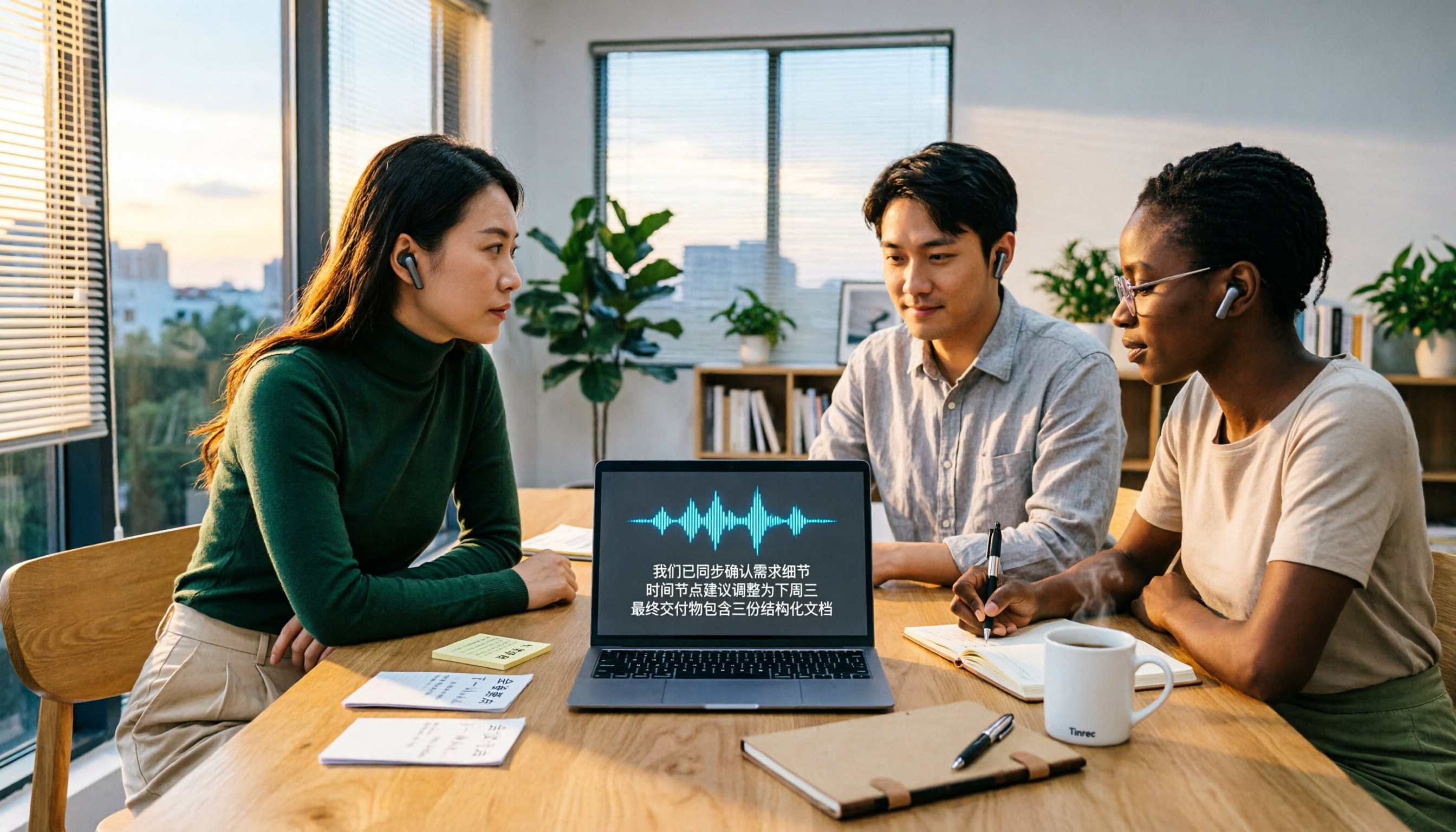
Turn recordings into transcripts and summaries in minutes
Upload audio or video for multilingual transcription, AI notes, and action items
2026 Video-to-Text AI Comparison: Which Saves More Time for Chinese Transcripts and Post-Meeting Summaries?
Which Video-to-Text AI Should You Choose? Answer These 3 Questions First
Most people searching for "video-to-text AI" aren't actually looking for the same thing.
Some have a batch of interview videos and just want a timestamped transcript; some want to keep a record of weekly online meetings; others already have subtitles and are missing "what exactly was decided in this meeting."
So before looking at tools, I'll ask you to answer three questions. First, are you dealing with pre-recorded videos or live meetings? Second, is your end goal a subtitle file, or a transcript followed by organization and follow-up questions? Third, will only you use this data, or will a team view it together?
Different answers to these three questions mean completely different suitable tools.
Let's start with a common scenario: a 90-minute project meeting. After recording, you need to re-listen, pause, and type—often taking longer than the meeting itself. For course or interview videos, the pain is even more obvious—a two-hour video might take an entire afternoon to transcribe, and if you miss a sentence, you have to re-listen to the whole segment.
This article aims to break down this choice clearly.
Before Choosing a Video-to-Text AI, Understand These 4 Key Points
First, what file formats does it accept? Some tools only take video, some take both audio and video, and some can directly process online meeting audio. If you have MP4, MP3, and Zoom recordings on hand, whether it can handle them all at once makes a big difference.
Second, does it output "text" or "data"? With only a transcript, you still have to read through it yourself; if it provides summaries, chapters, action items, and Q&A you can follow up on, then you've truly turned the video into usable data. This is the most significant dividing line I've felt in recent years.
Third, performance with Chinese and mixed Chinese-English. Meetings in Taiwan are rarely pure Chinese; product names, technical terms, and English abbreviations mixed into sentences are the norm. Actual results are affected by recording quality, accent, background noise, and multiple people talking over each other, so don't just look at advertised numbers—test with your own files.
Fourth, how are quotas calculated and who owns the data? How is pricing after free quota runs out? Does uploading files deduct from personal or team shared quota? Does data remain after a member leaves? These should be clarified during the trial period.
Tinrec — After Testing, I Rank It at the Top
Tinrec is an AI meeting notes and collaboration tool for individuals and teams, supporting web, desktop, and mobile. It can handle sources including live recording, online meetings, and audio/video files.
Let's start with the most direct part of video-to-text. You upload a meeting recording or interview audio, and it produces a transcript, then automatically generates summaries, chapters, and key points, and extracts action items from the discussion. In other words, you get not just text but a work material you can act on.
The handling of online meetings is also worth mentioning. Tinrec's desktop version directly captures the computer's system audio, without needing to invite a meeting bot as a participant. It can handle meeting audio played on a computer from Zoom, Google Meet, Microsoft Teams, Webex, etc. Note that this doesn't mean it automatically joins every meeting on your calendar; you still need to initiate recording manually.
The real differentiator is after recording. You can directly ask questions about the meeting content, such as "Who mentioned the budget in the last meeting?" or "What were the client's concerns about the delivery date?" It answers based on the content, rather than giving you a list of keyword search results. This is the biggest difference from tools that only do transcription.
Output flexibility is also good. Besides transcripts and AI summaries, it can generate action items, mind maps, reports, tables, and documents, and export to Notion, Google Docs, OneNote, Dropbox, etc. for further processing.
Stop organizing recordings by hand
Upload audio or video and automatically get a transcript, summary, and action items
Limitations should be honestly stated. The free version provides basic quota, suitable for experiencing recording, import, summary, and transcription; if you need to process large amounts of files, file and web link imports consume quota, and heavy use requires a paid plan. Also, no tool should promise a fixed accuracy rate; recording quality, accent, noise, and overlapping speech all affect results. For important content, it's recommended to verify with timestamps.
Regarding cost, the personal version has a free version, weekly pass, and Pro monthly/annual plans, choose based on usage frequency. The team version currently offers a 7-day trial for first-time eligible users, 1 free seat, and 300 minutes of team shared import quota; paid seats are USD 29.80/month or USD 199/year (about USD 16.58/month), each paid seat includes 2,000 minutes of team shared import quota per month, and live recording currently does not deduct minutes under an active team plan. Prices and benefits may change; please refer to the official purchase page before ordering.
Who is it for? If you need to handle Chinese or mixed Chinese-English videos and meetings, want summaries and Q&A after transcription, and need a team to share the same meeting data, Tinrec is a smooth choice. The team version puts data in an independent team space, adding management capabilities like members, roles, seats, usage analytics, and audit logs, and data stays with the team when members change.
Besides Tinrec, What Other Options Are There?
TurboScribe: A cost-effective file transcription tool supporting over 98 languages; free version allows 3 files per day, up to 30 minutes each; paid version allows up to 10 hours per file and 50 files at once. It has advantages for very long or large files, but lacks live online meeting recording, AI follow-up questions, and team data space.
cSubtitle: A Chinese-oriented online transcription service. Upload video or audio files (up to 4GB, 5 hours) to download transcripts, Word files, and timestamped subtitle files, with automatic punctuation and paragraphing. Suitable for those who only need subtitles and transcripts, but it lacks post-meeting action item organization, AI Q&A, and team collaboration.
Vidnoz: A free video-to-text tool attached to a video platform, handling MP4, MOV, M4V, WEBM up to 500MB. Free and fast are its selling points. However, it lacks live transcription for Chinese meetings and bilingual comparison, and cannot accumulate multiple meetings into a searchable database.
Pitfall Guide: 4 Most Common Mistakes When Choosing Video-to-Text AI
Pitfall 1: Only looking at claimed accuracy. Many tools advertise high accuracy, but that's under ideal conditions. Real meetings have air conditioning noise, keyboard sounds, and multiple people talking over each other, so performance differs significantly. Test with your own recordings, don't just look at ads.
Pitfall 2: Thinking a subtitle file equals a usable transcript. Subtitles are split sentence by sentence; to use them for meeting notes or article material, you usually need paragraphing and timestamps. When choosing a tool, first confirm whether it gives you "readable text" or "fragments you need to reassemble."
Pitfall 3: Ignoring file limits and quota calculations. How many GB per file, maximum hours, how often free quota resets, whether team quota is shared or individual—these can block you when you're busiest. Read the rules clearly before deciding to invest.
Pitfall 4: Only using the transcription tool for "text conversion." If you only use it to output transcripts, you're using only one-third of its capabilities. Tools like Tinrec can directly generate summaries and action items from recorded content, and even answer questions like "What was the meeting conclusion?" via Q&A, much faster than manually scanning a 30-minute transcript.
Finally, before recording and transcribing, please ensure compliance with local regulations and obtain consent from participants when necessary.
Conclusion: Which One Should You Choose?
Simply put, first look at your end goal.
Need to handle Chinese or mixed Chinese-English videos and meetings, and want to follow up with summaries and action items → Tinrec.
Want to find key points directly via Q&A after recording, without manually scanning transcripts → Tinrec.
Need to use on both phone and computer, and team needs to share the same meeting data → Tinrec Team Version.
Only need to transcribe very long or large batches of files, no meeting or collaboration needed → TurboScribe.
Only need subtitle files and transcripts, nothing else → cSubtitle.
I recommend starting with the free quota, testing with a real video of your own, and seeing if the transcript quality and post-meeting organization are smooth, then deciding whether to proceed. That way, the tool you choose will truly stay in your workflow.
References
- Online AI Speech, Video, Audio File Auto Transcription - Free Trial - cSubtitle
- Free Video-to-Text Tool | AI Auto Transcription with High Accuracy Subtitles
- Transcribe YouTube Videos to Text | TurboScribe
- Use AI to Transcribe Video to Text - Adobe
- Transcribe Video to Text - Instant, 99.9% Accurate - VEED.IO
Turn every recording into actionable outcomes
Get 60 free transcription minutes when you sign in. No credit card required.
Related Reading
You might also like

2026 Video-to-Text Tools Compared: Which One Actually Saves Time After Transcription?
How do you turn meeting recordings, interviews, and course videos into usable text? This article compares four video-to-text tools—Tinrec, TurboScribe, Notta, and Otter.ai—breaking down input sources, post-transcription organization, Chinese recognition, and team data ownership. It also covers free quotas, file limits, and pitfalls to help you choose the best tool for your needs.

5 Best Web-Based Audio-to-Text Tools for 2026: No App Needed, Which Free Version Handles Chinese Meetings Best?
The meeting ends, and the pain begins. This hands-on comparison of 5 web-based audio-to-text tools covers real-time transcription during meetings, Chinese and mixed Chinese-English recognition, free tier limits, and post-meeting AI-powered key point extraction. We also explain why Tinrec stands out for Chinese meetings and team collaboration.

4 AI Video Summarizer Tools Tested in 2026: Which One Actually Turns Videos into Usable Data?
Too many videos to watch? We tested AI video summarizers like Tinrec, Felo AI, Notta, and TurboScribe, comparing video sources, summary depth, AI Q&A, and team collaboration to help you find the best fit. Tinrec stands out for meeting notes and team knowledge retention.

4 YouTube Study Summary Tools Tested for 2026: Which One Saves You the Most Review Time?
Watch an online course and forget it? Can't find key points when reviewing? We tested 4 YouTube study summary tools across four dimensions: transcripts, AI Q&A, mixed Chinese-English recognition, and data accumulation. We explain why Tinrec is better suited for long-term learning with transcript retention, semantic Q&A, and team knowledge building, plus a pitfalls guide and selection advice.

2026 Comparison of 2 Xiaohongshu Video Summary Tools: Tinrec vs Notta — Which One Can Extract Key Points in One Click?
Many people waste time manually fast-forwarding and taking notes while watching Xiaohongshu videos, often missing key points. This article addresses common pitfalls and compares Tinrec and Notta across video-to-text conversion, Chinese recognition, summary extraction, AI Q&A, export options, and pricing to help you find a more efficient way to summarize Xiaohongshu videos.

Best One-Click Video Link Extraction Tools in 2026: Testing 3 Options, Tinrec Offers the Most Complete Chinese Support
Many people think one-click video link extraction means downloading video files, but what's really needed is turning video content into transcripts, summaries, and action items. This article uses Tinrec as an example to explain link import transcription, AI summaries, Q&A, export, and team collaboration, plus 5 key buying considerations and FAQs.

2026 AI Audio Transcription Guide: From Transcripts to Meeting Minutes
How to choose an AI audio transcription tool? This guide starts from real meeting scenarios for mid-level managers, breaks down 4 key selection factors, tests Tinrec's bot-free online meeting recording, AI Q&A, and team spaces, compares Otter.ai, Granola, and PLAUD, and concludes with 5 common pitfalls and selection advice.
4 AI Meeting Note Takers Tested for 2026: Which Handles Chinese Meetings and Team Collaboration Best?
Spending too much time on meeting notes? We tested 4 recording-to-meeting-minutes tools, comparing Chinese recognition, bot-free recording, post-meeting AI Q&A, and team collaboration to help you find the best fit for your workplace.

How to Transcribe Phone Recordings in 2026: Real-Time Transcripts + AI Summaries
How do you turn phone recordings into text? Starting from the real-world scenario of needing text right after recording on your phone, this article compares Tinrec and Otter.ai across 5 dimensions, covering Chinese and mixed Chinese-English recognition, post-recording summaries and action items, team knowledge retention, free tiers and pricing, and tells you directly which one to choose.