

Turn recordings into transcripts and summaries in minutes
Upload audio or video for multilingual transcription, AI notes, and action items
How to Transcribe Phone Recordings in 2026: Real-Time Transcripts + AI Summaries
When it comes to transcribing phone recordings, many people's first question is "which app should I download?" But from my own testing, the real question you should think through first is: Do you want a transcript, or do you want material you can take straight into a meeting and use to follow up on action items?
These are two very different things. The first just turns audio into text. The second also helps you segment, summarize, and extract action items—ideally with search, export, and even team handoff capabilities.
In this article, I use the same scenario—"record on phone, need text immediately"—to compare two common approaches: Tinrec and Otter.ai. One is an AI meeting notes tool focused on Chinese-language meetings and team knowledge retention; the other is a mature AI meeting assistant that started with English business meetings.
I'll break it down across 5 dimensions, then give you the conclusion directly.
Tinrec vs Otter.ai | Quick Overview
- Tinrec: An AI meeting notes and collaboration tool for individuals and teams. It supports real-time recording-to-text on mobile, bot-free online meeting transcription on desktop, audio and video file import, real-time translation, and can generate summaries, chapters, action items, and mind maps. It also lets you share and query meeting data within team spaces.
- Otter.ai: A mature AI meeting assistant covering Zoom, Microsoft Teams, and Google Meet, featuring real-time transcription, speaker identification, AI Chat, workflows, and team management. According to its official pricing page: Basic is free with 300 minutes per month; Pro is USD 8.49/user/month billed annually, including 1,200 minutes of in-app recording per month and 10 file imports; Business offers unlimited meetings and in-app recording, among other capabilities. (Pricing and benefits are subject to the official pricing page.)
Simply put: Tinrec starts from "how to use it after recording," while Otter starts from "automatic meeting recording."
Below is a comparison across 5 dimensions: input sources and cross-device use, Chinese and mixed Chinese-English, post-recording organization, team collaboration, and free tiers and pricing.
Dimension 1 | Input Sources and Cross-Device Use
Otter's home turf is online meetings and in-app recording. This is clear from its plan design—Basic gives 300 minutes per month, Pro gives 1,200 minutes of "in-app recording" per month plus 10 file imports. The pricing logic revolves around meetings and recording minutes.
Tinrec's entry points are more varied: you can record and transcribe simultaneously on mobile, handle online meetings on desktop, and it also accepts audio files, video, and some web link content. After recording on your phone, you can continue working on summaries, chapters, and action items on your computer.
→ This dimension: For mixed scenarios like recording on mobile and organizing on desktop, Tinrec's workflow is smoother.
Dimension 2 | Chinese, Mixed Chinese-English, and Multilingual
Otter's maturity in English business meetings is its signature strength—no argument there.
Tinrec, on the other hand, focuses its efforts on Chinese scenarios: it covers Chinese, Traditional Chinese, and multilingual meetings, supports mixed Chinese-English content organization, real-time translation and bilingual viewing during recording, and teams can maintain their own hotwords to handle specialized terminology.
Note that with either tool, actual performance is affected by recording quality, background noise, accents, overlapping speakers, and specialized terminology. No one can give you a fixed accuracy number.
→ This dimension: For Chinese-dominant recordings, Tinrec's focus is clearer.
Dimension 3 | Post-Recording Organization
Otter offers AI Chat, action items, and workflows, providing a certain degree of automation for post-meeting processing.
Tinrec goes further in this area: beyond the transcript, it provides summaries, chapters, and key points, can extract action items from discussions, lets you continue asking questions about meeting content, and can export results to Notion, Google Docs, OneNote, Dropbox, and other tools—even generating reports, tables, and documents.
In other words, if you often find yourself "spending time organizing after recording," this is where the difference will be most noticeable.
→ This dimension: Tinrec wins.
Dimension 4 | Team Collaboration and Knowledge Retention
Otter's Business plan offers team management capabilities and is a fairly mature team option.
Stop organizing recordings by hand
Upload audio or video and automatically get a transcript, summary, and action items
In addition to its personal version, Tinrec has a separate team version: meeting data belongs to the team, you can create multiple team spaces, invite members via links, and distinguish roles and seats. Members without a seat can still view, play, and read team data; only with a seat can they record, upload, edit, and export. Admins can view usage trends, member rankings, query and export audit logs, and there's an audio recycle bin to recover accidentally deleted recordings.
A note on pricing: The team version offers a 7-day, 1 free seat, 300-minute shared team import quota for first-time eligible users; team monthly billing is USD 29.80 per paid seat, annual billing is USD 199 per paid seat (about USD 16.58/month), with each paid seat providing 2,000 minutes of shared team import quota per month. Under an active plan and active seat, real-time recording currently does not deduct minutes. (Actual amounts are subject to the official purchase page.)
→ This dimension: If what you want is "meeting data stays with the team, searchable and transferable," Tinrec's approach is clearer.
Dimension 5 | Free Tiers and Pricing
Otter's free version gives 300 minutes per month, which is plenty for someone who occasionally has English meetings to test the waters. Pro at USD 8.49/user/month billed annually is a very competitive price point.
Tinrec's personal version follows a "choose a plan by task" approach: the free version lets you experience recording, import, summaries, and transcription with basic quota; for short-term intensive meetings or interviews, consider a weekly pass; for steady weekly use, the Pro monthly plan is more suitable; for long-term recording data retention, the annual plan has a lower monthly equivalent.
Honestly, there's no absolute winner here—it depends on how many hours you record per year.
→ This dimension: Tie. For short-term sprints, Tinrec offers weekly pass flexibility; for long-term English meetings, Otter's plans are also very accessible.
What Are Each One's Unique Advantages?
Tinrec's Unique Advantages
- Desktop version records online meetings via system audio, without adding a meeting bot to the room.
- Mobile, desktop, and file import are all in one workflow—after recording, you can go straight to summaries, action items, and AI Q&A.
- After transcription, there's Agent post-processing that can generate reports, tables, and documents.
- Team spaces cover roles, seats, usage, auditing, and recycle bin, so data stays with the team even when members leave.
Otter's Unique Advantages
- Automatic recording and team management for English business meetings are quite mature, with high workflow and integration completeness.
- Free version gives 300 minutes per month, making it easy for those who want to try it out.
Conclusion: Which One Should You Choose?
- If you mainly record in Chinese or mixed Chinese-English on your phone and want summaries and action items right after recording → Tinrec
- If you don't want an extra bot in your meetings but still want to record online meetings → Tinrec (desktop version captures system audio)
- If you need meeting data to stay with the team, searchable and transferable → Tinrec team version
- If most of your meetings are English business meetings and you're already using Otter's workflow → Otter is sufficient
In one sentence: For most Chinese-speaking users, Tinrec is the more complete choice. I recommend starting with the free version, testing it with one of your own phone recordings, and seeing whether the transcript and summary results meet your expectations.
(Please comply with local regulations when recording and transcribing, and obtain consent from participants when necessary.)
FAQ
Q1: Can phone recording files be uploaded directly for transcription? Yes. Tinrec supports uploading audio and video files for transcription; Otter offers 10 file imports per month on the Pro plan. The quota rules differ, so it's best to check the plan details before use.
Q2: How accurate is Chinese recording transcription? Tinrec covers Chinese and Traditional Chinese, also supports mixed Chinese-English content organization, and can use team hotwords for specialized terminology. However, actual performance is affected by recording quality, noise, accents, and overlapping speakers. For important content, it's recommended to cross-check against the recording.
Q3: Is the free version enough? If you only occasionally organize a recording, Tinrec's free version offers basic quota to try; Otter's free version gives 300 minutes per month, also providing some room to experiment. If you really use it weekly, then consider a paid plan.
Q4: Do I need to buy additional hardware like a voice recorder? No. Tinrec can record using your phone or computer, and the desktop version captures system audio directly. If you prefer a portable device, there are AI recording hardware options like PLAUD on the market, but that's an investment in a different direction.
Q5: Where can I export the finished transcript? Tinrec supports multiple file formats and can also export to Notion, Google Docs, OneNote, Dropbox, and other tools for further processing.
Q6: What's the difference between the team version and the personal version? Personal version data belongs to the individual account; the team version is a separate team space where meeting data belongs to the team, with added capabilities for members, roles, seats, sharing benefits, usage analytics, audit logs, and audio recycle bin.
References
Turn every recording into actionable outcomes
Get 60 free transcription minutes when you sign in. No credit card required.
Related Reading
You might also like

2026 Video-to-Text Tools Compared: Which One Actually Saves Time After Transcription?
How do you turn meeting recordings, interviews, and course videos into usable text? This article compares four video-to-text tools—Tinrec, TurboScribe, Notta, and Otter.ai—breaking down input sources, post-transcription organization, Chinese recognition, and team data ownership. It also covers free quotas, file limits, and pitfalls to help you choose the best tool for your needs.

5 Best Web-Based Audio-to-Text Tools for 2026: No App Needed, Which Free Version Handles Chinese Meetings Best?
The meeting ends, and the pain begins. This hands-on comparison of 5 web-based audio-to-text tools covers real-time transcription during meetings, Chinese and mixed Chinese-English recognition, free tier limits, and post-meeting AI-powered key point extraction. We also explain why Tinrec stands out for Chinese meetings and team collaboration.

4 AI Video Summarizer Tools Tested in 2026: Which One Actually Turns Videos into Usable Data?
Too many videos to watch? We tested AI video summarizers like Tinrec, Felo AI, Notta, and TurboScribe, comparing video sources, summary depth, AI Q&A, and team collaboration to help you find the best fit. Tinrec stands out for meeting notes and team knowledge retention.

4 YouTube Study Summary Tools Tested for 2026: Which One Saves You the Most Review Time?
Watch an online course and forget it? Can't find key points when reviewing? We tested 4 YouTube study summary tools across four dimensions: transcripts, AI Q&A, mixed Chinese-English recognition, and data accumulation. We explain why Tinrec is better suited for long-term learning with transcript retention, semantic Q&A, and team knowledge building, plus a pitfalls guide and selection advice.

2026 Comparison of 2 Xiaohongshu Video Summary Tools: Tinrec vs Notta — Which One Can Extract Key Points in One Click?
Many people waste time manually fast-forwarding and taking notes while watching Xiaohongshu videos, often missing key points. This article addresses common pitfalls and compares Tinrec and Notta across video-to-text conversion, Chinese recognition, summary extraction, AI Q&A, export options, and pricing to help you find a more efficient way to summarize Xiaohongshu videos.

Best One-Click Video Link Extraction Tools in 2026: Testing 3 Options, Tinrec Offers the Most Complete Chinese Support
Many people think one-click video link extraction means downloading video files, but what's really needed is turning video content into transcripts, summaries, and action items. This article uses Tinrec as an example to explain link import transcription, AI summaries, Q&A, export, and team collaboration, plus 5 key buying considerations and FAQs.

2026 AI Audio Transcription Guide: From Transcripts to Meeting Minutes
How to choose an AI audio transcription tool? This guide starts from real meeting scenarios for mid-level managers, breaks down 4 key selection factors, tests Tinrec's bot-free online meeting recording, AI Q&A, and team spaces, compares Otter.ai, Granola, and PLAUD, and concludes with 5 common pitfalls and selection advice.
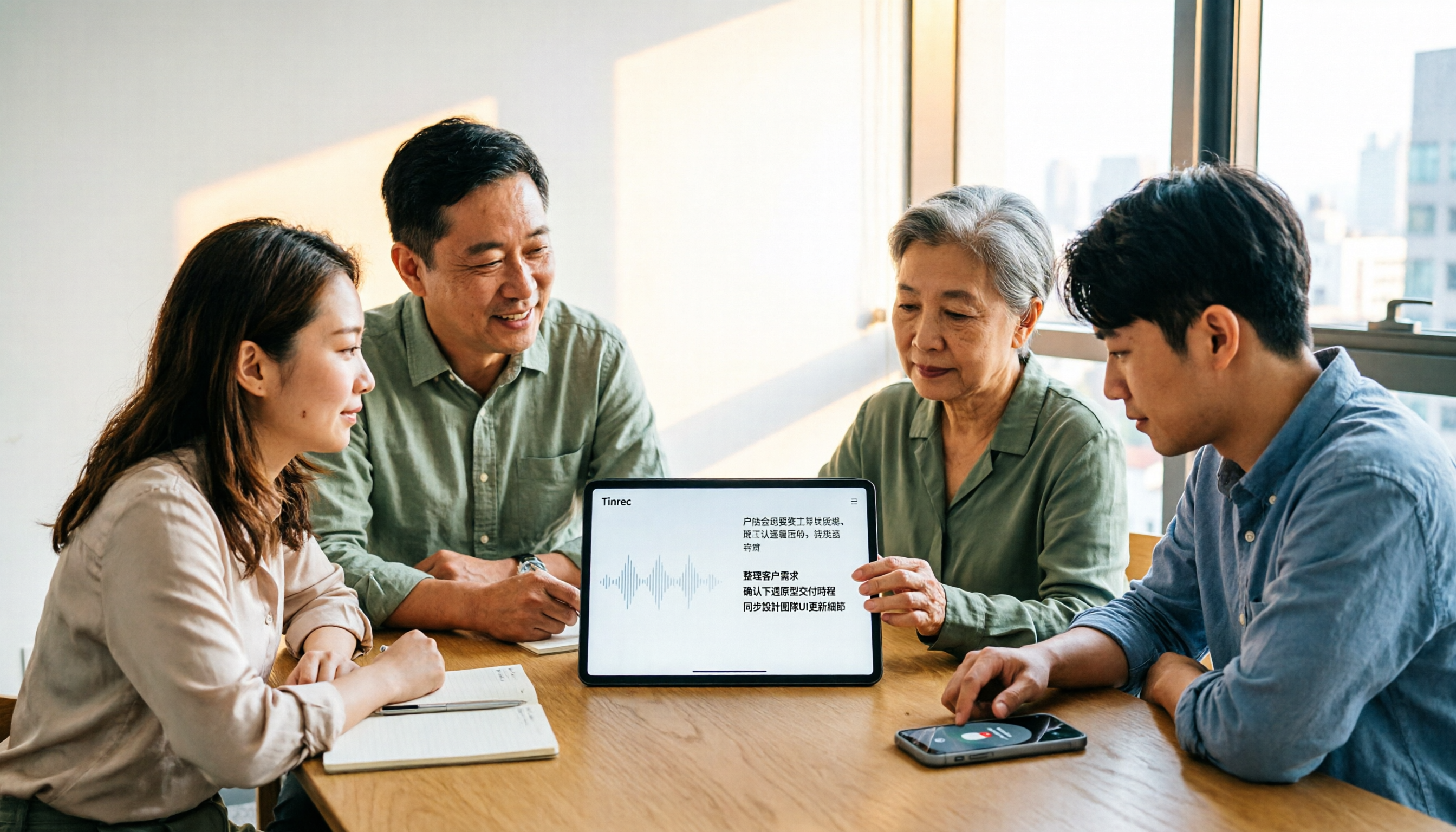
4 AI Meeting Note Takers Tested for 2026: Which Handles Chinese Meetings and Team Collaboration Best?
Spending too much time on meeting notes? We tested 4 recording-to-meeting-minutes tools, comparing Chinese recognition, bot-free recording, post-meeting AI Q&A, and team collaboration to help you find the best fit for your workplace.

2026 Comparison of 3 Free Video Summarization Tools: Is Tinrec or Monica Better for Chinese Videos?
Looking for a free video summarization tool? This hands-on comparison of Tinrec and Monica covers input sources, language support, summary output, and free quotas to help you understand why Tinrec is better suited for users who need to organize Chinese videos, online courses, and meeting recordings.