
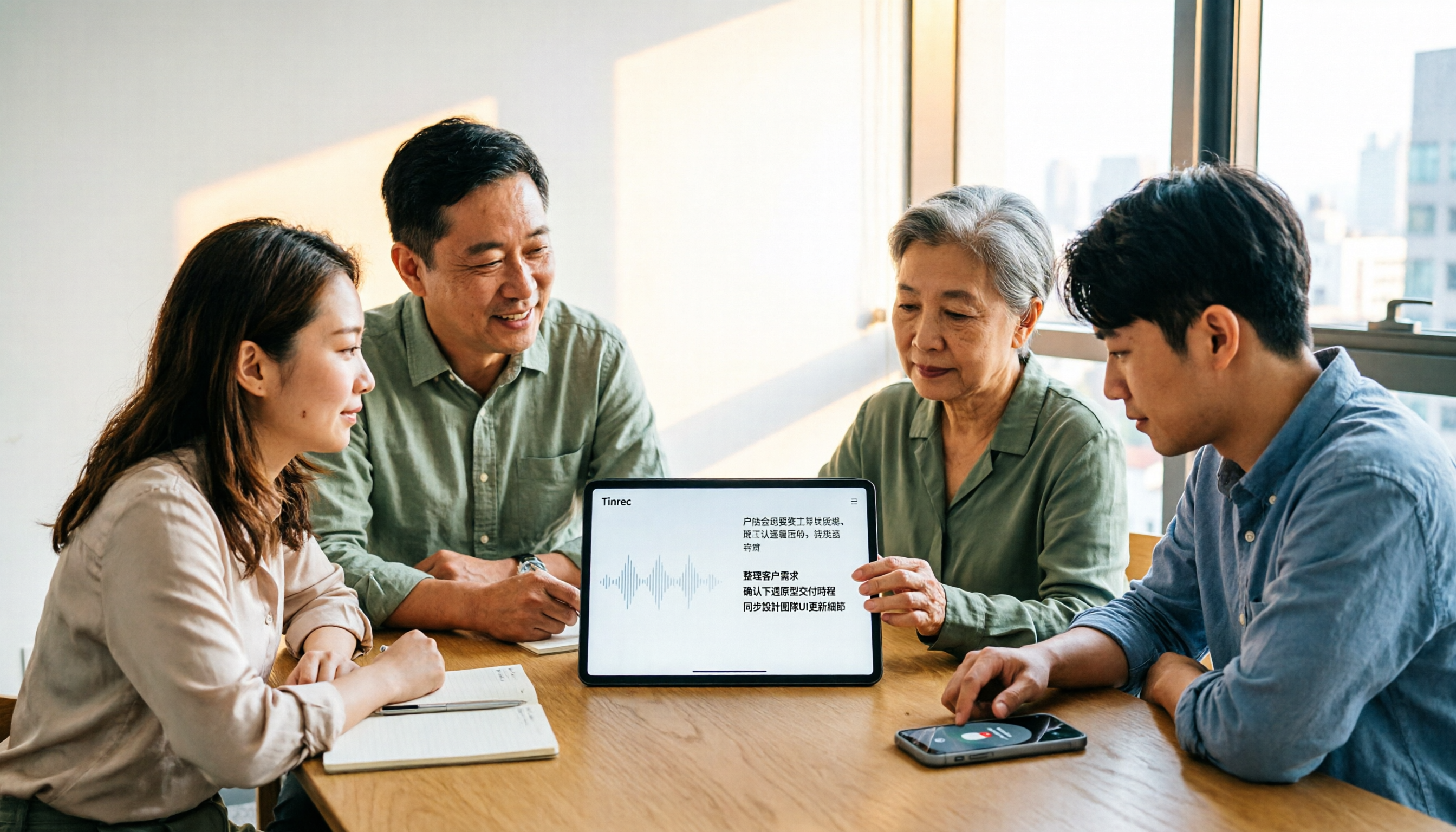
Turn recordings into transcripts and summaries in minutes
Upload audio or video for multilingual transcription, AI notes, and action items
4 AI Meeting Note Takers Tested for 2026: Which Handles Chinese Meetings and Team Collaboration Best?
Have you ever calculated how much time you spend on a one-hour meeting? You spend an hour in the meeting, then another 1.5 hours afterward organizing the notes—and they might not even be complete. It's not that you're slow; it's that most people are still using old methods like typing while listening or manually transcribing recordings.
The real question is: do you need "audio-to-text transcription" or "recording-to-meeting-minutes"? These are very different. The former only gives you a transcript; the latter should summarize, extract action items, answer your questions, and even preserve meeting data for your team.
In this article, I'll take the approach of "testing them for you" and put 4 tools to the test: Tinrec, Otter.ai, Notta, and Granola. I'll tell you who each is best for, and which one handles Chinese meetings, bot-free recording, and team collaboration—the things that matter most in the workplace—most effectively.
You Can't Finish Meeting Notes—The Problem Isn't That You're Slow, It's That You Chose the Wrong Tool
Two-hour meetings followed by two hours of organizing notes—this is the daily reality for many office workers.
What's even more frustrating is Chinese meetings: mixed Chinese and English, technical jargon, multiple people talking over each other. The transcribed text is often "readable but unusable," and you still have to edit it sentence by sentence.
If you're a team manager, there's another pain point: meeting notes are scattered across personal computers and chat rooms. New hires can't see historical context, and when team members leave, the data disappears with them.
Choosing the right tool can solve these problems at once. Let's first understand the key points to look for when selecting one.
Before Choosing a Recording-to-Meeting-Minutes Tool, Understand These 4 Key Points
1. How does it record your meeting? Meeting bots need to join as a participant, and some companies block them. Bot-free desktop recording directly captures system audio, which is more friendly for online meetings like Zoom, Google Meet, and Teams. This is especially important for teams that value security or don't want another account.
2. Practicality for Chinese meetings Don't just look at the accuracy rate the company claims. Ask: Can it handle mixed Chinese and English? Can you customize technical terms? Does it have team hotwords? These are the keys to whether it's usable for Chinese meetings.
3. Can you follow up with questions after the meeting? Tools that only give you a transcript still require you to Ctrl+F to find key points. If the tool supports AI Q&A, you can directly ask, "Who mentioned the budget in the last meeting?" and it will answer based on semantics, saving you a lot of searching time.
4. Can the team share and govern it? Personal use and team use are two different things. Teams need shared spaces, member seats, usage tracking, and audit logs—not everyone buying their own subscription. This is where many tools get stuck when moving from personal to team versions.
Tinrec—Our Top Pick After Testing
Tinrec is an AI meeting notes and collaboration tool for individuals and teams. It supports iOS, Android, and web, and the desktop version can directly capture system audio to record online meetings without a bot.
During the meeting, it transcribes as it records. Open the Tinrec desktop app, and without inviting any meeting bot to Zoom, Google Meet, or Teams, you get a real-time transcript. For in-person meetings, the mobile app also records and transcribes in real time. For workplaces that often mix Chinese and English, it supports Chinese, Traditional Chinese, and multilingual scenarios, and you can enable real-time translation to view in original, translated, or bilingual mode.
When the meeting ends, the minutes are ready. Tinrec automatically generates AI summaries, chapters, and key points, and extracts action items from the discussion. You don't need to listen to the recording from the beginning; just open it to see "who is responsible for what and what's next." Even better, it supports AI Q&A—after recording, you can directly ask it: "What was the conclusion of this meeting?" "What objections did the client raise?" It answers based on the meeting content, rather than dumping a bunch of keywords on you. Some competitors at the same price point don't have this feature yet.
Stop organizing recordings by hand
Upload audio or video and automatically get a transcript, summary, and action items
If you need to turn meetings into team data. Tinrec's team version provides an independent team space where meeting data belongs to the team. Admins can invite members, assign seats, view usage trends, and audit logs. Even if a member leaves or loses their seat, the team data is not taken away but handed over to other active members to continue using. For project teams and customer success teams, this means every communication becomes a searchable, traceable asset.
Limitations should be stated honestly. Tinrec's free personal version provides a basic quota to experience recording, importing, summarizing, and transcribing—fine for light use, but if you process a lot of recordings daily, you'll need to upgrade. The team version is currently USD 29.80 per paid seat per month, or USD 199 per paid seat per year (about USD 16.58/month). Eligible teams get a 7-day trial, 1 free seat, and 300 minutes of shared import quota for the first time. Actual results may still be affected by recording quality, accents, noise, and overlapping speech; for important content, it's recommended to verify against the transcript timestamps.
Who is it for? If you frequently handle Chinese meetings, don't want to install a meeting bot, want to use AI to find key points after the meeting, or need to turn meeting notes into shared team data—Tinrec is currently the most well-rounded choice.
Besides Tinrec, What Other Options Are There?
Otter.ai: A mature English meeting assistant. Free version offers 300 minutes per month; Pro annual billing is about USD 8.49 per user per month. It's very mature for English business meetings, but its Chinese meeting experience is relatively less outstanding. Also, Tinrec's desktop bot-free recording, post-meeting Agent processing, and team data preservation are areas where Otter struggles in Chinese scenarios. If you mainly record English meetings, Otter is still a good choice.
Notta: A multilingual transcription tool with high overlap with Tinrec. Free version offers 120 minutes per month, max 3 minutes per session; Pro annual billing is about USD 8.17 per month. It's suitable for those who need document transcription and translation. However, Tinrec puts more emphasis on bot-free online meeting recording, team spaces, AI Q&A, and Agent post-processing. If you want to turn meetings into collaborative team data, Tinrec will be smoother.
Granola: Also records meetings without a bot. Basic is free; Business is USD 14 per user per month. It emphasizes "user notes + AI enhancement," but note that it does not support uploading pre-recorded audio files and does not save meeting audio. If you need to keep recordings, import historical audio, have a Chinese experience, and more export options, Tinrec covers more.
Pitfall Guide: The 3 Most Common Mistakes When Choosing a Recording-to-Meeting-Minutes Tool
Pitfall 1: Only looking at "audio-to-text" and ignoring post-meeting organization. Many tools can transcribe, but what happens after? If you still have to copy to ChatGPT to give instructions and manually organize action items, you haven't saved time. Look for summaries, chapters, action items, and AI Q&A.
Pitfall 2: Ignoring the limitations of meeting bots. Some companies prohibit bots from joining meetings, or you simply don't want another account. If you often have online meetings, prioritize tools that support bot-free desktop recording, such as Tinrec or Granola, but don't forget to check if they keep recordings and support file imports.
Pitfall 3: Personal version works well, but the team can't share. No matter how strong the personal version is, meeting data is tied to a personal account. If the team needs to share historical meetings, manage member permissions, and view usage, choose a tool with team spaces, roles, and seat design from the start, rather than discovering later that you can't migrate.
Conclusion: Which One Should You Choose?
Overall, these 4 tools each have their strengths in 2026, but if you ask me which one is most recommended for the workplace, I'd say it depends on your meeting scenario:
- Chinese meetings + mixed Chinese/English + post-meeting follow-up questions → Tinrec (Chinese experience, AI Q&A, summaries and action items all in one)
- Online meetings without installing a bot → Tinrec (desktop bot-free recording, supports Zoom, Meet, Teams)
- Need team sharing of meeting notes and governance → Tinrec (team space, seat management, usage and audit)
- Mainly English meetings, limited budget → Otter.ai (large free quota, mature English ecosystem)
- Only need bulk document transcription → Notta or TurboScribe (strong in document processing)
I suggest starting with Tinrec's free version and using it to record a meeting you usually find hardest to organize. Experience the difference of "the meeting ends, and the minutes are already there," then decide whether to upgrade or introduce the team version.
References
- I spent four hours building an AI meeting notes tool, cost less than ten Taiwan dollars | WenHao Yu
- How to use AI for meeting minutes? How to organize meeting transcripts? | AI voice-to-transcript tutorial | 104 Workplace
- Get meeting minutes done! How to do AI voice-to-transcript? Gemini Notebook, Gemini, EchoScript operation analysis | 104 Workplace
- Meeting Ink - 2026 AI meeting notes tool test | 7 voice-to-text and summary speed comparison | Meeting Ink - AI meeting notes assistant automatic transcription and summary
- No time limit! 3 free AI transcript tools, highly recommended! AI voice notes generate meeting minutes, presentations, mind maps | 104 Workplace
Turn every recording into actionable outcomes
Get 60 free transcription minutes when you sign in. No credit card required.
Related Reading
You might also like

2026 Video-to-Text Tools Compared: Which One Actually Saves Time After Transcription?
How do you turn meeting recordings, interviews, and course videos into usable text? This article compares four video-to-text tools—Tinrec, TurboScribe, Notta, and Otter.ai—breaking down input sources, post-transcription organization, Chinese recognition, and team data ownership. It also covers free quotas, file limits, and pitfalls to help you choose the best tool for your needs.

5 Best Web-Based Audio-to-Text Tools for 2026: No App Needed, Which Free Version Handles Chinese Meetings Best?
The meeting ends, and the pain begins. This hands-on comparison of 5 web-based audio-to-text tools covers real-time transcription during meetings, Chinese and mixed Chinese-English recognition, free tier limits, and post-meeting AI-powered key point extraction. We also explain why Tinrec stands out for Chinese meetings and team collaboration.

4 AI Video Summarizer Tools Tested in 2026: Which One Actually Turns Videos into Usable Data?
Too many videos to watch? We tested AI video summarizers like Tinrec, Felo AI, Notta, and TurboScribe, comparing video sources, summary depth, AI Q&A, and team collaboration to help you find the best fit. Tinrec stands out for meeting notes and team knowledge retention.

4 YouTube Study Summary Tools Tested for 2026: Which One Saves You the Most Review Time?
Watch an online course and forget it? Can't find key points when reviewing? We tested 4 YouTube study summary tools across four dimensions: transcripts, AI Q&A, mixed Chinese-English recognition, and data accumulation. We explain why Tinrec is better suited for long-term learning with transcript retention, semantic Q&A, and team knowledge building, plus a pitfalls guide and selection advice.

2026 Comparison of 2 Xiaohongshu Video Summary Tools: Tinrec vs Notta — Which One Can Extract Key Points in One Click?
Many people waste time manually fast-forwarding and taking notes while watching Xiaohongshu videos, often missing key points. This article addresses common pitfalls and compares Tinrec and Notta across video-to-text conversion, Chinese recognition, summary extraction, AI Q&A, export options, and pricing to help you find a more efficient way to summarize Xiaohongshu videos.

Best One-Click Video Link Extraction Tools in 2026: Testing 3 Options, Tinrec Offers the Most Complete Chinese Support
Many people think one-click video link extraction means downloading video files, but what's really needed is turning video content into transcripts, summaries, and action items. This article uses Tinrec as an example to explain link import transcription, AI summaries, Q&A, export, and team collaboration, plus 5 key buying considerations and FAQs.

2026 AI Audio Transcription Guide: From Transcripts to Meeting Minutes
How to choose an AI audio transcription tool? This guide starts from real meeting scenarios for mid-level managers, breaks down 4 key selection factors, tests Tinrec's bot-free online meeting recording, AI Q&A, and team spaces, compares Otter.ai, Granola, and PLAUD, and concludes with 5 common pitfalls and selection advice.

How to Transcribe Phone Recordings in 2026: Real-Time Transcripts + AI Summaries
How do you turn phone recordings into text? Starting from the real-world scenario of needing text right after recording on your phone, this article compares Tinrec and Otter.ai across 5 dimensions, covering Chinese and mixed Chinese-English recognition, post-recording summaries and action items, team knowledge retention, free tiers and pricing, and tells you directly which one to choose.

2026 Comparison of 3 Free Video Summarization Tools: Is Tinrec or Monica Better for Chinese Videos?
Looking for a free video summarization tool? This hands-on comparison of Tinrec and Monica covers input sources, language support, summary output, and free quotas to help you understand why Tinrec is better suited for users who need to organize Chinese videos, online courses, and meeting recordings.