

Turn recordings into transcripts and summaries in minutes
Upload audio or video for multilingual transcription, AI notes, and action items
2026 Comparison of 3 Free Video Summarization Tools: Is Tinrec or Monica Better for Chinese Videos?
Many people think a free video summarization tool is just about pasting a YouTube link and clicking a button to get a perfect summary. In reality, common pitfalls include: only supporting YouTube, free quotas so small you can only try twice, summaries that don't support Chinese, or output that's just a block of text with no chapters or timestamps to verify. If you need to organize Chinese videos, online courses, or meeting recordings, choosing the wrong tool can actually cost you more time. This hands-on comparison will walk you through the differences between Tinrec and Monica, and explain why Tinrec is better suited for users who need to organize Chinese videos.
Why Are People Starting to Look for Monica Alternatives?
Monica is a tool that integrates multiple AI features and can summarize YouTube videos. New users get 2 free summary credits. For someone who occasionally watches one or two videos, that's enough. But if you need to organize multiple videos every week, handle mixed Chinese-English content, or export summaries to documents, the free quota may run out quickly. Additionally, Monica currently focuses mainly on YouTube video summarization, with limited support for other video sources. If you have similar needs, Tinrec is worth checking out.
Tinrec vs Monica: What Are the Key Differences in Core Experience?
Input Sources and Platform Support Video summarization needs aren't limited to YouTube—course platforms, meeting recordings, and social media short videos may all need organizing. Tinrec supports uploading audio/video files, some public web video links, as well as live recording and desktop online meeting recording; Monica currently mainly supports YouTube videos. If you need to handle more diverse video sources, Tinrec has broader coverage.
Language and Chinese Experience Chinese videos often mix Chinese and English, and may have technical terms and accent issues. Tinrec covers Chinese, Traditional Chinese, and multilingual meeting scenarios, and supports real-time translation and team hotwords; Monica supports multilingual summarization. If you often watch Chinese content, Tinrec's experience is more aligned with your needs.
Output Completeness A summary is just the first step—being able to generate usable work materials is more important. Tinrec provides transcripts, AI summaries, chapters, to-dos, mind maps, and AI Q&A, and can export to Notion, Google Docs, OneNote, and other tools; Monica provides summaries and mind maps. Tinrec is better suited for users who need further processing and export.
Free Quota and Usage Limits The biggest fear with free tools is running out of quota after a few uses. Monica gives new users 2 summary credits; Tinrec's free version offers a basic quota, allowing you to experience recording, importing, summarization, and transcription—good for trying out first. If you need to organize videos frequently, Tinrec's free version lets you complete the full workflow.
Team Collaboration and Data Accumulation If a team needs to share video notes, Tinrec has a team version that allows creating team spaces, managing members and seats, and sharing meeting materials; Monica is more for individual use. For team scenarios, Tinrec is more convenient.
Overview of Tinrec's Core Features
Audio/Video File Transcription Upload video or audio files, and Tinrec quickly converts them into transcripts. Supports multiple formats, suitable for organizing course recordings, interview videos, and past meetings. After transcription, you can search keywords directly and review specific sections.
AI Summaries and Chapters Automatically generates summaries, chapters, and key points, so you can quickly grasp the structure even for long videos. Combined with mind maps, it helps understand relationships between topics. For a two-hour course or meeting recording, this feature can save a lot of fast-forwarding time.
AI Q&A Ask questions about video content, such as "What are the three key points the speaker mentioned?" Tinrec answers based on semantic understanding, without manually searching through transcripts. This is my personal most-used feature, especially when organizing research interviews.
Stop organizing recordings by hand
Upload audio or video and automatically get a transcript, summary, and action items
To-Do Extraction and Multi-Format Export Organize action items from video discussions and export results to Notion, Google Docs, OneNote, Dropbox, and other tools. You can turn summaries directly into blog outlines, presentation materials, or to-do lists.
Bot-Free Online Meeting Recording If the video source is an online meeting, Tinrec's desktop version can directly capture computer system audio without needing an extra bot to join the meeting. Open Tinrec to start recording, and it will simultaneously generate transcripts and summaries.
Practical Use Cases
Online Courses and Lecture Videos Upload a two-hour course video to Tinrec and quickly get transcripts and chapter summaries. When reviewing, just look at the key points without rewatching the entire video. Mixed Chinese-English content can also be organized into searchable notes.
Meeting Recordings and Interview Videos For project meetings or client interview recordings, use Tinrec to transcribe and extract to-dos. After the meeting, send the summary and action items directly to the team, saving manual organization time.
Social Media Short Videos and Competitor Research Paste some public video links, and Tinrec can quickly summarize the content. When researching competitor videos, you can grasp the key points and timestamps without watching the full video.
Personal Knowledge Management Organize favorite videos into text notes, then use AI Q&A to review later. Accumulated transcripts and summaries can be exported and archived to become your own knowledge base.
Points to Note When Choosing a Free Video Summarization Tool
Free Quota and Limits First check how many summaries the free version offers and any single-file length limits. Tinrec's free version offers a basic quota, good for trying out; Monica gives new users 2 summary credits. Evaluate your usage frequency when choosing.
Language Support If you often watch Chinese videos, confirm the tool's recognition ability for Chinese and mixed Chinese-English. Tinrec covers Chinese, Traditional Chinese, and multiple languages, and supports team hotwords, which helps with technical term recognition.
Input Sources Besides YouTube, check if it supports file uploads and links from other platforms. Tinrec supports audio/video files, some public web links, and live recording, offering broader application.
Output Formats Beyond summaries, can it export transcripts, chapters, and to-dos? Tinrec supports multi-format export and third-party tool integration, making subsequent editing and sharing easier.
Data Storage and Privacy Understand how the tool stores audio files and transcripts. Tinrec provides team spaces and a recycle bin, and reminds users that recording must comply with local regulations, obtaining participant consent when necessary.
Conclusion: Is Tinrec Worth a Try?
If you're looking for a free video summarization tool and need to handle Chinese videos, online courses, or meeting recordings, Tinrec is currently one of the few choices on the market that can simultaneously satisfy multilingual needs, multiple input sources, and a complete post-meeting workflow. It doesn't just give you transcripts—it turns content into summaries, chapters, to-dos, and a queryable database. Individuals can start with the free version, while teams have a team version to share and accumulate meeting data. We suggest downloading Tinrec's free version first and testing the summarization effect with your own videos—that's more direct than reading any review.
Frequently Asked Questions
Can Tinrec's free version summarize videos? Yes, the free version offers a basic quota and allows you to experience video transcription, summarization, and AI Q&A features. Specific quotas and limits are subject to the official page.
What video sources does Tinrec support? It supports uploading audio/video files, some public web video links, as well as live recording and desktop online meeting recording.
What's the difference between Tinrec and Monica? Monica mainly summarizes YouTube videos and gives new users 2 free summary credits; Tinrec covers more input sources, supports Chinese and multiple languages, and provides transcripts, chapters, to-dos, AI Q&A, and team collaboration.
Is Tinrec's summarization accurate? Actual results can be affected by recording quality, accents, noise, and technical terms. Tinrec provides high-quality transcription under clear audio and common scenarios; for important content, it's recommended to verify with the transcript.
Can I export summaries to other tools? Yes, Tinrec supports export to Notion, Google Docs, OneNote, Dropbox, and other formats for easy subsequent editing and sharing.
What plan is needed for team use? Tinrec offers a team version that allows creating team spaces, managing members and seats, and sharing meeting materials. Eligible teams get a 7-day trial for the first time, including 1 free seat and 300 minutes of team shared import quota.
References
- Use GPT to Summarize YouTube: Free Online Video Summary Tool
- Free AI Video Summary Tool—Accurate, Fast, with Timestamps
- ChatGPT's YouTube Summary Video Key Points Technique, from Video Transcript to Summary Method - Mr. Mad
- EaseMate AI YouTube Video Summary: Free Online YouTube Video Summarizer
- Free AI Video Summarizer - Monica
Turn every recording into actionable outcomes
Get 60 free transcription minutes when you sign in. No credit card required.
Related Reading
You might also like

2026 Video-to-Text Tools Compared: Which One Actually Saves Time After Transcription?
How do you turn meeting recordings, interviews, and course videos into usable text? This article compares four video-to-text tools—Tinrec, TurboScribe, Notta, and Otter.ai—breaking down input sources, post-transcription organization, Chinese recognition, and team data ownership. It also covers free quotas, file limits, and pitfalls to help you choose the best tool for your needs.

5 Best Web-Based Audio-to-Text Tools for 2026: No App Needed, Which Free Version Handles Chinese Meetings Best?
The meeting ends, and the pain begins. This hands-on comparison of 5 web-based audio-to-text tools covers real-time transcription during meetings, Chinese and mixed Chinese-English recognition, free tier limits, and post-meeting AI-powered key point extraction. We also explain why Tinrec stands out for Chinese meetings and team collaboration.

4 AI Video Summarizer Tools Tested in 2026: Which One Actually Turns Videos into Usable Data?
Too many videos to watch? We tested AI video summarizers like Tinrec, Felo AI, Notta, and TurboScribe, comparing video sources, summary depth, AI Q&A, and team collaboration to help you find the best fit. Tinrec stands out for meeting notes and team knowledge retention.

4 YouTube Study Summary Tools Tested for 2026: Which One Saves You the Most Review Time?
Watch an online course and forget it? Can't find key points when reviewing? We tested 4 YouTube study summary tools across four dimensions: transcripts, AI Q&A, mixed Chinese-English recognition, and data accumulation. We explain why Tinrec is better suited for long-term learning with transcript retention, semantic Q&A, and team knowledge building, plus a pitfalls guide and selection advice.

2026 Comparison of 2 Xiaohongshu Video Summary Tools: Tinrec vs Notta — Which One Can Extract Key Points in One Click?
Many people waste time manually fast-forwarding and taking notes while watching Xiaohongshu videos, often missing key points. This article addresses common pitfalls and compares Tinrec and Notta across video-to-text conversion, Chinese recognition, summary extraction, AI Q&A, export options, and pricing to help you find a more efficient way to summarize Xiaohongshu videos.

Best One-Click Video Link Extraction Tools in 2026: Testing 3 Options, Tinrec Offers the Most Complete Chinese Support
Many people think one-click video link extraction means downloading video files, but what's really needed is turning video content into transcripts, summaries, and action items. This article uses Tinrec as an example to explain link import transcription, AI summaries, Q&A, export, and team collaboration, plus 5 key buying considerations and FAQs.

2026 AI Audio Transcription Guide: From Transcripts to Meeting Minutes
How to choose an AI audio transcription tool? This guide starts from real meeting scenarios for mid-level managers, breaks down 4 key selection factors, tests Tinrec's bot-free online meeting recording, AI Q&A, and team spaces, compares Otter.ai, Granola, and PLAUD, and concludes with 5 common pitfalls and selection advice.
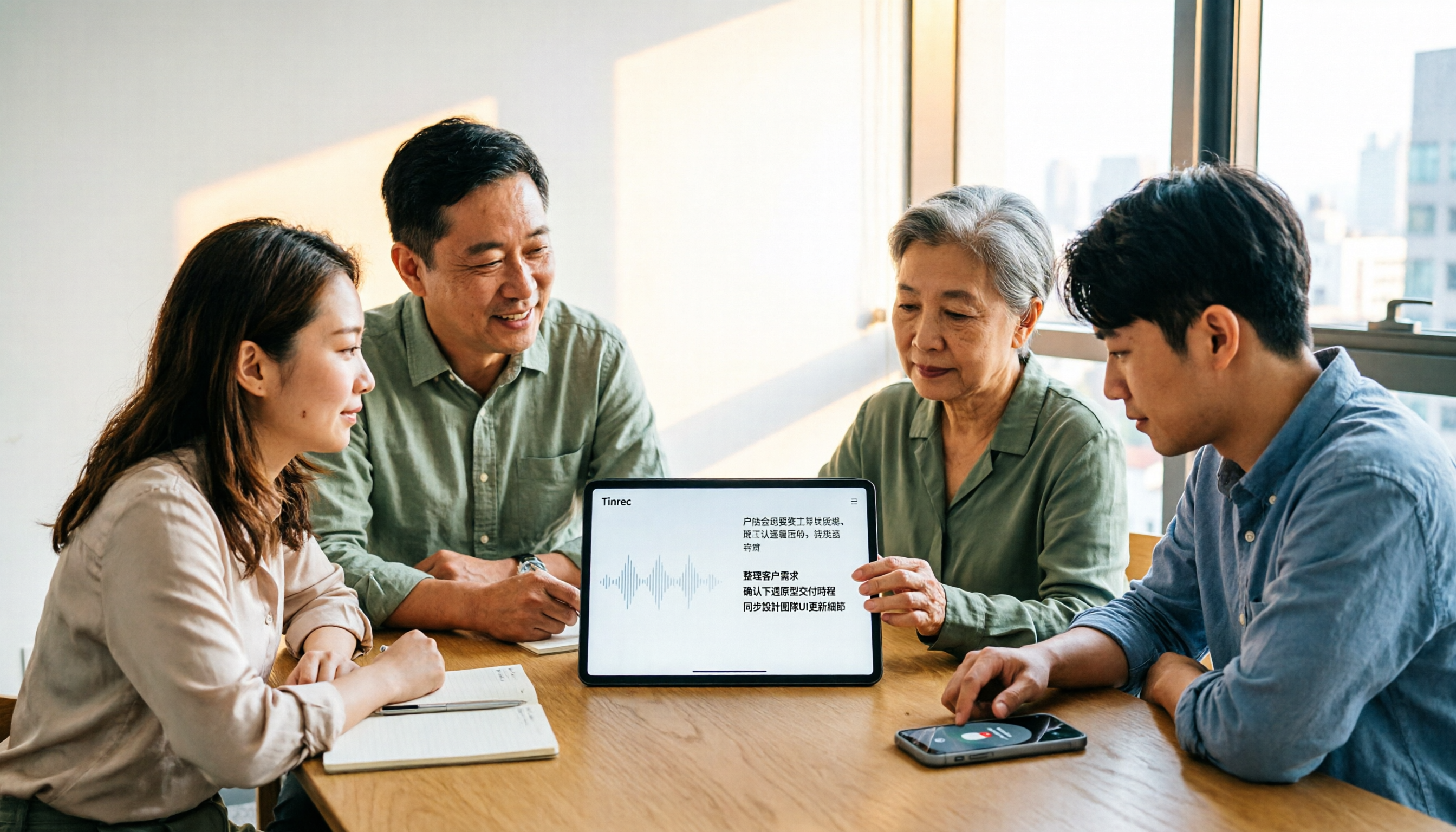
4 AI Meeting Note Takers Tested for 2026: Which Handles Chinese Meetings and Team Collaboration Best?
Spending too much time on meeting notes? We tested 4 recording-to-meeting-minutes tools, comparing Chinese recognition, bot-free recording, post-meeting AI Q&A, and team collaboration to help you find the best fit for your workplace.

How to Transcribe Phone Recordings in 2026: Real-Time Transcripts + AI Summaries
How do you turn phone recordings into text? Starting from the real-world scenario of needing text right after recording on your phone, this article compares Tinrec and Otter.ai across 5 dimensions, covering Chinese and mixed Chinese-English recognition, post-recording summaries and action items, team knowledge retention, free tiers and pricing, and tells you directly which one to choose.