
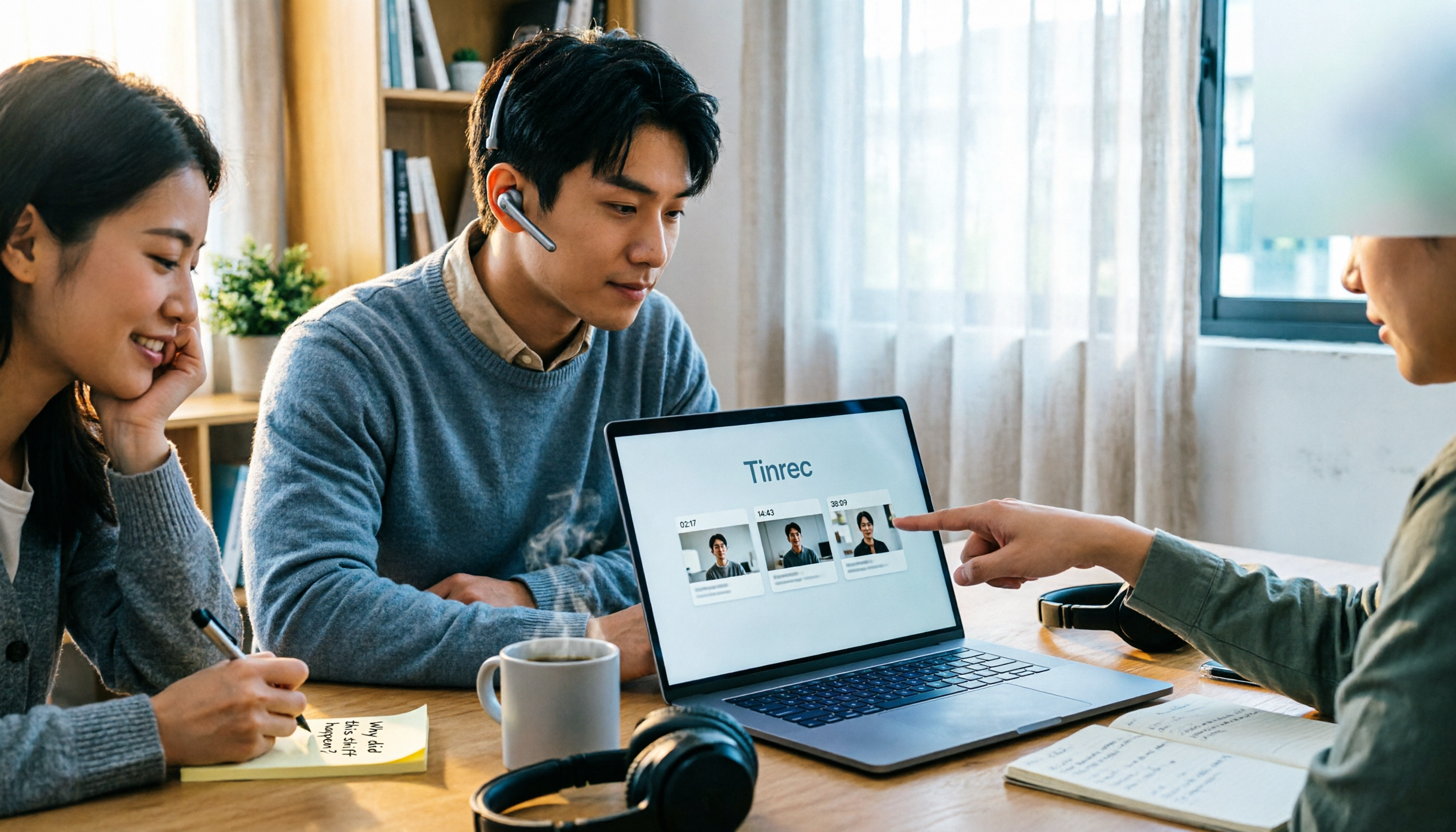
Turn recordings into transcripts and summaries in minutes
Upload audio or video for multilingual transcription, AI notes, and action items
There are so many one-click video summarizers—which one do you really need?
"One-click summary" is a phrase almost every tool uses now. But once you actually try a few, you'll find they're not solving the same problem at all.
Some only accept YouTube links, and once the video leaves YouTube, they're useless. Some give up immediately when a video has no subtitles. Some write beautiful summaries, but when you want to ask a follow-up like "What did the speaker suggest about pricing?" they can't answer.
When I choose these tools, I only look at three things: whether it can handle the videos you have, whether the summary can be used further, and whether you can go back to the original video when something goes wrong.
This article lays out the 4 tools my team and I have actually used, and by the end, you'll see which one we kept.
Understand these 4 key points before choosing
1. Can it handle videos without subtitles? This is the dividing line. Many tools essentially "grab YouTube subtitles and ask AI to summarize," and when subtitles are missing, the whole thing breaks. If you have lecture recordings, phone-recorded interviews, or client meeting videos, you must confirm this first.
2. Can timestamps link back to the original video? No matter how nice the summary is, if you can't jump back to the exact second in the original video, you'll still have to drag the timeline yourself. A summary with timestamps is a verifiable summary.
3. Can you continue asking questions after summarizing? This is the most overlooked point. After reading a summary, you usually have a second question: "What exactly did they say in that part?" Tools that let you ask questions directly about the content are far more valuable than those that just give you a static summary.
4. Is the free quota enough to test it out? Don't look at ads—test with your own videos. If the quota is too small to even process a 30-minute video, you'll never know if it's any good.
Tinrec—the one I kept
Tinrec is an AI meeting notes and collaboration tool for individuals and teams, available on iOS, Android, and web. It doesn't just convert audio to text; it turns a video or recording into searchable, queryable, exportable data.
My most common workflow: drop in an existing video or audio file, wait for the transcript, and the AI summary and chapters come out together. For a 40-minute lecture, I can first pick the sections I want to watch using the chapters, then decide whether to re-listen to the whole thing. This is much faster than dragging from start to finish.
More importantly, there's AI Q&A. After testing a product review video, I directly asked it "What did the speaker say about this machine's cooling?" It didn't give me keyword search results—it gave me the answer directly. Currently, few tools in the same price range can do this kind of "ask questions about the content."
For online meetings, the Tinrec desktop version captures your computer's system audio directly, so you don't need to invite a meeting bot into Zoom, Meet, or Teams. This saves a lot of hassle for frequent meeting-goers—no need to worry about an unfamiliar account appearing in the participant list. It also supports importing some public video links as a supplementary method.
Here are a few other things I find practical:
Stop organizing recordings by hand
Upload audio or video and automatically get a transcript, summary, and action items
- Output is not just a transcript. It also provides summaries, chapters, key points, to-dos, and mind maps, and can generate reports, tables, and documents.
- Export to your existing workflow. Supports exporting to Notion, Google Docs, OneNote, Dropbox, and other tools for further processing.
- Handles Chinese content well. It can process mixed Chinese-English and multilingual content, and offers real-time translation and bilingual comparison, so you don't have to translate cross-language videos segment by segment.
Limitations should also be clear. The free version has a quota limit, so if you're a heavy user running long videos daily, you'll eventually need to pay. Also, its positioning is more toward meeting and content organization; if you just want to "dump 50 files at once for subtitles," that's not its focus.
Who it's for: People with a pile of meeting, interview, and lecture recordings who want a database they can query, export, and keep long-term. If your team needs to share this data, Tinrec also has a team version that centralizes meeting content in a team space and manages members, seats, and usage.
Besides Tinrec, what other options are there?
Monica's YouTube Summary with GPT A web-based tool focused on YouTube video summaries. Click "Summarize Video" and get results in seconds, with multilingual support. It processes content already on YouTube; local video files on your device won't work. If you only follow YouTube and don't need Q&A or export, it's lightweight.
WayinVideo Supports links from YouTube, TikTok, Twitch, Vimeo, Facebook, and other platforms, and can also upload from your device or Google Drive. It focuses on timestamped summaries and transcripts. According to the official description, it starts with 100 credits and no credit card required. Its strength is quickly digesting short videos and social content; team collaboration and long-term data accumulation are not its focus.
YouTube Summary with ChatGPT (browser extension) Install on Chrome or Safari to convert YouTube videos into transcripts, then manually paste into ChatGPT for summarization. Free and flexible, but the workflow is fragmented—you have to copy and prompt yourself, and it's more troublesome if the video has no subtitles or isn't on YouTube.
Pitfall guide: 3 most common mistakes when choosing a one-click video summarizer
Pitfall 1: Treating "videos with subtitles" and "videos without subtitles" as the same thing. Many tools can actually "read subtitles," not "listen to audio." If your video has no subtitles or is a phone recording, it's useless. Before choosing a tool, test it with a video that has no subtitles.
Pitfall 2: Only looking at how pretty the summary is, not whether you can trace back. No matter how smooth the summary, without timestamps you just have to trust it. With timestamps, you can jump back to the original video in seconds to confirm—this difference is very obvious when dealing with important content.
Pitfall 3: Forgetting that AI summary is not the same as a transcript. AI may miss or misunderstand details. My habit: use the summary to get the direction, but always go back to the transcript for key numbers and commitments. Also, be mindful of local regulations for recording and transcription; get consent when needed.
Conclusion: Which one should you choose?
- A pile of meeting, interview, and lecture videos, wanting Q&A, export, and a database → Tinrec.
- Only processing YouTube videos, wanting quick summaries → Monica's YouTube Summary.
- Cross-platform short video links, timestamped transcripts → WayinVideo.
- Already have ChatGPT, just want to save the effort of grabbing transcripts → YouTube Summary with ChatGPT extension.
My advice: start with the free quota and run a video you actually need to organize. See if the summary it gives you can be used directly, and whether it can answer when you ask for details. Only if these two things pass is it worth spending money.
References
- Summarize YouTube with GPT: Free Online Video Summary Tool
- Free AI Video Summary Tool—Accurate, Fast, with Timestamps
- One-Click Video to Text: 3 Video Summary AI Tools Recommended, Quickly Produce High-Quality Key Summaries - Tinrec Blog
- Let ChatGPT Help You One-Click Organize YouTube Video Summaries, Quickly Grasp Key Points - AppleAlmond - iPhone/iOS/Good Stuff Recommendation Tech Media
- ChatGPT's YouTube Summary Video Key Techniques, from Video Transcript to Summary Method - Mr. Mad
Turn every recording into actionable outcomes
Get 60 free transcription minutes when you sign in. No credit card required.
Related Reading
You might also like

Free Online Video to Text Tools in 2026: 5 Options Compared
A 2026 roundup of five free online video-to-text tools, covering their free-tier limits and best use cases. It starts with common misconceptions about why a raw transcript alone isn't enough, then explains how Tinrec turns videos and meeting recordings into searchable, collaborative data.
2026 Comparison of 3 Fast Speech-to-Text Websites: Which Is Fast and Accurate for Chinese Meeting Transcripts?
Many people search for fast speech-to-text websites but can't tell the difference between tools. This article compares Tinrec, cSubtitle, and MyEdit across six dimensions—Chinese recognition, online meeting recording, post-meeting summaries, and team collaboration—to help you determine which approach suits your meeting and interview workflow.

2026 Comparison of 2 YouTube Video Summarization Tools: From Transcripts to AI Q&A
YouTube videos often run half an hour or more—which tool turns long videos into key points? This article compares Tinrec and Monica (YouTube Summary with ChatGPT) across 5 dimensions: input sources, output depth, AI follow-up, multilingual support, and team collaboration. It also outlines each tool's unique strengths to help you decide which fits your video summarization needs.

2026 Complete Guide to YouTube Video Transcription: From Transcripts to AI Summaries
Want to extract text from YouTube videos without manual typing? This complete guide covers three key decision points, helping you understand the core capabilities, practical use cases, and purchasing considerations for YouTube video transcription. It also demonstrates how Tinrec turns transcripts into searchable, summarizable, and queryable data.

Tinrec vs Otter.ai 2026: 5-Dimension Comparison — Which Chinese Meeting Minutes Template Saves More Time?
Should you write meeting minutes templates by hand or let AI handle them? This article breaks down the 5 essential fields of a qualified meeting minutes template, compares Tinrec and Otter.ai across 5 dimensions, and covers Notta and Granola's positioning differences, pitfalls to avoid, and selection advice to help you find the most time-saving meeting minutes approach for 2026.
Tinrec vs Otter.ai 2026: 5-Dimension Comparison — Which Chinese Meeting Minutes Template Saves More Time?
Should you write meeting minutes templates by hand or let AI handle them? This article breaks down the 5 essential fields of a qualified meeting minutes template, compares Tinrec and Otter.ai across 5 dimensions, and covers Notta and Granola's positioning differences, pitfalls to avoid, and selection advice to help you find the most time-saving meeting minutes approach for 2026.
2026 Meeting Minutes AI Tools Compared: Which One Actually Saves You Post-Meeting Time?
Meeting minutes generation isn't just converting audio to text. This article starts with common misconceptions and compares the meeting documentation workflows of Tinrec, Otter.ai, Granola, and Notta, covering differences in bot-free recording, AI summaries and Q&A, audio retention, team workspaces, and pricing. It also outlines 4 common pitfalls to help you choose a tool that truly saves post-meeting cleanup time.

2026 Short Video Summarizer Comparison: Which Tool Turns Video Highlights into Usable Data?
Short video summarization is more than just clicking a button to generate a summary. This article compares Tinrec, Monica, WayinVideo, and SummarizeTech from a hands-on perspective, explaining the 4 key factors for choosing a short video summarizer, common pitfalls, and scenario-based recommendations to help you find a solution that truly retains transcripts, summaries, and action items.

4 Smart Meeting Transcription Tools Tested for 2026: Which Free Version Is Good Enough?
Ever finish a meeting and realize you can't remember the conclusions? This article puts Tinrec, Otter.ai, Notta, and Granola to the test, breaking down how they capture audio, handle Chinese and mixed Chinese-English recognition, organize post-meeting notes, and manage team data. We also cover 5 key buying factors and 4 common pitfalls to help you find the free version that actually works.