
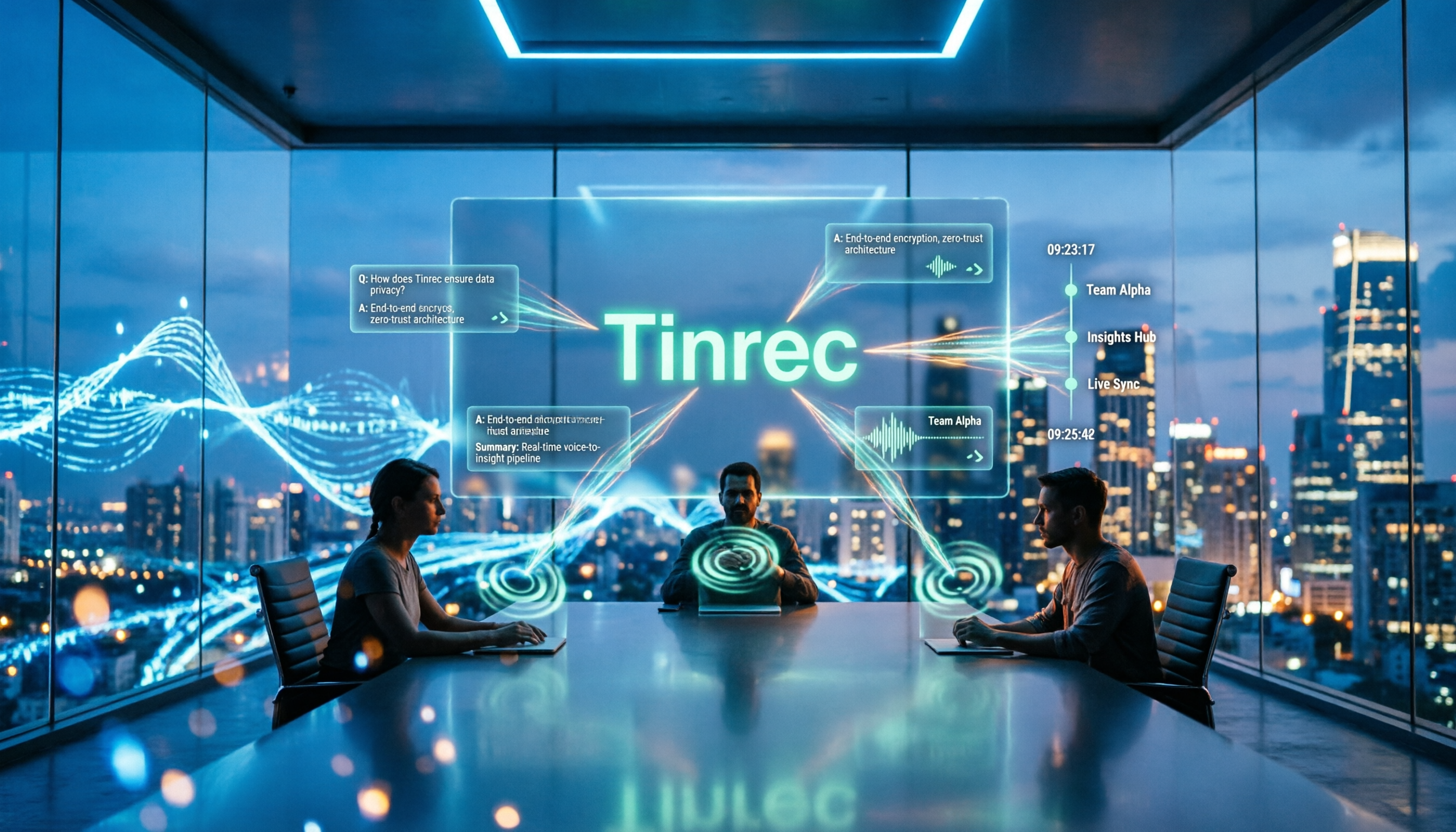
Turn recordings into transcripts and summaries in minutes
Upload audio or video for multilingual transcription, AI notes, and action items
2026 Meeting Minutes AI Tools Compared: Which One Actually Saves You Post-Meeting Time?
The Most Time-Consuming Part of Post-Meeting Work Isn't the Typing
Most people assume meeting notes take forever because they can't type fast enough.
What really drags things out is that the process gets chopped into several disconnected steps: record first, upload to a transcription tool, wait for it to finish, copy-paste into another AI chat window for a summary, then format it yourself and email it to colleagues. Every step involves waiting and manually moving data around. According to the Work Analysis Index cited by Asana, workers spend 129 hours per year in unnecessary meetings—and that doesn't even count post-meeting cleanup time.
Another common misconception is treating the transcript as the meeting minutes. A transcript is raw material; minutes should capture decisions, conclusions, and who needs to do what by when. The two serve completely different purposes.
So the real question isn't "which tool transcribes fastest" but "which tool lets me turn a recording into a send-ready document in one go." This article examines 4 popular tools from that angle, laying out their workflows and pricing plans.
Before Choosing a Tool, Understand These 5 Key Points
1. How Does Meeting Audio Get Captured?
One approach is sending a meeting bot to join as a participant. The other is desktop software that directly captures your computer's audio output. The former is convenient, but the bot shows up on the attendee list. The latter leaves no trace and doesn't require the host's permission for a bot to join, but you must have the software running on your computer.
2. Does It Produce a Transcript or a Usable Record?
Tools that only give you a transcript still require you to read through everything and organize it yourself. Tools that directly generate summaries, chapters, and action items actually finish that post-meeting work for you.
3. Does It Keep the Recording?
Recordings are your reference for verification. If a tool doesn't save audio files, you can't go back and check when the AI summary gets something wrong. This matters especially for client meetings and decision-making meetings.
4. Whose Account Holds the Data?
Data in personal accounts follows the individual—when a colleague leaves, it leaves with them. Team workspaces keep meetings within the team, so data ownership isn't affected by members coming and going.
5. Are Quotas Based on "Live Recording" or "File Import"?
These two quota methods differ significantly. Some plans don't deduct minutes for live recording but charge separately for file uploads. Check which usage type applies to you before choosing.
Tinrec — The Most Seamless Workflow
Tinrec is an AI meeting notes and collaboration tool for individuals and teams. It supports live recording, bot-free online meeting recording, audio and video file import, and real-time translation, and can automatically generate summaries, chapters, key points, and action items. Here are a few practical aspects worth noting.
Record Online Meetings Without a Bot
The desktop version directly captures your computer's system audio to handle Zoom, Google Meet, Microsoft Teams, Webex, and other online meetings—no extra bot account needed on the attendee list. Note that this isn't "automatically join every meeting on your calendar"—you still need to open Tinrec and press record yourself.
Summaries, Chapters, and Action Items Ready When the Meeting Ends
It transcribes in real time during the meeting, then automatically organizes summaries, chapters, key points, and action items afterward. It can also generate mind maps, reports, tables, and documents. For anyone who submits meeting notes weekly, this eliminates the "listen to recording, grab key points, format" step entirely.
Keep Asking Questions After Recording
Tinrec supports AI Q&A about meeting content. Want to know "who mentioned the budget in last week's meeting"? No need to Ctrl+F through a half-hour transcript—just ask. This is especially useful for those who've accumulated many past meetings.
Chinese and Multilingual Meetings
Tinrec covers Chinese, Traditional Chinese, and multilingual meeting scenarios, supporting real-time translation with original text, translation, and bilingual views. The team plan also lets you maintain team glossaries so internal product names and project codes are recognized more accurately. Actual performance is affected by recording quality, ambient noise, accents, multiple people speaking simultaneously, and technical terminology—no tool should promise a fixed accuracy rate.
Stop organizing recordings by hand
Upload audio or video and automatically get a transcript, summary, and action items
Team Plan: Keep Meetings in the Team, Not Personal Accounts
The team plan isn't multiple people sharing one login—it's a separate team workspace. It lets you create and switch between multiple teams, invite members via link, and manage "roles" and "seats" separately: roles determine who can manage members, audit logs, and team settings; seats determine who can record, upload, edit, and export. Members without seats can still view, play, and read team data—they just can't perform resource-consuming operations. There are also team usage trends and member details, audit logs, audio recycle bin, team glossaries, and resource handover when members leave.
Current team plan pricing: eligible teams get a 7-day trial, 1 free seat, and 300 minutes of shared team import quota. Monthly billing is USD 29.80 per paid seat per month; annual billing is USD 199 per paid seat per year (about USD 16.58 per month), with each paid seat providing 2,000 minutes of shared team import quota per month. Under an active team plan and seat, live recording currently doesn't deduct minutes; file and web link imports use the shared team import minutes. Prices and promotions are subject to the official purchase page.
Limitations and Who It's For
The personal plan offers a free tier, weekly pass, monthly pass, and annual pass. Choose based on your usage rhythm: use the free tier for occasional recording cleanup, consider a weekly pass for short bursts of interviews or courses, and move to monthly or annual for regular weekly meetings. Note that team plan costs are calculated per paid seat, so small teams should do the math first. If you have weekly Chinese meetings, need to keep recordings for verification, and want to use AI to follow up on key points afterward, Tinrec currently offers the most seamless workflow.
Besides Tinrec, What Are the Alternatives?
Otter.ai: One of the most mature options for English business meetings. The free plan offers 300 minutes per month; Pro annual billing is about USD 8.49 per user per month, including 1,200 minutes of in-app recording and 10 file imports per month. If your meetings are almost entirely in English, Otter is a cost-effective choice. But if you need real-time translation and bilingual views for Chinese meetings, Tinrec's design is more suited to those needs.
Granola: Also takes the bot-free approach, focusing on "your handwritten notes plus AI enhancement." Basic is free; Business is USD 14 per user per month. Note that it doesn't support uploading pre-recorded audio files and doesn't save meeting audio, so you can't go back and verify the original recording afterward. If you need to keep recordings and import existing files, Tinrec fills that gap.
Notta: A multilingual transcription tool covering multiple platforms and team plans. The free plan offers 120 minutes per month with a 3-minute limit per session; Pro annual billing is about USD 8.17 per month (1,800 minutes per month); Business annual billing is about USD 16.67 per seat per month. Its strengths are file transcription and translation. If you need bot-free online meeting recording, post-meeting AI Q&A, and team data retention, Tinrec's post-meeting workflow is more complete.
Pitfall Guide: The 4 Most Common Mistakes in Meeting Minutes Generation
Pitfall 1: Only looking at advertised accuracy rates. Marketing numbers are usually measured in quiet environments. Real meeting rooms have air conditioning noise, keyboard sounds, and people talking over each other—performance will definitely be lower. Test with your own recordings instead of just trusting ads.
Pitfall 2: Thinking a transcript equals meeting minutes. Sending out a transcript means asking colleagues to read through the entire meeting themselves. Minutes should include decisions, conclusions, and action items—this is also a key feature to look for when choosing a tool.
Pitfall 3: Accepting AI output without question. AI can miss things or misinterpret meaning. 104 Workplace has also warned about the risk of AI hallucination. For important numbers and commitments, verify against the transcript timestamps and recording playback.
Pitfall 4: Leaving meeting data in personal accounts. When the person responsible changes jobs, six months of accumulated meeting records disappear with them. If your team has many regular meetings, choosing a solution with team workspaces, seat management, and resource handover mechanisms will save future headaches.
Summary: Which One Should You Choose?
- Weekly Chinese meetings, want to use AI to follow up on key points afterward → Tinrec
- Need cross-platform use on phone, computer, and web → Tinrec
- Need to keep recordings and verify original audio afterward → Tinrec
- Team needs to share historical meetings, needs member and usage management → Tinrec Team Plan
- Meetings almost entirely in English, zero budget → Otter.ai (the only exception in this article)
- Just occasionally uploading a short file for transcription → Notta free plan can work for now
Overall, the key to choosing a meeting minutes generation tool isn't how fast it transcribes—it's whether it completes that "post-meeting" phase. Start with a free plan to run through your own meeting workflow, confirm the summary and action item format works for you, then decide whether to pay.
References
Turn every recording into actionable outcomes
Get 60 free transcription minutes when you sign in. No credit card required.
Related Reading
You might also like
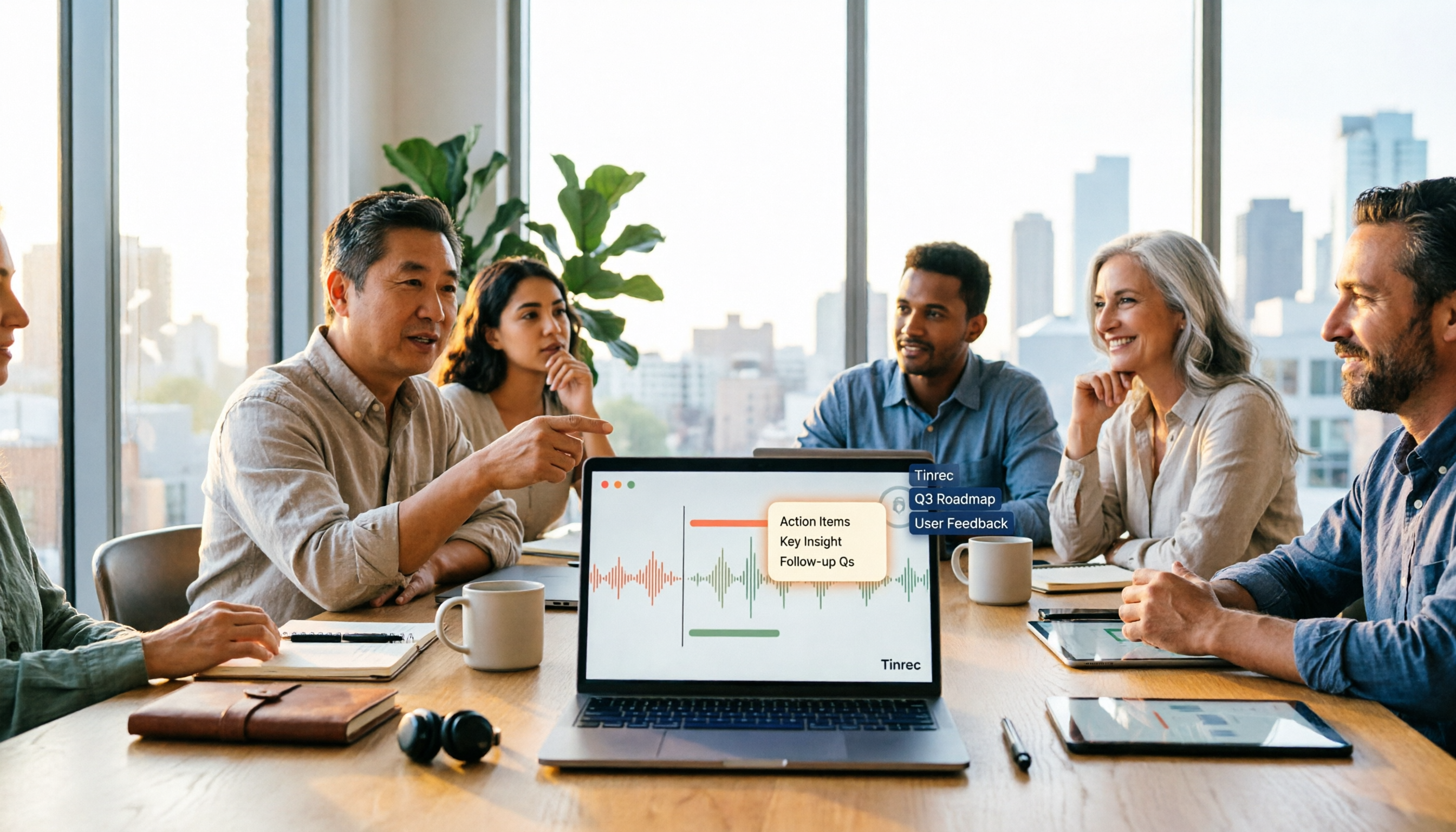
Free Online Video to Text Tools in 2026: 5 Options Compared
A 2026 roundup of five free online video-to-text tools, covering their free-tier limits and best use cases. It starts with common misconceptions about why a raw transcript alone isn't enough, then explains how Tinrec turns videos and meeting recordings into searchable, collaborative data.
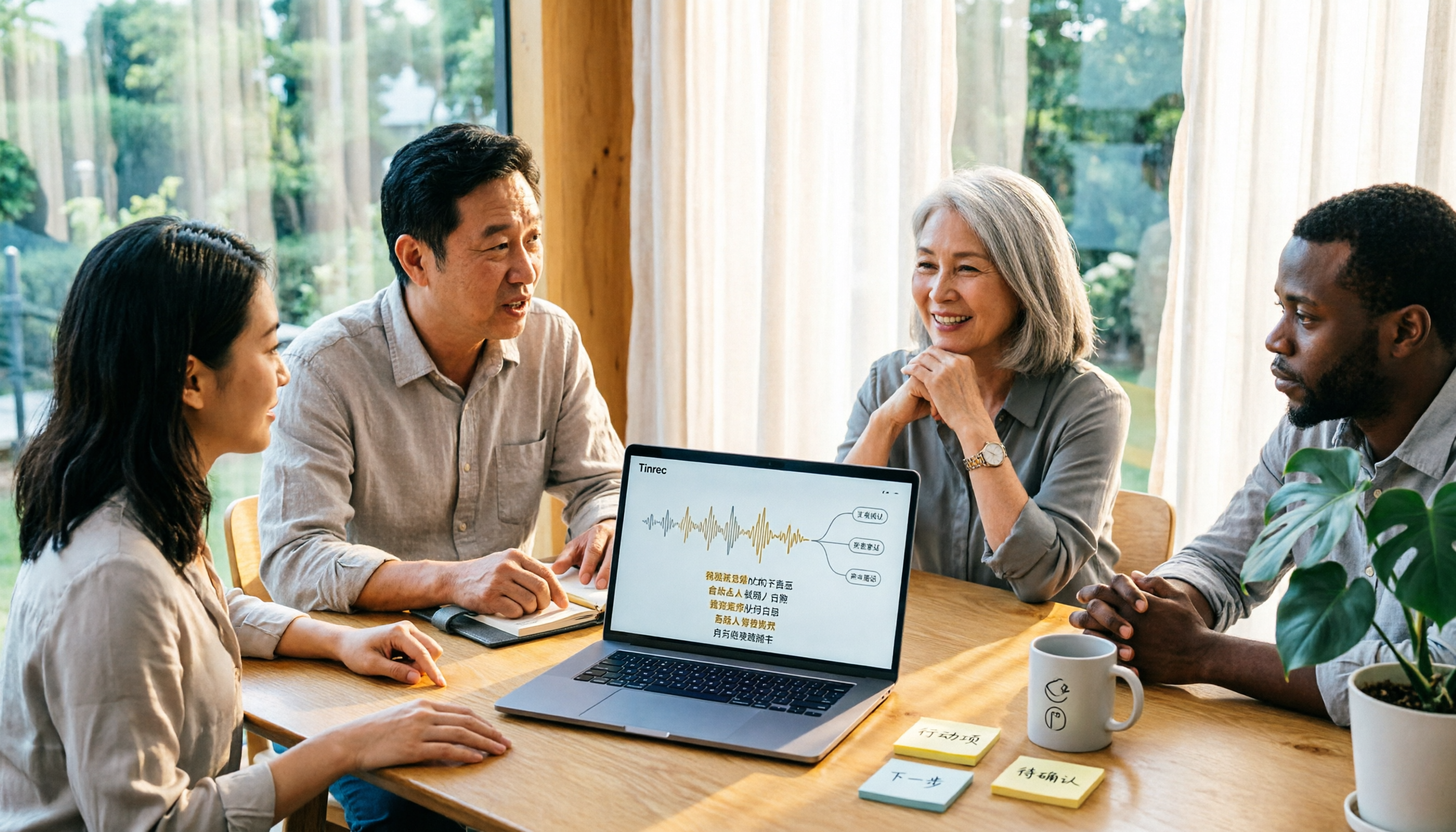
2026 Comparison of 3 Fast Speech-to-Text Websites: Which Is Fast and Accurate for Chinese Meeting Transcripts?
Many people search for fast speech-to-text websites but can't tell the difference between tools. This article compares Tinrec, cSubtitle, and MyEdit across six dimensions—Chinese recognition, online meeting recording, post-meeting summaries, and team collaboration—to help you determine which approach suits your meeting and interview workflow.

2026 Comparison of 2 YouTube Video Summarization Tools: From Transcripts to AI Q&A
YouTube videos often run half an hour or more—which tool turns long videos into key points? This article compares Tinrec and Monica (YouTube Summary with ChatGPT) across 5 dimensions: input sources, output depth, AI follow-up, multilingual support, and team collaboration. It also outlines each tool's unique strengths to help you decide which fits your video summarization needs.

2026 Complete Guide to YouTube Video Transcription: From Transcripts to AI Summaries
Want to extract text from YouTube videos without manual typing? This complete guide covers three key decision points, helping you understand the core capabilities, practical use cases, and purchasing considerations for YouTube video transcription. It also demonstrates how Tinrec turns transcripts into searchable, summarizable, and queryable data.

Tinrec vs Otter.ai 2026: 5-Dimension Comparison — Which Chinese Meeting Minutes Template Saves More Time?
Should you write meeting minutes templates by hand or let AI handle them? This article breaks down the 5 essential fields of a qualified meeting minutes template, compares Tinrec and Otter.ai across 5 dimensions, and covers Notta and Granola's positioning differences, pitfalls to avoid, and selection advice to help you find the most time-saving meeting minutes approach for 2026.
Tinrec vs Otter.ai 2026: 5-Dimension Comparison — Which Chinese Meeting Minutes Template Saves More Time?
Should you write meeting minutes templates by hand or let AI handle them? This article breaks down the 5 essential fields of a qualified meeting minutes template, compares Tinrec and Otter.ai across 5 dimensions, and covers Notta and Granola's positioning differences, pitfalls to avoid, and selection advice to help you find the most time-saving meeting minutes approach for 2026.

2026 Short Video Summarizer Comparison: Which Tool Turns Video Highlights into Usable Data?
Short video summarization is more than just clicking a button to generate a summary. This article compares Tinrec, Monica, WayinVideo, and SummarizeTech from a hands-on perspective, explaining the 4 key factors for choosing a short video summarizer, common pitfalls, and scenario-based recommendations to help you find a solution that truly retains transcripts, summaries, and action items.

4 Smart Meeting Transcription Tools Tested for 2026: Which Free Version Is Good Enough?
Ever finish a meeting and realize you can't remember the conclusions? This article puts Tinrec, Otter.ai, Notta, and Granola to the test, breaking down how they capture audio, handle Chinese and mixed Chinese-English recognition, organize post-meeting notes, and manage team data. We also cover 5 key buying factors and 4 common pitfalls to help you find the free version that actually works.
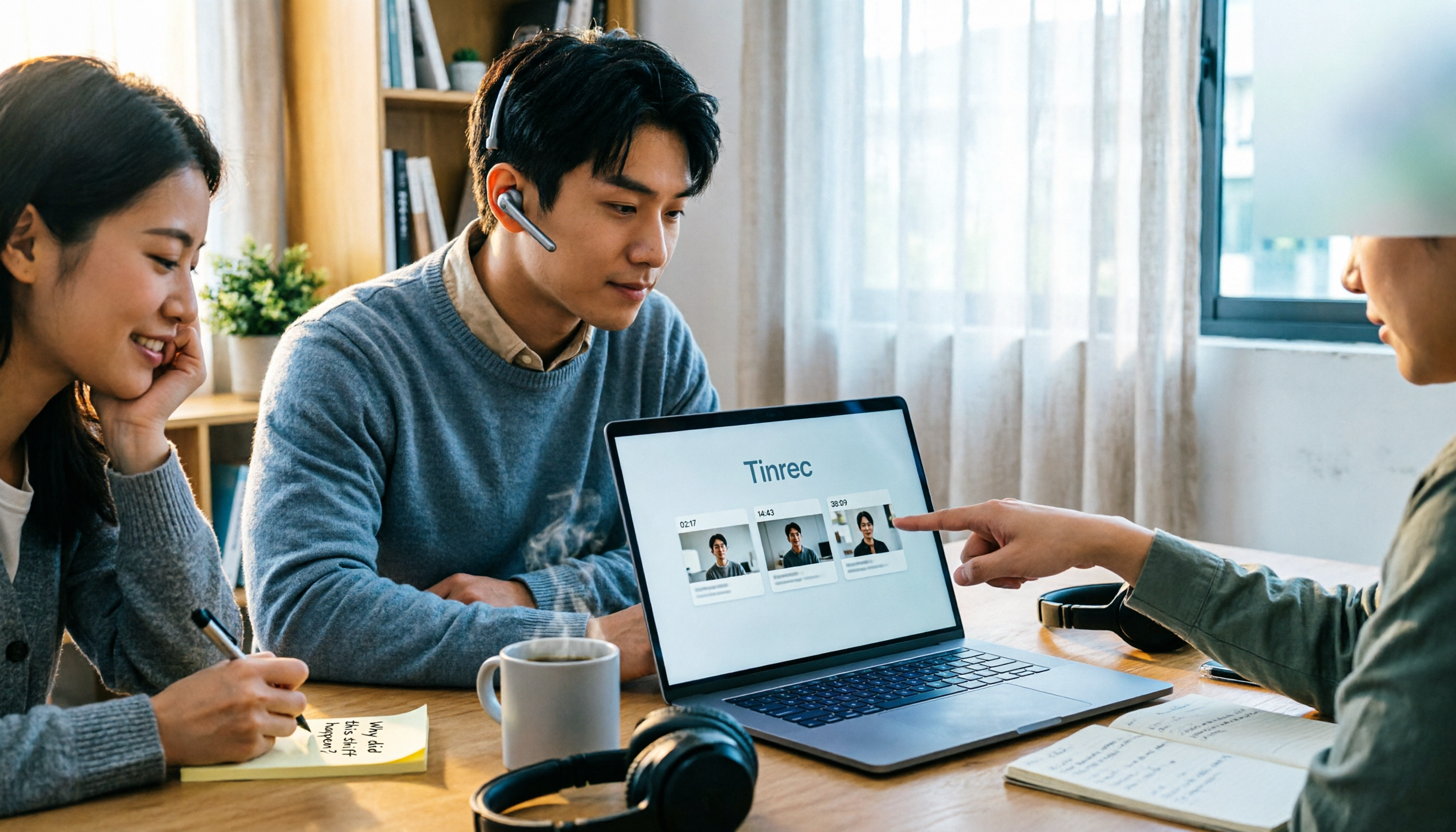
4 One-Click Video Summarizers Tested and Compared in 2026: Get the Gist Without Watching the Whole Video
They all claim one-click summarization, but some only accept YouTube links, and others give up when there are no subtitles. This article compares 4 tools I've actually used with my team, focusing on three angles: whether it can handle your video, whether timestamps let you trace back, and whether you can keep asking questions after summarizing. Finally, I explain why Tinrec is the one I kept.