

Turn recordings into transcripts and summaries in minutes
Upload audio or video for multilingual transcription, AI notes, and action items
4 Smart Meeting Transcription Tools Tested for 2026: Which Free Version Is Good Enough?
The Meeting Ends, but the Notes Are Just Beginning—That's Where Most People Get Stuck
It's 4 p.m. on a Wednesday, and a two-hour product strategy meeting just wrapped up. You return to your desk, open a blank document, and all you remember is that "everyone seemed really engaged." As for who's responsible for what and what's due by next Wednesday—it's all a blur.
This isn't about having a bad memory. In a meeting, you're simultaneously listening, judging, and trying to catch key points—it's naturally hard to listen and write at the same time. What you really need to capture isn't "who said what," but the conclusions, owners, and deadlines for each topic.
Cross-language meetings are even trickier. With Chinese and English mixed together, plus product codes and technical jargon, trying to reconstruct everything from memory afterward is nearly impossible.
If you've ever been in these situations, this article is for you. Below are the key buying factors and insights I gathered after actually testing several popular smart meeting transcription tools.
Before Choosing a Smart Meeting Transcription Tool, Understand These 5 Key Points
1. How does the meeting audio get in? There are mainly two approaches: one is to send a meeting bot to join as a participant, and the other is to capture the computer's system audio directly via a desktop app. The former is quick to set up, but during client meetings, a recording bot suddenly appearing on screen can make things a bit awkward. The latter doesn't add an extra participant, making it friendlier for situations that require discreet recording.
2. Chinese and mixed Chinese-English recognition performance. Many tools shine in English meetings but fall short when it comes to Chinese. Don't just look at the official accuracy claims—those are usually measured in quiet environments. Real meeting rooms have air conditioning noise, keyboard clatter, and people talking over each other, and that's where the differences show up.
3. What do you get after transcription? A transcript is just raw material. What really saves time is automatic summarization, chapter segmentation, action item extraction, and the ability to ask questions directly about the content. This part determines whether you're just "typing less" or actually "doing less."
4. Are recordings and transcripts retained? Some tools don't save meeting audio, while others only store it in individual accounts. If meeting content will be referenced repeatedly, the ability to retain recordings, import existing audio files, and store everything in a shared team space is more important than anything else.
5. How are free quotas calculated, and is there a length limit per session? Free versions may look generous, but they often hide restrictions. For example, Notta's free version offers 120 minutes per month with a maximum of 3 minutes per session; TurboScribe's free version allows 3 files per day with a 30-minute limit per file. Another easily overlooked point: Google Meet's built-in "Take notes for me" currently doesn't support Traditional Chinese, so it's useless for all-Chinese meetings—you'll still need a standalone tool.
Tinrec—The One We Keep Coming Back to After Testing
Tinrec is an AI meeting transcription and collaboration tool for individuals and teams, supporting iOS, Android, and web, with a desktop version that can directly record meeting audio playing on your computer. Its positioning isn't just about converting speech to text—it's about turning meetings into searchable, queryable, actionable data.
During the meeting, just open the desktop app. For common platforms like Zoom, Google Meet, Microsoft Teams, and Webex, Tinrec's desktop version captures system audio, so no extra meeting bot needs to be invited and no extra line appears in the participant list. It generates transcripts in real time, and for cross-language meetings, you can view the original text, translation, or bilingual content on the fly.
When the meeting ends, summaries and action items are already organized. AI automatically generates summaries, chapters, and key points, and extracts action items from the discussion—who's responsible for what and what the deadlines are—much faster than digging back through recordings after the meeting. When you need to deliver documents, it can further generate reports, tables, and meeting minutes drafts, and export to Notion, Google Docs, OneNote, Dropbox, and other tools for further editing.
After recording, you can ask it questions directly. This is the part I find most useful. You can ask Tinrec directly: "Who mentioned the budget in the last meeting?" "What were the client's concerns about pricing?" What it gives you isn't keyword search results, but answers organized based on the meeting content. You can ask follow-up questions within the same meeting or across meetings, saving a lot of time for those who need to look back at historical decisions.
Stop organizing recordings by hand
Upload audio or video and automatically get a transcript, summary, and action items
Handling details in Chinese meetings. Tinrec covers Chinese, Traditional Chinese, and multilingual meeting scenarios, and offers a team hotwords feature that lets you maintain a glossary of internal product codes and project names to reduce the chance of technical terms being misheard. Note that actual recognition performance is still affected by recording quality, accents, background noise, and overlapping speakers, so it's recommended to double-check important information against the transcript and recording timestamps.
Where we need to be honest. The free version provides a basic quota for experiencing recording, importing, summarization, and transcription, but the specific minutes may change with plan adjustments—please refer to the official website for the latest. Also, Tinrec is currently not a calendar-based meeting bot; it won't automatically join every meeting on your calendar—you need to start recording yourself.
When used by a team. The team version is a separate collaboration space, not multiple people sharing one account. Meeting data belongs to the team, and you can create and switch between multiple team spaces, invite members via link, set roles as owner/admin/member, and assign or revoke seats. Admins can view team usage trends and member details, query and export audit logs, and recover accidentally deleted audio files from the recycle bin (currently retained for 30 days). It's important to distinguish between "roles" and "seats": roles determine who can manage the team and settings, while seats determine whether a member can record, upload, edit, and export; active members without a seat can still view, play, and read team data. As for pricing, the team monthly plan is USD 29.80 per paid seat per month, and the annual plan is USD 199 per paid seat per year (equivalent to about USD 16.58 per month). Each paid seat provides 2,000 minutes of shared team import quota per month, and eligible teams get a 7-day trial with 1 free seat and 300 minutes of shared import.
Who is it for? If you frequently handle Chinese or mixed Chinese-English meetings, don't want an extra bot in the meeting, want to use AI to ask about key points right after recording, and want meeting notes to become a searchable team knowledge base, Tinrec is currently the most well-rounded choice overall.
Besides Tinrec, What Other Options Are There?
Otter.ai: A mature choice for English meetings. Otter is one of the most well-known AI meeting assistants on the market. The free version offers 300 minutes per month, and the Pro annual plan is about USD 8.49 per user per month, including 1,200 minutes of in-app recording and 10 file imports per month—plenty for pure English meetings. Keep in mind that its flexibility for Chinese and mixed Chinese-English organization is limited, and it lacks team hotwords or similar mechanisms for maintaining technical terms. If you mainly record English content, Otter is well worth considering; if Chinese meetings are your main focus, Tinrec will be smoother.
Notta: A direct competitor with similar features. Notta overlaps the most with Tinrec—both support multi-platform transcription, file import, translation, and team plans. The free version offers 120 minutes per month with a maximum of 3 minutes per session; the Pro annual plan is about USD 8.17 per month (1,800 minutes per month), and the Business annual plan is about USD 16.67 per seat per month. Its strengths lie in transcription and translation itself; as for bot-free desktop recording, post-meeting AI Q&A, and Agent-generated reports, Tinrec's focus is clearer.
Granola: The bot-free meeting notes approach. Granola also takes the bot-free route, using desktop system audio and microphone for real-time transcription, then combining your handwritten notes with AI content. Basic is free, and Business is USD 14 per user per month. Note that it doesn't support uploading pre-recorded audio files and doesn't save meeting audio. If you need to retain recordings, import existing audio, organize meetings in Chinese, or need team-level data management, Tinrec covers a more complete range.
Pitfall Guide: The 4 Most Common Mistakes When Choosing a Smart Meeting Transcription Tool
Pitfall 1: Only looking at official accuracy claims. Numbers measured in a quiet recording studio are very different from a real meeting room. It's best to test with one of your own recordings, and be aware of the free version's per-session length limit—otherwise you won't be able to test real meeting conditions.
Pitfall 2: Thinking a transcript is enough. A transcript is raw material, not a finished product. If you only use it as speech-to-text, you're only using a third of what these tools can do. What really saves time is summaries, action items, and AI Q&A that lets you ask questions directly.
Pitfall 3: Ignoring the perception of "an extra bot in the meeting." A recording bot suddenly popping up in a client meeting can easily disrupt the flow. The desktop system audio capture method doesn't add an extra participant—Tinrec and Granola both fall into this category and are worth prioritizing.
Pitfall 4: Leaving team data in individual accounts. Meeting notes are team assets. If they only exist in one person's account, they'll all be taken away when that person leaves. When choosing a tool, look at team spaces, member and seat management, usage, and auditing together—not just transcription minutes.
Conclusion: Which One Should You Choose?
To sum up in one sentence: if you want Chinese meetings plus the ability to ask AI directly afterward and turn data into a team asset, Tinrec is the most well-rounded option in this round of testing.
- Need transcripts and summaries for Chinese or mixed Chinese-English meetings → Tinrec
- Don't want a bot joining online meetings → Tinrec (desktop system audio capture)
- Want to ask "What was the conclusion of this meeting?" right after recording → Tinrec (AI Q&A)
- Need to use it on phone, tablet, and computer → Tinrec (iOS, Android, web)
- Department needs to share meeting data, manage seats and usage → Tinrec team version
- Zero budget, only recording English meetings → Otter.ai (free 300 minutes per month, one of the few competitor scenarios recommended in this article)
We suggest starting with the free version: run one of your own real meeting recordings through it, see if the transcript, summary, and action items meet your standards, and then decide whether to pay. For actual free version quotas and plan details, please refer to the official website.
References
- Complete Guide to AI Meeting Minutes: Nail Long Meetings in Three Minutes, from Transcript to Key Points
- Meeting Ink - AI Meeting Notes Assistant: Automatic Transcription and Summary
- How to Do AI Meeting Minutes? Complete Guide from Writing Principles to Tool Selection and Automation Prompts | Manager Today
- AI Meeting Notes - Smart Meeting Notes and Summaries | MaiAgent
- How to Take Meeting Notes? Complete Guide for Beginners in 2026 - Meta Note
Turn every recording into actionable outcomes
Get 60 free transcription minutes when you sign in. No credit card required.
Related Reading
You might also like

Free Online Video to Text Tools in 2026: 5 Options Compared
A 2026 roundup of five free online video-to-text tools, covering their free-tier limits and best use cases. It starts with common misconceptions about why a raw transcript alone isn't enough, then explains how Tinrec turns videos and meeting recordings into searchable, collaborative data.
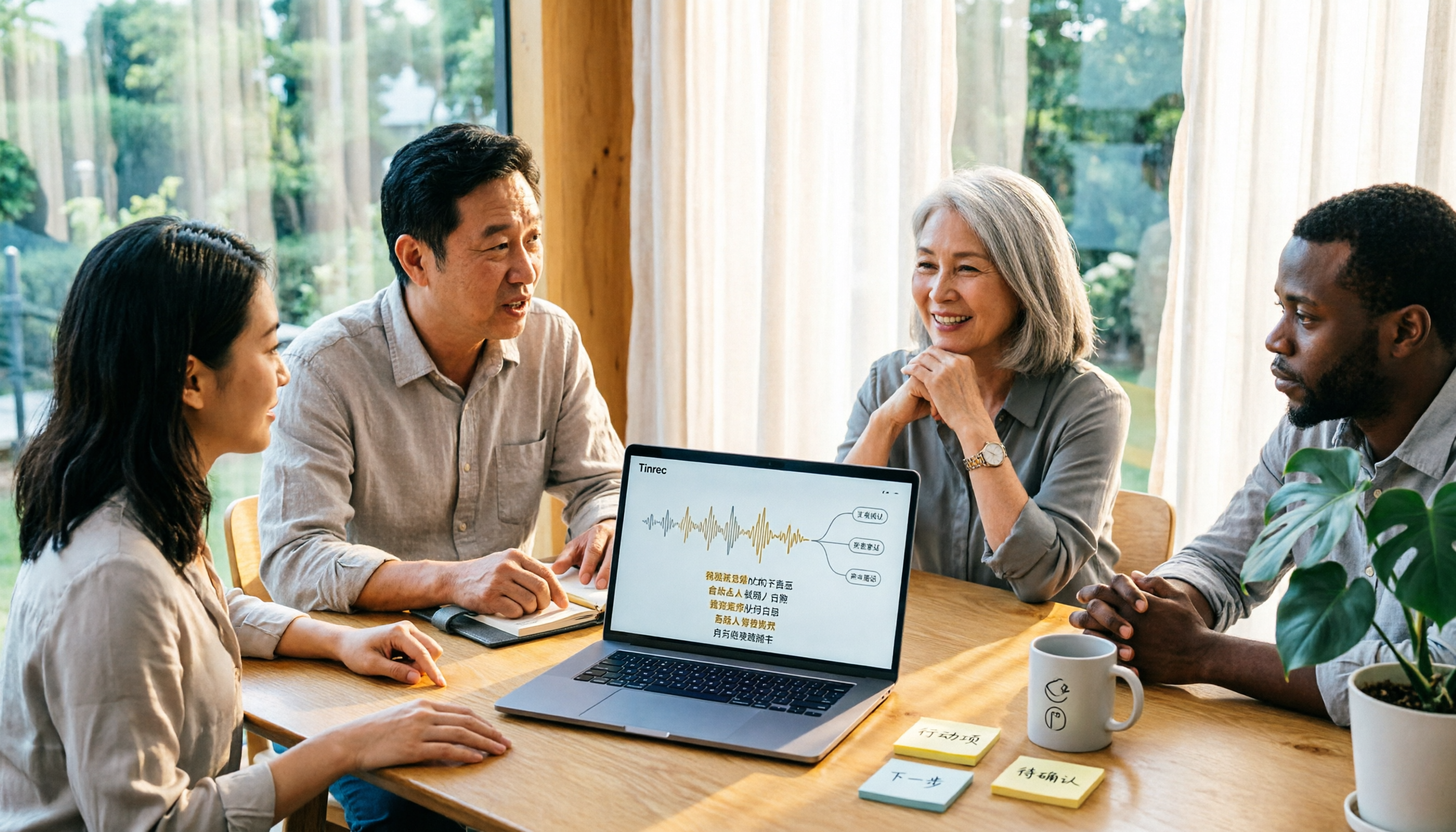
2026 Comparison of 3 Fast Speech-to-Text Websites: Which Is Fast and Accurate for Chinese Meeting Transcripts?
Many people search for fast speech-to-text websites but can't tell the difference between tools. This article compares Tinrec, cSubtitle, and MyEdit across six dimensions—Chinese recognition, online meeting recording, post-meeting summaries, and team collaboration—to help you determine which approach suits your meeting and interview workflow.

2026 Comparison of 2 YouTube Video Summarization Tools: From Transcripts to AI Q&A
YouTube videos often run half an hour or more—which tool turns long videos into key points? This article compares Tinrec and Monica (YouTube Summary with ChatGPT) across 5 dimensions: input sources, output depth, AI follow-up, multilingual support, and team collaboration. It also outlines each tool's unique strengths to help you decide which fits your video summarization needs.

2026 Complete Guide to YouTube Video Transcription: From Transcripts to AI Summaries
Want to extract text from YouTube videos without manual typing? This complete guide covers three key decision points, helping you understand the core capabilities, practical use cases, and purchasing considerations for YouTube video transcription. It also demonstrates how Tinrec turns transcripts into searchable, summarizable, and queryable data.

Tinrec vs Otter.ai 2026: 5-Dimension Comparison — Which Chinese Meeting Minutes Template Saves More Time?
Should you write meeting minutes templates by hand or let AI handle them? This article breaks down the 5 essential fields of a qualified meeting minutes template, compares Tinrec and Otter.ai across 5 dimensions, and covers Notta and Granola's positioning differences, pitfalls to avoid, and selection advice to help you find the most time-saving meeting minutes approach for 2026.
Tinrec vs Otter.ai 2026: 5-Dimension Comparison — Which Chinese Meeting Minutes Template Saves More Time?
Should you write meeting minutes templates by hand or let AI handle them? This article breaks down the 5 essential fields of a qualified meeting minutes template, compares Tinrec and Otter.ai across 5 dimensions, and covers Notta and Granola's positioning differences, pitfalls to avoid, and selection advice to help you find the most time-saving meeting minutes approach for 2026.
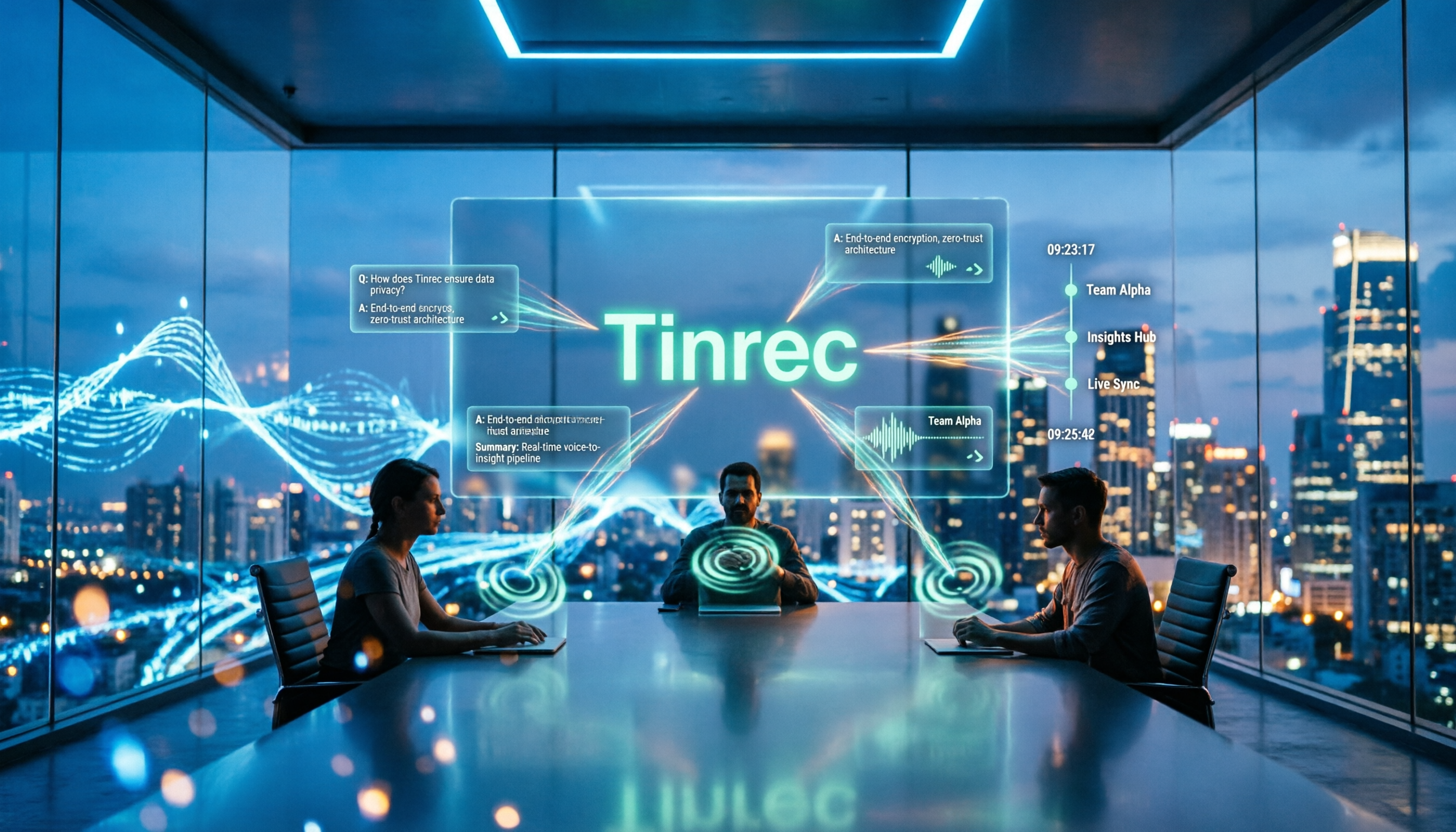
2026 Meeting Minutes AI Tools Compared: Which One Actually Saves You Post-Meeting Time?
Meeting minutes generation isn't just converting audio to text. This article starts with common misconceptions and compares the meeting documentation workflows of Tinrec, Otter.ai, Granola, and Notta, covering differences in bot-free recording, AI summaries and Q&A, audio retention, team workspaces, and pricing. It also outlines 4 common pitfalls to help you choose a tool that truly saves post-meeting cleanup time.

2026 Short Video Summarizer Comparison: Which Tool Turns Video Highlights into Usable Data?
Short video summarization is more than just clicking a button to generate a summary. This article compares Tinrec, Monica, WayinVideo, and SummarizeTech from a hands-on perspective, explaining the 4 key factors for choosing a short video summarizer, common pitfalls, and scenario-based recommendations to help you find a solution that truly retains transcripts, summaries, and action items.
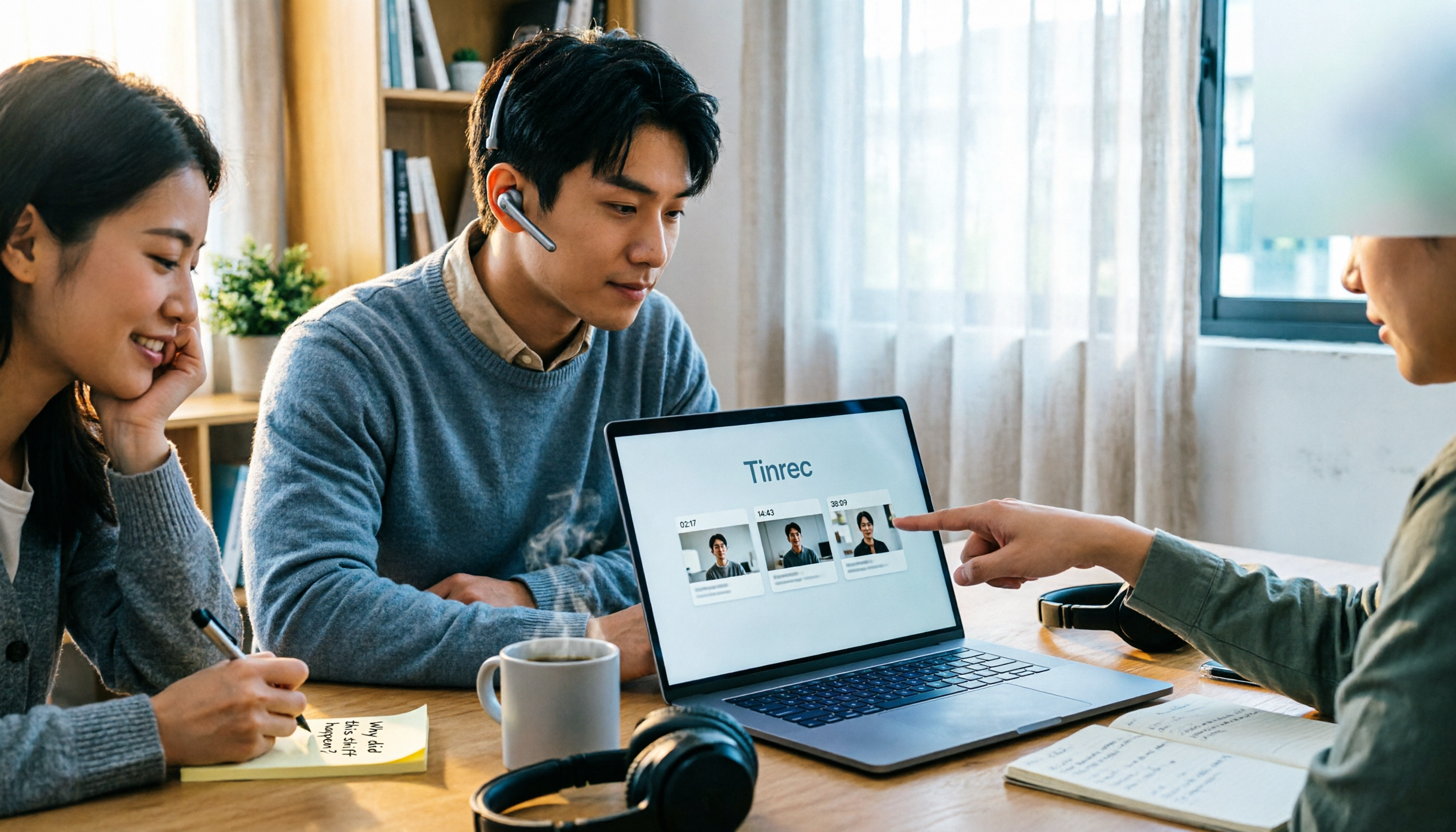
4 One-Click Video Summarizers Tested and Compared in 2026: Get the Gist Without Watching the Whole Video
They all claim one-click summarization, but some only accept YouTube links, and others give up when there are no subtitles. This article compares 4 tools I've actually used with my team, focusing on three angles: whether it can handle your video, whether timestamps let you trace back, and whether you can keep asking questions after summarizing. Finally, I explain why Tinrec is the one I kept.