
Turn recordings into transcripts and summaries in minutes
Upload audio or video for multilingual transcription, AI notes, and action items
Tinrec vs Otter.ai 2026: 5-Dimension Comparison — Which Chinese Meeting Minutes Template Saves More Time?
The Real Cost of a Meeting Is When No One Remembers the Conclusion
The 3 PM project meeting ends, colleagues file out one by one, and you look down at your notebook to find only a few scribbled words: "budget," "next week," "who's responsible?"
When you get back to your desk to write the meeting minutes, you realize that hour of discussion left behind only fragments. Two weeks later someone asks, "Didn't we say we were changing direction last time?" and no one in the room can say for sure.
According to Work Chronicle Index statistics, workers spend about 129 hours per year in unnecessary meetings. That doesn't even count the invisible hours spent scheduling meetings, writing agendas, and organizing minutes afterward.
Meeting minutes templates exist to reduce these costs. But in 2026, are you still filling them in cell by cell by hand? This article will first clarify what a good template should look like, then compare tools like Tinrec and Otter.ai across 5 dimensions to see which approach truly saves time.
A Qualified Meeting Minutes Template Should Include These 5 Fields
Let's clarify one thing first: meeting minutes and meeting notes are not the same. Meeting minutes are formal records with a fixed structure; meeting notes are usually more casual, like the quick jottings from a recurring one-on-one. If you need a document that can be used to track decisions, you need minutes.
A reusable template typically includes the following fields:
- Basic meeting information: date, time, location, facilitator, note-taker, and who attended or was absent.
- Agenda items: a sequential list of the topics discussed.
- Discussion summary: key points, differing viewpoints, and cited materials — not a verbatim transcript.
- Decisions made: clearly state "The team decided..." so others don't have to guess.
- Action items and owners: who does what and by when.
A useful tip: write the core question of the meeting as a single interrogative sentence at the top, such as "This meeting will decide how to allocate next quarter's marketing budget." Participants will immediately know where the focus is.
The fields aren't difficult — the hard part is filling them in every time, and even then, no one may read them.
Before Choosing a Meeting Minutes Tool, Understand These 5 Key Points
1. Accuracy depends on real-world conditions, not marketing numbers Official figures are usually measured in quiet environments. Real meeting rooms have air conditioning noise, keyboard clatter, and multiple people talking over each other — performance drops. When choosing a tool, test it with a recording of your own meeting to see the real difference.
2. Chinese and mixed Chinese-English recognition capability Meetings in Taiwan are rarely pure Chinese — they usually mix in English product names and technical terms. Some tools are strong for English meetings but fall apart the moment Chinese is mixed in. You must test this yourself.
3. Recording method: meeting bot or no bot The traditional approach is to invite a bot account into the meeting, but some companies' security policies don't allow it. Another approach is a desktop app that directly captures the computer's system audio without adding an extra participant. The latter is usually more enterprise-friendly.
4. Post-meeting output: just a transcript, or a ready-to-use summary A transcript is not the same as meeting minutes. A good tool will also generate summaries, chapters, and action items — and even let you ask questions directly about the meeting content.
5. Team data ownership and management If meeting data is scattered across individual accounts, it disappears when someone leaves. Whether you can store data centrally, manage members and seats, and view usage is the most commonly overlooked point when upgrading from personal to team use.
Tinrec — Our Top Pick After Testing
Tinrec is an AI meeting recording and collaboration tool for individuals and teams, supporting iOS, Android, and web, with a desktop version that can handle online meetings on Zoom, Google Meet, Microsoft Teams, Webex, and more. Its positioning isn't just converting audio to text — it's turning meetings into searchable, collaborative, actionable data.
During the meeting: record without inviting a bot The desktop version directly captures your computer's system audio, so you don't need to add an extra bot to the meeting room or worry about your security team's concerns. Once started, it transcribes in real time, with the transcript appearing on screen instantly. For cross-language meetings, it can simultaneously display the original text, translation, or bilingual comparison.
Stop organizing recordings by hand
Upload audio or video and automatically get a transcript, summary, and action items
After the meeting: it pre-fills the fields a template should have For the five fields mentioned earlier, Tinrec automatically generates summaries, chapters, and action items — who's responsible for what and by when, organized into a list. Long meetings are broken into sections so you don't have to scroll from the beginning to review.
Post-meeting follow-up: this is where it differs most from same-priced tools After recording, you can ask Tinrec directly: "Who mentioned the budget in the last meeting?" "What were the client's concerns about the delivery date?" It doesn't dump a bunch of keyword search results on you — it answers directly based on semantics. Most competitors at the same price point don't yet have this kind of conversational query.
Output and extension: connects back to your existing workflow Transcripts and minutes can be exported to Notion, Google Docs, OneNote, Dropbox, and other tools, and can further generate reports, tables, and documents. For anyone who needs to submit weekly reports or meeting records, this saves a chunk of retyping time.
Team use: let meeting data stay If you need multi-person collaboration, Tinrec for Teams provides an independent team space where meeting recordings, transcripts, summaries, and action items all belong to the team. Admins can create multiple teams, invite members via link, assign or revoke seats, and view team usage trends and member details; there are also audit logs, team hotwords, and a 30-day audio recycle bin. When a member leaves or loses their seat, their team resources can be handed over to other members — they won't disappear with the person.
On pricing, the team version offers a 7-day trial for first-time eligible users, including 1 free seat and 300 minutes of team shared import quota; monthly billing is USD 29.80 per paid seat per month, annual billing is USD 199 per paid seat per year (equivalent to about USD 16.58 per month), with each paid seat providing 2,000 minutes of team shared import quota per month. Real-time recording under an active team plan currently does not deduct minutes. The personal version has a free tier, weekly pass, Pro monthly, and Pro annual — choose based on your usage frequency.
Note: the free version only provides basic quota, and heavy users will need to pay; also, no tool should claim 100% accuracy — recording quality, accents, and overlapping speech all affect results, so important content should be verified by replaying at the relevant timestamp. Also, please comply with local regulations before recording and obtain participant consent when necessary.
Who it's for: People who frequently hold Chinese or mixed Chinese-English meetings, don't want to invite a meeting bot, want to use AI to find key points directly after recording, and plan to upgrade to a shared team database later.
Besides Tinrec, What Other Options Are There?
Otter.ai: A mature choice for English business meetings, with a free version offering 300 minutes per month and Pro annual billing at about USD 8.49 per user per month (1,200 minutes per month). Its English experience is very solid, but Chinese meetings are not its strong suit, and it lacks Tinrec's Chinese-centric minutes organization and bilingual real-time translation. If you mainly record English meetings, you can prioritize it.
Notta: Good multilingual transcription and translation, with a free version offering 120 minutes per month and a 3-minute per-session limit, and Pro annual billing at about USD 8.17 per month. It's also a transcription-first tool, but it lacks Tinrec's desktop bot-free online meeting recording, and AI conversational query is not its strength.
Granola: Focuses on bot-free meeting notes, combining your handwritten notes to generate content, with a free Basic tier and Business at USD 14 per user per month. Note that it doesn't support uploading pre-recorded audio files and doesn't save meeting audio. If you need to keep recordings, import historical files, or handle Chinese content, Tinrec is more suitable.
Pitfall Guide: The 3 Most Common Mistakes When Choosing a Meeting Minutes Tool
Pitfall 1: Deciding based only on official accuracy rates. Marketing numbers mostly come from ideal environments. Test with a real recording of your own meeting, especially mixed Chinese-English segments — the difference will be bigger than you think.
Pitfall 2: Submitting a transcript as meeting minutes. A transcript is raw material; minutes are the finished product. Colleagues won't thank you for receiving a 30,000-word transcript. A tool must help you distill decisions and action items to truly save work.
Pitfall 3: Ignoring data ownership. Recording meetings with a personal account keeps data in that personal account. As the team grows, this will eventually become a problem. When choosing a tool, think clearly first: whose hands will these meeting records be in three years from now?
Conclusion: Which One Should You Actually Choose?
In one sentence: if you want Chinese meeting minutes templates that generate themselves automatically, Tinrec is currently the most suitable choice.
- Frequently hold Chinese or mixed Chinese-English meetings → Tinrec (Chinese experience and real-time translation are its strong suit)
- Don't want to invite a meeting bot into Zoom or Teams → Tinrec (desktop version directly captures system audio)
- Want to use AI to ask key points directly after recording → Tinrec (conversational query is a rare feature at this price point)
- Need team-shared meeting data, seat and usage management → Tinrec for Teams
- Mainly record English meetings, limited budget → Otter.ai (the only recommended exception in this article)
If you're not sure, start by using the free version's basic quota for one meeting — if it feels smooth, then consider upgrading. There's no need to pay from the start.
References
- Tips for Creating Meeting Minutes Templates 2026 • Asana
- Free Meeting Minutes Templates (Word, Google Docs, PDF) | HiNoter Blog
- National Development Council - Meeting Minutes
- Meeting Minutes = Transcript? Professional Meeting Minutes Only Record 3 Key Points | Writing Tips and Templates at a Glance | 104 Workplace Power
- [Meeting Minutes] Standard Format, Sample, Template, How to Write Meeting Minutes_Meeting Theme_Issues_Content
Turn every recording into actionable outcomes
Get 60 free transcription minutes when you sign in. No credit card required.
Related Reading
You might also like

Free Online Video to Text Tools in 2026: 5 Options Compared
A 2026 roundup of five free online video-to-text tools, covering their free-tier limits and best use cases. It starts with common misconceptions about why a raw transcript alone isn't enough, then explains how Tinrec turns videos and meeting recordings into searchable, collaborative data.
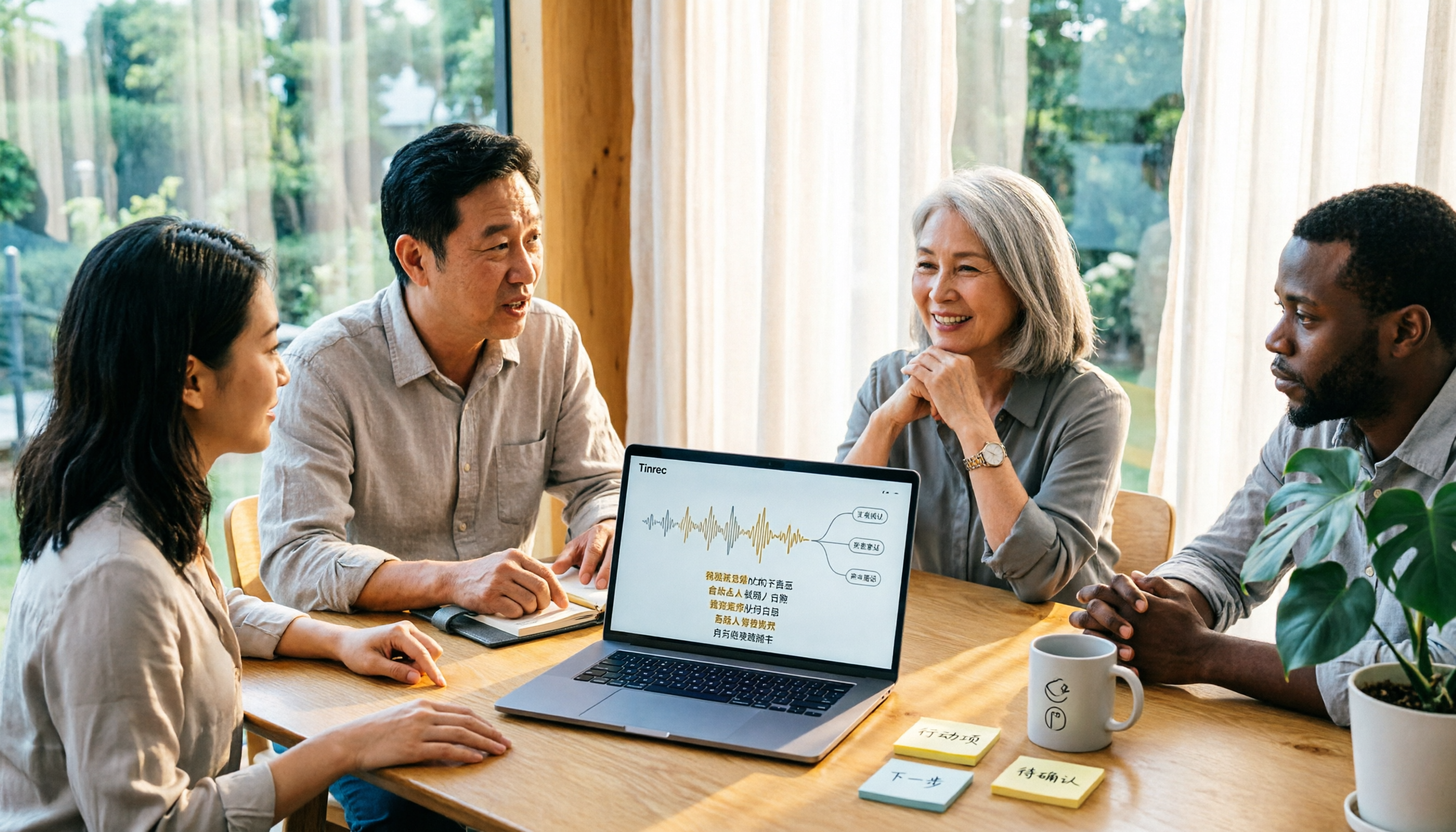
2026 Comparison of 3 Fast Speech-to-Text Websites: Which Is Fast and Accurate for Chinese Meeting Transcripts?
Many people search for fast speech-to-text websites but can't tell the difference between tools. This article compares Tinrec, cSubtitle, and MyEdit across six dimensions—Chinese recognition, online meeting recording, post-meeting summaries, and team collaboration—to help you determine which approach suits your meeting and interview workflow.

2026 Comparison of 2 YouTube Video Summarization Tools: From Transcripts to AI Q&A
YouTube videos often run half an hour or more—which tool turns long videos into key points? This article compares Tinrec and Monica (YouTube Summary with ChatGPT) across 5 dimensions: input sources, output depth, AI follow-up, multilingual support, and team collaboration. It also outlines each tool's unique strengths to help you decide which fits your video summarization needs.

2026 Complete Guide to YouTube Video Transcription: From Transcripts to AI Summaries
Want to extract text from YouTube videos without manual typing? This complete guide covers three key decision points, helping you understand the core capabilities, practical use cases, and purchasing considerations for YouTube video transcription. It also demonstrates how Tinrec turns transcripts into searchable, summarizable, and queryable data.

Tinrec vs Otter.ai 2026: 5-Dimension Comparison — Which Chinese Meeting Minutes Template Saves More Time?
Should you write meeting minutes templates by hand or let AI handle them? This article breaks down the 5 essential fields of a qualified meeting minutes template, compares Tinrec and Otter.ai across 5 dimensions, and covers Notta and Granola's positioning differences, pitfalls to avoid, and selection advice to help you find the most time-saving meeting minutes approach for 2026.

2026 Meeting Minutes AI Tools Compared: Which One Actually Saves You Post-Meeting Time?
Meeting minutes generation isn't just converting audio to text. This article starts with common misconceptions and compares the meeting documentation workflows of Tinrec, Otter.ai, Granola, and Notta, covering differences in bot-free recording, AI summaries and Q&A, audio retention, team workspaces, and pricing. It also outlines 4 common pitfalls to help you choose a tool that truly saves post-meeting cleanup time.

2026 Short Video Summarizer Comparison: Which Tool Turns Video Highlights into Usable Data?
Short video summarization is more than just clicking a button to generate a summary. This article compares Tinrec, Monica, WayinVideo, and SummarizeTech from a hands-on perspective, explaining the 4 key factors for choosing a short video summarizer, common pitfalls, and scenario-based recommendations to help you find a solution that truly retains transcripts, summaries, and action items.

4 Smart Meeting Transcription Tools Tested for 2026: Which Free Version Is Good Enough?
Ever finish a meeting and realize you can't remember the conclusions? This article puts Tinrec, Otter.ai, Notta, and Granola to the test, breaking down how they capture audio, handle Chinese and mixed Chinese-English recognition, organize post-meeting notes, and manage team data. We also cover 5 key buying factors and 4 common pitfalls to help you find the free version that actually works.
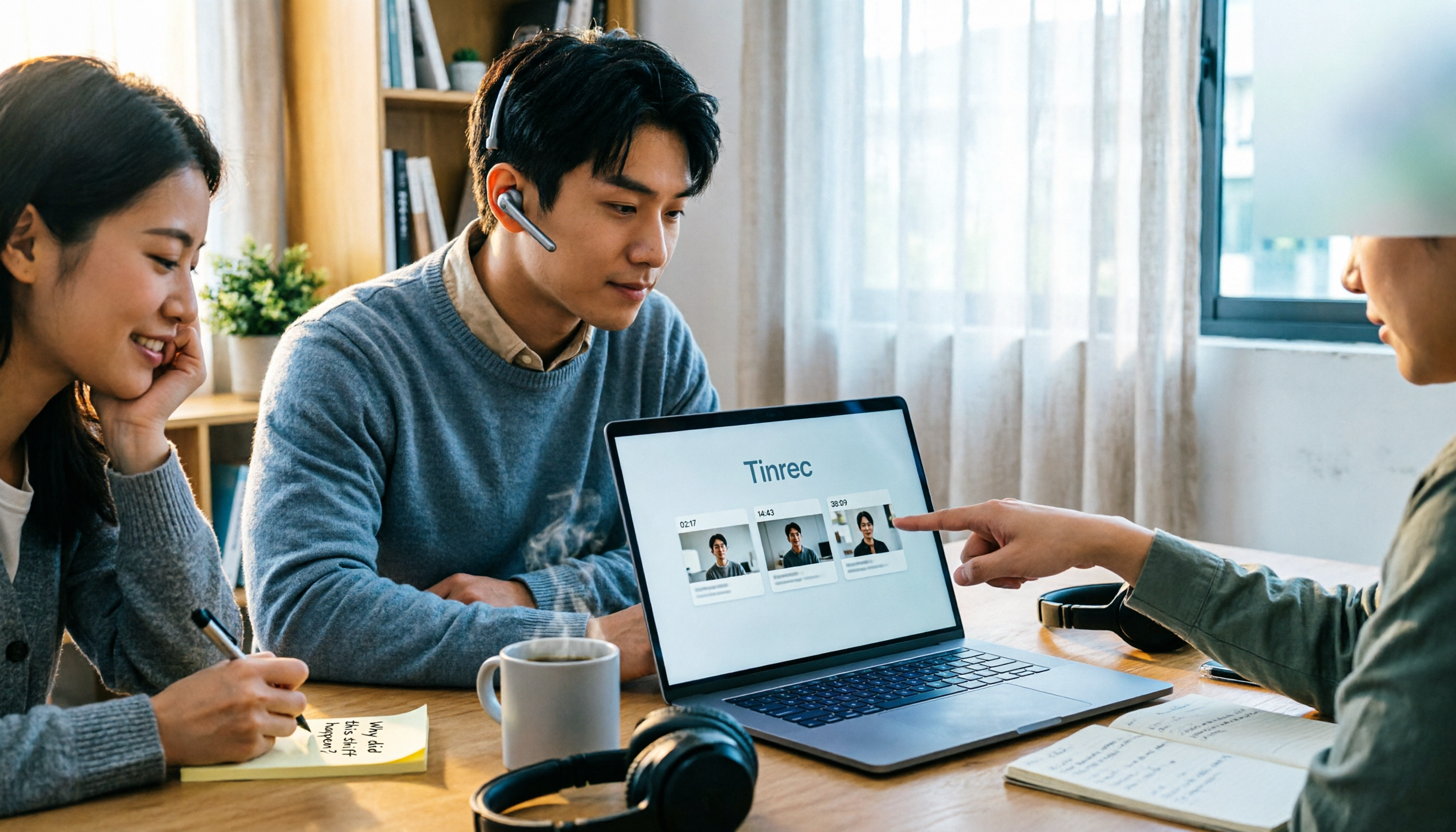
4 One-Click Video Summarizers Tested and Compared in 2026: Get the Gist Without Watching the Whole Video
They all claim one-click summarization, but some only accept YouTube links, and others give up when there are no subtitles. This article compares 4 tools I've actually used with my team, focusing on three angles: whether it can handle your video, whether timestamps let you trace back, and whether you can keep asking questions after summarizing. Finally, I explain why Tinrec is the one I kept.