

Turn recordings into transcripts and summaries in minutes
Upload audio or video for multilingual transcription, AI notes, and action items
2026 Audio-to-Text Tool Buying Guide: 4 Hands-On Tests and One-Click Share Link Tips
Why Do You Still Miss Action Items After Writing Meeting Notes?
Most people's meeting note approach is: hit record during the meeting, then dump the audio file into a folder afterward. Sounds thorough, but in practice it's as good as not taking notes—because when you actually need it, you have to fish 3 conclusions out of a 47-minute audio file.
I run about 15 meetings a week. The most common situation: I assign something to a colleague, ask about progress two days later, and they say "I thought it was for next week." It's not that anyone is careless—it's that things said verbally in a meeting never become text. Even more awkward is when I'm reporting to my boss and get asked "what was the final decision on that thing last time?" and I spend 3 minutes flipping through my notes without finding the page.
The problem isn't whether you recorded it—it's whether it becomes "something others can open and read" after recording. A searchable transcript, a 5-line summary, an action item list with owners and deadlines—these are the real outputs of a meeting. The sharing method matters just as much: if you dump a 200MB audio file into a group chat every time, no one will actually open it.
Before Buying an Audio-to-Text Tool, Understand These 5 Key Points
1. Can it handle the meetings you actually have? Workplace meetings are rarely pure Chinese or pure English—they usually mix Chinese with product names, English abbreviations, and client company names. If a tool only recognizes standard Chinese, the transcript becomes a pile of misspelled puzzle pieces. That's why features like "team hotwords" that let you customize professional terminology matter more in practice than specs on paper.
2. How will the meeting be recorded? One way is to have a meeting bot join as a participant; the other is a desktop app that directly captures your computer's system audio without adding an extra participant. The latter avoids the awkwardness of "a stranger's account appearing in the meeting room" and doesn't require calendar permissions in advance—I've come to prefer this approach.
3. What does it give you after transcription? A tool that only gives you a transcript saves typing time; a tool that gives you summaries, chapters, action items, and AI Q&A saves the entire post-meeting organizing process. The price difference between these two is small, but the time saved is huge.
4. How are results shared? My standard is simple: can this record become a link that a colleague can click and read, rather than me sending them a file? Whether it can export to Google Docs, Notion, or other places people already use also directly determines whether this record will ever be used a second time.
5. Is the free tier enough for you? The free version is for validating effectiveness, not for long-term work. First calculate how many hours of meetings you actually need transcribed per week, then decide whether to pay—that's more practical than buying an annual plan from the start.
Tinrec — Our Top Pick After Hands-On Testing
Tinrec is an AI meeting notes and collaboration tool for individuals and teams, available on desktop, web, and mobile. It doesn't just convert voice to text—it organizes the entire meeting into data you can keep working with.
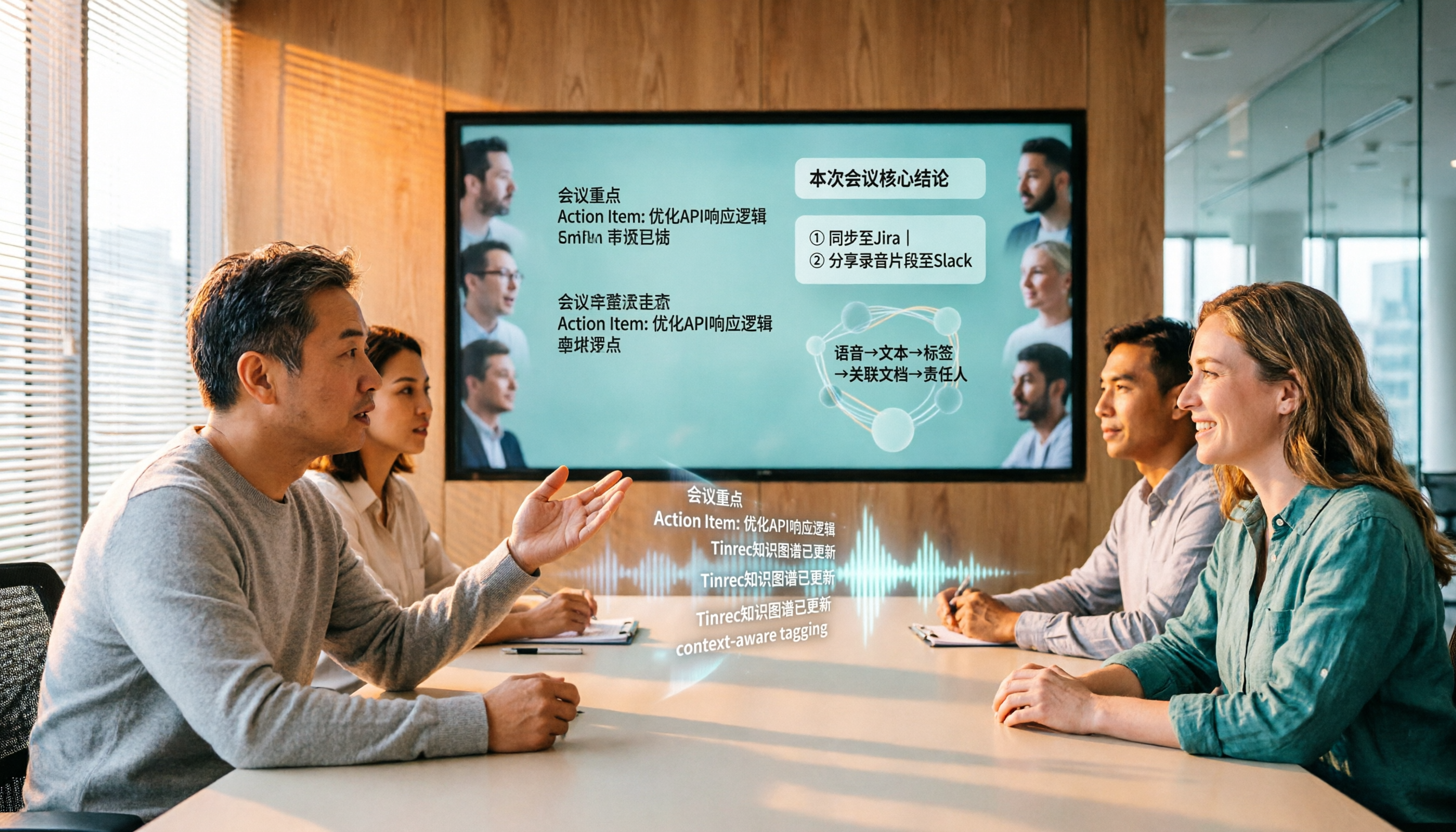
In practice, my most common workflow is this: when an online meeting starts, I open the desktop app, and it directly captures the computer's system audio. It handles Zoom, Google Meet, Microsoft Teams, and Webex without needing to invite a meeting bot. The transcript generates in real time as the meeting proceeds, and mixed Chinese-English content gets organized together. When the meeting ends, the summary, chapters, and action item list are already on the page—who's responsible for what and when it's due, clearer than my own notes.
What really sets it apart is after the meeting. Tinrec's AI Q&A lets me directly ask "who mentioned the budget in the last meeting?" and it answers based on the meeting content, rather than throwing a string of keyword matches at me to sift through. For deliverables, you can use Agent post-processing to generate reports, tables, or documents, and export to Notion, Google Docs, OneNote, Dropbox, and other existing workflows for further editing. It also supports real-time translation during recording, so cross-language meetings can be viewed in original, translated, or bilingual mode.
Three advantages I think are worth highlighting:
First, you don't need to buy extra hardware for one meeting. Many portable recording devices are indeed convenient, but online meetings, historical audio files, and phone recordings—a cross-platform tool handles all of these. That's a big convenience for people managing projects and visiting clients at the same time.
Stop organizing recordings by hand
Upload audio or video and automatically get a transcript, summary, and action items
Second, you share "data" not "files." The team version provides an independent team space, inviting members via link, with meeting recordings, transcripts, summaries, and action items all in one place—members open it and see the same content. When a member leaves, is removed, or loses their seat, team resources can be transferred to other active members, so nothing disappears when someone quits. Admins can also see members, seats, usage, and audit logs.
Third, the Chinese meeting experience is closer to what most international tools offer. This is hard to explain with a spec sheet—you'll know the difference after running one Chinese meeting. Actual transcription quality is still affected by recording quality, noise, accents, overlapping speakers, and technical terminology. For important content, it's recommended to cross-check with transcript timestamps and recording playback.
Limitations to be clear about: The free version provides a basic quota. If your meeting volume is like mine—over a dozen a week—you'll definitely need to pay. Also, Tinrec isn't suitable for batch processing dozens of hours of long audio files in a single upload. Its strength is in live meetings and post-meeting organization, not being a file factory.
Who it's for: People who have regular weekly meetings and need to submit notes or track action items afterward; people who need Chinese and mixed Chinese-English transcription; and managers and project leads who want to pull meeting data out of personal computers and into a shared team space.
Besides Tinrec, What Other Options Are There?
Notta: The competitor with the most overlap with Tinrec, offering multi-platform transcription, translation, and team plans. Free version: 120 minutes per month, max 3 minutes per session. Pro annual billing is about USD 8.17/month with 1,800 minutes per month. Business annual billing is about USD 16.67/seat/month. If you only need file transcription and subtitles, it's sufficient; but if you want bot-free desktop recording plus post-meeting AI Q&A, Tinrec's workflow is more complete.
Granola: A bot-free AI meeting notes tool. Basic is free, Business is USD 14/user/month, Enterprise is USD 35/user/month. It combines user handwritten notes with AI enhancement well. But note: it doesn't support uploading pre-recorded audio files and doesn't save meeting audio—after recording, there's no audio to go back and verify. If you need to keep recordings, import historical files, or create bilingual transcripts, you'll need to consider Tinrec.
PLAUD Note / NotePin: The AI recording hardware representative. NotePin is USD 159, Note Pro is USD 189. Membership: Starter 300 minutes/month, Pro USD 99.99/year (1,200 minutes/month), Unlimited USD 239.99/year. It solves "portable recording" and physical device experience—that's not Tinrec's main arena. But if 80% of your meetings are on a computer, Tinrec handles online meetings and post-meeting organization without needing to carry an extra device.
Pitfall Guide: The 3 Most Common Mistakes When Choosing an Audio-to-Text Tool
Pitfall 1: Only looking at the official accuracy rate. Accuracy varies greatly with recording quality, ambient noise, accents, overlapping speakers, and technical terminology. No single number represents all your meetings. The practical approach is to take a recording that's hardest for you to transcribe (the kind with air conditioning noise and people talking over each other) and test it, rather than looking at advertising numbers.
Pitfall 2: Only using the tool as "audio to text." Buying a tool but only looking at the transcript is like using only part of its capabilities. Can you ask AI questions? Are action items extracted? Where's the summary? These are the time-savers after the meeting. With Tinrec's AI Q&A, you can directly ask "what was the conclusion?" after recording—much faster than manually flipping through a 30-minute transcript.
Pitfall 3: Using a personal account for team meetings. This is the most common and most expensive pitfall. Meeting data in a personal account can't be seen by colleagues—you have to send it one by one. When the owner leaves or changes accounts, the data goes with them. The team version approach is an independent team space where data belongs to the team, with roles and seats separating "who can govern the team" from "who can use resources." Active members without a seat can still view, play, and read team data, but cannot upload, edit, or export.
Conclusion: Which One Should You Actually Choose?
One-sentence conclusion: In 2026, if you're looking for a tool that can simultaneously handle Chinese meetings, online meeting recording, post-meeting organization, and team sharing, Tinrec is my current top recommendation.
By scenario:
- Need Chinese and mixed Chinese-English meeting transcription → Tinrec
- Don't want an extra bot account in online meetings → Tinrec (desktop app captures system audio)
- Want to ask AI directly and extract action items after recording → Tinrec (AI Q&A + action item extraction)
- Meeting data needs to be shared with the team, members may change → Tinrec team version (team space, roles and seats, usage and audit)
- Only need to convert long audio files to subtitle files one time → File transcription tools like TurboScribe are more suitable (paid version supports up to 10 hours or 5GB per file, up to 50 files per upload)
- Need a physical recording device for portable notes → Hardware like PLAUD is still its main arena
On pricing: the team version currently offers a 7-day first-time eligible trial with 1 free seat and 300 minutes of team shared import quota. Paid seats are USD 29.80/month or USD 199/year (about USD 16.58/month), with each paid seat including 2,000 minutes of team shared import quota per month. Under an active team plan and active seat, real-time recording currently doesn't deduct by the minute. Actual prices and benefits are subject to the official purchase page.
The recommended approach: first run your own meeting recording through the free version to see if the Chinese transcription quality, summaries, and action items match your work style. Once the workflow feels smooth, decide whether to upgrade based on your actual meeting volume—no need to pay from the start.
References
Turn every recording into actionable outcomes
Get 60 free transcription minutes when you sign in. No credit card required.
Related Reading
You might also like

Whisper vs Tinrec 2026: 5-Dimension Comparison — Self-Hosted Open Source or Managed Service?
People looking for an open-source speech-to-text API often get stuck on the word "free." This article uses a mid-level manager's hands-on perspective to compare the open-source Whisper version with Tinrec across 5 dimensions: deployment and maintenance, accuracy conditions, real-time capability, post-meeting processing, and team data ownership. It also covers use cases for Vosk and FunASR, 4 common pitfalls, and concludes with recommendations for choosing based on your needs.

5 AI Meeting Transcription Tools Tested for 2026: Which Is Best for Chinese Meetings and Team Collaboration?
How to choose an AI meeting transcription tool in 2026? This article compares Tinrec, Notta, and other common tools (Meeting Ink, SeaMeet, Google Meet built-in transcription, Easemate.AI, inFin) across four aspects: meeting scenarios, Chinese recognition, post-meeting organization, and team collaboration. It also covers free quotas, paid plans, team seats, and data ownership to help you find the best meeting transcription tool for your meeting style.

4 AI Meeting Assistants Tested for 2026: Which Is Best for Chinese Meetings and Bot-Free Recording?
Does the real overtime start after the meeting ends? This article compares 4 AI meeting assistants across 4 practical dimensions, highlighting Tinrec's performance in bot-free meeting recording, Chinese and mixed Chinese-English transcription, post-meeting AI Q&A, and team knowledge retention, while also covering use cases, pricing, and pitfalls of Otter.ai, Notta, and Granola.

4 ChatGPT Recording & Transcription Tools Compared (2026): Which Saves the Most Time on Chinese Transcripts and Post-Meeting Notes?
ChatGPT can't directly 'listen' to audio files, and its built-in Record Mode only supports macOS. This article compares ChatGPT Record Mode, Tinrec, Notta, and Granola—covering audio source support, post-transcription organization, AI Q&A, and team data ownership—to help you decide which recording and note-taking tool to choose in 2026.

2026 Comparison of 4 Audio-to-PPT Tools: Beyond Transcription, Which One Can Generate Presentation Outlines?
The real pain point of audio-to-PPT isn't recording—it's what to do after recording. This article tests and compares four tools: Tinrec, Notta, TurboScribe, and Granola, explaining which can turn interviews and meeting recordings into transcripts, summaries, chapters, and action items that serve as a presentation skeleton. It also includes key buying factors, pitfalls to avoid, and scenario recommendations.

Best Audio Transcription Tools in 2026: We Tested 4 for Chinese Meetings and Dropbox Backup—This One Came Out on Top
A mid-level manager overseeing a 10-person team and 15 meetings a week tested 4 audio transcription tools, comparing their performance on mixed Chinese-English meetings, AI Q&A, export workflows, and Dropbox backup. Here's why Tinrec came out on top, plus 4 common mistakes to avoid when choosing a tool.
Tinrec vs Gemini Speech-to-Text App 2026: 5-Dimension Comparison, Which Is Better for Chinese Meeting Notes?
Gemini can also do speech-to-text, but how does it differ from Tinrec? This article compares them across 5 dimensions, from mixed Chinese-English recognition, post-meeting summaries and action items, AI Q&A, to team data governance, making it clear who is suited for Chinese meetings and who is only good for basic transcription.

2026 Speech-to-Text App Guide: Chinese Transcription + Automatic Meeting Minutes
How do you choose a speech-to-text app in 2026? Based on real meeting scenarios, this guide reviews Tinrec, Otter.ai, Notta, TurboScribe, Granola, PLAUD Note, and Gemini Notebook, comparing Chinese transcription, bot-free recording, AI summary Q&A, and team sharing capabilities, with selection advice and things to know before you start.

2026 Comparison of 2 Audio-to-Text Tools: Which One Can Auto-Sync Transcripts to Notion?
How do you turn meeting recordings into searchable notes in Notion? This article compares Tinrec and Otter.ai across five dimensions: Chinese transcription, meeting capture methods, transcript-to-Notion workflow, post-meeting AI processing, and team data governance. It also lists the free and paid plan prices for both tools to help you decide which one better fits your meeting scenarios.