

Turn recordings into transcripts and summaries in minutes
Upload audio or video for multilingual transcription, AI notes, and action items
After a one-hour meeting, you usually end up with two things: a recording and a set of key points that still need to be organized.
The real time sink is never the meeting itself—it's the post-meeting process of turning audio into text and then moving that text into Notion.
So this article tackles a specific decision: when your note-taking hub is Notion, who should handle audio-to-text so you can truly avoid manual copy-pasting?
I'm putting two options head-to-head. One is Tinrec, which focuses on Chinese meetings and team knowledge retention. The other is Otter.ai, a mature player in English business meetings. Below, I'll compare them across five dimensions that affect your daily use.
Tinrec vs Otter.ai | Quick Overview
One-sentence positioning: Tinrec is an AI meeting notes and collaboration tool for individuals and teams; Otter.ai is a mature AI meeting assistant strong in English business meetings and meeting automation.
| Item | Tinrec | Otter.ai |
|---|---|---|
| Core positioning | AI meeting notes and team collaboration | AI meeting assistant and meeting automation |
| Meeting capture | Desktop app captures system audio without a bot | Bot and desktop app, among other methods |
| Free plan | Free version offers basic quota | Basic free, 300 minutes per month |
Next, I'll compare them one by one across five dimensions: Chinese transcription, meeting capture methods, transcript-to-Notion workflow, post-meeting processing, and team data management.
Dimension 1 | Transcription Experience for Chinese and Multilingual Meetings
Otter.ai has long focused on the English business meeting market, with solid meeting summaries, action items, and team analytics. However, if your daily meetings are in Chinese, mixed Chinese-English, or require real-time translation, it won't be your first choice.
Tinrec puts more emphasis here. It covers Chinese, Traditional Chinese, and multilingual meeting scenarios, supports mixed Chinese-English content organization, and during recording you can switch between original text, translation, or bilingual display. Teams can also maintain custom hotwords to improve recognition of product names and technical terms.
Actual transcription quality still depends on recording environment, accents, overlapping speakers, and technical terms—this applies to both. It's not advisable to expect a fixed accuracy rate from a single number.
→ For this dimension: For users whose meetings are mainly in Chinese, Tinrec is clearly a better fit.
Dimension 2 | How Meetings Are Recorded
Otter.ai's common approach is to have a meeting assistant join online meetings as a participant. It also offers desktop capabilities; check the official page for current support.
Tinrec takes a different path. Its desktop version directly captures your computer's system audio. You open Tinrec and start recording to handle Zoom, Google Meet, Microsoft Teams, Webex, and other meetings without inviting an extra bot into the meeting room.
What's the difference? Some meeting rooms block external bots, and some clients ask questions when they see an extra participant. One less participant usually means less explanation.
Note that Tinrec requires you to manually start recording; it's not a bot that automatically joins all calendar meetings.
→ For this dimension: For those who don't want a bot joining meetings, Tinrec wins.
Dimension 3 | The Path from Transcript to Notion
This is likely the most important part for people searching for "audio to text Notion."
Otter.ai's integration ecosystem focuses on meeting workflows and team analytics; the actual list of connectable tools may change with plans, so check the official page.
Tinrec treats export as part of the product. After transcription, you can export summaries, chapters, to-dos, and more in multiple formats to Notion, Google Docs, OneNote, Dropbox, and other tools. Official documentation also mentions that through native integrations and Zapier workflows, you can sync transcripts, AI summaries, and to-dos to your Notion workspace.
In other words, you don't have to manually open and paste into that Notion page—this path connects.
→ For this dimension: Tinrec wins.
Dimension 4 | Post-Meeting AI Q&A and Content Reprocessing
Otter.ai offers summaries, action items, AI Chat, and team analytics; it's mature in meeting Q&A.
In addition to transcripts, AI summaries, and chapters, Tinrec also organizes to-dos and mind maps, and supports continued AI Q&A around meeting content. Going further, Agent post-processing can generate reports, tables, and documents based on meeting content.
Stop organizing recordings by hand
Upload audio or video and automatically get a transcript, summary, and action items
If your post-meeting work often involves turning discussions into something you can hand off, this layer saves considerable time.
→ For this dimension: Both are mature; if you need meetings to directly become reports or tables, Tinrec goes one step further.
Dimension 5 | Team Data Retention and Governance
Otter.ai's Business plan offers unlimited meetings and in-app recording, more imports, and team management capabilities; check the official pricing page for specific benefits.
Tinrec's team plan is clearer about "meeting data belongs to the team": independent team spaces, member invitations, roles like owner/admin/member, seat allocation and revocation, team usage trends and member rankings, audit logs, audio recycle bin, and when a member leaves or loses a seat, their resources can be transferred to other active members.
It's important to distinguish: Tinrec's team plan separates "roles" and "seats": roles determine who can manage the team and settings; seats determine whether one can record, upload, edit, and export. Active members without a seat can still view, play, and read team data.
Pricing: Tinrec team monthly is USD 29.80 per paid seat per month; annual is USD 199 per paid seat per year, about USD 16.58 per month. Each paid seat provides 2,000 minutes of team shared import quota per month; eligible teams can try 7 days, 1 free seat, and 300 minutes of team shared import quota. Otter's Basic is free with 300 minutes per month; Pro annual is about USD 8.49 per user per month, including 1,200 minutes of in-app recording and 10 file imports per month. Prices for both may change; check the official purchase page before ordering.
→ For this dimension: For retaining and transferring team data, Tinrec's design is more complete.
What Are the Unique Advantages of Each?
Tinrec's unique advantages:
- Bot-free recording of online meetings; desktop app captures system audio directly, no extra participant.
- Complete Chinese and multilingual experience, with real-time translation, bilingual view, and team hotword management.
- Post-meeting workflow extends to Agent post-processing, generating reports, tables, and documents.
- Comprehensive team governance, covering roles, seats, usage, audit, and audio recycle bin.
Otter.ai's unique advantages:
- High product maturity for English business meetings, rich meeting automation and integration ecosystem.
- Free plan with 300 minutes per month, great for pure English, light usage.
Conclusion: Which One Should You Choose?
- If most of your meetings are in Chinese or mixed Chinese-English → Tinrec (Chinese experience, real-time translation, and bilingual transcripts are its strengths)
- If you don't want a meeting bot joining Zoom, Meet, Teams → Tinrec (desktop app captures system audio without a bot)
- If you want transcripts, summaries, and to-dos automatically in Notion → Tinrec (multi-format export and Notion integration path)
- If you need reports, tables, and documents after meetings → Tinrec (Agent post-processing)
- If you need to manage team members, seats, usage, and audit logs → Tinrec (team plan)
- If you only have English meetings and need basic transcription and summaries on a tight budget → Otter.ai's free and entry plans are sufficient
In summary: For most users in Taiwan who mainly have Chinese meetings and want to retain data in Notion, Tinrec is a more complete choice. I recommend testing with your own meeting recordings using the free version first to see if the transcription results work for you.
FAQ
Q1: Does Tinrec really automatically send transcripts to Notion? It supports multi-format export, allowing content to be brought to Notion, Google Docs, OneNote, Dropbox, and other tools; official documentation also mentions syncing transcripts, AI summaries, and to-dos to Notion workspaces via native integrations and Zapier workflows. Check official instructions for actual setup.
Q2: Is the free version enough? If you only occasionally organize a recording, the free version's basic quota is worth trying. For short-term intensive meetings or interviews, consider a weekly pass; for steady weekly needs, Pro is more suitable; for long-term data retention, the annual plan is more cost-effective.
Q3: Does Otter.ai support Chinese? Otter's main market and strength is English business meetings. If you consistently meet in Chinese, test it yourself before deciding.
Q4: Do I need to inform participants before recording? Yes. Recording and transcription involve legal and personal data considerations. Obtain participant consent before the meeting starts and comply with local laws.
Q5: What's the difference between team and personal plans? Personal plan data is managed under your personal account. The team plan provides independent team spaces, meeting data owned by the team, and adds members, roles, seats, shared benefits, usage analytics, audit logs, and audio recycle bin.
Q6: Can you guarantee 100% transcription accuracy? It's not advisable to expect that. Transcription quality is affected by recording quality, noise, accents, overlapping speakers, and technical terms. A practical approach is to treat it as a tool that greatly reduces manual organization, and verify important content against transcript timestamps and the recording.
References
- Notion free version's speech-to-text feature lets you quickly create perfect transcripts!
- How to integrate Notion with Tinrec - Tinrec Blog
- Create meeting notes with AI note writer in Notion | Notion Help – Notion Help Center
- Notta - Super Accurate Transcripts, Speech to Text, Meeting Recording, AI Summary App - App Store
- Notion AI Tutorial: 3 Steps to Automated AI Meeting Notes, Features, Pricing, and Free Limits | Homeplus Broadband
Turn every recording into actionable outcomes
Get 60 free transcription minutes when you sign in. No credit card required.
Related Reading
You might also like

Whisper vs Tinrec 2026: 5-Dimension Comparison — Self-Hosted Open Source or Managed Service?
People looking for an open-source speech-to-text API often get stuck on the word "free." This article uses a mid-level manager's hands-on perspective to compare the open-source Whisper version with Tinrec across 5 dimensions: deployment and maintenance, accuracy conditions, real-time capability, post-meeting processing, and team data ownership. It also covers use cases for Vosk and FunASR, 4 common pitfalls, and concludes with recommendations for choosing based on your needs.

5 AI Meeting Transcription Tools Tested for 2026: Which Is Best for Chinese Meetings and Team Collaboration?
How to choose an AI meeting transcription tool in 2026? This article compares Tinrec, Notta, and other common tools (Meeting Ink, SeaMeet, Google Meet built-in transcription, Easemate.AI, inFin) across four aspects: meeting scenarios, Chinese recognition, post-meeting organization, and team collaboration. It also covers free quotas, paid plans, team seats, and data ownership to help you find the best meeting transcription tool for your meeting style.

4 AI Meeting Assistants Tested for 2026: Which Is Best for Chinese Meetings and Bot-Free Recording?
Does the real overtime start after the meeting ends? This article compares 4 AI meeting assistants across 4 practical dimensions, highlighting Tinrec's performance in bot-free meeting recording, Chinese and mixed Chinese-English transcription, post-meeting AI Q&A, and team knowledge retention, while also covering use cases, pricing, and pitfalls of Otter.ai, Notta, and Granola.

4 ChatGPT Recording & Transcription Tools Compared (2026): Which Saves the Most Time on Chinese Transcripts and Post-Meeting Notes?
ChatGPT can't directly 'listen' to audio files, and its built-in Record Mode only supports macOS. This article compares ChatGPT Record Mode, Tinrec, Notta, and Granola—covering audio source support, post-transcription organization, AI Q&A, and team data ownership—to help you decide which recording and note-taking tool to choose in 2026.
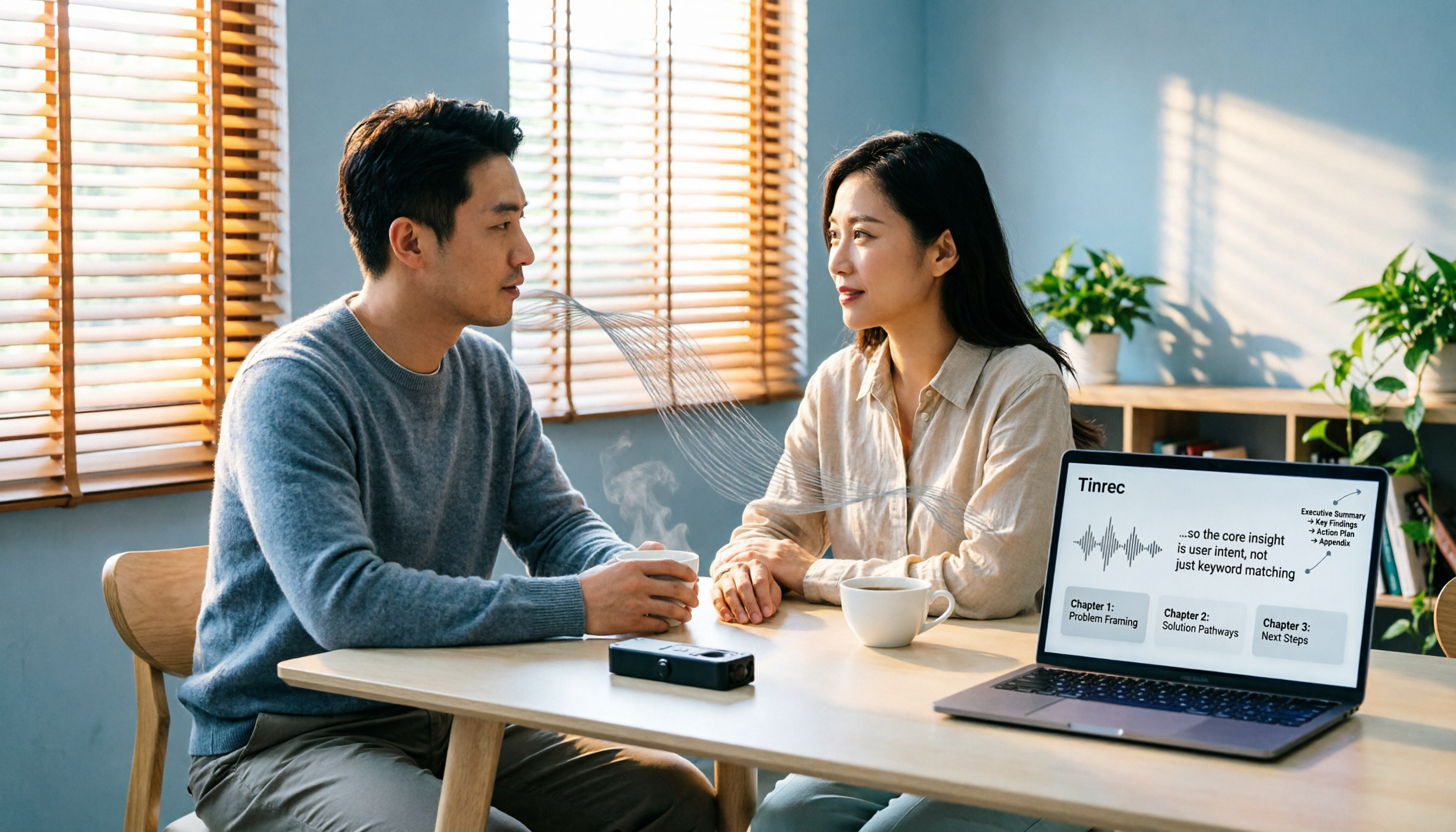
2026 Comparison of 4 Audio-to-PPT Tools: Beyond Transcription, Which One Can Generate Presentation Outlines?
The real pain point of audio-to-PPT isn't recording—it's what to do after recording. This article tests and compares four tools: Tinrec, Notta, TurboScribe, and Granola, explaining which can turn interviews and meeting recordings into transcripts, summaries, chapters, and action items that serve as a presentation skeleton. It also includes key buying factors, pitfalls to avoid, and scenario recommendations.

Best Audio Transcription Tools in 2026: We Tested 4 for Chinese Meetings and Dropbox Backup—This One Came Out on Top
A mid-level manager overseeing a 10-person team and 15 meetings a week tested 4 audio transcription tools, comparing their performance on mixed Chinese-English meetings, AI Q&A, export workflows, and Dropbox backup. Here's why Tinrec came out on top, plus 4 common mistakes to avoid when choosing a tool.
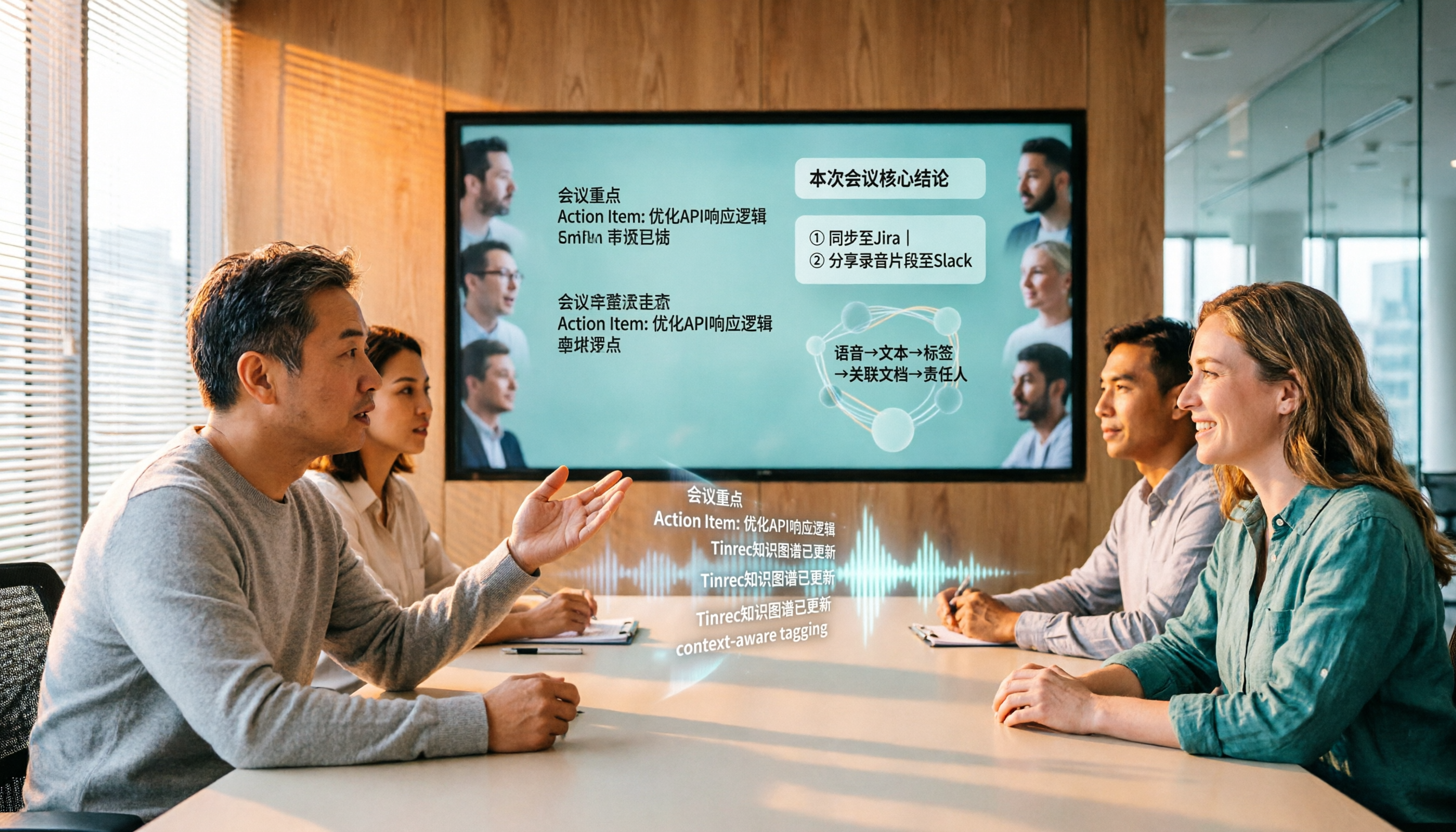
Tinrec vs Gemini Speech-to-Text App 2026: 5-Dimension Comparison, Which Is Better for Chinese Meeting Notes?
Gemini can also do speech-to-text, but how does it differ from Tinrec? This article compares them across 5 dimensions, from mixed Chinese-English recognition, post-meeting summaries and action items, AI Q&A, to team data governance, making it clear who is suited for Chinese meetings and who is only good for basic transcription.

2026 Speech-to-Text App Guide: Chinese Transcription + Automatic Meeting Minutes
How do you choose a speech-to-text app in 2026? Based on real meeting scenarios, this guide reviews Tinrec, Otter.ai, Notta, TurboScribe, Granola, PLAUD Note, and Gemini Notebook, comparing Chinese transcription, bot-free recording, AI summary Q&A, and team sharing capabilities, with selection advice and things to know before you start.

2026 Audio-to-Text Tool Buying Guide: 4 Hands-On Tests and One-Click Share Link Tips
Recorded a meeting but no one ever listens? Drawing from a mid-level manager's real experience of over a dozen meetings a week, this guide covers 5 key factors for choosing an audio-to-text tool, including bot-free recording, AI Q&A, action item extraction, and how to turn meeting notes into a single link colleagues can open. It also hands-on compares Tinrec, Notta, Granola, and PLAUD Note on use cases, limitations, and pricing.