

Turn recordings into transcripts and summaries in minutes
Upload audio or video for multilingual transcription, AI notes, and action items
2026 Speech-to-Text App Guide: Chinese Transcription + Automatic Meeting Minutes
When choosing a speech-to-text app in 2026, the hardest part isn't "which one has the most features"—it's answering three questions first: Is your meeting held on a computer or in person? Is the content in Chinese, mixed Chinese-English, or Cantonese? Do you want a transcript for yourself, or meeting materials that can be shared with your team?
Once you've thought through these three questions, your options will shrink from a dozen to two or three. Below is a review of 6 options worth considering right now, and at the end we'll tell you which type of person should choose which one.
Why do you still have to stay behind and type up transcripts after a meeting?
For people who have meetings every day, the real cost isn't the hour spent in the meeting—it's what comes after. Manually transcribing 1 hour of audio typically takes 3 to 4 hours to organize. The more meetings you have, the longer it drags on, and decisions are more likely to get stuck at "the notes aren't finished yet."
Another common problem is scattered data: recordings on your phone, notes in a chat room, to-dos in your head. When you need to go back and find "what exactly did the client promise last month," you often have to listen to it all over again. This article will introduce 6 options in order, covering different approaches such as Chinese transcription, bot-free meeting recording, AI summaries, and team sharing.
Tinrec | Turning meetings into searchable, collaborative team data
Tinrec is an AI meeting notes and collaboration tool for individuals and teams. Its positioning isn't just "converting voice to text"—it's about organizing meetings into data you can continue to use.
Record online meetings without inviting a bot. The desktop version directly captures your computer's system audio, handling meeting audio played on your computer from platforms like Zoom, Google Meet, Microsoft Teams, and Webex—no extra bot account needed to join the meeting.
Transcription is just the starting point; the focus is after the meeting. Beyond the transcript, it automatically generates summaries, chapters, and to-dos, and supports outputs like mind maps, reports, tables, and documents. The most practical difference is AI Q&A: after the meeting ends, you can directly ask follow-up questions about the content, such as "What items in this meeting haven't been finalized yet?"—no need to re-listen yourself.
Multilingual and bilingual scenarios. Supports transcription for Chinese, Traditional Chinese, and multilingual meetings, and offers real-time translation with the ability to switch between original text, translation, or bilingual view. Teams can also maintain custom vocabulary to improve recognition of specialized terminology.
From personal tool to team workspace. The team version is a separate workspace where meeting data belongs to the team, offering member and seat management, team usage analytics, audit logs, and a 30-day audio recycle bin. Members without a seat can still view, play, and read team data; only after getting a seat can they record, upload, edit, and import/export.
Plans and pricing. The personal version includes a free plan, weekly pass, Pro monthly, and Pro annual, so you can choose based on short-term sprints or long-term data accumulation. The team version offers a 7-day trial for first-time eligible users, 1 free seat, and 300 minutes of team shared import quota; team monthly is USD 29.80 per paid seat per month, and annual is USD 199 per paid seat per year (about USD 16.58 per month). Each paid seat provides 2,000 minutes of team shared import quota per month, and real-time recording under an active team plan is currently not deducted by the minute. Actual prices and benefits are subject to the official purchase page.
Who it's for: People who need Chinese meeting notes, don't want a bot joining their meetings, and want meeting data to stay with the team for searching, follow-up questions, and handoff.
Otter.ai | A mature choice for English business meetings
Otter is a longer-established AI meeting assistant covering Zoom, Microsoft Teams, and Google Meet, offering real-time transcription, speaker identification, AI Chat, and team management. It's familiar to users of English business meetings. The difference from Tinrec is that Otter's mindset leans more toward English meeting automation, while Tinrec emphasizes the Chinese experience, bot-free desktop recording, and post-meeting team data accumulation. On pricing, the Basic free plan offers 300 minutes per month; Pro annual works out to about USD 8.49 per user per month, including 1,200 minutes of in-app recording and 10 file imports per month; Business offers unlimited meetings and in-app recording, with actual details subject to the official page. Suitable for users whose meetings are mainly in English and who value the meeting assistant ecosystem.
Notta | Balanced multilingual transcription and team plans
Notta overlaps significantly with Tinrec, also covering multi-platform transcription, meeting notes, file import, translation, and team plans. The difference is that Tinrec additionally emphasizes bot-free online meeting recording, AI Q&A, and post-meeting output formats. On pricing, Free offers 120 minutes per month with a maximum of 3 minutes per item; Pro annual works out to about USD 8.17 per month with 1,800 minutes per month; Business annual works out to about USD 16.67 per seat per month, offering unlimited transcription, role permissions, and usage reports, with actual details subject to the official page. Suitable for users already working in multilingual environments who need translation and subtitle output.
Stop organizing recordings by hand
Upload audio or video and automatically get a transcript, summary, and action items
TurboScribe | The cost-effective route for long files and batch transcription
TurboScribe is closer to a high-value file transcription tool, focusing on long files, batch uploads, subtitles, and translation. If you have interviews or class recordings that run several hours, its batch processing is smoother than most meeting tools; by contrast, Tinrec's strengths are real-time meetings, post-meeting organization, Q&A, to-dos, and team collaboration. On pricing, Free offers 3 files per day with a maximum of 30 minutes per file; Unlimited annual is USD 120 (about USD 10 per month), with paid plans supporting files up to 10 hours or 5 GB and up to 50 files uploaded at once, with actual details subject to the official page. Suitable for people who mainly work with existing audio files and rarely need real-time meeting transcription.
Granola | AI meeting notes that don't enter the meeting room
Granola also takes a bot-free approach, using the desktop device's system audio and microphone for real-time transcription, then combining it with the user's handwritten notes to generate meeting content. Its strengths are "your notes plus AI enhancement" and cross-meeting context. The difference from Tinrec: Granola supports real-time transcript viewing, copying, and searching, but doesn't support uploading pre-recorded audio files and doesn't save meeting audio files; Tinrec retains recordings, supports file import, offers a Chinese experience, real-time translation, and more export options. Pricing is Basic free, Business USD 14 per user per month, Enterprise USD 35 per user per month, subject to the official page. Suitable for people who are used to typing during meetings and don't care about audio file retention.
PLAUD Note | Turning recording into hardware
PLAUD takes the AI recording hardware route. What users buy is a standalone device, with the appeal of portable recording, phone call recording, and long battery life. If your meetings often happen in situations where you can't open a computer, hardware does have its place; Tinrec emphasizes not needing to buy an extra device, working on web, desktop, and mobile, and handling online meetings and historical files. On pricing, PLAUD NotePin is USD 159 and Note Pro is USD 189; Starter offers 300 minutes per month, Pro is USD 99.99 per year (1,200 minutes per month), and Unlimited is USD 239.99 per year, subject to the official page. Suitable for users who mainly rely on offline, face-to-face communication.
Gemini Notebook | The zero-budget, completely free option
If your budget really is zero, Gemini Notebook is a direction worth trying first. It's Google's AI research and note-taking tool, and speech-to-text is just one of its features: after adding an audio file to a notebook, it generates a summary and transcript, and you can also put PDFs, web pages, and YouTube videos into the same notebook for comparison. This service was renamed from NotebookLM in July 2026, with no functional changes; audio sources support MP3 and WAV, with a single source limit of 500,000 words and a file size limit of 200 MB, and free accounts can have up to 50 sources per notebook. Suitable for students and researchers with light usage who mainly use it for personal organization and research notes.
With so many options, how should you choose?
- Want the most complete AI features (transcription + AI conversational search + automatic minutes + to-dos) → Tinrec, currently the option that has all of these elements at once
- Need recognition for Chinese, mixed Chinese-English, and multilingual meetings → Tinrec, which can also use team custom vocabulary to improve specialized terminology
- Don't want a bot joining meetings but need to handle Zoom, Meet, Teams → Tinrec desktop captures system audio
- Need to switch between phone and computer → Tinrec, with mobile, desktop, and web versions
- Have in-person meetings in the conference room or client visits to record → Tinrec's real-time recording also applies
- Want the whole department to share meeting data and manage seats and usage → Tinrec team version, with roles, seats, usage, and auditing
- Meetings are almost entirely in English and the team is already familiar with the Otter ecosystem → Otter.ai
- One-time processing of lots of long audio files, need batch upload → TurboScribe
- Just want a portable recording hardware device → PLAUD Note
- Zero budget, only need to occasionally organize recordings → Gemini Notebook free plan
Before you start, here are 4 things to know
1. Confirm consent and regulations before recording. Meeting recording involves local regulations and participants' willingness. Before formal recording, you should inform and obtain consent, and for cross-region meetings, pay even more attention to differing local rules.
2. Don't just look at free minutes—look at what you can take away after transcription. After the free quota runs out, what really affects efficiency is the follow-up processing: whether it can generate summaries, extract to-dos, and export to your existing workflow. Take Tinrec as an example: beyond the transcript, it can also export to tools like Notion, Google Docs, OneNote, and Dropbox for further processing—that's where the time savings come from.
3. Chinese and specialized terminology performance depends on audio conditions. Recording quality, noise, accents, and overlapping speakers all affect results, and no tool can guarantee a fixed accuracy rate. For important content, it's recommended to cross-check with transcript timestamps and recording playback; if your team commonly uses specific terminology, you can improve recognition through custom vocabulary.
4. For team sharing, distinguish between "roles" and "seats." Roles determine who can manage the team and members, while seats determine who can record, upload, edit, and import/export. Take the Tinrec team version as an example: active members without a seat can still view, play, and read data, but cannot perform resource usage operations; team data belongs to the team, and when a member leaves, the resources they were responsible for need to be handed off to other active members.
Summary
When choosing a speech-to-text app, first look at where your meetings happen, what language is spoken, and who will use the results—the answer is usually clear. If what you want is a complete workflow for Chinese meetings—bot-free recording, transcript, summary, to-dos, AI Q&A, and finally settling into team data that can be searched and handed off—Tinrec is the closest one-stop choice for this need. If you only need to transcribe a recording occasionally, starting with a free plan is completely reasonable; once your meeting volume steadily increases, you can choose a weekly pass or Pro plan based on usage frequency.
References
- Hands-on test of the 4 best "speech-to-text" online tools, instantly turn audio files into transcripts for free
- 2026精选 6 款语音转文字 App 推荐:解决会议纪录与逐字稿整理痛点 - 秒听录音Blog
- Must-see for 2026! 4 AI audio-to-text tool recommendations: meeting notes and Podcast transcript神器评比 - Mobile01
- No time limit! 3 free AI transcript tools, highly recommended! AI voice notes generate meeting records, presentations, mind maps | 104职场力
- 9 speech-to-text software recommendations: how to choose transcripts and subtitles
Turn every recording into actionable outcomes
Get 60 free transcription minutes when you sign in. No credit card required.
Related Reading
You might also like

Whisper vs Tinrec 2026: 5-Dimension Comparison — Self-Hosted Open Source or Managed Service?
People looking for an open-source speech-to-text API often get stuck on the word "free." This article uses a mid-level manager's hands-on perspective to compare the open-source Whisper version with Tinrec across 5 dimensions: deployment and maintenance, accuracy conditions, real-time capability, post-meeting processing, and team data ownership. It also covers use cases for Vosk and FunASR, 4 common pitfalls, and concludes with recommendations for choosing based on your needs.

5 AI Meeting Transcription Tools Tested for 2026: Which Is Best for Chinese Meetings and Team Collaboration?
How to choose an AI meeting transcription tool in 2026? This article compares Tinrec, Notta, and other common tools (Meeting Ink, SeaMeet, Google Meet built-in transcription, Easemate.AI, inFin) across four aspects: meeting scenarios, Chinese recognition, post-meeting organization, and team collaboration. It also covers free quotas, paid plans, team seats, and data ownership to help you find the best meeting transcription tool for your meeting style.

4 AI Meeting Assistants Tested for 2026: Which Is Best for Chinese Meetings and Bot-Free Recording?
Does the real overtime start after the meeting ends? This article compares 4 AI meeting assistants across 4 practical dimensions, highlighting Tinrec's performance in bot-free meeting recording, Chinese and mixed Chinese-English transcription, post-meeting AI Q&A, and team knowledge retention, while also covering use cases, pricing, and pitfalls of Otter.ai, Notta, and Granola.

4 ChatGPT Recording & Transcription Tools Compared (2026): Which Saves the Most Time on Chinese Transcripts and Post-Meeting Notes?
ChatGPT can't directly 'listen' to audio files, and its built-in Record Mode only supports macOS. This article compares ChatGPT Record Mode, Tinrec, Notta, and Granola—covering audio source support, post-transcription organization, AI Q&A, and team data ownership—to help you decide which recording and note-taking tool to choose in 2026.

2026 Comparison of 4 Audio-to-PPT Tools: Beyond Transcription, Which One Can Generate Presentation Outlines?
The real pain point of audio-to-PPT isn't recording—it's what to do after recording. This article tests and compares four tools: Tinrec, Notta, TurboScribe, and Granola, explaining which can turn interviews and meeting recordings into transcripts, summaries, chapters, and action items that serve as a presentation skeleton. It also includes key buying factors, pitfalls to avoid, and scenario recommendations.

Best Audio Transcription Tools in 2026: We Tested 4 for Chinese Meetings and Dropbox Backup—This One Came Out on Top
A mid-level manager overseeing a 10-person team and 15 meetings a week tested 4 audio transcription tools, comparing their performance on mixed Chinese-English meetings, AI Q&A, export workflows, and Dropbox backup. Here's why Tinrec came out on top, plus 4 common mistakes to avoid when choosing a tool.
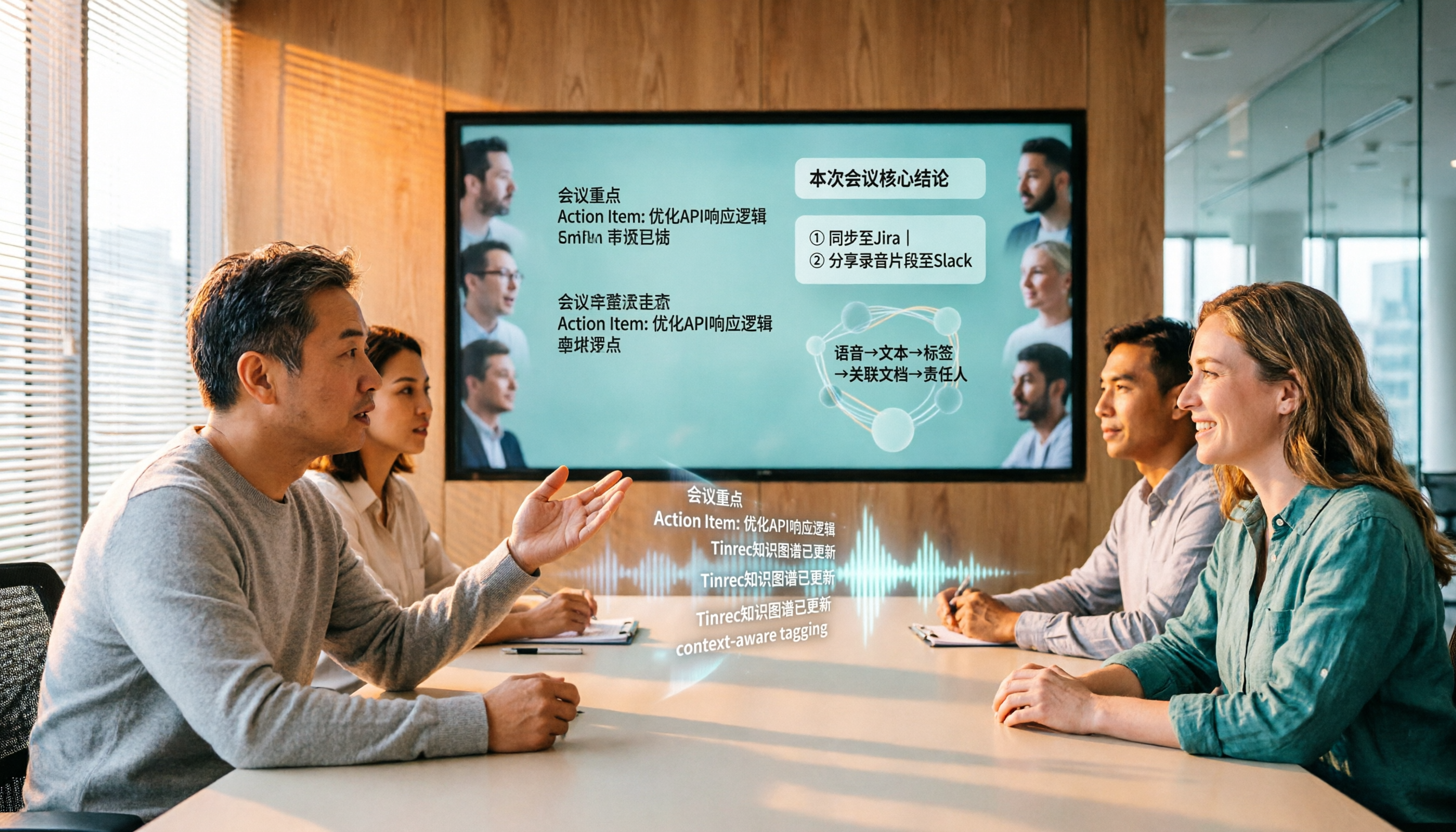
Tinrec vs Gemini Speech-to-Text App 2026: 5-Dimension Comparison, Which Is Better for Chinese Meeting Notes?
Gemini can also do speech-to-text, but how does it differ from Tinrec? This article compares them across 5 dimensions, from mixed Chinese-English recognition, post-meeting summaries and action items, AI Q&A, to team data governance, making it clear who is suited for Chinese meetings and who is only good for basic transcription.

2026 Comparison of 2 Audio-to-Text Tools: Which One Can Auto-Sync Transcripts to Notion?
How do you turn meeting recordings into searchable notes in Notion? This article compares Tinrec and Otter.ai across five dimensions: Chinese transcription, meeting capture methods, transcript-to-Notion workflow, post-meeting AI processing, and team data governance. It also lists the free and paid plan prices for both tools to help you decide which one better fits your meeting scenarios.

2026 Audio-to-Text Tool Buying Guide: 4 Hands-On Tests and One-Click Share Link Tips
Recorded a meeting but no one ever listens? Drawing from a mid-level manager's real experience of over a dozen meetings a week, this guide covers 5 key factors for choosing an audio-to-text tool, including bot-free recording, AI Q&A, action item extraction, and how to turn meeting notes into a single link colleagues can open. It also hands-on compares Tinrec, Notta, Granola, and PLAUD Note on use cases, limitations, and pricing.